







Facebook Twitter Instagram
    Trending
    • Red Magic Gaming Tablet 5 Pro to Make Debut in June: Advanced Cooling Technology, Transparent Flat Design
    • Red Magic 11S Pro series of mobile phones Released with Snapdragon 8 Supreme Edition starting from 5,499 yuan
    • How to Stop Vape Coils from Burning Fast: 9 Easy Solutions
    • Innokin Coolfire Z Air Pod Mod Kit Review-Sleek Design Meets Everyday Vaping Performance
    • L&A Click Pro 80K Nixodine Disposable Vape Kit Review: Long‑Lasting Performance Meets Nicotine‑Free Innovation
    • Why Can’t My iPad Charge? 5 Common Reasons and Quick Solutions
    • A Dinkum Review of Fair Go Casino: Straya’s Virtual Pokies Pub
    • How to post without revealing one’s identity?
    Facebook YouTube
    IGeeKphone China Phone, Tablet PC, VR, RC Drone News, Reviews
    • HOME
      • NEWS
        • DeepSeek
        • ChatGPT
        • Minecraft
    • Amazon
    • PHONE
      • Top Phones For Your First Choice
      • Phone Comparison
      • Xiaomi
      • Blackview
      • Doogee
      • Black Shark
      • Geekbuying
      • Banggood
      • TEMU
      • TikTok
      • Aliexpress
      • Walmart
      • MercadoLibre
      • Lazada
    • TOP VAPE Awards for 2026
    • VAPES
      • E-CIGAR Upcoming
      • Vape News
      • Vape Deals
      • Vape Comparison
      • Vape Guide
      • Giveaway
    • BEST VAPE
      • Best Vape Stores
      • Best Starter Vape Kits
      • Best Vapes for Beginners
      • Best Disposable Vapes
      • Best Pod Systems
      • Best Pod Mod Vapes
      • Best Mods
      • Best Nicotine Pouches
      • Best Clearomizers/Tanks
      • Best E-Liquid
      • Best EGO/Pens
      • Best Vapes for Nic Salt E-Juice
      • Best Vapes to Quit Smoking
      • RDA vs. RDTA vs. RTA
    • Best Vape Brand 2026
      • VAPORESSO
      • VOOPOO
      • OXVA
      • NEXA BAR
      • MASKKING VAPE
      • SP2S
      • IPLAY
      • TODOO
      • MRFOG
      • LOSTVAPE
      • VEIIK
    • REVIEW
      • E-cigar Review
      • Phones
      • Tablet PC
      • TV Box
      • RC Drone
      • Wearables
      • Camera
      • Accessories
      • VR Headset
    • MORE
      • TABLET
        • Chuwi
        • INNOCN
        • Teclast
        • Top Tablet for Your First Choice
        • Tablet/Laptop Comparison
      • RC DRONE
      • CAMERA
      • WEARABLES
        • OneOdio
        • BlitzWolf
        • Top Smartwatch for First Choice
      • 3D PRINTER
        • 3D Printer Review
        • Anycubic
        • FLSUN
        • Xtool
        • LONGER
        • Top 3D printer to Choose First
      • POWER STATION
        • Oukitel
        • FOSSIBOT
      • GAMING
        • Top Gaming Products
      • E-BIKE
        • Samebike
        • Happyrun
        • ENGWE
      • SMART HOME
      • TV BOX
      • ACCESSORIES
      • VR HEADSET
      • CLOTHES
      • AUTO CAR
    • DEAL
    • VAPE LAWS
    • Shop
    IGeeKphone China Phone, Tablet PC, VR, RC Drone News, Reviews
    You are at:Home»NEWS»How To Install MIUI 14 Beta, on Xiaomi, Redmi, and Poco
    NEWS

    How To Install MIUI 14 Beta, on Xiaomi, Redmi, and Poco

    HabibBy HabibFebruary 2, 2023
    Facebook Twitter Pinterest LinkedIn Tumblr Email

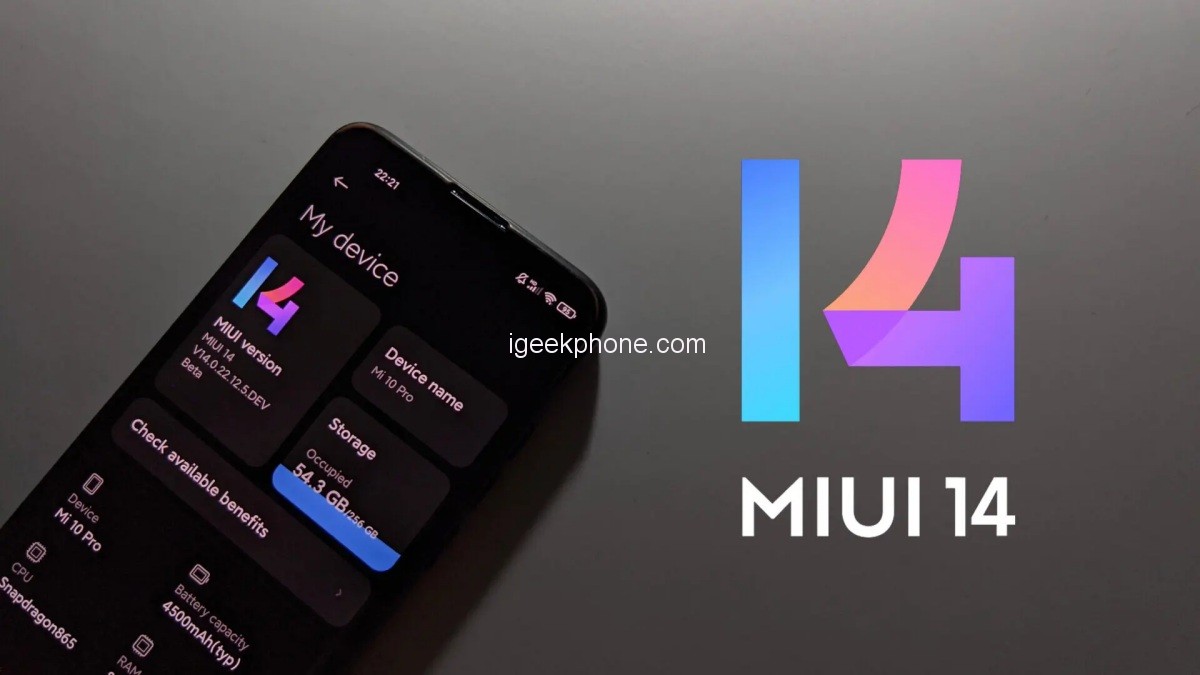
    It has already been four weeks since the release of Xiaomi’s highly anticipated MIUI 14 update in China. This update has brought a lot of changes to the system, including a highly popular new feature that has been well-received by users. As a result, many Xiaomi fans are eager to get this update on their own phones.

    To those fans’ delight, there is a way to install MIUI 14 on their Xiaomi, Redmi, and POCO smartphones, but there are a few requirements and steps that need to be followed. Firstly, the device must be rooted and there are currently 30+ devices that are eligible for this Beta version of MIUI 14. The list of eligible devices includes popular models such as the Xiaomi MIX 4, Xiaomi 13 Pro, Redmi Note 11 Pro, POCO F4, and many more.

    Devices that can install MIUI 14 Beta

    Xiaomi MIX 4
    Xiaomi MIX Fold
    Xiaomi MIX Fold 2
    Xiaomi 13 Pro
    Xiaomi 13
    Xiaomi 12S
    Xiaomi 12S Pro
    Xiaomi 12S Ultra
    Xiaomi 12
    Xiaomi 12 Pro
    Xiaomi 12T Pro
    Xiaomi 12X
    Xiaomi 11i / Hypercharge
    Mi 11 Ultra / Pro
    Mi 11
    Mi 11i
    Mi 11X / Pro
    Mi 11 Lite 5G
    Xiaomi Civi
    Xiaomi Civi 1S
    Xiaomi Civi 2
    Mi 10S
    Xiaomi Pad 5 Pro 12.4
    Mi Pad 5 Pro 5G
    Mi Pad 5 Pro
    Mi Pad 5
    REDMI

    Redmi K50 / Pro
    Redmi K50 Ultra
    Redmi K40S /
    Redmi K40 Pro / Pro+
    Redmi K40
    Redmi K40 Gaming
    Redmi Note 12 Pro / Pro+ / Discovery Edition
    Redmi Note 12
    Redmi Note 11T Pro / Pro+
    Redmi K50i
    Redmi Note 11 Pro / Pro+
    Redmi Note 10 Pro 5G
    POCO

    POCO F4
    POCO F3
    POCO F3 GT
    POCO X4 GT
    POCO X3 GT

    How To Install?

    Before installing MIUI 14, the device must have TWRP or OrangeFox custom recovery installed. Next, the Beta update must be downloaded from the MIUI downloader for the specific device model. To enter recovery mode, the device should be shut down and the volume up and power key should be used. If switching ROMs, the device must be formatted, then the recovery mode must be opened and the Wipe option should be selected, enabling the Dalvik/ ART cache and Data option.

    Once the MIUI 14 file has been downloaded, it should be selected in the Install option in the main menu, and the swipe to confirm option should be selected. After installation, the Wipe Dalvik option should be chosen, then the Advanced option should be selected and Use Magisk should be used to patch the Boot. Finally, the Reboot System option should be chosen, and the user can now enjoy MIUI 14 on their Xiaomi, Redmi, and POCO smartphones.

    Read Also: Update Daily: Latest Android 12 MIUI 14 Official ROMs Download and Install for all Xiaomi Devices

    Do not forget to follow us on our Facebook group and page to keep you always aware of the latest advances, News, Updates, review, and giveaway on smartphones, tablets, gadgets, and more from the technology world of the future.

    Source

    Share. Facebook Twitter Pinterest LinkedIn Tumblr Email

    Related Posts

    Red Magic Gaming Tablet 5 Pro to Make Debut in June: Advanced Cooling Technology, Transparent Flat Design

    Red Magic 11S Pro series of mobile phones Released with Snapdragon 8 Supreme Edition starting from 5,499 yuan

    Lenovo ThinkPad T14s Gen 2 Flip Laptop Released: Highest-performance Core Ultra 7 366H Processor, 64GB RAM

    Comments are closed.

    voopoo drag 6
    oxva xlim 3 ultra
    sp2s sen x disposable vape
    • Popular
    • 3D Printer REVIEW
    • XIAOMI
    May 17, 2026

    iPlay Nova 45K Review – High Puff Performance with a Futuristic Twist

    May 17, 2026

    Vaporesso XROS 6 & XROS 6 Mini Review – The Evolution of Portable Vaping

    May 7, 2026

    OXVA Xlim Go Lite Review: Compact, Powerful, and Beginner-Friendly

    April 18, 2026

    VOOPOO DRAG 6 Hands on Review: Vape Beast with Smart Power & Premium Control

    December 26, 2025

    ACMER ASCARVA 4S: Precision CNC Power for Makers, DIYers & Small Workshops

    June 23, 2024

    ACMER P2 20W Laser Engraver Fixed Focus Engraving: Hands on Review

    May 30, 2024

    xTool F1 Ultra Review: World’s First 20W Fiber & 20W Diode Laser Engraver

    May 30, 2024

    Anycubic Kobra 3 Combo Review: The Multicolor Masterpiece?

    May 18, 2026

    Pre-release information for Xiaomi 17T series: Kirin chip + Leica photography

    May 18, 2026

    Details of Xiaomi 17 Air have Emerged: Snapdragon 8E5+200 million Pixels. The Ultra-thin Flagship Dream has Shattered

    May 17, 2026

    Xiaomi Speaker Pro 50W Speaker Review: Available on Banggood

    May 15, 2026

    Xiaomi 18 launched! Hyper OS 4 embraces liquid glass: The UI interface undergoes an epic upgrade

    fc 26 coins
    New Arrivals
    • Innokin Coolfire Z Air Pod Mod Kit Innokin Coolfire Z Air Pod Mod Kit
    • L&A Click Pro 80K Nixodine Disposable Vape Kit L&A Click Pro 80K Nixodine Disposable Vape Kit
    • Xiaomi 17 Max Xiaomi 17 Max
    • Geek Bar Burj 80K Disposable Vape Geek Bar Burj 80K Disposable Vape
    • Hellvape Vsee Neo Pod System Kit Hellvape Vsee Neo Pod System Kit
    • Lost Mary MT35000 Turbo Carnival Edition Disposable Vape Lost Mary MT35000 Turbo Carnival Edition Disposable Vape
    • RAZ Vue 70K Disposable Vape Kit RAZ Vue 70K Disposable Vape Kit
    • Remit Popmist 60K Nicotine Free Disposable Vape Remit Popmist 60K Nicotine Free Disposable Vape
    • Realme C100i Realme C100i
    About
  • Igeekphone.com provides the first global tech news and reviews about smartphone, vapes, e-cigar, smart home, 3D printers, e-bike,tablets, RC drones, VR headset, and other accessories. It's the best platform to improve your brand and product.
  • Contact us: info@igeekphone.com
  • Check Our Privacy Policy Here.
  • Note: *Right now we have US editor and EU editors for review, especially for Amazon US and EU.
  • *Shop and Compare Price Here*
  • Facebook
  • Youtube
  • OUR BEST VAPE PARTNERS
  • VAPE ONLINE STORE
  • HAYATI PRO MAX PLUS
  • VAPORESSO
  • VOOPOO
  • OXVA
  • NEXA
  • MASKKING
  • SP2S
  • IPLAY
  • TODOO
  • OTHER BEST PARTNERS
  • SVBONY
  • Chuwi
  • Blackview
  • Fossibot
  • Unihertz
  • Flsun
  • Anycubic
  • Xtool
  • Oukitel
  • Mukkpet Ebike
  • Ugreen
  • Copyright © 2026 igeekphone

    Type above and press Enter to search. Press Esc to cancel.