









AULA F75 MAX keyboard is designed for users who want more than a basic compact mechanical gaming keyboard. Instead of focusing on a single headline feature, it combines a space-saving 75% layout with a dedicated TFT screen, rotary knob, hot-swappable switches, gasket mounting and three connection modes.
That combination makes the F75 MAX interesting for both gaming and everyday desktop use. Its design also reflects a broader trend in mechanical keyboards: smaller layouts are becoming more feature-rich without completely sacrificing the controls that PC users rely on.
Why the 75% Layout Makes Sense
The F75 MAX uses an 80-key 75% layout, keeping the function row and arrow-key cluster while removing the large gaps and dedicated number pad found on full-size keyboards.
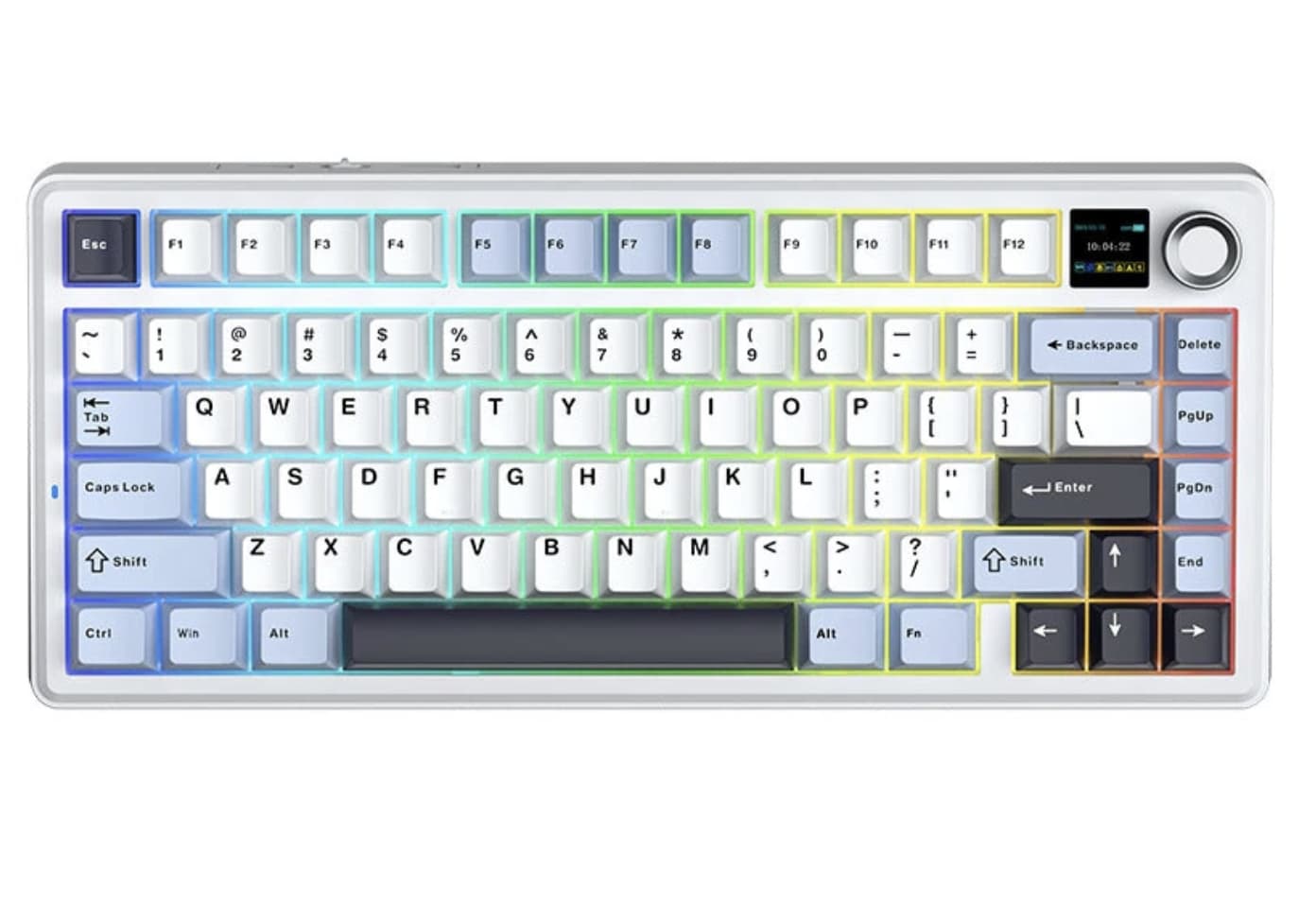
For a gaming setup, this layout can free up more desk space for mouse movement. At the same time, it remains practical for productivity because users do not have to give up the dedicated arrow keys and function row.
The trade-off is the missing number pad. Anyone who regularly enters large amounts of numerical data may still prefer a full-size keyboard, but for gaming, general typing and compact workstations, the 75% format is a useful middle ground.
The TFT Screen Is More Than Decoration
One of the F75 MAX’s most noticeable design elements is its built-in TFT screen. Instead of relying entirely on RGB lighting for visual customization, the keyboard adds a small display that gives the top section a more personalized appearance. Banggood specifically lists a GIF-capable TFT screen interface.
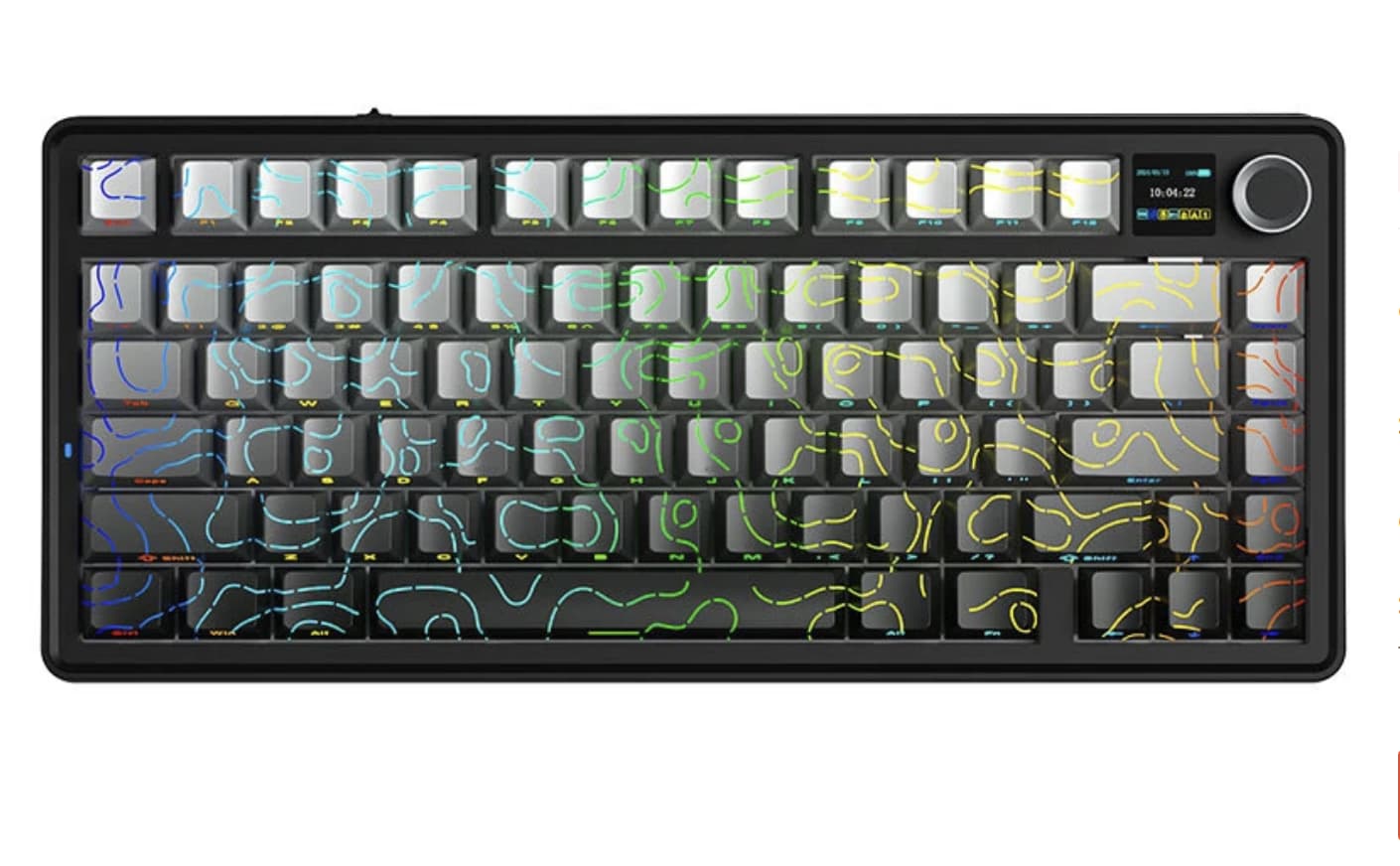
This feature does not fundamentally change typing performance, but it gives the keyboard a distinct identity. For users who enjoy customizing their desktop setup, the screen can make the F75 MAX feel more like a configurable gadget than a conventional mechanical keyboard.
The separate metal knob also adds a practical control point, giving users a physical way to interact with supported functions instead of relying entirely on keyboard shortcuts.
Gasket Mounting Targets a Softer Typing Feel
The keyboard uses a gasket-mounted structure with multiple layers of sound-dampening material. AULA lists five layers of dampening, while the product listing describes a six-layer sound-absorbing structure, so the exact terminology varies between listings.
The important part is what this construction is intended to achieve. A gasket-mounted keyboard isolates the plate from parts of the case, allowing slightly more flex while reducing some of the direct vibration transferred through the chassis.
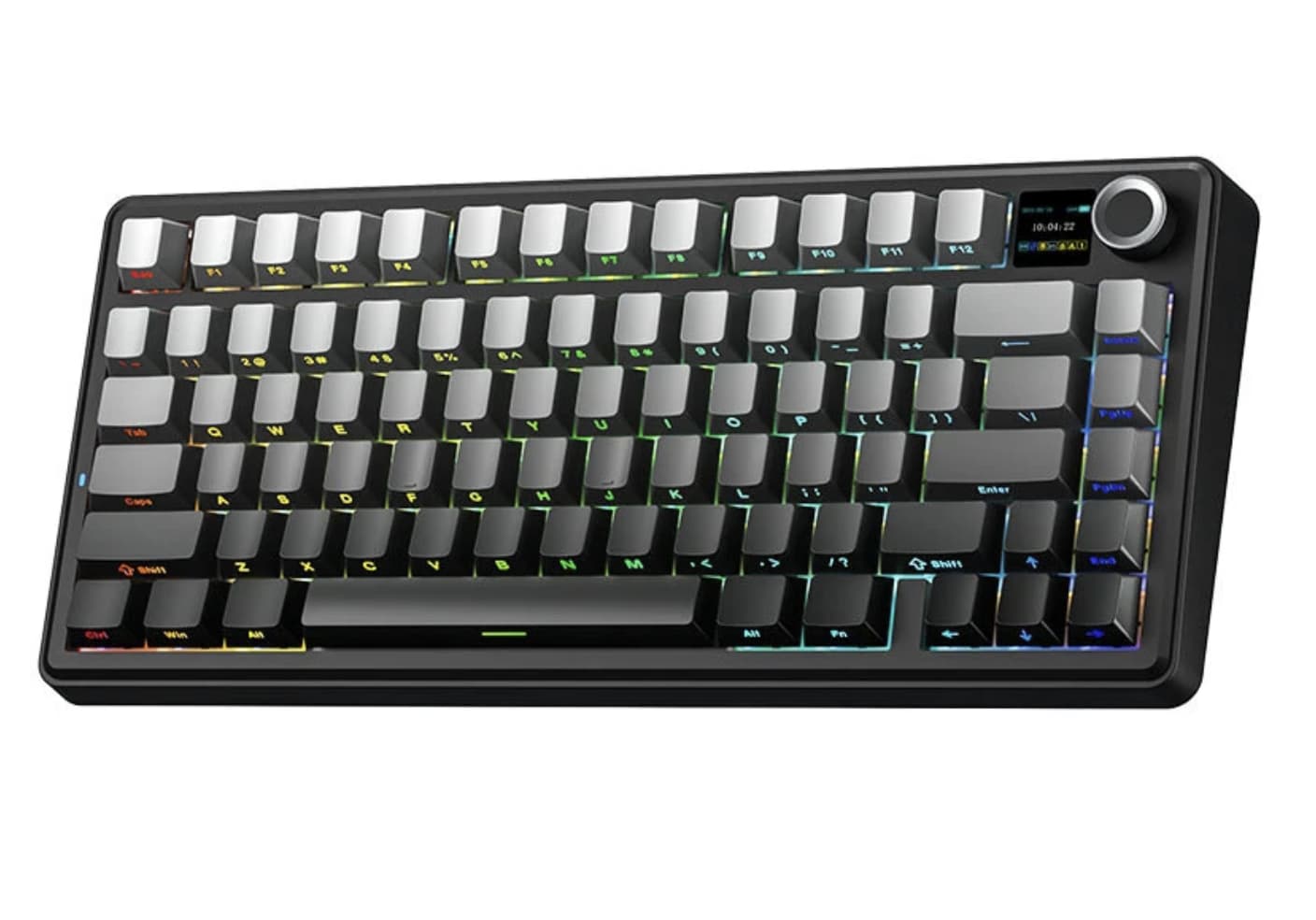
Combined with the F75 MAX’s foam and silicone layers, the design is aimed at producing a deeper and less harsh typing sound than a basic rigid keyboard.
That makes the keyboard potentially more appealing to people who care about typing acoustics as well as gaming performance.
Hot-Swappable Switches Make Future Upgrades Easier
Another useful feature is the hot-swappable PCB, which supports 3-pin and 5-pin mechanical switches according to AULA’s specifications.
This means owners are not necessarily locked into the factory switch configuration. Users who prefer a lighter linear feel, a different actuation characteristic or another sound profile can experiment with compatible switches without replacing the entire keyboard.
The F75 MAX comes with LEOBOG Reaper linear switches. AULA lists them as factory-lubed, while EPOMAKER’s specifications give the switch a 45±3gf trigger force and 3.6±0.3mm total travel.
For someone buying a mechanical keyboard as a long-term platform, this upgradeability may be more meaningful than RGB effects alone.
Tri-Mode Connectivity Covers Different Setups
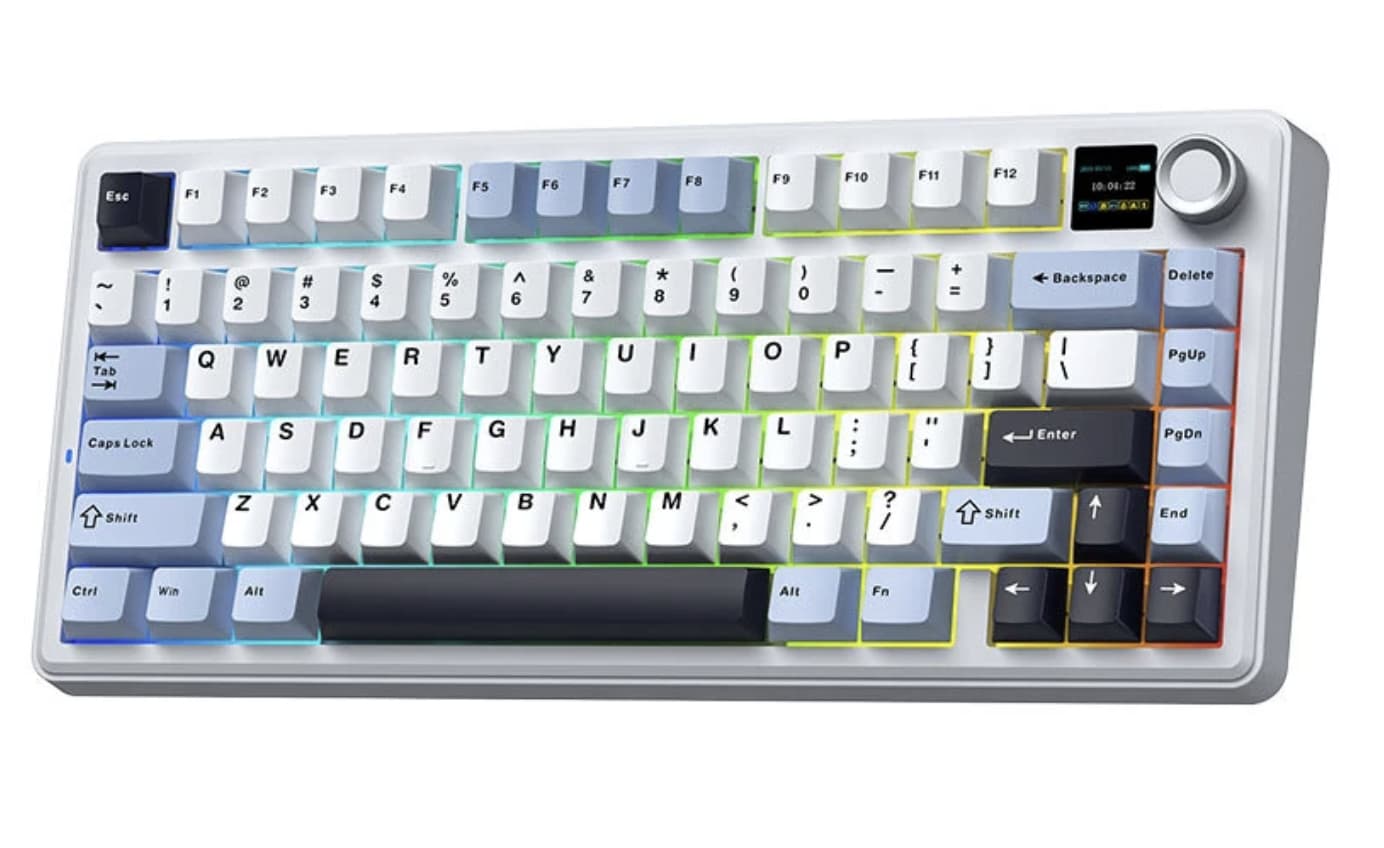
The F75 MAX supports USB-C wired, 2.4GHz wireless and Bluetooth 5.0 connections.
That gives the keyboard three distinct use cases. Wired mode is suitable for a desktop gaming setup, 2.4GHz wireless keeps the desk cleaner while maintaining a low-latency connection, and Bluetooth is convenient when switching between compatible computers or mobile devices.
AULA rates the keyboard at up to 1000Hz polling through USB and 2.4GHz, while Bluetooth is listed at 125Hz. The manufacturer also lists latency of around 3ms over USB, 7ms via 2.4GHz and 18ms through Bluetooth.
For competitive gaming, the wired and 2.4GHz modes are therefore the more relevant choices.
4000mAh Battery Gives Wireless Mode Some Flexibility
The built-in 4000mAh battery is another reason the F75 MAX works well as a wireless desktop keyboard. AULA rates battery life at approximately 30.5 hours with the RGB backlight enabled and up to 80 hours with the lighting switched off.
Actual endurance will depend on lighting brightness, connection mode and usage patterns, so these figures should be treated as manufacturer ratings rather than guaranteed real-world results.
Still, the option to turn off RGB lighting when maximum battery life matters gives users more control over how they use the keyboard.
PBT Keycaps and South-Facing RGB
The F75 MAX uses double-shot PBT keycaps and south-facing per-key RGB lighting.
PBT is commonly chosen for mechanical keyboards because it generally resists the glossy wear that can develop on frequently used ABS keycaps. The south-facing RGB arrangement also works well with the keyboard’s overall enthusiast-oriented design.
AULA lists support for more than 16 million RGB colors and multiple lighting effects, although the visual customization is ultimately secondary to the keyboard’s typing and connectivity features.
A Compact Keyboard With Room to Experiment
AULA F75 MAX is best understood as a feature-rich 75% mechanical keyboard rather than simply another RGB gaming board.
Its strongest combination is the compact layout, gasket construction, hot-swappable PCB and tri-mode connectivity. The TFT display and rotary knob then add a layer of customization that separates it from more conventional 75% keyboards.
For gamers, the 2.4GHz connection and 1000Hz polling rate give the keyboard a performance-oriented side. For enthusiasts, the hot-swap PCB and gasket structure leave room for future customization. And for everyday users, the 75% layout provides a useful balance between desk space and functionality.
The main compromise is straightforward: users who need a dedicated number pad will need a larger keyboard. But for anyone comfortable with the 75% format, the AULA F75 MAX offers a combination of customization, wireless flexibility and enthusiast-style construction that makes it worth considering.
For the latest specifications and software information, buyers should also check the official AULA product page before ordering, since configurations and regional listings can vary.