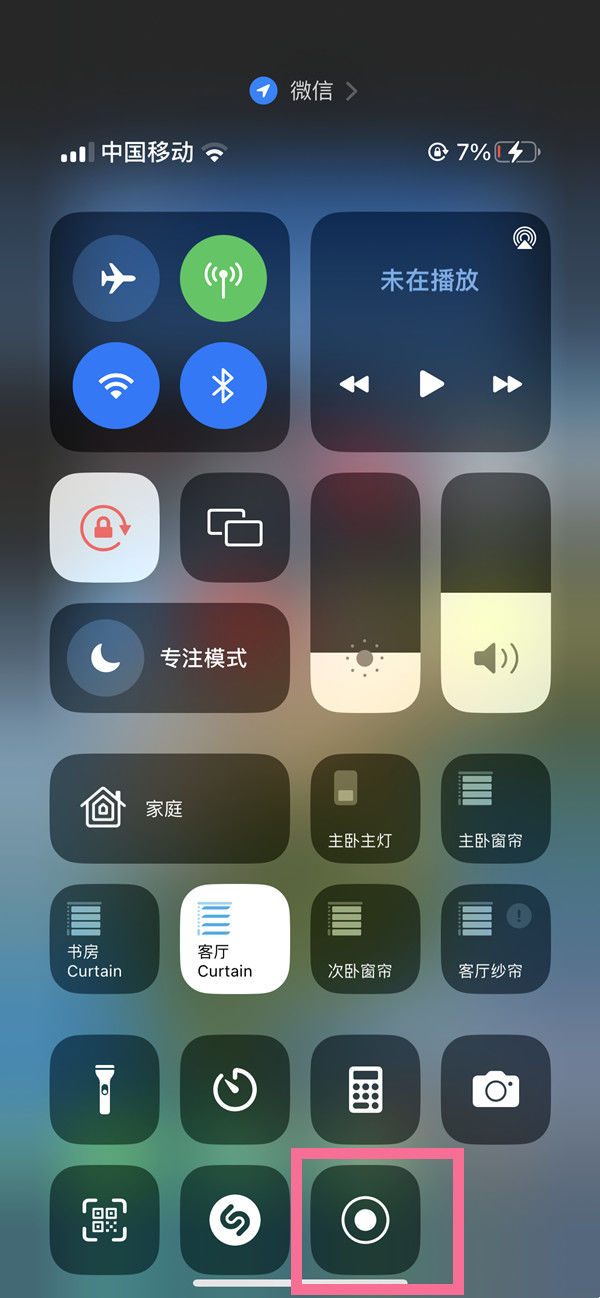
iPhone 15 Plus is the latest phone model that Apple users have been eagerly waiting for, and it has a built-in screen recording function that makes it easy to record what you do on the screen, share it with friends or save it as a backup, which is very practical. This tutorial is designed for those who need to record a screen. Here are the steps to record a screen on an iPhone 15 Plus:
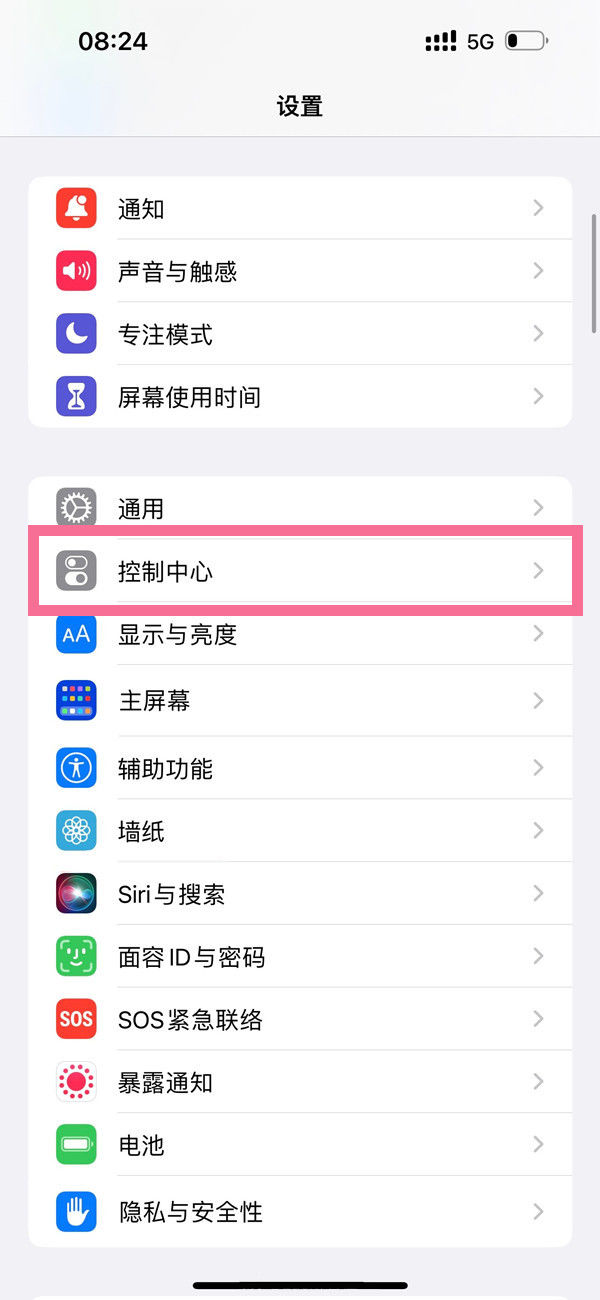
How to record screen on iphone 15 plus.
1. Enter the system Settings and open the control center.
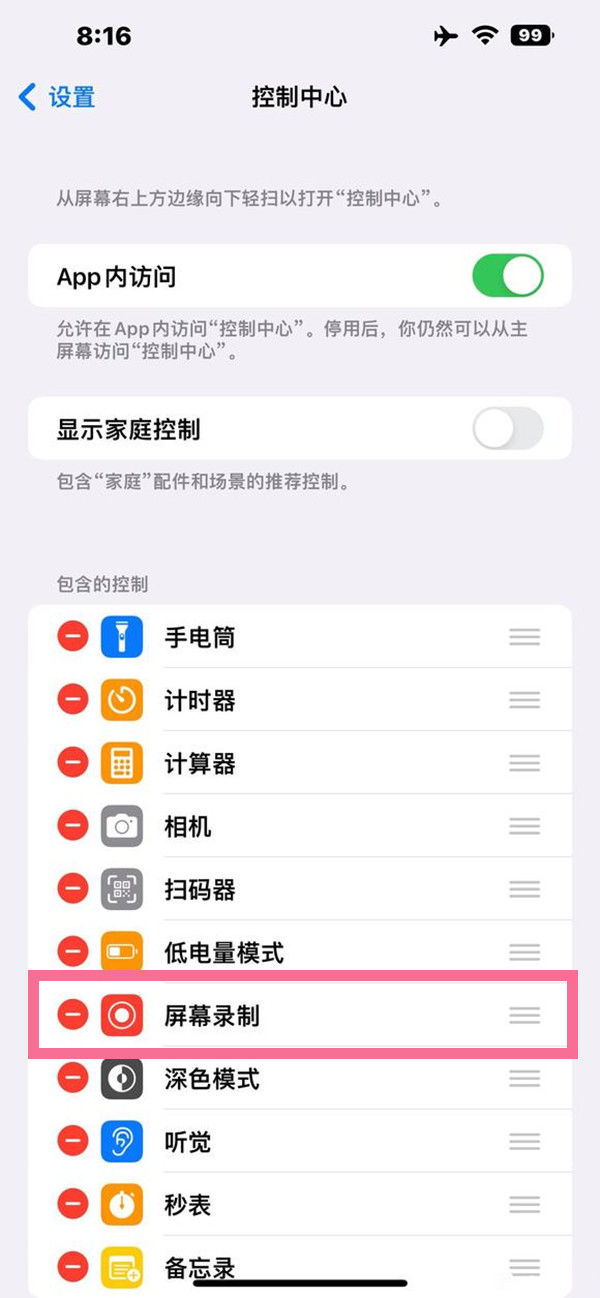
2, find the screen recording, click the plus sign to add.
3, call out the control center, click record screen to start recording screen.