Security concerns affect us all. While most residential societies have been compelled to install CCTV networks, these cameras can only monitor incidents and areas outdoors. In today’s fast-paced world, with many households having working parents or partners, overseeing the nanny or house help at home is nearly impossible. Although installing home CCTV cameras is one solution, setting up the network is not straightforward.
To simplify home security cameras, IP cameras were initially introduced years ago. However, implementing them required an engineer to set up a complete home network, connect it to the internet, and enable remote access for the owner, which was laborious and costly. Today, with internet-based cameras, the process is even simpler and more accessible. Moreover, almost anyone can install these cameras without needing technical expertise.
Internet cameras are advanced devices that stream video to the user’s PC or smartphone via the cloud. Unlike IP camera setups, they don’t require a static IP address; all that’s necessary is a continuous internet connection and a nearby wireless router. These cameras connect to a centralized server in the cloud and are secured with encryption, linked to a user account. The cloud then transmits the video feed to the user’s smartphone, allowing them to monitor their home from anywhere on the planet.
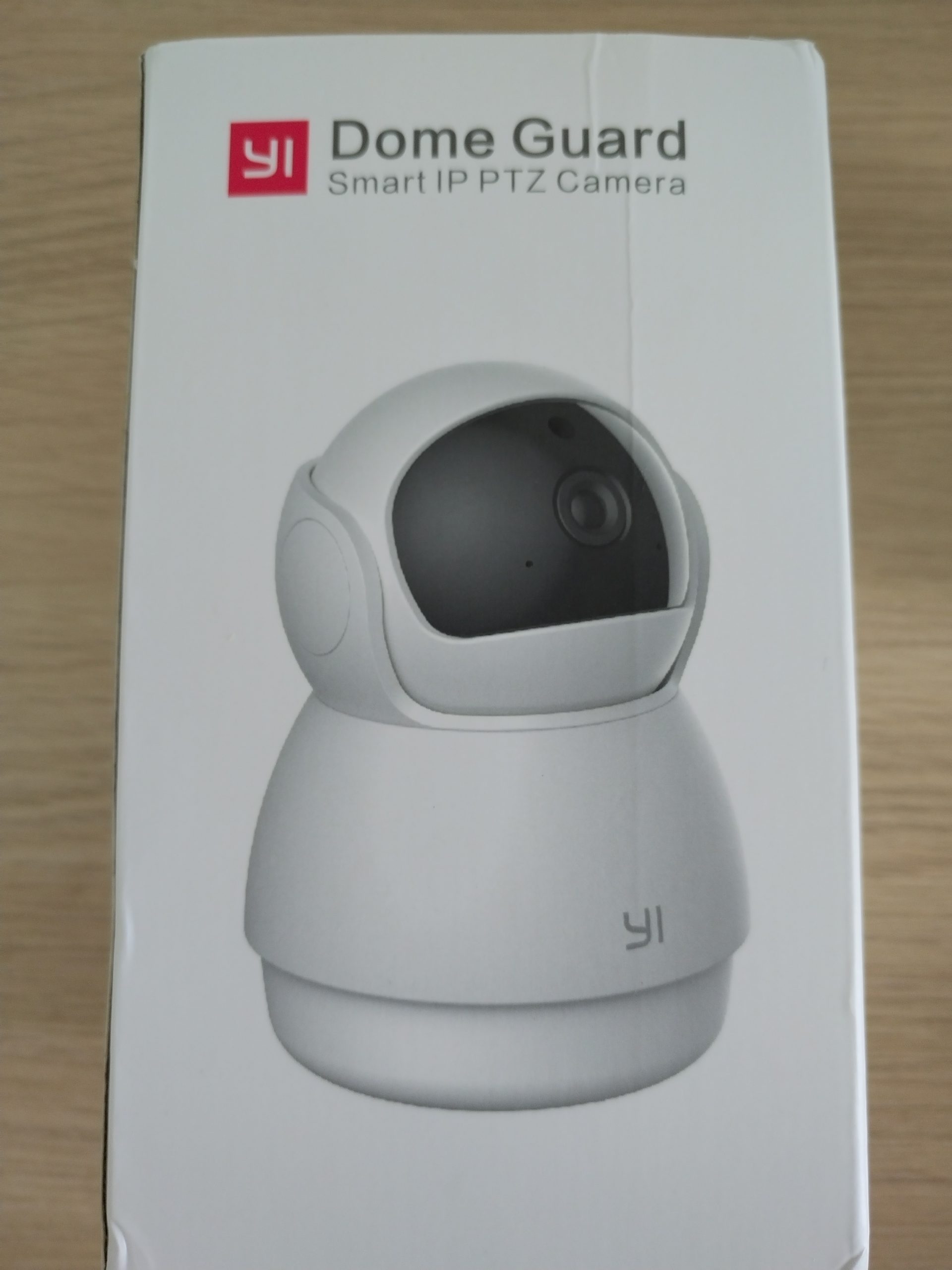
Yi Technology, a reputable Chinese company, recently entered the Indian market. They have introduced several products and are expanding into the home security segment in India. Previously, they launched a basic 720p home internet security camera, and now they have released the YI Dome Camera 2K, which appears to be a worthwhile investment considering its features and price.
The YI Dome Camera 2K is a straightforward yet feature-rich home security camera that can be easily installed by any user in a home or small office. While the device can be used outdoors, it is not suitable for extreme weather conditions and is best utilized in shaded areas.
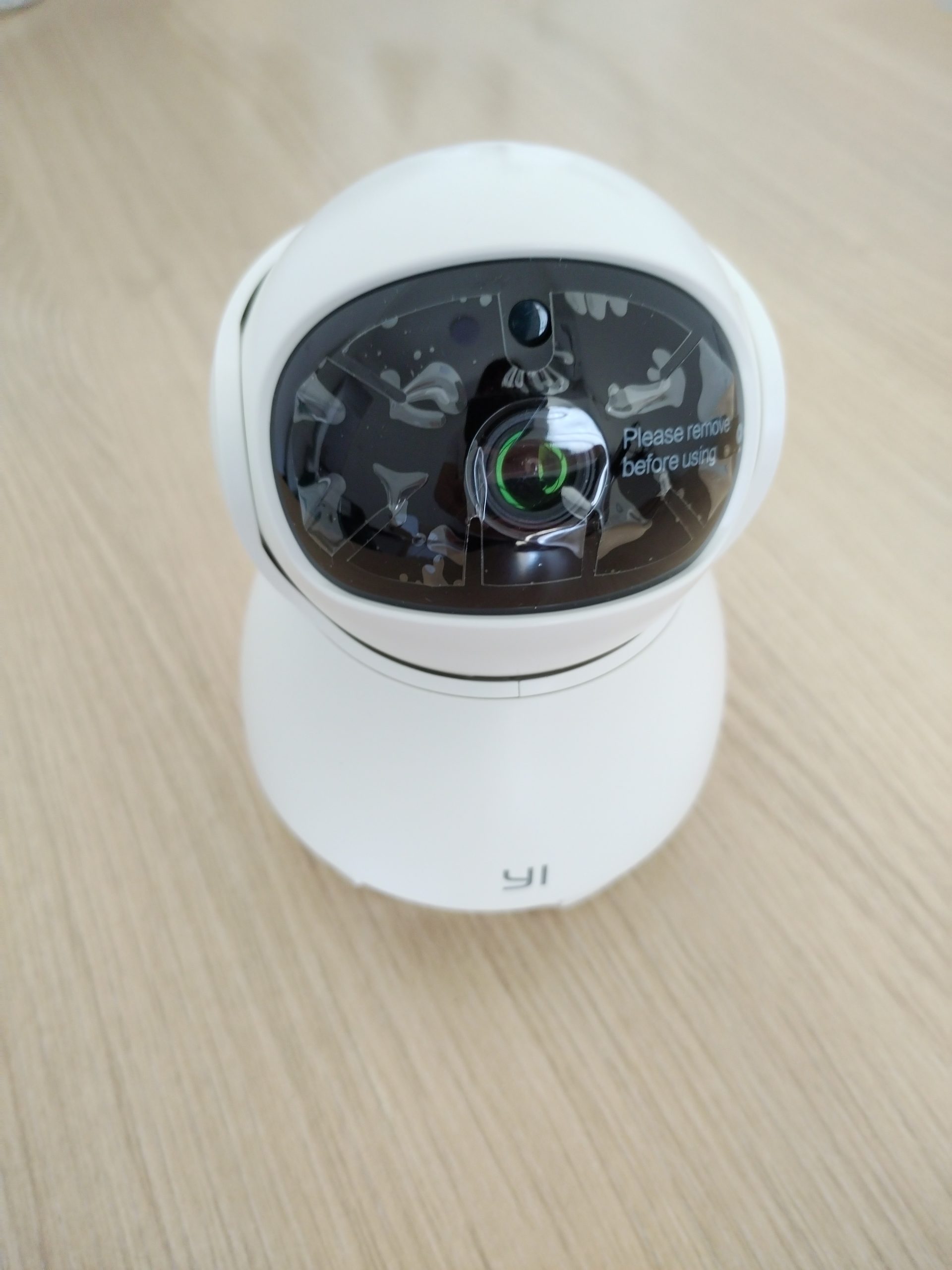
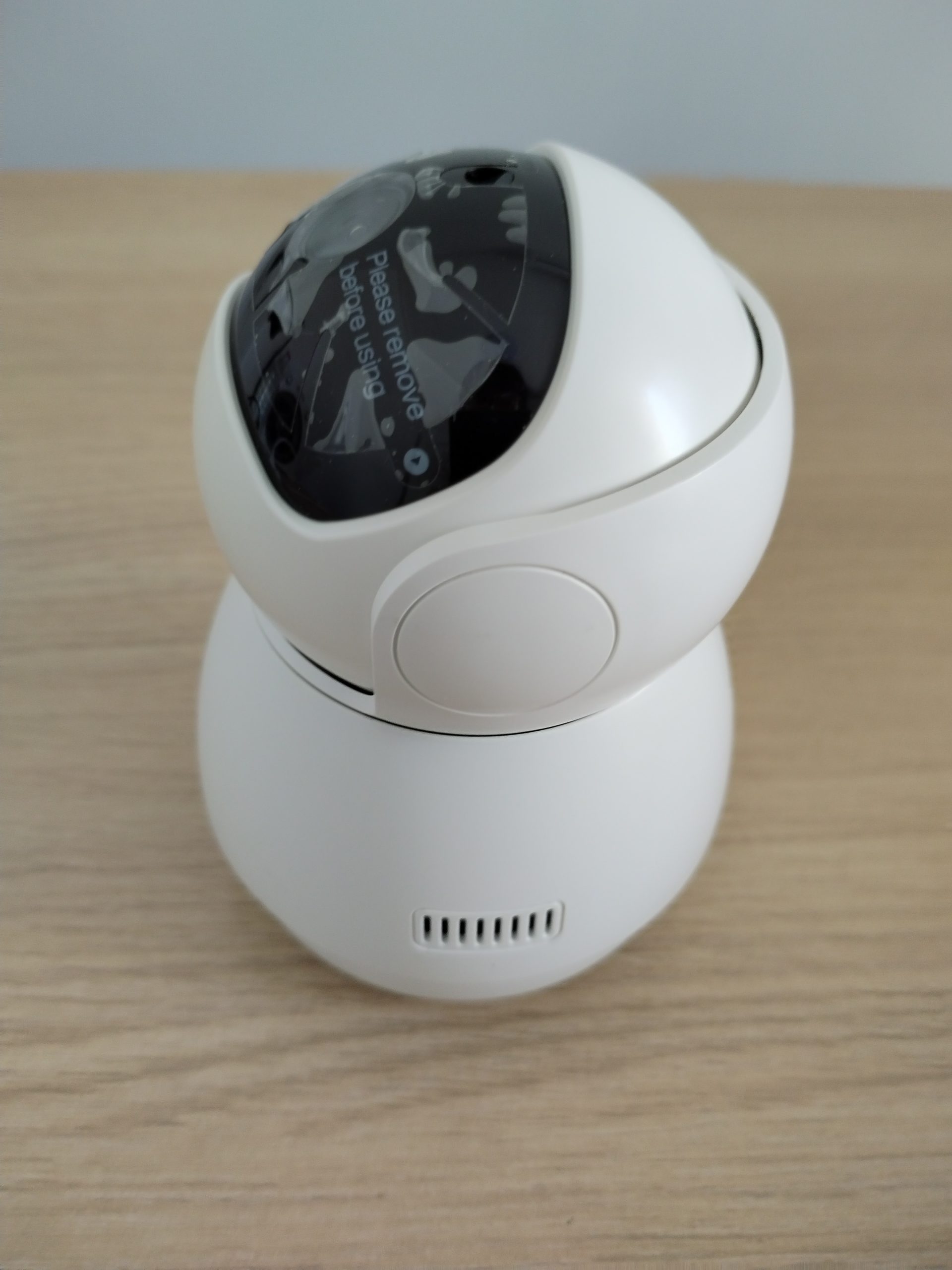
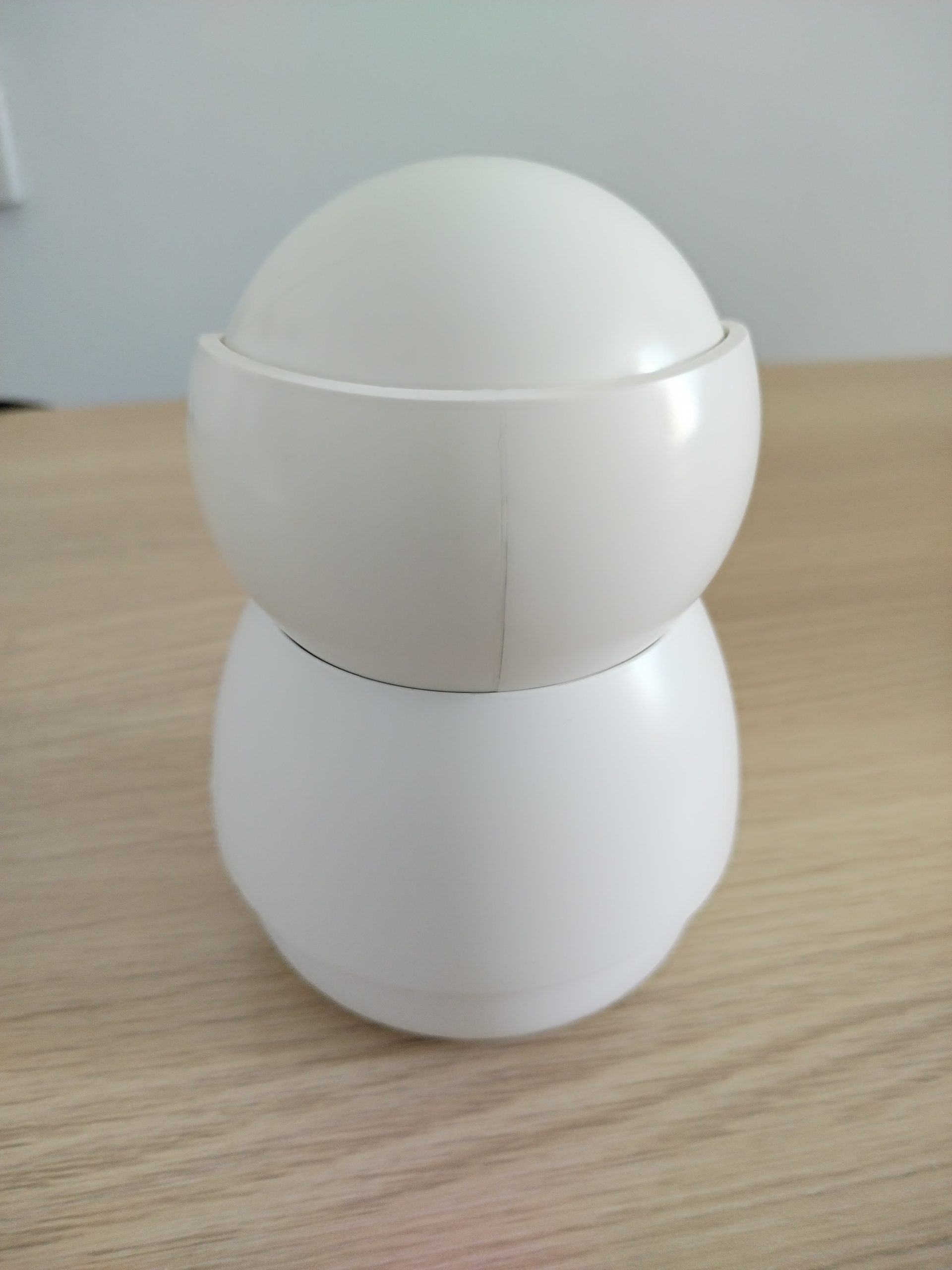
Designed for home use, the YI Dome Camera 2K resembles a miniature robot with one eye. The camera features a rugged plastic body and is available in two colors: all-black and dual-tone black and white. The bottom houses all the electronics, while the top tapers into a rounded dome with the camera module centered. The camera includes a 2K 15fps sensor and several IR LEDs inside a translucent ball, which can move vertically from top to bottom. The entire camera housing can also rotate horizontally from left to right.
This mechanism enables the camera to cover nearly 360 degrees of the area where it is installed. It can pan 345 degrees horizontally and 115 degrees vertically, allowing it to view almost every angle. The wide-angle camera sensor has a 112-degree viewing area, providing the user with an expansive view in a single frame.
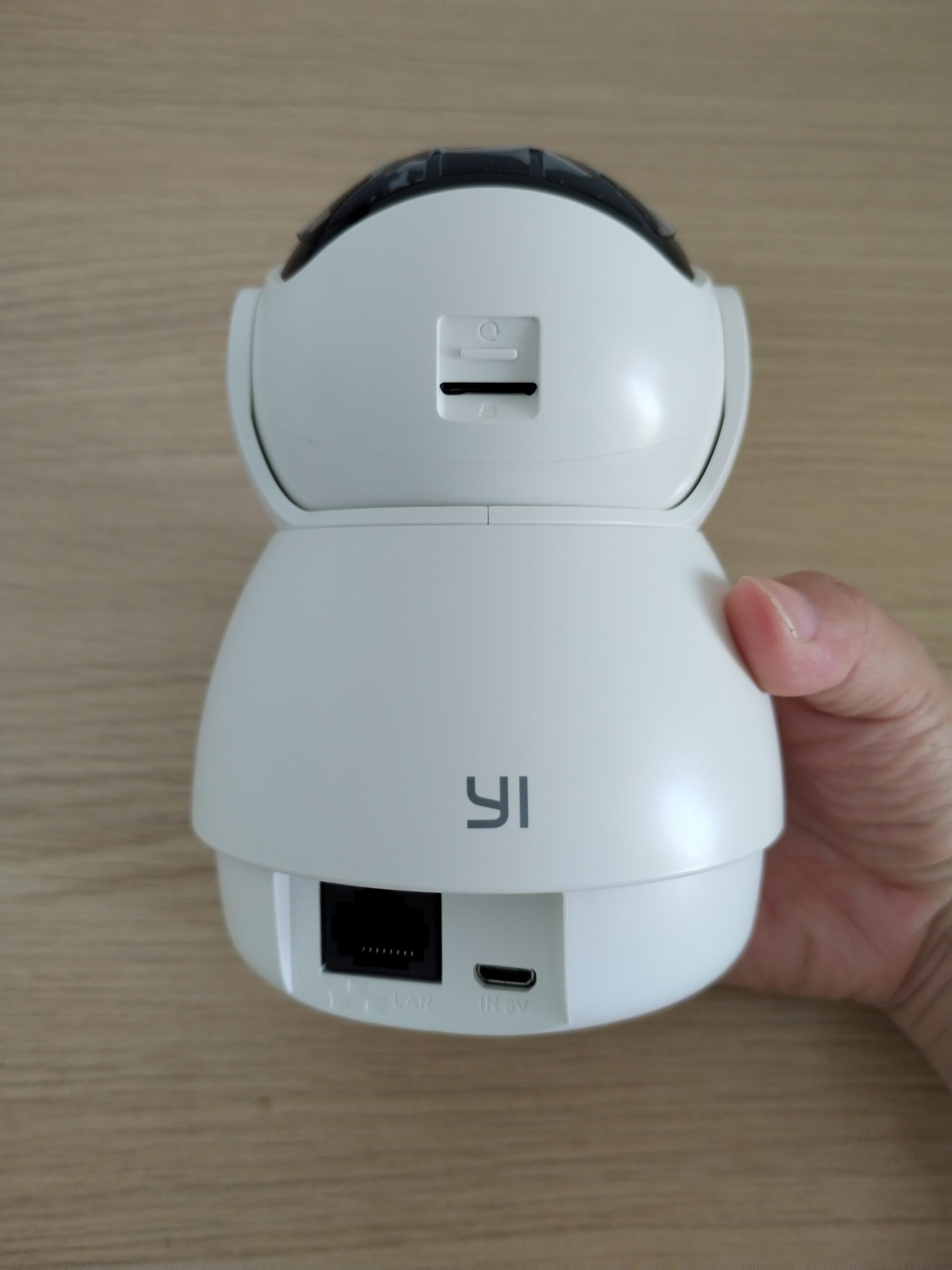
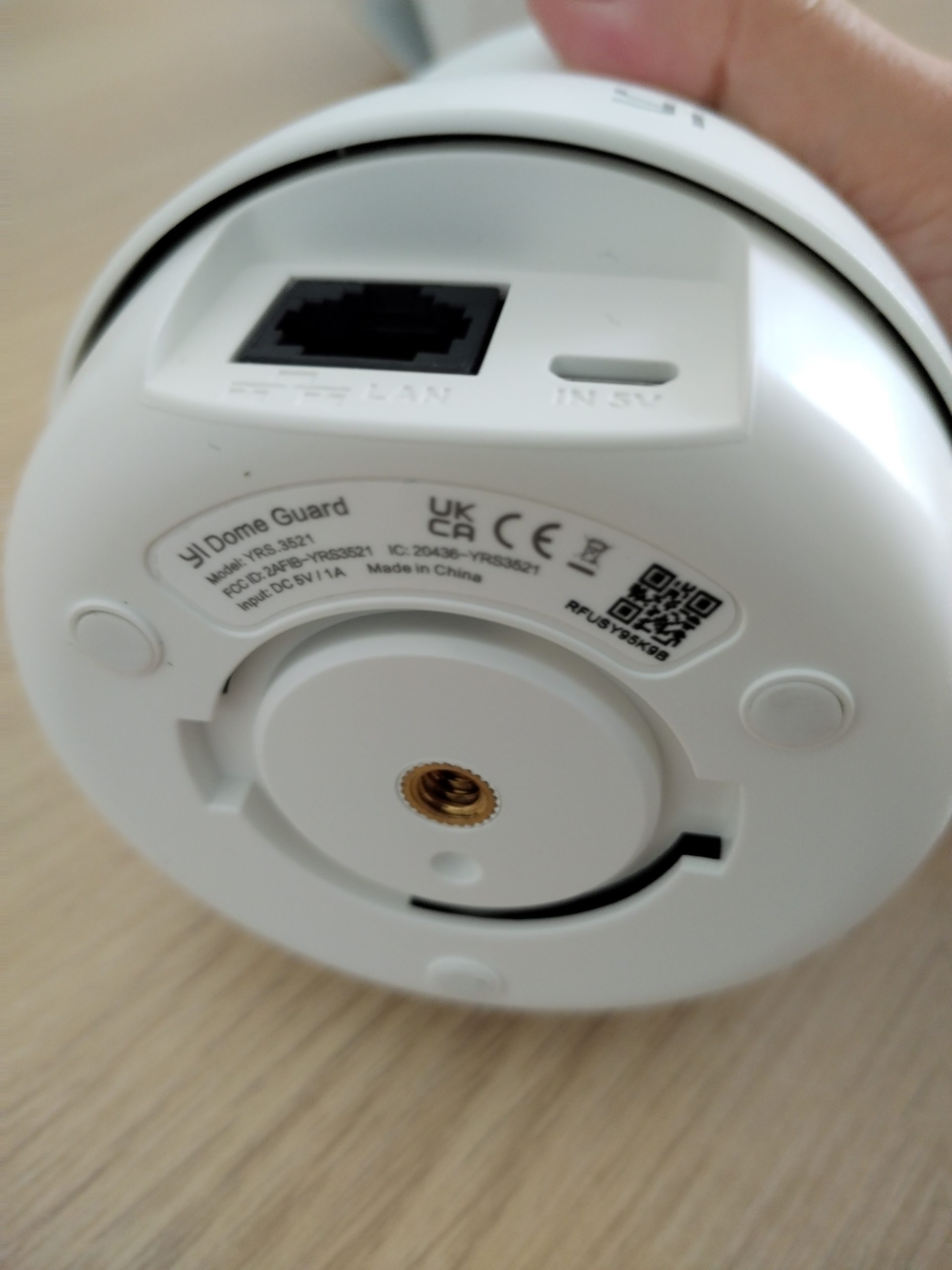
A micro USB port on the rear powers the electronics, accompanied by a micro USB slot and a reset button. The right and left sides feature a slit hole that houses a speaker, while the front includes an LED indicator and a microphone.
Rubber pads on the bottom ensure the camera grips well when placed on a desk or shelf. The base also supports a mounting plate, allowing the user to install it on a ceiling or wall for a better surveillance view. For optimal use, mount the camera on the ceiling at one end of the room rather than in a corner, where you would need to pan the area for a complete view. However, the ideal placement depends on the room’s size, dimensions, and design, so you can determine the best spot for maximum coverage.
Setting up and operating the camera is straightforward—download the Yi Home app from the Play Store or App Store and register for a free account. The account includes a 30-day free trial for the Yi Cloud service, which allows online storage of video footage on Yi servers. This service provides up to 30 days of coverage, regardless of the camera’s storage card. Alternatively, you can store footage on a local micro SD card, which offers about 14 days of footage on a 64GB card. This storage method automatically erases the oldest recordings and adds the latest in loop mode, ensuring you always have six days of footage available. Additionally, you can connect the camera to network storage to keep a more extended record of your surveillance footage.
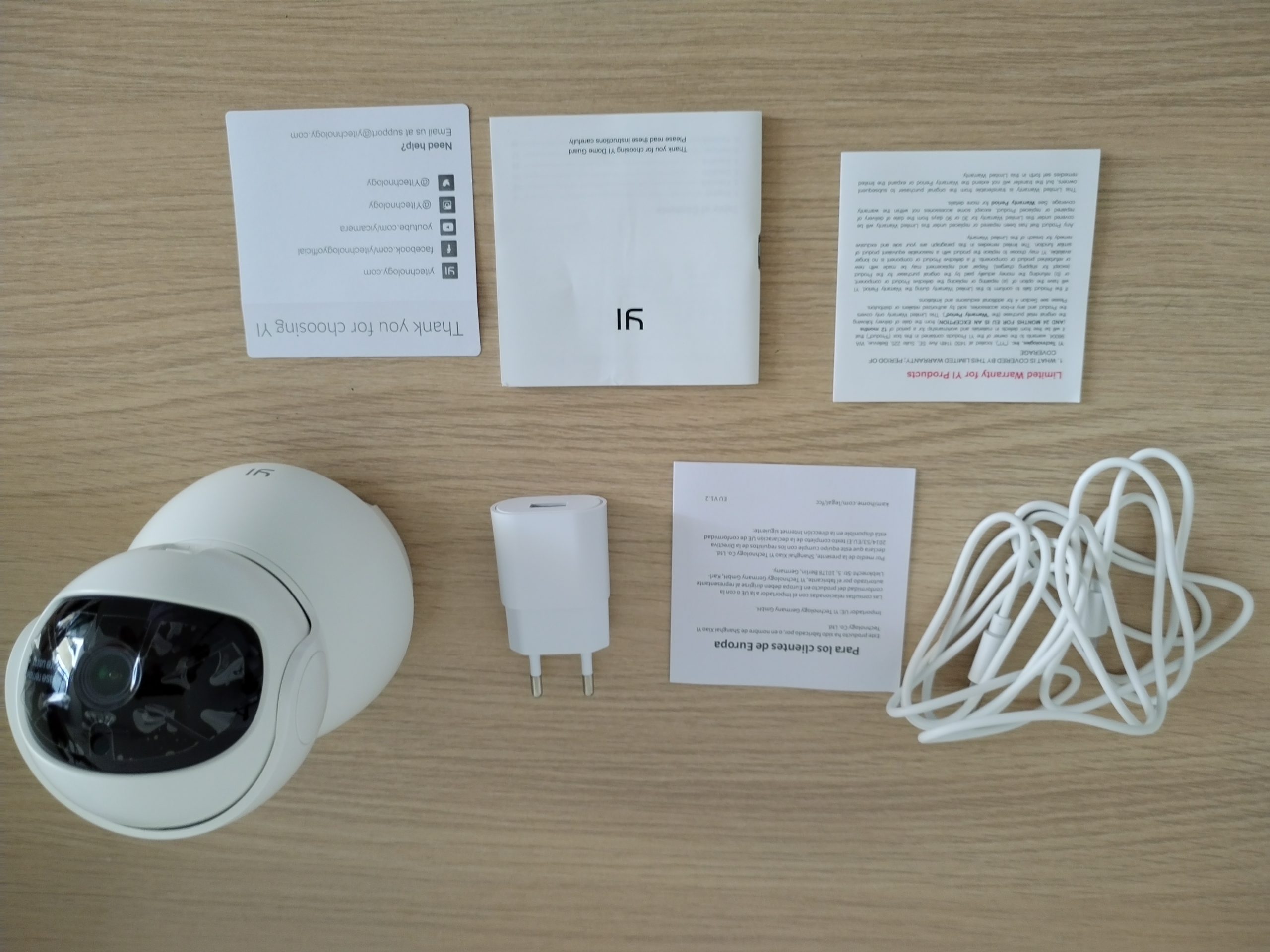
After registering with Yi, use the app to quickly set up the camera. Insert the micro SD card, power on the camera with the bundled charger and micro USB cable, and select the dome camera from the app. Press the reset button on the camera, then enter your wireless router’s SSID and passphrase into the app. The app will display a QR code that the camera will scan, storing the wireless network details, passphrase, and Yi account information. The camera will connect to your Yi account within minutes, and your camera is ready to monitor your house.
Once set up, you don’t need to touch the camera again. Place it on a table or mount it high, and control everything through the Yi Home app. If you prefer to view the camera from a desktop or laptop, you can download the Windows application.
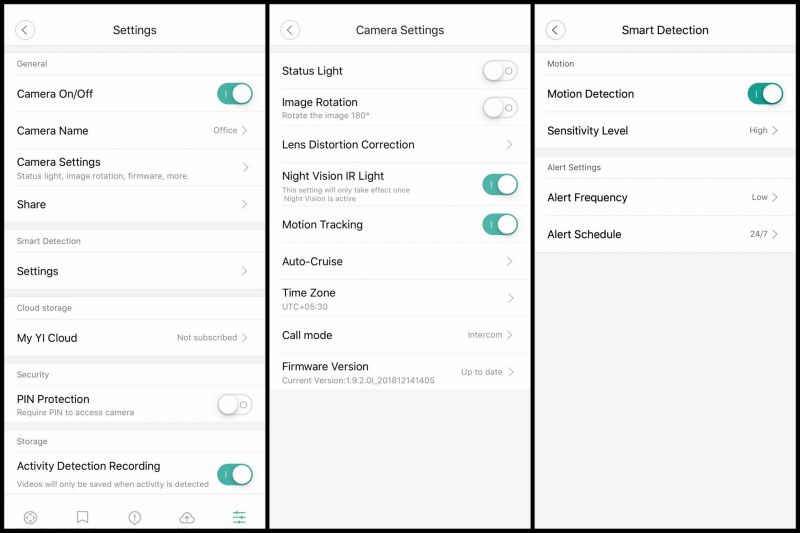
The Yi Home app is user-friendly. During setup, you can adjust features like resolution, storage, status indicators, and firmware updates. We recommend exploring all the available options to familiarize yourself with them. The app uses simple language, making it easy to understand. You can also rename the camera for easier identification if you have multiple cameras in different locations. To secure the app, you can set up PIN access to prevent others from accessing it on your phone.
The Yi Dome Camera boasts several impressive features that set it apart from other brands. The motion tracking system, when enabled, allows continuous monitoring of room activity. The internal AI detects motion, keeps focusing on the action, and follows moving objects or people until they disappear. After the activity stops, the camera returns to its original position and waits for the next motion detection.
Another useful feature is the auto-cruise function. When enabled, the camera can continuously pan the surveillance area at set intervals, making it ideal for larger spaces like factories and offices. You can also schedule the auto-cruise function to operate only during specific times, such as office hours. Other common features include night mode, motion detection, alarms, alerts, and the ability to turn the status indicator on or off.
The camera records continuously on its local storage, network storage, or the cloud, 24/7, as long as it has an active wireless and internet connection. When you view the feed from your app, you see it live, though with a delay of a second or two.
The app displays the camera’s view. Within the viewing frame, a control panel allows you to pan in any direction. In portrait mode, you can swipe on the feed to look around or pinch to zoom out and view everything in one frame. In landscape mode, it offers the entire 112-degree view on the screen. You can zoom in on a specific area by pinching out. The interface also includes options for video recording and snapshots, enabling you to manually record a video or take a photo of what you see. These recordings are saved on the camera’s micro SD card or the Yi cloud if enabled. Additionally, the interface features a mic and speaker icon that lets you hear what is happening in the monitored room or speak to the person(s) on the other end. This feature is particularly useful if you use it as a door or baby camera. The YI Dome Camera 2K also includes a smart baby cry detection mode that alerts you on the app when it detects your child in distress. You can review past footage by swiping on the timeline in landscape mode. The bottom bar displays hourly footage, allowing you to view all stored feed/recordings on the camera.
In terms of performance, the camera competes well with other market rivals. Unfortunately, it lacks a sensor capable of low-light vision, making the feed slightly grainy in dim lighting. However, when the light decreases further, the night mode activates, and the IR LEDs illuminate the surveillance area for a clearer view. In day mode, the video feed is decent, with accurate colors. In night mode, the feed turns black and white, with reduced clarity—subjects are not as sharp, but the feed is still adequate for facial recognition. The IR LEDs illuminate up to 10 meters, so ensure your camera covers most of the area if you have a larger room. For comprehensive coverage, deploying multiple cameras at different angles is advisable.
The YI Dome Camera 2K is a worthwhile investment if you need a single camera to cover most of a smaller room. It significantly reduces costs since one camera can cover multiple angles and areas with its 360-degree rotation panning. The app is feature-rich, with Auto Cruise and Motion Tracking modes being particularly beneficial. Xiaomi also offers a similar camera with a better sensor for low-light conditions, providing brighter images. Although the YI Dome Camera 2K marginally outperforms the Xiaomi rival with features like auto cruise and motion tracking, it falls short in storage options, supporting only up to 64GB micro SD cards, while Xiaomi’s Mi Home Security Camera 360-degree supports up to 64GB cards.