









Introduction
Most remote-controlled cars are designed around one goal: moving from one place to another. The Yahboom Rider-Pi AI robot takes a different approach. It combines a compact two-wheel-legged structure with an inertial measurement unit (IMU), a camera-based vision system, a small IPS screen, and Python programming support. Instead of simply driving the robot, users can explore how it balances, recognizes visual information, and responds to programmed commands.
This makes the Rider-Pi worth considering for robotics enthusiasts, students, makers, and developers who want a hands-on way to explore AI and motion control. Its appeal is not just the ability to move around a desk. It is the opportunity to experiment with the relationship between hardware, software, sensors, and interactive behavior.
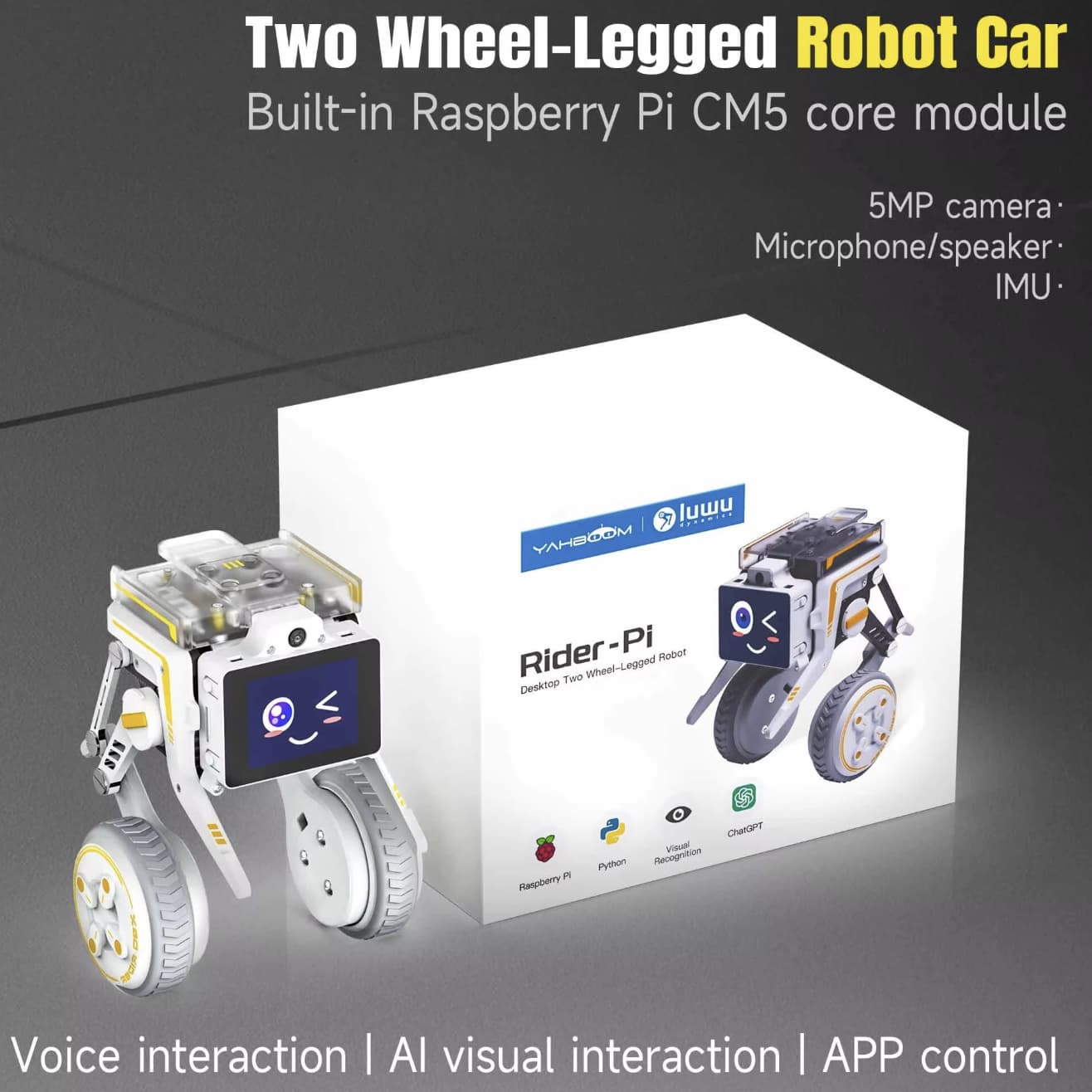
A Wheel-Legged Design That Does More Than Drive
The Rider-Pi uses two wheels alongside a linkage-based leg structure, giving it a distinctive appearance compared with a conventional four-wheel robot car. Its built-in IMU supplies motion and orientation data that the control system can use to adjust the robot’s posture. The design aims to combine the maneuverability of wheels with the ability to adjust its body position when encountering small changes in terrain.
This mechanical arrangement also makes the robot useful for learning about balance and movement. Users can investigate how sensor readings, motor commands, and joint adjustments work together to keep a small robot stable. It is a more engaging learning platform than a basic car that only follows straightforward driving instructions.
However, the wheel-legged design should not be mistaken for an all-terrain machine. Performance depends on the surface, programmed control, and the size of any obstacle. Smooth indoor floors and controlled experiments are sensible places to begin.
AI Vision Opens Up More Interactive Projects
A major reason to consider the Rider-Pi is its support for computer-vision projects. Depending on the software setup and example program, the platform can be used to explore functions such as face detection and tracking, color following, gesture recognition, QR-code-based motion control, and object detection.
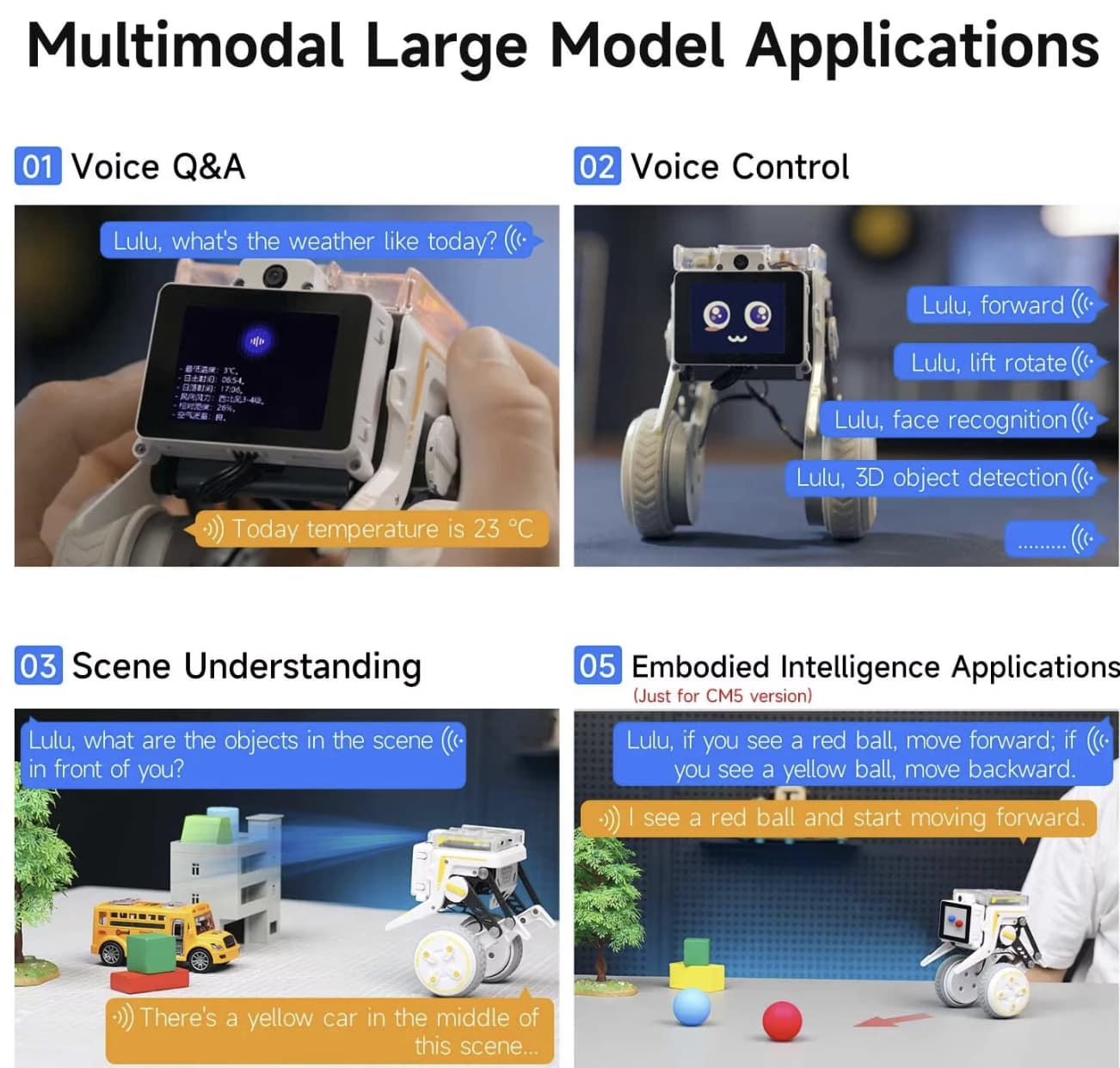
These features create opportunities for experiments that go beyond manually steering a robot. For example, a color-following project can investigate how a camera identifies a target, while a QR-code control project can connect visual input with a predefined movement. Gesture-based experiments can help users understand how a robot translates recognized visual patterns into actions.
The educational value comes from seeing the full process in action: the camera captures information, software interprets it, and the control system responds. Recognition quality will depend on lighting, camera positioning, the selected model or program, and the environment, so results should not be assumed to be perfect in every situation.
Python Programming Makes It More Than a Toy
The Rider-Pi supports Python, a widely used language for automation, robotics, and computer-vision projects. This opens the door to modifying example programs, testing new movement sequences, and learning how software communicates with physical hardware.
Readers interested in programmable educational robots can also explore our DJI RoboMaster S1 review, which covers Python and Scratch programming, computer vision, and interactive robot control.
Beginners can start with simple tasks, such as changing a movement command or triggering an action after a particular input. More experienced users can explore sensor data, camera-based recognition, and interactions between different modules. Working with a physical robot also makes debugging easier to understand: a software change can produce a visible difference in balance, direction, or behavior.
Yahboom provides learning materials and example projects for the Rider-Pi, which can help users move from basic setup toward more advanced experiments. You can explore the official Rider-Pi tutorial and learning resources before deciding whether the programming workflow matches your experience level.
Voice Interaction and the 2-Inch IPS Display
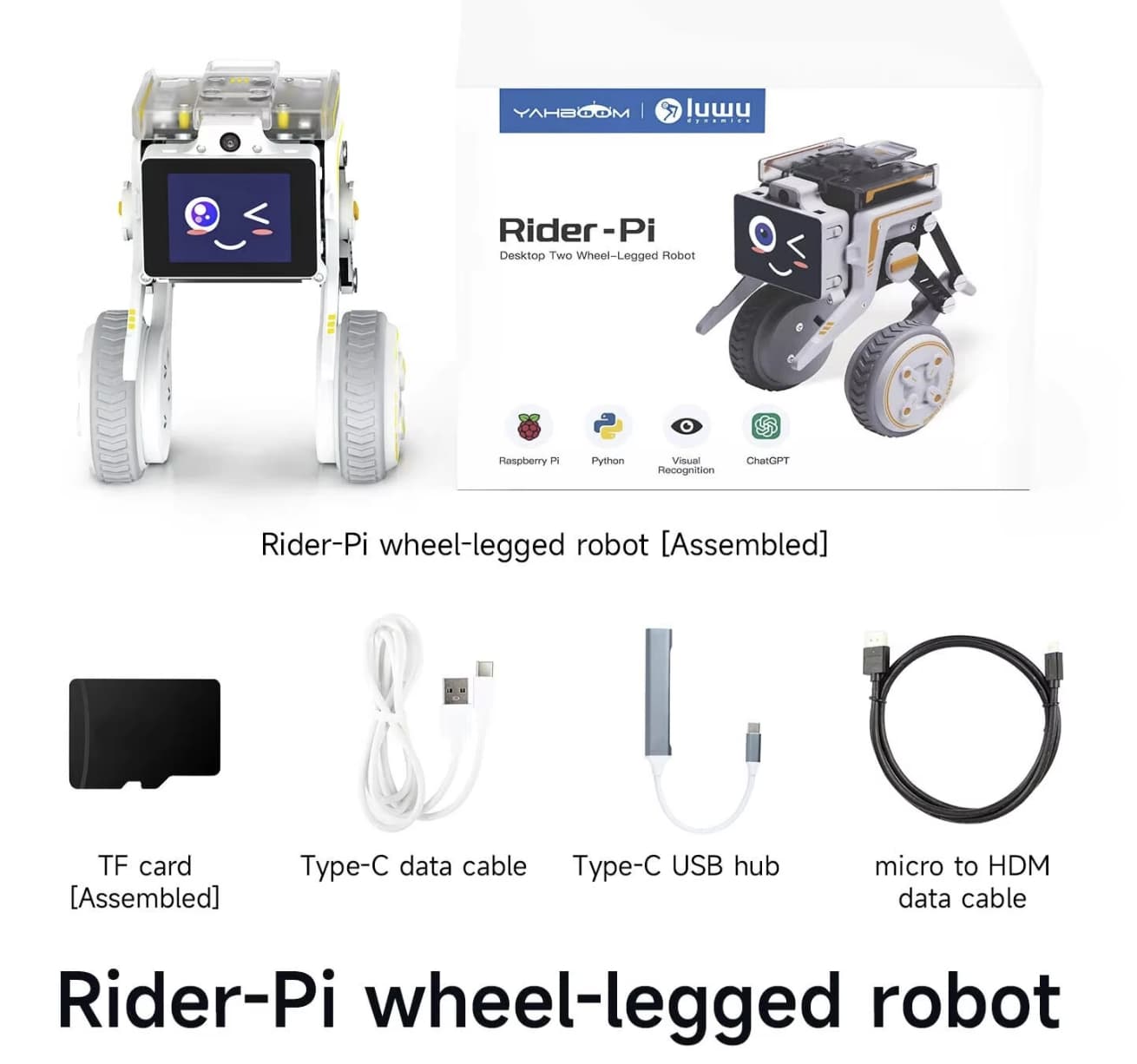
The Rider-Pi adds another layer of interaction through its 2.0-inch IPS screen, which can display live visual information and up to 35 dynamic expressions. These expressions give the robot a more responsive personality while providing a small on-device display for demonstrations and experiments.
The robot also supports optional ChatGPT-based interaction. With a compatible configuration, users can explore voice question-and-answer features, spoken control, and image-analysis functions. This capability may involve additional costs and setup, so check the included software, API requirements, and service access before purchasing if conversational AI is a priority.
It is worth distinguishing this feature from a fully autonomous assistant. The robot’s behavior depends on its software, configured AI services, network connection, and available computing resources. Its strongest appeal is the ability to experiment with AI interaction on a physical robot rather than relying exclusively on a screen-based application.
For another look at conversational AI hardware, read our Tuya Smart AI Robot review to compare its voice-control approach and AI learning features with the Rider-Pi’s robotics-focused design.
App Control for Hands-On Testing
For users who do not want to start by writing code, the Rider-Pi supports remote control through Bluetooth and a Wi-Fi app for compatible Android and iOS devices. This provides a more accessible starting point: first learn how the robot moves, then begin experimenting with its programming features.
Remote operation is also useful when testing a new movement sequence or checking how the robot responds to different surfaces. Wi-Fi and Bluetooth have different connection requirements, and the available functions may vary by app version and software configuration. Check the setup instructions for your specific model before assuming every feature works in the same way.
Who Should Consider the Yahboom Rider-Pi?
The Rider-Pi is best suited to people who want to learn robotics by experimenting with a working machine.
-
Students and educators: A practical platform for introducing sensors, motion control, computer vision, and Python.
-
Robotics beginners: A way to start with app-based control before progressing to code-based projects.
-
Makers and developers: A compact test platform for exploring recognition, tracking, and AI interaction.
-
Tech enthusiasts: An interactive robot with a distinctive design and more scope for customization than a conventional RC car.
It may be less suitable for buyers who simply want a low-cost toy for casual driving. Its programming and AI capabilities are the main reasons to choose it, and users who do not plan to explore those features may not get the most from the hardware.
What to Check Before Buying
Before placing an order, review the product configuration carefully. Confirm which Raspberry Pi compute module is included, whether the camera and other required hardware are supplied, and which software images and tutorials support that version. The CM4 and CM5 configurations should not be assumed to have identical specifications.
Also check the setup requirements for AI services, Wi-Fi connectivity, and any paid ChatGPT integration. If you are buying the robot for a course or a project, make sure the included documentation covers the programming tasks you intend to try.
Finally, consider the learning curve. The app can help with initial operation, but advanced vision and voice projects may require time spent configuring software, testing code, and troubleshooting connections. That effort is part of the appeal for makers, but it is an important consideration for first-time buyers.
Final Verdict
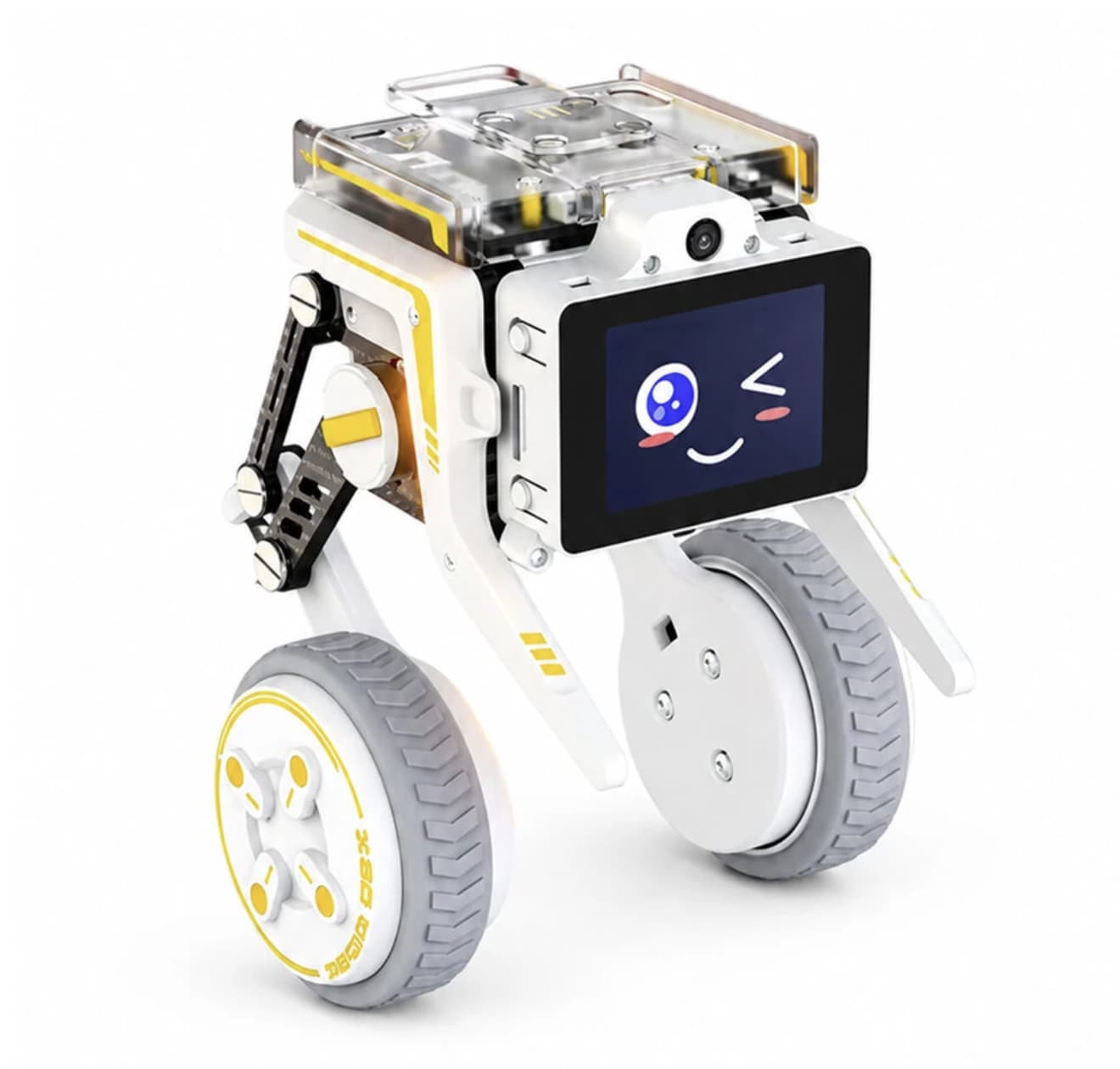
Yahboom Rider-Pi is a programmable robotics platform rather than just another remote-controlled car. Its wheel-legged mechanism and IMU introduce practical motion-control concepts, while computer-vision functions and Python support give users room to develop increasingly ambitious projects. The small IPS display and optional AI voice interaction add personality without replacing the underlying educational value.
For students, hobbyists, and developers interested in learning how robotics and AI work together, the Rider-Pi offers several areas to explore in one compact device. Its value ultimately depends on how much time you want to spend experimenting, coding, and building projects beyond basic remote control.