










Igeekphone reported on December 31st that Chen Jiayi, the product manager of Meizu Flyme, announced yesterday that as the year comes to an end, Flyme AIOS 2 will introduce two major upgraded features:
Aicy’s screen recognition unlocking all-inclusive extraction capability: New features include dynamic photos, GIF images, and video content extraction capabilities. It also supports multiple image/video selections for batch saving.
Gallery Dynamic Depth-of-Field Pictorial: Equipped with the industry-leading dynamic depth-of-field technology, each frame of the dynamic photos/videos captured will stand out.
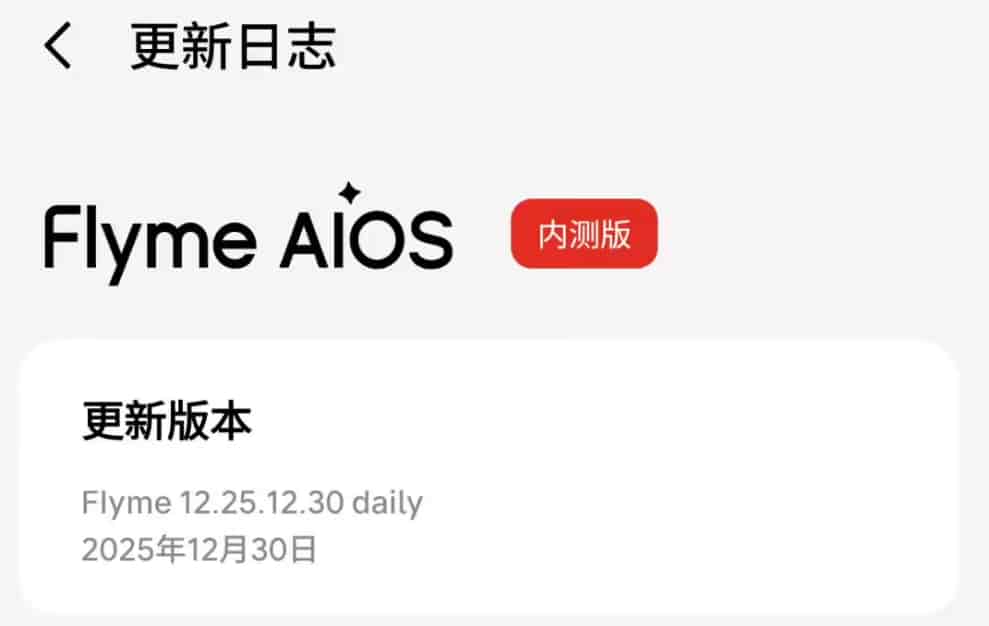
Igeekphone noticed that the pictures shared by Chen Jiayi showed that the officially announced Flyme AIOS 2 end-of-year version is currently in the beta testing stage (version number: Flyme 12.25.12.30 daily). The specific update contents are as follows:
Aicy Screen Recognition
New features include extracting dynamic photos, GIF images, and videos. It supports the details pages of Red Card, Douyin, and Weibo posts as well as the comment sections of Red Card. You can select multiple photos or videos for saving at the same time. Note: The application needs to be updated to the latest version.
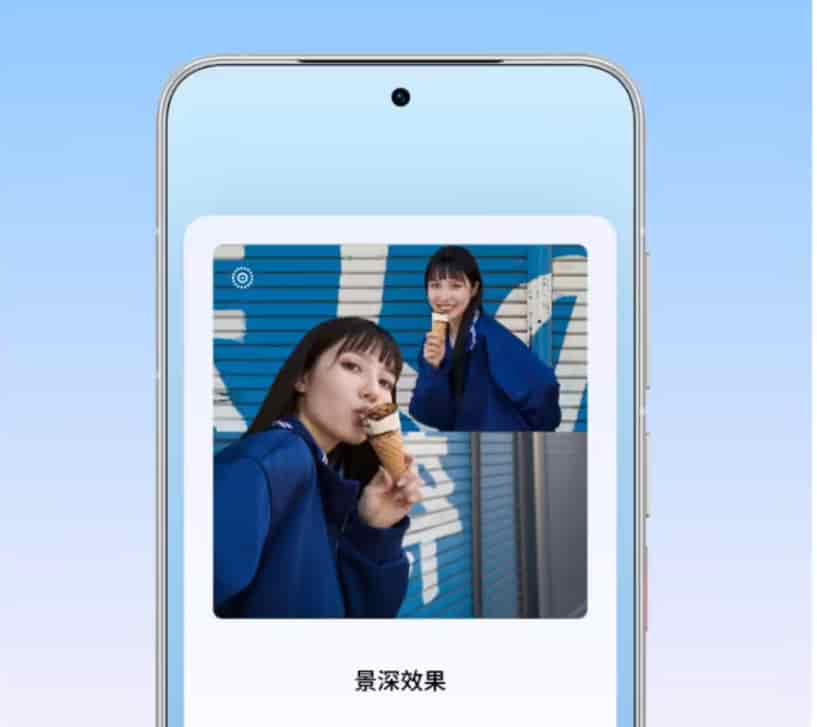
Dynamic Depth of Field Puzzles
The photo library has added dynamic depth of field puzzles. Add dynamic photos to the puzzle and select the photos. Then, in the toolbar, enable the image depth of field effect. Use the path: Photo Library > Discover Page > Puzzles.
New Year’s Day watermark
The image gallery poster has added a New Year’s Day watermark. To use it, go to Image Gallery > Discover Page > Poster.
System Optimization
A new switch for returning to the top of the page upon clicking the status bar has been added. The setting path is: System Settings > Notifications and Status Bar > Status Bar.
Meizu 22 has added a bypass power supply status icon to its status bar.
Problem Improvement
Fixed the issue where animations were not synchronized on the models: Meizu 21 Note, Meizu 20, and Meizu 20 Pro.
Fix the issue of abnormal size of the application mini-window.
Fix the issue where the desktop folder would occasionally close without animation.
Fix the issue where the pull-down notification center does not have an animation effect.
Fix the issue where the folder size adjustment sometimes causes the folder to overlap over the application icons.
Fix the issue where clicking the media control button in the control center fails to navigate to the application when using the large-font version of KuGou Music.
Fix the issue where clicking on the media card in the notification center when using Aiwei Baby fails to navigate to the application.
Fix the issue where the fingerprint icon is delayed in displaying after the screen goes into sleep mode.
Fixed the issue where the settings for the repeat option of the alarm clock did not get saved in the dropdown interface after being restored.
Fixed the issue where there was no prompt to decide whether to abandon the modification after restoring the edit of the alarm.
Fix the issue where when creating an alarm or schedule through the Aicy assistant, the response prompts for the user to agree to the calendar privacy policy.
Fix the issue where the parking location card data of Aicy occasionally fails to update.
Fix the issue where clicking on links in text messages results in no response.
Fix the issue where the bottom buttons appear transparent when the system update log interface is scrolled down.