










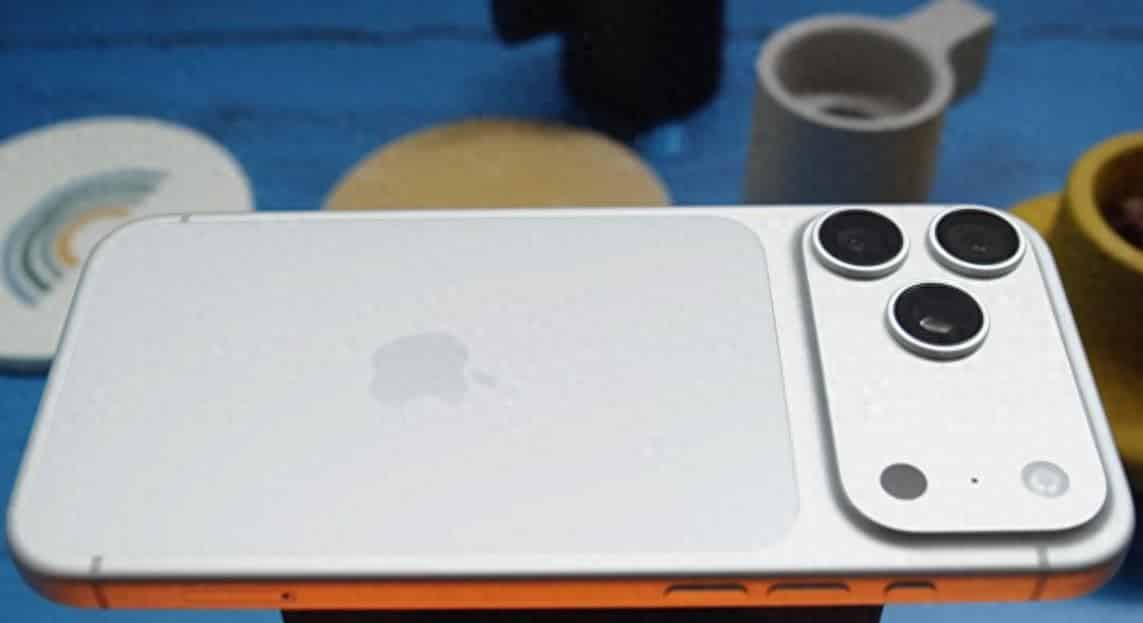
Today, with the rapid development of mobile imaging technology, taking pictures of the night sky with a mobile phone is no longer the exclusive skill of professional photographers. The iPhone 17 Pro Max, with its powerful hardware performance and intelligent algorithms, enables ordinary users to easily capture the brilliant starry sky. The following provides a systematic analysis of the entire process of shooting the night sky, covering environmental selection, equipment preparation, parameter settings, composition techniques, and post-processing.
I. Environmental Selection: Searching for the Secret Dark Night Realm
The core of star photography lies in “darkness”. City lights cause light pollution, which obscures the stars and results in blurry photos or excessive noise. It is recommended to choose areas with less light pollution such as the countryside, mountains, or farmlands. You can use tools like the Light Pollution Map to check the dark sky quality around you and prioritize areas with a Bortle 3 rating or lower. The shooting time should avoid the full moon period. The moonlight is weakest at the beginning or end of the lunar month. The best time is from 1 to 3 a.m. At the same time, pay attention to the weather forecast and choose a clear night with no clouds, an air humidity lower than 60%, and a wind speed of less than 3 levels. This ensures high atmospheric transparency and clear starry skies.
II. Equipment Preparation: Stability is Key
Long exposure is the core technique for shooting the night sky, but handheld shooting is prone to blurring due to hand tremors. Therefore, a stable tripod is a necessary tool. It is recommended to use a carbon fiber tripod, which is lightweight and highly stable. When unfolded, it can be used to increase the weight by attaching a water bottle. If no professional equipment is available, stones, railings or backpacks can be used to temporarily fix the phone. Additionally, Bluetooth remote control or headphone cables can be used as a shutter release to avoid the slight vibrations caused by touching the screen with your fingers.
III. Parameter Settings: A Combination of Intelligent and Manual Modes
1. Enable ProRAW format: Go to “Settings – Camera – Format”, enable “Apple ProRAW” and select a resolution of 48MP. This format can record 14-bit color depth and a 16x dynamic range, providing more room for post-processing color correction.
2. Activate Night Mode: Open the camera app, click the small triangle icon at the top, and select “Night Mode”. In low-light conditions, the system will automatically activate the longest 30-second exposure. Slide the slider to the “Longest” position to ensure that the sensor fully absorbs the starlight.
3. Manually adjust parameters: Slide the exposure bar to the appropriate brightness level to avoid overexposure; set the ISO to 800-1600 (for areas with severe light pollution, it can be increased to 3200, but be aware of the noise); when focusing, click on the bright star area on the screen and hold down to lock, or use a third-party app to manually focus to infinity; shift the color temperature towards a cooler tone (blue) by 10-15 units to make the starry sky appear in a deep blue-black tone.
IV. Composition Techniques: Enhancing the Layering of the Picture
Simple star photos tend to appear monotonous. Adding foreground elements can enhance the layering of the picture. You can choose mountains, trees or ancient buildings as the foreground, placing them at the bottom one-third of the picture. Align the center of the Milky Way with the upper reference line to create visual balance. Shooting from a low angle and arranging the composition close to the ground, using grass or rocks as the foreground, can create an immersive feeling of “your hand can reach for the stars”. If you want to capture star trails, you need to take continuous long-exposure photos for more than 30 minutes. In the post-processing stage, stack and combine them for synthesis. This operation requires extremely high stability of the equipment. It is recommended to use a professional star trail shooting APP for assistance.
V. Post-processing: Revealing Hidden Colors
After the shooting is completed, you can use the built-in photo editing tool of iPhone to make basic adjustments: reduce exposure (-15), increase sharpness (+20), brighten highlights (-30), darken shadows (+25), and increase contrast (+30), to make the starry sky more distinct in layers. If you want higher image quality, you can use professional apps (such as Lightroom) to perform multi-frame noise reduction or HDR synthesis to further optimize the purity of the picture. Through the “color grading” tool, add purple to the midtones and dark blue to the shadows to create a dreamy nebula effect. Make local adjustments to the galactic area, enhance “blur removal” and “clarity”, and highlight the details of the dust band.
The essence of star photography lies in the art of light and time. The iPhone 17 Pro Max, through the coordinated optimization of software and hardware, has lowered the technical barrier for professional photography, but the photographer still needs to master the parameter logic and environmental judgment. From parameter configuration to post-processing, every step must be dynamically adjusted according to the actual scene in order to capture the fleeting beauty of the universe. On the next clear and cloudless night, why not bring your phone and search for your own starry sky?