










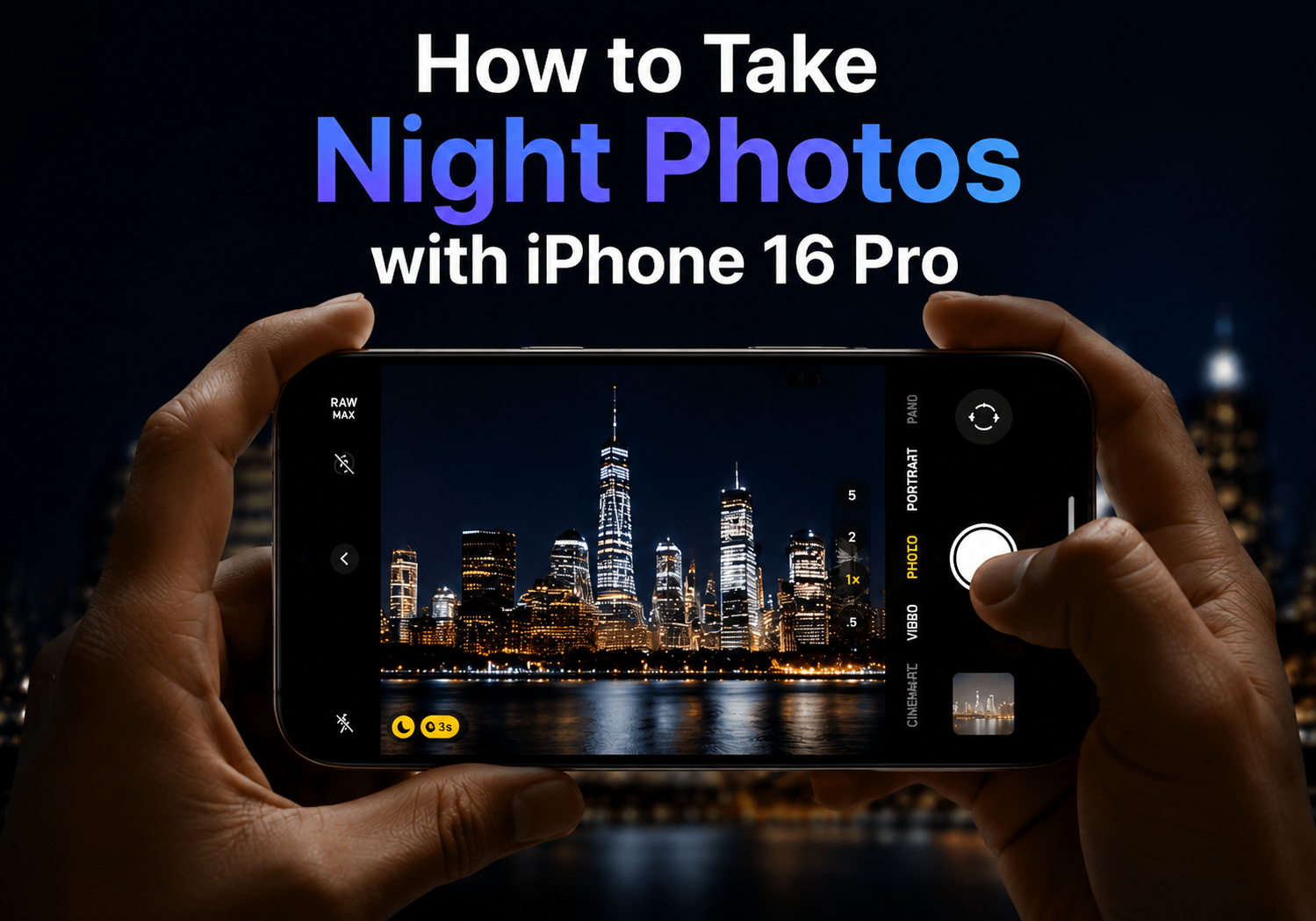
iPhone 16 Pro has redefined smartphone photography, especially in low-light environments. With its advanced camera system and Night Mode capabilities, capturing breathtaking night scenes has never been easier. Here’s a complete guide to help you make the most of your iPhone 16 Pro for nighttime photography.
1. Understand Night Mode
Night Mode automatically activates when the iPhone detects low-light conditions. It uses longer exposure times and computational photography to brighten your shots while retaining details and reducing noise. On the iPhone 16 Pro, Night Mode is more intelligent, adjusting exposure time based on movement and lighting to capture crisp, vibrant images.
2. Keep Your Phone Steady
Even with Night Mode, stability is key. Using a tripod or placing your iPhone on a stable surface prevents blur from hand movements. If you don’t have a tripod, try resting your elbows on a solid surface or using the iPhone’s built-in stabilization to minimize shake.
3. Adjust Exposure and Shutter Time
Once Night Mode activates, a yellow Night Mode icon appears in the camera app. Tap it to adjust the exposure time, which determines how long the camera captures light. Longer exposure times let in more light for darker scenes but require steadiness, while shorter times are ideal for moving subjects.
4. Use the Ultra-Wide and Telephoto Lenses
The iPhone 16 Pro comes with multiple lenses. The ultra-wide lens is perfect for cityscapes or starry skies, while the telephoto lens allows for detailed shots of distant lights. Switching lenses in Night Mode can provide creative perspectives and enhance your compositions.
5. Take Advantage of Computational Photography
The iPhone 16 Pro’s A17 Pro chip enables advanced computational photography. Features like Smart HDR, Deep Fusion, and Photonic Engine enhance color, reduce noise, and preserve details in low-light scenes. Enable RAW mode for maximum editing flexibility in apps like Adobe Lightroom.
6. Experiment with Night Portraits
Night Mode isn’t just for landscapes—it works beautifully for portraits too. Position your subject near a light source, use the portrait mode, and let Night Mode enhance shadows and highlights. This creates dramatic, cinematic effects without losing detail.
7. Edit Your Photos for Maximum Impact
After shooting, use the Photos app or third-party editors to adjust brightness, contrast, and color balance. Subtle tweaks can bring out details in dark areas, enhance highlights, and make your night photos truly pop.
Conclusion
iPhone 16 Pro makes night photography accessible and professional-looking. By mastering Night Mode, keeping your device steady, experimenting with lenses, and leveraging computational photography, you can capture stunning nighttime scenes that rival DSLR cameras. Whether it’s city lights, starry skies, or moody portraits, your iPhone 16 Pro is ready to shine in the dark.