










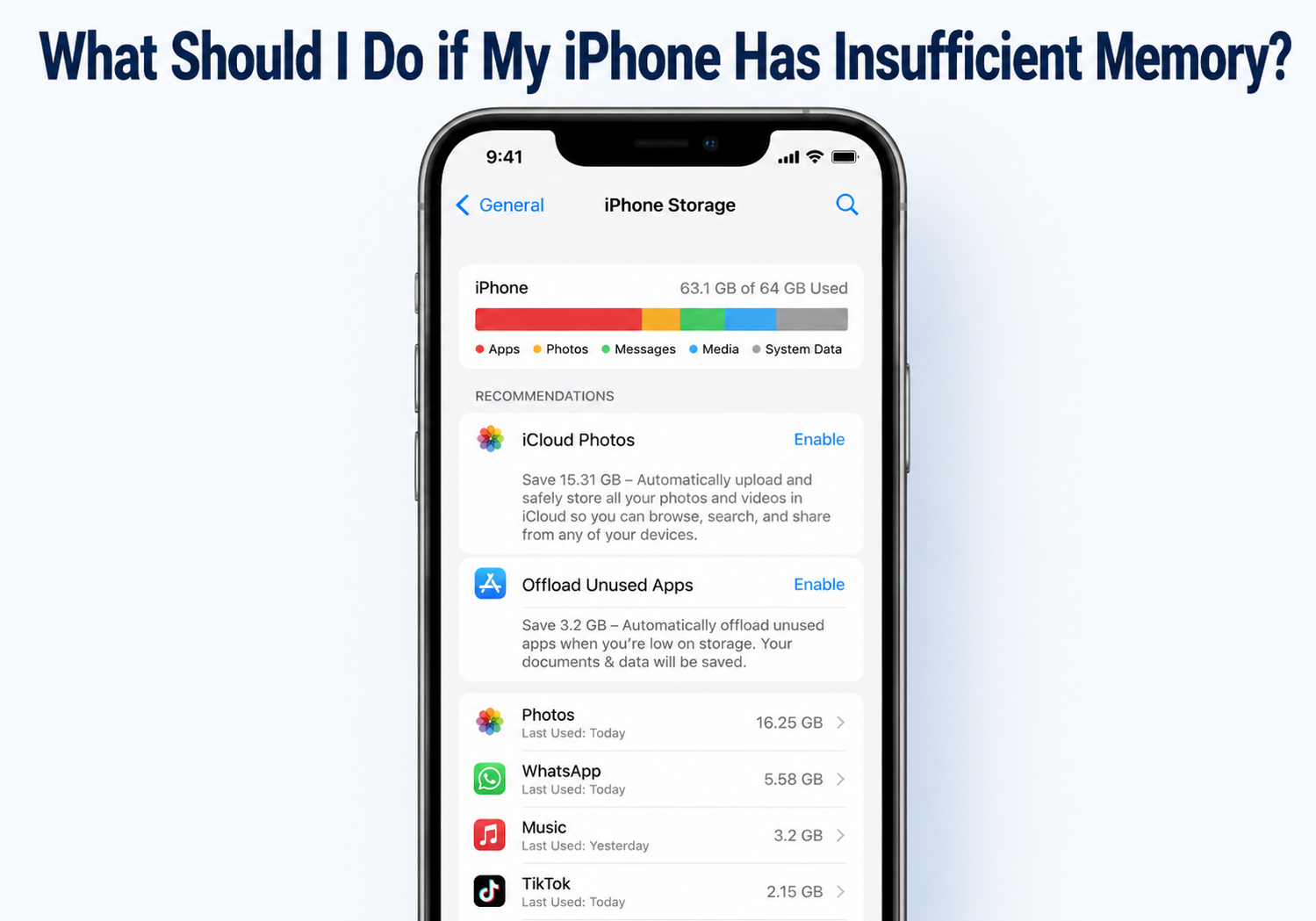
Running out of memory on your iPhone can be frustrating. It may prevent you from installing apps, taking photos, updating iOS, or even sending messages. Fortunately, there are several ways to free up space and optimize your device. Here’s a comprehensive guide to dealing with insufficient iPhone memory.
1. Check Your Storage
Before you start clearing space, you need to know what’s taking up memory.
- Go to Settings > General > iPhone Storage.
- Wait for the storage analysis to load.
- Review the breakdown of apps, photos, videos, and system files.
This overview will help you identify large apps, media files, or other storage-hogging items.
2. Delete or Offload Unused Apps
Apps can take up significant space, especially games or apps with large data caches.
- Delete apps: Tap an app in iPhone Storage and choose Delete App.
- Offload apps: This option removes the app but keeps its data. You can reinstall it later without losing progress.
Go to Settings > General > iPhone Storage > Enable Offload Unused Apps to automate this.
3. Manage Photos and Videos
Photos and videos often occupy the most storage.
- Enable iCloud Photos: Go to Settings > Photos > iCloud Photos and select Optimize iPhone Storage. This keeps full-resolution images in iCloud and smaller versions on your device.
- Delete duplicates or unwanted media: Use apps like Google Photos, Gemini Photos, or the built-in Photos app to remove duplicates and blurry images.
- Transfer to computer or external storage: Back up important photos and videos to your PC, Mac, or external drive.
4. Clear Cache and Temporary Files
Certain apps, especially social media and streaming apps, store cache that can take up memory.
- For Safari: Settings > Safari > Clear History and Website Data
- For other apps: You may need to delete and reinstall the app to clear cache.
5. Manage Messages and Attachments
Text messages with photos, videos, and GIFs can take up memory over time.
- Delete old messages: Go to Settings > Messages > Keep Messages and choose 30 Days or 1 Year.
- Remove large attachments: In Settings > General > iPhone Storage > Messages, you can review and delete large attachments individually.
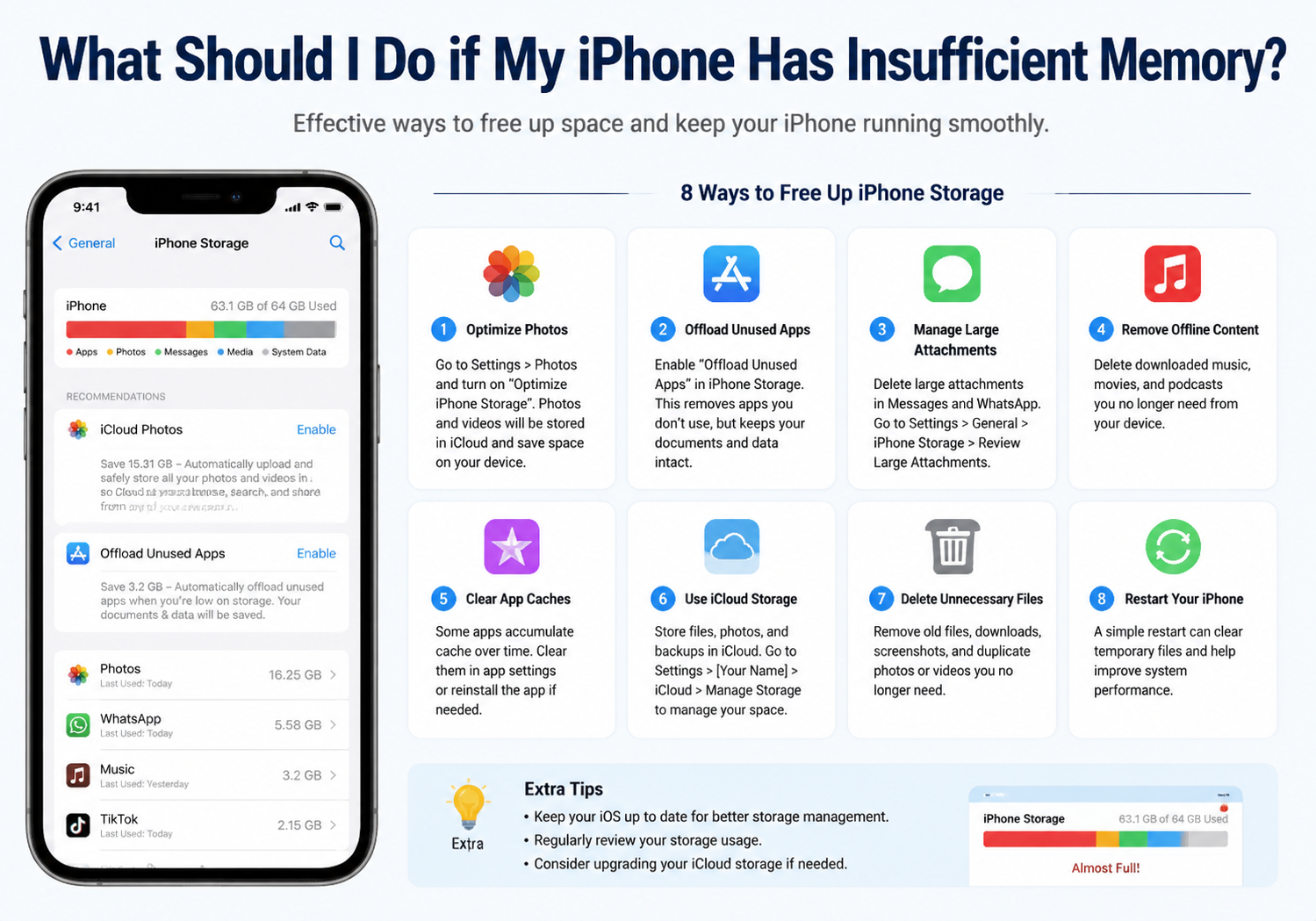
6. Use Cloud Storage and Streaming
- iCloud Drive, Google Drive, or Dropbox: Store documents, videos, and other files in the cloud.
- Streaming services: Use Spotify, Apple Music, or Netflix for music and videos instead of downloading them to your device.
7. Update iOS
Apple sometimes optimizes storage in new iOS updates. Go to Settings > General > Software Update and install the latest version.
8. Reset or Restore as a Last Resort
If your iPhone remains cluttered or slow, consider:
- Reset All Settings: Settings > General > Reset > Reset All Settings (doesn’t delete personal data).
- Factory Reset: Backup your data first, then go to Settings > General > Reset > Erase All Content and Settings. This restores your iPhone to like-new condition.
Key Takeaways
- Regularly check storage and identify large apps or files.
- Use offloading, iCloud, and cloud storage to reduce local memory usage.
- Clear caches, delete old messages, and manage media files.
- Update iOS and, if necessary, perform a reset for a fresh start.
By following these steps, you can regain storage, improve performance, and ensure your iPhone runs smoothly even when memory is tight.