









A computer mouse is easy to overlook until it starts getting in the way.
A heavy mouse can become tiring during a long workday. A conventional scroll wheel can feel too slow when moving through a long document but too imprecise when making small adjustments. Switching between a laptop and desktop can also mean repeatedly reconnecting devices.
The Xiaomi Wireless Mouse 4 Pro takes a different approach. Instead of trying to turn a compact office mouse into a gaming peripheral, Xiaomi has concentrated on several small details that affect everyday interaction: surface tracking, scrolling, clicking noise, wireless connectivity, and customization.
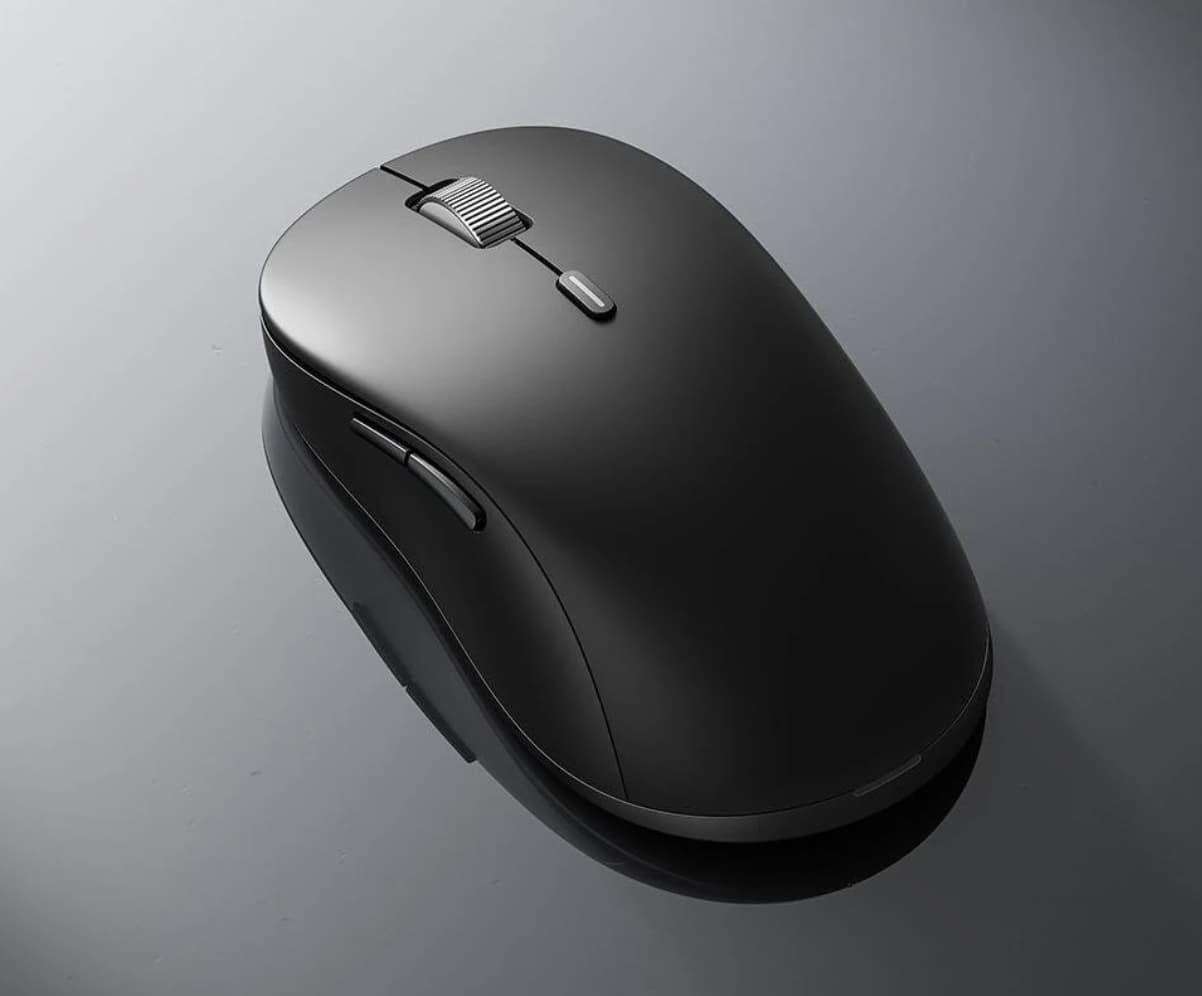
At just 66g, with a TOG sensor, dynamic electromagnetic scroll wheel, Bluetooth 5.0 and 2.4GHz wireless connectivity, the mouse is aimed at people who spend a significant part of their day navigating a computer.
The Interesting Part Is the Scroll Wheel
The scroll wheel is normally one of the least exciting parts of a mouse. You spin it, a page moves, and that’s about it.
The Wireless Mouse 4 Pro makes the wheel one of its defining features.
Its dynamic electromagnetic metal scroll wheel can move between a more tactile, step-by-step scrolling behavior and a smoother free-spin experience. In practical terms, that creates two different ways to navigate.
When editing a document or moving through a spreadsheet, controlled scrolling can make it easier to stop exactly where you want. When browsing long webpages or large documents, free scrolling can cover much more content with less repeated finger movement.
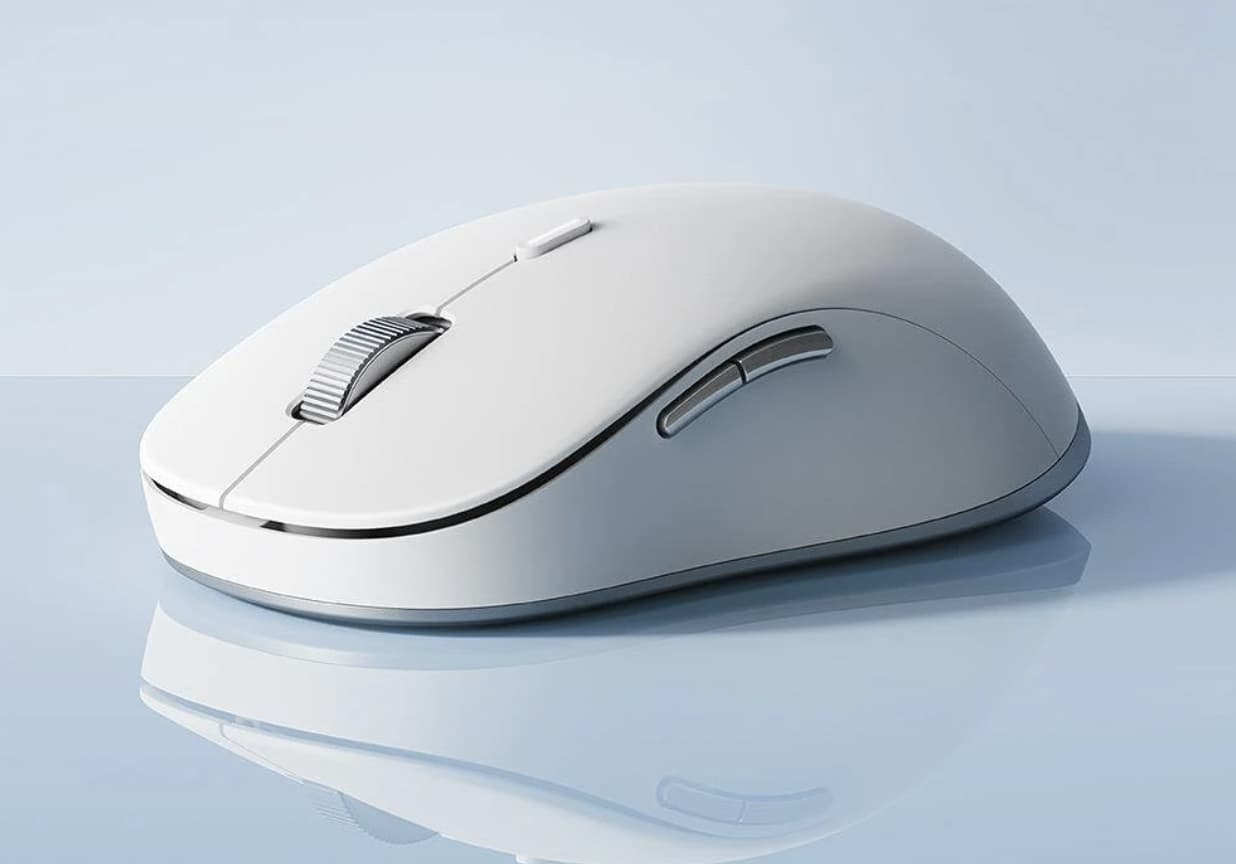
This is more than a cosmetic upgrade. The usefulness of an electromagnetic wheel depends on how often you switch between precise and fast navigation, but for users who regularly move between short documents and long webpages, the difference could become noticeable quickly.
TOG Tracking Removes One Common Desk Limitation
The second unusual feature is the TOG (Track-On-Glass) sensor.
According to the product specifications, the sensor is designed to track across a range of surfaces, including glass with a minimum thickness of 4mm. That means the mouse does not necessarily depend on a traditional mousepad for basic tracking.
This could be particularly convenient in modern workspaces.
A laptop may sit on a glass conference table. A home office may use a smooth desk surface that isn’t ideal for every optical sensor. Someone working temporarily in a café or meeting room may simply not want to carry a mousepad.
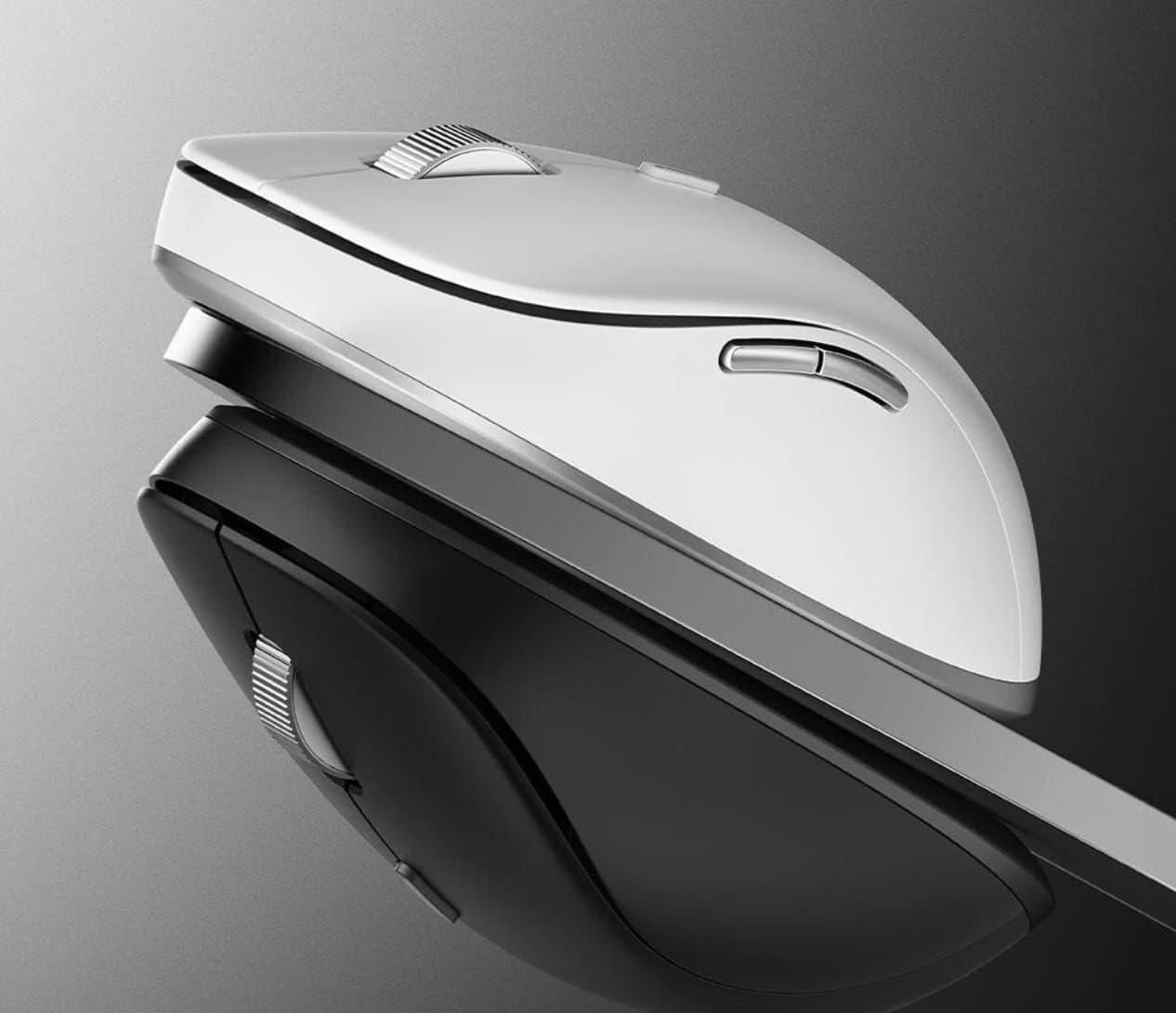
Of course, “works on glass” does not mean every surface will deliver identical tracking performance. Surface cleanliness, texture, transparency and other conditions can influence real-world results. Still, TOG gives the Wireless Mouse 4 Pro an advantage in situations where a conventional mouse might become less predictable.
66g Changes the Character of the Mouse
At 66g, the lightweight wireless mouse is clearly designed with portability and low hand fatigue in mind. The published dimensions are approximately 115.5 × 62 × 36.5mm, making it relatively compact as well.
That weight is especially relevant for laptop users.
A mouse carried between home, office and meetings doesn’t need to feel substantial in the same way a specialized gaming mouse might. The lighter body can make repeated movements feel less demanding, while the smaller footprint leaves more room in a laptop bag.
There is a trade-off, though. People with large hands or those who prefer a palm-filling ergonomic mouse may find this compact form less comfortable for extended sessions.
The Wireless Mouse 4 Pro therefore makes more sense as a portable productivity mouse than as a universal fit for every hand size.

One Mouse Can Serve Three Devices
Modern work often means using more than one computer.
You might have a desktop at work, a personal laptop at home, and another device used for travel. Carrying a separate mouse for each one isn’t particularly convenient.
The Wireless Mouse 4 Pro supports dual-mode connectivity through 2.4GHz wireless and Bluetooth 5.0, with the ability to connect to up to three devices and switch between them.
The 2.4GHz connection is useful when a dedicated USB receiver is preferred, while Bluetooth provides a cable-free option for compatible laptops and other devices.
The three-device capability is arguably more valuable than raw wireless specifications. It changes the mouse from a peripheral tied to one computer into something that can move between several machines without requiring a complete pairing process every time.
For people who regularly switch between a work computer and personal laptop, this could be one of the most practical features on the entire mouse.
Quiet Buttons Make Sense in Shared Spaces
Another area where Xiaomi has focused on everyday use is the main buttons.
The Wireless Mouse 4 Pro uses TTC soft-sound main switches, designed to reduce clicking noise while retaining physical feedback.
This isn’t primarily about making the mouse feel premium. It is about reducing the amount of repetitive noise produced during ordinary computer use.
In an open office, library, classroom, meeting room or shared home environment, hundreds of clicks can become surprisingly noticeable. A quieter switch doesn’t eliminate the sound completely, but reducing the sharpness of each click can make prolonged use less intrusive.
For someone working alone at home, this feature may barely matter. For someone working beside other people, it can be much more relevant.
Three DPI Levels Keep the Controls Simple
The mouse provides three standard DPI settings: 1000, 1600 and 2400 DPI. The settings can also be customized through the web-based driver.
Rather than offering an enormous list of sensitivity options, Xiaomi keeps the default selection relatively straightforward.
A lower setting can be useful when precise cursor movement matters, while higher sensitivity can reduce the physical distance needed to move the pointer across a large display.
This approach suits office productivity better than chasing extremely high DPI numbers. Most people working with documents, browsers, spreadsheets and general applications don’t need an unusually high maximum sensitivity.
The ability to adjust settings through a browser also avoids one common annoyance: installing another desktop utility simply to configure a mouse.
Browser-Based Customization Is an Underrated Feature
The Wireless Mouse 4 Pro uses an installation-free web driver for customization.
That means users can access configuration options through a webpage instead of downloading a dedicated program. The product information says users can customize button functions and fine-tune DPI settings through this interface.
This is particularly interesting for people who use multiple computers.
Traditional mouse software can become inconvenient when moving between operating systems or machines because the utility has to be installed and configured repeatedly. A browser-based approach reduces that friction.
It also reflects the way many modern peripherals are evolving: fewer background applications, fewer installers and more configuration handled through web interfaces.
The Magnetic Top Cover Has a Practical Purpose
The mouse uses a removable magnetic top cover, which provides access to the battery compartment and storage area for the wireless receiver. Recent launch coverage also notes this design detail.
This sounds minor, but small storage decisions can make a portable accessory much easier to live with.
A USB receiver is tiny and easy to lose when it isn’t connected to a computer. Keeping it inside the mouse gives users somewhere predictable to store it when the mouse is being transported.
The package includes a 2.4GHz USB receiver and battery, along with the mouse and manual.
Who Is the Xiaomi Wireless Mouse 4 Pro Really For?
The Wireless Mouse 4 Pro is most compelling for users whose mouse is primarily a productivity and mobility tool.
It should appeal particularly to:
- Laptop users who move between different workspaces
- Office workers who spend hours navigating documents and webpages
- People who switch between multiple computers
- Users who prefer quiet mouse buttons
- Travelers who want a lightweight peripheral
- Anyone who occasionally works on glass or unusual desk surfaces
- Users who want customization without installing desktop software
It is less compelling for someone looking for a dedicated competitive gaming mouse. Its 2400 DPI ceiling, compact design and productivity-oriented feature set make its priorities quite clear.
What Makes It Different From an Ordinary Wireless Mouse?
The Wireless Mouse 4 Pro isn’t revolutionary because it has wireless connectivity. Wireless mice have offered that for years.
Its more interesting proposition is the combination of several small conveniences:
TOG tracking addresses surface flexibility.
The electromagnetic wheel addresses the difference between precise and fast scrolling.
Three-device connectivity addresses multi-computer workflows.
Silent TTC switches address noise.
66g weight addresses portability.
Web-based configuration addresses software installation.
None of these features alone changes the mouse category. Together, however, they create a peripheral that is clearly designed around the habits of modern laptop and desktop users.
Final Verdict
Xiaomi Wireless Mouse 4 Pro is a good example of how a familiar accessory can be improved without adding unnecessary complexity.
Its strongest idea may be the electromagnetic scroll wheel, because scrolling is something users interact with constantly but rarely think about. The TOG sensor is another meaningful addition for people who work across different surfaces, while three-device connectivity makes the mouse more useful in multi-computer setups.
The 66g weight and quiet switches reinforce the same philosophy: this is a mouse designed to disappear into your workflow rather than demand attention.
For users who want a lightweight wireless mouse that can move between computers, track on more surfaces and provide more control over scrolling, the Wireless Mouse 4 Pro is a particularly interesting productivity-focused option.