










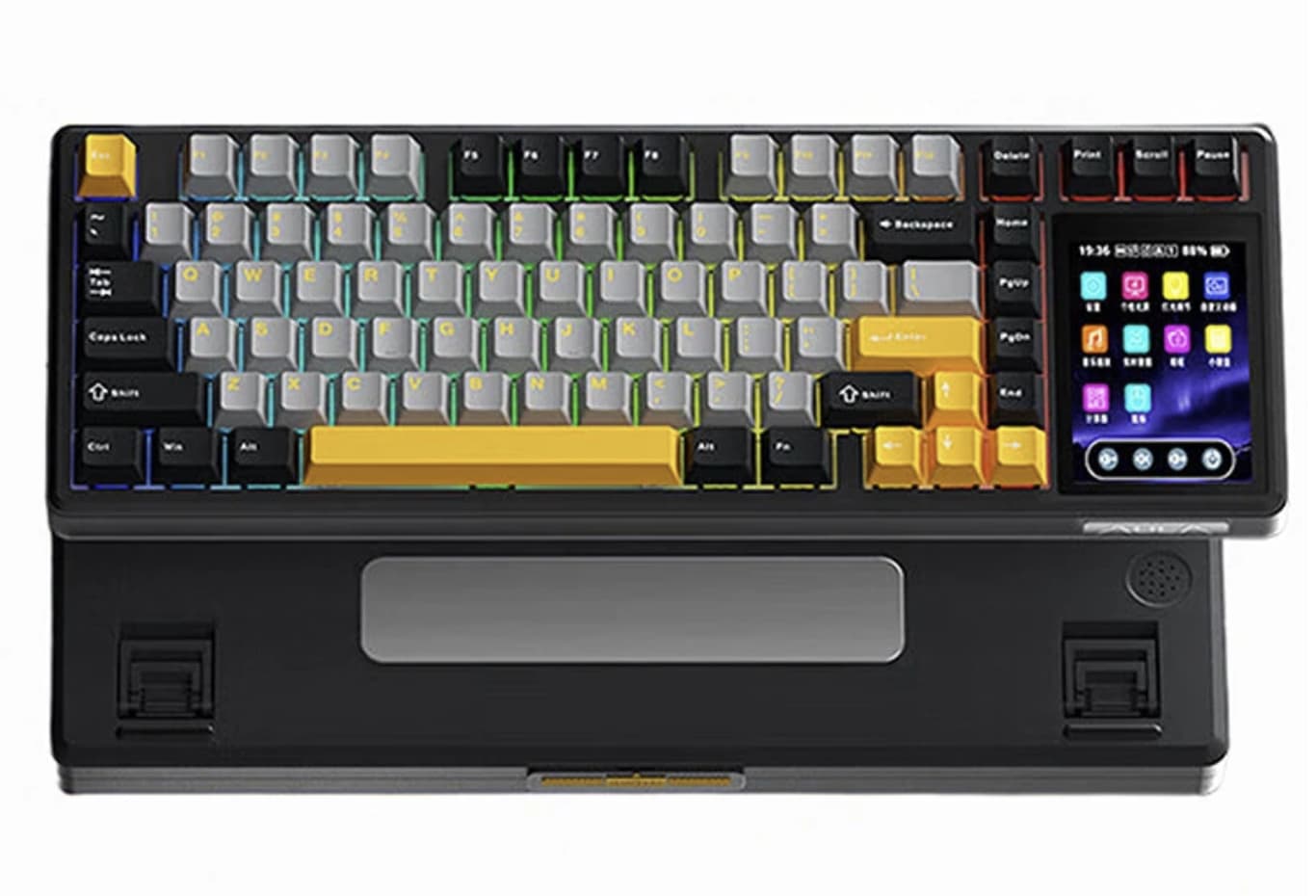
Mechanical keyboards have become increasingly customizable, but the AULA L99 gaming keyboard takes that idea in a different direction. Instead of focusing only on switches, keycaps, and RGB lighting, it adds a 3.98-inch IPS touchscreen directly into the keyboard.
If you are comparing mechanical gaming keyboards, the L99 is particularly interesting because it combines a compact 84-key layout with customization features that are usually spread across more enthusiast-oriented models.
That makes the L99 more than another 84-key mechanical keyboard. It is designed around three things at once: customization, connectivity, and desktop convenience.
The keyboard combines an 84-key layout with a gasket-mounted structure, hot-swappable PCB, PBT keycaps, RGB lighting, an 8000mAh battery, and three connection modes. It supports 2.4GHz wireless, Bluetooth, and USB Type-C wired connections, giving users flexibility across gaming PCs, laptops, and other compatible devices.
For users exploring different switch types and layouts, our guide to mechanical keyboard switches can help explain how switch characteristics affect typing feel and gaming performance.
But the touchscreen is what makes the AULA L99 particularly interesting.
The 3.98-Inch Touchscreen Is More Than Decoration
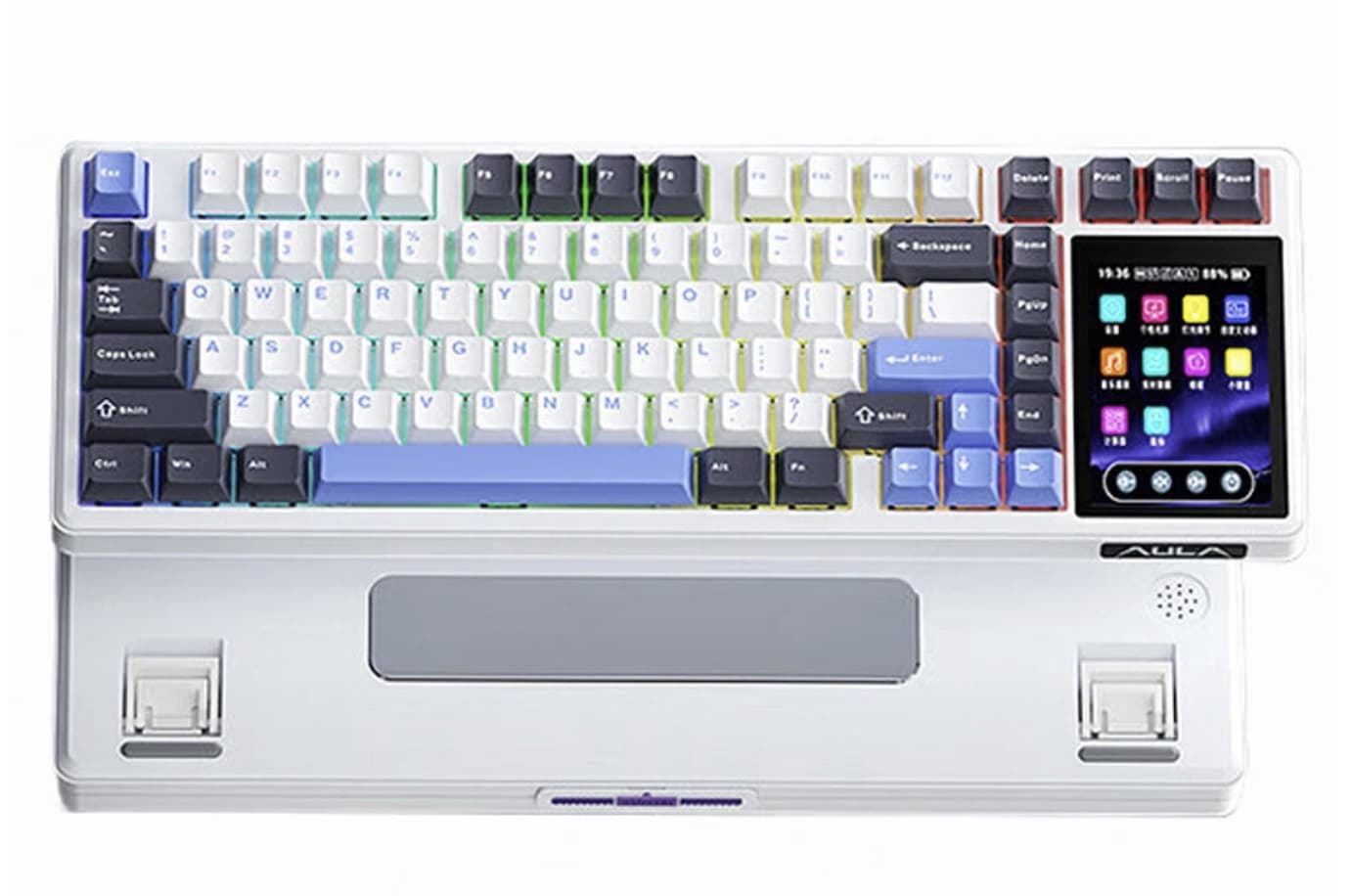
The most unusual feature of the L99 is its 3.98-inch IPS touchscreen.
Rather than treating the display as a simple decorative panel, AULA positions it as an interactive part of the keyboard. The screen can display images and GIFs while also providing functions such as a calculator, media controls, and system monitoring.
That changes how the keyboard can be used.
For gamers, the screen can become an additional information area without taking up space on the main monitor. For desktop users, it can provide quick access to controls or simply display personalized graphics.
There is also an aesthetic advantage. Mechanical keyboards are already central pieces of many gaming setups, so a customizable display gives the L99 another way to match the rest of a desk.
The important point is that the screen isn’t necessarily the reason everyone should buy this keyboard. Instead, it is a feature aimed at users who enjoy customization and want their keyboard to do something beyond typing.
84 Keys Strike a Practical Balance
The AULA L99 uses an 84-key layout, putting it between a compact keyboard and a traditional full-size model.
This is a useful compromise for people who want to save desk space without going all the way down to a 60% or 65% layout.
An 84-key keyboard can retain more of the keys needed for productivity while leaving additional room for a mouse. That matters particularly for gamers who use low mouse sensitivity and need more horizontal desk space.
For work, the layout is also less restrictive than many ultra-compact gaming keyboards.
The L99 therefore makes sense for someone who wants one keyboard for both gaming and everyday typing rather than buying separate boards for each purpose.
Gasket Mounting Targets a Softer Typing Experience
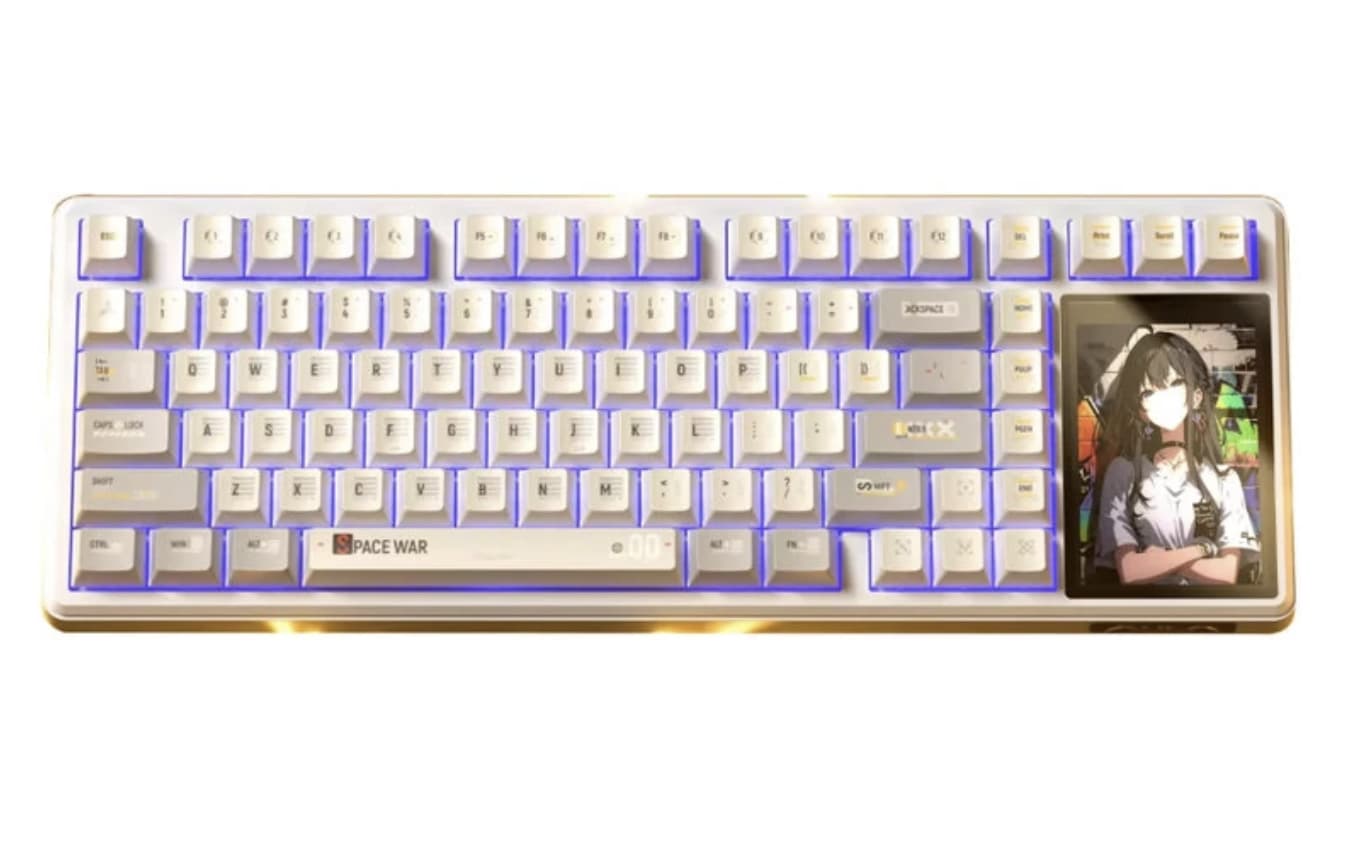
The keyboard uses a gasket structure with a six-layer sound-absorbing package. According to the product specification, this construction is intended to provide a softer typing feel and a more controlled sound profile.
This is one of the features that matters more during everyday use than on a specification sheet.
A gasket-mounted keyboard is designed to provide some cushioning when keys are pressed. Combined with sound-dampening layers, the result should be less rigid than a basic hard-mounted mechanical keyboard.
That can make a difference when typing for several hours.
Of course, the final sound and feel will still depend on the selected switches, keycaps, typing technique, and desk surface. A gasket structure does not automatically make every keyboard sound identical.
The L99 currently lists Rain and Caramel Latte switch options, giving buyers another way to tailor the experience.
Hot-Swappable Switches Make the L99 Easier to Personalize
One of the strongest practical features is the full-key hot-swappable PCB.
Hot-swap support allows users to replace compatible mechanical switches without soldering. That is valuable for enthusiasts who want to experiment with different actuation characteristics or sound profiles.
It also gives the keyboard a longer customization path.
A buyer might start with the included switches and later move to another switch type after discovering a preference for lighter, heavier, quieter, or more tactile typing.
For newcomers to mechanical keyboards, this is particularly useful because they do not have to commit permanently to the original switch configuration.
Tri-Mode Connectivity Gives the L99 More Flexibility
The AULA L99 supports three connection methods:
- 2.4GHz wireless
- Bluetooth
- USB Type-C wired
The 2.4GHz mode is aimed at low-latency wireless use, making it the most obvious choice for gaming. Bluetooth is more convenient for general wireless use and multiple-device setups, while USB Type-C provides a direct wired connection.
This makes the L99 suitable for more than one type of workspace.
You could use a wired connection at a desktop, switch to 2.4GHz for gaming, or use Bluetooth with another compatible device.
That flexibility is particularly useful if the keyboard is expected to serve as both a gaming peripheral and a productivity tool.
An 8000mAh Battery Is a Major Part of the Wireless Design
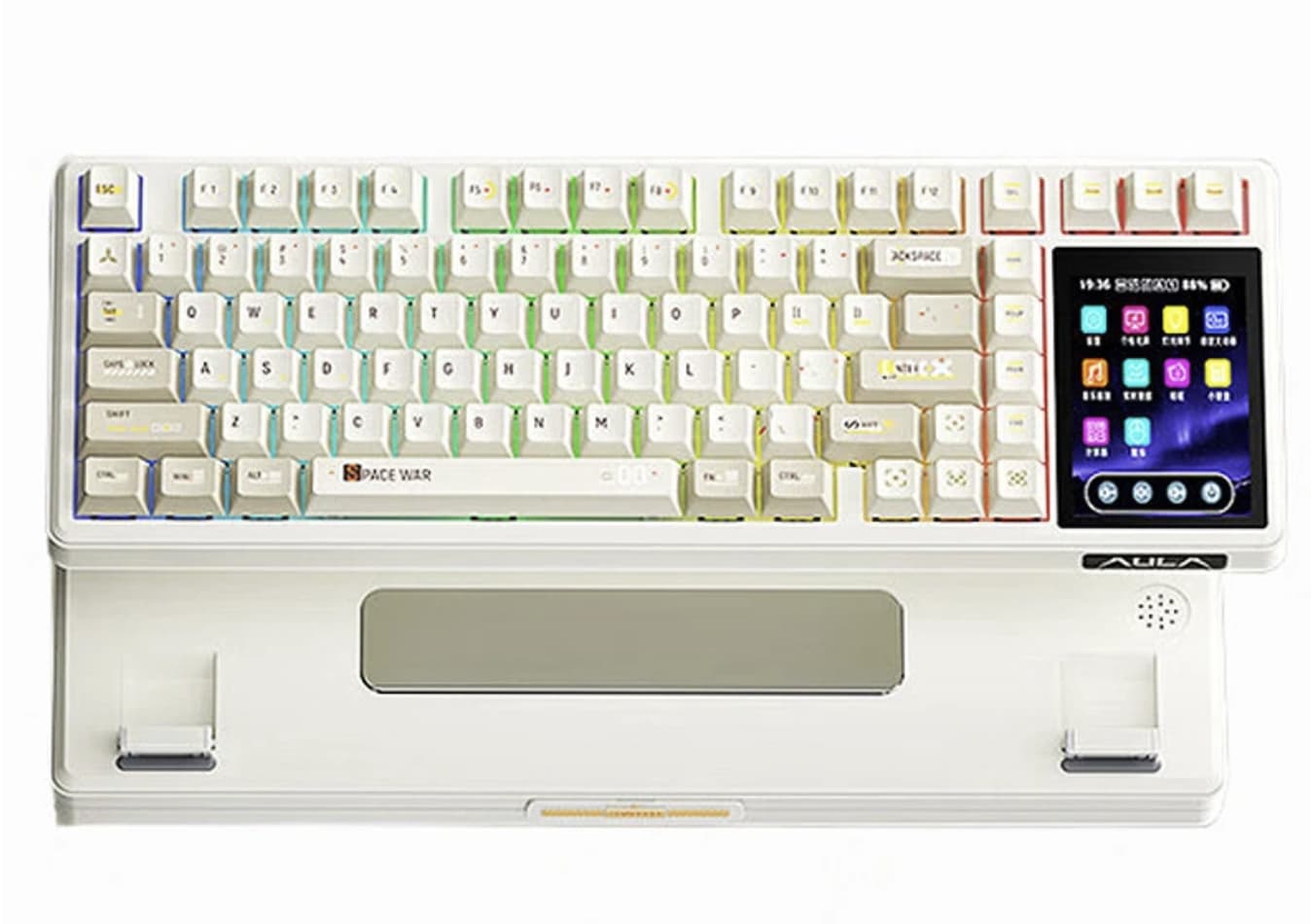
The L99 carries an 8000mAh battery, which is considerably more attention-grabbing than the battery capacities found in many basic wireless keyboards.
A large battery is especially relevant here because the keyboard includes a touchscreen and RGB lighting.
Those features can consume more power than a simple keyboard with no display, so having a high-capacity battery gives the L99 more room to operate wirelessly without constantly relying on a cable.
However, battery capacity should not be confused with a guaranteed runtime. Actual endurance will depend on factors such as RGB brightness, screen usage, wireless mode, and other power settings.
RGB Lighting Completes the Gaming Aesthetic
The L99 also includes RGB backlighting with multiple lighting effects. The product listing describes approximately 16 million colors and includes lighting effects that can react to music.
RGB isn’t going to improve typing performance, but it can be useful for users building a coordinated gaming setup.
More importantly, the L99 combines RGB with the touchscreen and customizable keycaps, giving users several different areas to personalize.
That makes the keyboard feel more like a centerpiece for a gaming desk rather than simply an input device.
PBT Keycaps Are a Sensible Choice
The L99 comes with PBT keycaps.
PBT is widely used in mechanical keyboards because the material generally offers a more textured feel and better resistance to shine than many cheaper ABS keycaps.
For someone who types and games every day, the keycap material is therefore more than a cosmetic detail.
Combined with the hot-swappable PCB, it also reinforces the L99’s positioning as a keyboard intended for customization rather than a disposable plug-and-play peripheral.
Who Is the AULA L99 Actually For?
The AULA L99 is not designed to be the simplest mechanical keyboard on the market.
Its biggest appeal is the combination of features.
It makes the most sense for:
Gaming enthusiasts:
The 84-key layout, 2.4GHz wireless mode, RGB lighting, and customizable switches create a strong gaming-focused package.
Mechanical keyboard enthusiasts:
Hot-swappable switches, gasket mounting, PBT keycaps, and multiple switch options provide plenty of room for personalization.
Multi-device users:
Tri-mode connectivity makes it easier to move between wired and wireless environments.
Desk-setup enthusiasts:
The 3.98-inch touchscreen gives the keyboard a visual element that conventional mechanical keyboards don’t have.
Users who want one keyboard for work and gaming:
The 84-key layout provides a practical middle ground between compact gaming keyboards and larger office-oriented models.
What Should Buyers Consider Before Purchasing?
The touchscreen is undoubtedly the headline feature, but buyers should think about whether they will actually use it.
If you only want a keyboard for fast competitive gaming, a simpler mechanical keyboard may offer everything you need without the additional display.
The L99 is more compelling for people who enjoy personalization and want extra functionality built into the keyboard.
The same applies to the 8000mAh battery. It is a substantial capacity, but the presence of RGB lighting and an always-available touchscreen means real-world battery life will depend heavily on how those features are used.
The 84-key format is another consideration. It is compact enough for many gaming desks, but anyone who relies heavily on a dedicated number pad will need to look at a larger keyboard instead.
AULA L99: Specifications at a Glance
| Feature | AULA L99 |
|---|---|
| Layout | 84 keys |
| Display | 3.98-inch IPS touchscreen |
| Structure | Gasket mount |
| Keycaps | PBT |
| Switches | Rain / Caramel Latte |
| Hot-swap | Yes |
| Connectivity | 2.4GHz / Bluetooth / USB Type-C |
| Battery | 8000mAh |
| Backlight | RGB |
| Screen functions | GIFs, images, calculator, media controls, system monitoring |
These specifications are based on the current product listing.
Final Verdict
AULA L99 is interesting because it doesn’t try to win the mechanical-keyboard race with just one specification.
Its appeal comes from the combination of an 84-key layout, gasket construction, hot-swappable switches, PBT keycaps, tri-mode connectivity, RGB lighting, and an unusually large 3.98-inch IPS touchscreen.
The touchscreen is the feature that immediately separates it from conventional mechanical keyboards, while the hot-swap PCB and gasket design give the keyboard substance beyond its visual appeal.
For gamers who also care about their desktop setup, or mechanical-keyboard users who enjoy experimenting with their hardware, the AULA L99 offers a more feature-rich approach than a basic gaming keyboard.
It is best viewed not simply as an 84-key mechanical keyboard, but as a customizable desktop accessory built around typing, gaming, wireless flexibility, and personalization.