









Many users are particularly fond of Apple’s camera function, and today we bring you the specific method of iphone 15 pro max camera wide Angle, you can learn to take a large range of photos, wide Angle photos, quickly come to understand it!
iphone 15 pro max camera how to open wide Angle

The first step is to open the iphone 15 pro max and click on the “Camera” function.
Step 2, then find the multiples at the bottom of the camera interface.
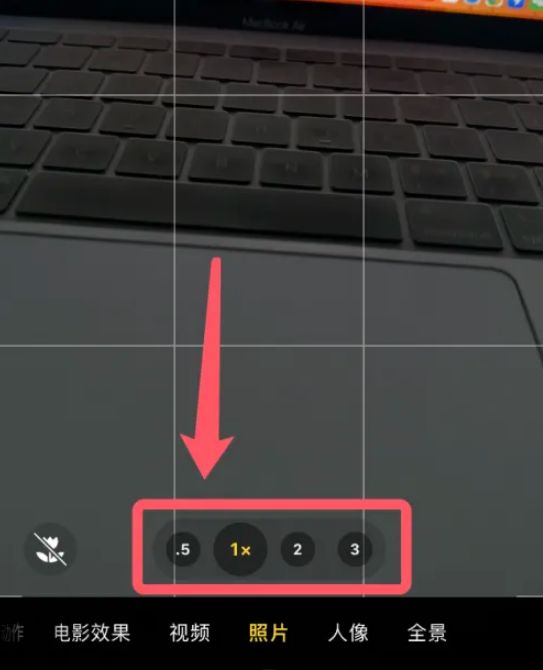
The third step, then we click [0.5x] to open the wide-angle lens, you can adjust the lens according to their needs.

These are the iphone 15 pro max camera for you today how to open wide Angle, iphone 15 pro max camera wide Angle switch setting method to share