









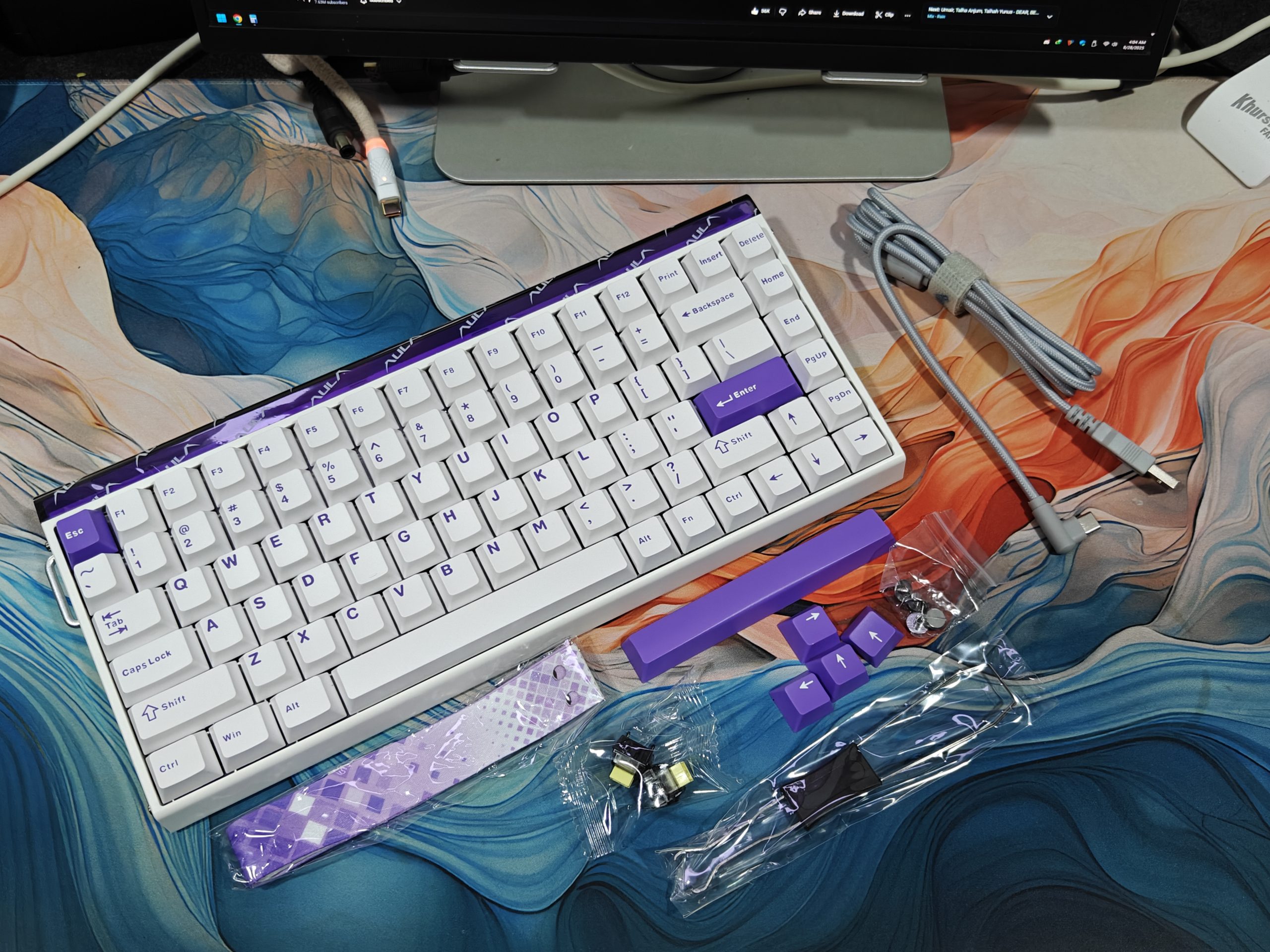
Hall-effect keyboards aren’t rare anymore. Companies like Wooting, Keychron, and Epomaker keep rolling out rapid-trigger models, and there’s actual competition now. The catch? Most of them cost a fortune. So what if you want the tech without emptying your wallet?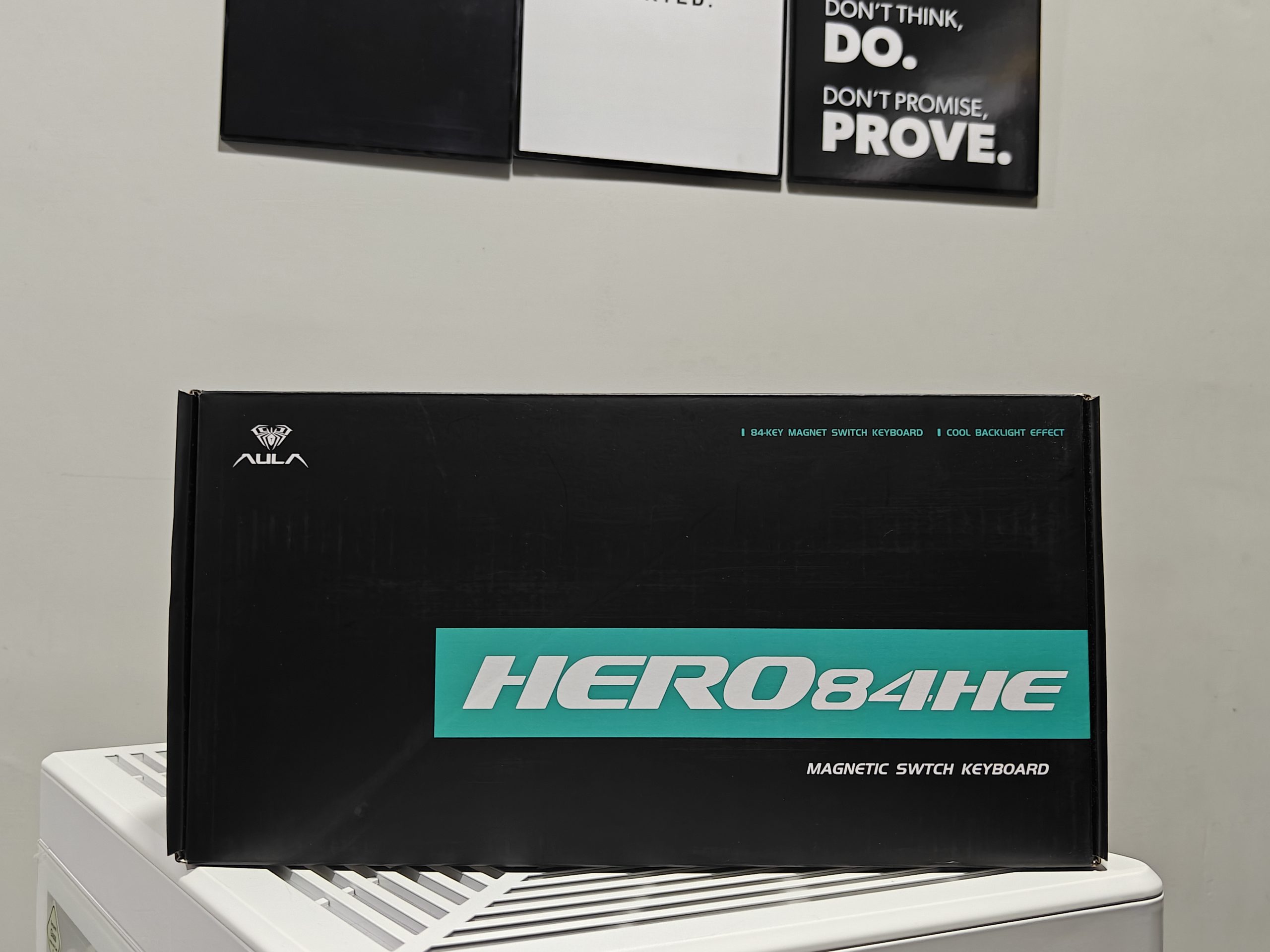
Enter the AULA Hero84 HE. This thing runs you about $70 to $80, which is honestly pretty reasonable. It’s an 84% layout, comes with full RGB lighting, and has some interesting design choices. The real question is whether it actually works well or if it’s just cheap for a reason.
Design and Build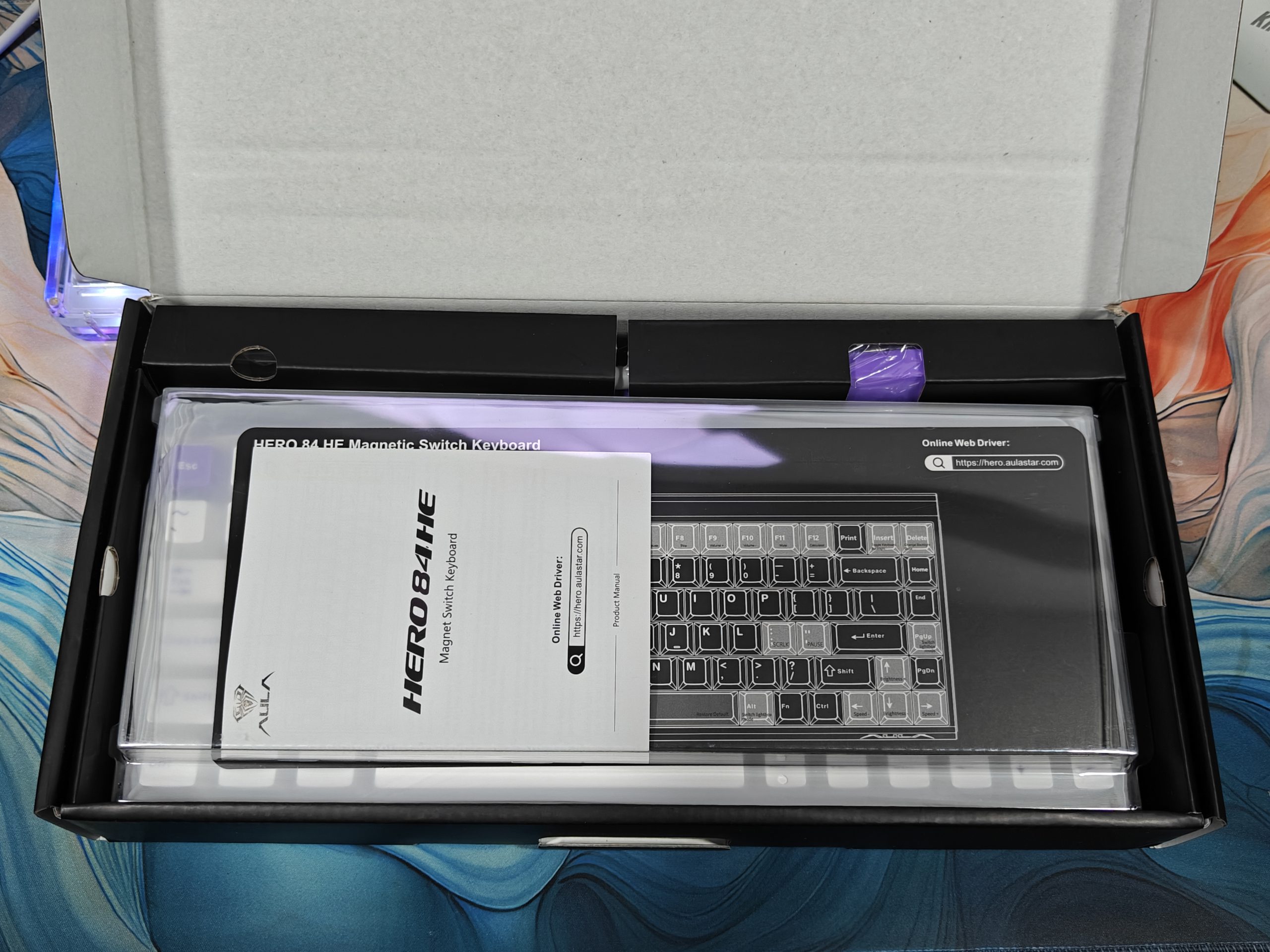
Looking at the AULA Hero84 HE, we got what seems like a pretty normal 84% keyboard, function keys up top, arrow keys down below, and everything packed into a nice portable size.
Well, not quite. There are a couple of things that stand out immediately: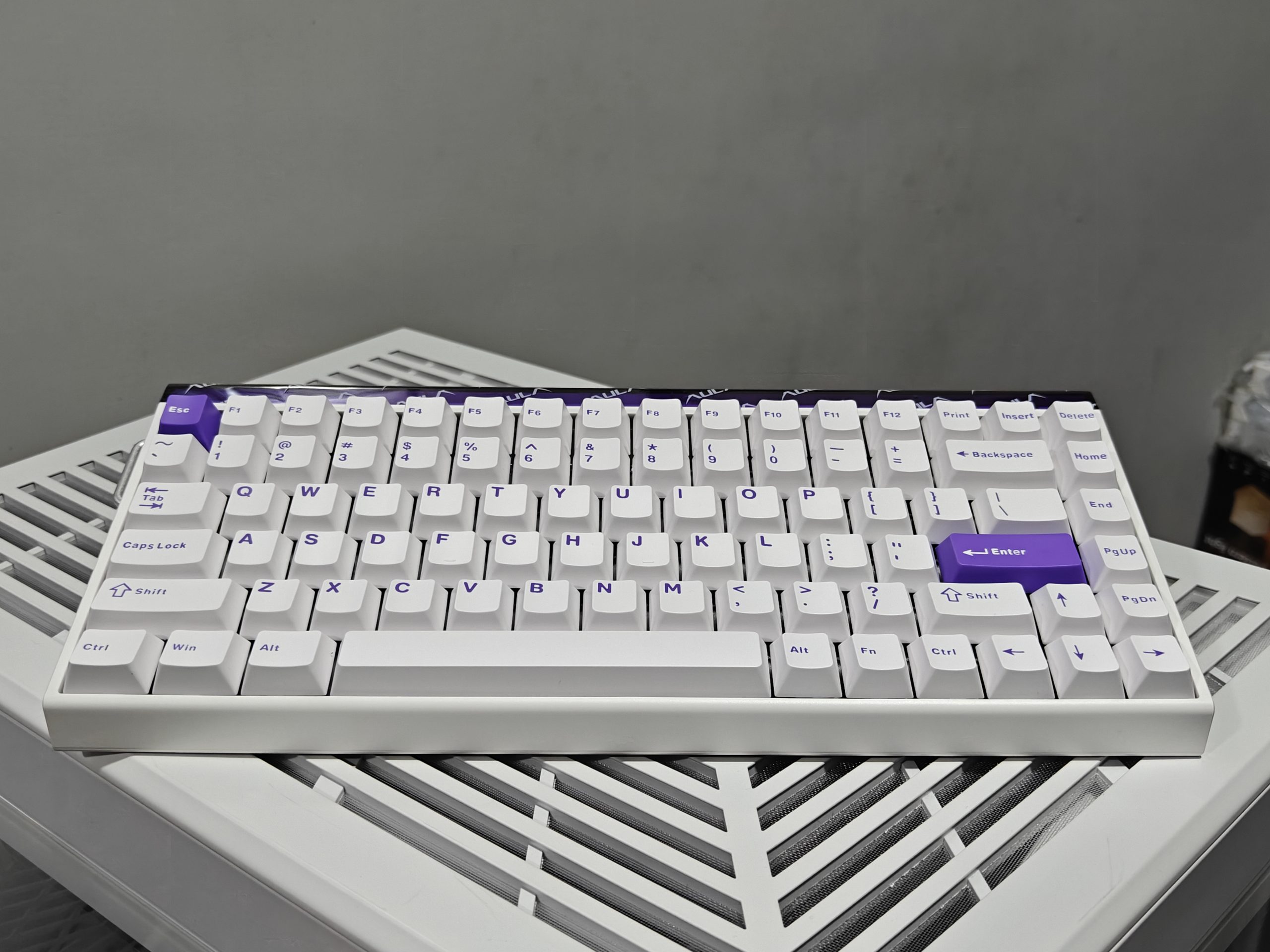
First off, the USB-C port sits on the side of the keyboard. Some people won’t care, but if you’re into custom cables, this placement is kind of annoying. Your cable ends up sticking out sideways instead of going straight back like most keyboards, which just looks weird on your desk.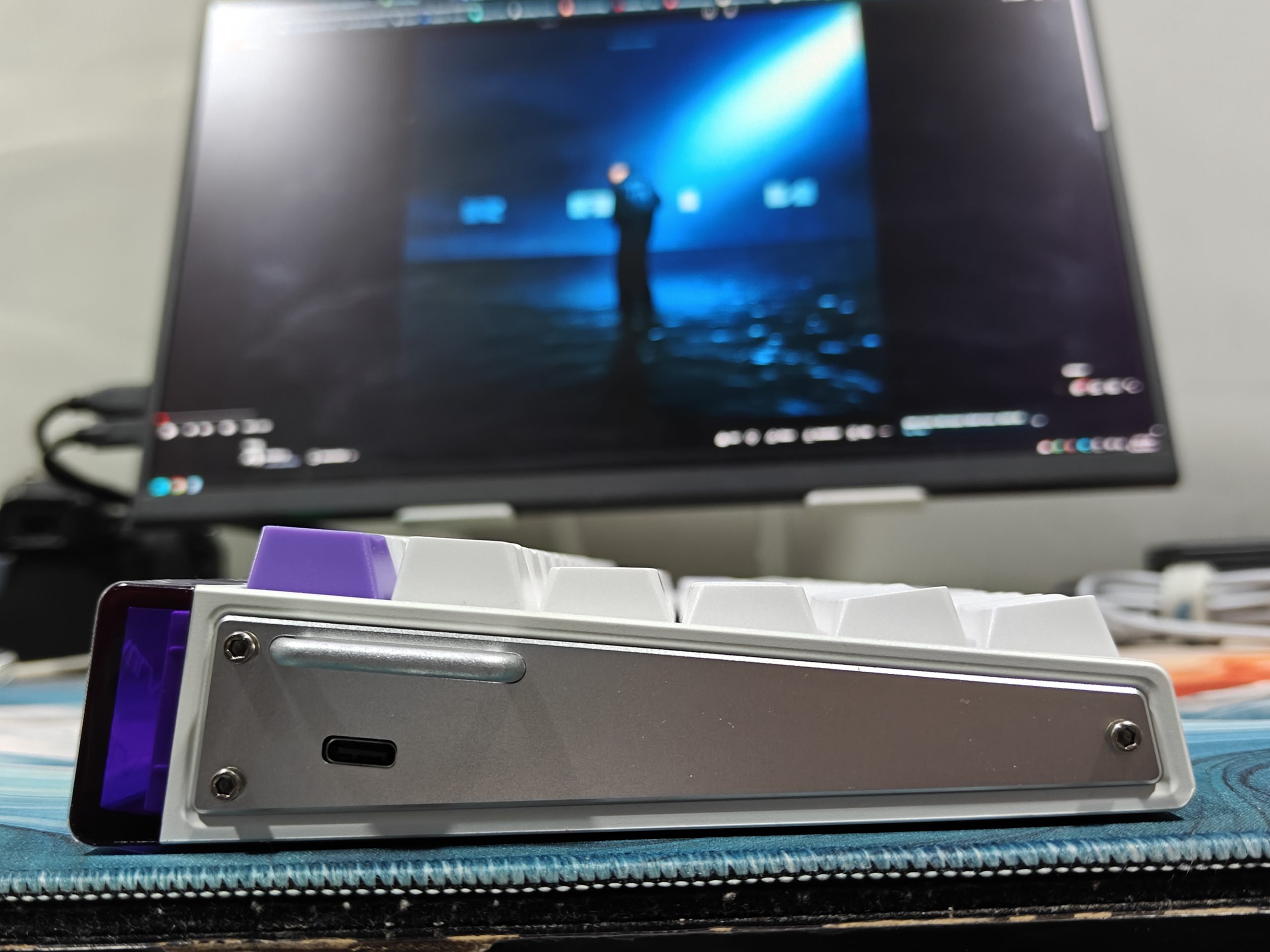
Then there’s this strap thing. AULA actually gives you a strap you can attach to the keyboard – kind of like what Wooting did back in the day. I’m not really sure who needs to carry their keyboard around like a purse, but I guess it’s there if you want it. Seems pretty pointless to me, but maybe some people dig it.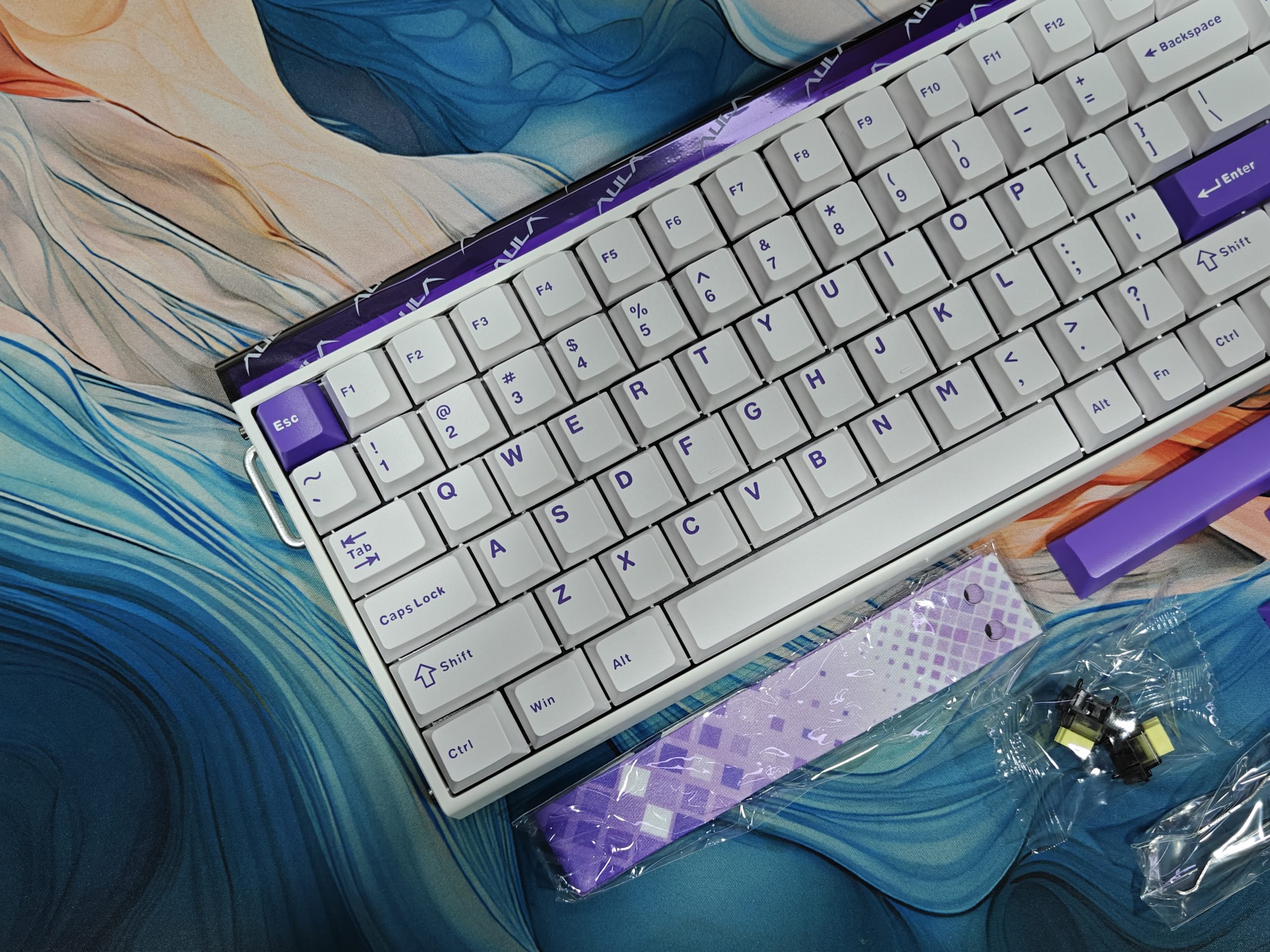
What actually matters is that the keyboard itself feels solid. The top part is made from aluminum or maybe carbon fiber; either way, it’s stiff and doesn’t flex when you type. It’s also pretty light, which makes sense if portability is what you’re after. This thing was clearly designed for gaming performance first, not for that soft, comfortable typing feel some people prefer.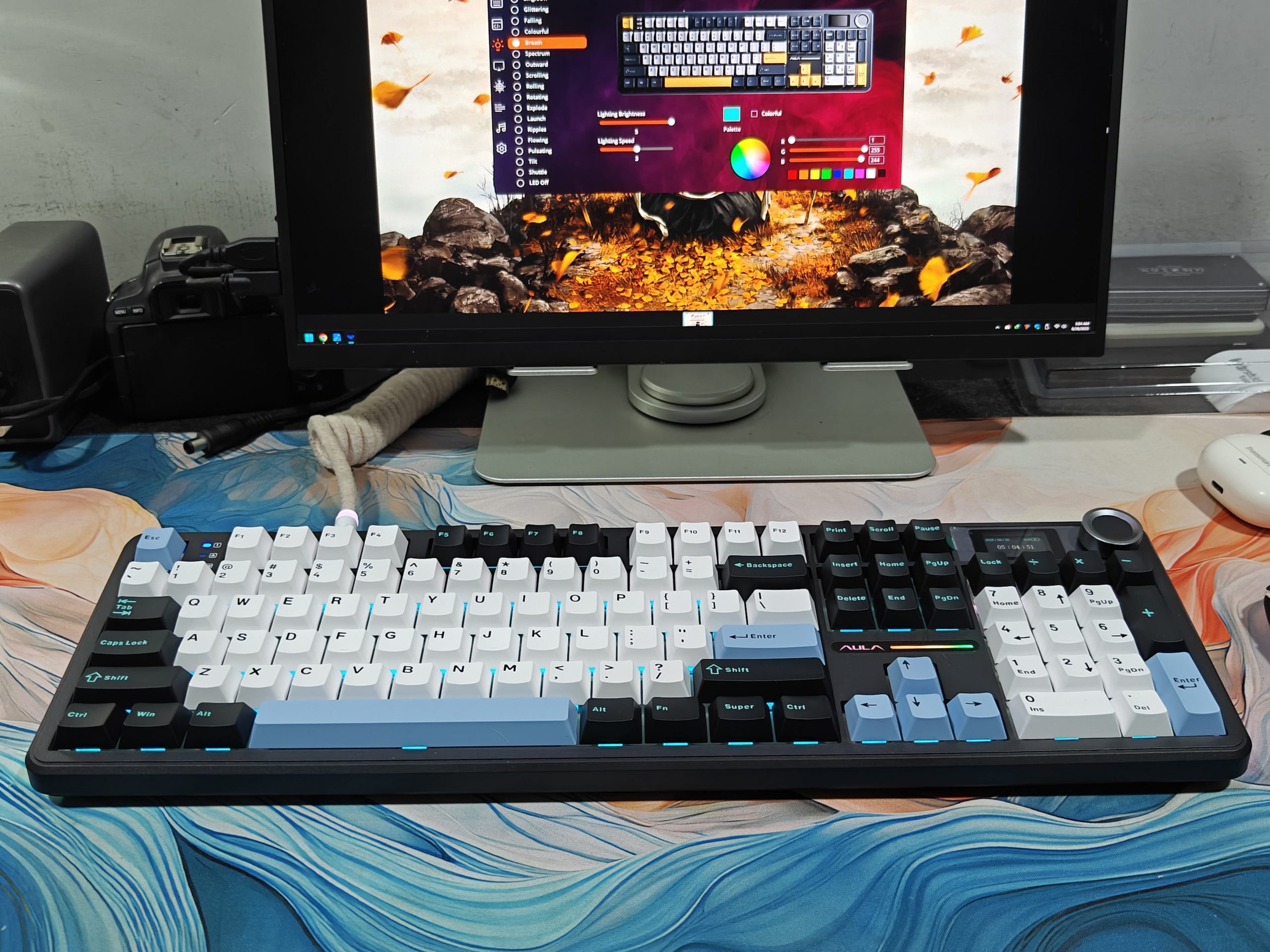
Honestly, I’ve always liked the 75% layout best. I used to have the Epomaker x Aula F108 Pro, which is the full-sized one that Aula made together with Epomaker. It worked really well for both work stuff and gaming, but when I got the new keyboard, switching over wasn’t hard at all. The way the keys are spaced out and where everything sits just makes sense, so I got used to it pretty much right away.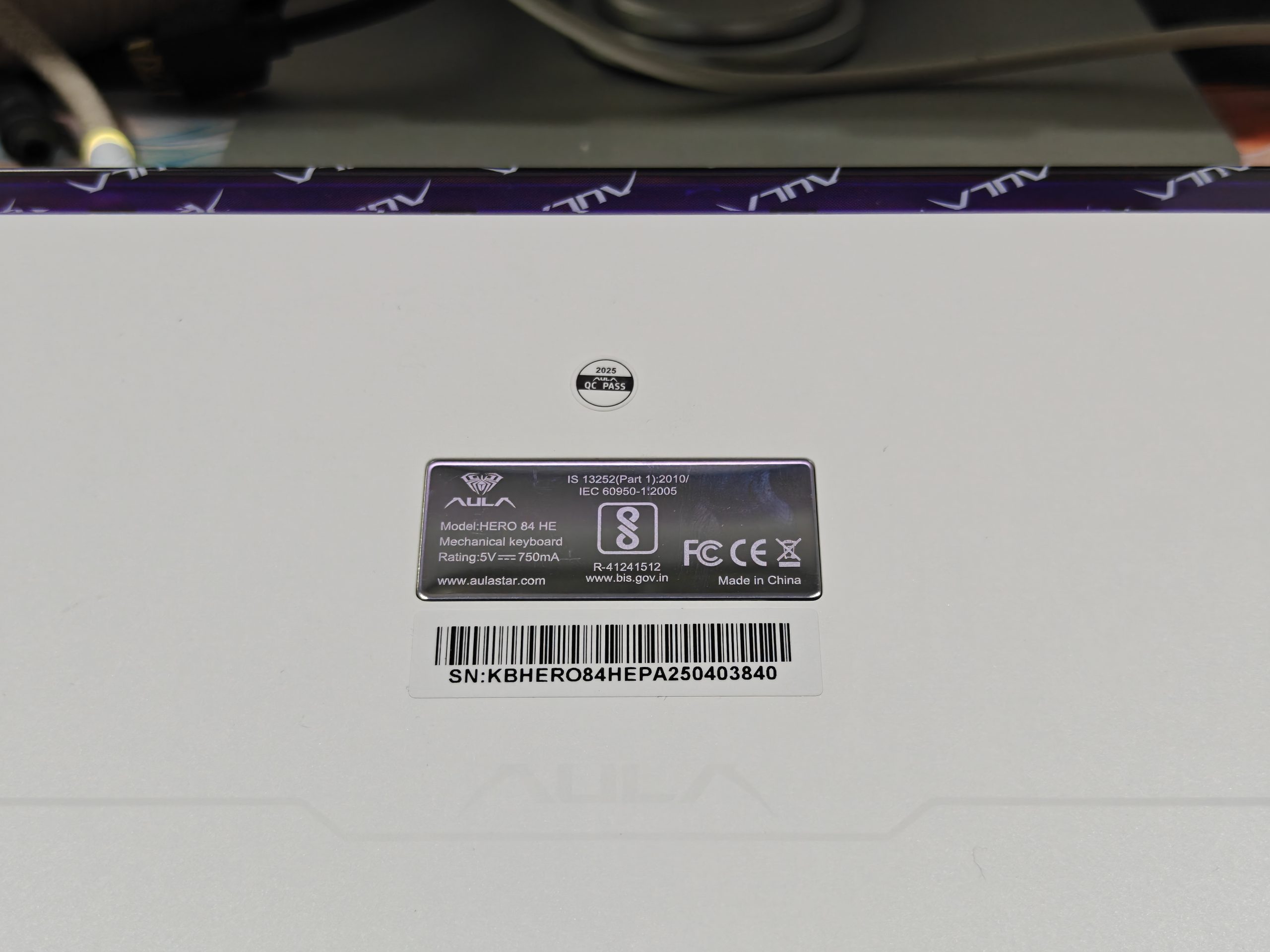
When you flip the AULA Hero84 HE, you’ll see a clean bottom with a nice, smooth feel to it. Each corner has these oval-shaped rubber pads that really grip your desk well. I tested it out during some intense typing sessions and gaming marathons, and this thing stays put without budging an inch.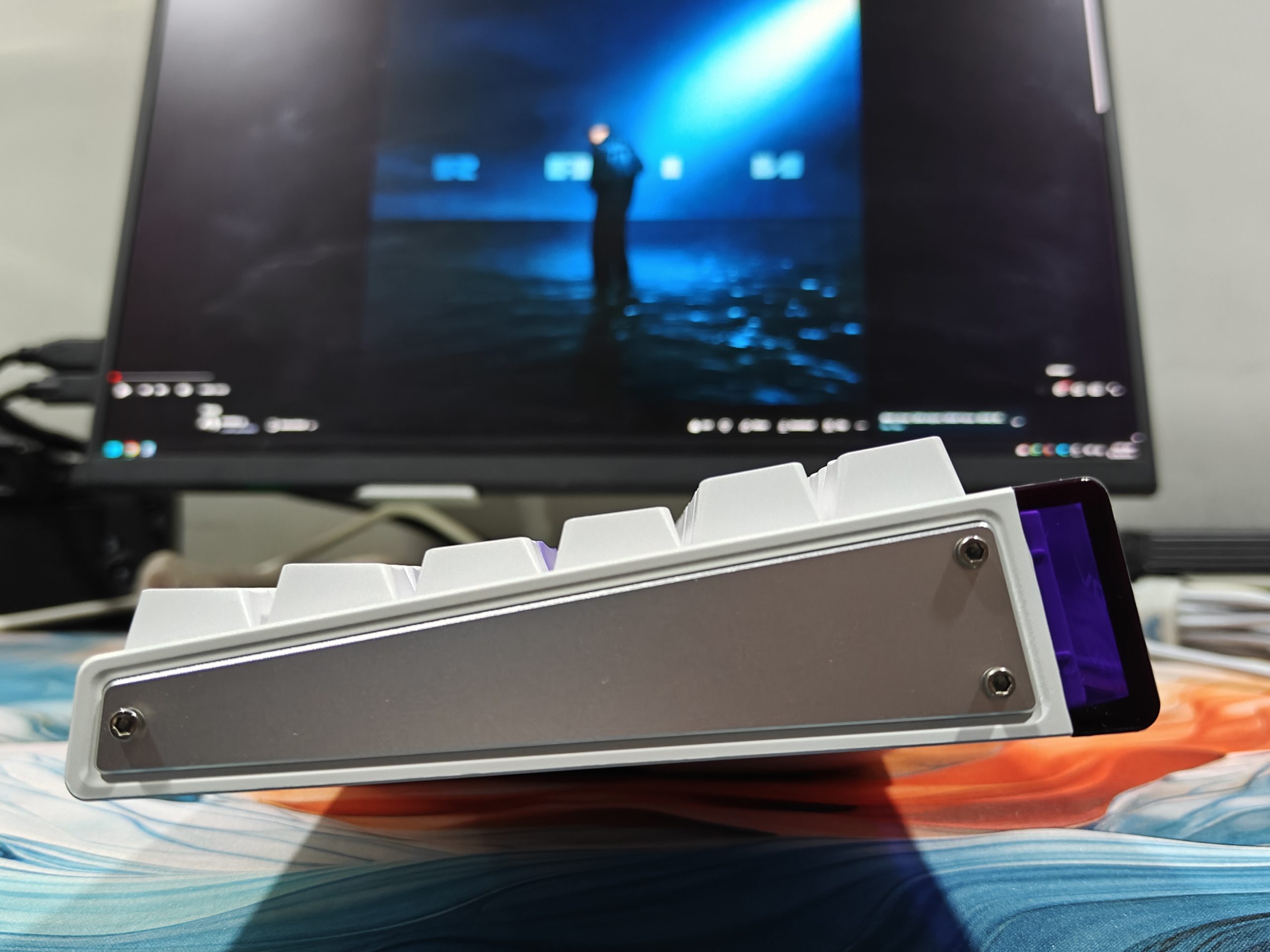
The AULA Hero84 HE also comes with adjustable feet that pop out to give you different height options. What’s pretty neat is that there are two main stands, and each one has another smaller stand tucked inside that you can unfold. This setup lets you play around with a few different angles until you find what feels right for you. In the middle of the bottom, there’s a metal badge with some basic product details stamped on it, along with a bit of the Aula logo design around it.
RGB
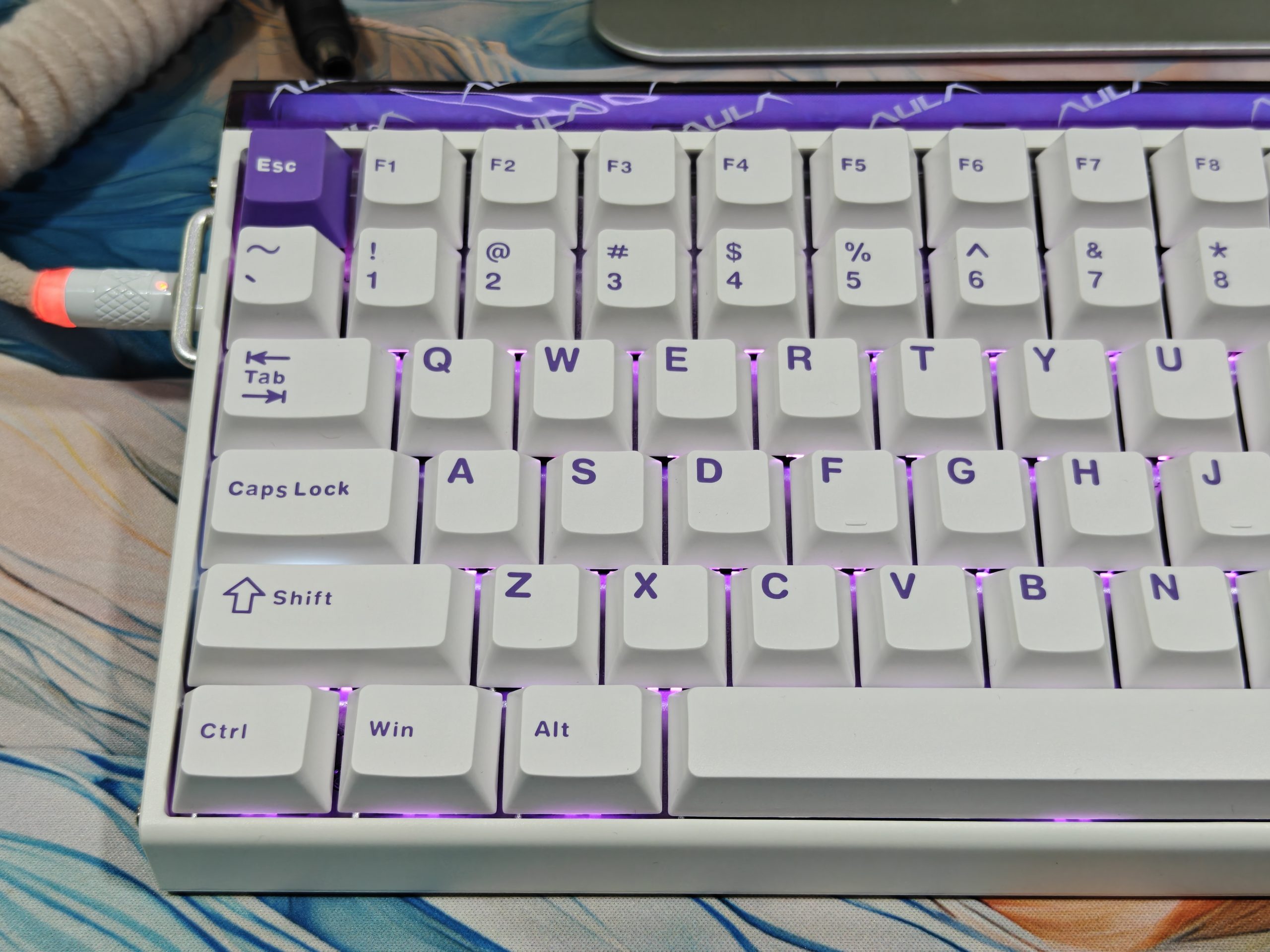
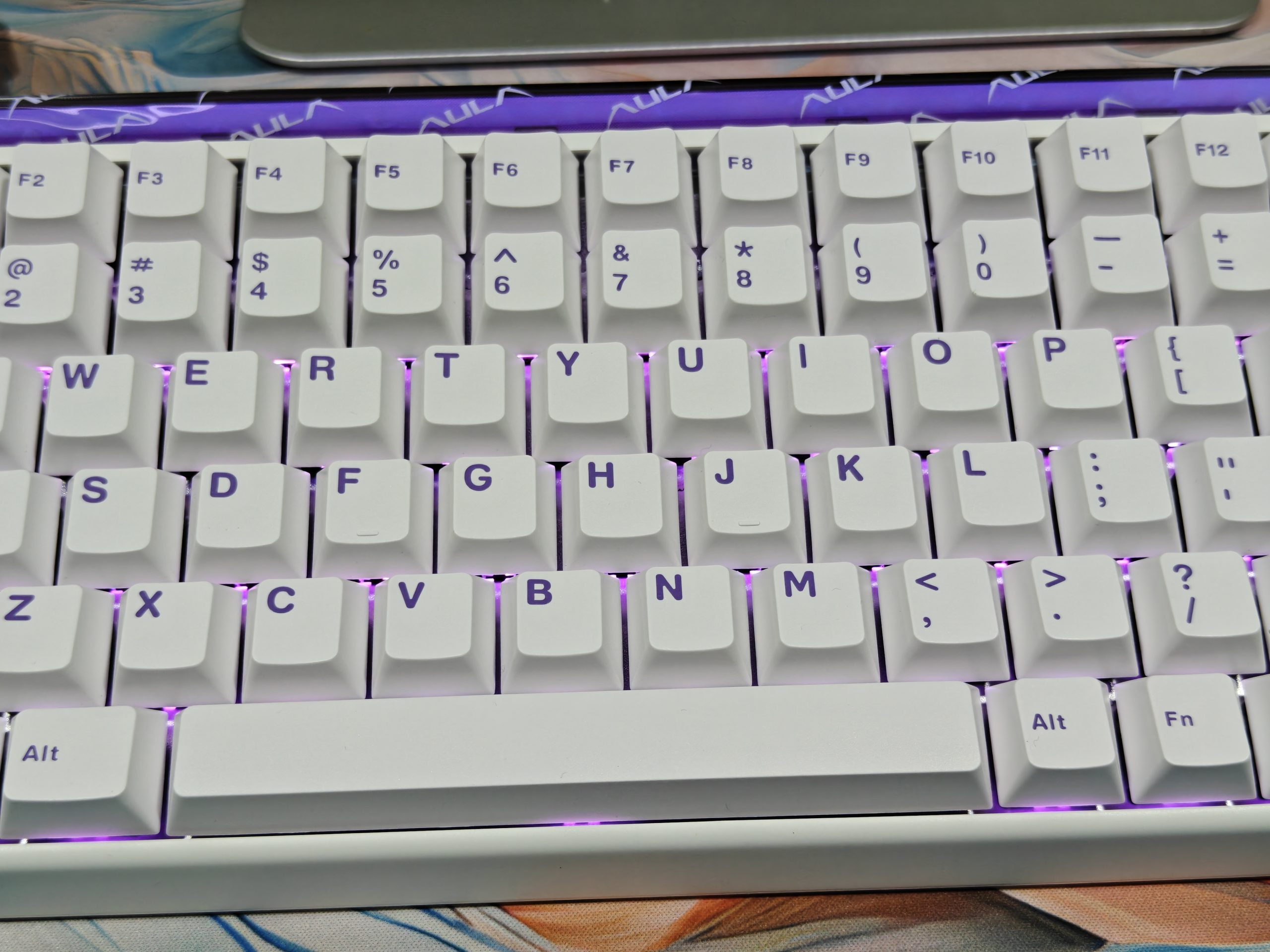
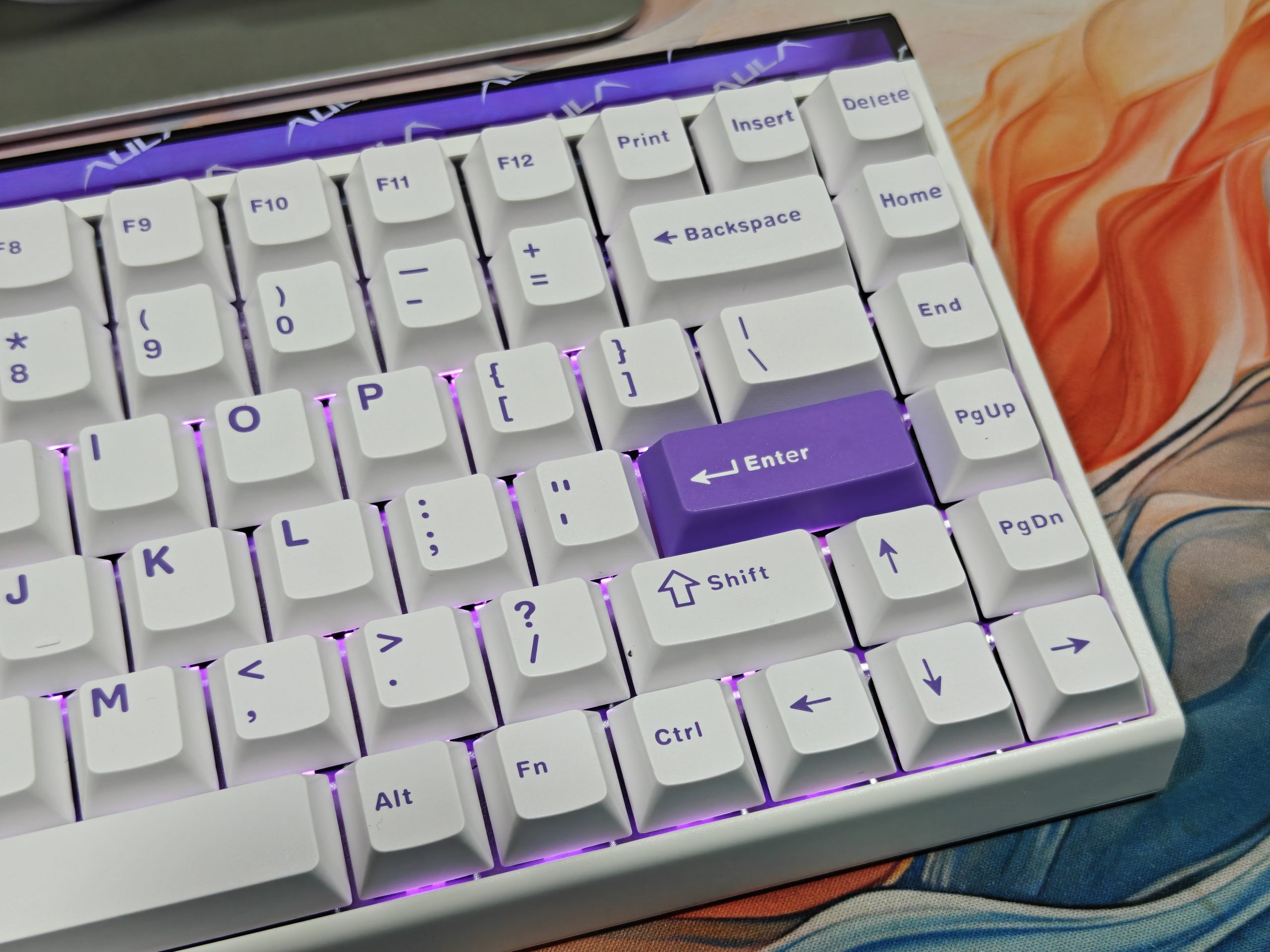
Each key on the AULA Hero84 HE lights up individually thanks to RGB LEDs positioned underneath, facing south. This setup creates a nice, accurate brightness across every key. When paired with white keycaps, the effect is pretty impressive, the colors reflect off the surface in a way that feels tasteful instead of over-the-top.
There’s also this purple translucent strip running along the top edge that acts as a light diffuser. It’s got 36 tiny LED lights built into it, which gives off a gentle background glow that works well with the main keyboard lighting without competing for attention.
Hardware
The AULA Hero84 HE runs at 8,000Hz polling and scans at 128KHz. What that means is you’re getting basically instant response with no noticeable delay, which matters a lot if you’re playing competitively. The switches use magnets instead of the usual metal contacts, and you can adjust when they activate anywhere between 0.01mm and 3.4mm. So you get to decide how far down you want to press before it counts as a keypress. Aula says it has 0.01mm RT precision, which sounds really precise on paper, but you can actually feel the difference when you’re using it.
Gaming Performance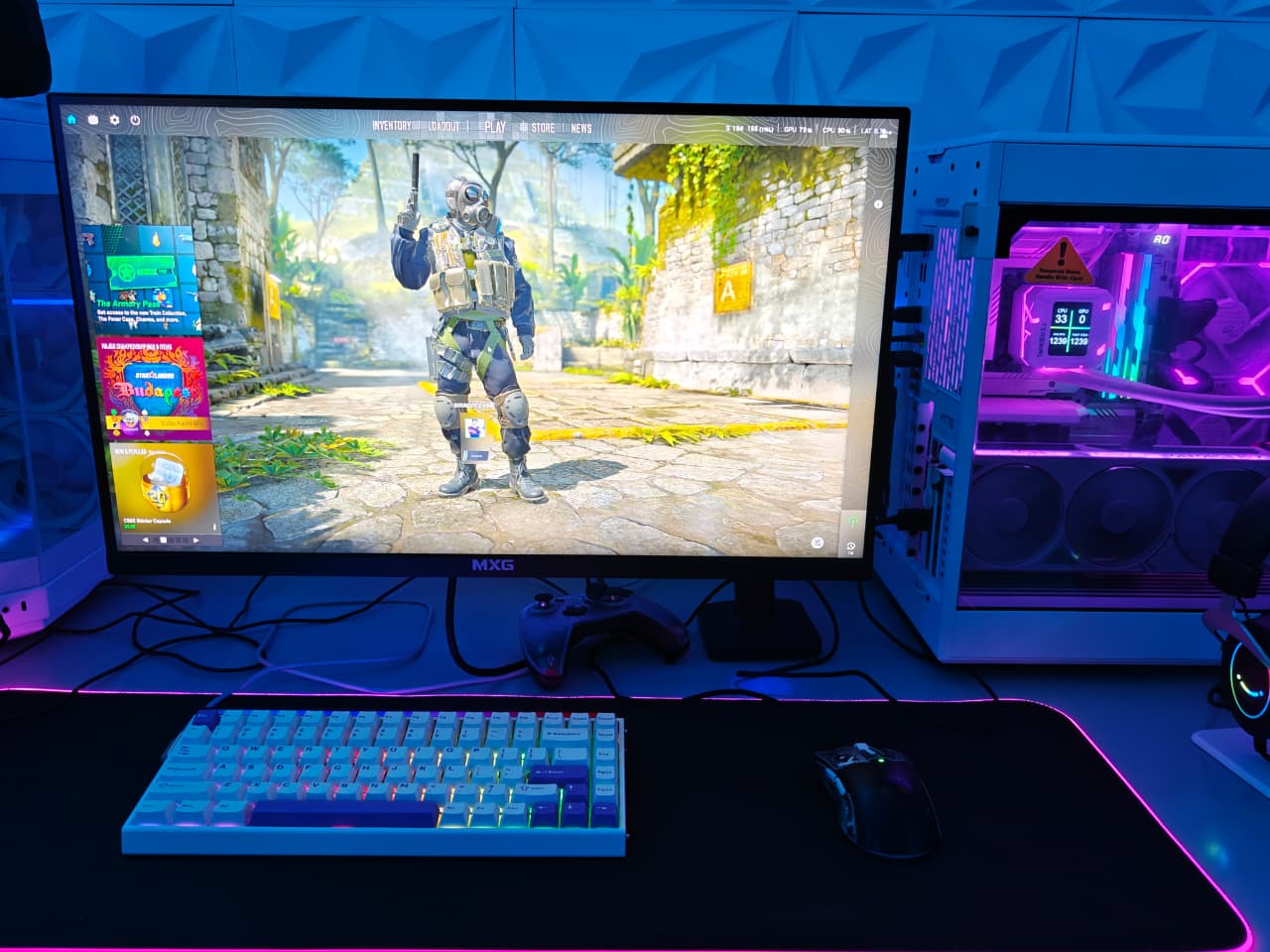
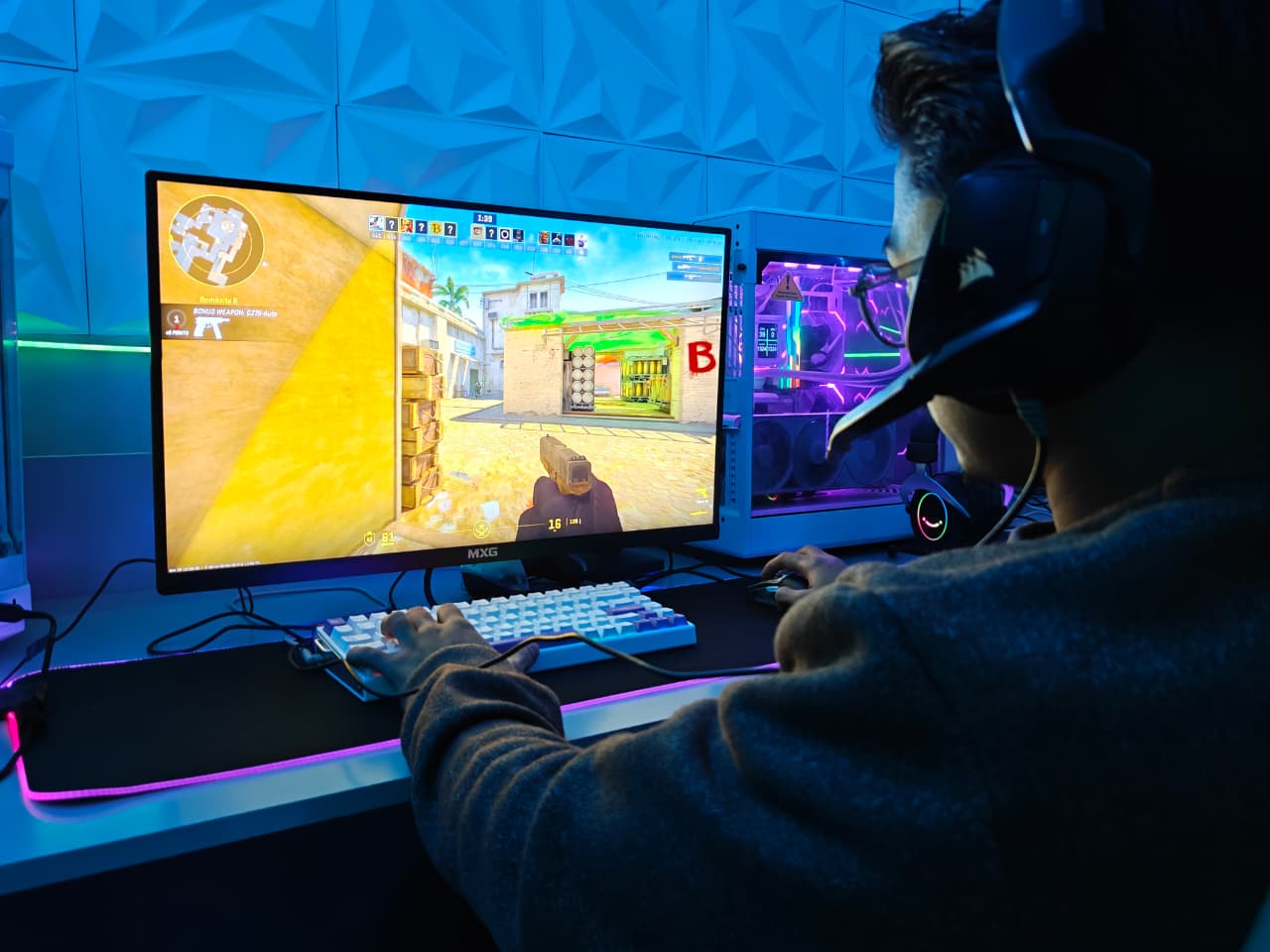
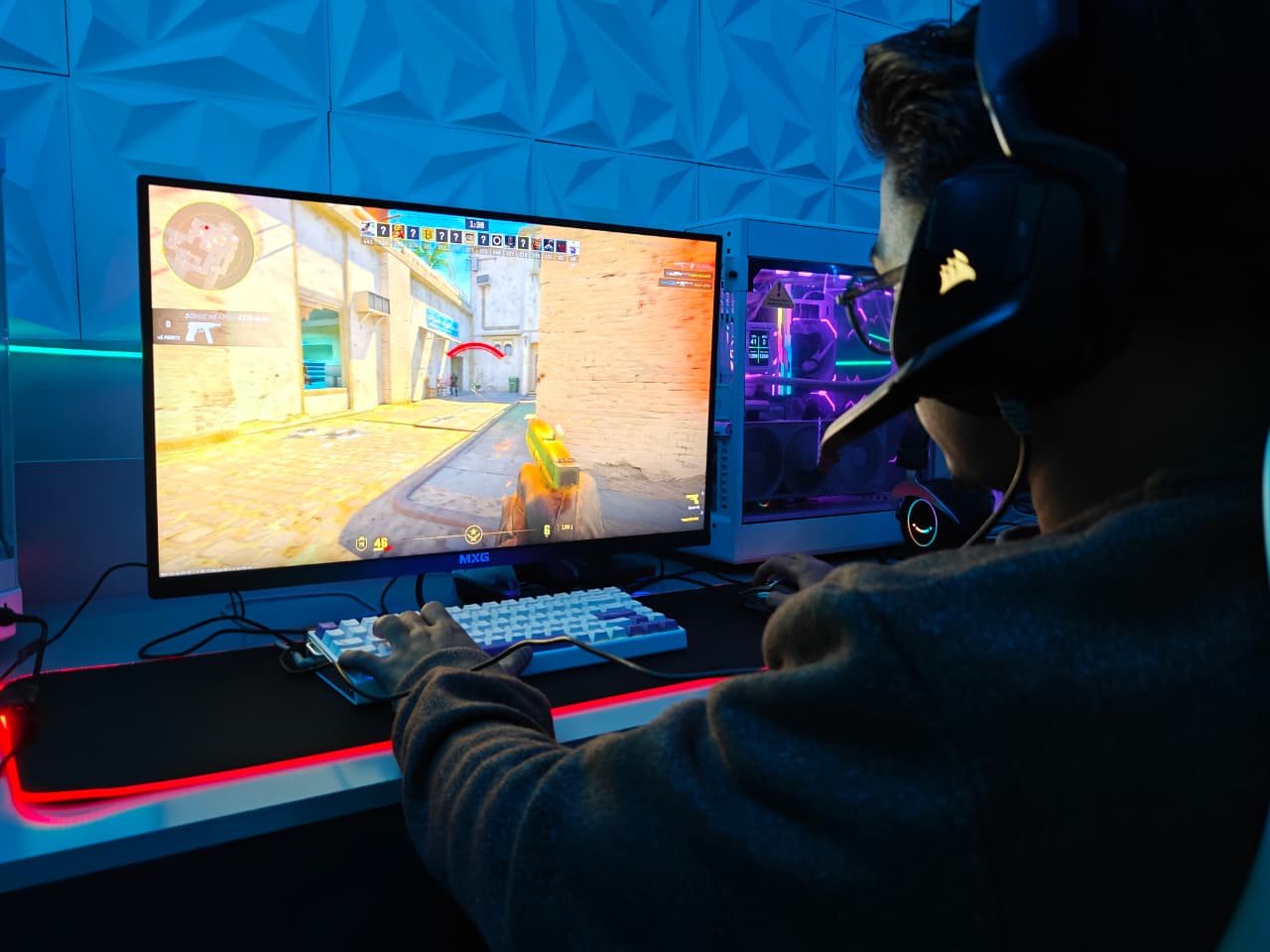
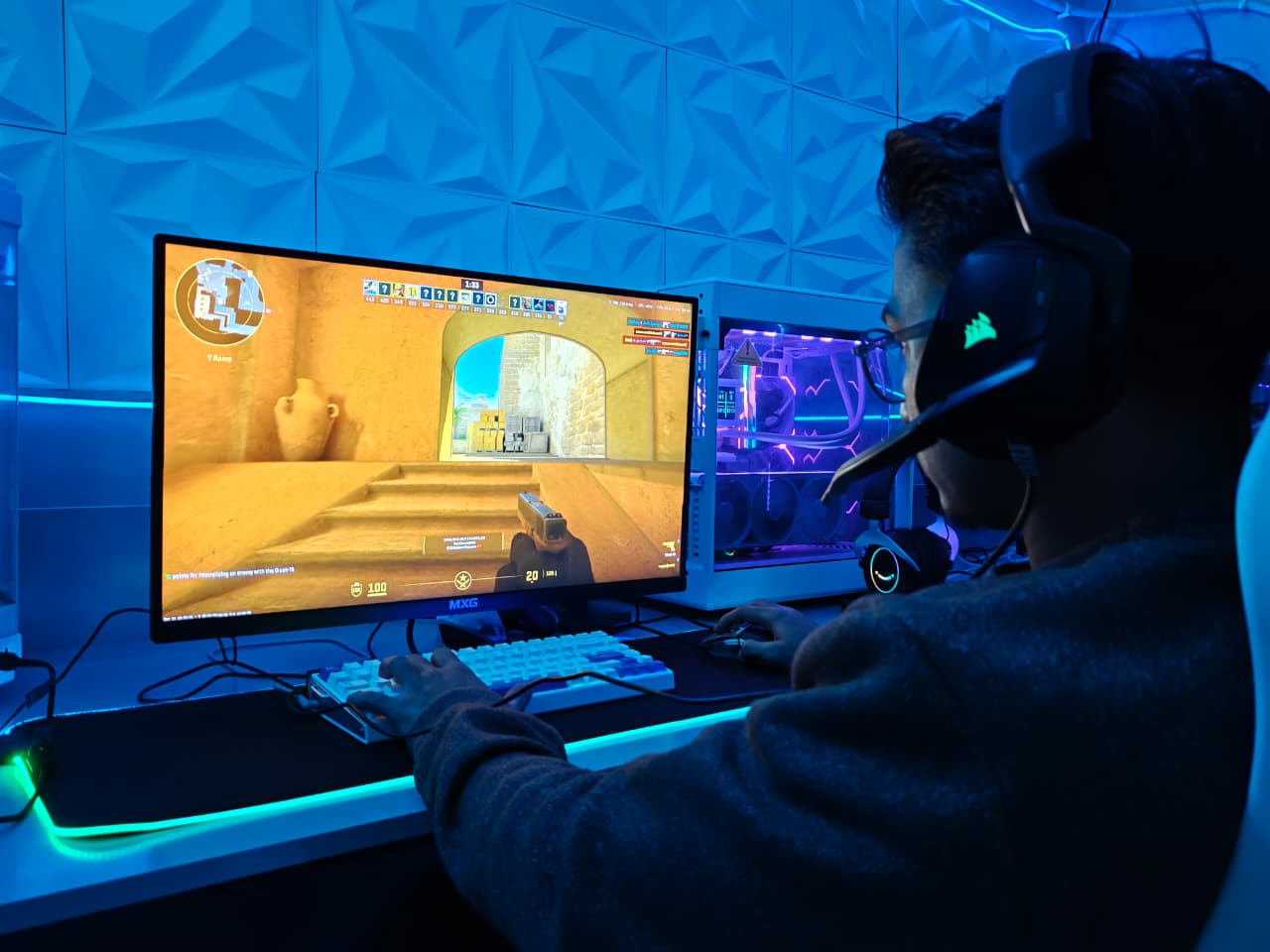
I’ve had this AULA Hero84 HE for about a month now, and it’s been great for gaming. Been playing stuff like Tekken, Valorant, and CS2 with it. The keys respond really quickly – no lag or anything when I’m playing. If you’re looking for something that won’t break the bank but still works well for competitive games, this is a solid choice.
Typing Experience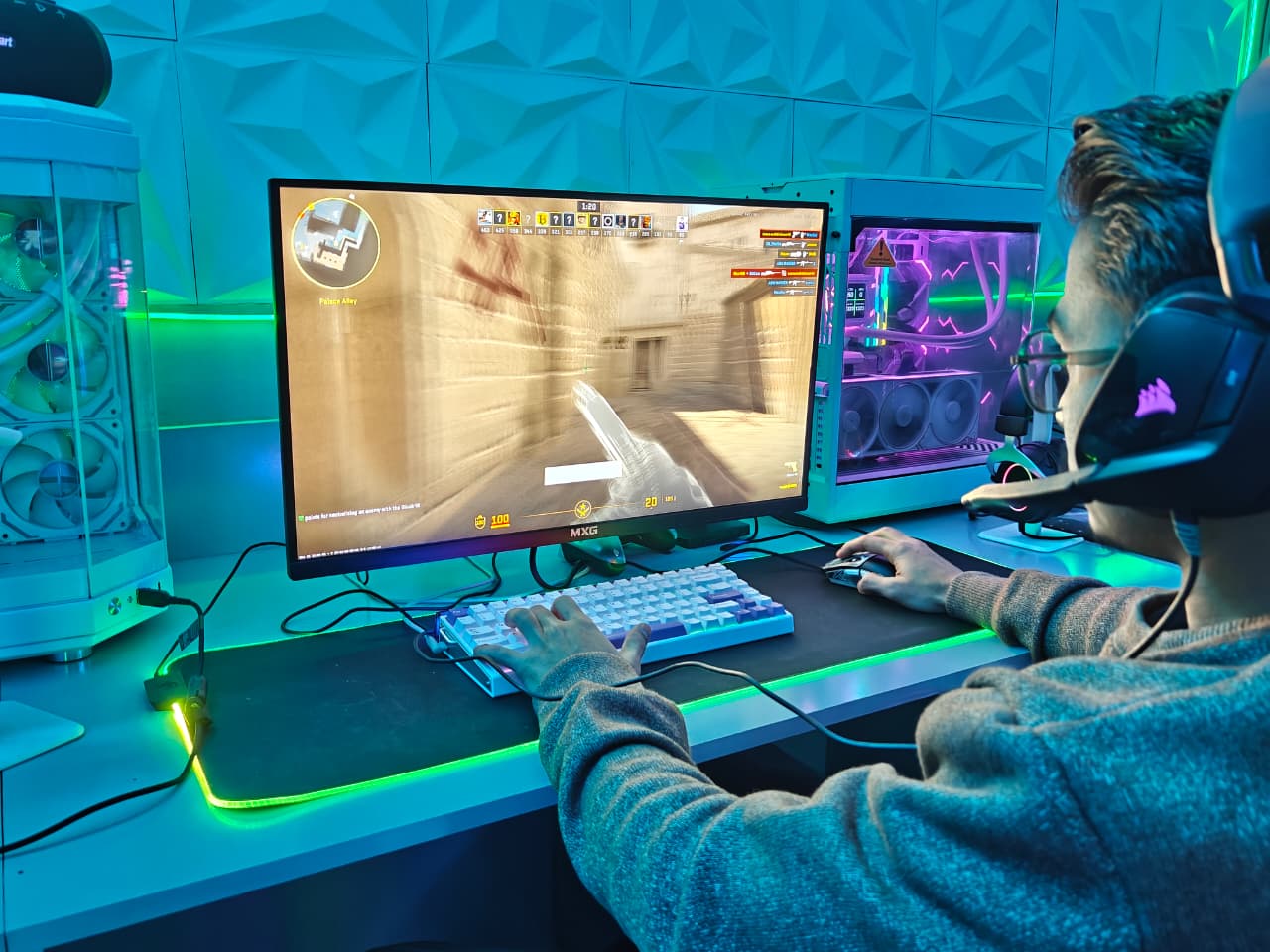
The keys react smoothly when you tap them, and everything feels really responsive. After getting comfortable with how touchy they are, I found myself typing faster without even trying. Aula put in five different dampening layers, and you can totally tell. When you hit a key, there’s none of that cheap, empty sound some keyboards have. It just sounds quiet and nice, with a really pleasant feel to it.
Sometimes keys go off when I’m not even trying to press them, or just from barely touching them. I’m guessing they went overboard with the lubing on the switches, though it could be on me. Either way, I noticed this problem once I started using it regularly.
Software
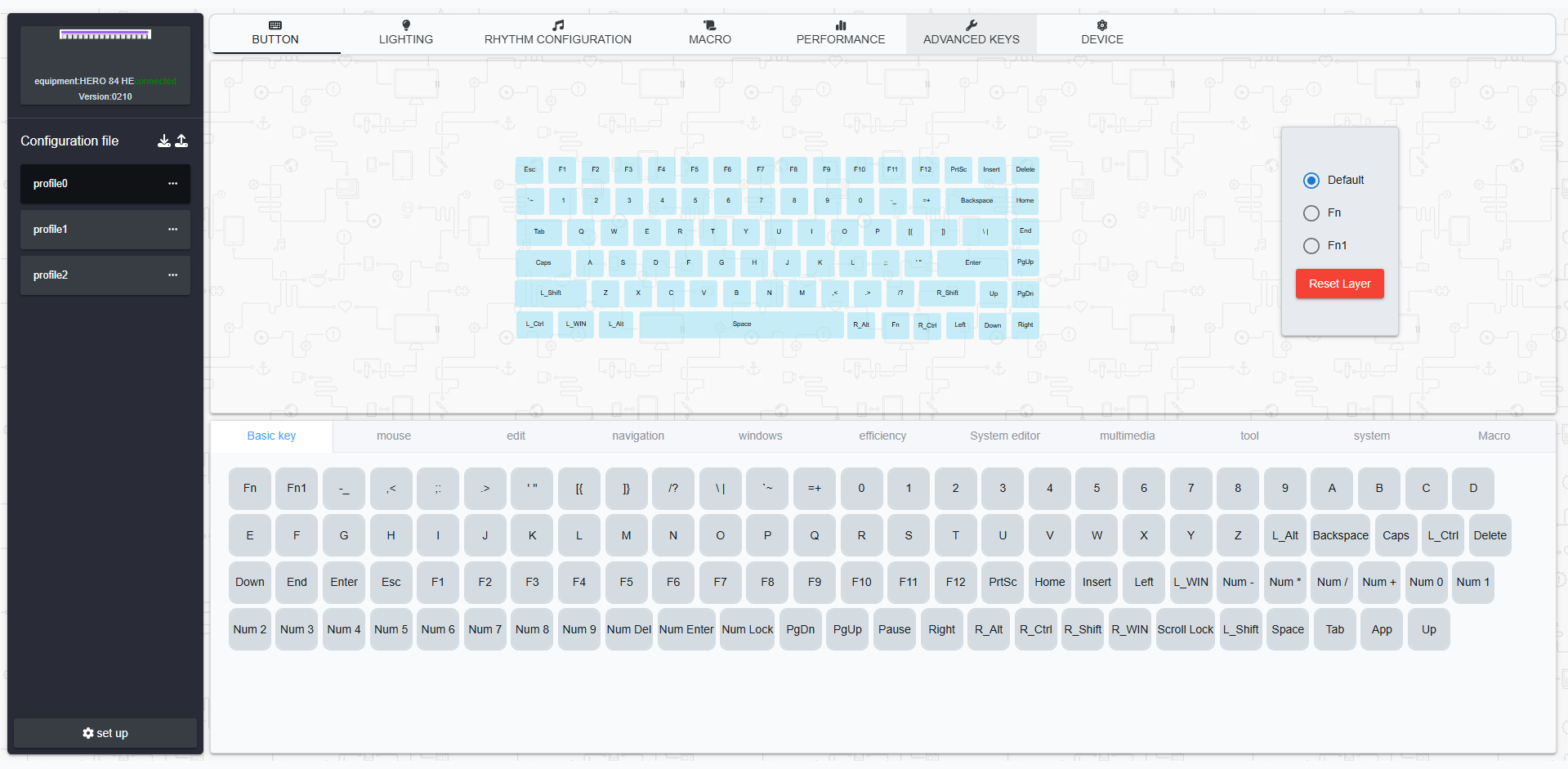
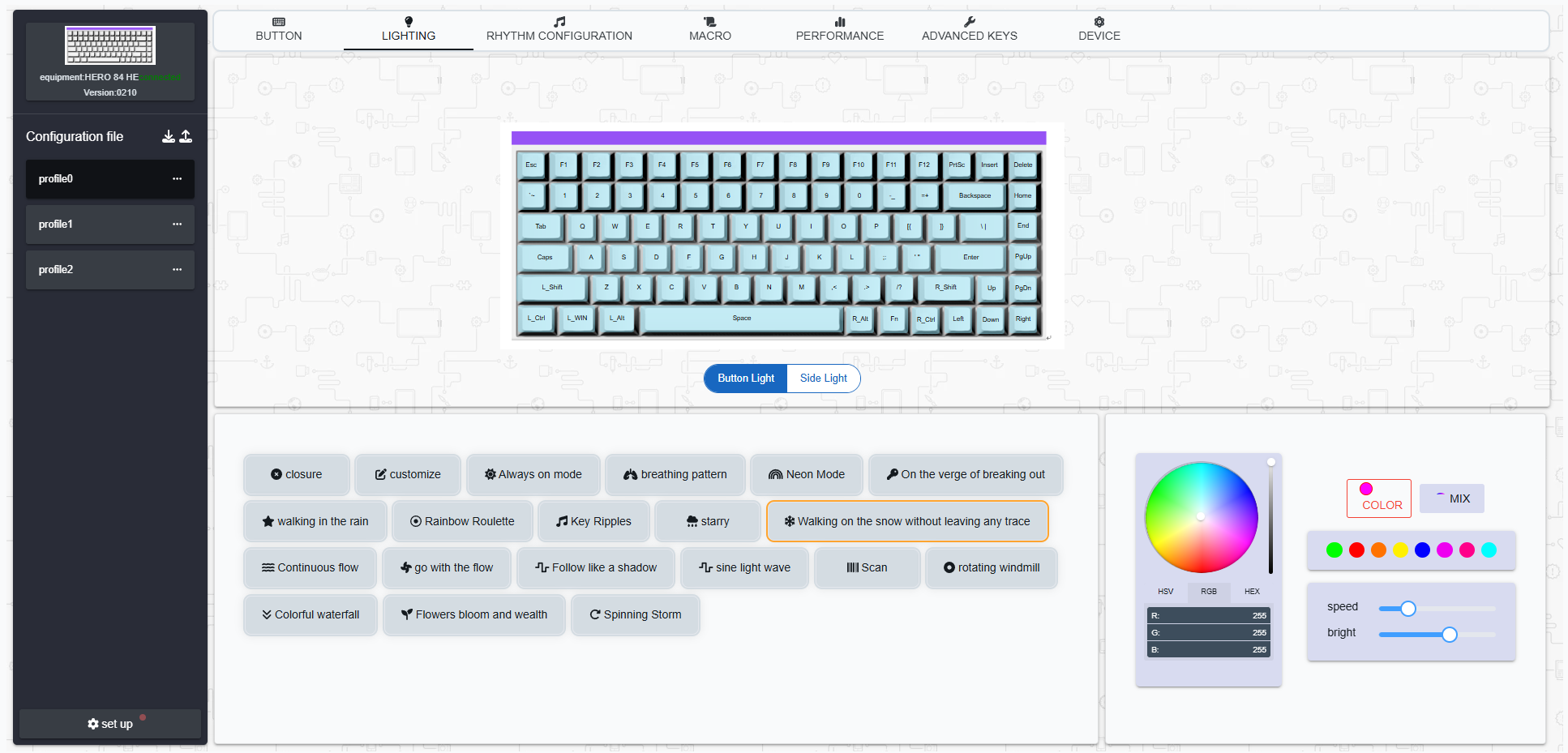
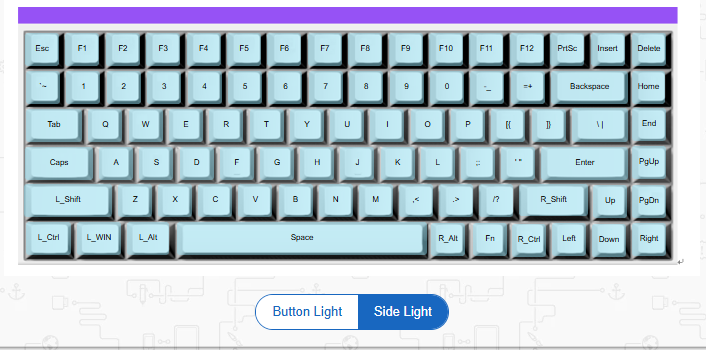
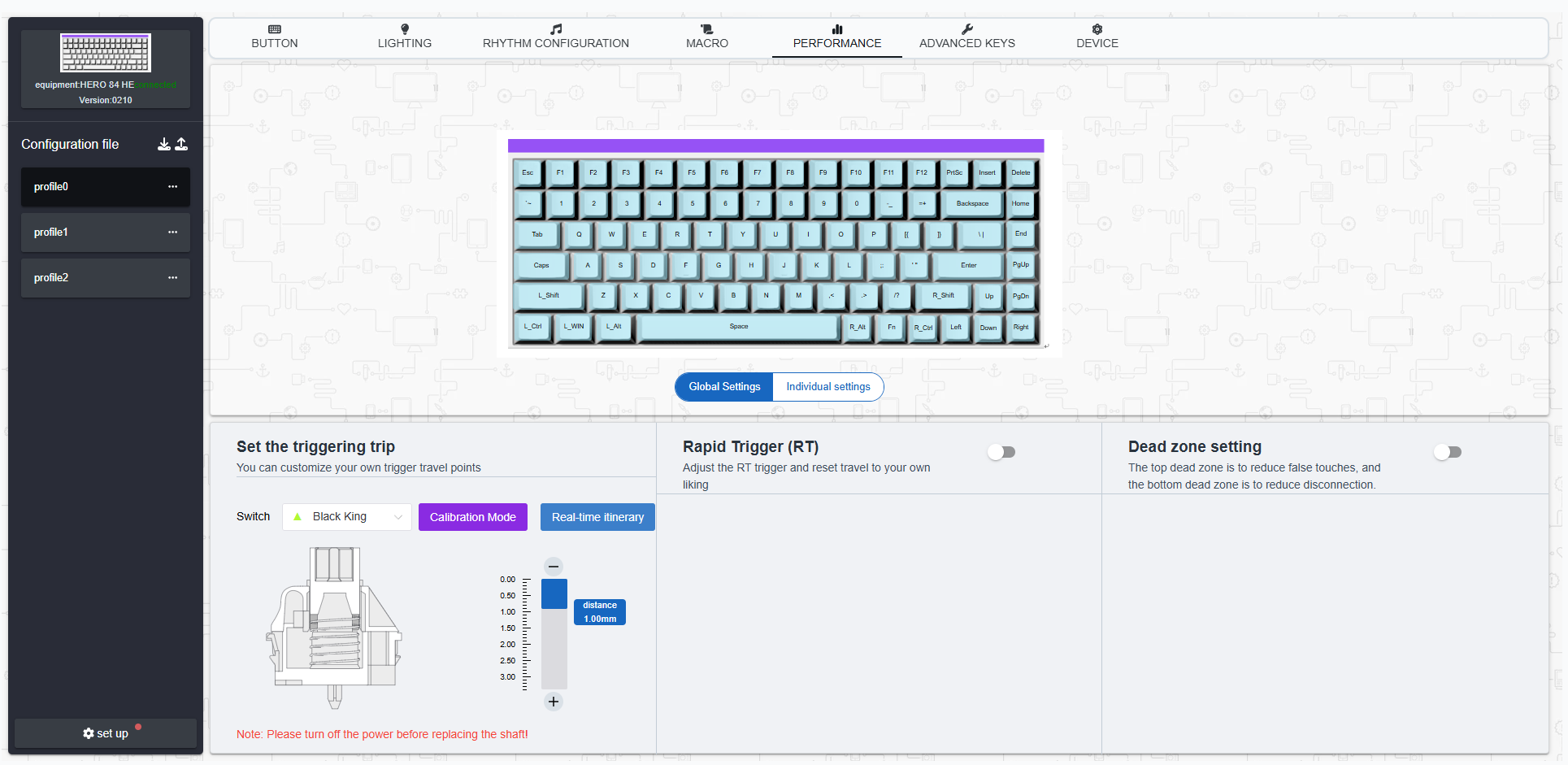
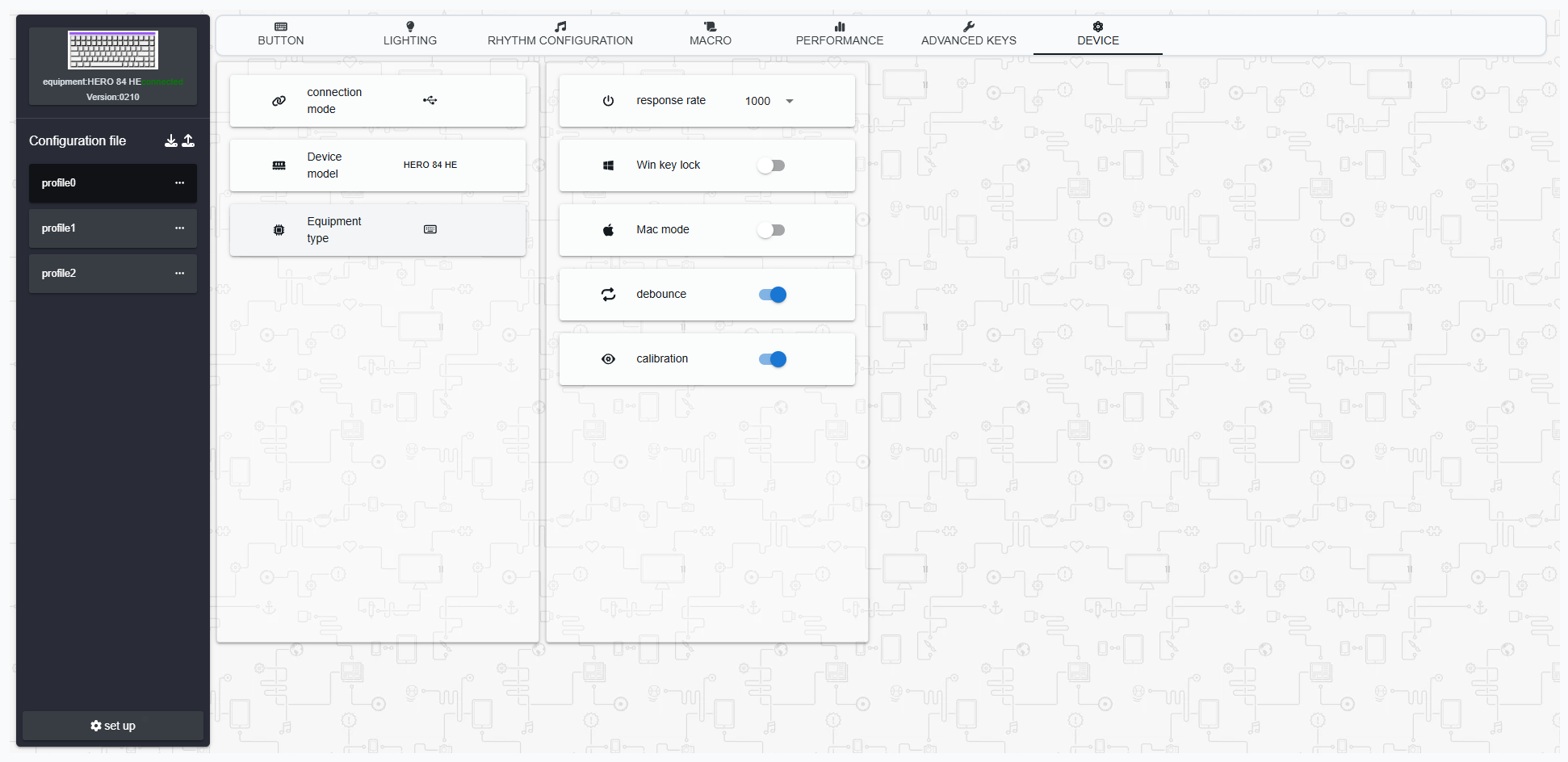
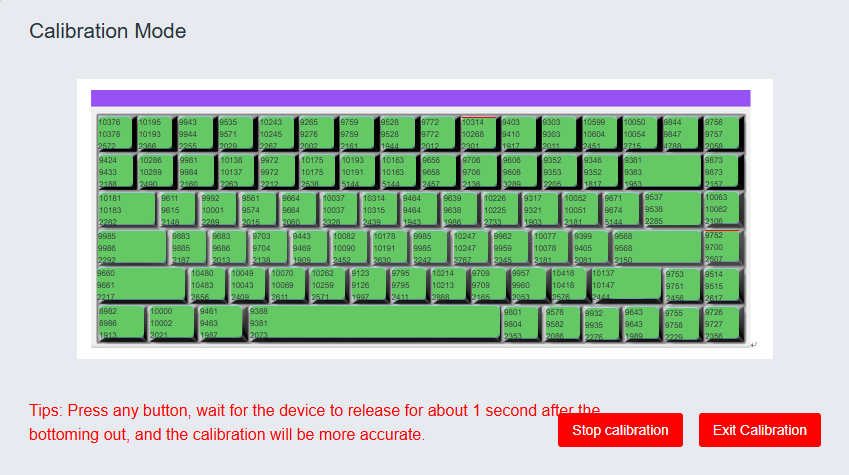
I actually really like that the AULA Hero84 HE runs everything through your web browser instead of making you download some program. Aula’s older software had a bit of a rough reputation; it was buggy, and some people weren’t too comfortable with the security side of things. So being able to skip the whole installation process is honestly pretty nice. Just fire up Chrome or any browser that runs on Chromium, and you’re all set. The interface works well. It’s straightforward, responds quickly, and doesn’t take much figuring out.
Verdict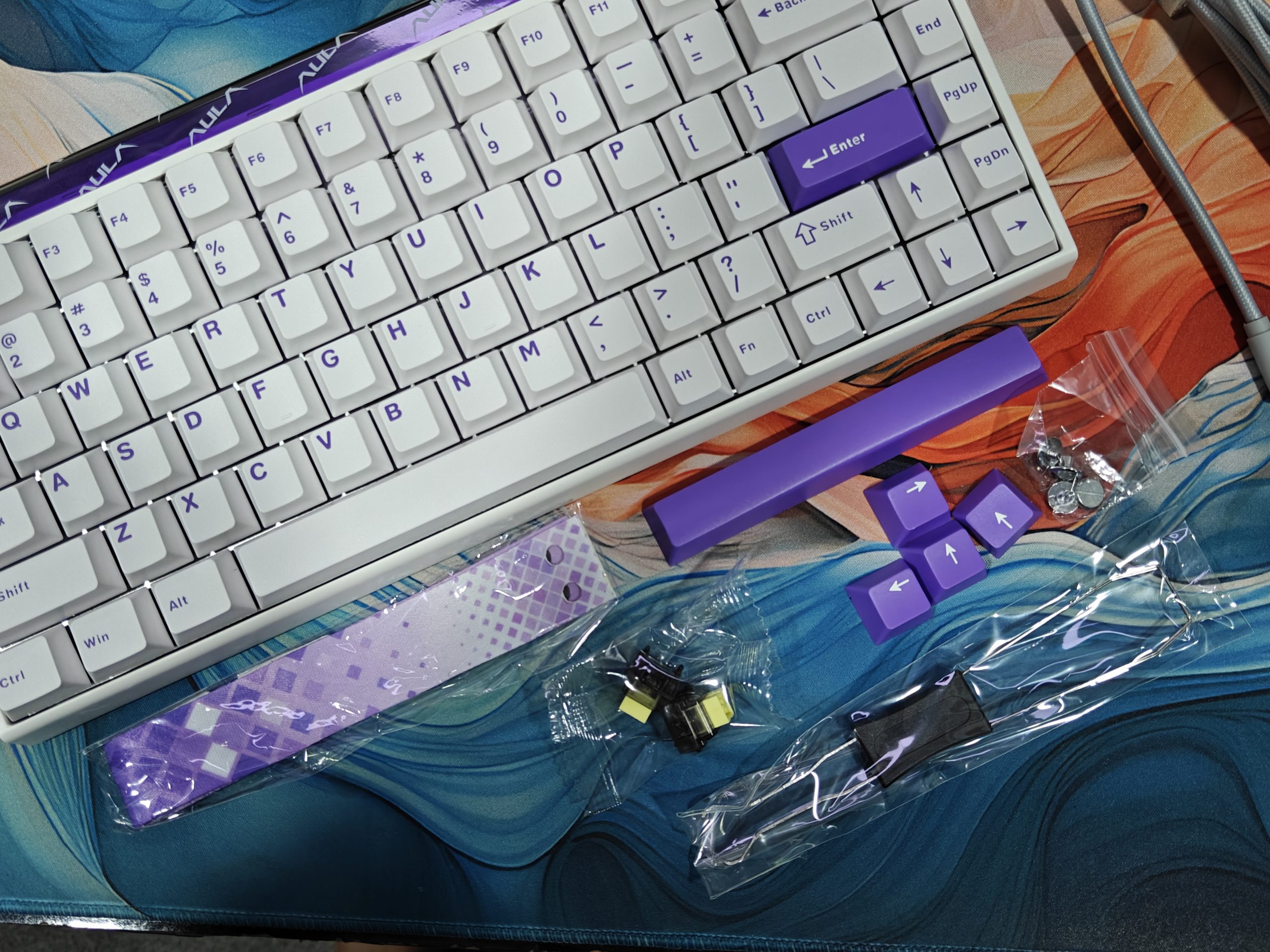
The AULA Hero84 HE isn’t here to do everything for everyone. It won’t take the place of that keyboard you built yourself, and it doesn’t pack all the bells and whistles you’d find on pricier Hall Effect models. What it does do is zero in on one goal: delivering gaming performance without emptying your wallet.
At $70 on the official website, you’re getting decent switches, surprisingly tight stabilizers, bright RGB lighting, and software that actually responds when you need it. Sure, that USB port on the side is a strange choice. And yeah, the strap feels like a tacked-on extra. But these odd touches don’t take away from what this keyboard really is: a legitimately capable Hall Effect option that costs way less than it probably should.
If you’re into gaming and want that rapid trigger response without spending over $200, the Hero84 HE deserves your attention.
Read Also: AULA F108 Pro Hands-On Review: The Best Full-Size in 2025?