










To make background transparent for an image can be a great way to make your photos and graphics look more professional. It can also be a helpful way to make your website or presentation stand out from the competition.
In this article, we will discuss the top 10 best tools that you can use to make transparent background for your images. We will also provide tips on how to use each tool successfully.
So, let’s get started!
Part 1. Comparing The Best 10 Transparent Background Maker
Here we have compiled important data about the 10 best transparent background maker to make things easier for you.
| Tool Name | Tool is best for | Compatibility | Price | Rating |
| HitPaw Online Background Remover | Easily remove the background of your photos | Online | Free | 5/5 |
| LunaPic | Easy sign up and 200 plus special effects | Online | Free | 5/5 |
| Online PNG Tools | Free online image transparent maker | Online | Free | 4/5 |
| Imageonline.co | 25 plus image editing tools | Online | Free | 4/5 |
| Peko Step | Sleek user interface | Online | Free | 3/5 |
| Microsoft PowerPoint | Reliable software program | Desktop | Free | 4/5 |
| PhotoWorks | Easy to use interface | Desktop | Free | 4/5 |
| remove.bg | 100 % automatic background remover | Desktop | Free | 3/5 |
| softorbits | Fast and efficient image background remover | Desktop | Free | 3/5 |
| Photo Background Remover | quick and easy to remove backgrounds from photos | Desktop |
Part 2. Top 5 Online Free Transparent Background Maker
Here are the top 5 online free tools answering the query as how to make a picture transparent:
1. HitPaw Online Background Remover
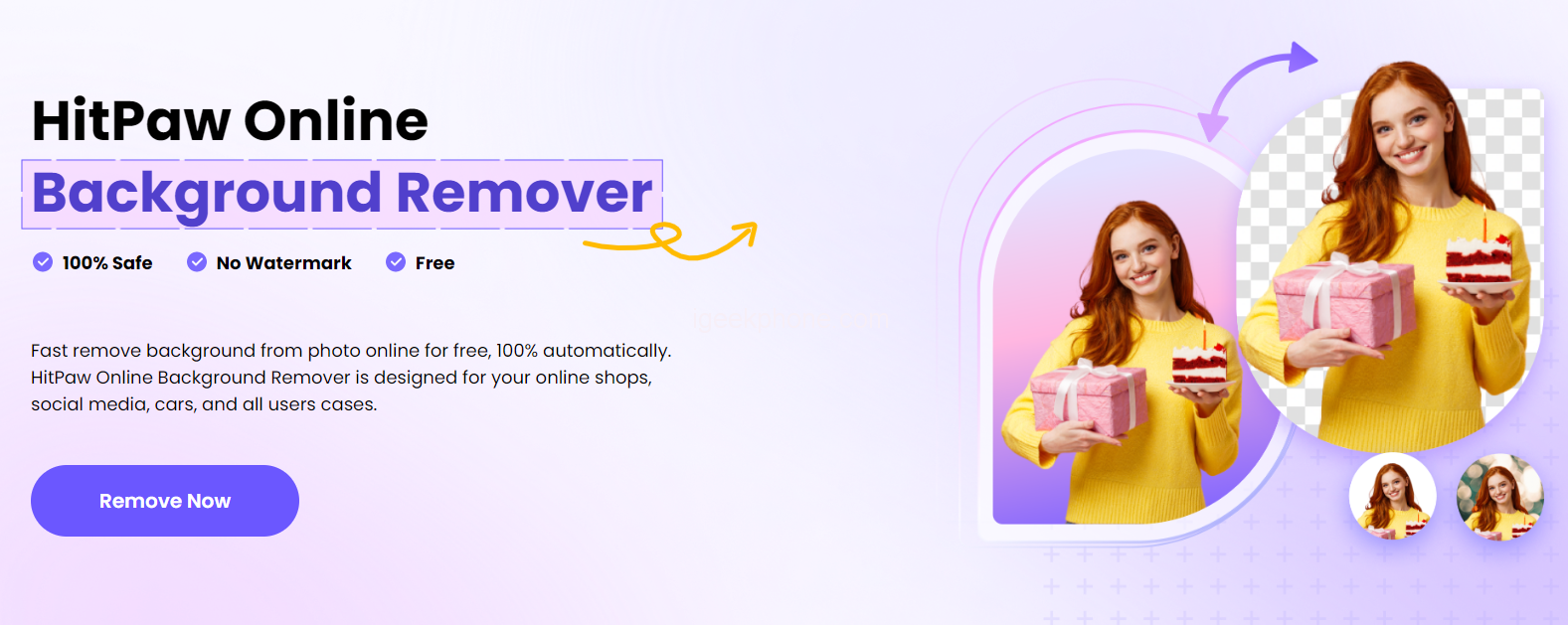
HitPaw Online Background Remover is a simple and convenient tool that allows you to quickly remove the background from any digital image. In just three easy steps, you can have an image with a clean and professional look in no time. Best of all, there are no limits or ads when using this service, so you can use it as many times as you need without worry.
The transparent maker is designed to work with all devices, so no matter what device or computer you’re using, you can always remove the background from your images. Additionally, the online service provides a high level of security to protect your files and data while they are processing.
How to make an image transparent with HitPaw Online Background Remover
Step 1: To make image transparent, start by choosing a file and then upload it on HitPaw online background remover.
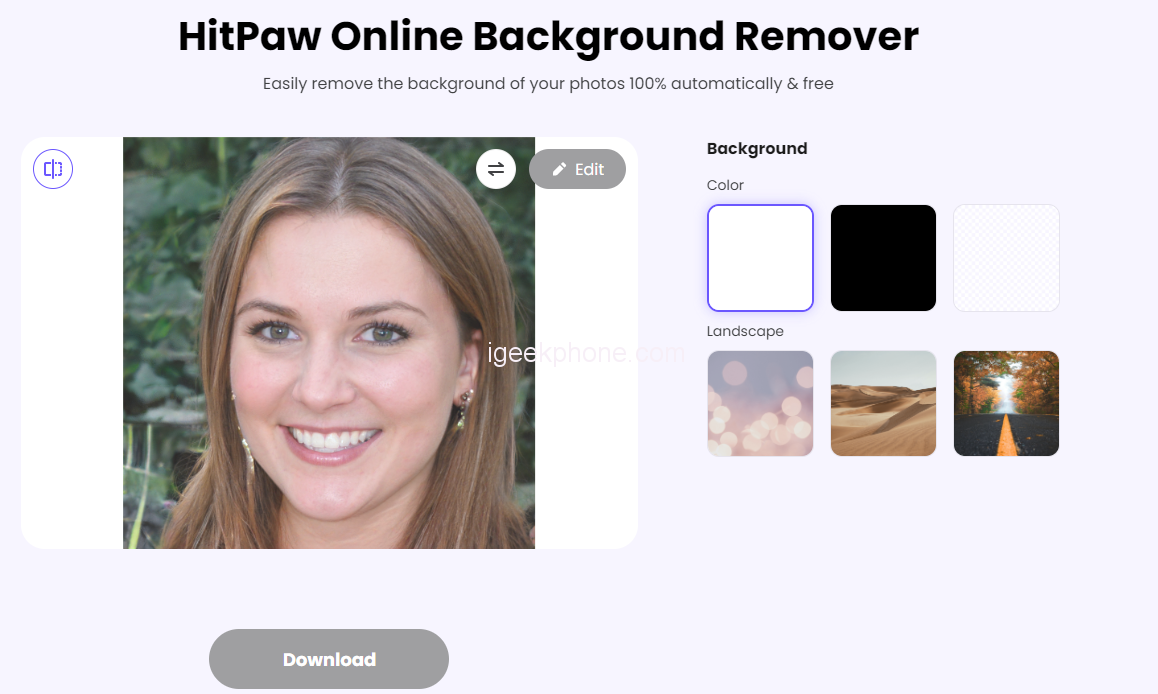
Step 2: Click on change Background button to make transparent background
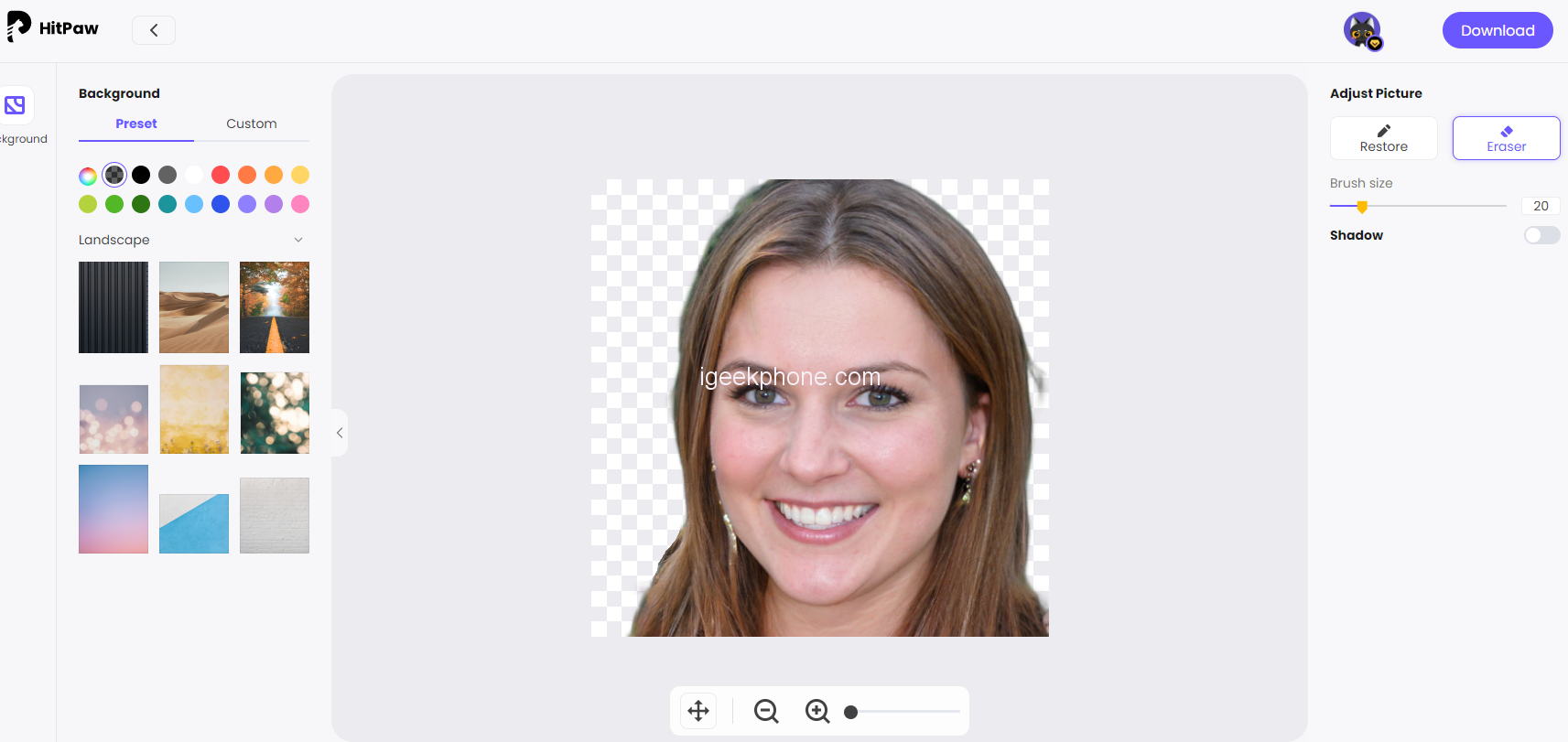
Steps 3: Finally, download and save the background transparent picture.
2. LunaPic
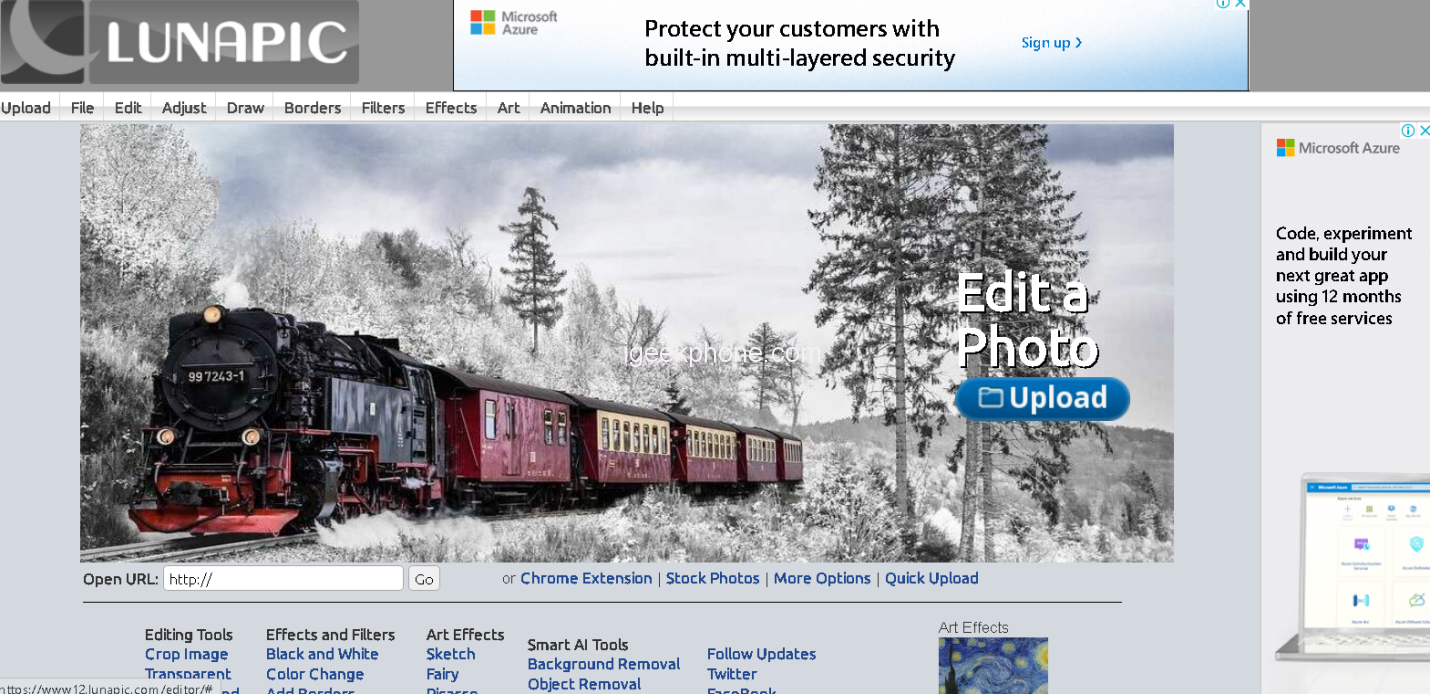
LunaPic is an excellent online background remover that offers a fast and easy way to edit photos. It can give a transparent background image in just a few clicks, with no signup, login or install required. LunaPic even includes over 200 special effects to customize your images and make the perfect photo for any occasion.
How to make an image transparent with LunaPic
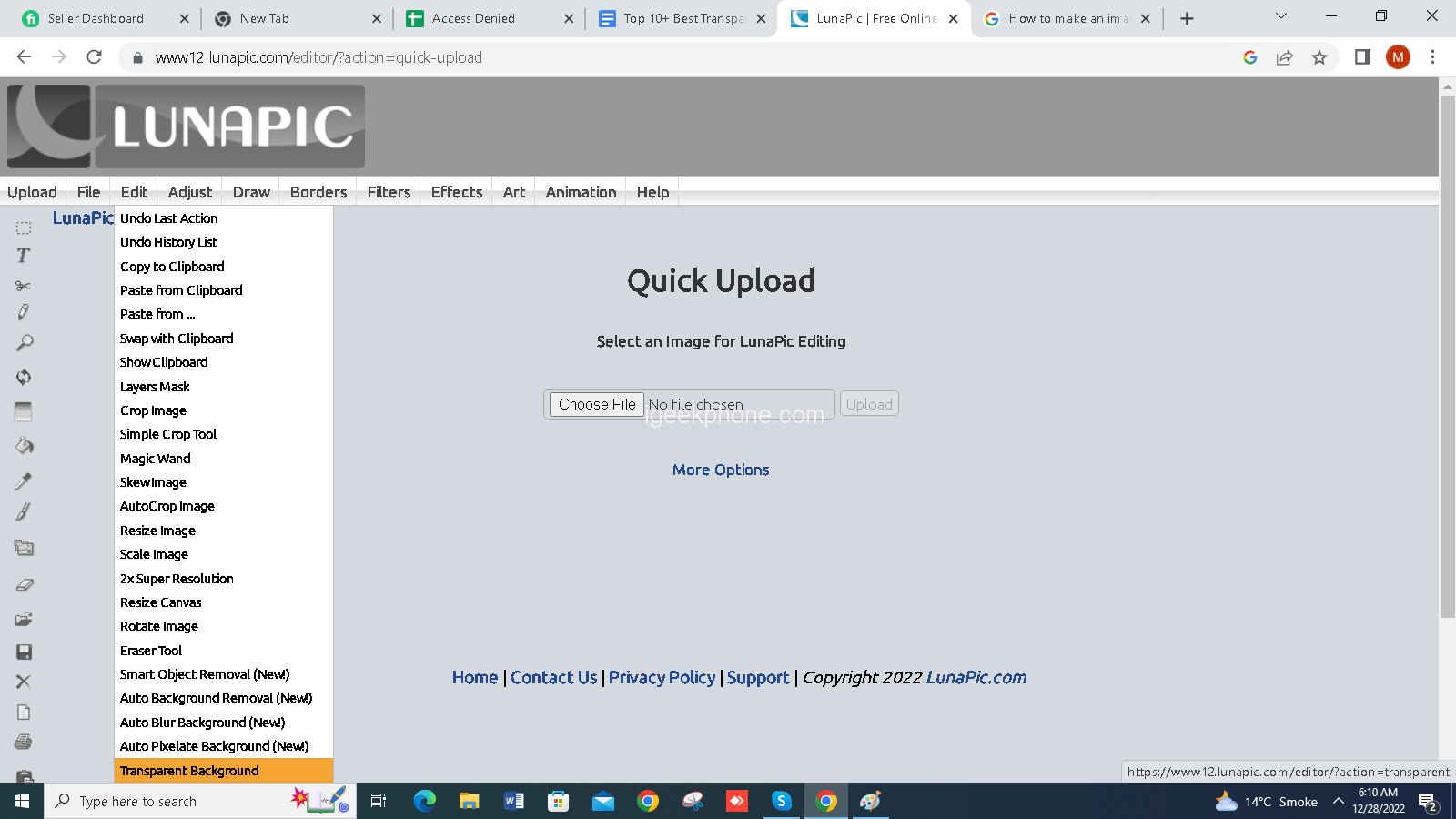
Steps1: Click on edit and choose transparent background
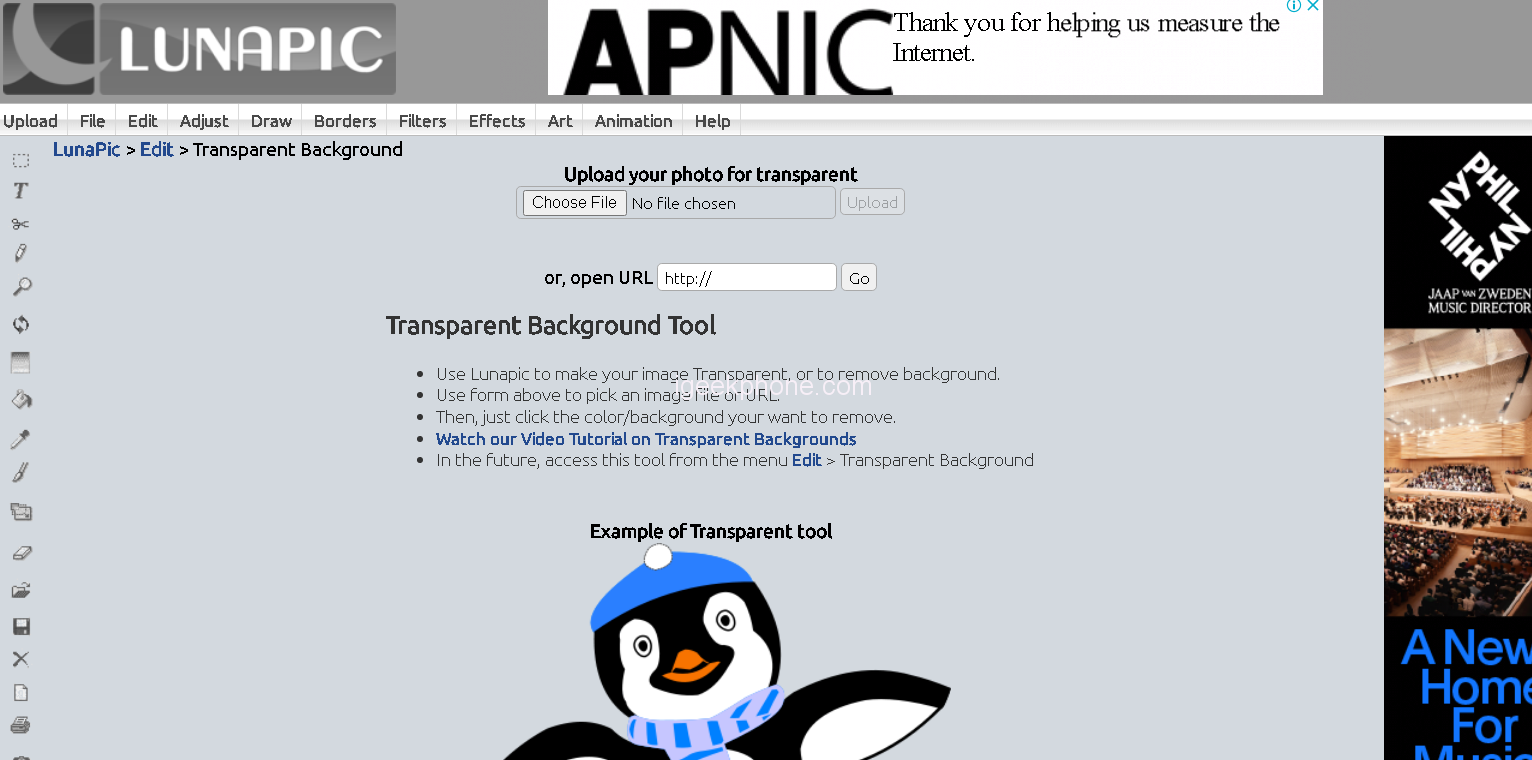
Steps2: Upload the file or open URL if have
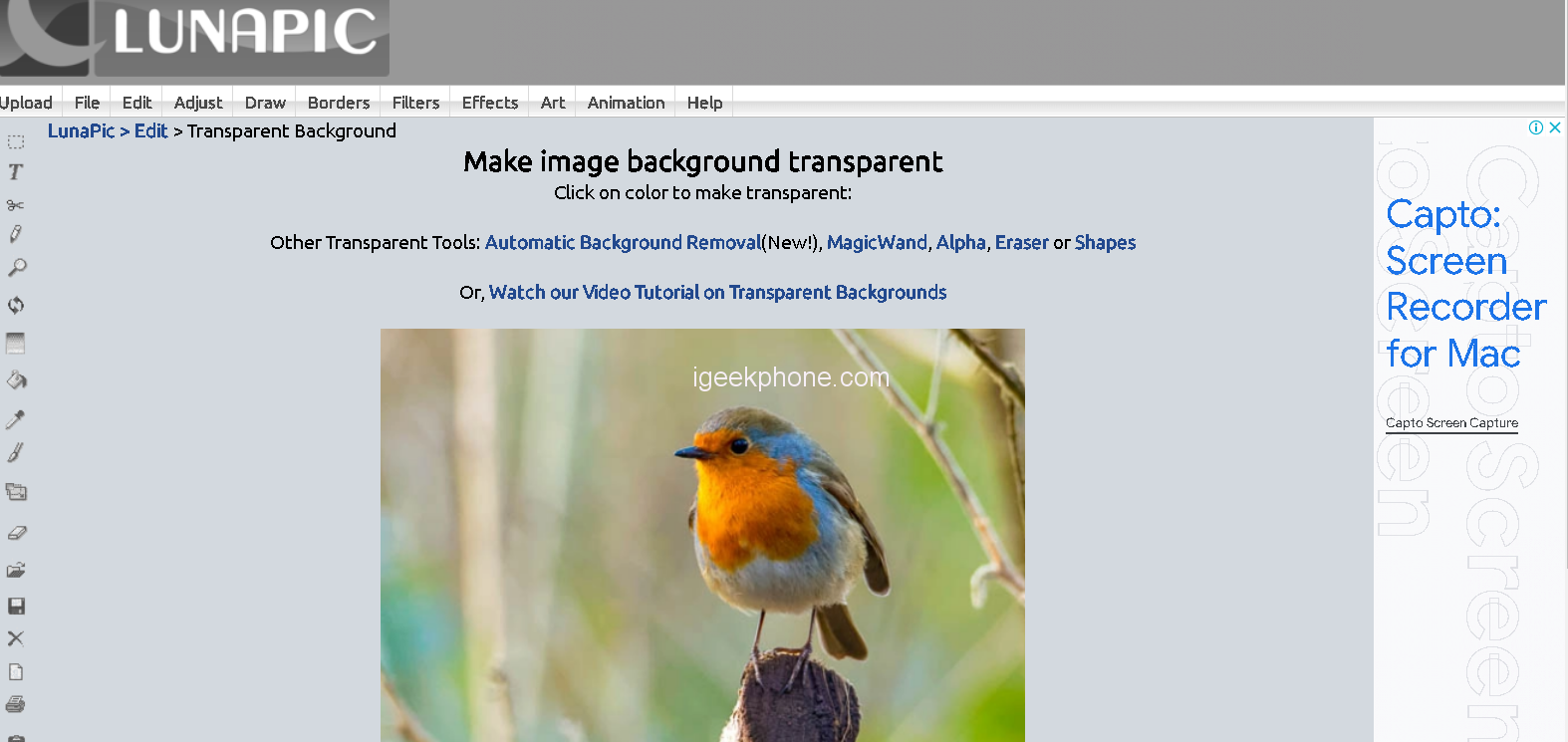
Step 3: after upload a image click on automatic background removal
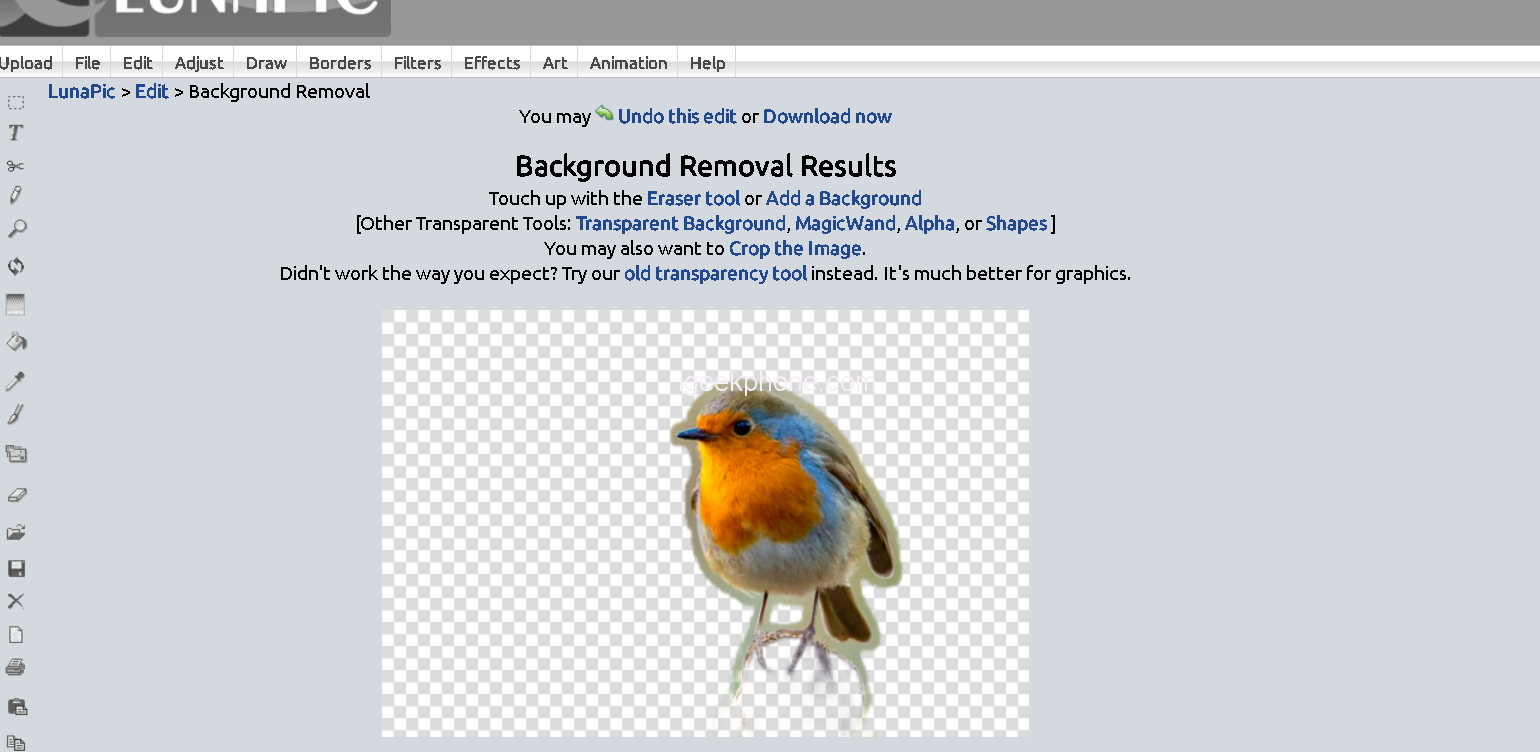
Step 4: click on download for save the image
3. Online PNG Tools
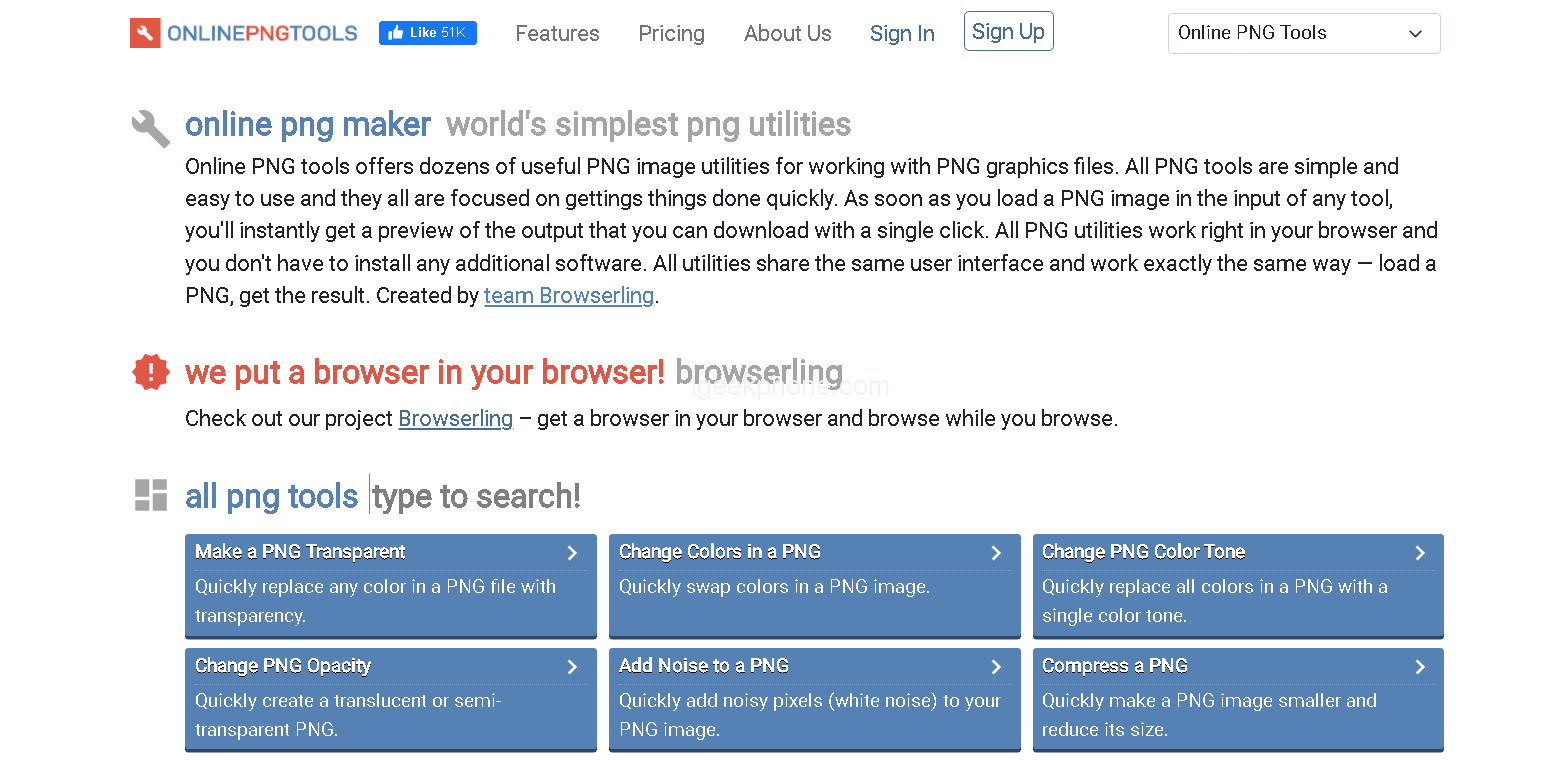
Online PNG Tools is a powerful online background remover that allows users to quickly and easily remove the background from any image. It supports multiple formats such as PNG, JPEG, GIF and others, and provides an intuitive interface for managing images.
How to make an image transparent with Online PNG Tools
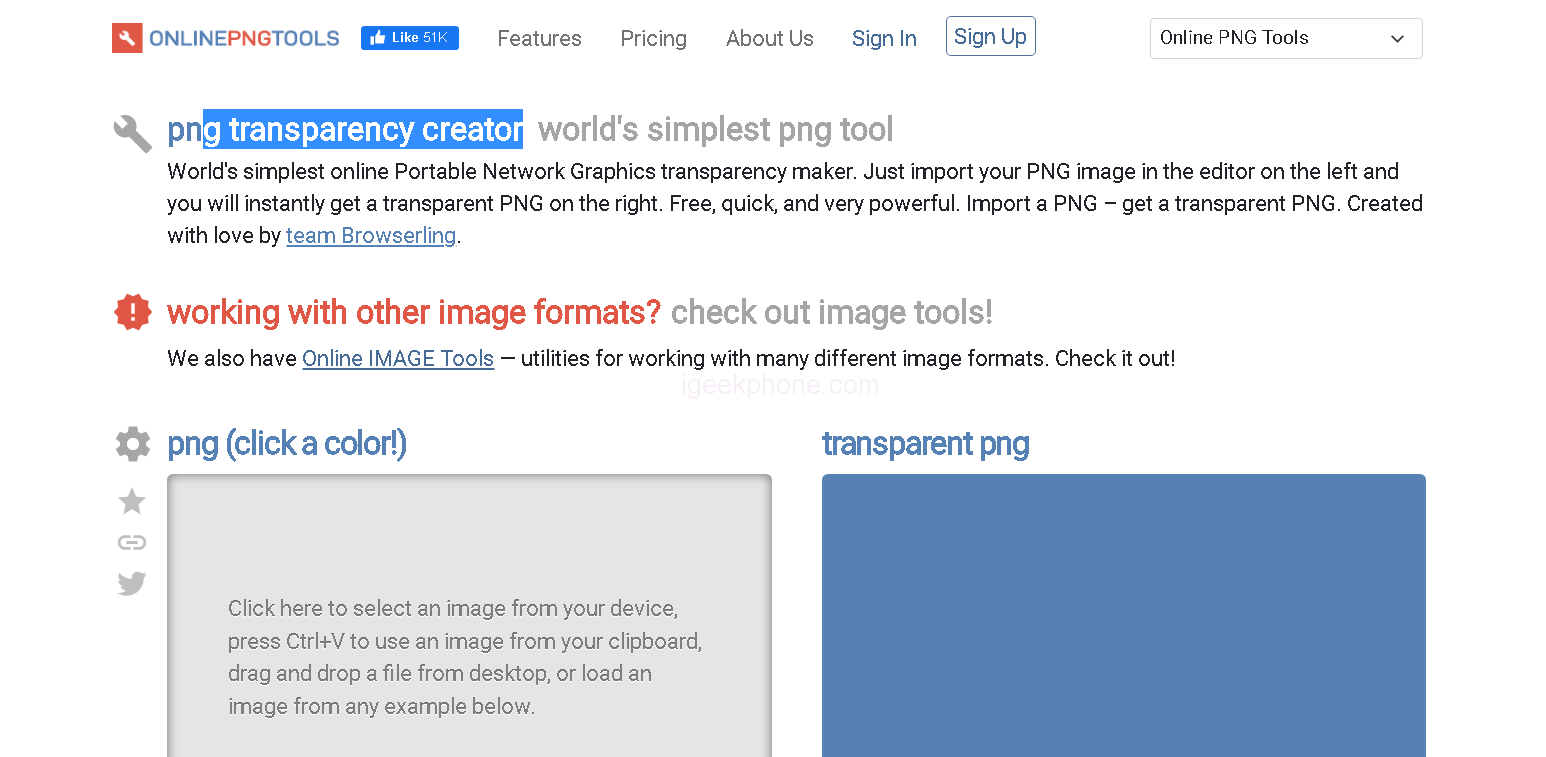
Steps1: Click on PNG transparency creator and upload photo
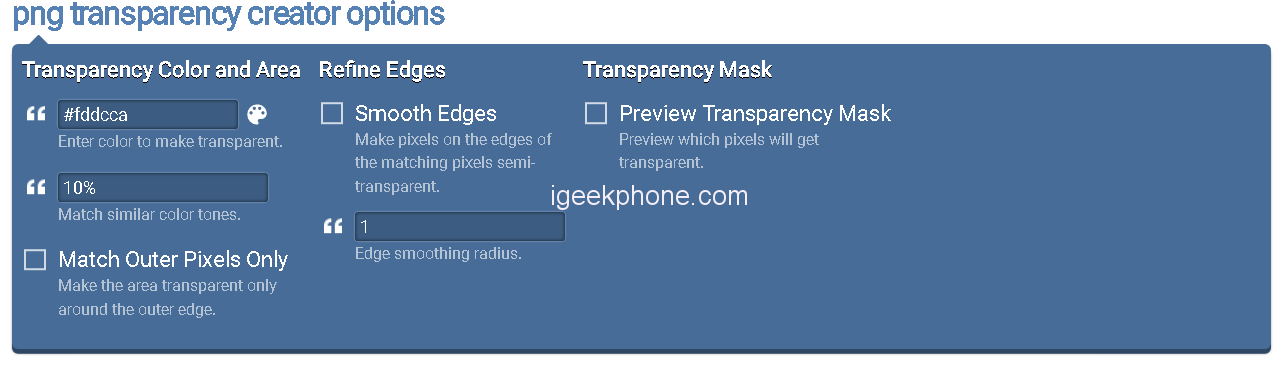
Steps2: Enter the color tone also Edge smoothing Ratios
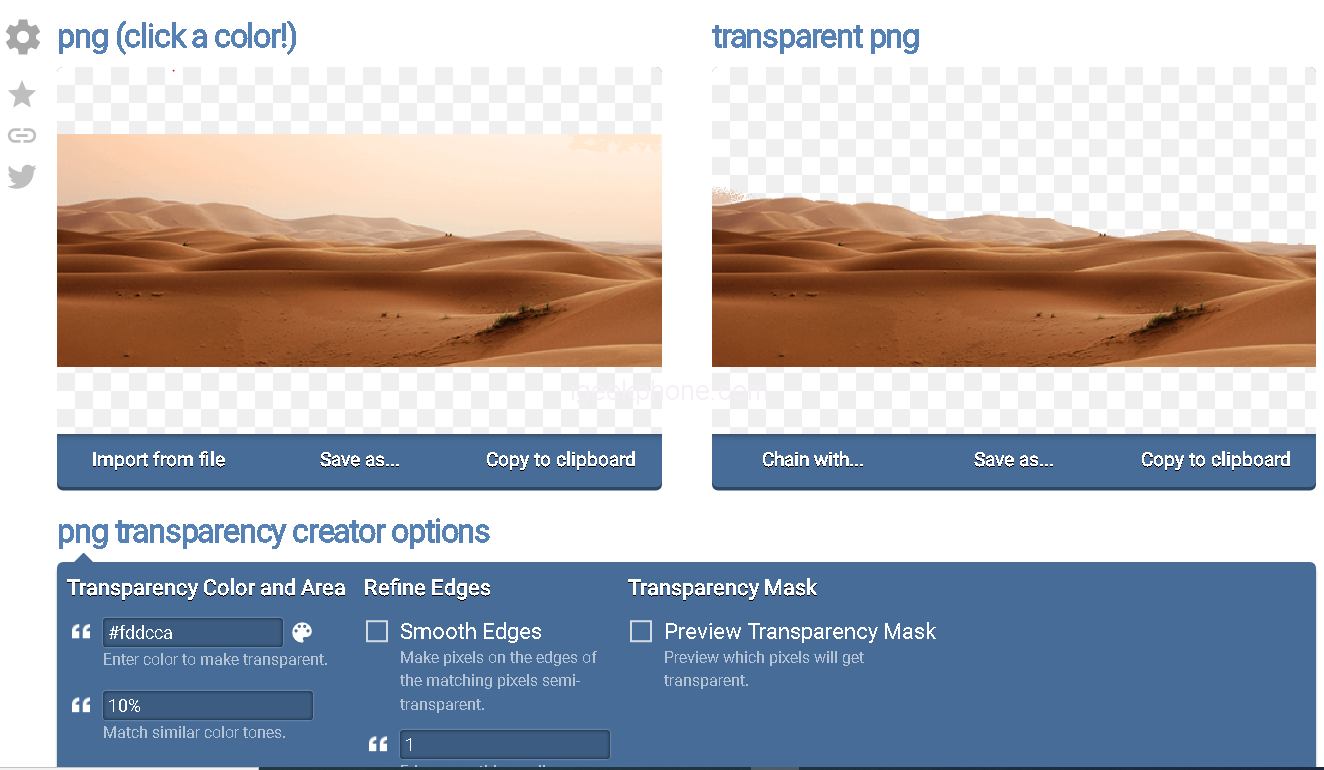
Steps3: Now, save the image
4. Imageonline.co
Imageonline.co is a great online tool to remove unwanted background from images without any special skills or software needed. It provides easy and fast solutions to crop, resize, rotate and make transparent background images in just a few clicks. With its intuitive interface and powerful features, it makes the job of removing backgrounds easier than ever before.
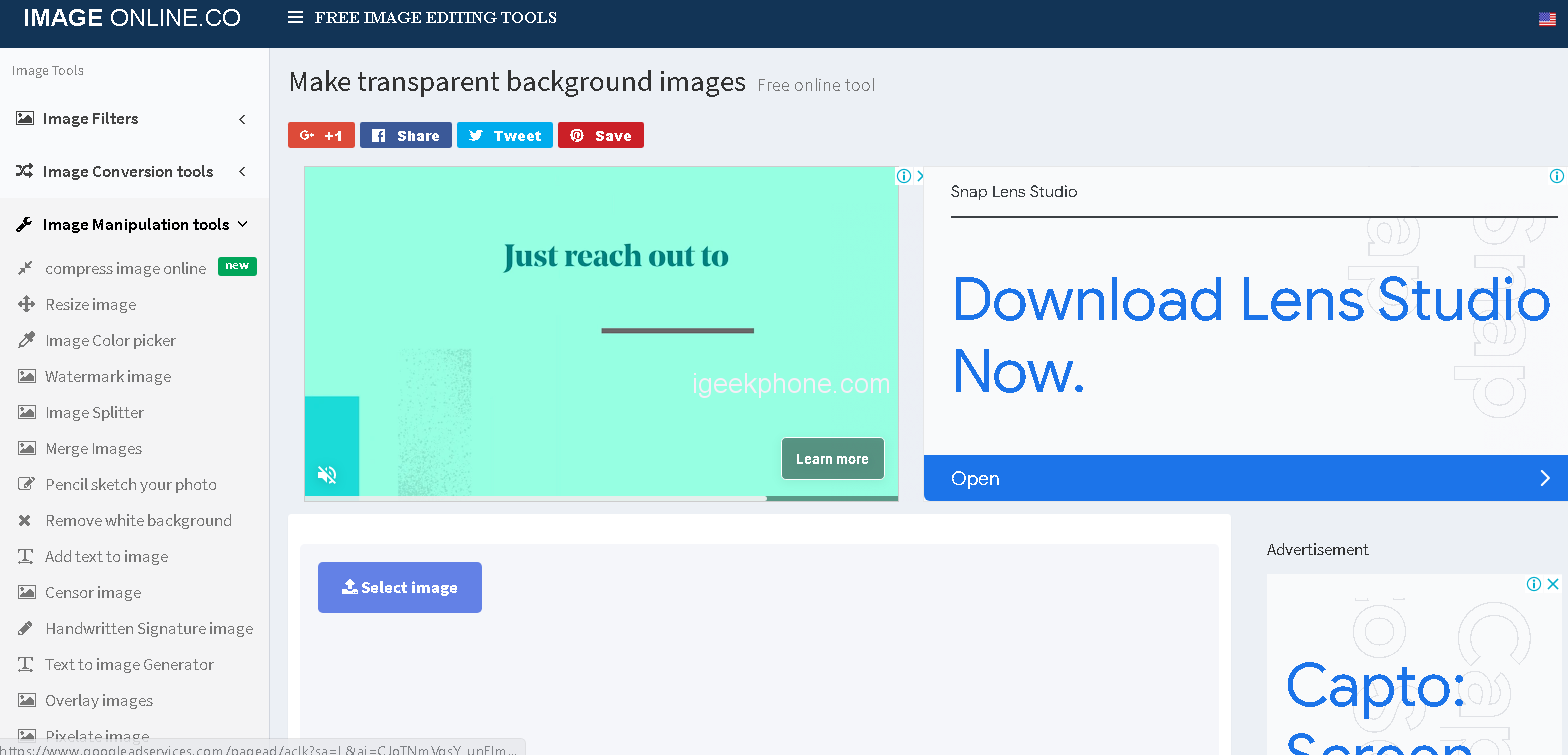
How to make an image transparent with Imageonline.co
Step 1: Go to the official site of Imageonlone and click on “Make Transparent Background ” button to get started.
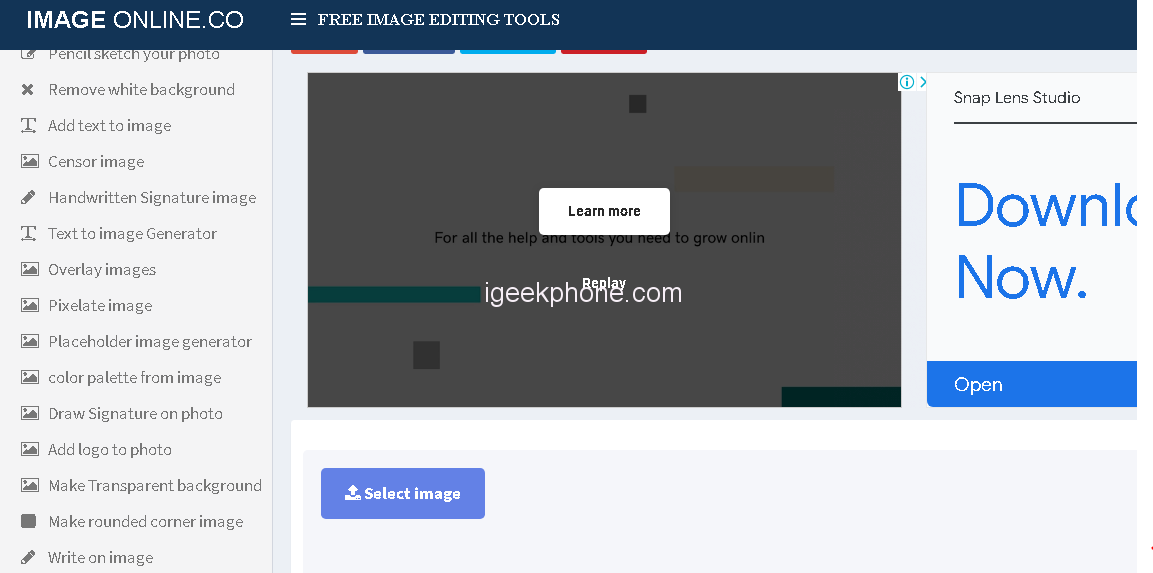
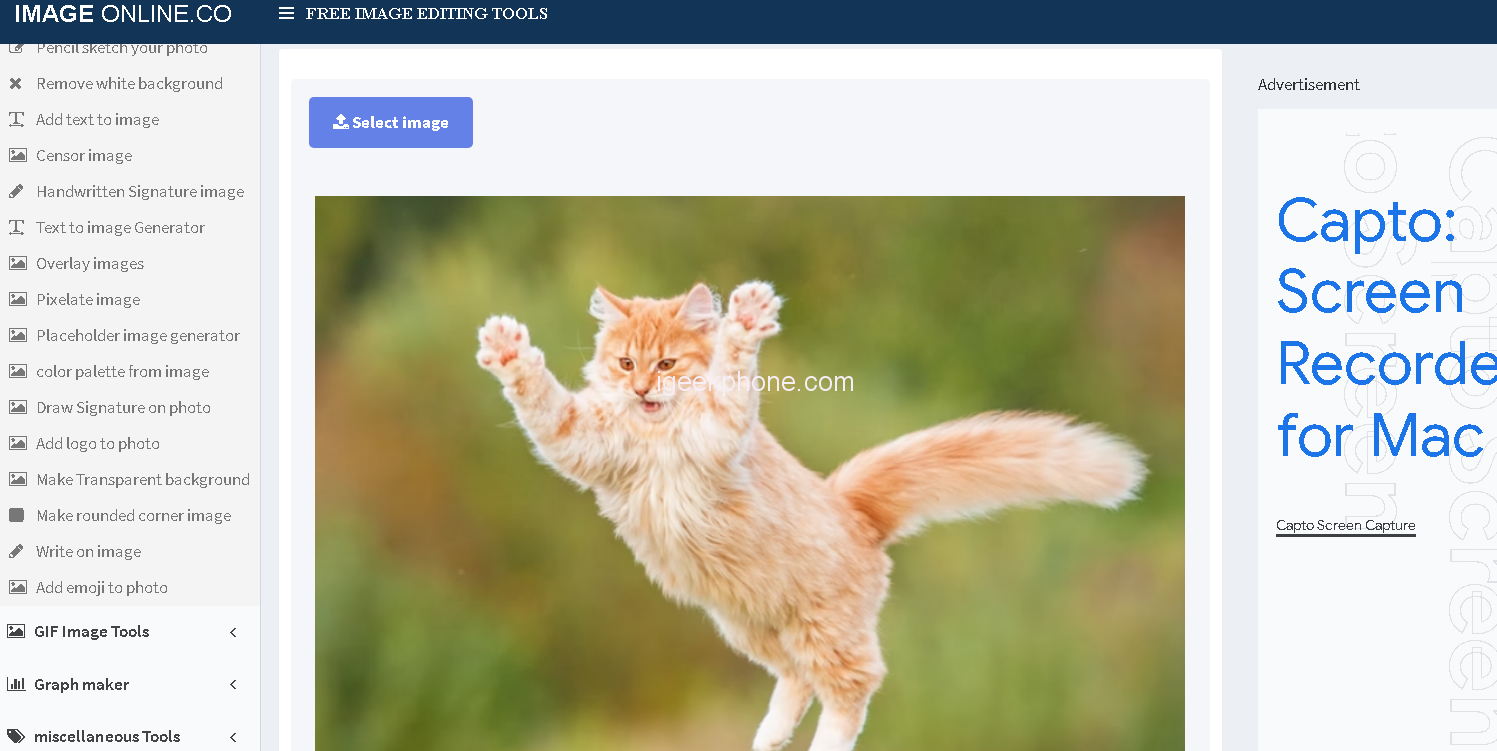
Step 2: Upload the file
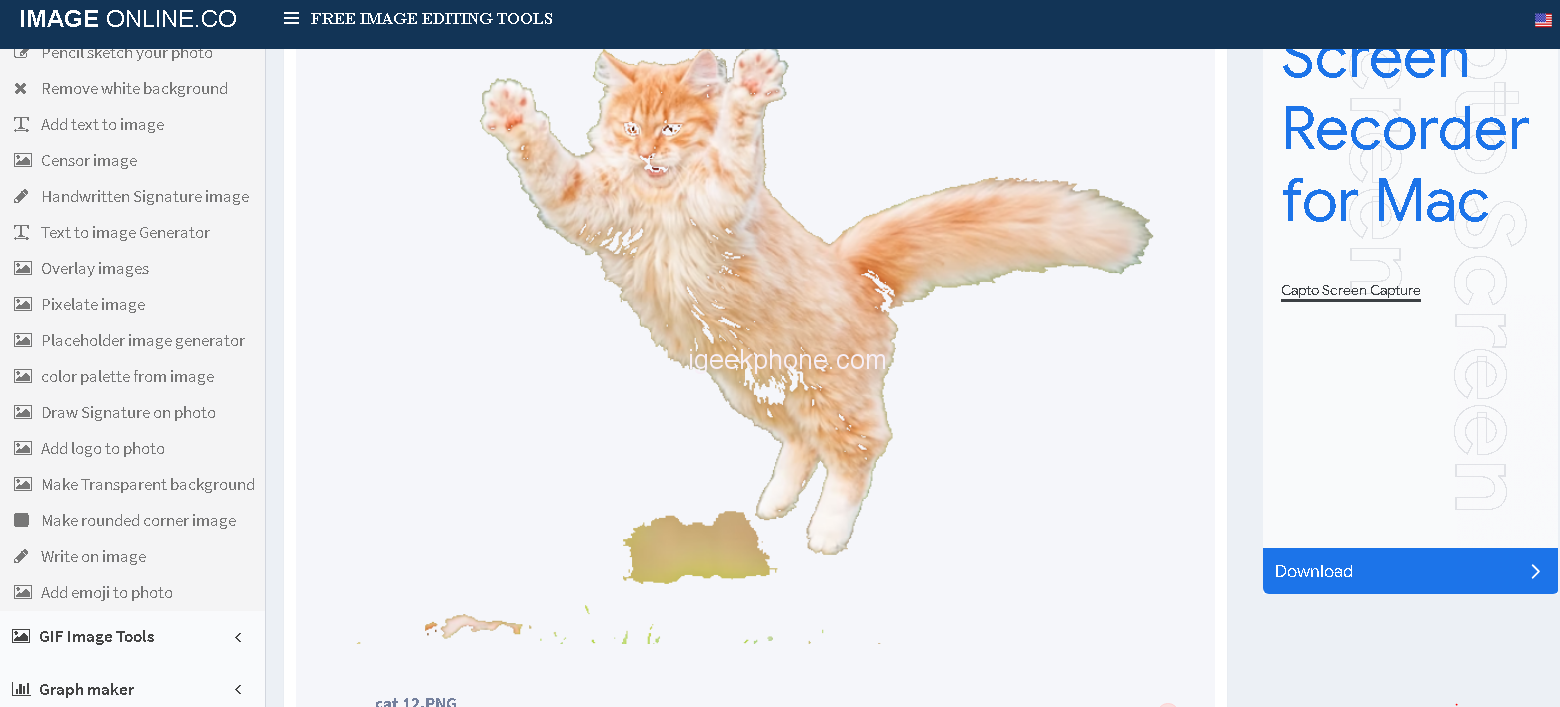
Steps3: download image
5. Peko Step
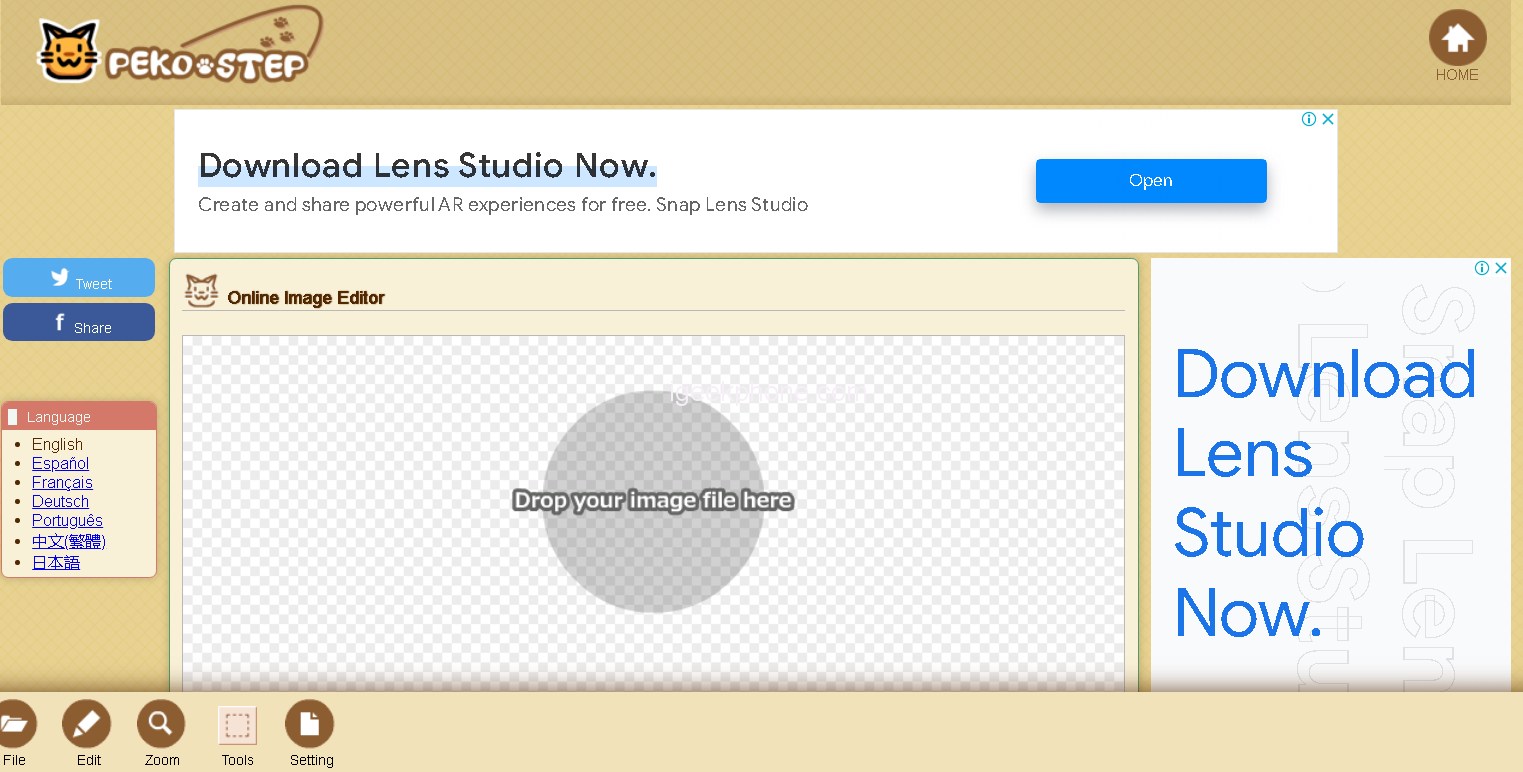
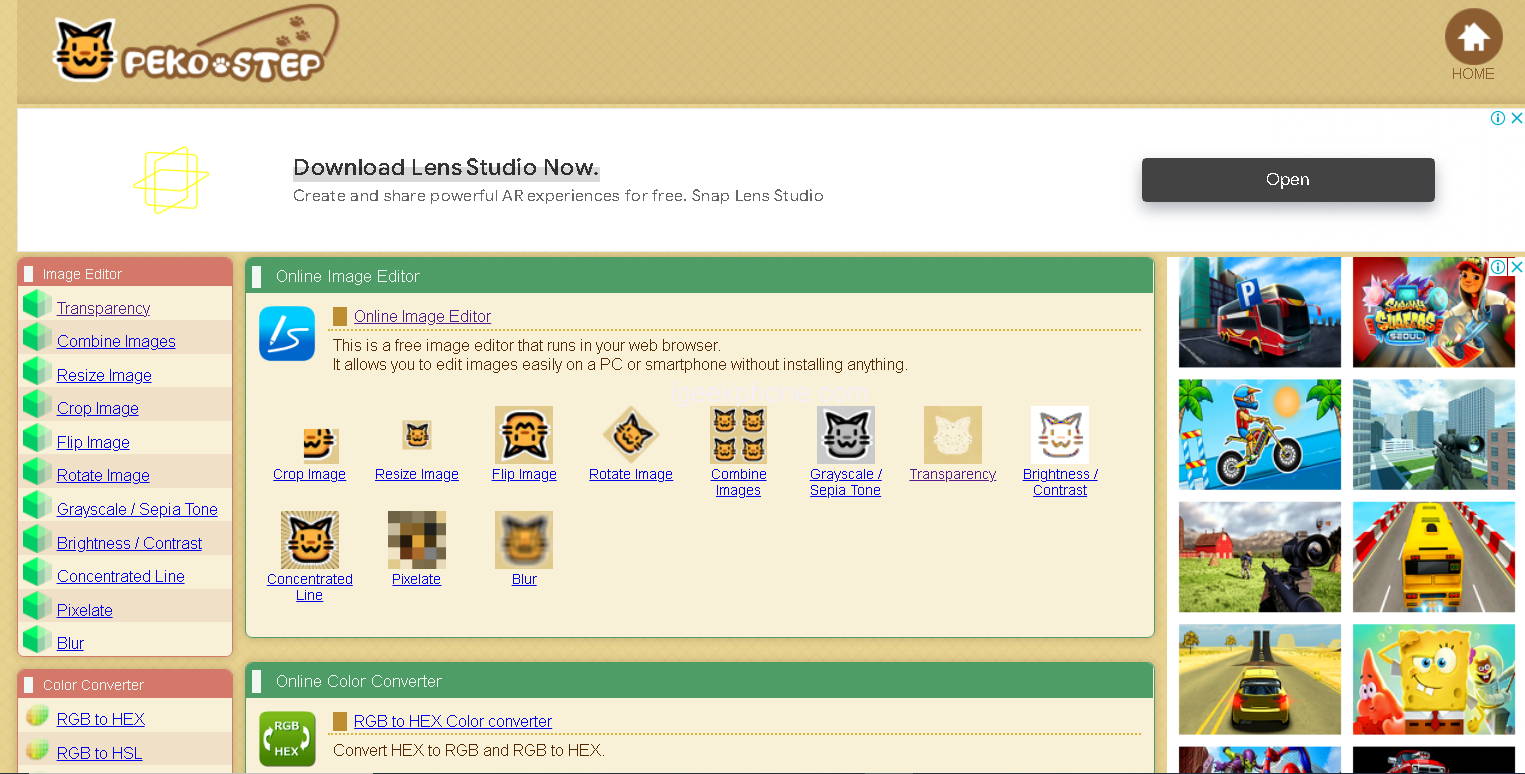
Peko Step is an online background remover tool for people who want to quickly and easily edit images. It provides a simple, user-friendly interface that makes it easy to select colors and apply transparency adjustments with just a few clicks. With Peko Step, users can create professional-looking results without having to install any software.
How to make an image transparent with Online PNG Tools
Step 1: select the transparency option on the Peko Step site.
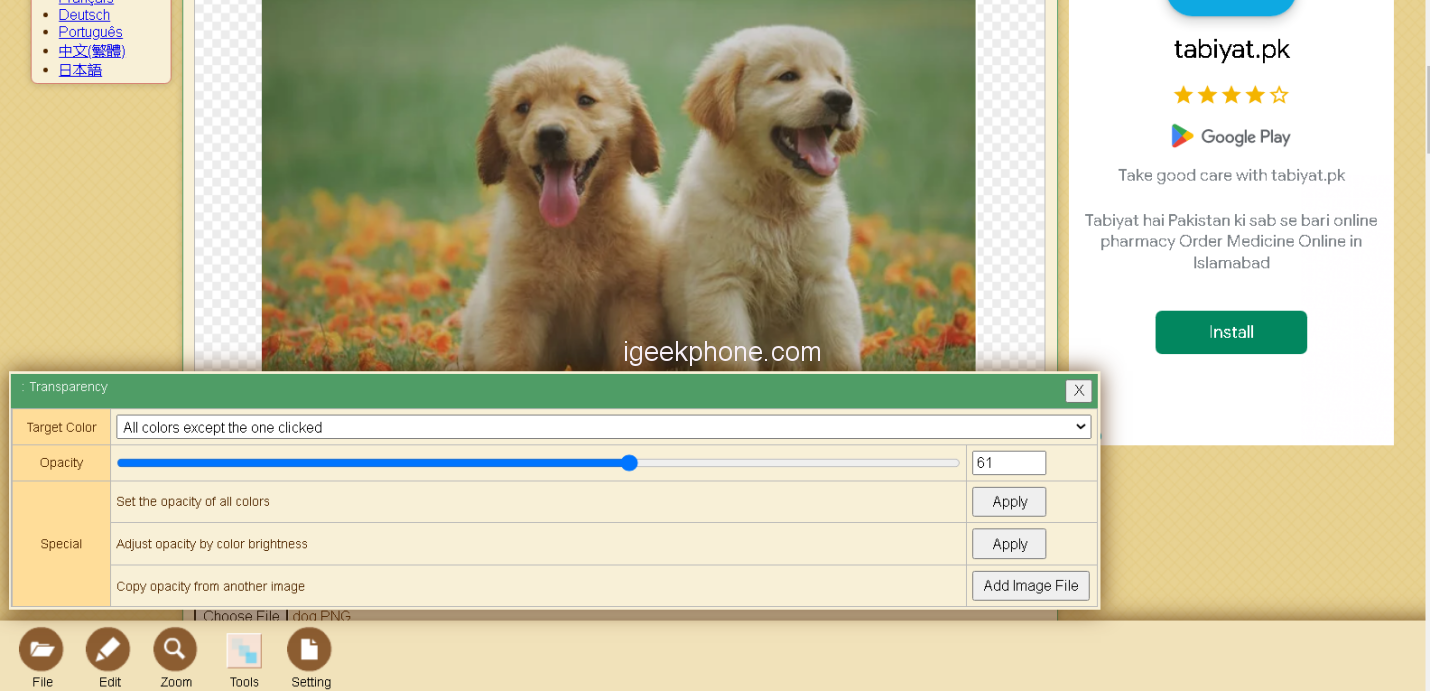
Step 2: Drop your image file and click on apply
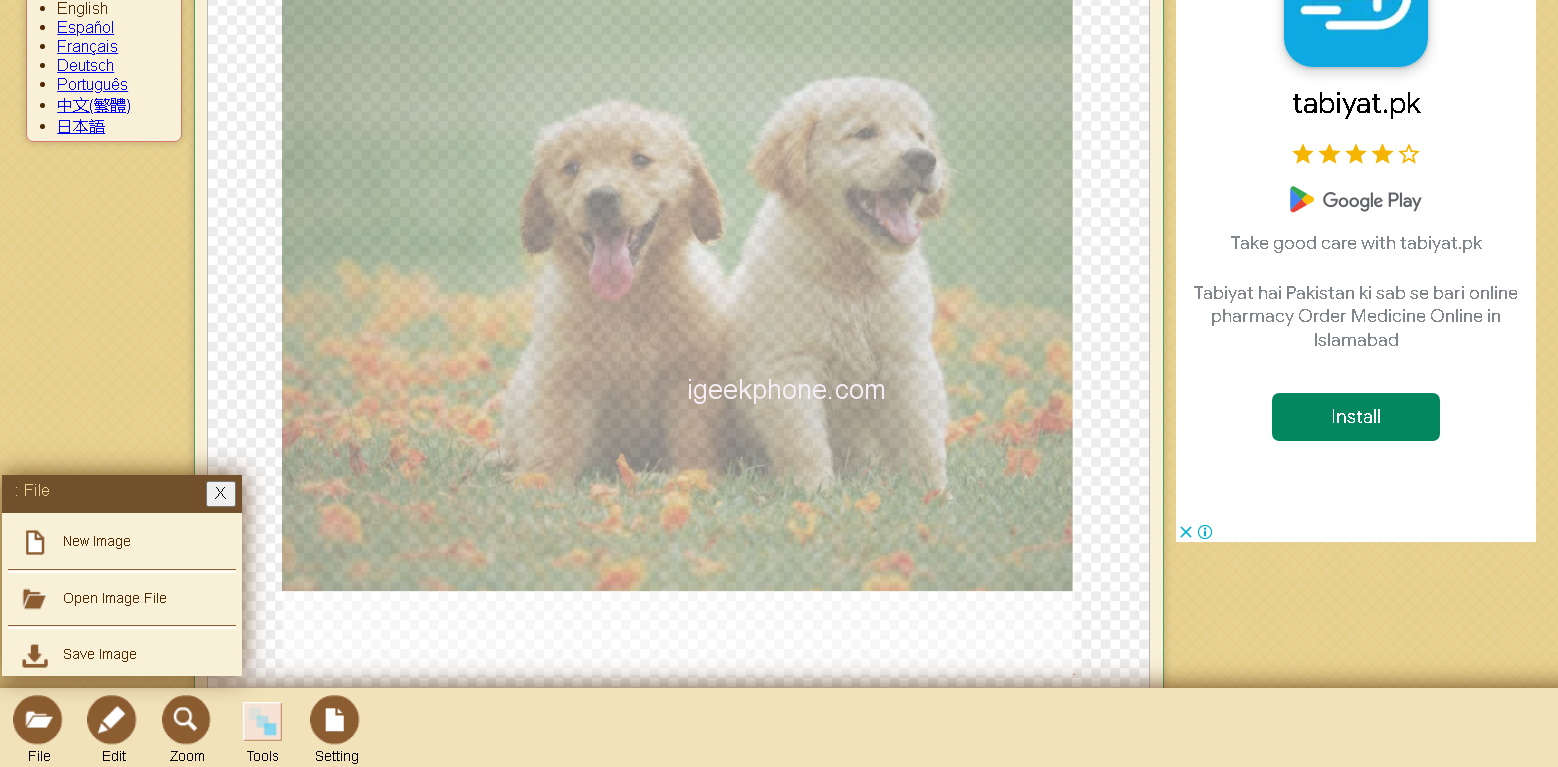
Step 3: Save the image to complete the process.
Part 2. Top 5 Transparent Background Maker Programs
1. Microsoft PowerPoint -Free
Microsoft PowerPoint -Free is a great program for quickly removing backgrounds from images. It utilizes automated features to easily select and remove the background, making it ideal for those who are not experienced in graphic design or photo editing. The intuitive interface allows users to edit their images with ease, providing an improved user experience.
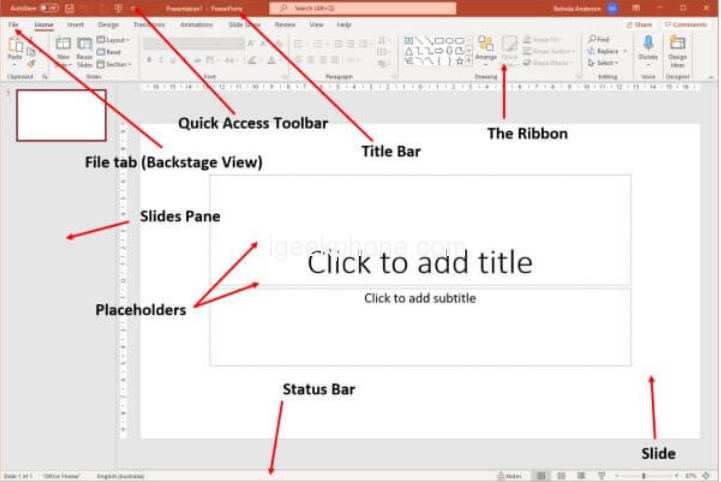
How to make an image transparent withMicrosoft PowerPoint
Steps1: upload the photo
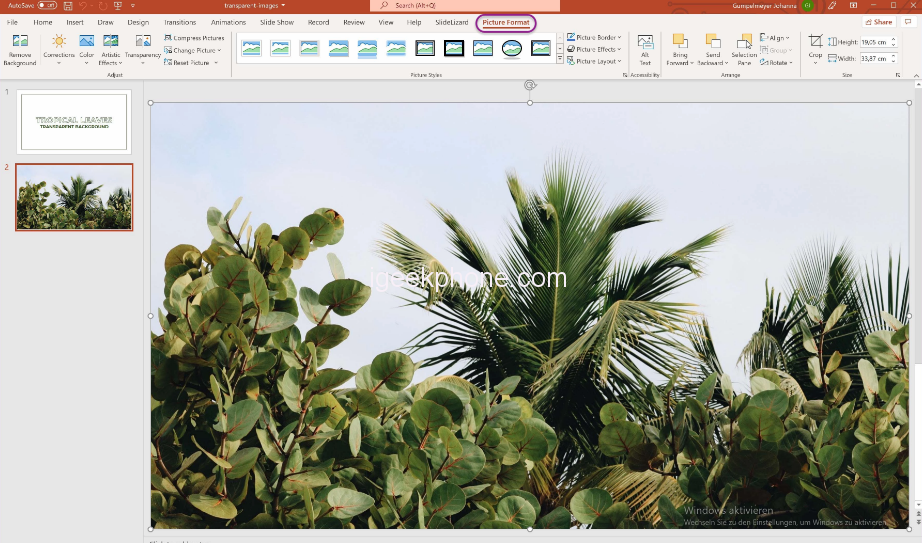
Steps2: Here you will find the option Transparency. Click on Transparency and and then save image

2.PhotoWorks
PhotoWorks is a user-friendly photo-editing software that easily allows you to professionally enhance any picture. With its vast range of tools and filters, PhotoWorks makes editing photos stress-free and enjoyable.
How to make an image transparent with PhotoWorks
Step1: Pick the ‘Change Background’ Tool
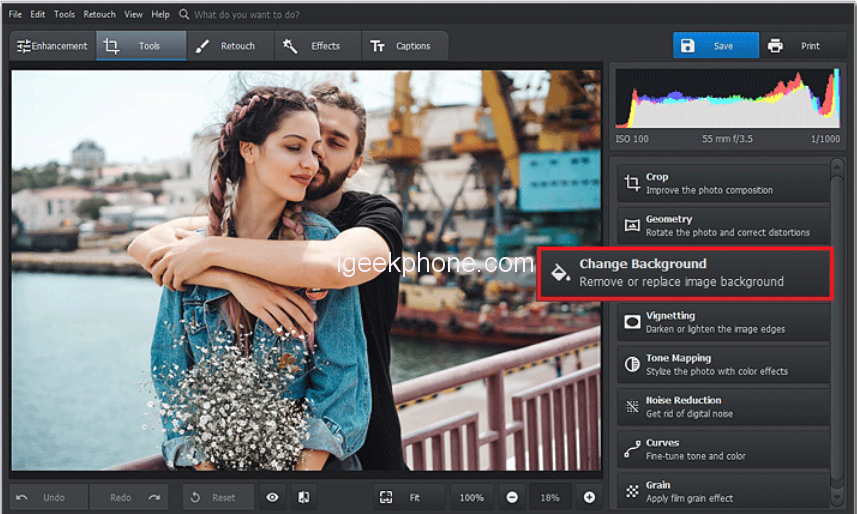
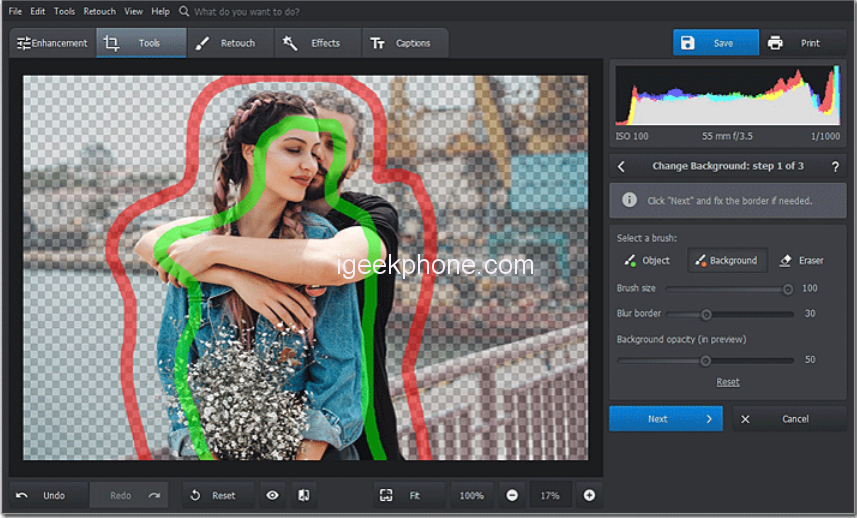
Step 2: Mark the Areas You Want to Separate
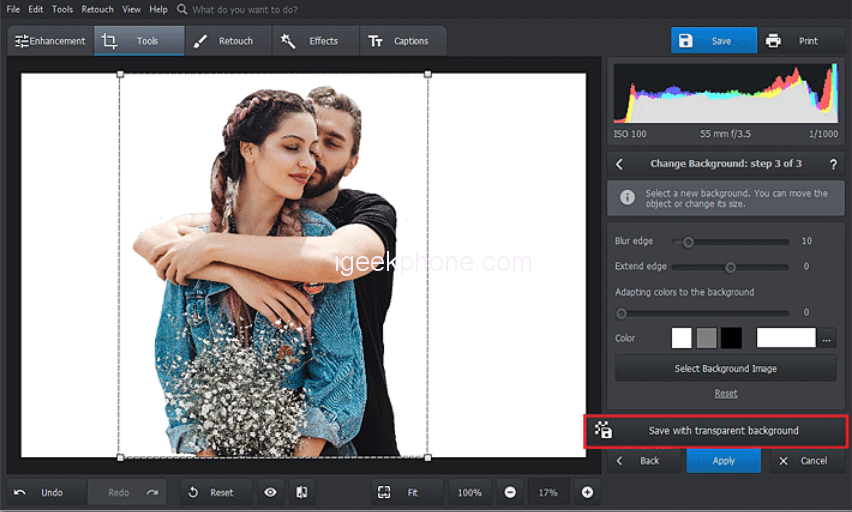
Step 3: Save Your Image with Transparent Background
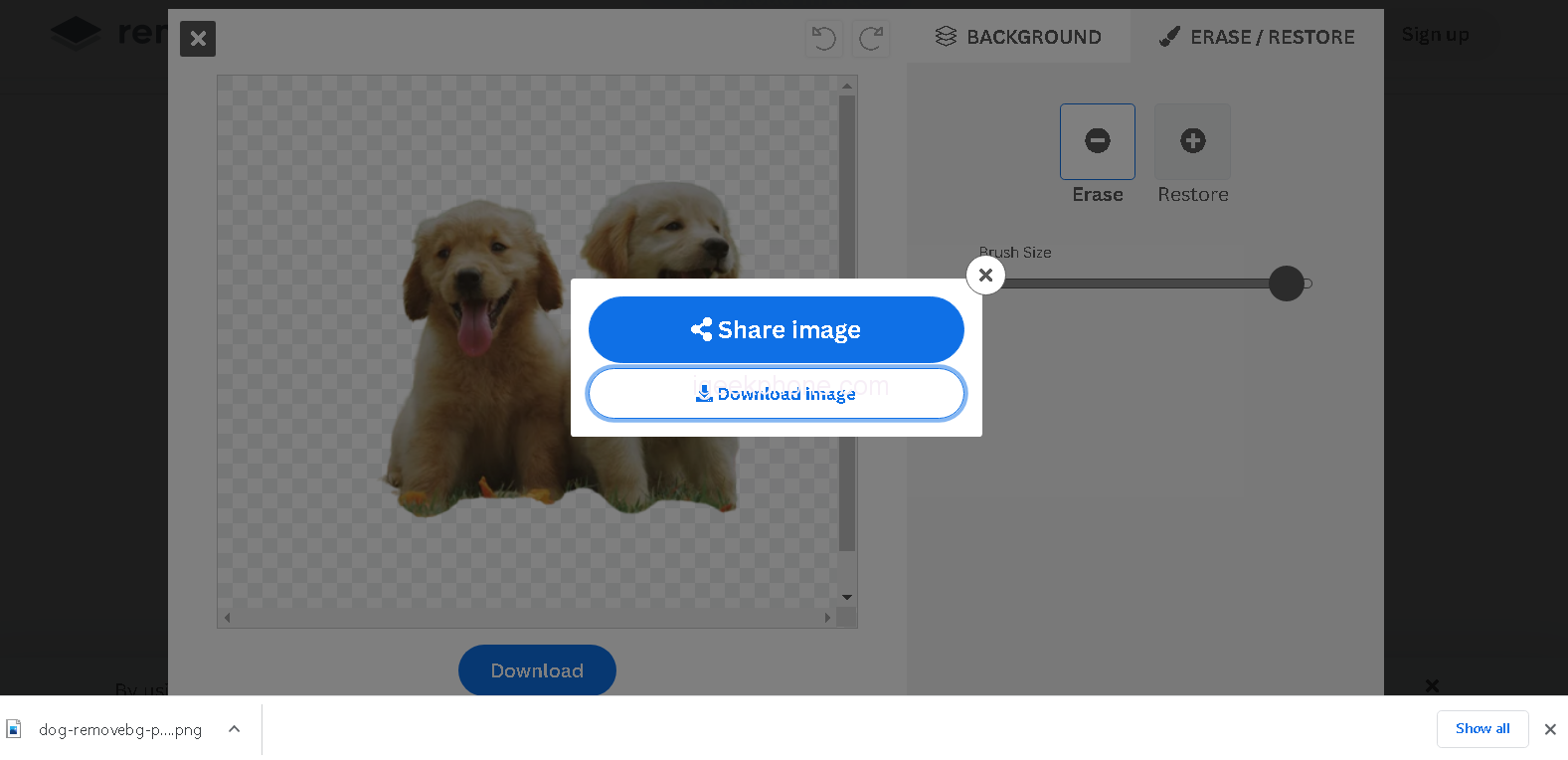
3. Remove.bg
Remove.bg is an innovative program that helps users quickly and easily edit the backgrounds of their photos in a 100% automatic manner. Also, it is free to use. It uses advanced technology to deliver amazing results in just seconds, giving users the power to customize their photos like never before. With Remove.bg, it’s now easier than ever to create beautiful images with stunning visuals.
How to make an image transparent with remove.bg
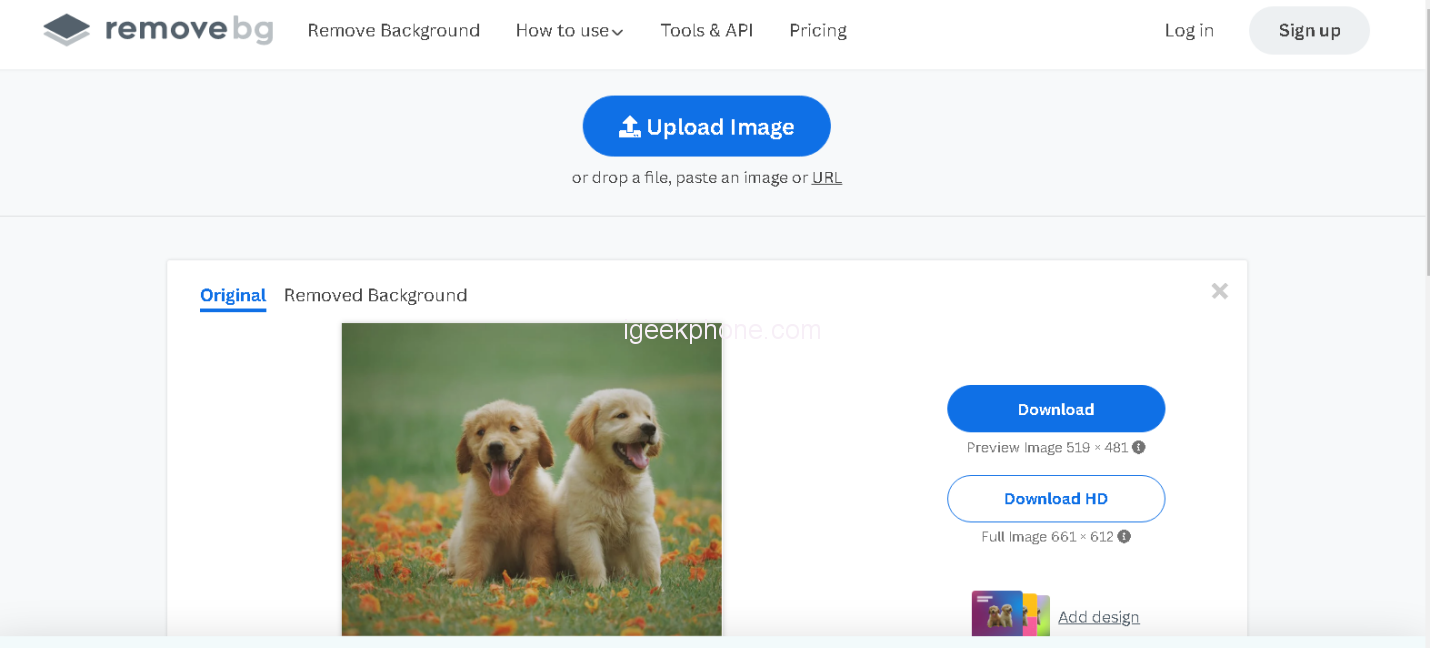
Step 1: Upload image
Step 2: secondly click on Remover background
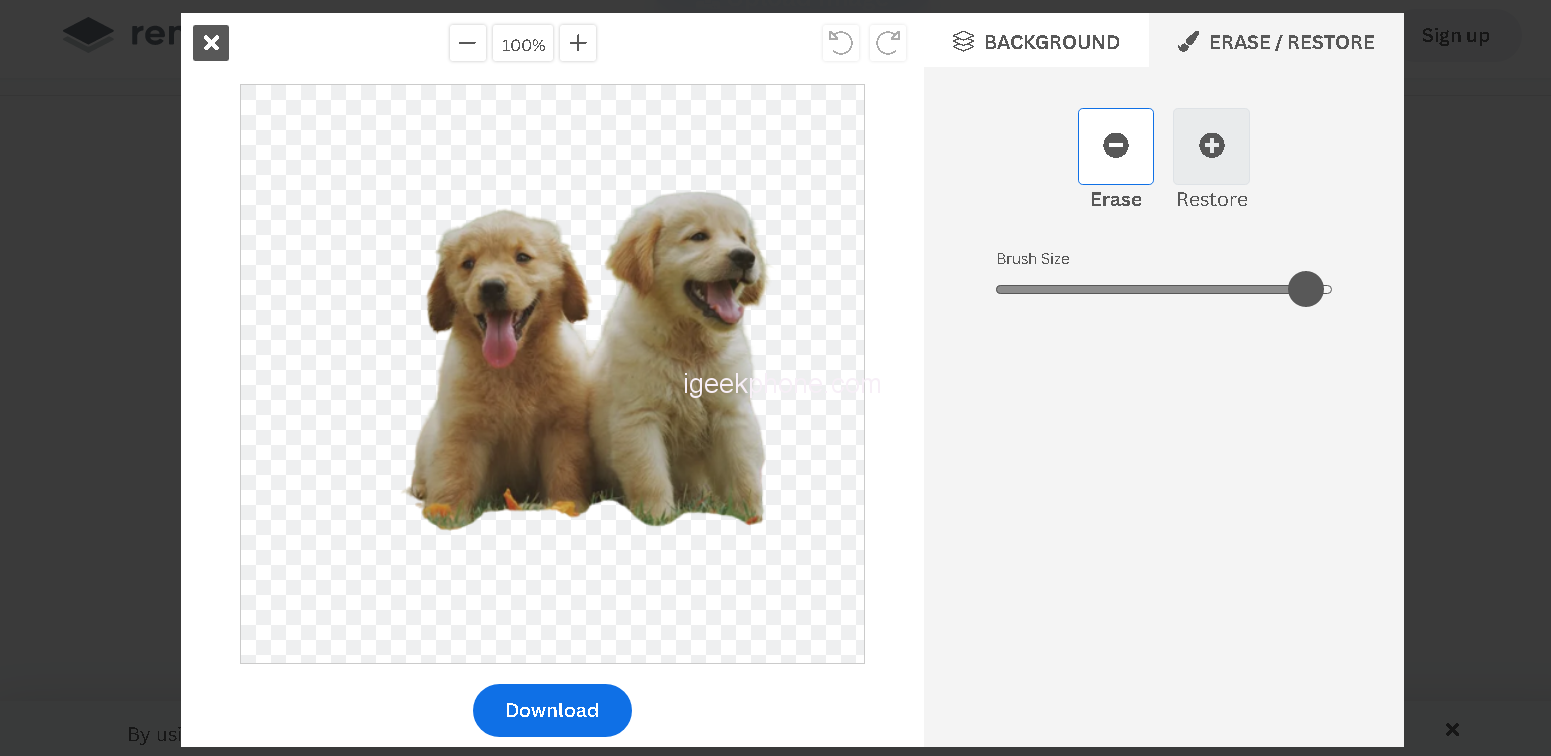
Step 3: Download and save the image
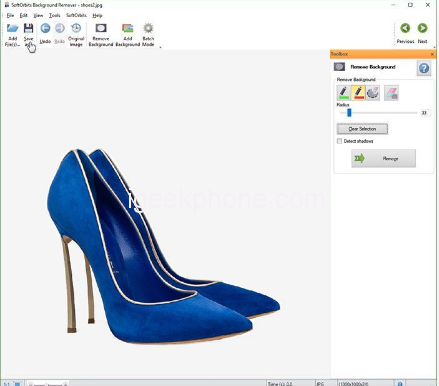
4. Softorbits
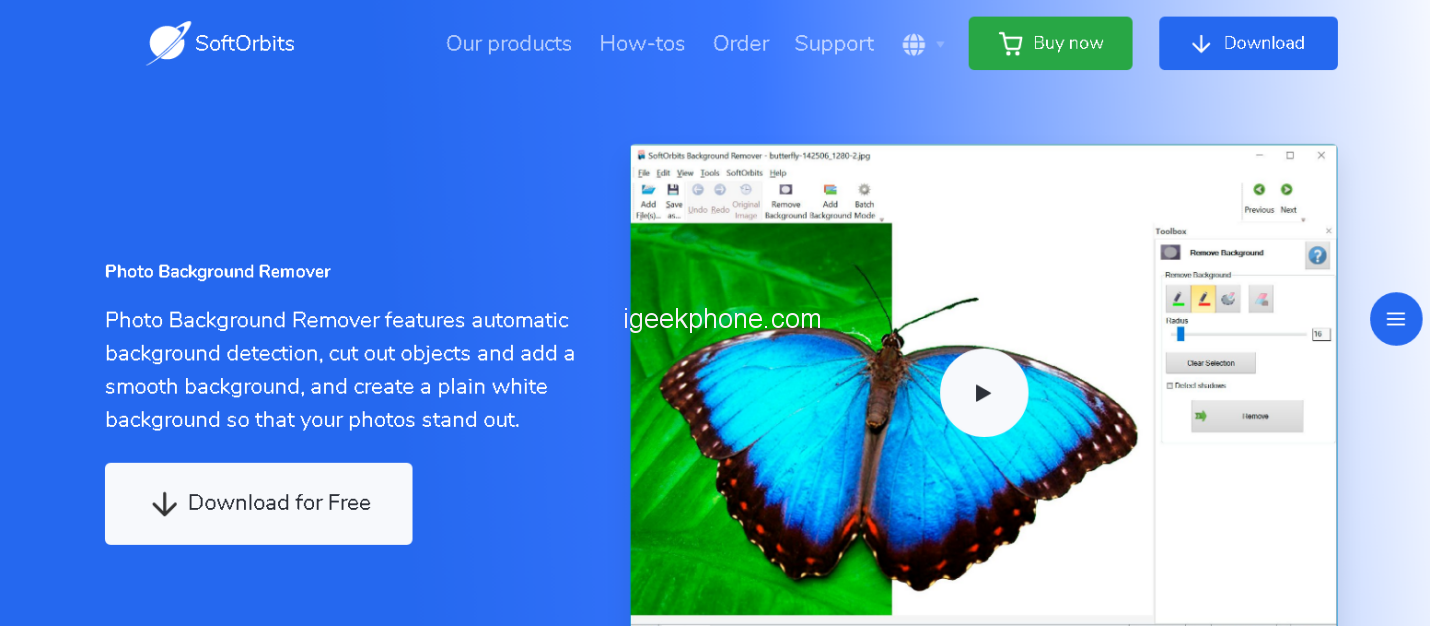
Softorbits is an innovative software company specializing in image and photo editing solutions for everyone. Our products are designed to make even the most complex tasks easy and accessible. Our mission is to bring user-friendly, affordable software to help people realize their creative potential.
How to make an image transparent with Softorbit
Step 1: Add image
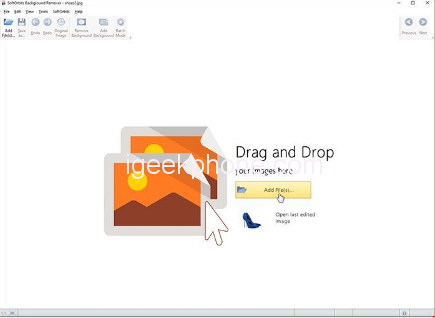
Step 2: Select the foreground with the green brush
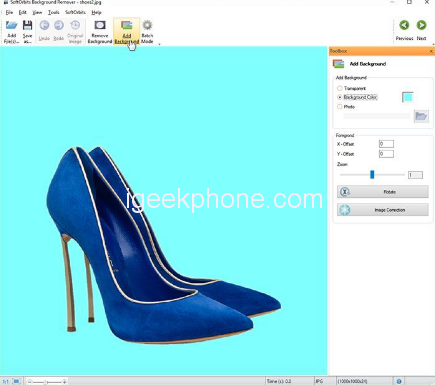
Step 3: Ready for save
5. Photo Background Remover
Make your images stand out with Photo Background Remover! This app makes it quick and easy to remove backgrounds from photos, allowing you to create stunning images.
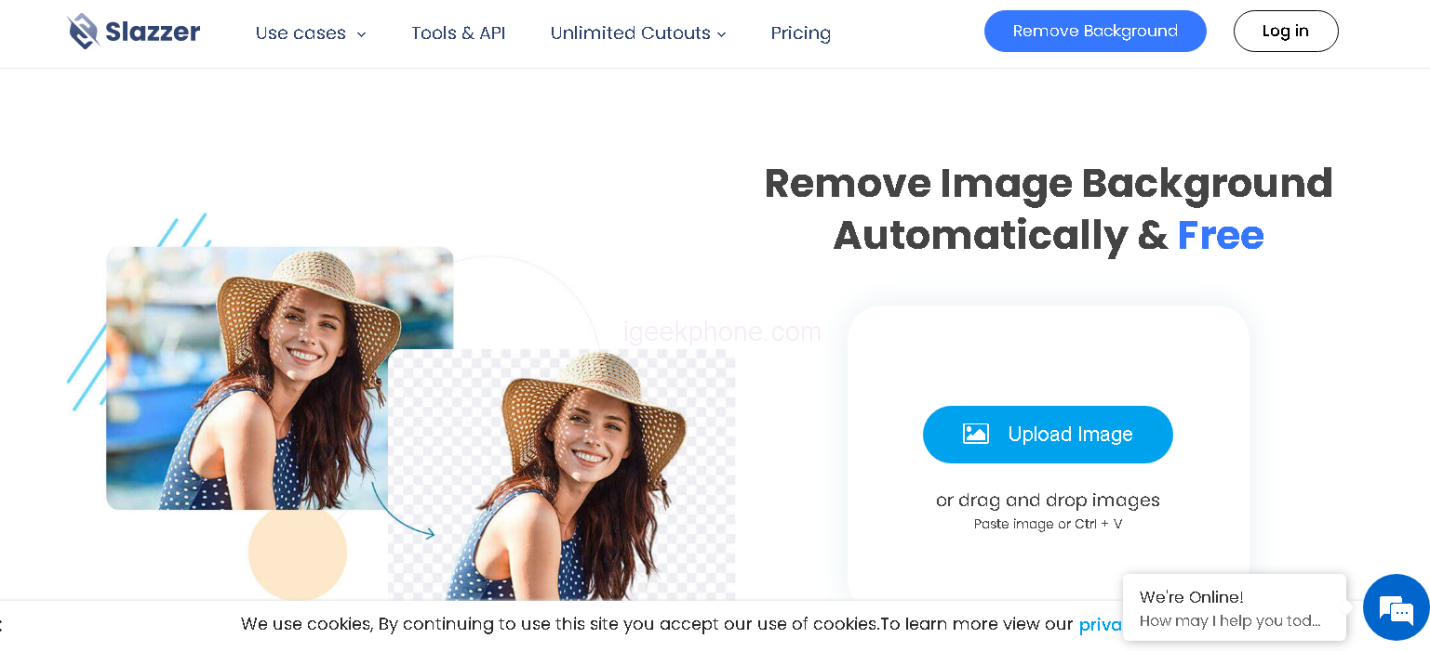
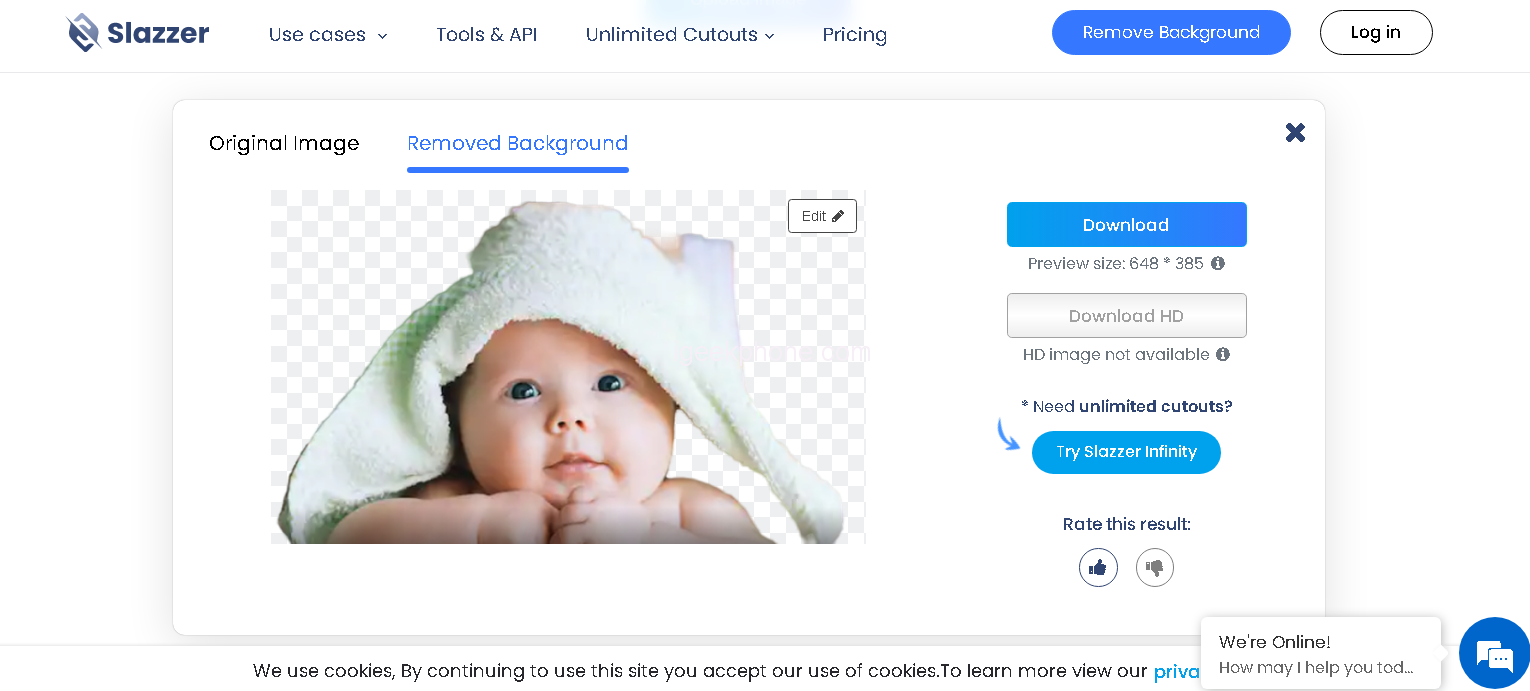
How to make an image transparent with Photo Background Removers
Step1: Upload image

Steps2: click on back ground remover option
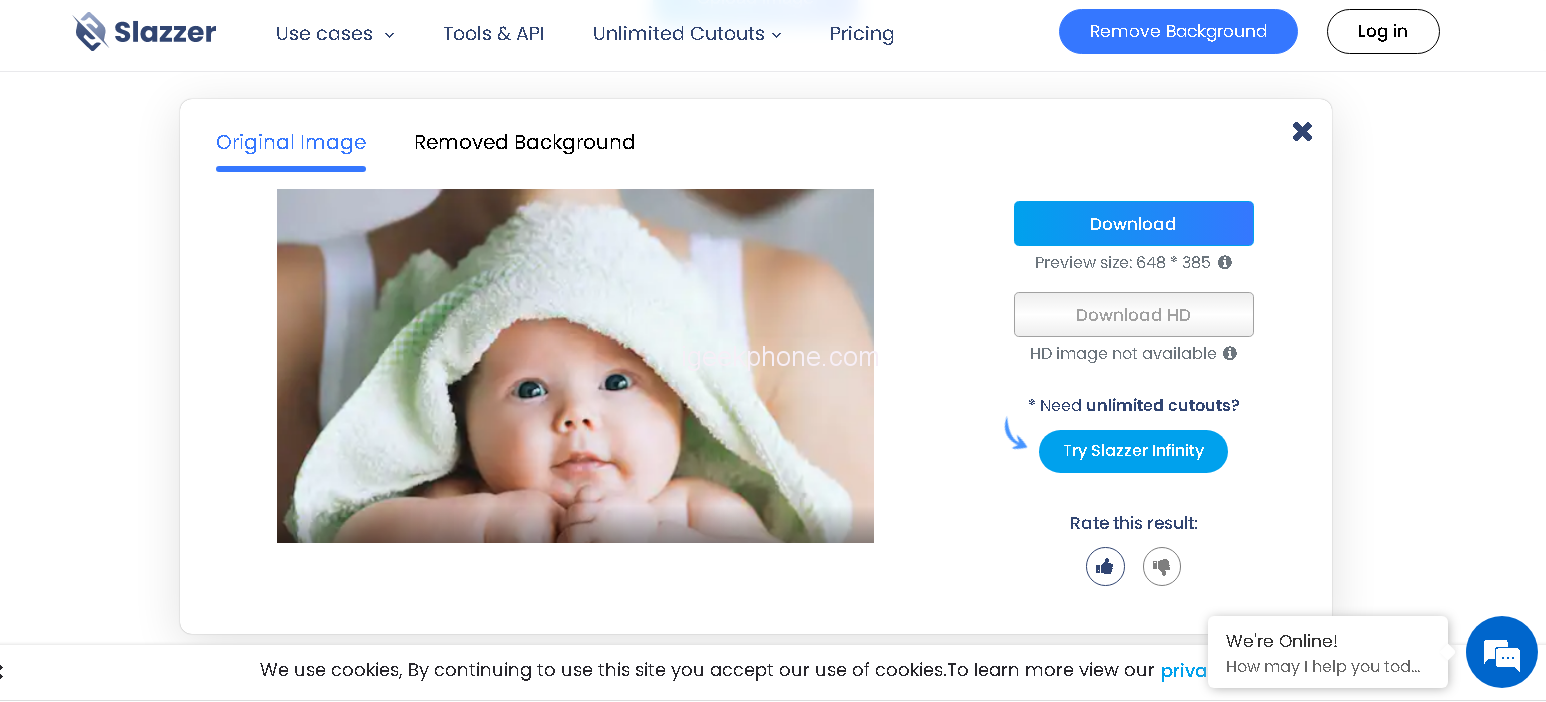
Steps3: Now download the image
Part3. FAQ
1. What background is transparent?
A transparent background is one where the background of the image or art has been removed, leaving only the subject of the photograph or artwork visible. Transparent backgrounds can be achieved in a number of ways, such as using a graphics editor program to manually remove the background, or using an automated tool such as HitPaw Online Background Remover to quickly and easily remove backgrounds from images.
2. Benefits of making image background transparent online
Making image backgrounds transparent online can be a great way to make images more versatile and allow them to be used in various settings. With HitPaw Online Background Remover, users can quickly and easily remove backgrounds from images with just a few clicks.
3.How to make an image background transparent on mobile
It’s easier than you think to make an image background transparent on your mobile device. All you need is an image editing app and a few simple steps.Once you select the desired tool, start erasing the background of your image. When finished, save the image with a transparent background and share it with friends!
Conclusion
In conclusion, when it comes to the best transparent background maker, HitPaw Online Background Remover is a great option.
It provides a high-quality and user-friendly solution for those looking to quickly and easily remove backgrounds from images.
The tool is easy to use, fast to process images, and allows users complete customization with various image formats and settings – making it the ideal choice for businesses as well as individual users.