










Have you ever heard someone describe a keyboard as “creamy”? I had — and honestly, I never quite got it. I’ve heard keyboards called spongy, clicky, mechanical, loud, soft — all of those made sense. But “creamy”? That one never clicked. That is, until I got my hands on the YUNZII IF99. Now I finally get it. There’s just something about the way this keyboard feels smooth, rich, and incredibly satisfying. It’s more enjoyable to type on than any Cherry switches or custom builds I’ve tried in the past.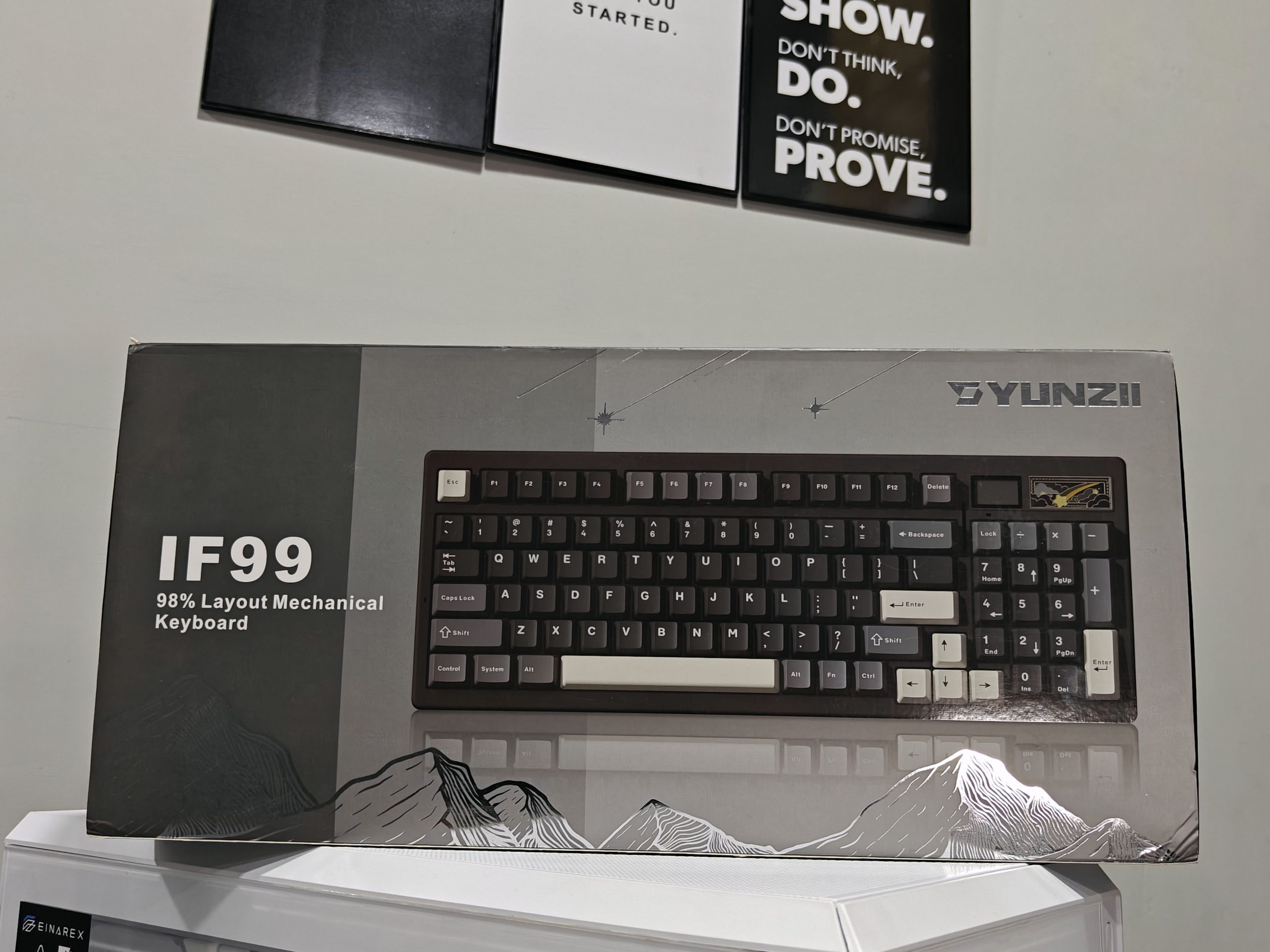
What blows me away is how the IF99 manages to pack in so much. It’s compact, yet still includes a numpad. It’s wireless. It has a screen. And on top of that, it just looks fantastic on any desk setup.
I’ve been using it daily for about a month now, and I’m completely hooked. It’s my first real dive into the 98% layout, and honestly? I might not go back.
Unboxing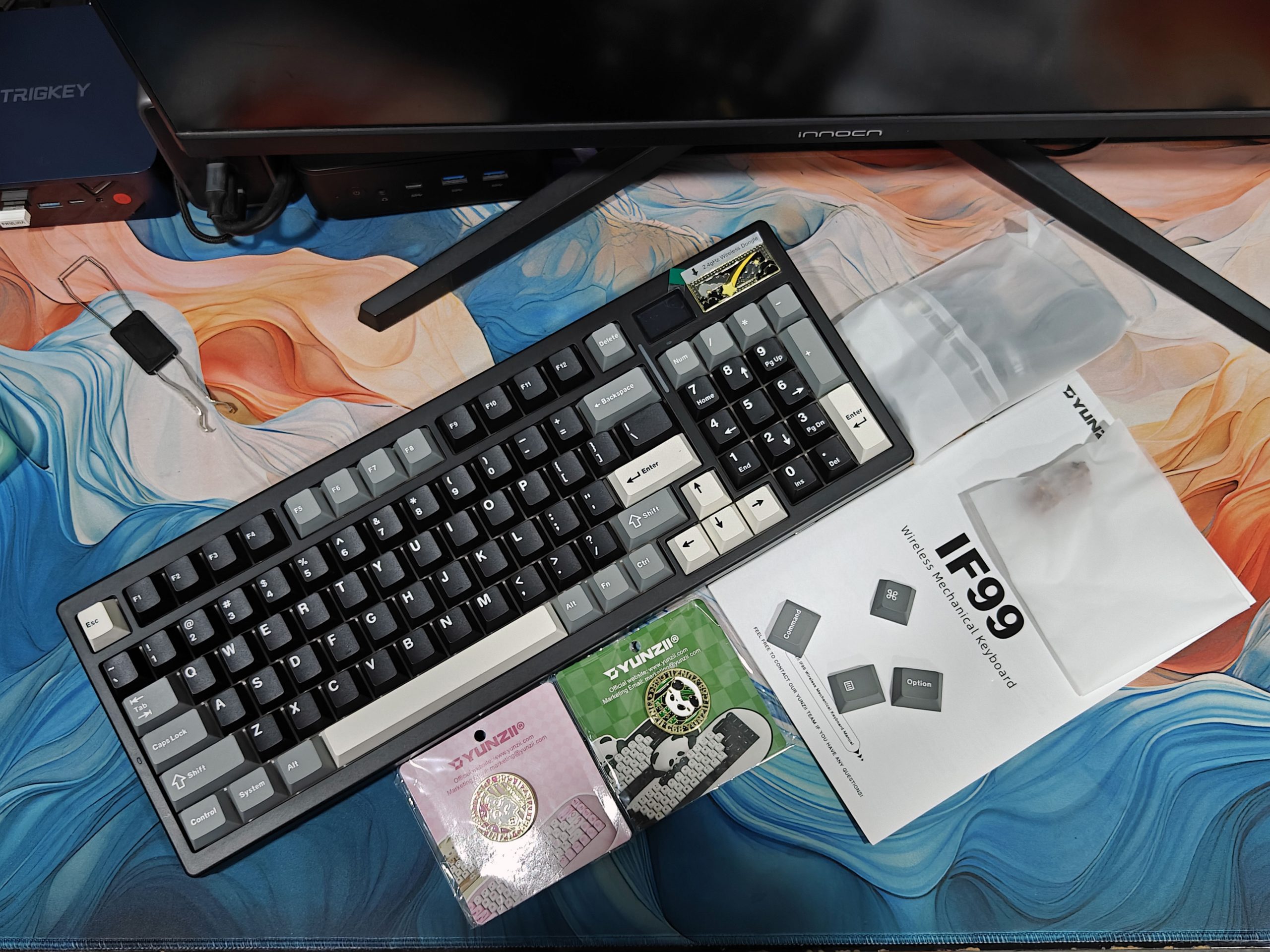
The YUNZII IF99 makes a strong first impression right out of the box. It comes packaged in a stylish shell-style box, with bold “IF99” and “YUNZII” logos front and center—there’s no mistaking what’s inside. Flip it over, and you’ll find the usual product info printed in multiple languages.
Slide off the outer sleeve, and you’re met with a sleek black box bearing the YUNZII logo. Open that up, and sitting neatly on top are the function guide and user manual. But that’s just the beginning.
YUNZII didn’t hold back when it came to extras. Here’s what you’ll find inside: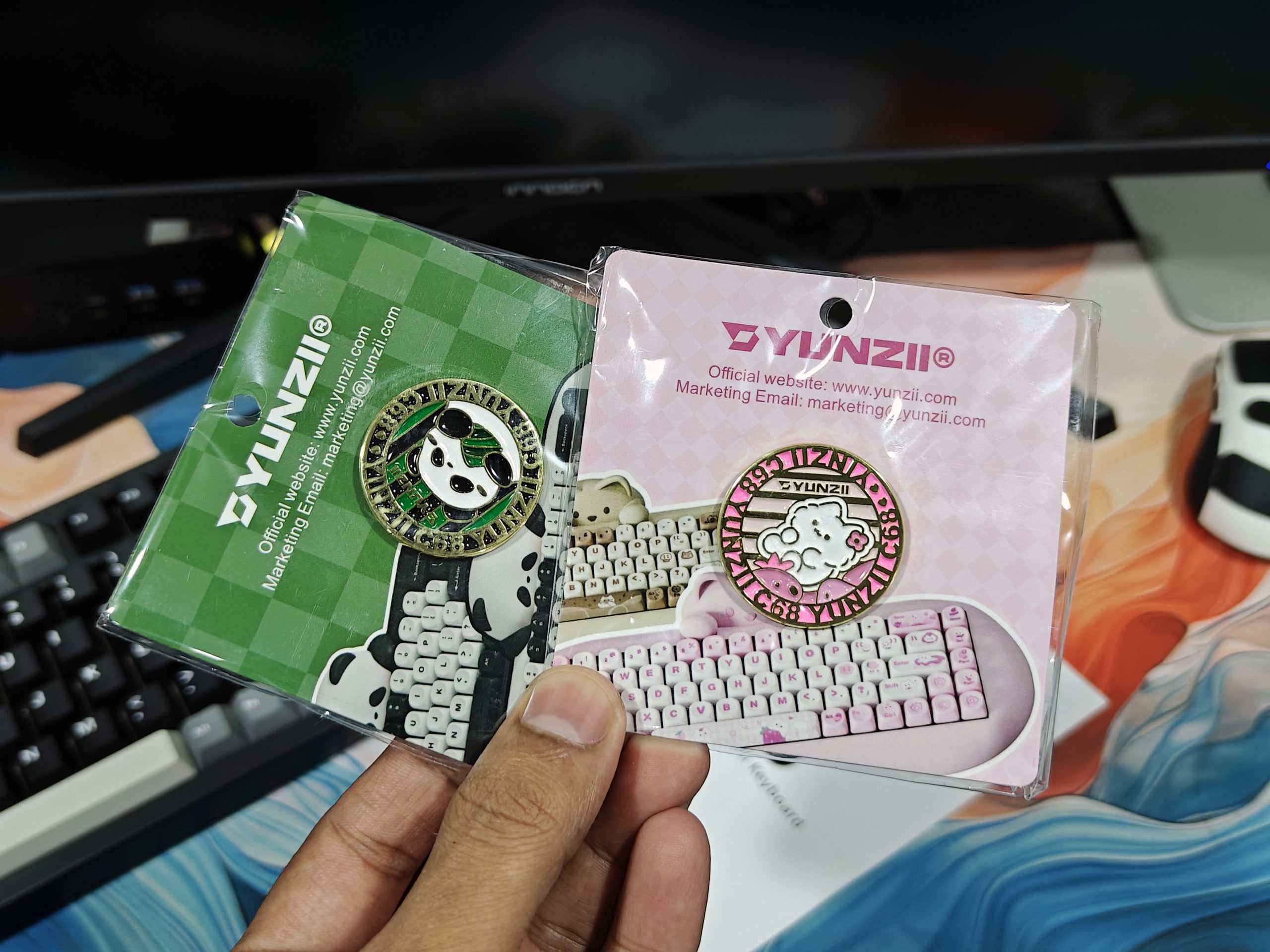
- A quick-start manual and function card
- Four bonus keycaps are always a nice touch
- Two spare Cocoa Cream switches, just in case
- A simple USB Type-C cable
- A handy keycap puller and switch puller—must-haves for any keyboard lover
- And a cool little surprise: a metal badge inspired by YUNZII’s C68 keyboard (one pink, one green), mounted on a card with their website and email—super cute and collectible
All the extras come in their own separate, premium-feeling little box, and the keyboard itself is wrapped in a protective plastic sleeve and dust bag. The whole unboxing experience feels premium and well-thought-out. It’s clear YUNZII paid close attention to every detail—both in design and presentation.
Design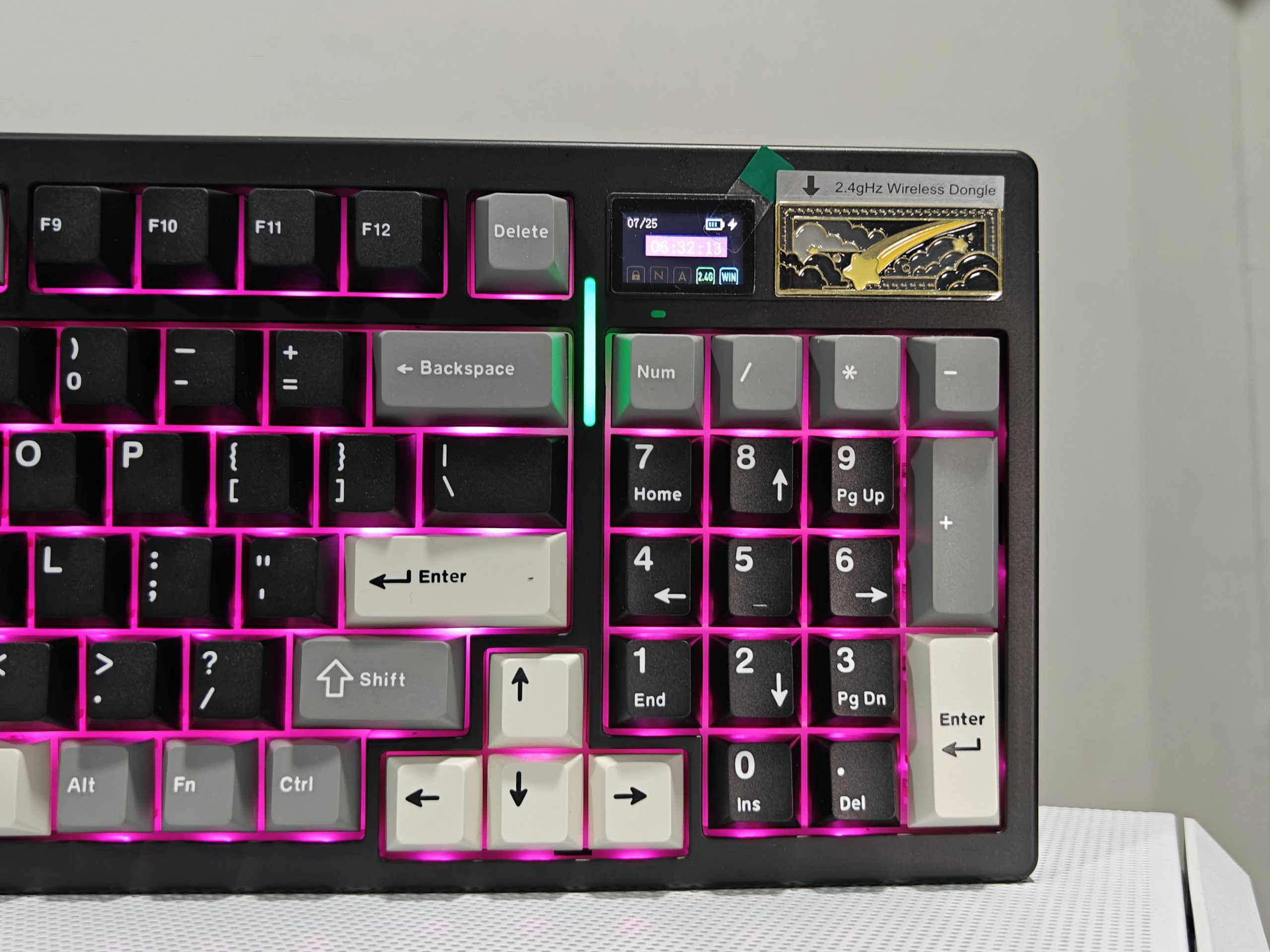
This is a full-sized, 95-key mechanical keyboard, and from the moment you take it out of the box, it gives off premium vibes. The build quality is seriously impressive. It’s solid, sturdy, and has zero flex. Weighing in at around 1.23 kg, it’s got enough heft to stay planted during those intense gaming marathons or non-stop typing sessions.
It comes in two color options — clean white or sleek black. I went with black, and honestly, it fits my setup perfectly. The little LCD screen in the top right corner adds a modern, customizable touch that just makes it feel even cooler.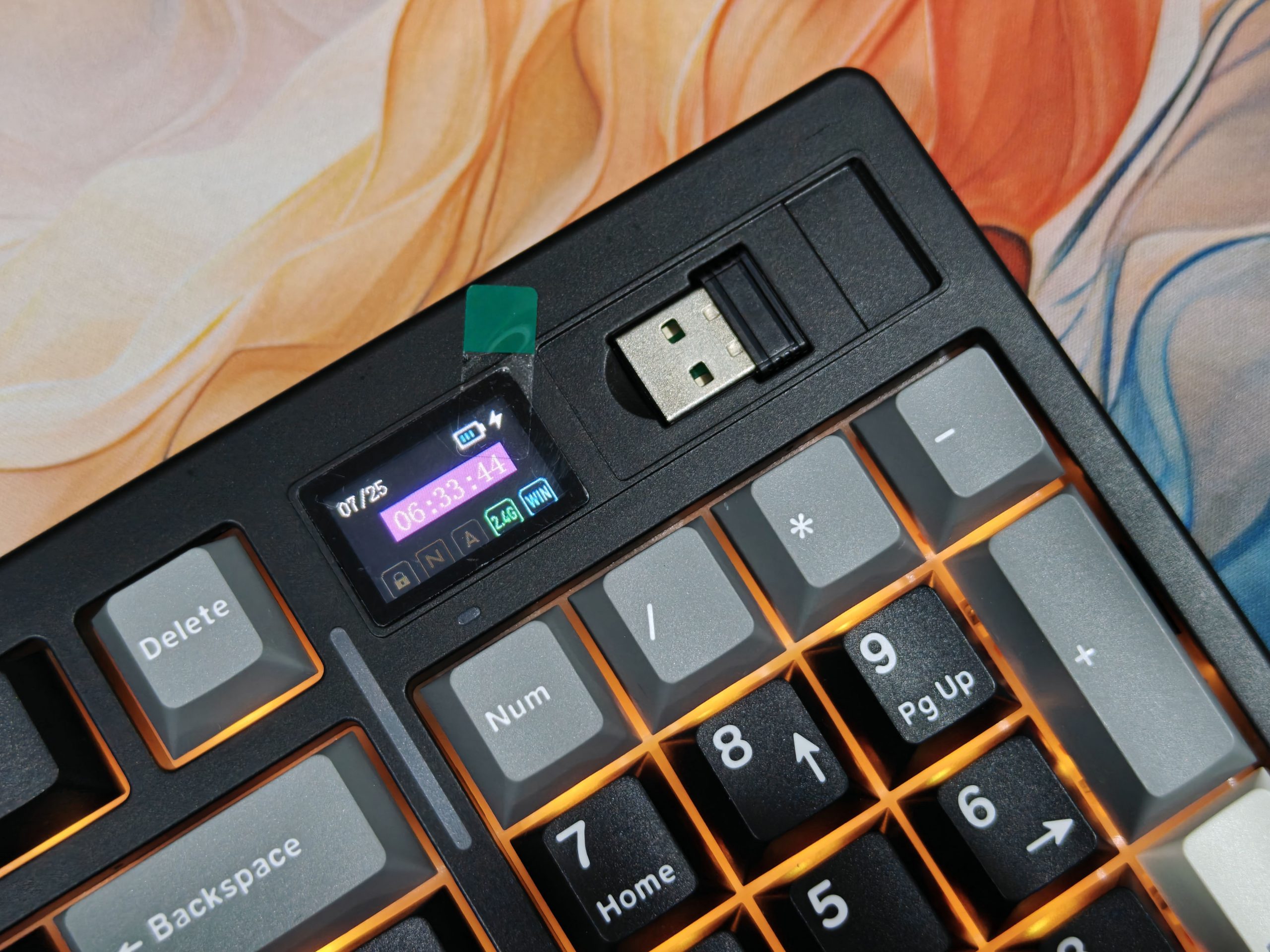
The frame is made from high-quality plastic with smooth, rounded edges. But what makes this keyboard stand out are the thoughtful design details. Take the magnetic aluminium badge on the top right — it looks sharp and doubles as a clever storage spot for the 2.4GHz receiver. Smart, right?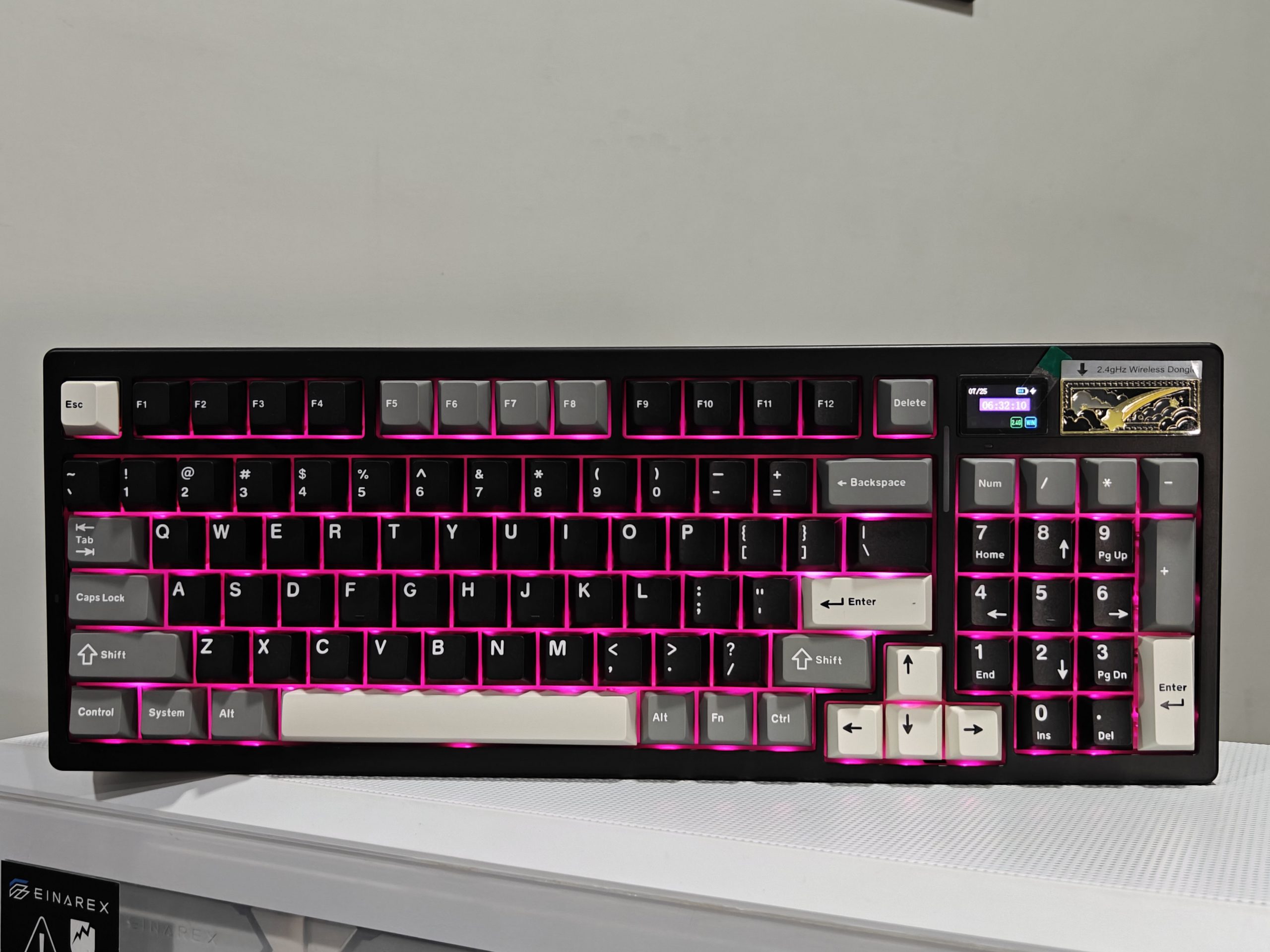
There’s also a slim RGB LED bar labeled “LOG” tucked between the Backspace and Num Lock keys. It’s not just there for aesthetics — you can cycle effects with Fn + Num Lock, tweak brightness using Fn + “=” or “-”, and even check the battery level with Fn + Right Ctrl. It’s simple, useful, and looks great.
Flip it over, and you’ll see a metal backplate engraved with a beautiful mountain and shooting star design, along with a sleek metal bar that says “One Click to Infinity.” It’s a subtle but striking detail.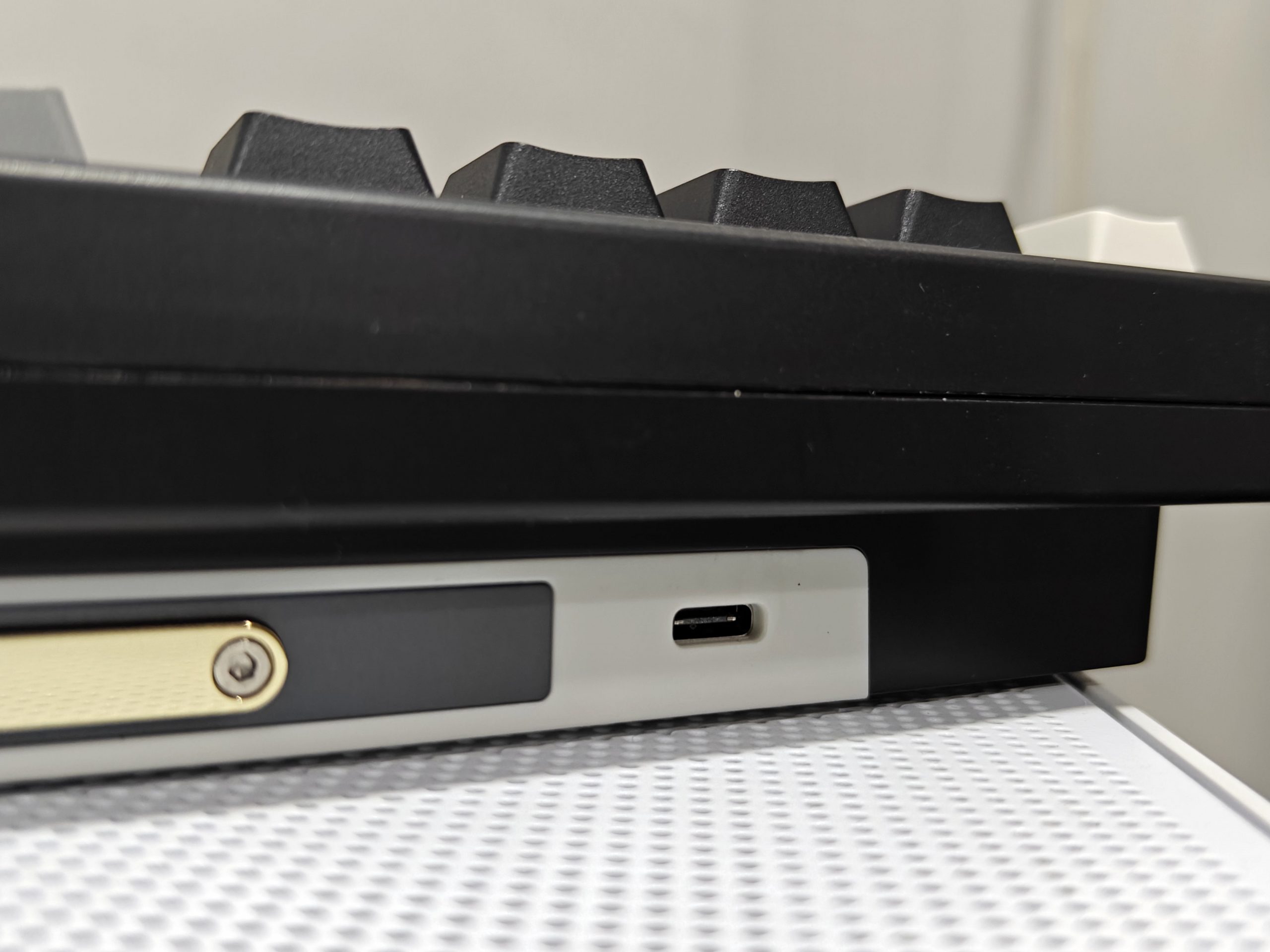
You’ll also find the Type-C port back there, plus rubber feet at each corner to keep the keyboard firmly in place. There’s even a toggle switch to quickly move between Bluetooth, 2.4GHz wireless, and wired modes — super convenient.
From the layout to the finish, every detail on the IF99 feels intentional. Whether you’re gaming hard or powering through a workday, this keyboard doesn’t just perform — it looks the part, too.
LCD Screen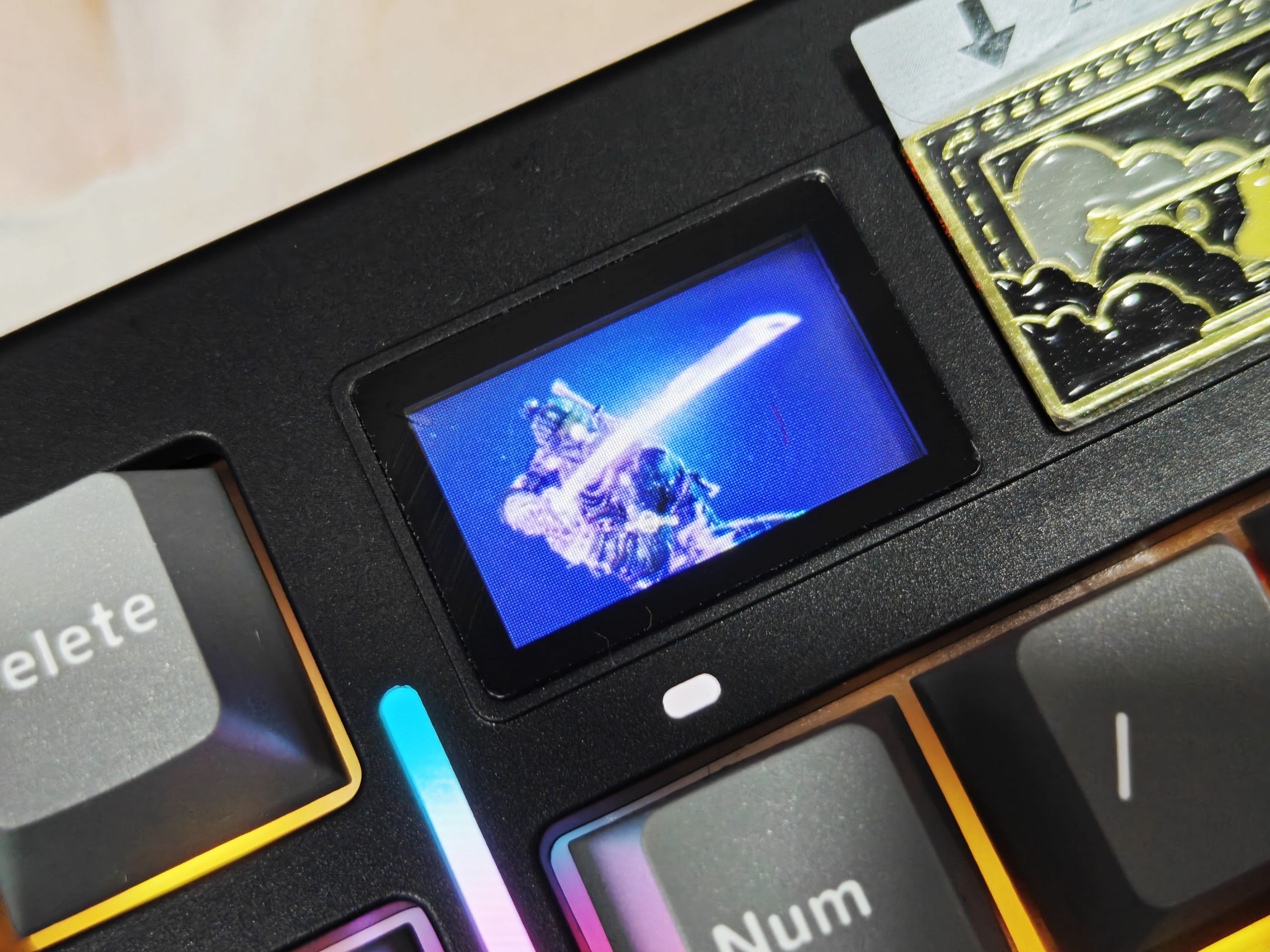
Let’s be honest—one of the first things you’ll notice about the YUNZII IF99 is that little LCD screen tucked in the top right corner. It’s more than just a cool design element; it serves a purpose. From showing the time and battery level to letting you know if Caps Lock or Num Lock is on, it gives you real-time info in a sleek, modern way.
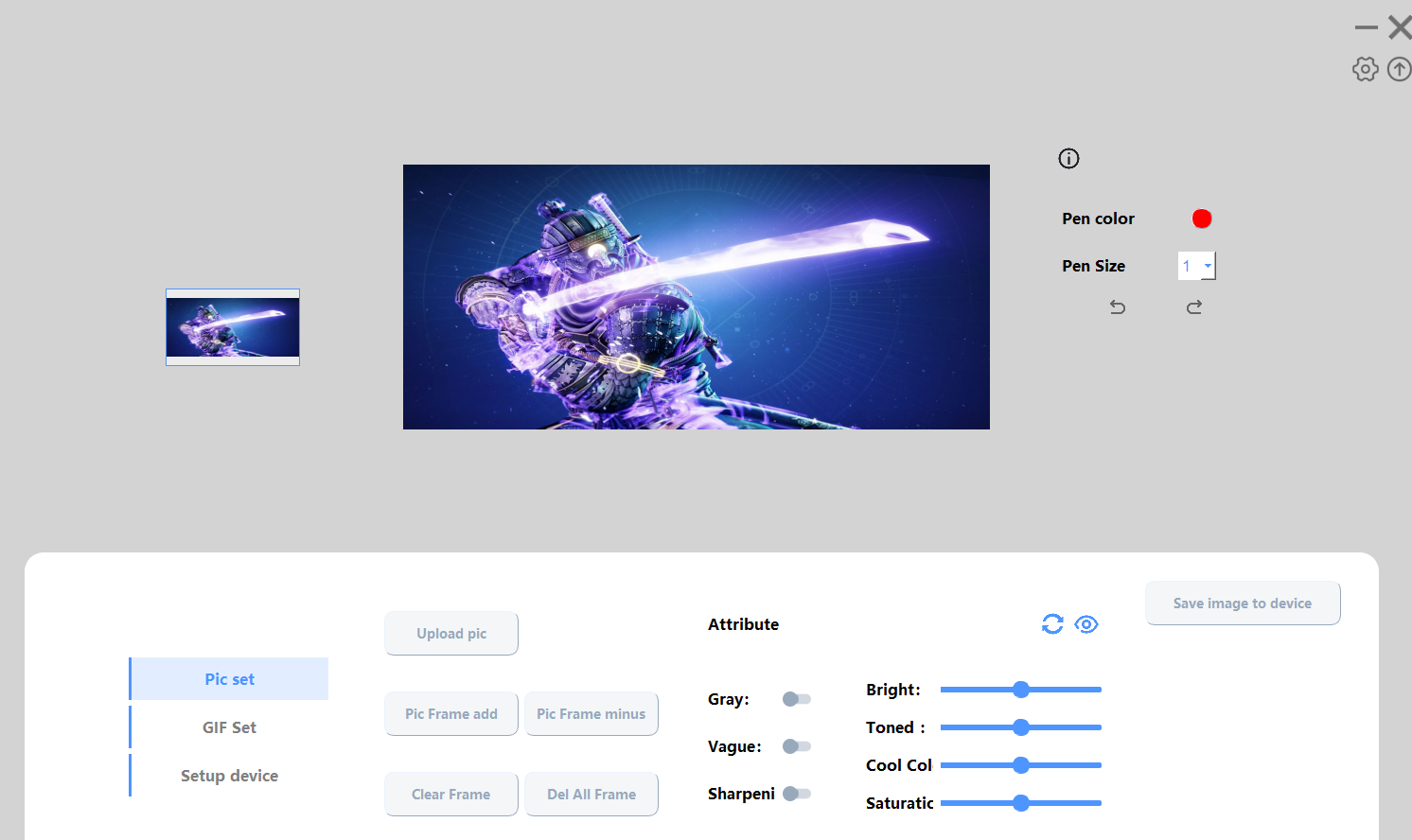
But the best part? You can make it your own. Just head to YUNZII’s official site, download the IF99 software, and start customizing. Add your favorite images, funny GIFs, or personal messages—it’s all super straightforward, and it gives the keyboard a nice personal flair. The display itself is crisp, bright, and blends in perfectly with the overall aesthetic.
You can also switch between screens using simple shortcuts: Fn + 8 takes you to the default display, Fn + 9 shows your custom images, and Fn + 0 plays your selected GIFs. Just a quick note—you’ll need YUNZII’s specific software for this. VIA won’t support the screen customization features.
Keycaps and Switches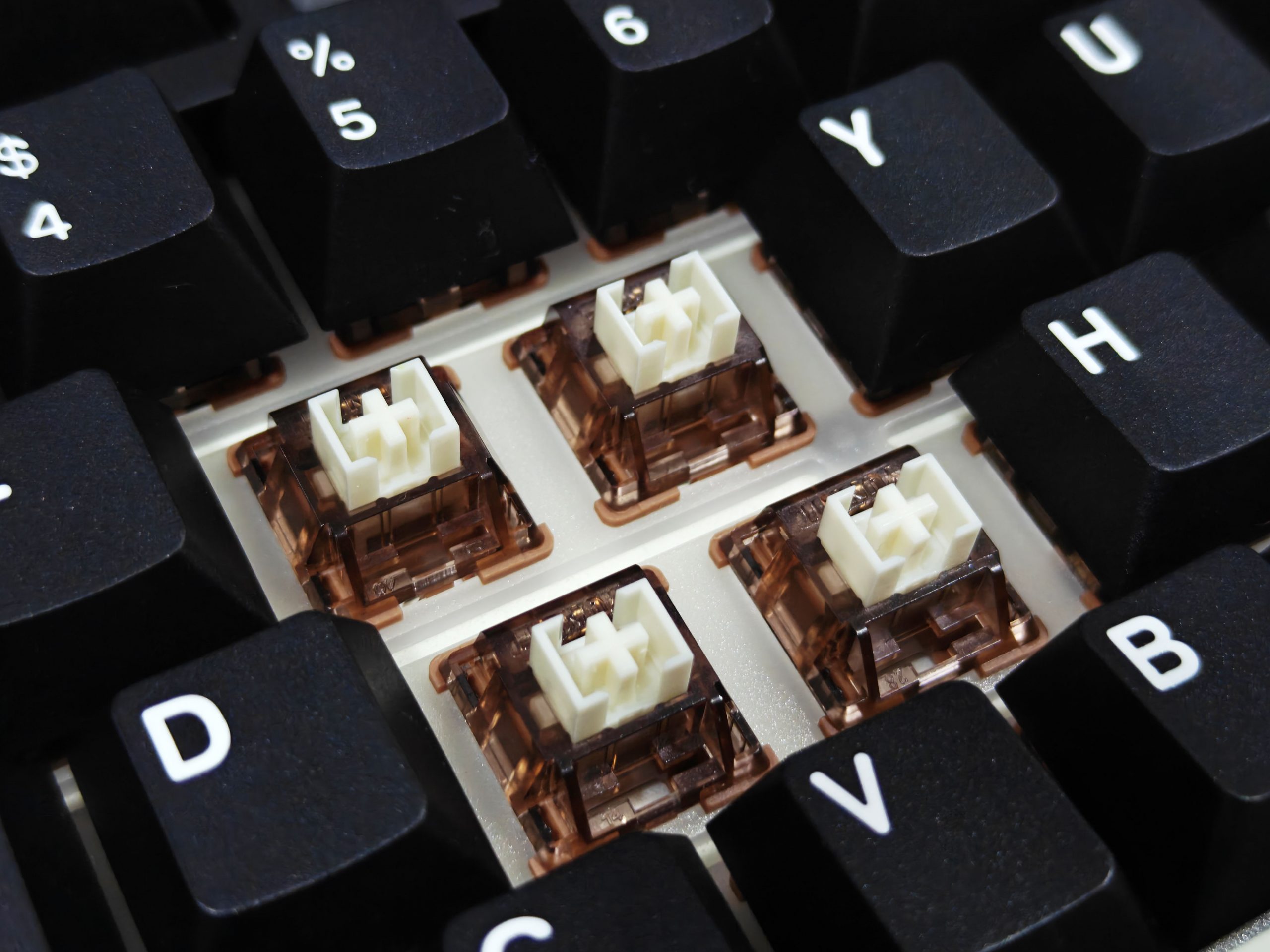
The YUNZII IF99 features stylish Cherry profile keycaps with a charming three-tone color scheme—black, white, and grey—that gives the board a clean and modern aesthetic. The legends are bold and easy to read, even in dim lighting, thanks to the large black font. Made from double-shot PBT, these keycaps are built to last and won’t develop that greasy shine over time. The smooth texture on top feels great under your fingers, making typing both comfortable and satisfying.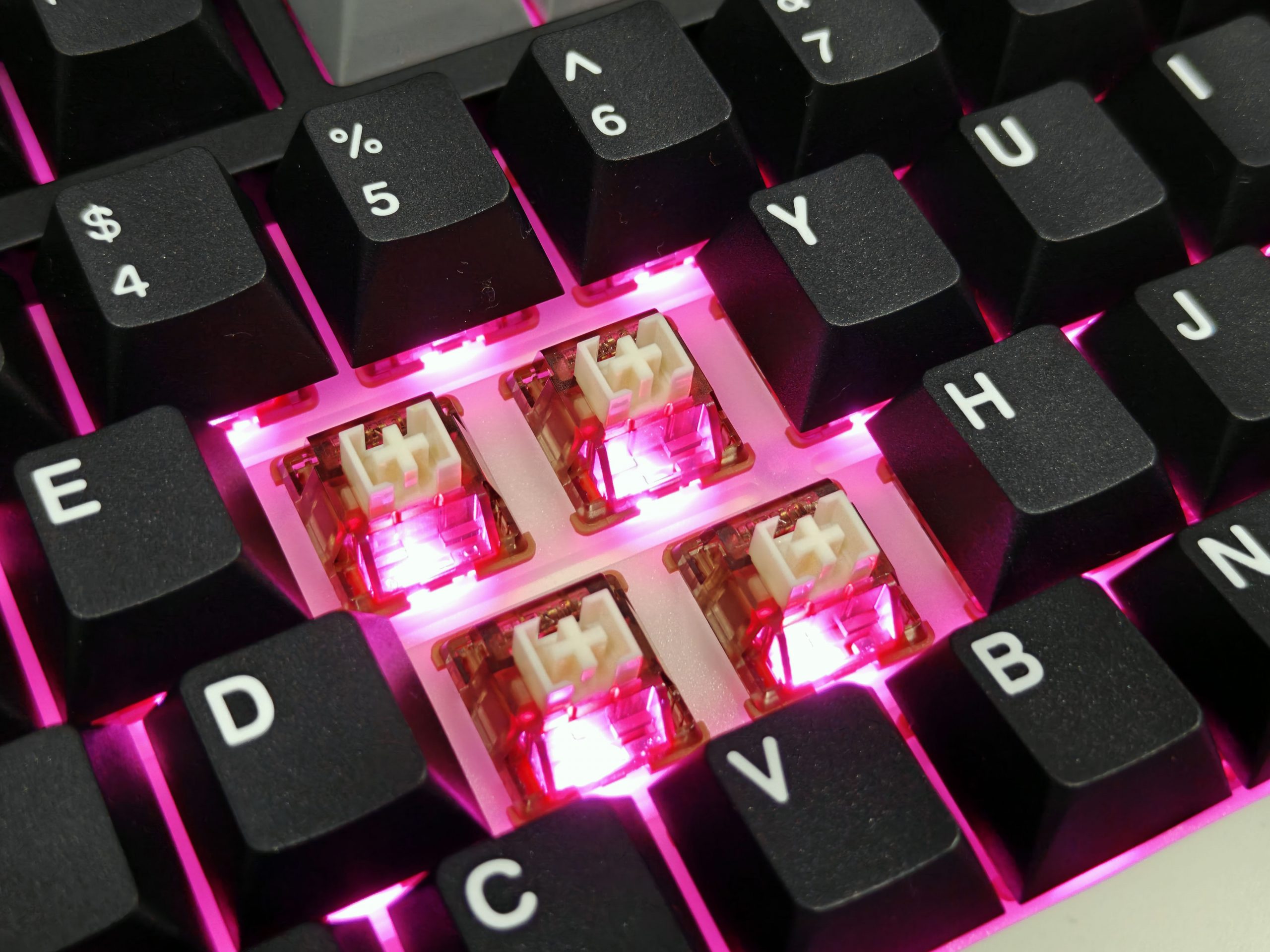
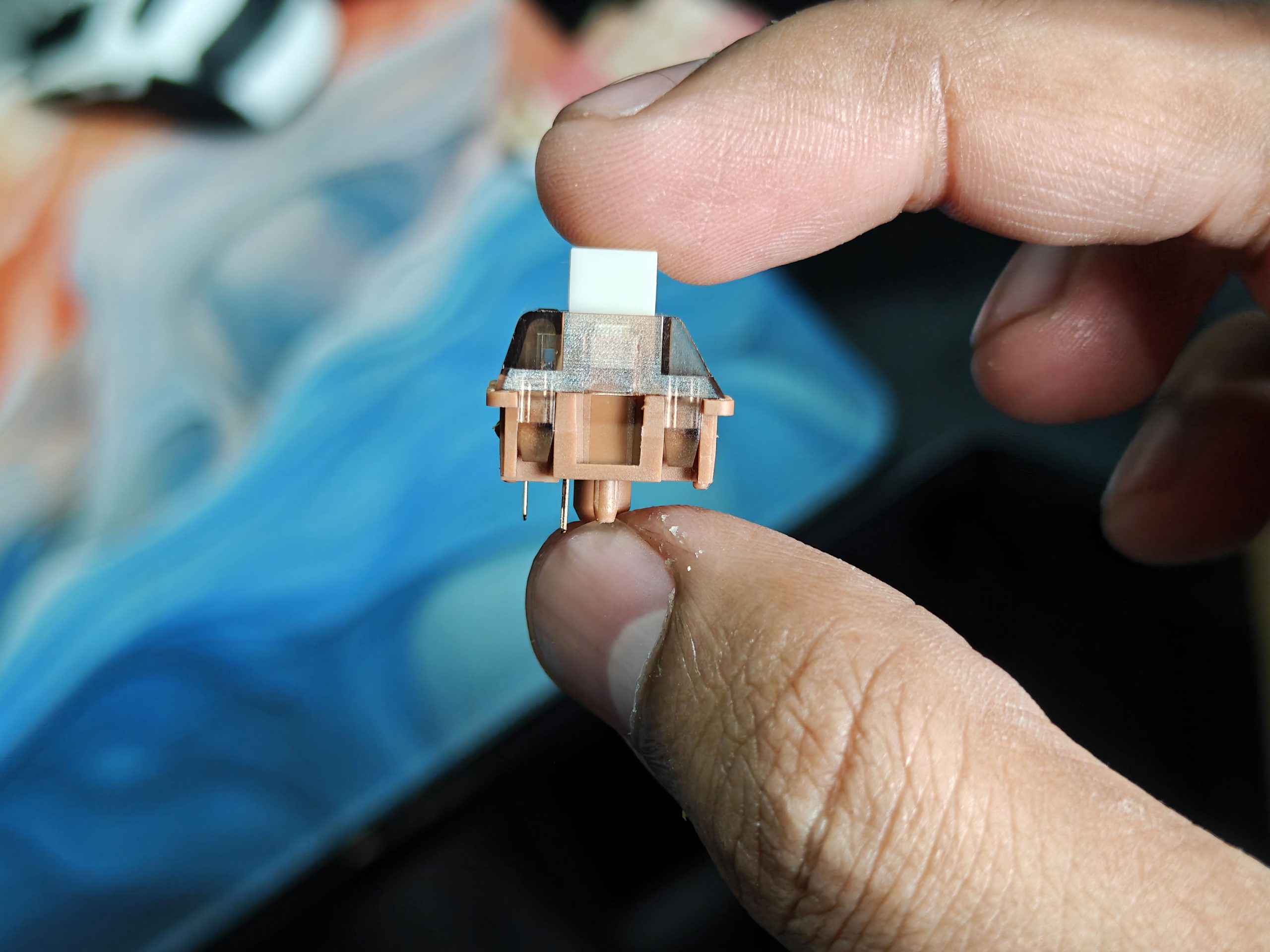
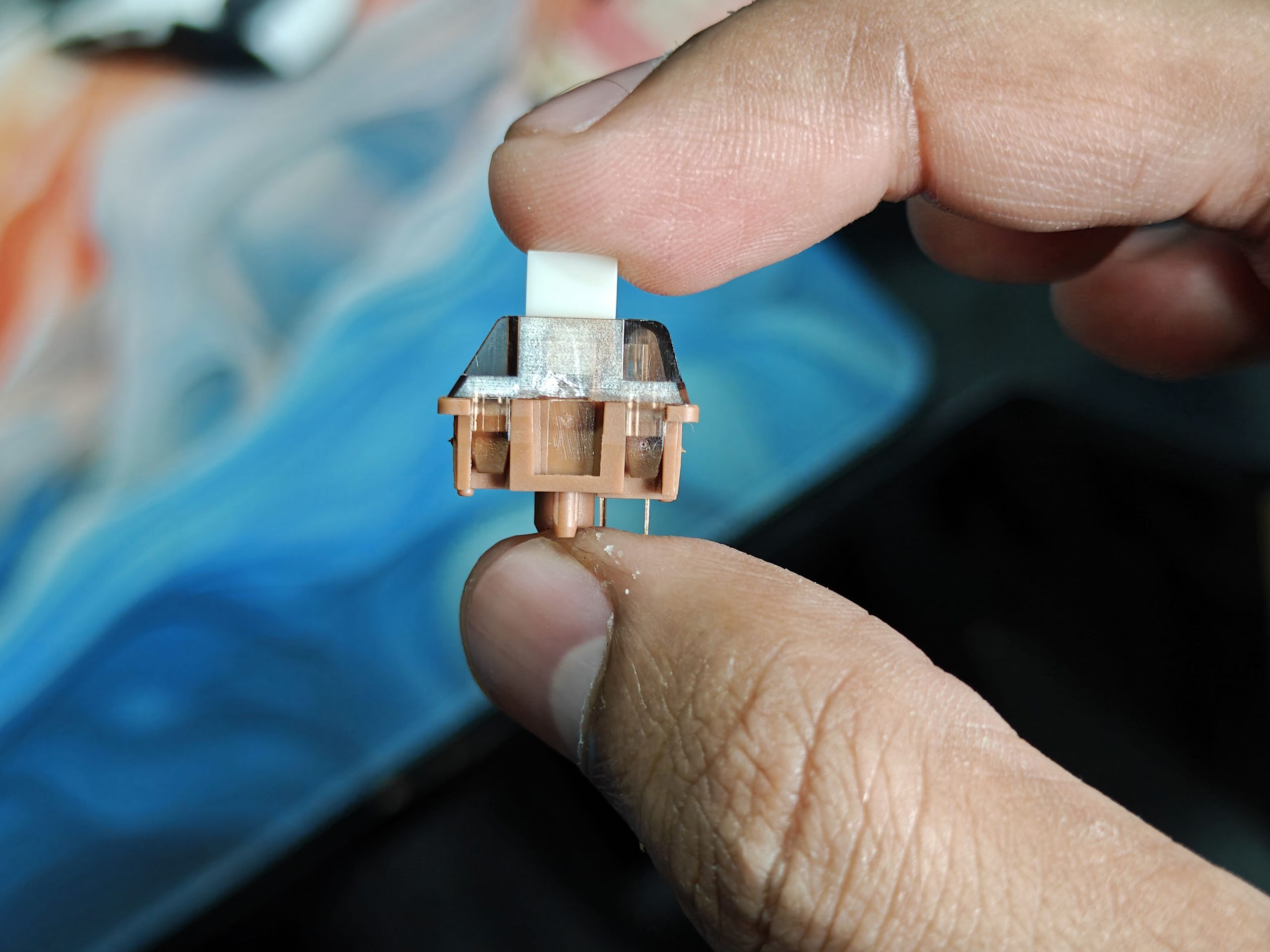
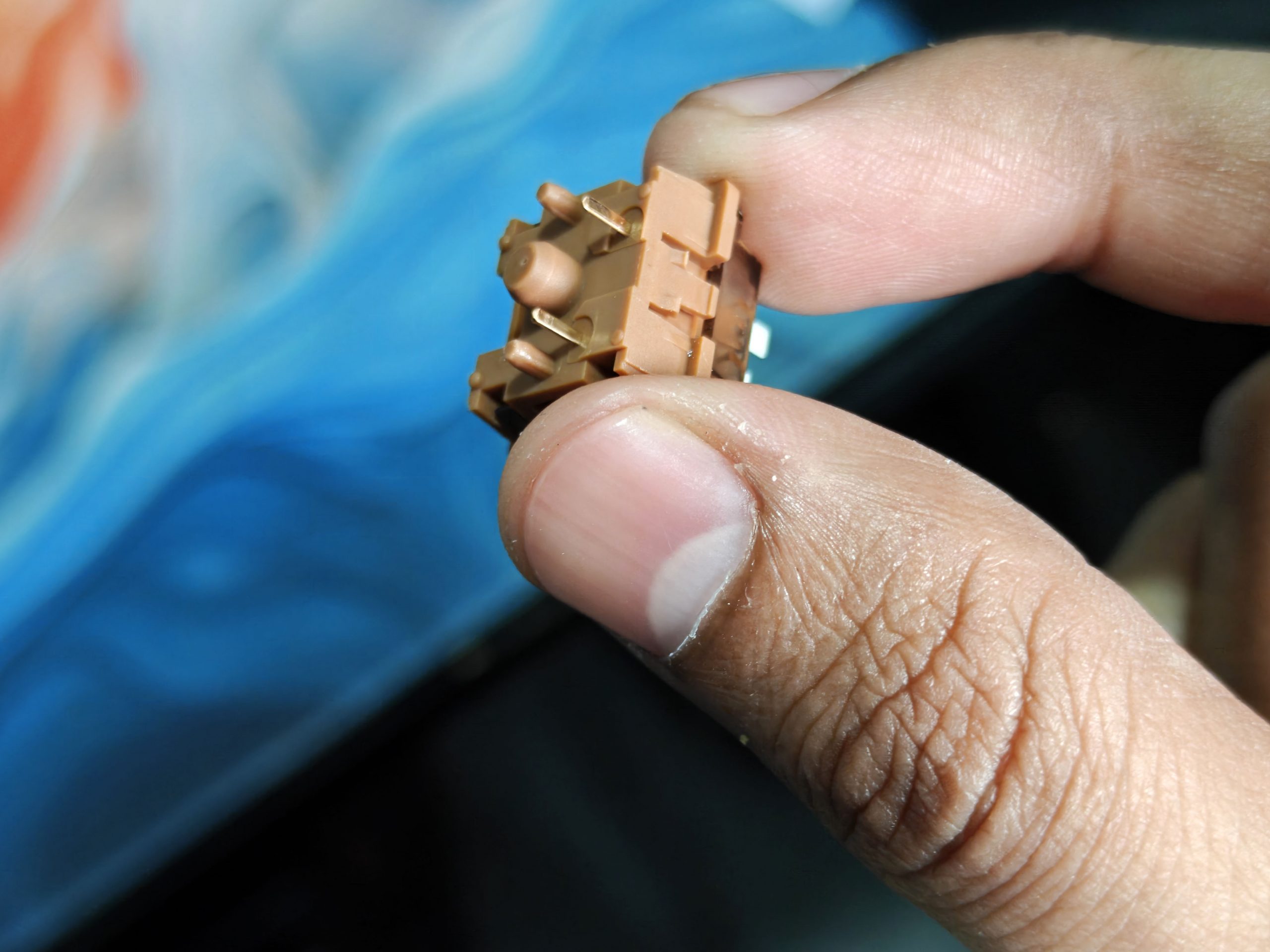
Our review unit came fitted with Gateron Zero Linear switches—and wow, they feel smooth. These switches deliver a silky, creamy keystroke with a light and clean actuation. They produce a pleasant, crisp “clacky” sound that’s noticeable without being noisy—more refined than the typical Cherry Reds, with just the right balance between sound and softness.
Battery Life
This keyboard comes equipped with a massive 8000mAh battery—and yes, it lives up to the hype. Even with all the bells and whistles running (we’re talking full RGB backlighting, LOG LED bar, and the LCD screen), the battery just keeps going. We never felt the need to constantly plug it in. And when it finally does need a charge, the fast-charging support means you’ll be back up and running in no time.
Checking the battery level is super easy. Just press Fn + Right Ctrl, and the keyboard gives you a quick visual readout: the RGB and LOG LEDs briefly turn off while the number keys from 1 to 0 light up to show the current battery percentage. Let go of the keys, and everything returns to your custom lighting setup.
YUNZII also added some clever power-saving tricks. In wireless mode, if you walk away for 4 minutes, the keyboard enters a light sleep—turning off the lights but keeping the connection alive. Tap any key, and it instantly wakes. If you’re gone for 30 minutes or more, it goes into a deeper sleep and disconnects to save power. But again, just press any key, and it wakes right back up and reconnects automatically. Smart, simple, and seamless.
Staying Connected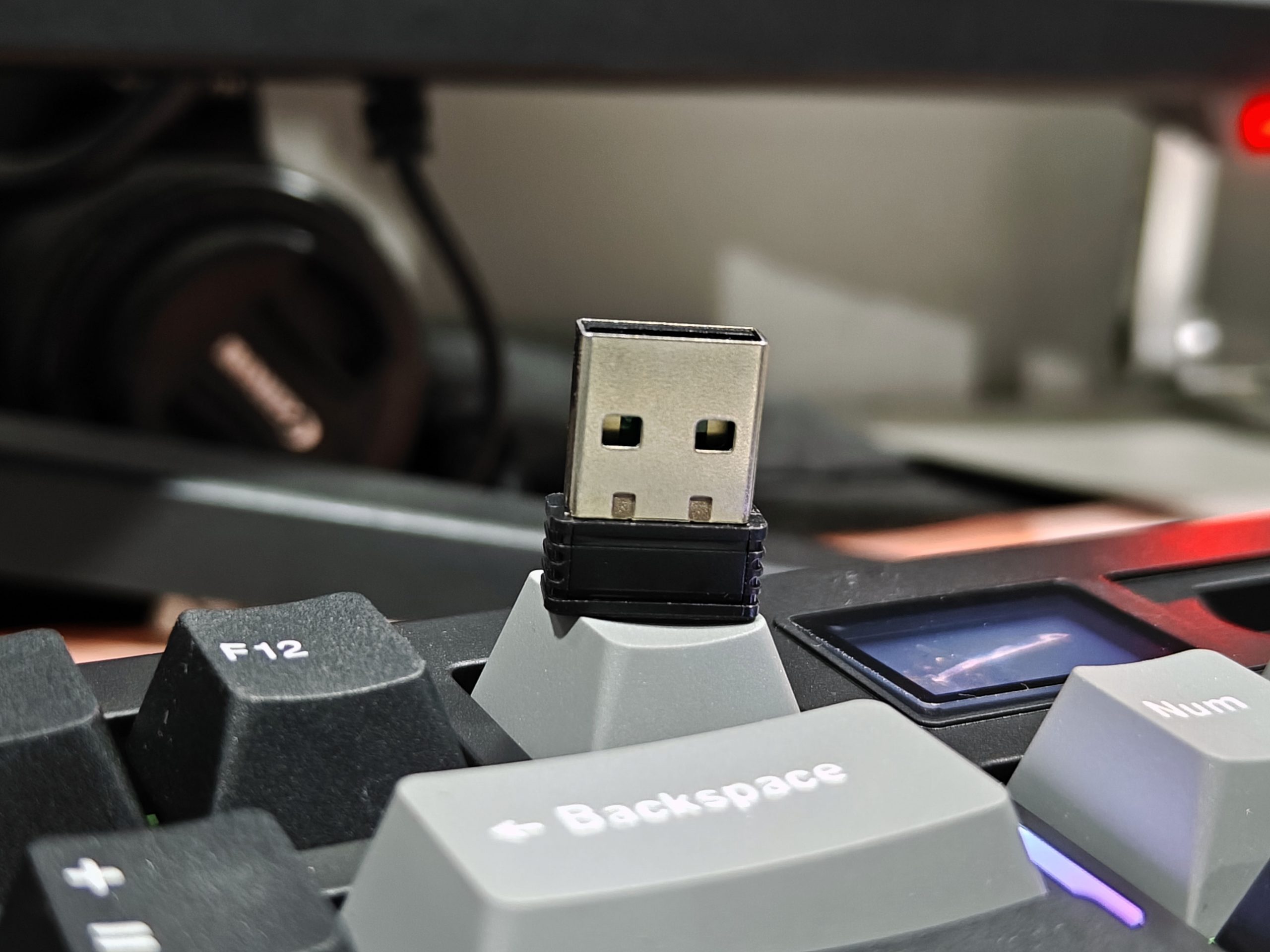
What I love about the YUNZII IF99 is just how effortlessly it stays connected — no matter what device I’m using. It supports Bluetooth 5.0, 2.4GHz wireless, and classic USB Type-C. Switching between modes? Just a flick of a switch on the bottom of the keyboard. You can even pair it with up to five devices at once. Think laptops, tablets, phones, desktops, and yes — even consoles like PlayStation or Xbox.
For me, it’s become my go-to keyboard for everything. I use the wireless dongle for my work laptop during the day, and by evening, it’s connected to my Steam Deck via Bluetooth while I knock out some OS updates or get in a little game time. It’s just so convenient.
VIA Software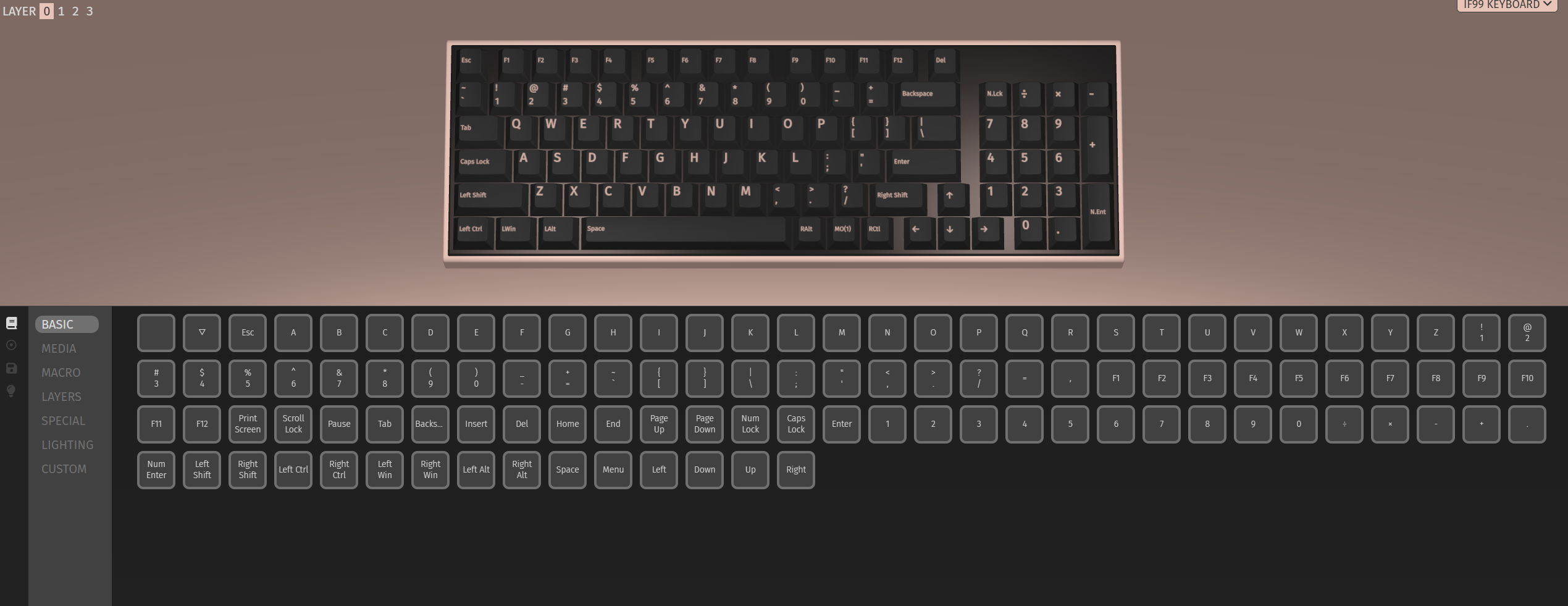
If you’re the kind of person who loves to tweak and tune every part of your setup, you’re going to love this: the YUNZII IF99 works with VIA software — and it’s brilliant. With VIA, you can remap any key, set up macros, and completely customize your RGB lighting setup — all with a clean, intuitive interface that requires zero coding knowledge.
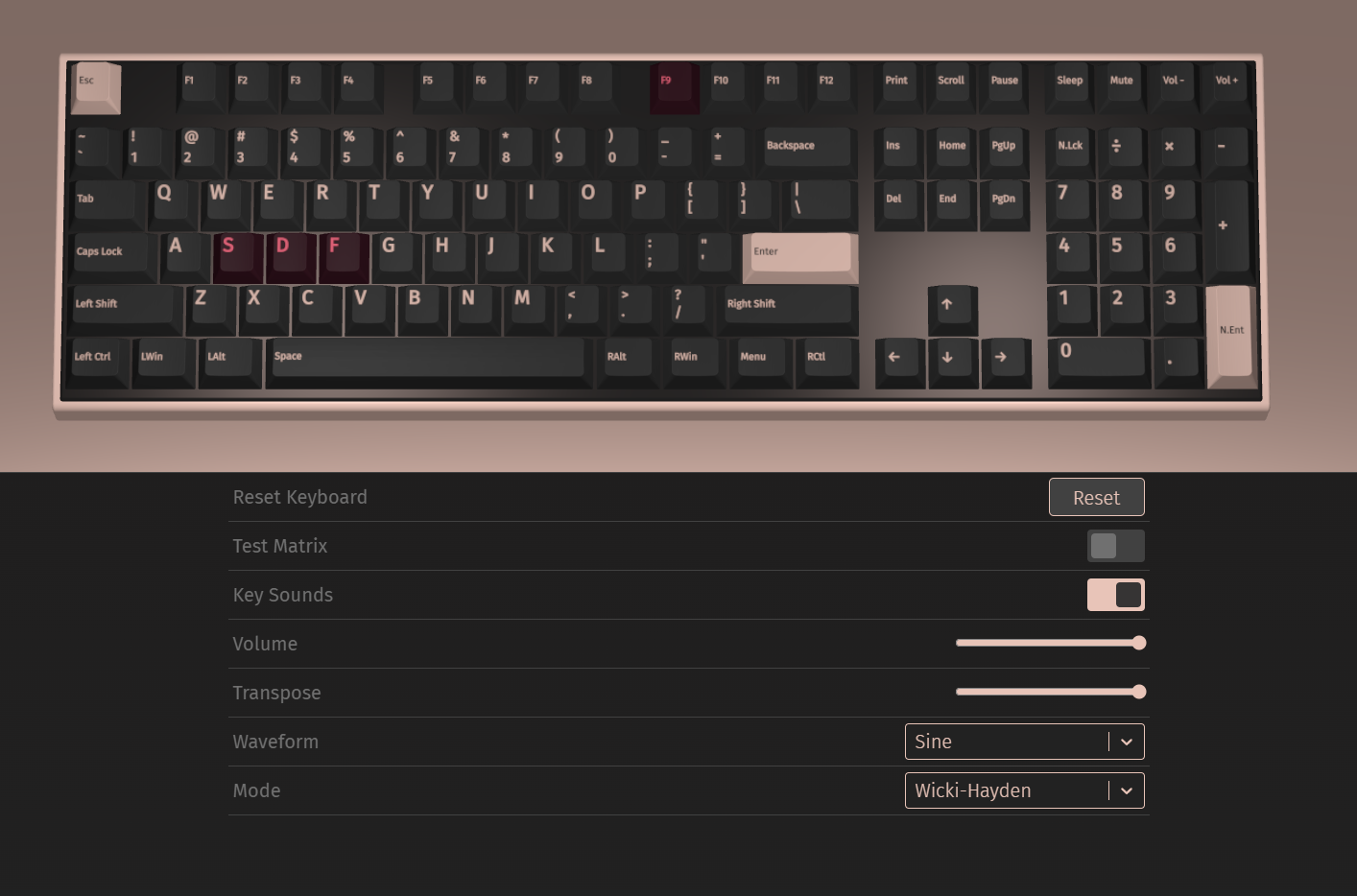
The coolest part? Changes happen instantly. No need to restart anything. Just plug in your keyboard, load the layout, and start dragging and dropping functions like a pro. You can build custom layers for different tasks — gaming, work, or your late-night browsing setup — and even take full control of the lighting without breaking a sweat.
If you like your keyboard to reflect you, VIA gives you that level of control. And honestly, once you get a taste of it, there’s no going back.
Final Verdict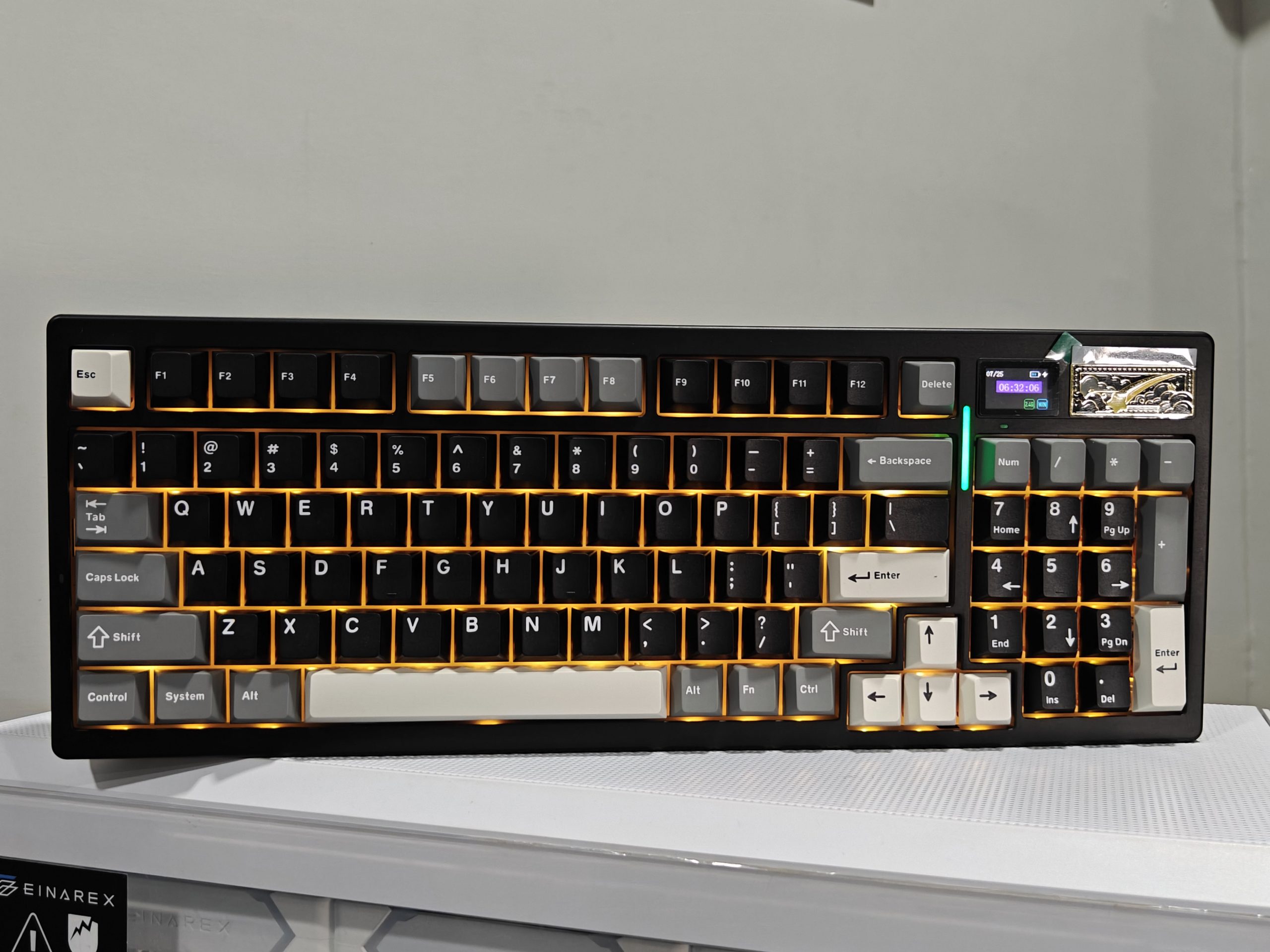
Let’s be real, using the YUNZII IF99 has been a total game-changer for me. Typing and gaming feel incredibly smooth thanks to the Gatreon Zero Linear switches. They’ve got this soft, “creamy” feel that I didn’t even know I wanted until I tried it. The gasket-mounted design and sound-dampening materials make every keystroke feel cushioned and quiet. And yes, I’m that person who still uses the numpad daily, so its inclusion is a massive win.
I also love how the hot-swappable sockets let me try out different switches without soldering anything. It’s like getting to test-drive your perfect typing experience.
And the battery? 8000mAh of pure freedom. I charge it so rarely, I forget it’s a wireless keyboard. That little LCD screen on top is more than just a fancy touch — it’s genuinely handy and adds a bit of flair to your setup.
From the sleek design to the hidden details like the etched underside and magnetic logo badge, everything about the YUNZII IF99 feels premium. It’s not just a keyboard — it’s a centerpiece for your desk.
Read Also. Epomaker TH99 Review: Worthy Custom Keyboard For Beginners?