










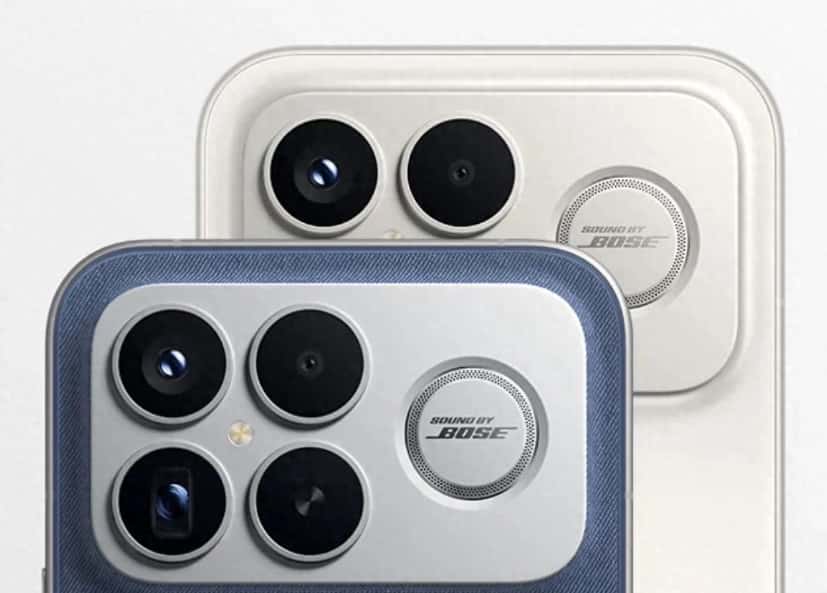
Redmi K90 Pro Max, as a powerful flagship model, comes with the MIUI system that offers users a wide range of functions. However, some users may find the ad push function built into the system annoying. Below, we will detail the practical methods for disabling ads from three aspects: system settings, application management, and notification control.
1. System-level Ad Blocker
Disable system tool advertisements
Go to “Settings” – “Xiaomi Account” – “Terms and Conditions” – “System Ads”, and turn off the “System Tools Ads” switch. This operation can block the promotional content in system applications such as weather, calendar, and file management, reducing the number of ad sources by approximately 60%.
2. Disable the User Experience Program
In the “Settings” – “Password and Security” – “System Security” section, disable the “Join User Experience Program” option. This feature collects user behavior data for advertising push purposes. Once disabled, the system will stop providing personalized advertising recommendations.
3. Pure Mode Deep Cleaning
Open “Settings” – “Special Features” and select “Clean Mode”. The system will automatically block advertisements from non-official app stores and restrict the operation of background advertisement processes. It should be noted that this mode may affect the normal functions of some third-party applications.
II. In-app Advertising Management
Special settings for pre-installed applications
Browser: Go to “Settings” – “Homepage Settings”, select “Simple Version”, and turn off “Grid Position Push” and “News Recommendation”.
App Store: In the “My” – “Settings” – “Privacy Settings” section, disable “Personalized Recommendations”, as well as “App Update Reminders” and “Related Recommendations”.
– Theme Wallpaper: By going to “My” – “Privacy Settings”, disable “Personalized Content Recommendations” to prevent advertisements from being inserted into the wallpaper library.
2. Third-party application permission control
For video and shopping applications, in the “Application Information” – “Permission Management” section, disable “Screen Lock Display” and “Background Pop-up Interface”. For instance, after disabling the “Screen Lock Permission” for a certain video application, its pop-up advertisements will no longer be able to be displayed on the lock screen.
III. Notification and Permission Optimization
Notification classification management
In the “Settings” – “Notifications and Control Center” – “Notification Management” section, set the notification permissions for non-essential applications (such as games and shopping) to “Not Allowed”. In particular, disable the “Marketing Notifications” and “Promotional Messages” categories, which can reduce the number of notification bar advertisements by over 80%.
2. Intelligent service process termination
Go to “Settings” – “Privacy Protection” – “Special Permission Settings” – “Display on top of other apps”, then find the “Smart Services” app and disable its permissions. This service is the core process for MIUI’s ad push. Once disabled, system-level ads will significantly decrease.
3. Data network access restrictions
For applications in the advertising-prone areas (such as news and short videos), in the “Application Information” – “Network Control” section, only the “WLAN” permission should be retained. When using mobile data, these applications will be unable to load the advertising content, but it will not affect the use of basic functions.
Advanced Technique: Deep Cleaning with ADB Commands
For technical users, they can connect their mobile phones to computers to execute ADB commands to completely remove the system advertisement components. For instance, entering `pm uninstall -k –user 0 com.miui.systemAdSolution` can uninstall the system advertisement service module. This method requires enabling USB debugging mode. It is recommended to back up important data before proceeding with the operation.
By combining the above methods, the advertising interference of Redmi K90 Pro Max can be reduced by over 90%. Users can choose to adopt some or all of the solutions according to their actual needs, ensuring system security while achieving a clean and smooth usage experience.