










If you’re grinding through FC 26 Ultimate Team and tired of watching your transfer market dreams get crushed by an empty wallet, IGGM has you covered. The platform has become one of the most trusted destinations for buying FC26 Coins, and right now, there’s a solid deal running that makes it even more worthwhile. Here’s a full breakdown of what’s going on and how to make the most of it.
Save 8% on FC26 Coins With Code TY8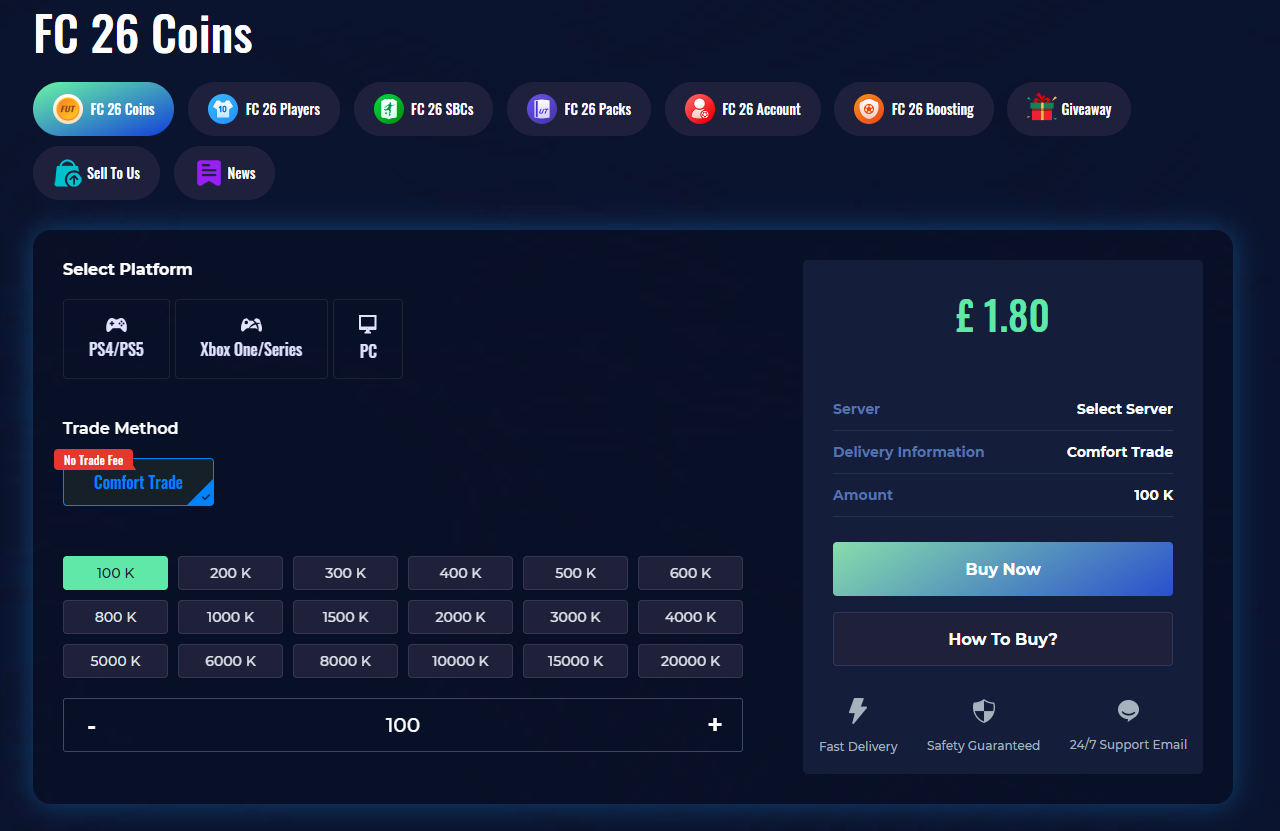
IGGM is currently running a coins activity where players can grab an exclusive 8% discount using the code TY8 at checkout. That might not sound massive, but when you’re buying in bulk to build your dream squad, those savings add up fast. Whether you’re targeting a meta striker or stacking coins ahead of a big promo, this is a smart time to stock up.
How to Buy FC26 Coins at IGGM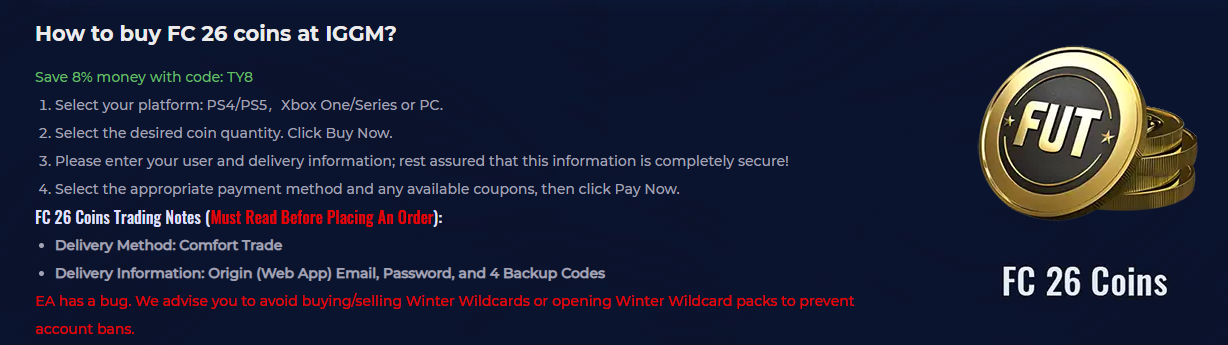
The buying process is straightforward and takes just a few minutes. Start by heading to IGGM.com and selecting your platform: PS4/PS5, Xbox One/Series, or PC. Once you’ve chosen the coin amount that fits your budget, hit Buy Now.
From there, you’ll enter your user and delivery information. IGGM takes security seriously, so your details are fully protected throughout the process. Finally, pick your preferred payment method, apply any available coupons (don’t forget TY8 for that 8% off), and click Pay Now. Simple as that.
FC 26 Coins Trading Notes
Before placing your order, there are a few important things to keep in mind. IGGM uses the Comfort Trade delivery method, which means you’ll need to provide your Origin (Web App) email, password, and 4 backup codes. This allows the team to deliver coins directly and efficiently.
A couple of key account requirements to check off first: make sure your account has transfer market access via the web app, keep your transfer list empty, and have at least 5,000 coins already sitting in your account. Also, and this is critical, do not log into your account during the delivery process. Doing so can interrupt the service and cause delays.
One more heads-up: EA currently has a known bug around Winter Wildcards. IGGM strongly advises against buying, selling, or opening Winter Wildcard packs during this period to avoid any risk of account bans. It’s a precaution worth taking seriously.
How to Get Your EA Backup Codes
The backup codes step trips a lot of people up, but it’s actually pretty simple once you know where to look. Log in to your EA account by clicking the user icon in the top right corner of the EA website. If it redirects you to the main page, just click the icon again and head into Account Settings, then navigate to the Security tab.
Scroll down until you find the backup codes section and click View. EA may send a verification code to your email first; this is just a confirmation step, not the actual backup code. Once you verify, you’ll be shown 6 personal backup codes. Write these down somewhere safe immediately.
One pro tip: do this step before the web app releases, because if you haven’t set up your backup codes in advance, you could run into login issues that delay your delivery window. A little prep goes a long way here.
Why IGGM for FC26 Coins?
IGGM has built a strong reputation in the gaming community for fast delivery, competitive pricing, and reliable customer support. With the current TY8 discount code active, there’s genuinely no better time to buy. Just follow the steps, keep your account ready, and you’ll have coins in hand before your next session kicks off.
Read Also: Buy Safe FC 26 Coins: Build Your Ultimate Team with IGGM