










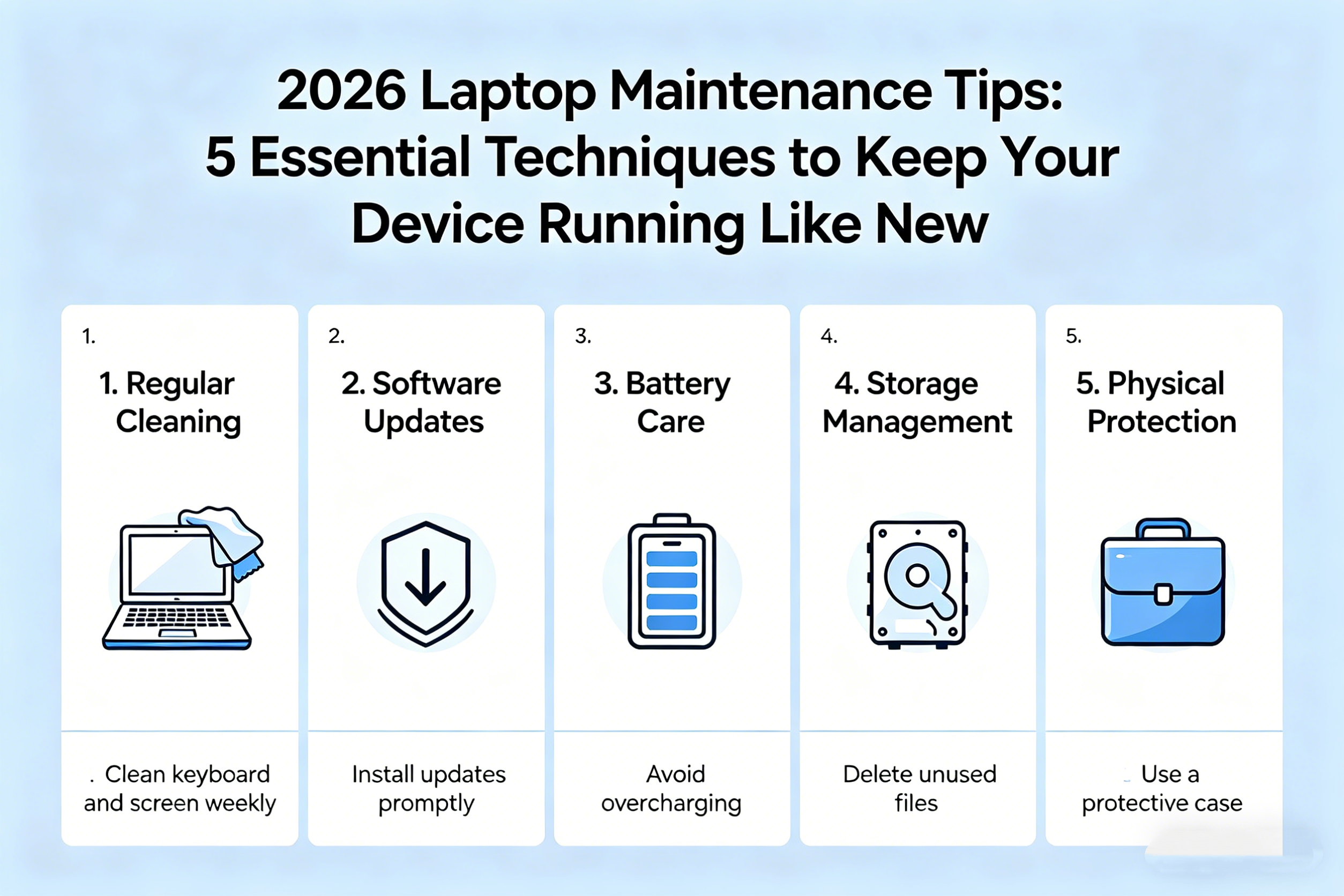
As laptops continue to be indispensable tools for work, study, and entertainment, keeping them in optimal condition is essential for ensuring longevity and peak performance. In 2026, with rapid technological advancements and increasingly sophisticated software demands, proper laptop maintenance is more important than ever. Whether you’re using a powerful gaming laptop, a sleek ultrabook, or a versatile 2-in-1, these 5 essential maintenance techniques will help you protect your investment and maintain smooth performance for years to come.
1. Regularly Clean and Dust Your Laptop
One of the simplest and most effective ways to keep your laptop running smoothly is by maintaining a clean, dust-free environment for its internal components. Dust, debris, and grime can accumulate over time, blocking airflow and causing overheating. This is especially true for laptops with cooling systems that rely on fans and vents to regulate temperature.
How to Clean:
- Turn off your laptop and unplug it from any power source.
- Use compressed air to blow out dust from the keyboard, vents, and fans. Hold the can upright and use short bursts to avoid moisture buildup.
- Wipe down the screen and keyboard with a soft microfiber cloth to remove fingerprints and smudges.
- Avoid liquid cleaners on the laptop’s surface, as they can seep into the device and cause damage.
Cleaning your laptop every few weeks will help prevent overheating, improve airflow, and maintain a longer lifespan.
2. Update Your Operating System and Software Regularly
Keeping your laptop’s operating system (OS) and software up to date is crucial for security, performance, and compatibility with new programs. Updates often include bug fixes, security patches, and improvements that optimize your system’s functionality. In 2026, security threats are increasingly sophisticated, making regular updates a must to protect your data.
How to Update:
- Set your laptop to update automatically to ensure that you never miss important patches and system upgrades.
- Check for driver updates, especially for graphics, audio, and network drivers. Outdated drivers can cause software crashes or hardware malfunctions.
- Use built-in system tools like Windows Update or macOS Software Update to install the latest security patches and performance improvements.
By ensuring that your laptop is always running the latest software versions, you can maintain top performance and avoid security vulnerabilities.
3. Optimize Battery Health and Charging Habits
Laptops in 2026 often come with powerful batteries, but overcharging or poor charging habits can degrade battery life over time. A properly maintained battery will last longer and perform better, giving you more mobility and flexibility while using your laptop.
How to Maintain Battery Health:
- Avoid overcharging your battery. Modern laptops are designed to stop charging once they reach 100%, but consistently keeping your laptop plugged in for long periods can strain the battery.
- Calibrate your battery. Occasionally, let your battery drain to about 20% before recharging it to 100%. This helps maintain the accuracy of battery percentage readings.
- Use battery-saving modes. When you need to conserve power, use features like power saver mode or battery optimization settings to extend battery life.
For laptops with removable batteries, it’s advisable to store spare batteries in a cool, dry place if you’re not using them for extended periods, as heat can shorten their lifespan.
4. Manage Storage Space and Backup Regularly
Over time, your laptop’s storage can fill up with files, apps, and data that slow down performance. Regularly managing storage space and backing up important files is key to ensuring that your laptop remains fast and that your data stays secure.
How to Manage Storage:
- Remove unnecessary files and programs. Use built-in tools like Disk Cleanup (Windows) or Optimize Storage (macOS) to free up space and remove old files, caches, or system junk.
- Transfer files to external storage or cloud services like Google Drive, iCloud, or OneDrive. Keeping large files off your laptop’s internal storage can prevent slowdowns.
- Defragment your hard drive (HDD). If you’re using a traditional hard drive, defragmenting it occasionally can improve read/write speeds. If you have a Solid-State Drive (SSD), defragmentation is unnecessary and may even reduce its lifespan.
- Enable automatic backups using cloud services or external drives to ensure that your important data is safe in case of system failure or accidents.
Managing your laptop’s storage not only speeds up performance but also ensures that your files are safely backed up and recoverable when needed.
5. Perform Regular Hardware and Performance Diagnostics
In 2026, laptops are more powerful than ever, but even high-end devices can experience performance slowdowns or hardware issues. Performing regular diagnostics helps you identify and fix problems before they become serious.
How to Diagnose and Maintain Hardware:
- Check your laptop’s hard drive or SSD health using diagnostic tools like CrystalDiskInfo (for Windows) or Disk Utility (for macOS). These tools can help you monitor the health of your storage devices and alert you to potential failures.
- Run system diagnostics to check for hardware issues, like RAM malfunctions or overheating. Most laptops come with built-in diagnostics—on Windows, you can run the Windows Memory Diagnostic tool, while macOS offers Apple Diagnostics.
- Monitor performance using task manager (Windows) or activity monitor (macOS). Track which programs are using the most resources and identify any background processes that are unnecessarily consuming CPU or RAM.
If you notice abnormal behavior, such as frequent crashes, sluggish performance, or screen glitches, running a diagnostic test will help you pinpoint the issue, whether it’s related to software or hardware.
Final Thoughts: The Key to a Long-Lasting Laptop
By following these five essential laptop maintenance techniques—cleaning regularly, updating software, optimizing battery health, managing storage, and performing hardware diagnostics—you can extend the life of your laptop, keep it running at optimal performance, and protect your data in the process.
As technology continues to evolve, maintaining your laptop in 2026 will require a mix of digital know-how and physical care. But with these simple yet effective tips, you’ll ensure that your laptop continues to serve you well for years to come, whether you’re using it for work, entertainment, or creative pursuits.