









A fast gaming keyboard is not only about how quickly a key registers when pressed. In competitive games, the ability to control exactly when a key activates and resets can also affect how responsive movement feels. That is the idea behind the AULA WIN68 HE, a compact wired gaming keyboard built around Hall Effect magnetic switches and performance-focused customization.
With 68 keys, an 8000Hz polling rate, Rapid Trigger, adjustable actuation, and RGB lighting, the WIN68 HE targets players who want more control over their inputs without giving up much desk space. Its appeal is particularly clear for FPS games, where repeated movement inputs and quick directional changes matter.
However, the feature list does not tell the whole story. The keyboard’s layout, configuration software, switch version, and learning curve are just as important when deciding whether it makes sense for your setup.
For another compact keyboard built around magnetic switches, see our Epomaker HE68 review to compare a different approach to adjustable gaming inputs.
A Compact Layout That Leaves More Room for Mouse Movement
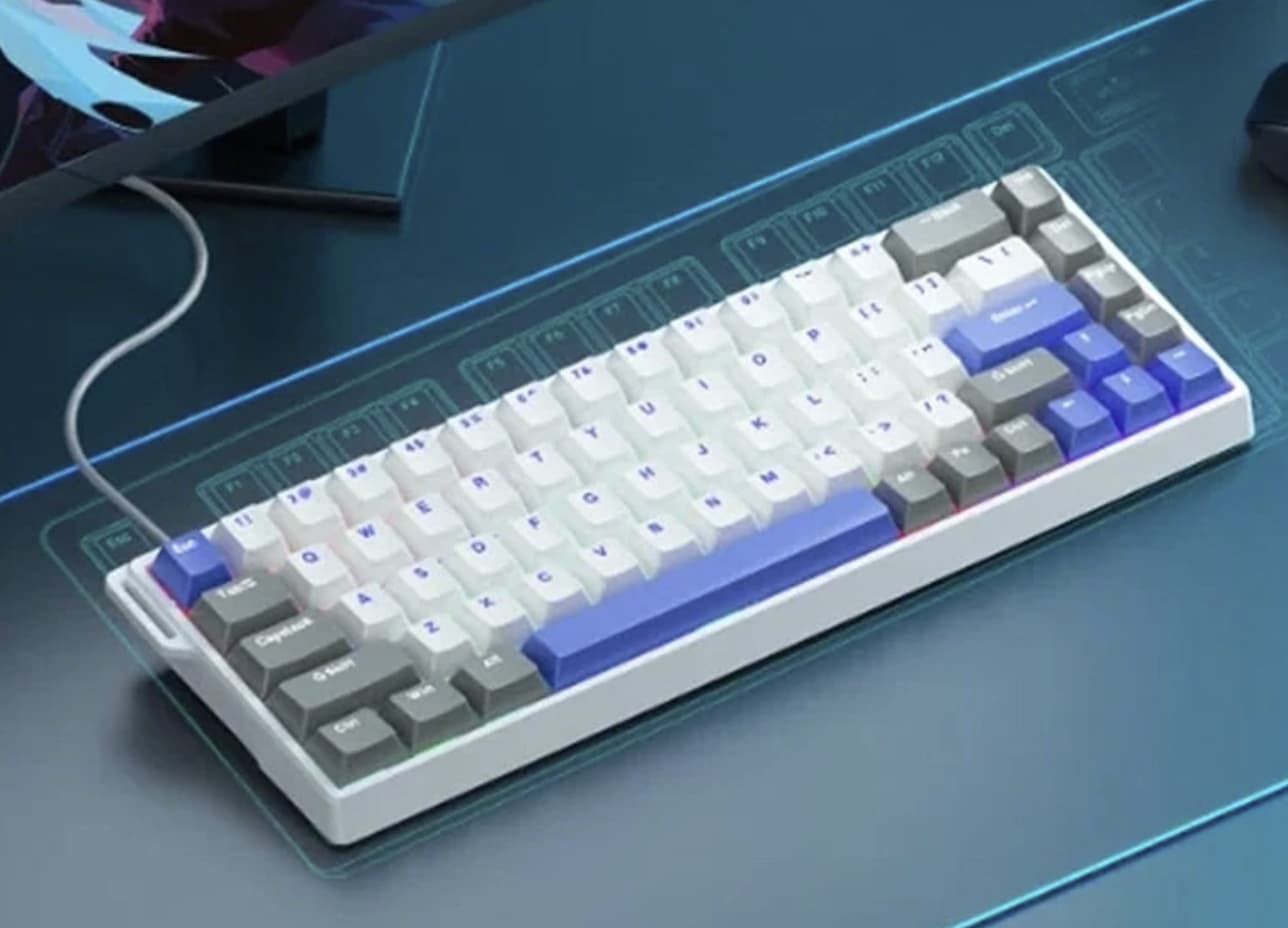
The WIN68 HE uses a 68-key compact layout, combining a smaller footprint with more dedicated keys than many ultra-compact gaming keyboards. This can be useful for players who need extra room for low-sensitivity mouse movements but still want convenient access to common keyboard functions.
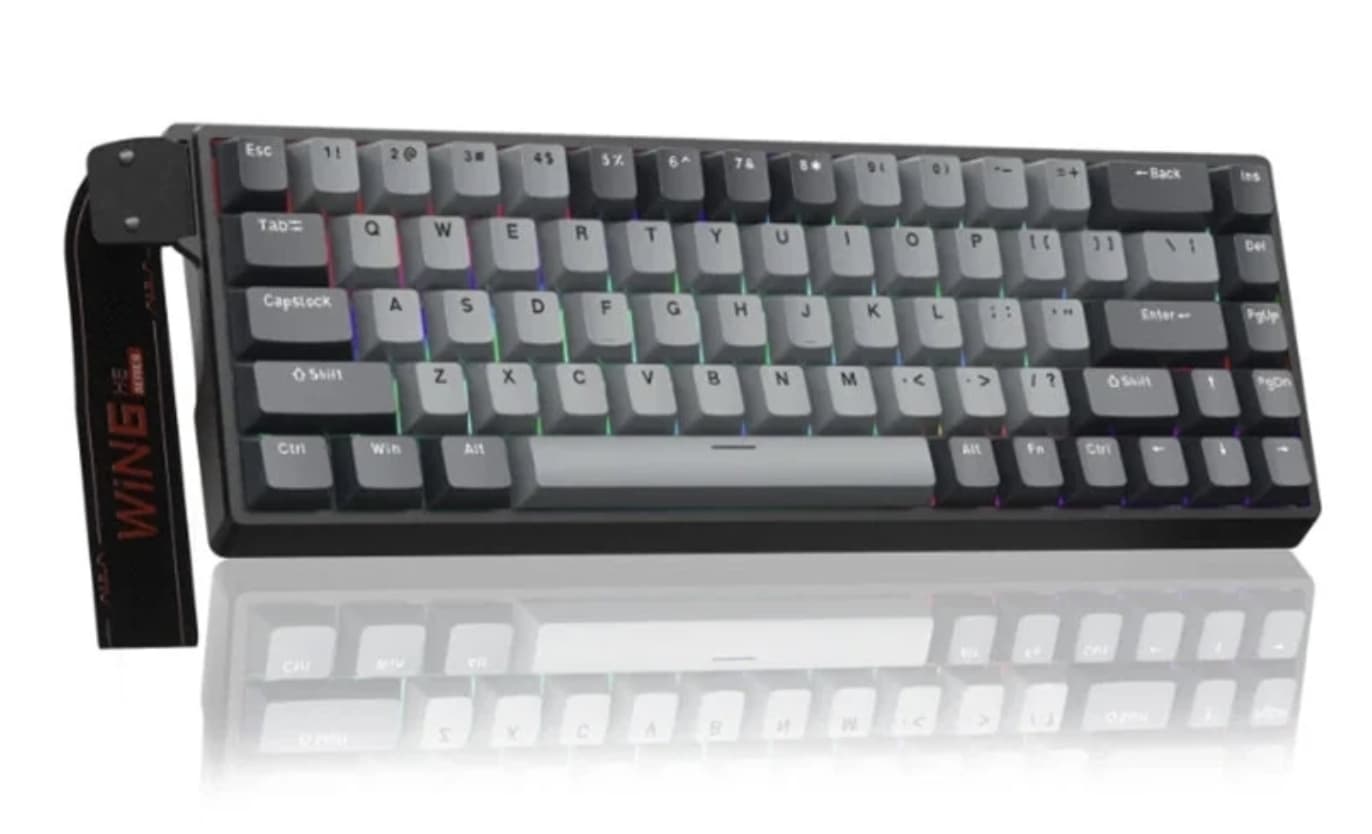
A smaller keyboard does require some adjustment. Depending on the layout and key combinations, functions that would normally have their own keys may require an Fn shortcut. Users who regularly work with spreadsheets, edit documents, or depend on a full function row should consider whether this arrangement suits their daily routine.
For a gaming-focused desk, the compact size is a practical advantage. It leaves more room for a mousepad and helps keep the keyboard from dominating a smaller workspace.
The WIN68 HE connects through USB-C in wired mode. This avoids battery charging and wireless pairing, making it a straightforward choice for a desktop gaming setup.
If you prefer a keyboard with a larger layout and conventional mechanical switches, our Na87PRO gaming keyboard review provides another option to consider.
Hall Effect Magnetic Switches: What Makes Them Different?
Traditional mechanical keyboards generally register a keypress through physical switch contacts. Hall Effect keyboards use magnetic sensing to detect changes in a switch’s position.
The practical advantage is that the actuation point can be adjusted through compatible software. Instead of being restricted to one fixed activation distance, users can configure how far a key must travel before the keyboard registers an input.
For gaming, this makes it possible to set sensitive keys for rapid movement while keeping other keys at a deeper activation point to reduce accidental presses. The best settings depend on the game and the player’s typing habits.
The WIN68 HE series supports magnetic switch customization, but buyers should check the precise model and switch configuration listed by the seller. Standard, Pro, and Max versions can differ in switch type, adjustment precision, and other performance details.
Rapid Trigger for More Responsive Movement
Rapid Trigger is one of the most relevant features for players who spend time in competitive shooters.
On a conventional keyboard, a key usually needs to cross a defined reset point before another press can register. Rapid Trigger changes that behavior by allowing the key to reset dynamically as it moves back, rather than requiring the same fixed reset distance every time.
This can make repeated inputs feel more immediate. For example, a player making quick left-right movements in an FPS game may find it easier to alternate directions without lifting each key through a large portion of its travel.
The benefit depends on how the feature is configured. Extremely sensitive settings can also make accidental inputs more likely, especially for people who type heavily or are accustomed to conventional mechanical switches.
A sensible starting point is to use moderate sensitivity, test it in a familiar game, and adjust gradually. A setting that works well for one player may feel unstable to another.
What Does an 8000Hz Polling Rate Actually Mean?
The AULA WIN68 HE advertises an 8000Hz polling rate. In simple terms, the keyboard can report its input state at a much higher frequency than a typical 1000Hz keyboard.
At 8000Hz, the nominal polling interval is 0.125 milliseconds, compared with 1 millisecond at 1000Hz. This is a difference in reporting intervals, not a guarantee that every keystroke will produce a visibly faster response by the same amount.
Actual input latency also depends on the keyboard’s internal processing, switch movement, USB behavior, operating system, game engine, and other parts of the computer.
For everyday typing, the difference is unlikely to be a major reason to buy this keyboard. For competitive players who already use a high-refresh-rate monitor and a responsive gaming PC, a high polling rate may be a useful part of a performance-focused setup.
It is best viewed as one component of the keyboard’s design rather than a promise of better gaming results on its own.
Web-Based Driver and Customization
The WIN68 HE supports software-based configuration for compatible functions. Depending on the version, available options can include actuation adjustment, Rapid Trigger settings, key remapping, macros, and RGB lighting customization.
This matters because magnetic switches are most useful when players can tune them to their preferences. A keyboard with adjustable actuation offers more flexibility than one that locks every key to a fixed response point.
Before purchasing, confirm which configuration tool is intended for the exact model. The WIN68 HE family includes multiple versions, and the appropriate online driver can differ between standard, Pro, and Max models.
Also check operating-system compatibility. The available web driver is designed primarily for Windows-based configuration, so users on macOS or Linux should verify which settings can be adjusted and whether those settings remain stored on the keyboard after configuration.
For buyers who prefer a plug-and-play experience, the default settings may be sufficient. Those who want to fine-tune every detail should check the software support before placing an order.
RGB Lighting and Build Considerations
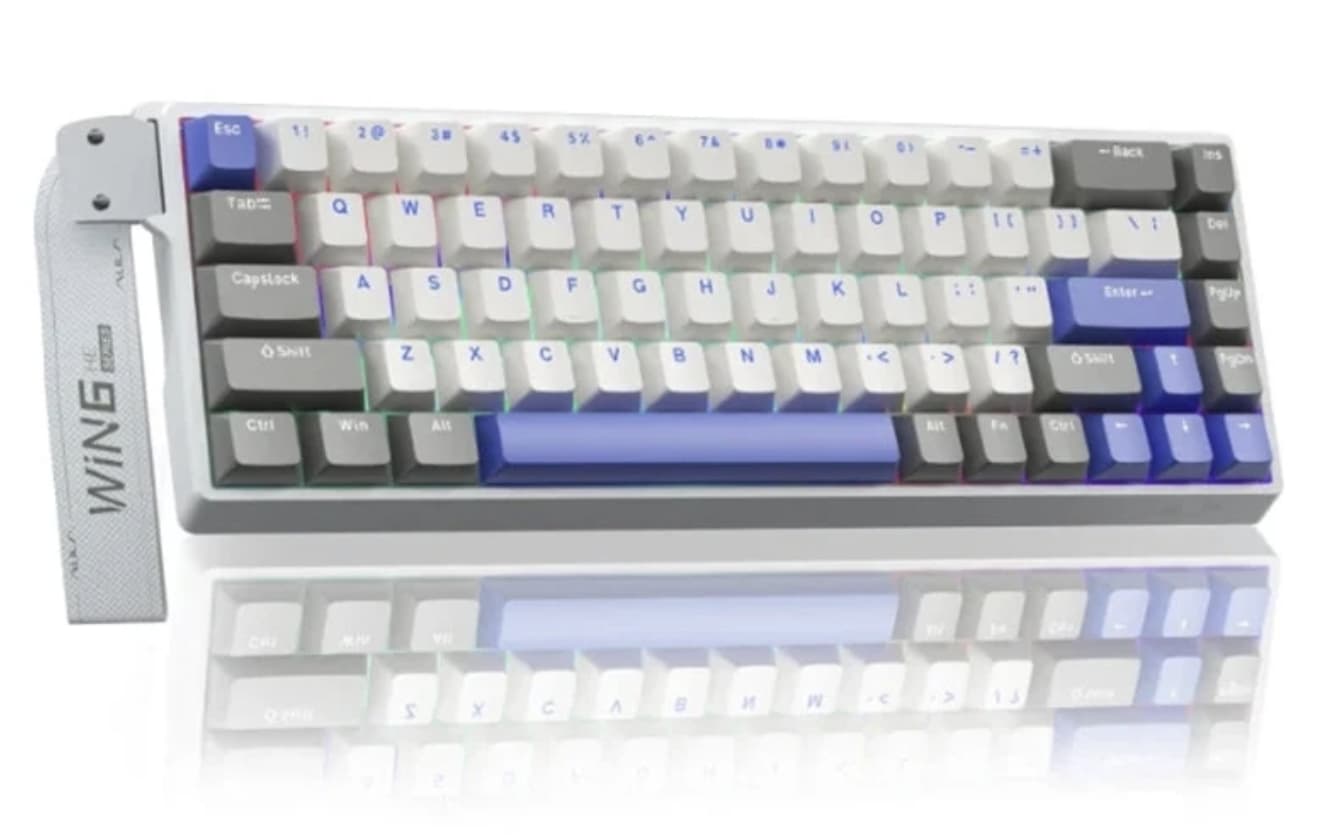
RGB backlighting gives the WIN68 HE a familiar gaming aesthetic and can help personalize a desk setup. The lighting and customization options vary by version, so the seller’s photographs and specification list are worth checking if a particular color scheme matters to you.
The keyboard also uses a metal positioning plate, according to AULA’s product information. This provides a supporting structure for the switches, while the compact case keeps the overall design focused on desktop gaming.
Keycap material and acoustic construction may differ between configurations. If you care about typing sound, keycap texture, or the feel of the keyboard during long sessions, confirm the exact version rather than relying on images from another model in the same series.
One important distinction is that RGB lighting and a gaming-oriented appearance do not determine typing quality. Switch adjustment, key layout, comfort, and software behavior are more important to the everyday experience.
Who Should Consider the AULA WIN68 HE?
The WIN68 HE makes the most sense for buyers who want a compact keyboard with magnetic-switch customization.
Competitive FPS players are the clearest audience. Rapid Trigger and adjustable actuation provide controls that can be useful for quick directional changes and repeated key inputs.
Gaming enthusiasts who like to experiment with settings may appreciate the ability to fine-tune activation behavior instead of accepting a fixed switch response.
Small-desk users can benefit from the 68-key layout, especially if they need additional room for mouse movement.
General users and frequent typists should consider the trade-offs. The compact layout may require shortcut combinations, and highly sensitive switch settings may not be ideal for ordinary writing unless carefully configured.
If you mostly play casual games, browse the web, and type documents, you may not notice enough benefit from the advanced features to justify choosing this keyboard over a simpler mechanical model.
What to Check Before Ordering
Before buying the AULA WIN68 HE, verify four details:
- Exact version: Confirm whether the listing is for the standard, Pro, or Max model. Switch type and performance specifications can vary.
- Switch adjustment range: Check the stated actuation and Rapid Trigger adjustment precision for the selected configuration.
- Software support: Make sure the correct web driver is available for your model and operating system.
- Layout and keycaps: Check the regional layout, included accessories, and keycap material rather than assuming every listing offers the same package.
These checks are particularly important when a marketplace listing uses specifications or images from multiple WIN68 HE variants.
Final Verdict: A Performance-Focused Compact Keyboard
AULA WIN68 HE stands out because it combines a space-saving 68-key layout with magnetic switches, adjustable actuation, Rapid Trigger, and an advertised 8000Hz polling rate. Those features make it a compelling option to investigate for competitive gaming, especially if you want to tune key behavior for your preferred games.
Its biggest advantage is flexibility, not a guaranteed competitive edge. Players who enjoy adjusting sensitivity and experimenting with movement settings are more likely to appreciate its capabilities. Buyers who prioritize a full-size layout, wireless operation, or straightforward typing may prefer a different design.
If the feature set matches your needs, check the selected model’s specifications and current price before deciding.