









Keeping an eye on a room while you are away does not necessarily require an expensive home surveillance system. An indoor Wi-Fi camera with remote viewing, motion detection, and two-way audio can provide a more accessible way to check on family members, pets, or activity around the house. The JOOAN JB-0001 IP Camera is designed for this kind of everyday monitoring, combining 3MP imaging with pan-and-tilt control, automatic human tracking, and several night vision modes.
Rather than relying on a fixed viewing angle, the camera can rotate to follow activity across a room. It also supports dual-band Wi-Fi and the Cam720 app, allowing users to view the camera remotely from a compatible device. Here is what its feature set offers and what buyers should consider before purchasing.
JOOAN JB-0001: Main Specifications
- Model: JOOAN JB-0001
- Camera resolution: 3MP
- Connection: 2.4GHz and 5GHz Wi-Fi
- Pan and tilt: Up to 355° horizontal rotation and 45° vertical tilt, according to the listing
- Night vision: Full-color, infrared, and smart night vision
- Detection: Motion detection and human detection
- Tracking: Automatic tracking of detected movement
- Audio: Built-in microphone and speaker for two-way communication
- Application: Cam720
- Remote access: Smartphone monitoring and supported multi-user viewing
- Mounting options: Flat-surface placement, wall mounting, or ceiling mounting
These specifications position the JB-0001 as an indoor monitoring camera for rooms where a wider view and remote interaction are more useful than a permanently fixed camera angle.
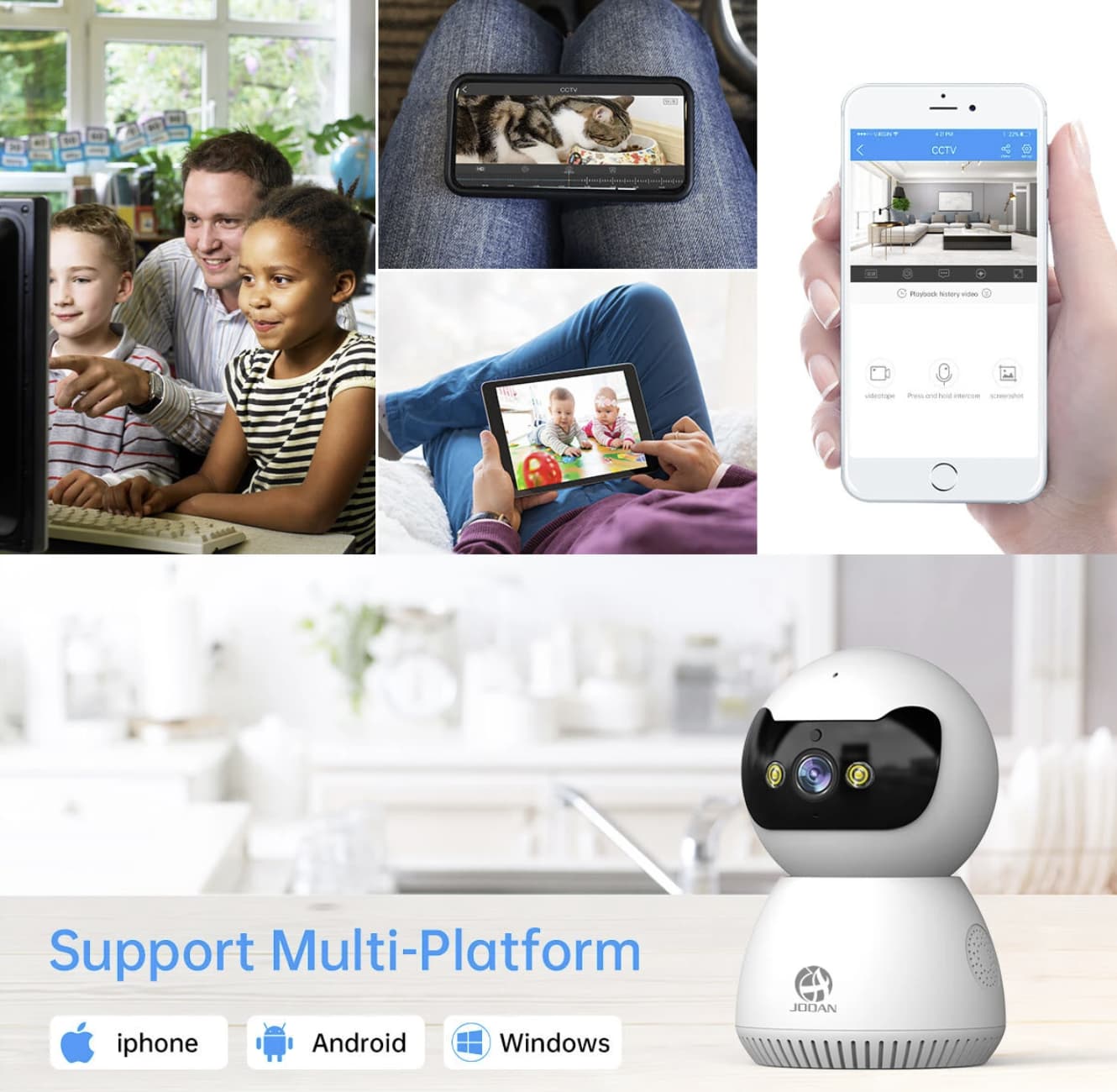
3MP Video for Everyday Indoor Surveillance
Image resolution is one of the first things to consider when choosing a security camera. The JB-0001 uses a 3MP camera to capture more image detail than many basic 1080p models, which can help when checking on movement in a nursery, living room, or pet area.
Resolution is only one part of image quality, however. Lighting, camera placement, network stability, and the distance between the camera and the subject all affect how useful the footage looks. A 3MP image should be suitable for routine room monitoring, but buyers should not assume that it will identify every small detail at long distances.
For the best results, position the camera where it has an unobstructed view of the area you want to monitor. Avoid pointing it directly toward a bright window, and check the live image during both daytime and nighttime conditions before relying on it.
If you are comparing indoor monitoring options at different price points, our K13 Smart WiFi Security Camera review explains what a simpler 1080p camera offers for everyday home surveillance.
Pan-and-Tilt Control Helps Cover More of a Room
A fixed indoor camera can leave parts of a room outside its field of view. The JB-0001 addresses this problem with pan-and-tilt movement, allowing users to change the viewing direction remotely.
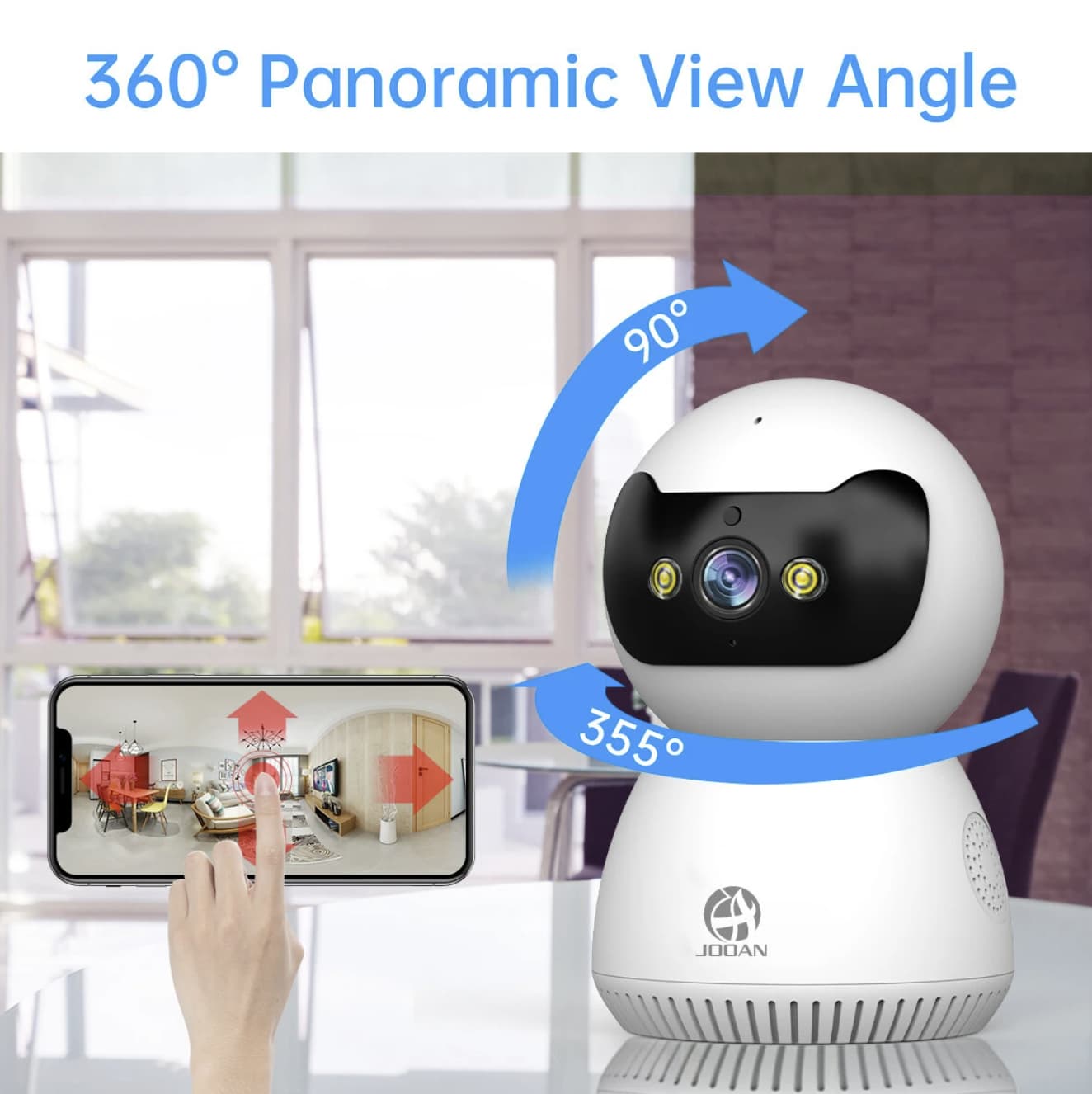
The listing specifies up to 355 degrees of horizontal rotation and 45 degrees of vertical tilt. This makes it easier to check different parts of a room without physically moving the camera. It can be useful for monitoring a child’s play area, checking where a pet has moved, or viewing a larger shared space.
The camera also supports automatic tracking. When its detection system recognizes movement, it can follow the activity within its available range. This reduces the need to keep adjusting the viewing angle manually, although tracking performance will depend on the subject, lighting, and room layout.
Pan-and-tilt control should not be confused with seeing every part of a room simultaneously. The camera still has a limited field of view at any one moment, and objects may be missed if they move behind furniture or outside its tracking range.
Three Night Vision Modes for Different Lighting Conditions
Indoor monitoring is often most important after the lights go out. The JOOAN JB-0001 offers three night vision options: full-color night vision, infrared night vision, and smart night vision.
Full-color mode can help preserve color information when sufficient illumination is available. Infrared mode is useful when the room is dark, while smart night vision is intended to adjust the camera’s night monitoring behavior according to the conditions.
The practical difference is that not every mode will deliver the same image in every room. A dimly lit nursery may produce different results from a completely dark bedroom, for example. It is worth testing the available settings after installation to find the best balance between visibility and unwanted light.
For parents and pet owners, these options provide more flexibility than a camera that offers only a single black-and-white night vision mode.
Human Detection and Automatic Tracking
Motion alerts are useful only when they provide information that helps users decide whether to check the camera. The JB-0001 combines motion detection with human detection and automatic tracking, giving it more monitoring flexibility than a basic camera that simply records movement.
When configured appropriately, alerts can notify users about detected activity, while tracking can help keep a moving person within the camera’s view. This may be useful when checking a room remotely or reviewing an unexpected event.
Detection systems are not perfect. Changes in lighting, moving objects, pets, and other activity may affect how alerts behave. Users should spend time adjusting the sensitivity and notification settings in the app to avoid unnecessary notifications.
These functions are best treated as helpful monitoring tools, not a guarantee that every event will be detected or classified correctly.
Two-Way Audio for Remote Communication
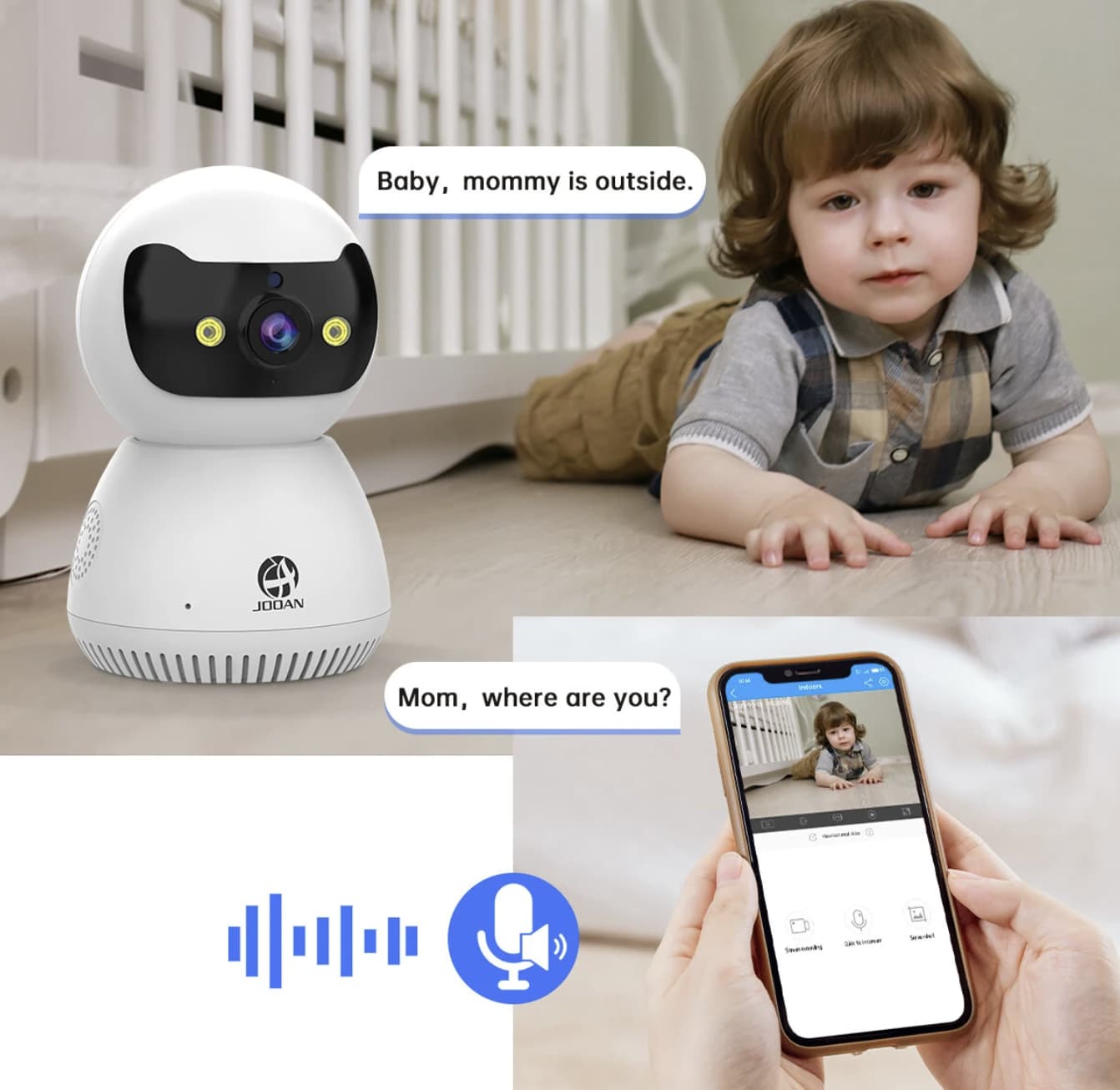
The built-in microphone and speaker allow the JB-0001 to support two-way audio through the Cam720 app. Instead of only watching a live feed, users can listen to the room and speak through the camera when the feature is available and configured.
For families, this can be convenient when checking on a child or communicating with someone in another room. Pet owners may also appreciate being able to speak to their animals while away from home.
Audio quality will depend on network conditions, microphone placement, and background noise. Two-way audio is not a replacement for direct supervision, especially when monitoring young children or anyone who may need immediate assistance.
For another approach to indoor monitoring, see our MOES WC27 Smart Camera review, which covers 360-degree viewing, night vision, and two-way audio.
Dual-Band Wi-Fi and Cam720 App Access
The JB-0001 supports both 2.4GHz and 5GHz Wi-Fi. Having two supported bands gives buyers more flexibility when connecting the camera to a compatible router, but the best choice depends on the signal strength and distance from the access point.
A 2.4GHz connection often offers better reach through walls, while 5GHz can provide higher throughput over shorter distances. Neither band guarantees a stable connection if the camera is installed in an area with weak coverage or heavy interference.
The Cam720 app is used to configure the camera and access its live view remotely. Before purchasing, check that the current app version supports your phone and that the setup process is compatible with your home network. If you plan to access the camera from multiple devices, review the available sharing permissions as well.
A reliable network is particularly important for remote viewing and timely notifications. If possible, test the Wi-Fi signal at the intended installation point before mounting the camera permanently.
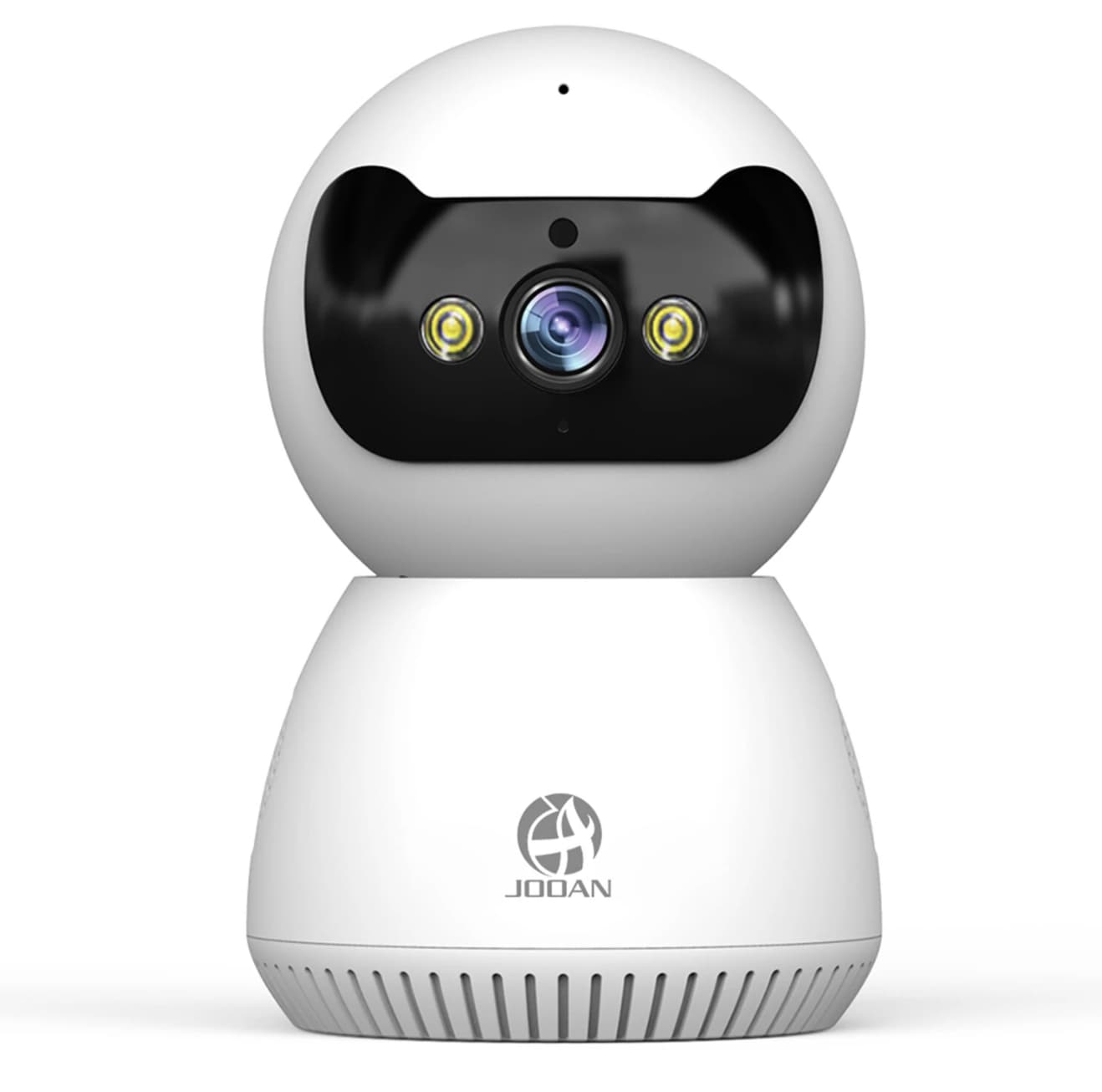
Installation and Placement
The camera supports flat-surface placement as well as wall and ceiling mounting. This allows it to fit different room layouts, although the best installation method depends on what you want to monitor.
For a nursery, place the camera where it can view the sleeping or play area without being within a child’s reach. For pet monitoring, a position with a clear view of the floor may be more useful. In a living room, a higher position can help the camera look over furniture, provided the tilt range still covers the important areas.
Keep the camera close enough to a reliable power source and within good Wi-Fi coverage. Before drilling holes or fixing the mounting bracket, test the live view and movement controls from the proposed position.
Also consider privacy. Avoid pointing the camera toward neighboring properties or areas where household members and visitors reasonably expect privacy. Use strong account credentials and review app permissions before enabling remote access.
What to Check Before Buying
The JB-0001 has a useful combination of remote pan-and-tilt control, three night vision modes, motion and human detection, and two-way audio. Still, a few practical details deserve attention before placing an order.
First, confirm storage requirements. Check the current product listing for supported microSD card capacity, whether local recording is available, and whether cloud storage requires a separate subscription. Do not assume that every recording option is included.
Second, check the camera’s actual network requirements. Dual-band Wi-Fi support is useful, but compatibility with your router and the Cam720 app matters more than the number of supported bands alone.
Third, consider privacy and account security. A connected camera can provide convenience, but it also creates a live link to a private space. Use a unique password, keep the app updated, and share access only with trusted people.
Finally, remember that this is an indoor camera. The product is intended for indoor monitoring, so it should not be treated as a weatherproof outdoor security device.
If you need to monitor areas on both sides of a window, our K90 Dual View Security Camera review explores a different camera design for that specific use case.
Is the JOOAN JB-0001 Worth Considering?
JOOAN JB-0001 is worth considering if you want an indoor Wi-Fi camera that can change its viewing angle, follow detected movement, and provide remote communication. Its 3MP resolution, dual-band connectivity, three night vision modes, and two-way audio make it a versatile option for everyday baby, pet, and room monitoring.
Its value will depend on the current selling price, the available recording options, and how well the Cam720 app works with your devices and network. Buyers who need outdoor weather protection, advanced professional surveillance integration, or guaranteed detection accuracy should compare more specialized cameras before deciding.
If your main goal is to check a room remotely without relying on a fixed viewing angle, the JOOAN JB-0001 offers a practical collection of features to investigate.