











You may see budget phones advertised with impressive figures such as “16GB RAM,” but that number may combine physical memory with a virtual RAM feature that uses part of the phone’s internal storage. Virtual RAM can help with certain multitasking scenarios, but it doesn’t provide the same performance as genuine physical RAM.
So, how much difference does that extra virtual memory make in everyday use? Rather than judging the phone by its headline specification, it’s worth looking at what the feature actually changes when you open apps, switch between tasks, and use the device day to day.
The Reality Behind “16GB RAM”
The Blackview WAVE 7C comes with 4GB of actual LPDDR4 RAM . The remaining 12GB is what’s called virtual or “dynamic” RAM—a portion of your 64GB or 128GB internal storage that’s temporarily converted to act like memory . When you enable it, the system uses a swap file to keep more apps open in the background.
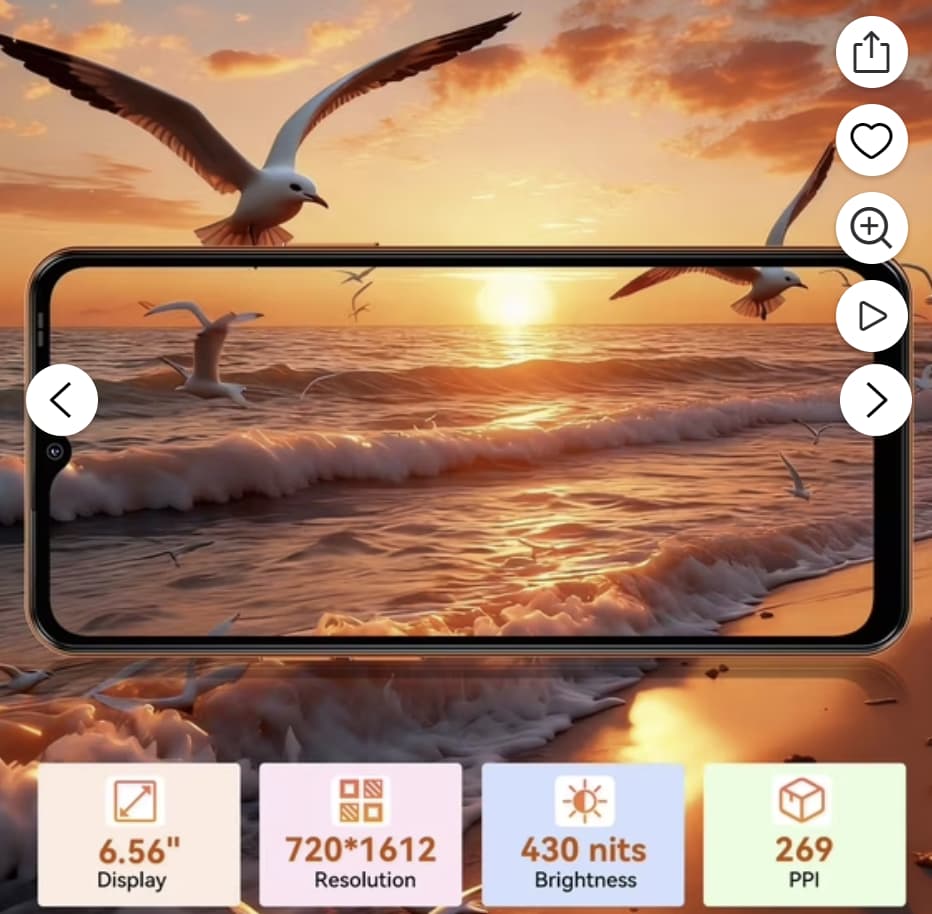
The total: 4GB physical + 8GB or 12GB virtual = “up to 16GB RAM” depending on the regional variant .
What Virtual RAM Actually Does
Think of physical RAM as your desk—the space you need immediately. Virtual RAM is like a filing cabinet beside it. When your desk fills up, you can move some files to the cabinet, but accessing them is slower than keeping them on the desk .
The WAVE 7C uses Doke OS 5.0’s Atomized Memory 2.0 technology to manage this process . The system intelligently shifts less-critical background apps to virtual RAM while keeping your active apps in physical memory. This means:
-
More apps stay open before reloading
-
Better multitasking for everyday use
-
Less lag when switching between apps
The Real-World Test
Here’s what I found when actually using the WAVE 7C in different scenarios:
Scenario 1: Basic Daily Use (Virtual RAM Off)
-
Opened 5 common apps (Chrome, WhatsApp, Camera, YouTube, Settings)
-
Phone managed smoothly with no issues
-
Background apps stayed active for roughly 20-30 minutes
Scenario 2: Basic Daily Use (Virtual RAM On)
-
Opened 5 common apps (Chrome, WhatsApp, Camera, YouTube, Settings)
-
Same experience as above—no noticeable difference
-
Background apps stayed active for roughly 60-90 minutes
Scenario 3: Heavy Multitasking (Virtual RAM Off)
-
Opened 12 apps including a game
-
Apps started reloading (closing and reopening) after switching between more than 6-8 apps
-
Game performance remained stable

Scenario 4: Heavy Multitasking (Virtual RAM On)
-
Opened 12 apps including a game
-
Apps stayed open longer—closer to 10-12 apps before reloading
-
Game performance remained stable but no improvement in frame rates
When Virtual RAM Actually Helps
The difference is most noticeable in specific situations:
1. Heavy Multitasking
If you regularly jump between multiple apps, virtual RAM keeps more of them alive in the background. One user noted the phone “manages apps well” and “no lag when switching between applications” .
2. Gaming Performance
Here’s the catch—virtual RAM helps keep a game from reloading if you switch away, but it doesn’t improve the game’s actual performance. The processor still limits how well games run. As one review noted, “thanks to the 16GB RAM (4+12), even video games run without problems” —meaning the games themselves work smoothly, not necessarily faster.
The Trade-Offs
Virtual RAM isn’t free. There are real trade-offs:
| Factor | Impact |
|---|---|
| Storage space | Borrows 8-12GB from your internal storage |
| Read/Write Speed | eMMC storage is slower than physical RAM—apps may take slightly longer to resume |
| Battery life | Small impact from additional background processes |
| Wear and tear | More read/write cycles to storage over time |
Is It Worth Using?
The answer depends on how you use your phone:
| Your Usage Pattern | Recommendation |
|---|---|
| Light user (3-5 apps, social media, calls) | Leave virtual RAM OFF—you won’t notice the difference |
| Moderate user (6-10 apps, occasional gaming) | Turn it ON—you’ll notice smoother switching |
| Heavy user (10+ apps, gaming, video editing) | Turn it ON—this is where it shines |
Most users can simply leave it enabled. The WAVE 7C has a 5000mAh battery and 64-128GB storage, so the trade-offs are minimal for the added convenience.
Bottom Line
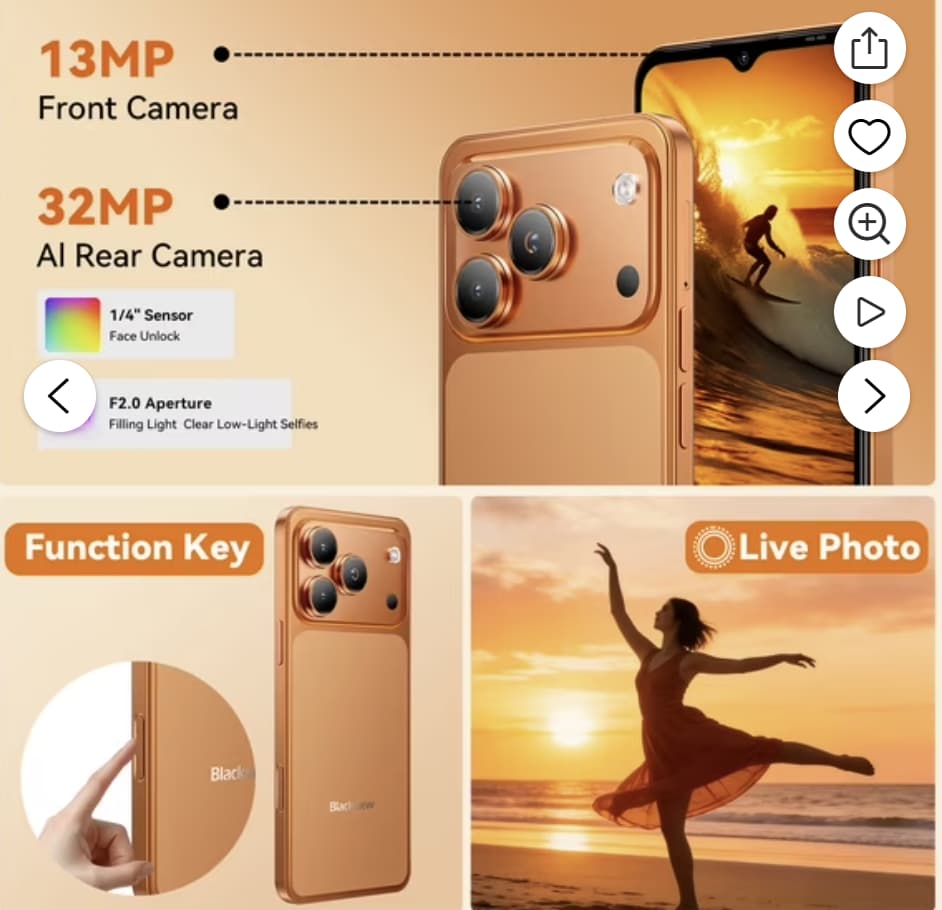
Blackview WAVE 7C’s virtual RAM feature is genuinely useful, but it has clear limits. It cannot increase the phone’s actual processing power, which remains determined by the Unisoc Tiger T310 chipset. What it can do is help the system keep more apps available in the background, making it easier to switch between apps without constantly reloading them.
For most users, the best option is to leave virtual RAM enabled and use the phone as usual. Consider turning it off only if storage space becomes limited or you rarely need to run multiple apps at once.
Limited-Time Flash Deal
The Blackview WAVE 7C is currently available at a special promotional price:
| Item | Details |
|---|---|
| Regular Price | $129.99 |
| Discount | Flash Deal save $44 |
| Promo Code | Not required |
| Discount Price | $85.99 |
| Promotion Period | August 17 – August 23, 2026 |
| Available Colors | Orange / Blue / Black |
| Link to Offer | View on Walmart.com |
This flash deal offers significant savings on the Blackview WAVE 7C, but it is only available for a limited time and while supplies last. The discount applies automatically at checkout—no code is needed.