









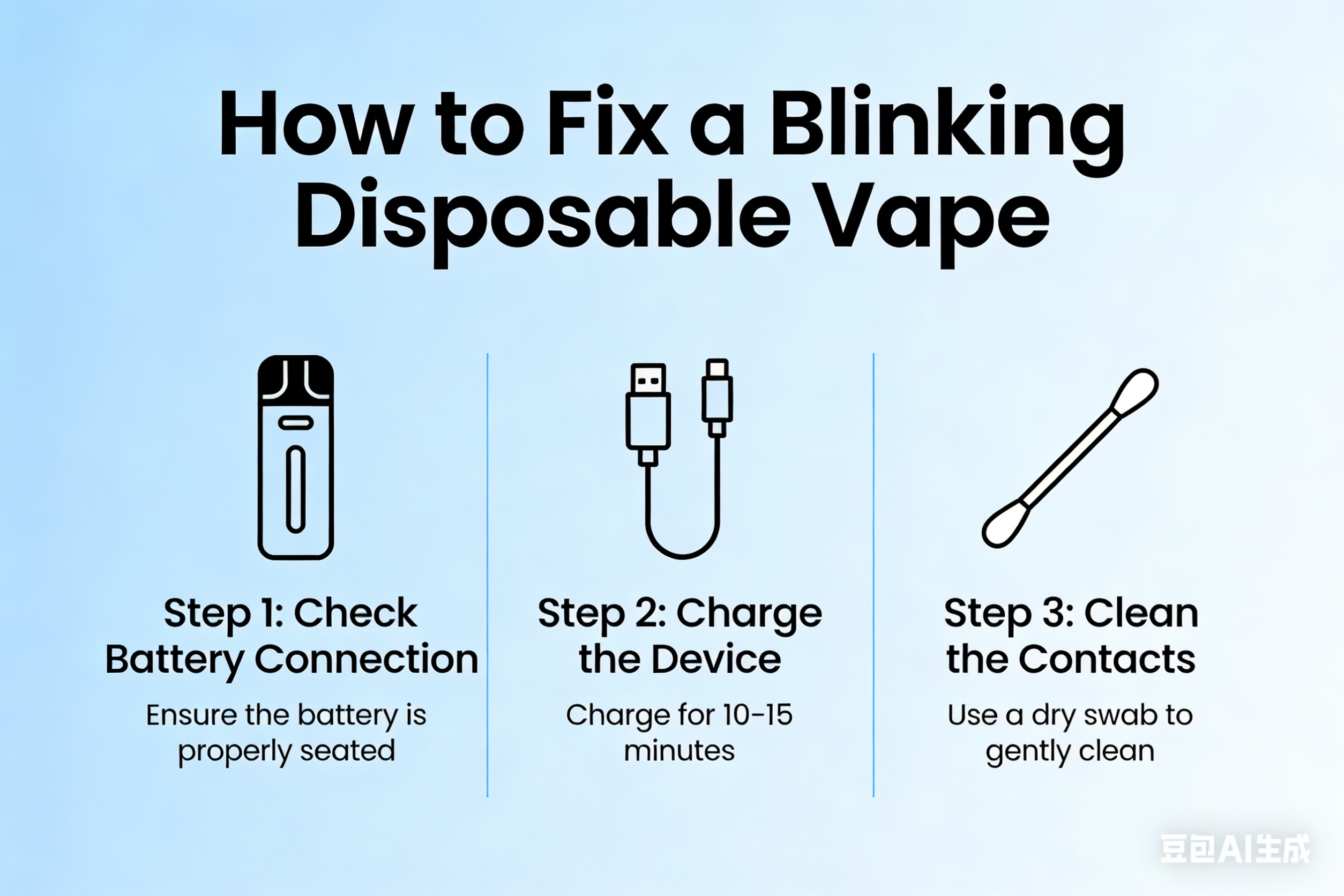
Disposable vapes are designed to be simple, user-friendly devices that work straight out of the box. However, many users experience a blinking light on their disposable vape and are unsure what it means or how to fix it. While the blinking indicator can be alarming, it usually signals a common and easily understandable issue.
This article explains why disposable vapes blink, what each signal means, and how you can troubleshoot the problem.
Why Do Disposable Vapes Blink?
Most disposable vapes include a small LED indicator that communicates the device’s status. When the vape blinks, it is typically warning you about a battery issue, safety protection, or usage problem.
Because disposable vapes have built-in safety chips, blinking lights are used instead of screens or messages.
Common Reasons a Disposable Vape Blinks
1. Low or Dead Battery
The most common reason for blinking is a low or depleted battery.
Disposable vapes are designed to stop working once the battery can no longer power the coil.
How to fix it:
-
If it’s rechargeable, connect it to a USB charger.
-
If it’s non-rechargeable, the device has reached the end of its life and needs replacing.
2. Short Circuit or Safety Protection
If the device detects a short circuit or internal fault, it may blink rapidly and stop producing vapor.
How to fix it:
-
Try removing and reinserting the pod (if applicable).
-
Check for liquid leaks or debris in the airflow holes.
-
If the issue persists, the device is likely defective and should be discarded.
3. Overheating Protection
Some disposable vapes blink when the coil gets too hot due to frequent or long puffs.
How to fix it:
-
Stop vaping for a few minutes to let the device cool down.
-
Avoid chain vaping to prevent overheating.
4. Puff Limit Reached
Certain disposable vapes are programmed with a maximum puff count. When that limit is reached, the light may blink to indicate the device is finished.
How to fix it:
-
Unfortunately, this cannot be reset. The device must be replaced.
5. Airflow Blockage or Liquid Issues
Condensation, dust, or leaked e-liquid can block airflow sensors, causing blinking without vapor production.
How to fix it:
-
Gently blow through the mouthpiece to clear condensation.
-
Clean the airflow holes with a tissue or cotton swab.
-
Avoid storing the vape upside down or in hot environments.
Different Blink Patterns and Their Meanings
Although patterns vary by brand, common signals include:
-
Slow blinking: Low battery
-
Fast blinking: Short circuit or error
-
Blinking after puff: Puff limit reached or overheating
-
Blinking with no vapor: Sensor or airflow issue
Always check the manufacturer’s instructions if available.
How to Prevent Blinking Issues
To extend the life of your disposable vape and avoid blinking problems:
-
Avoid long, continuous puffs
-
Store the device upright
-
Keep it away from heat and sunlight
-
Do not overcharge rechargeable disposables
-
Use the vape regularly (long storage can cause battery degradation)
When to Replace Your Disposable Vape
You should replace your disposable vape if:
-
It blinks and does not produce vapor
-
The flavor is burnt or weak
-
The battery no longer charges
-
The device feels unusually hot or leaks liquid
Disposable vapes are not designed for repair, so replacement is usually the safest option.
Conclusion
A blinking disposable vape is usually a built-in warning system rather than a serious problem. In most cases, it indicates a low battery, overheating, airflow blockage, or that the device has reached the end of its lifespan. By understanding these signals and following simple troubleshooting steps, users can ensure a smoother and safer vaping experience.
If blinking continues and the device does not work, it is best to safely dispose of it and use a new one.