Facebook Twitter Instagram
    Trending
    • Hellvape Vsee Now Pod System Kit Review: Compact, Convenient, and Flavorful Vaping
    • Hellvape Vsee One Pod System Kit Review: Compact, Stylish, and Performance-Driven
    • JOOZY PRO 30K Disposable Kit Review: The Ultimate Vaping Experience with 30,000 Puffs
    • Nic Salt Strengths Explained: How to Pick Between 5mg, 10mg, and 20mg
    • Airis, Kangvape and HAYATI have launched Christmas-themed Vapes, which are already on sale through online channels in the UK and the US
    • Apple iPhone 20 will be equipped with a ‘true full-screen’ without a hole and will be released in 2027 to pay tribute to the 20th anniversary of the iPhone’s birth
    • Possible iQOO Z11 Uses 6.59-inch 1.5K screen and Snapdragon 8 Gen 5 chip
    • Fourth-generation Snapdragon 7, IP69 full-level water resistance! OPPO Reno15c released: Starting from 2,899 yuan
    Facebook YouTube
    Login Register
    IGeeKphone China Phone, Tablet PC, VR, RC Drone News, Reviews
    • HOME
      • NEWS
        • DeepSeek
        • ChatGPT
        • Minecraft
    • Amazon
    • CHRISTMAS
    • PHONE
      • Top Phones For Your First Choice
      • Phone Comparison
      • Xiaomi
      • Blackview
      • Unihertz
      • Doogee
      • Black Shark
      • Geekbuying
      • Banggood
      • TEMU
      • TikTok
      • Aliexpress
      • Walmart
      • Newegg
      • MercadoLibre
      • Lazada
    • TOP VAPE Awards for 2025
    • VAPES
      • E-CIGAR Upcoming
      • Vape News
      • Vape Market Trend
      • Vape Deals
      • Expo News
      • Vape Comparison
      • Vape Guide
        • Guide For Beginners
        • Guide for Best Users
      • Giveaway
    • BEST VAPE
      • Best Vape Stores
      • Best Starter Vape Kits
      • Best Vapes for Beginners
      • Best Disposable Vapes
      • Best Pod Systems
      • Best Pod Mod Vapes
      • Best Mods
      • Best Nicotine Pouches
      • Best Clearomizers/Tanks
      • Best E-Liquid
      • Best EGO/Pens
      • Best Vapes for Nic Salt E-Juice
      • Best Vapes to Quit Smoking
      • RDA vs. RDTA vs. RTA
    • Best Vape Brand 2025
      • VAPORESSO
      • VOOPOO
      • OXVA
      • NEXA BAR
      • ORIONBARTECH
      • MASKKING VAPE
      • VEIIK
      • MEMERS
      • SP2S
      • JNR
      • TODOO
      • MRFOG
    • REVIEW
      • E-cigar Review
      • Phones
      • Tablet PC
      • TV Box
      • RC Drone
      • Wearables
      • Camera
      • Accessories
      • VR Headset
    • MORE
      • 3D PRINTER
        • 3D Printer Review
        • Anycubic
        • FLSUN
        • Xtool
        • LONGER
        • Top 3D printer to Choose First
      • TREND
      • CLOTHES
      • AUTO CAR
      • POWER STATION
        • Oukitel
        • FOSSIBOT
      • GAMING
        • Top Gaming Products
      • E-BIKE
        • Samebike
        • Happyrun
        • ENGWE
      • TABLET
        • Chuwi
        • INNOCN
        • Teclast
        • Top Tablet for Your First Choice
        • Tablet/Laptop Comparison
      • WEARABLES
        • OneOdio
        • BlitzWolf
        • Top Smartwatch for First Choice
      • SMART HOME
      • TV BOX
        • Chuwi mini pc
        • Beelink
        • GMKTEC
        • MOREFINE
      • RC DRONE
        • DJI
        • MJX
        • JJRC
        • Hubsan
        • Top RC Drone
      • CAMERA
        • Gopro
        • Insta360
        • Andoer
      • ACCESSORIES
      • VR HEADSET
      • ROM
        • SAMSUNG
        • XIAOMI
        • ASUS
        • MEIZU
        • LENOVO
        • HUAWEI
        • ONEPLUS
        • ZTE
        • UMIDIGI
        • DOOGEE
        • HOMTOM
        • ELEPHONE
        • ULEFONE
        • BLACKVIEW
        • VERNEE
        • LEAGOO
        • CHUWI
        • TECLAST
        • PIPO
        • TV BOX ROM
    • DEAL
    • Shop
    IGeeKphone China Phone, Tablet PC, VR, RC Drone News, Reviews
    You are at:Home»3D PRINTER»How to Set Up and Use the Anycubic Kobra 2 Plus 3D Printer Step by Step?
    3D PRINTER

    How to Set Up and Use the Anycubic Kobra 2 Plus 3D Printer Step by Step?

    Brady CottonBy Brady CottonOctober 13, 2023
    Facebook Twitter Pinterest LinkedIn Tumblr Email

    Introduction:
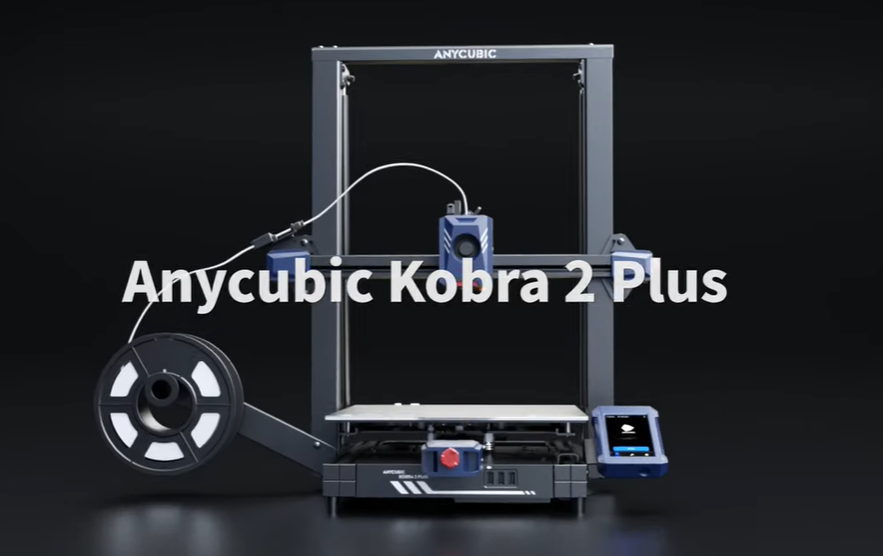
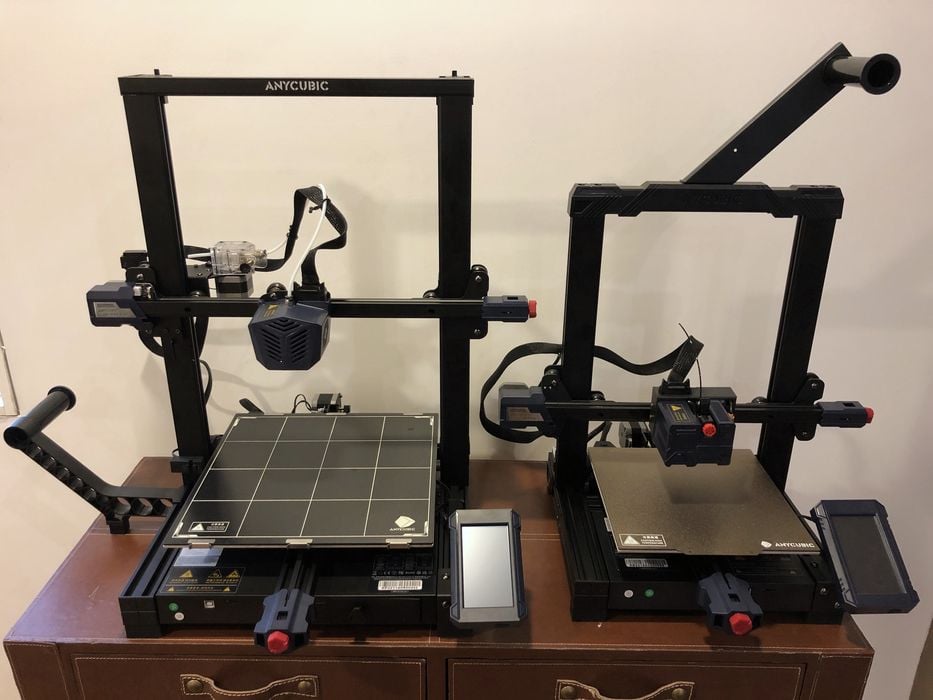
    The Anycubic Kobra 2 Plus is an advanced 3D printer that offers high-quality printing and a user-friendly experience. This comprehensive guide will walk you through the setup process and provide valuable insights on how to use this printer effectively. By following these steps, you will be well-equipped to maximize the potential of your Anycubic Kobra 2 Plus and create stunning 3D prints.
    Step 1: Unboxing and Assembly:
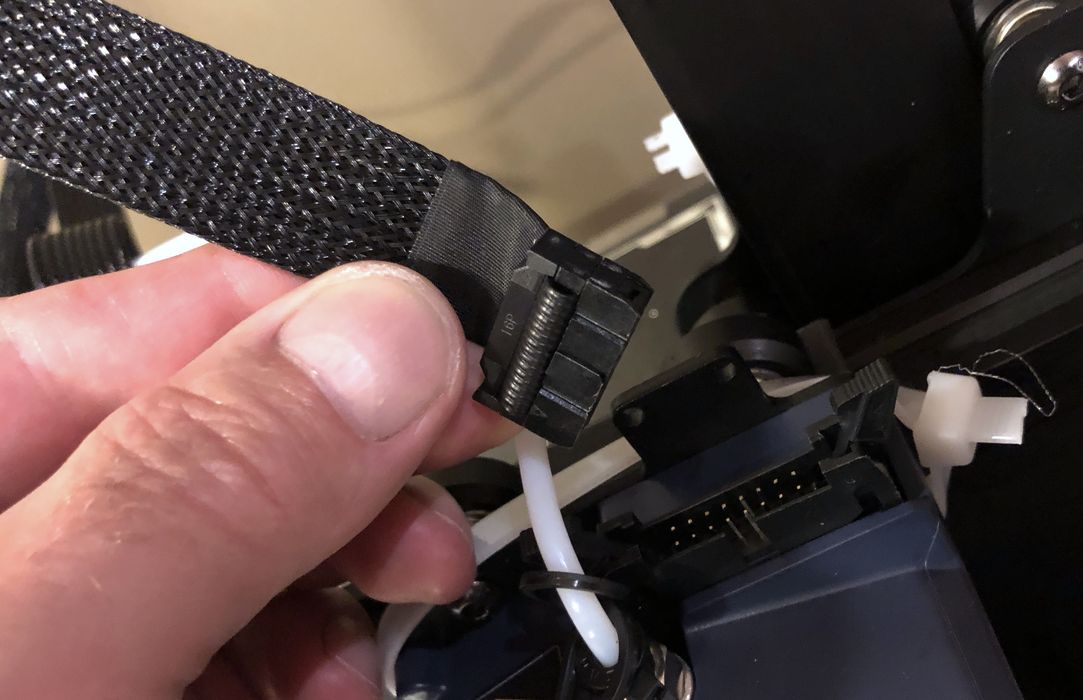
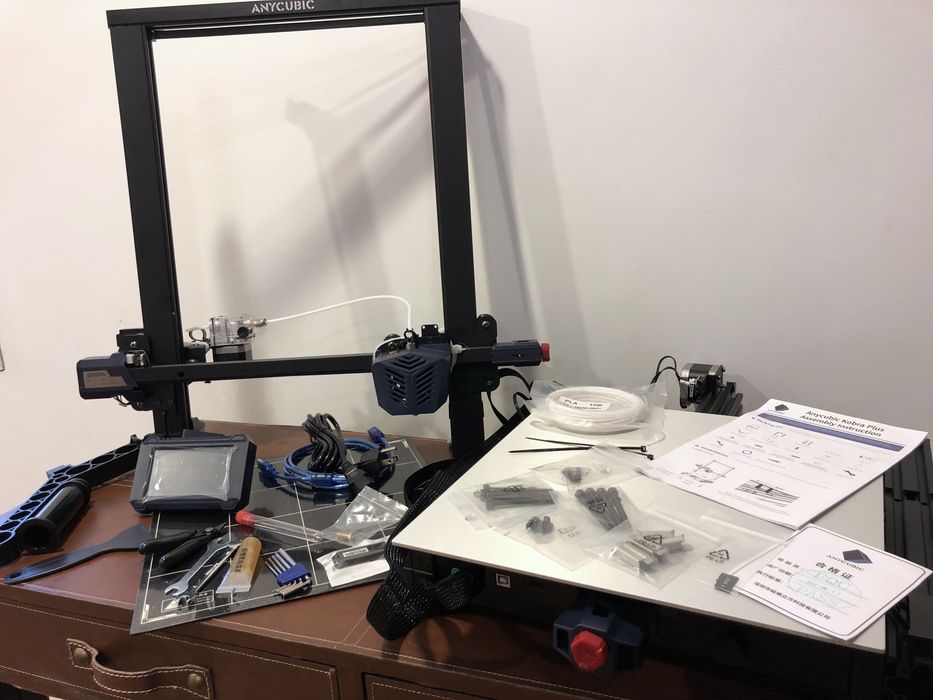
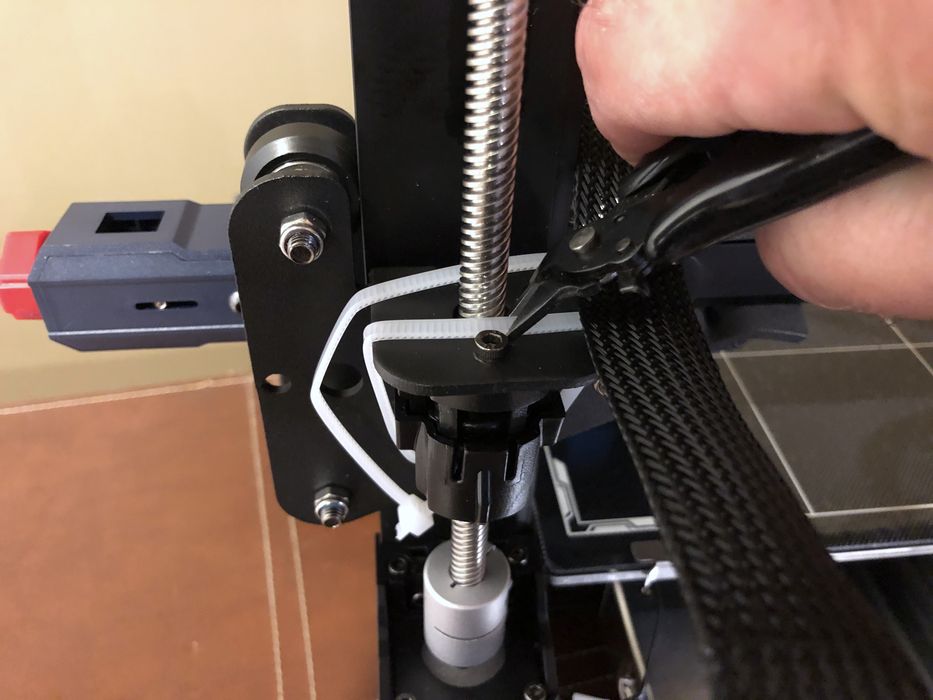
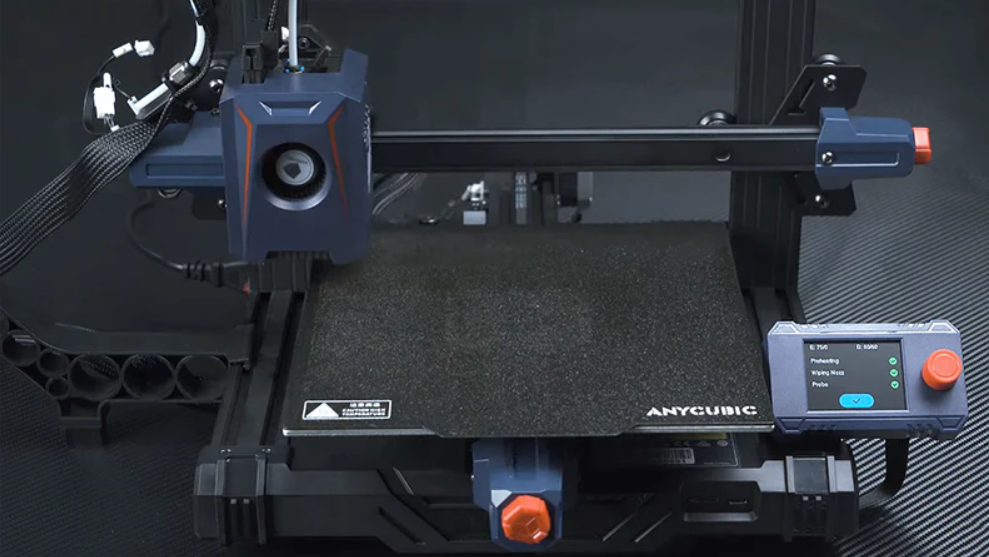
    Start by unpacking all the components of your Anycubic Kobra 2 Plus. Ensure that everything is included and undamaged. Follow the provided instruction manual, which offers clear and concise assembly guidelines. The assembly process is straightforward, with detailed illustrations guiding you through each step. Take your time to assemble the printer securely, ensuring all connections are tight.
    Step 2: Leveling the Bed:
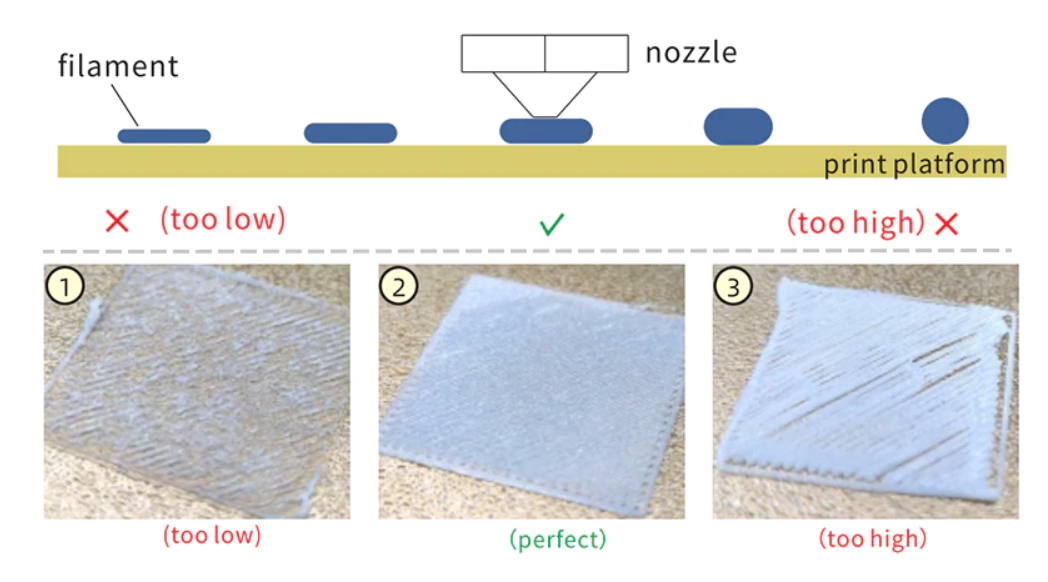
    Accurate bed leveling is crucial for successful prints. The Anycubic Kobra 2 Plus features an automatic bed leveling system, simplifying the process. Activate the bed leveling function according to the instructions provided. The printer will then adjust the bed height automatically, ensuring a level surface for printing. Regularly check and calibrate the bed to maintain optimal printing conditions.
    Step 3: Loading Filament:
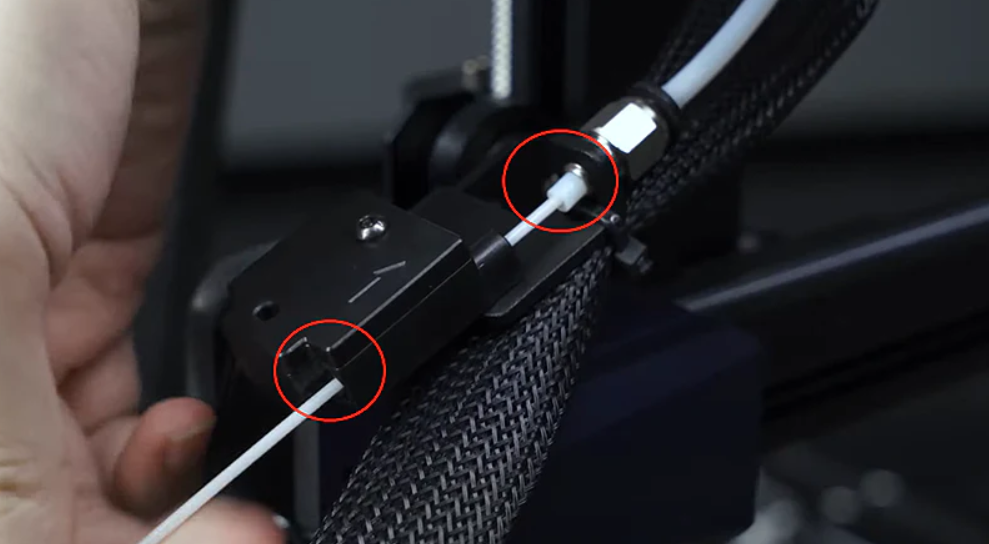
    To start printing, load filament into the Anycubic Kobra 2 Plus. Open the filament compartment and insert the filament spool. Follow the step-by-step instructions to feed the filament into the extruder. Once the filament is properly inserted, the printer will guide you through the loading process. Ensure that the filament is securely seated to prevent any feeding issues during printing.
    Step 4: Preparing the Print File:
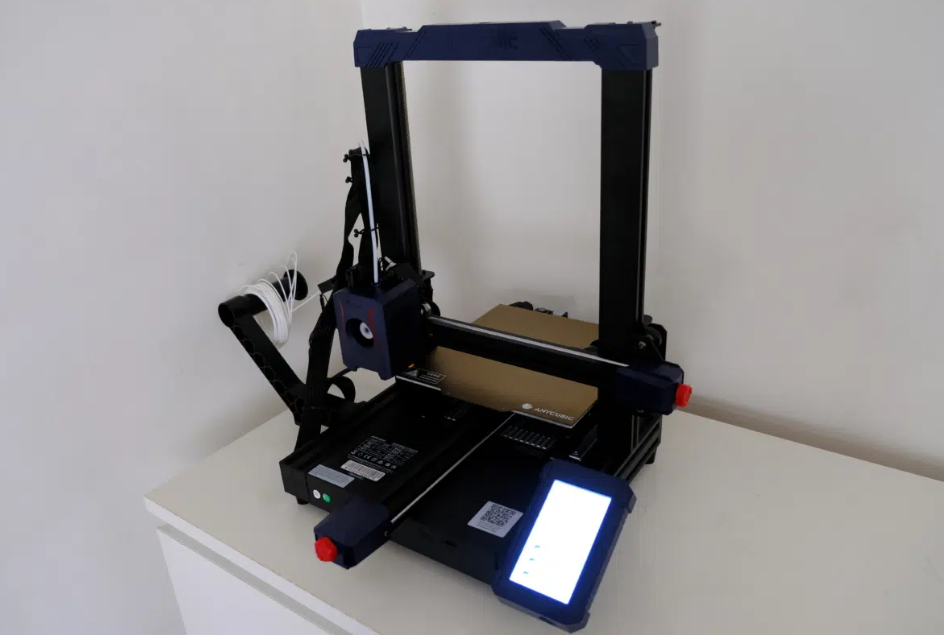
    Prepare your 3D model file using compatible software such as Anycubic Slicer or Cura. Import your model into the software and adjust the settings to meet your desired print requirements. Pay attention to parameters such as layer height, print speed, and infill density. Generate the G-code file that will be used by the printer to execute the print.
    Step 5: Initiating a Print:
    Transfer the generated G-code file to the Anycubic Kobra 2 Plus using a USB connection or the built-in SD card slot. Ensure that the printer is turned on and properly connected. Navigate the printer’s interface to select the desired file for printing. Review the print settings on the display and make any necessary adjustments. Once ready, initiate the print and monitor the progress as your creation takes shape.
    Step 6: Post-Processing and Maintenance:
    Once the print is complete, carefully remove the printed object from the build plate. Perform any necessary post-processing, such as removing support structures or sanding rough edges. Regularly inspect and clean the printer, ensuring that the nozzle and other components are free from debris. This will help maintain the printer’s performance and extend its lifespan.

    Watch introduction video here:

    Conclusion:
    By following this comprehensive setup and usage guide, you can confidently set up and operate your Anycubic Kobra 2 Plus 3D printer. From assembly and bed leveling to filament loading and print file preparation, these steps will ensure a smooth and successful printing experience. With proper care and maintenance, your Anycubic Kobra 2 Plus will consistently deliver outstanding 3D prints, allowing you to unleash your creativity to its fullest extent.

    Image Source

    Share. Facebook Twitter Pinterest LinkedIn Tumblr Email

    Related Posts

    Apple iPhone 20 will be equipped with a ‘true full-screen’ without a hole and will be released in 2027 to pay tribute to the 20th anniversary of the iPhone’s birth

    Possible iQOO Z11 Uses 6.59-inch 1.5K screen and Snapdragon 8 Gen 5 chip

    Fourth-generation Snapdragon 7, IP69 full-level water resistance! OPPO Reno15c released: Starting from 2,899 yuan

    Leave A Reply Cancel Reply

    You must be logged in to post a comment.

    voopoo drag s3
    oxva xlim go 2
    sp2s sen x disposable vape
    jnr 100k
    • Popular
    • 3D Printer REVIEW
    • XIAOMI
    December 9, 2025

    OXVA Xlim Go vs. OXVA Xlim Go 2: Hands-On Review

    December 9, 2025

    OXVA XLIM PRO 3 VS XLIM PRO 2 Review: Hands-on Comparison

    December 9, 2025

    OXVA XLIM 3 Ultra vs. XLIM Pro 2 DNA Review: Hands-on Comparison

    December 8, 2025

    OXVA XLIM SQ PRO 2 vs XLIM SQ PRO Hands on Comparison Review

    June 23, 2024

    ACMER P2 20W Laser Engraver Fixed Focus Engraving: Hands on Review

    May 30, 2024

    xTool F1 Ultra Review: World’s First 20W Fiber & 20W Diode Laser Engraver

    May 30, 2024

    Anycubic Kobra 3 Combo Review: The Multicolor Masterpiece?

    May 15, 2024

    SCULPFUN SF-A9 40W Laser Engraver Cutting Machine: Hands On Review

    December 11, 2025

    Xiaomi 17 Ultra will officially announce next week: it will be the first to feature a brand-new Leica 1-inch main camera

    December 10, 2025

    The official version of Xiaomi Hyper OS 3 covers more models. MIX Fold 3 and others will start to be rolled out in gray scale and gradually from today

    December 9, 2025

    The Appearance Renderings of Xiaomi 17 Ultra are here: The classic large round lens returns without a back screen

    December 8, 2025

    Comeback: Xiaomi triple foldable screen was once aborted due to the overheating of the Snapdragon 8 Gen1

    fc 26 coins
    New Arrivals
    • Hellvape Vsee Now Pod System Kit Hellvape Vsee Now Pod System Kit
    • Hellvape Vsee One Pod System Kit Hellvape Vsee One Pod System Kit
    • JOOZY PRO 30K DISPOSABLE KIT JOOZY PRO 30K DISPOSABLE KIT
    • Vivo S50 smartphone Vivo S50 smartphone
    • Arc Hypertine 35K Zero Nicotine Disposable Vape Arc Hypertine 35K Zero Nicotine Disposable Vape
    • Oppo Reno 15c Oppo Reno 15c
    • lost vape le bar 40k lost vape le bar 40k
    • RAZ RX 50K DISPOSABLE RAZ RX 50K DISPOSABLE
    • Xiaomi Poco C85 Xiaomi Poco C85
    About
  • Igeekphone.com provides the first global tech news and reviews about smartphone, vapes, e-cigar, smart home, 3D printers, e-bike,tablets, RC drones, VR headset, and other accessories. It's the best platform to improve your brand and product.
  • Contact us: info@igeekphone.com
  • Check Our Privacy Policy Here.
  • Note: *Right now we have US editor and EU editors for review, especially for Amazon US and EU.
  • *Shop and Compare Price Here*
  • Facebook
  • Youtube
  • OUR BEST VAPE PARTNERS
  • VAPE ONLINE STORE
  • HAYATI PRO MAX PLUS
  • VAPORESSO
  • VOOPOO
  • OXVA
  • NEXA
  • MASKKING
  • LOSTVAPE ORIONBAR
  • VEIIK
  • MEMERS
  • TODOO
  • SP2S
  • JNR
  • OTHER BEST PARTNERS
  • SVBONY
  • Chuwi
  • Blackview
  • Fossibot
  • Unihertz
  • Flsun
  • Anycubic
  • Xtool
  • Oukitel
  • Mukkpet Ebike
  • Ugreen
  • Copyright © 2025 igeekphone

    Type above and press Enter to search. Press Esc to cancel.