









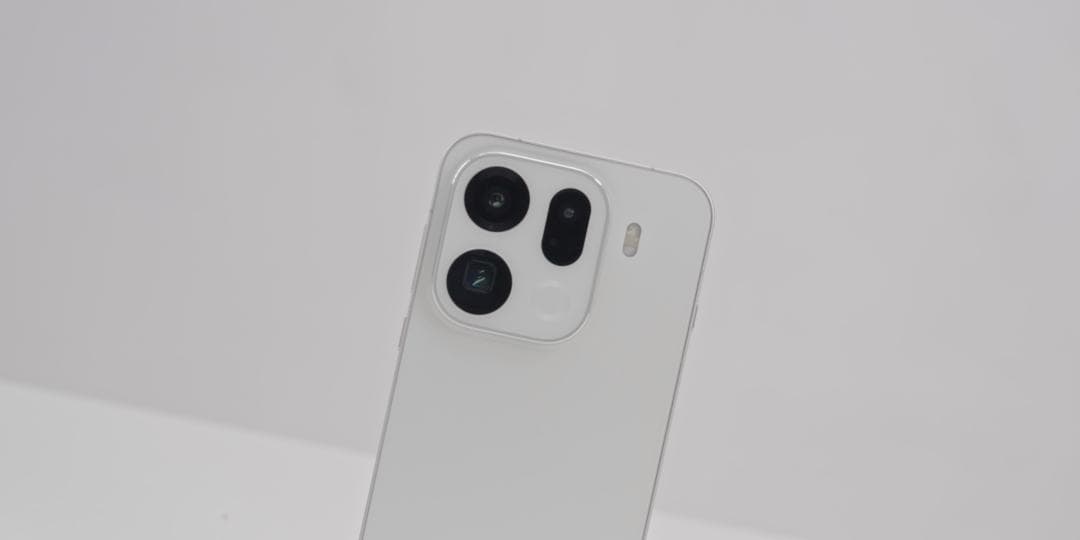
Multiple exposure is a creative photography technique that combines multiple photos through algorithmic overlay to break through the limitations of a single exposure and create a visual effect that blends reality and illusion, as well as combining motion and stillness. With its powerful imaging system, OPPO Find X9 offers users multiple ways to achieve multiple exposure, whether through built-in functions or manual simulation, allowing them to easily capture works with artistic appeal.
I. Utilize the built-in double exposure mode to create quickly
Some versions of OPPO Find X9 have a dual exposure function built into the camera system. The operation steps are as follows:
1. Access the function menu: Open the camera application, slide the mode selection bar to “More” or “Creative Shooting” option, and click to enter. Then search for the “Double Exposure” or “Multiple Exposure” function.
2. Step-by-step photo composition: After enabling the function, follow the screen prompts to take the first photo. After the first photo is taken, keep the phone stable and then adjust the composition to take the second photo. The phone will automatically combine the two photos, creating a multiple exposure effect. For example, when shooting a city night scene, you can first take a photo of the traffic flow, then take a photo of the building outline. After combining them, a dreamy scene of light trails interwoven with buildings will be formed.
3. Parameter fine-tuning optimization: During the shooting process, you can optimize the image effect by adjusting parameters such as exposure compensation and color temperature. If shooting in automatic mode, it is recommended to manually reduce the exposure compensation to -1EV to -2EV to avoid the image becoming too bright due to multiple exposures.
II. Manually simulate multiple exposures using the professional mode
If the phone does not have a built-in direct multiple exposure function, you can manually simulate it using the professional mode:
1. Fixed parameter shooting – Step 1: Enter the professional mode and manually set parameters such as ISO, shutter speed, focusing mode, etc. For example, when shooting a starry sky, set the ISO to 800-1600, extend the shutter speed to 15-30 seconds, switch the focusing mode to manual focusing (MF), and set the focus point to infinity. Take the first photo.
2. Maintain the parameters for the second shot: Keep the position of the phone and the parameters unchanged, and take a second shot of the same scene or a different scene. For example, after shooting the starry sky, you can adjust the angle to shoot the ground scenery, creating an effect where the sky and the earth blend together.
3. Post-production adjustment: Utilize the built-in photo editing function of your mobile phone or download professional software (such as Snapseed, Photoshop Express). Import the two photos into the software and achieve the multiple exposure effect by adjusting parameters such as transparency and overlay mode.
III. Expanding Creative Space through Third-Party Applications
There are many third-party camera applications available in the market that support multiple exposure shooting, such as NOMO, DoubleExposureFX, etc. Taking NOMO as an example:
1. Download and install the application: Search for and download the NOMO camera in the app store.
2. Enable double exposure function: Open the application, locate the “double exposure” option on the shooting interface, and turn it on. Then take the first photo.
3. Adjusting the composition for the second shot: After the first shot is completed, the application will automatically enter the shooting interface for the second photo. At this point, you can adjust the composition, angle, etc. After the second shot is taken, the application will automatically combine the multiple exposures to create a composite photo. For example, when shooting a portrait, you can first take a close-up of the person, then take a shot with a blurred background. After combining them, you will achieve an effect where the person and the background are interwoven with different levels of clarity.
IV. Techniques and Precautions for Multiple Exposure Photography
1. Composition planning and theme expression: Before shooting, it is necessary to clearly define the theme and select elements that have contrast or complementary relationships for the shot, such as dynamic and static contrast, or the contrast between the abstract and the concrete. For example, when shooting flowers, one can superimpose a close-up of a flower with the entire field of flowers to create a visual contrast between “microscopic” and “macroscopic”.
2. Light Utilization and Exposure Control: Different lighting conditions have a significant impact on the color and atmosphere of a photograph. When shooting in low-light conditions, try using a slow shutter speed to capture dynamic trajectories; when shooting in high-light conditions, be careful to avoid overexposure of the highlights.
3. Equipment stability and anti-shake measures: When shooting at low shutter speeds or with long focal lengths, it is essential to use a tripod to secure the phone to prevent blurry images caused by hand shaking. If handheld shooting is necessary, the “Shadow-Free Capture” function can be enabled, which utilizes AI algorithms to compensate for minor tremors.
4. Creative Extension and Post-Processing: Enable the “Live Photo” feature to capture the multiple exposure process. In the post-processing stage, extract the most captivating frames from the dynamic video and save them as static photos, or directly share the dynamic effect. At the same time, you can use the built-in basic editing tools in the album to adjust parameters such as brightness, contrast, and saturation, or manually adjust the transparency of two photos through the “overlay” function.