










If you’ve encountered an “Activation Lock” or “iPhone Locked to Owner” message on your iPhone, you’re dealing with one of Apple’s most important security features. Designed to protect lost or stolen devices, Activation Lock prevents unauthorized users from accessing or reactivating an iPhone without the original Apple Account credentials.
Fortunately, if you are the rightful owner of the device, there are several legitimate ways to remove the lock and regain access.
What Is an iPhone ID Lock?
Many people refer to Apple’s Activation Lock as an “ID lock” because it is linked to the owner’s Apple Account (formerly Apple ID). When the Find My feature is enabled, Activation Lock automatically turns on and ties the iPhone to that Apple Account. This security feature helps deter theft and protects personal information if the device is lost or stolen.
When Activation Lock is active, anyone attempting to set up the device after a reset must enter the Apple Account credentials associated with the iPhone.
Method 1: Sign In with the Original Apple Account
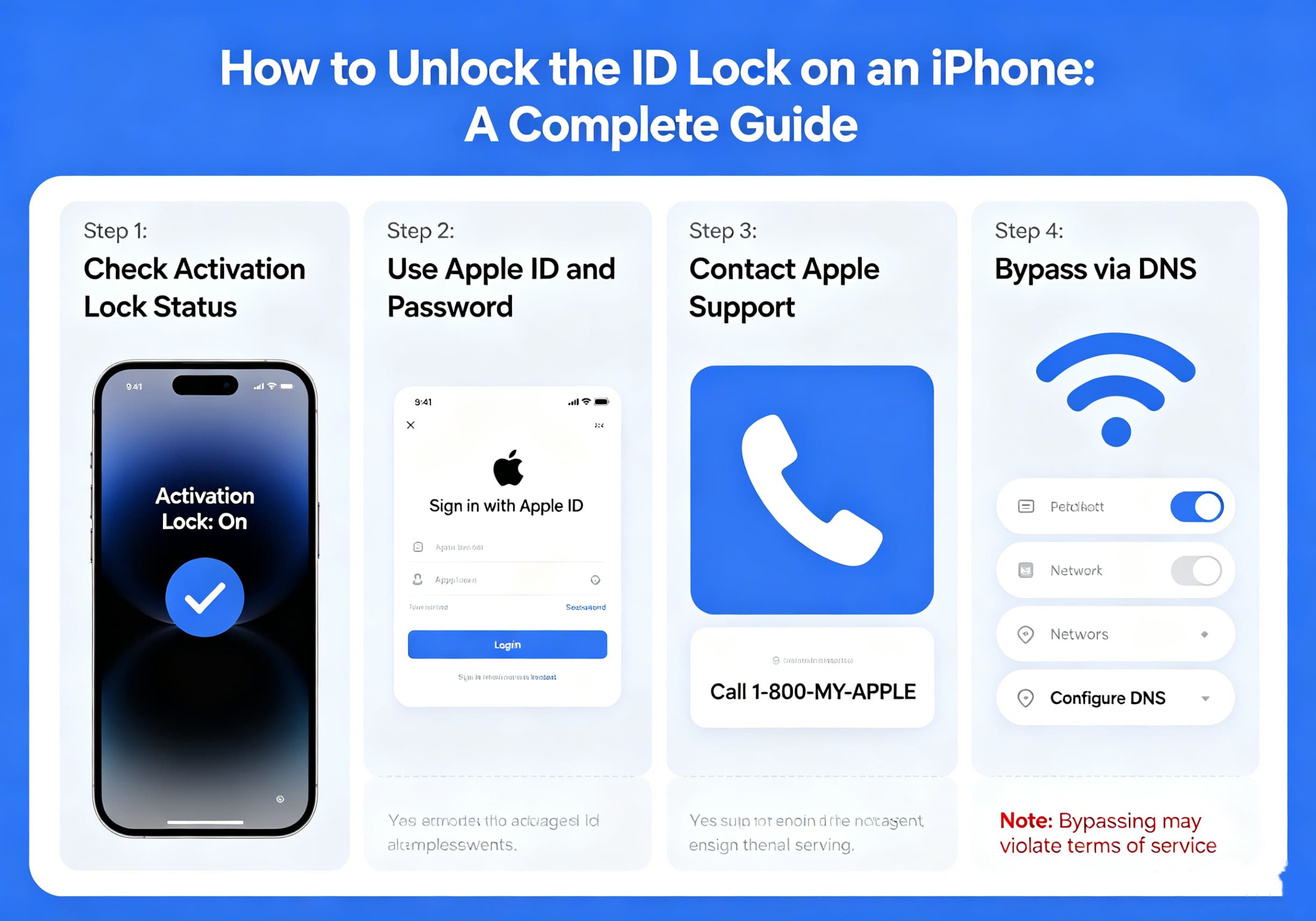
The simplest way to remove Activation Lock is to enter the Apple Account email address and password that were originally used to activate the device. Apple identifies this as the primary method for unlocking an Activation-Locked iPhone.
Steps
- Turn on the iPhone.
- Connect to Wi-Fi or a cellular network.
- When the Activation Lock screen appears, enter the original Apple Account credentials.
- Follow the on-screen instructions to complete setup.
If the information is correct, the lock will be removed and you can continue using the device.
Method 2: Reset a Forgotten Apple Account Password
If the iPhone belongs to you but you’ve forgotten your password, Apple allows you to reset it through account recovery tools. After resetting the password, you can return to the Activation Lock screen and sign in with the updated credentials.
Common recovery options include:
- Trusted devices
- Trusted phone numbers
- Recovery email methods
- Account recovery through Apple
The process may take some time depending on your account security settings.
Method 3: Remove Activation Lock Through iCloud
If you still have access to the Apple Account but no longer have the iPhone in hand, you may be able to remove the device remotely through Apple’s Find My service. Apple provides this option for devices associated with your account.
General Process
- Sign in to your Apple account’s Find My service.
- Locate the device.
- Select the iPhone.
- Remove the device from your account after erasing it.
- The next user can then activate the phone normally.
This method is commonly used when selling, giving away, or recycling an iPhone.
Method 4: Contact Apple Support
If you are the legal owner of the iPhone but cannot access the original Apple Account, Apple may be able to assist. In certain situations, Apple can review proof of ownership documentation and determine whether Activation Lock can be removed.
Documents You May Need
- Original purchase receipt
- Invoice showing the device serial number
- Carrier purchase documentation
- Other proof of ownership requested by Apple
Apple evaluates requests individually and does not guarantee approval.
What If You Bought a Used iPhone?
Used iPhone buyers frequently encounter Activation Lock if the previous owner forgot to remove the device from their account before selling it.
If this happens:
- Contact the seller.
- Ask them to remove the device from their Apple Account.
- Have them erase and remove the iPhone from Find My.
- Restart the device and attempt activation again.
Without the cooperation of the original owner or valid proof of ownership, Activation Lock generally cannot be removed.
Avoid Activation Lock Removal Scams
Many websites and software tools claim they can “bypass” or “hack” Activation Lock. Users should be extremely cautious when encountering these services.
Potential risks include:
- Financial scams
- Malware infections
- Stolen personal information
- Non-functioning devices
- Loss of future software updates
Apple’s Activation Lock is designed specifically to prevent unauthorized access, and legitimate removal methods involve either the original account credentials or Apple’s ownership verification process.
How to Prevent Future Lockouts
To avoid Activation Lock issues in the future:
- Keep your Apple Account information updated.
- Maintain access to your trusted phone number.
- Store purchase receipts in a safe location.
- Remove devices from your account before selling them.
- Verify that Find My has been disabled before transferring ownership.
These simple steps can save significant time and frustration later.
Final Thoughts
Activation Lock is one of Apple’s most effective anti-theft technologies, helping protect millions of iPhone users worldwide. While it can be frustrating when credentials are forgotten or when purchasing a second-hand device, there are legitimate ways to regain access if you are the rightful owner.
The safest and most reliable solutions involve signing in with the original Apple Account, resetting your password, removing the device through Find My, or working directly with Apple Support using valid proof of ownership. By following official procedures, you can unlock your iPhone securely while maintaining the protection that Activation Lock was designed to provide.