










The mechanical keyboard market has shifted dramatically over the past few years. Where enthusiasts once had to spend hours disassembling switches, clipping stabilizers, and stuffing cases with custom foam to achieve a deep, muted sound profile, manufacturers are now offering tuned setups straight out of the factory. Among these, KiiBOOM has carved out a niche for colorful, aesthetic-driven, and acoustically rich mechanical keyboards.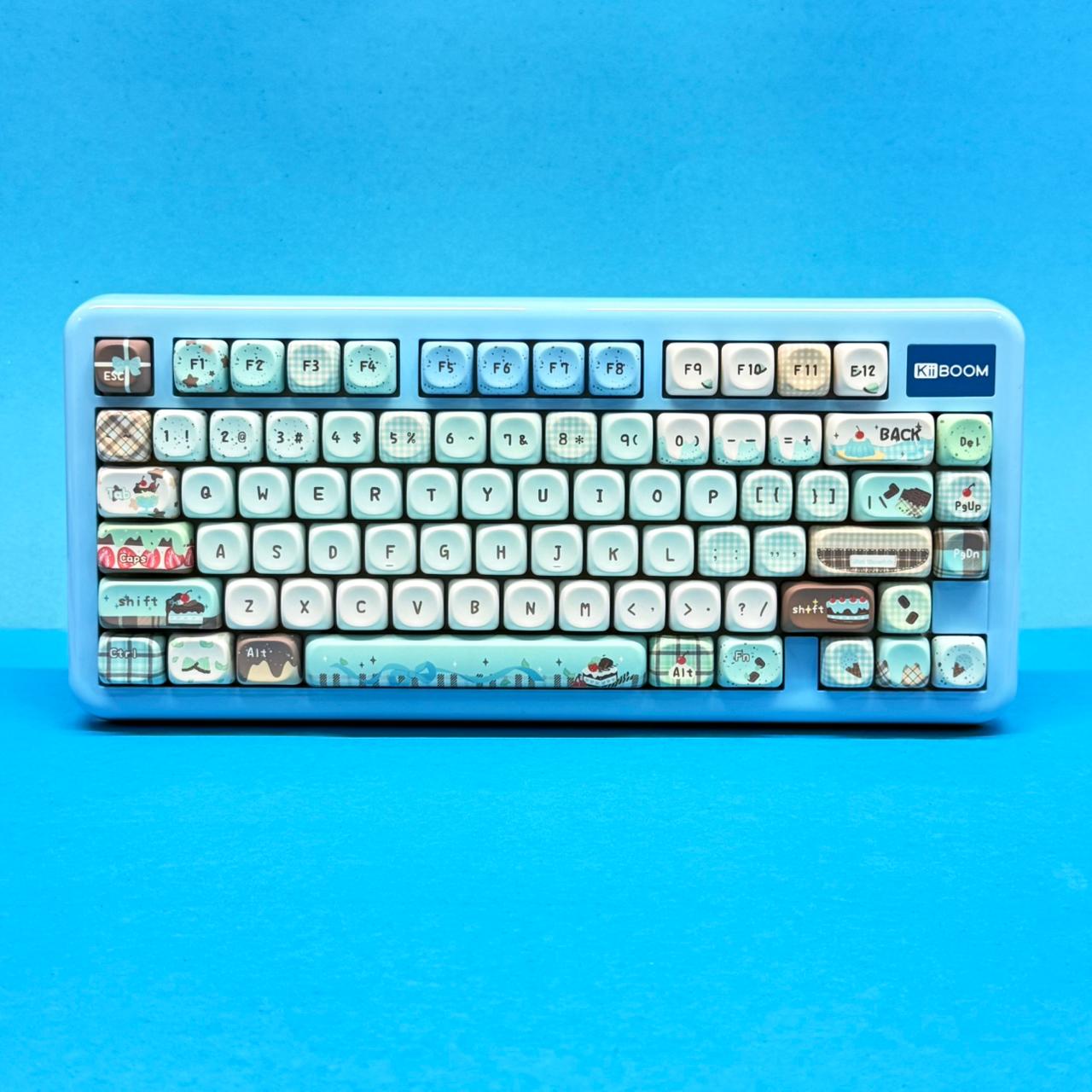
The KiiBOOM Phantom81 Lite sits at an appealing price point of approximately $105.99. It promises a high-end gasket-mounted typing feel, tri-mode wireless connectivity, full QMK/VIA customization, and a deep sound right out of the box. But does it deliver on all fronts, or are there hidden compromises beneath its colorful exterior?
Specs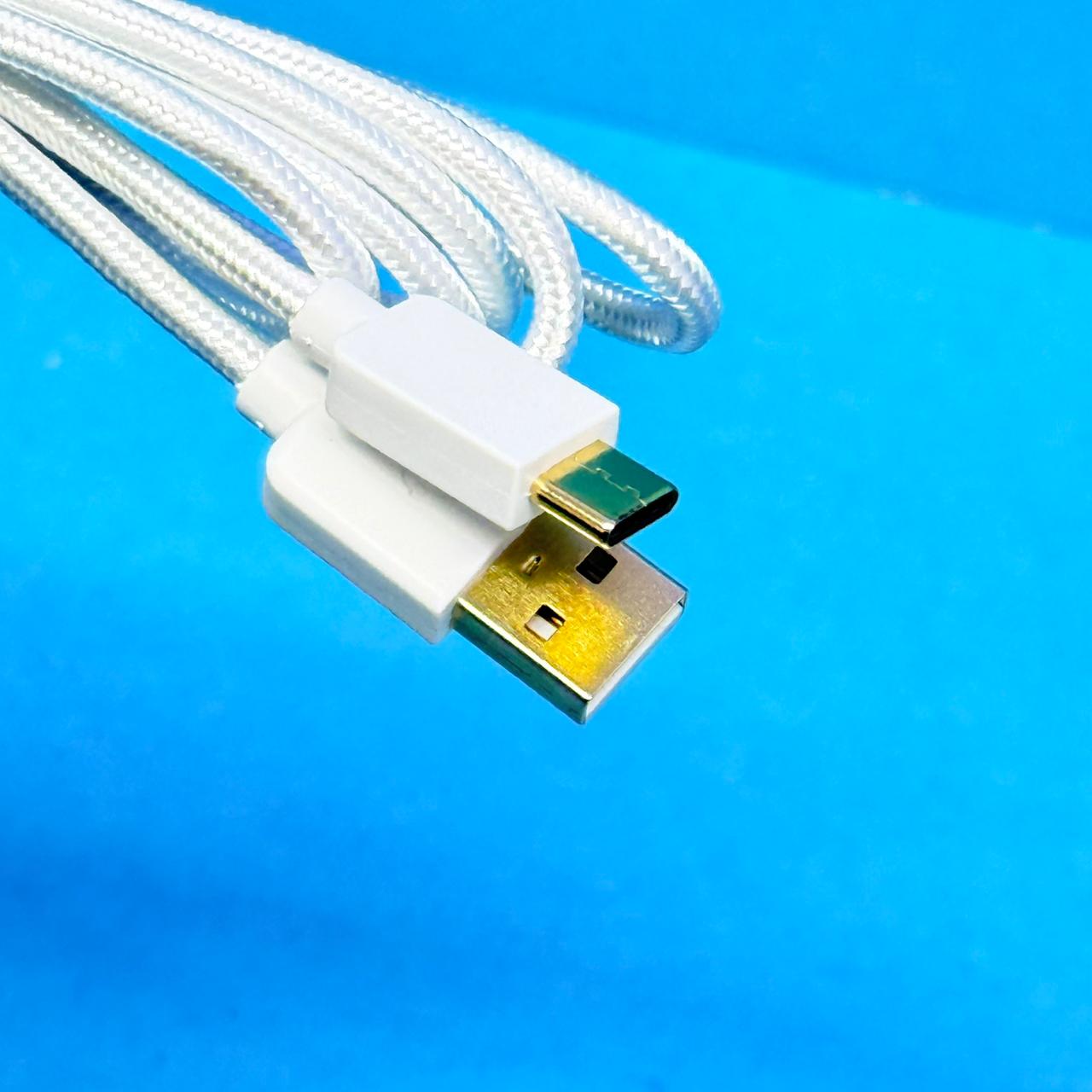
Before diving into the design and performance details, here is a complete breakdown of the hardware specifications for the Phantom81 Lite:
| Spec Category | Feature / Parameter | Detail Specification |
| Basic Info | Layout & Keys | 75% ANSI Layout (79 Keys) |
| Dimensions & Weight | 335.5 × 151.4 × 43.8 mm (~935g to 1013g depending on variant) | |
| Case Construction | High-density ABS Molding with Protective Glossy UV Finish | |
| Acoustics & Mount | Mounting Style | PCB Gasket Mount |
| Switch Plate | Polycarbonate (PC) with Flex Cuts | |
| Dampening Stack | Latex Sandwich Foam, IXPE Switch Pad, PE Film, PCB Foam, Bottom Silicone | |
| Switches & Caps | Factory Switches | KiiBOOM Mochi Linear (40g Actuation, 45g Bottom-out, POM Stem) |
| Keycap Material/Profile | Dye-Sub PBT MOA Profile (Blue/Green) or Translucent PC Cherry (Black/White) | |
| Stabilizers | Factory-Lubricated Plate-Mounted (Supports 3-pin/5-pin Hot-Swap) | |
| Electronics | Connectivity | Tri-Mode: Bluetooth 5.0, 2.4GHz Wireless, USB-C Wired |
| Polling Rate & Latency | 1000Hz / 3ms (Wired), 1000Hz / 5ms (2.4GHz), 125Hz / 15ms (Bluetooth) | |
| Battery & Lighting | 4000mAh Lithium-ion; Per-key South-Facing RGB Backlighting | |
| Software Support | Open-Source QMK / VIA Configuration (WebHID Browser Compatible) |
Unboxing, Accessories & Included Extras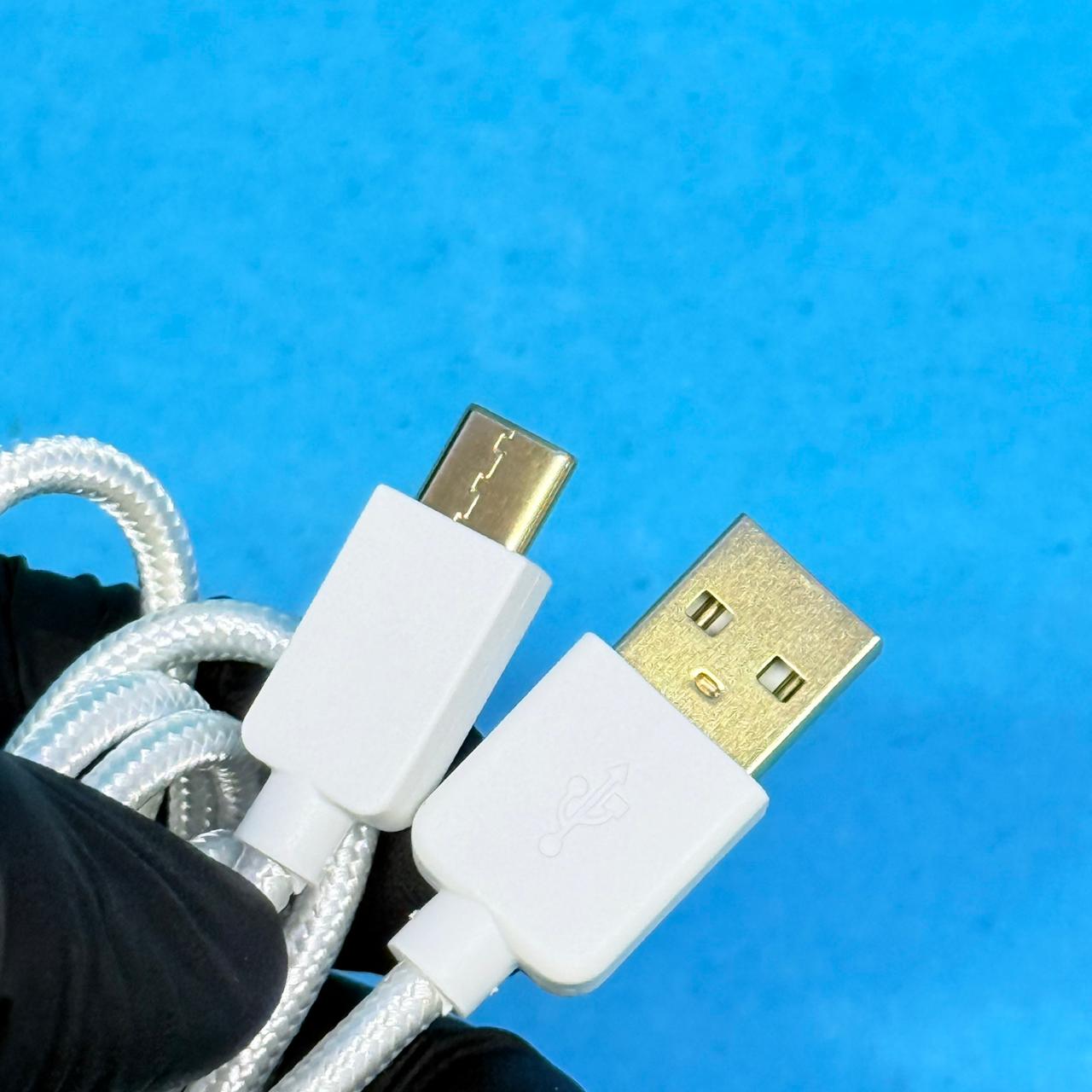
Unboxing the Phantom81 Lite highlights KiiBOOM’s attention to detail regarding packaging and accessories. The keyboard comes protected in a static sleeve, capped with a clear plastic dust cover—a useful accessory for keeping dust off the board when not in use.
Inside the package, you will find: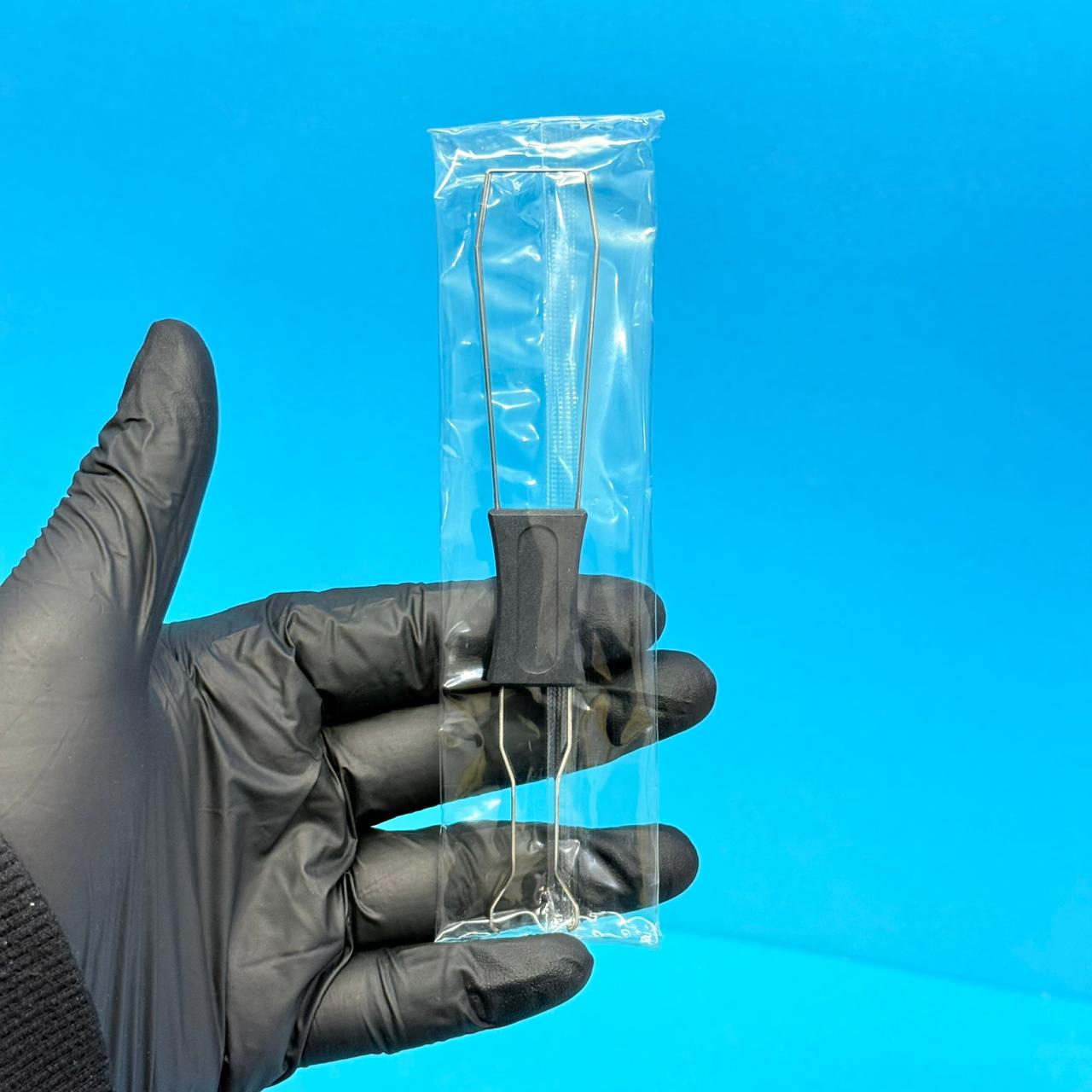
- The Phantom81 Lite Keyboard (fully assembled with switches and keycaps).
- A USB-C to USB-A Cable matching the color accent of the board.
- A dual 2-in-1 Wire Keycap and Switch Puller.
- 3 Replacement KiiBOOM Mochi Linear Switches.
- 6 Theme-Matched Accent Keycaps (including alternative novelties).
- A user manual and quick-start instruction guide.
Having extra switches and novelty keycaps included right in the box ensures that if a switch pin bends or a switch fails down the line, you have instant replacements without needing to order a spare pack.
Design, Build Quality
The Phantom81 Lite utilizes a 75% compact layout with 79 keys. It retains the dedicated function row (F1–F12), navigation keys, and an arrow cluster while shaving off the traditional number pad to save desktop real estate.
Case Construction & Layout Nuances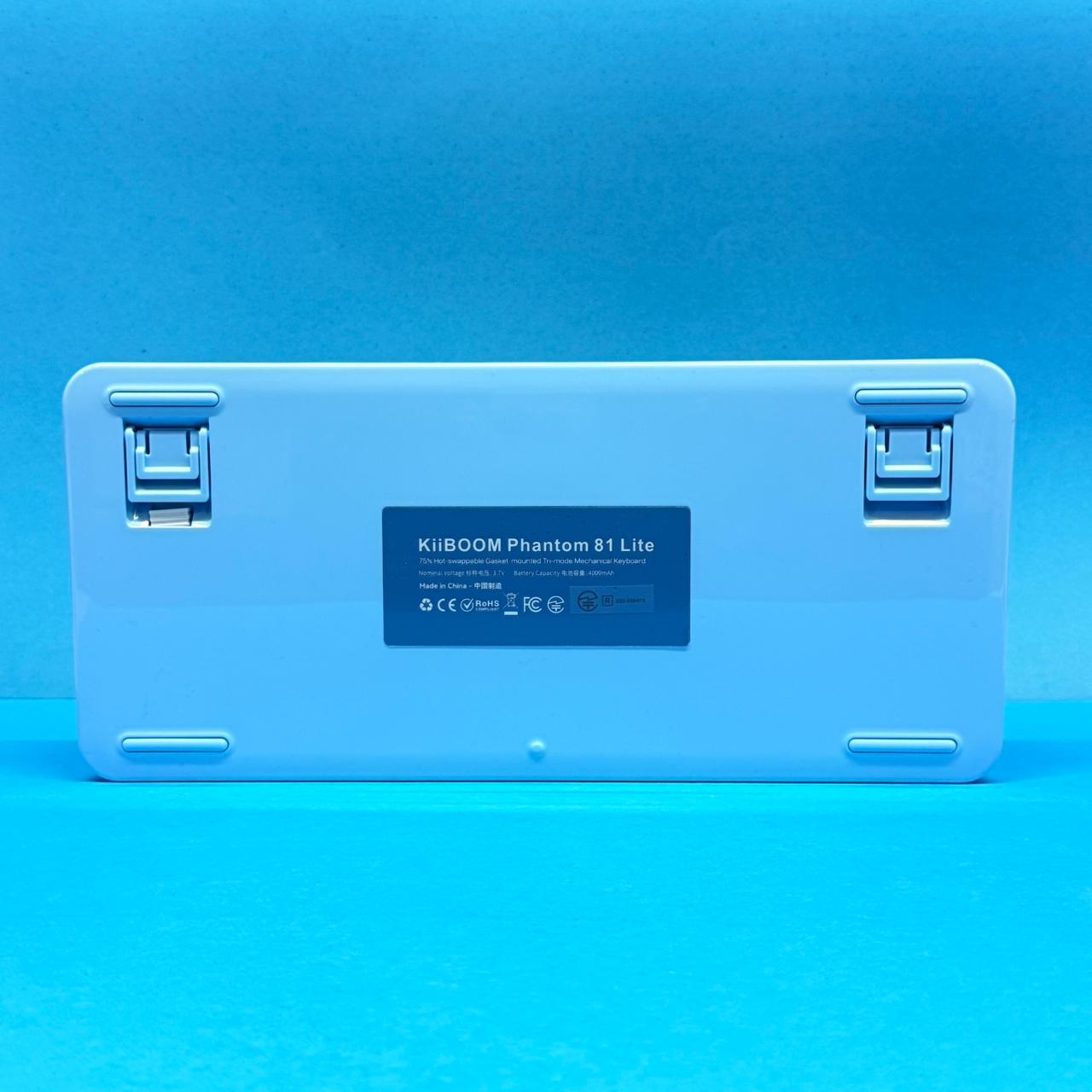
Unlike hollow entry-level plastic keyboards, the ABS housing on the Phantom81 Lite is thick, rigid, and substantial, bringing the overall weight close to 1 kilogram. The UV coating applied over the ABS frame gives it a smooth, glossy shine that resists light surface scratches and brings out the color depth.
The layout features a semi-exploded format: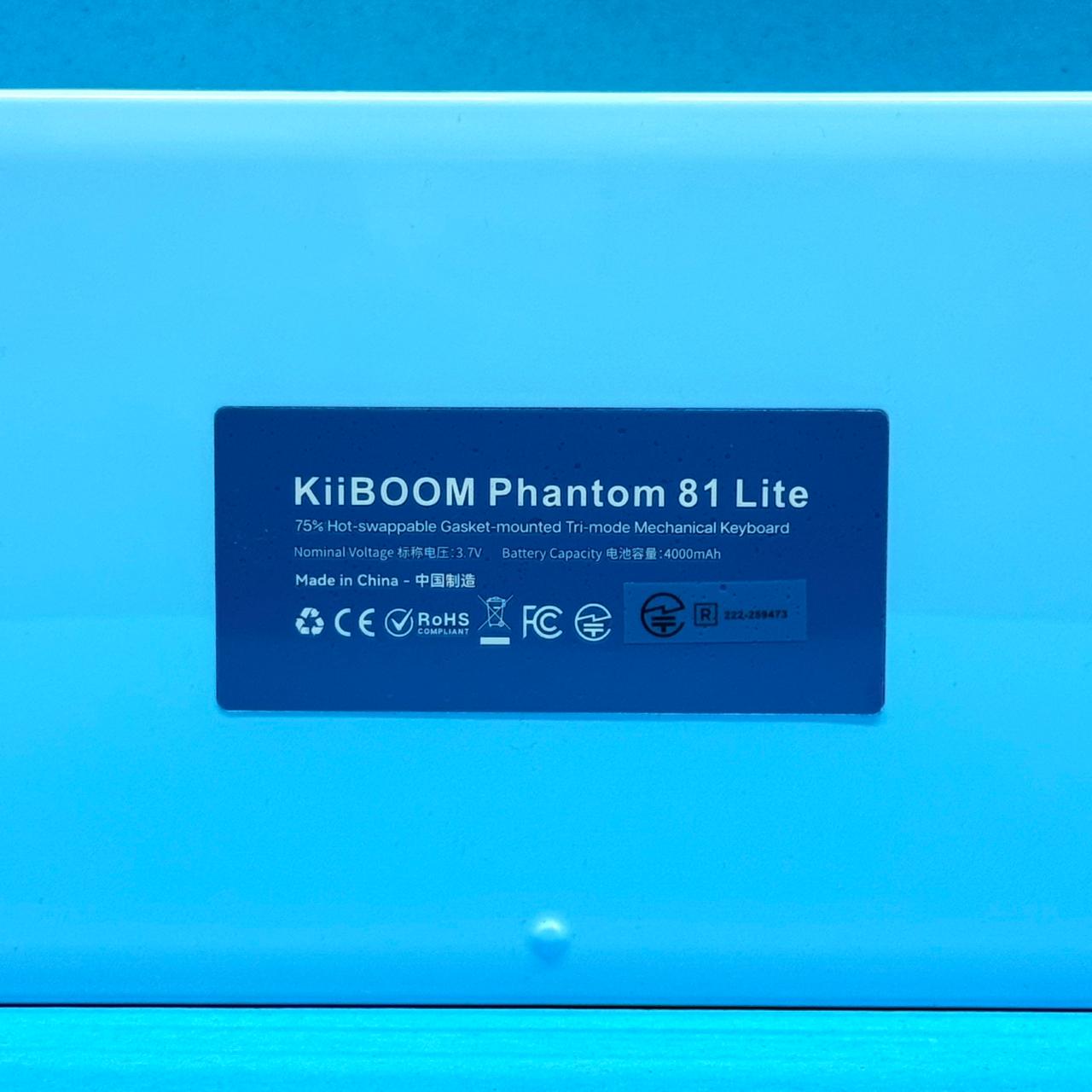
-
The top function row is slightly separated from the alpha keys, reducing accidental presses when reaching for
EscorFkeys. -
The arrow cluster is tucked directly alongside the right modifier keys. While this keeps the overall horizontal width tight (335.5mm), the slightly wider bezel gives the keyboard a rounded appearance.
Ergonomics & Typing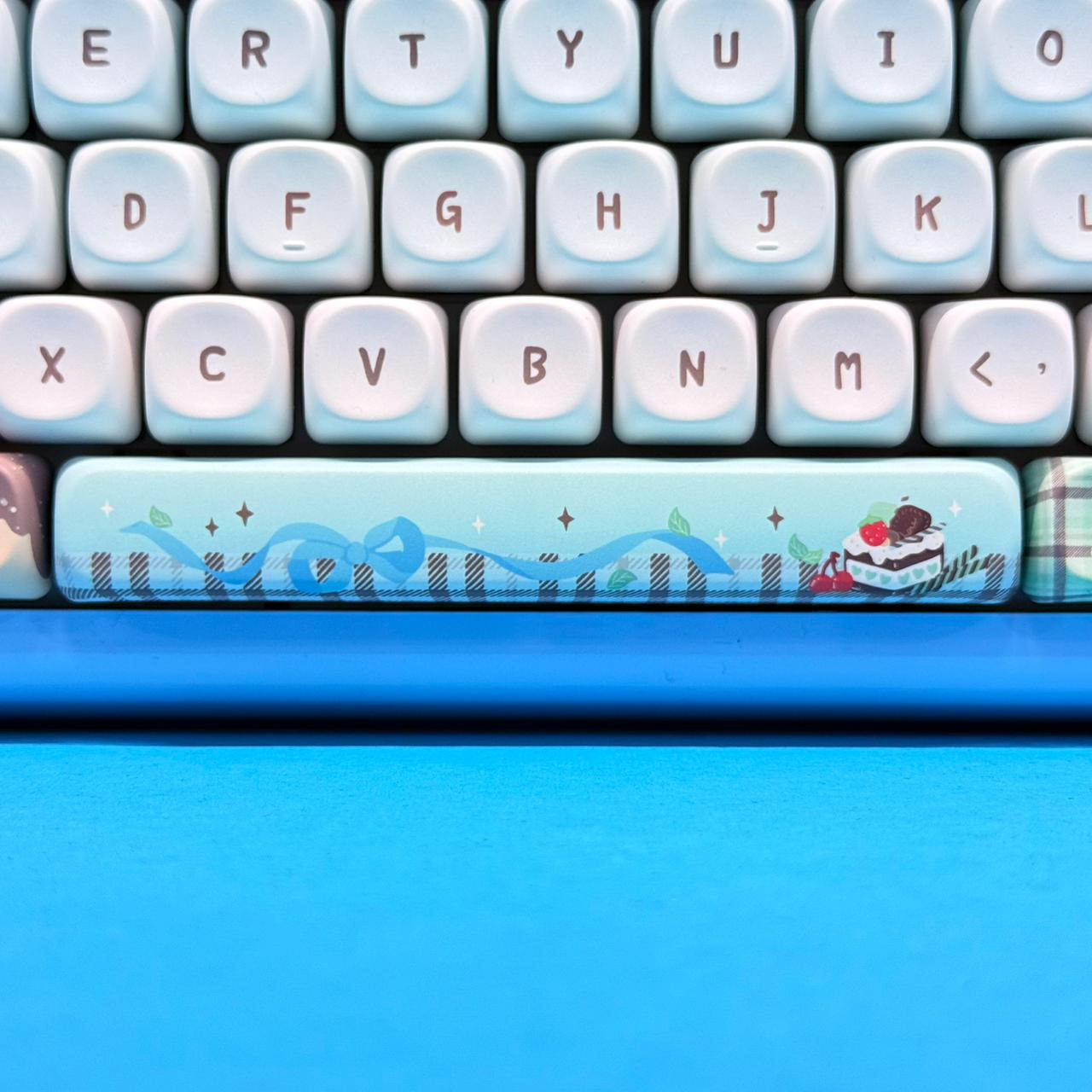
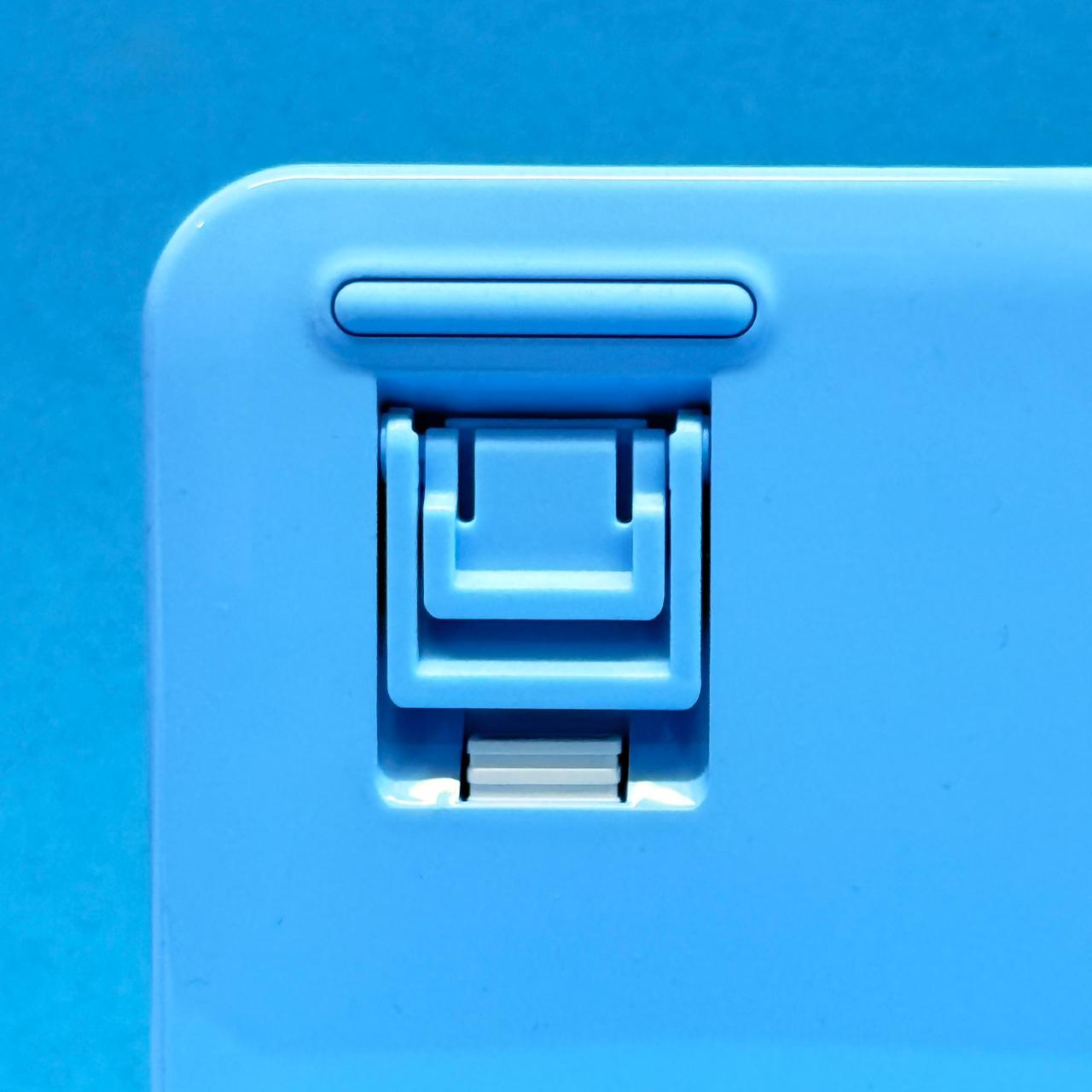
One critical detail to note is the front height of the board. Standing at nearly 20mm at the front edge and angling up to roughly 44mm at the rear, the Phantom81 Lite is relatively tall. While two-stage adjustable flip-out rubber feet on the bottom allow you to tilt the keyboard to a 6-degree typing angle, using a dedicated wrist rest is highly recommended during extended typing or gaming sessions to avoid wrist fatigue.
The bottom frame also features a dedicated magnetic cutout hidden neatly beneath one of the tilt feet to store the 2.4GHz USB wireless dongle, ensuring you do not lose it during travel.
Critiques on Desk Real Estate Utilization
One area where the Phantom81 Lite missed an opportunity is the top-right corner. KiiBOOM opted to place a raised metallic brand badge in this spot. While it serves a decorative purpose, mechanical keyboard enthusiasts generally prefer utility in this region—such as a rotary media volume knob or a small customizable OLED status display. Placing a static logo badge here feels like a missed chance for functional design.
Keycaps & Sound Mechanics: The MOA Profile Difference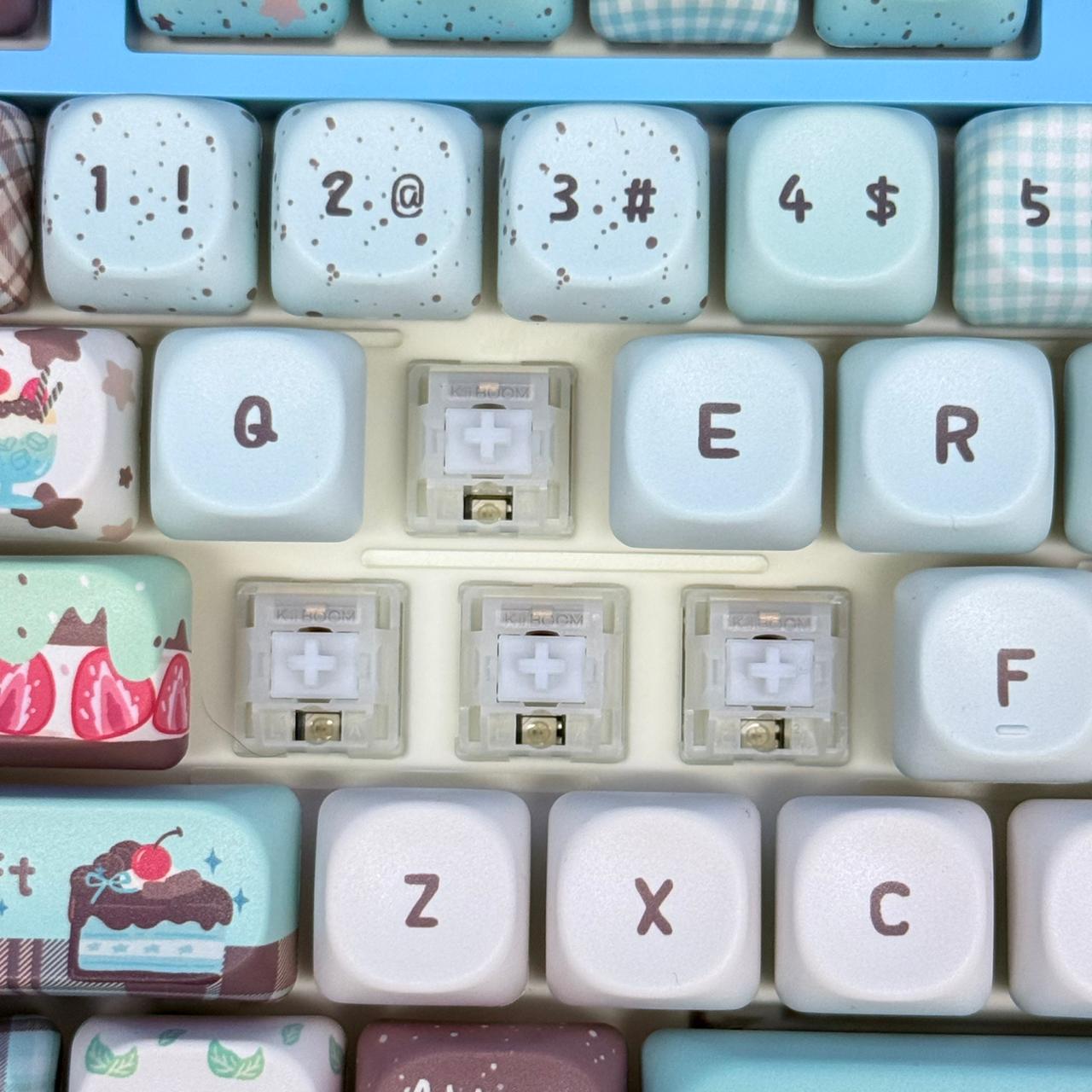
The keycap profile plays a massive role in both ergonomic feel and overall sound output. KiiBOOM offers two distinct keycap configurations depending on the colorway you choose:
-
Blue & Green Variants: Feature thick Dye-Sublimated PBT Keycaps in a custom MOA Profile.
-
Black & White Variants: Feature Polycarbonate (PC) Keycaps in a classic Cherry Profile.
Understanding MOA Profile Keycaps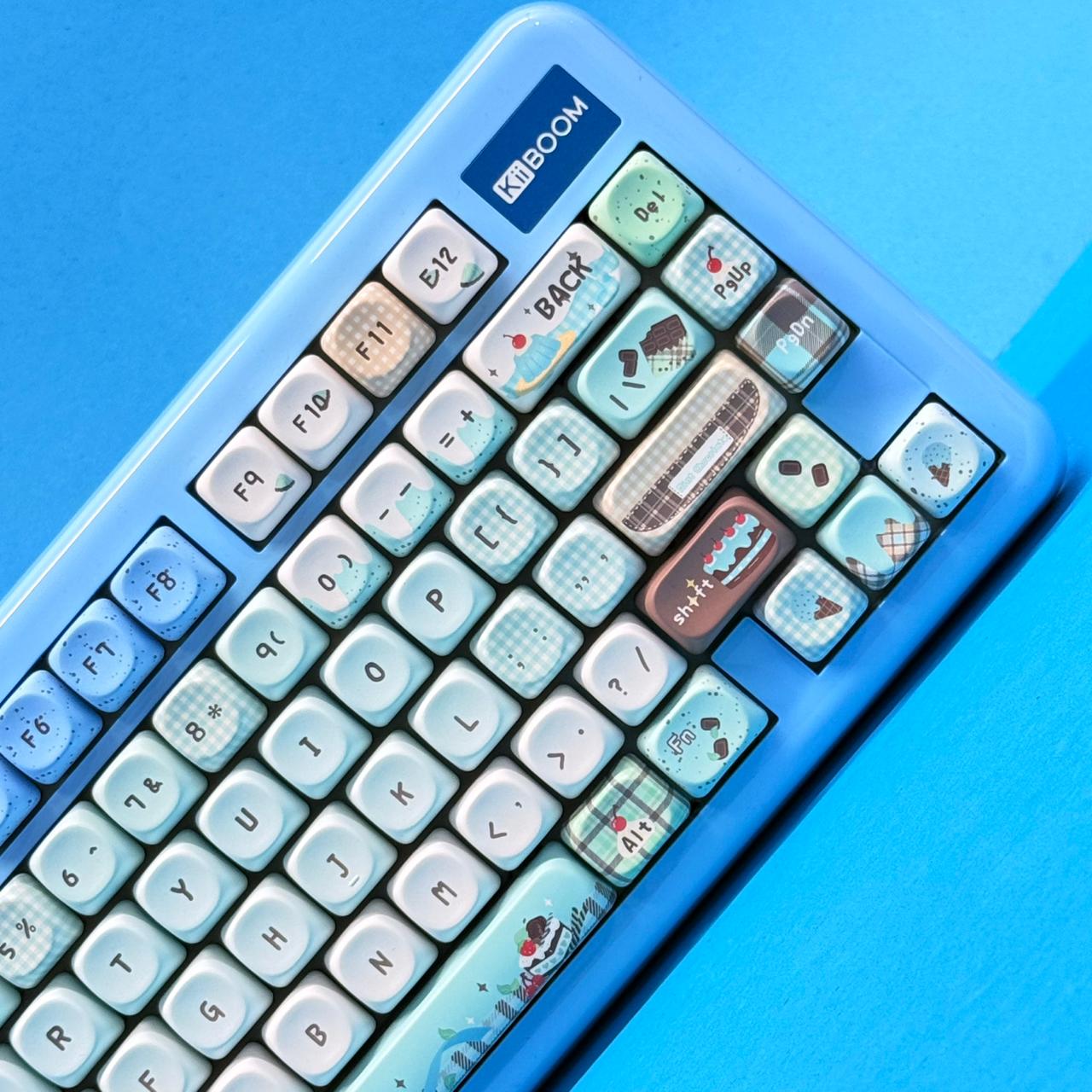
For the themed blue (ice cream/sweets) and green (rainy frog) variants, KiiBOOM uses the MOA profile. Unlike OEM or Cherry profiles, which feature sculpted height differences across rows (R1–R4), MOA keycaps are completely uniform in height across all rows. They feature rounded, spherical tops with thick side walls.
The extra internal air volume inside MOA keycaps acts like a tiny acoustic chamber. When the keycap bottoms out, sound waves bounce within the keycap wall before exiting, deep-pitching the sound and transforming high-pitched clicks into a low, marble-like sound. The matte texture on the PBT surface also ensures the keycaps will not wear down into a greasy polish over time.
Switches, Stabilizers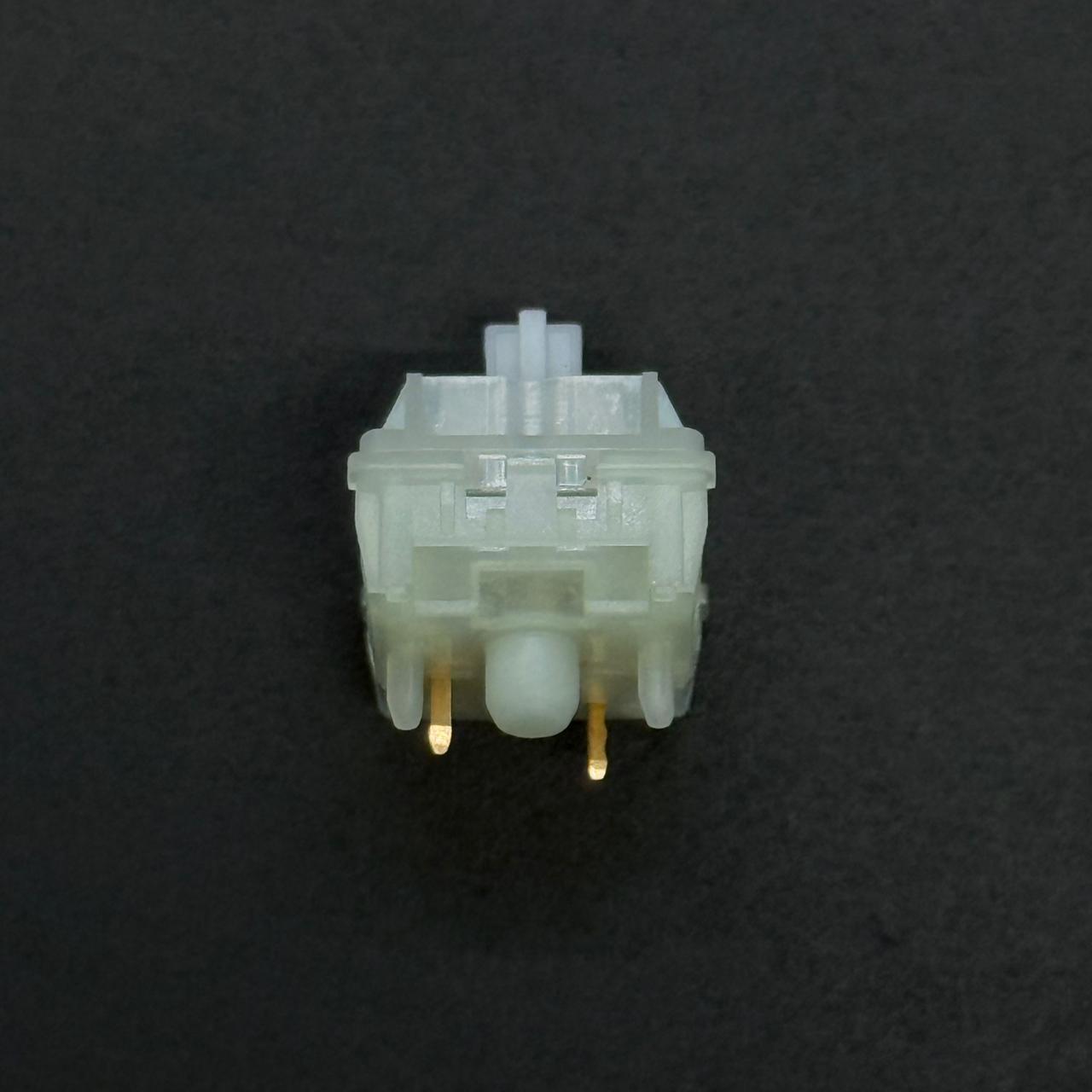
A mechanical keyboard is only as good as its switch and mounting implementation. This is where the Phantom81 Lite stands out.
KiiBOOM Mochi Linear Switches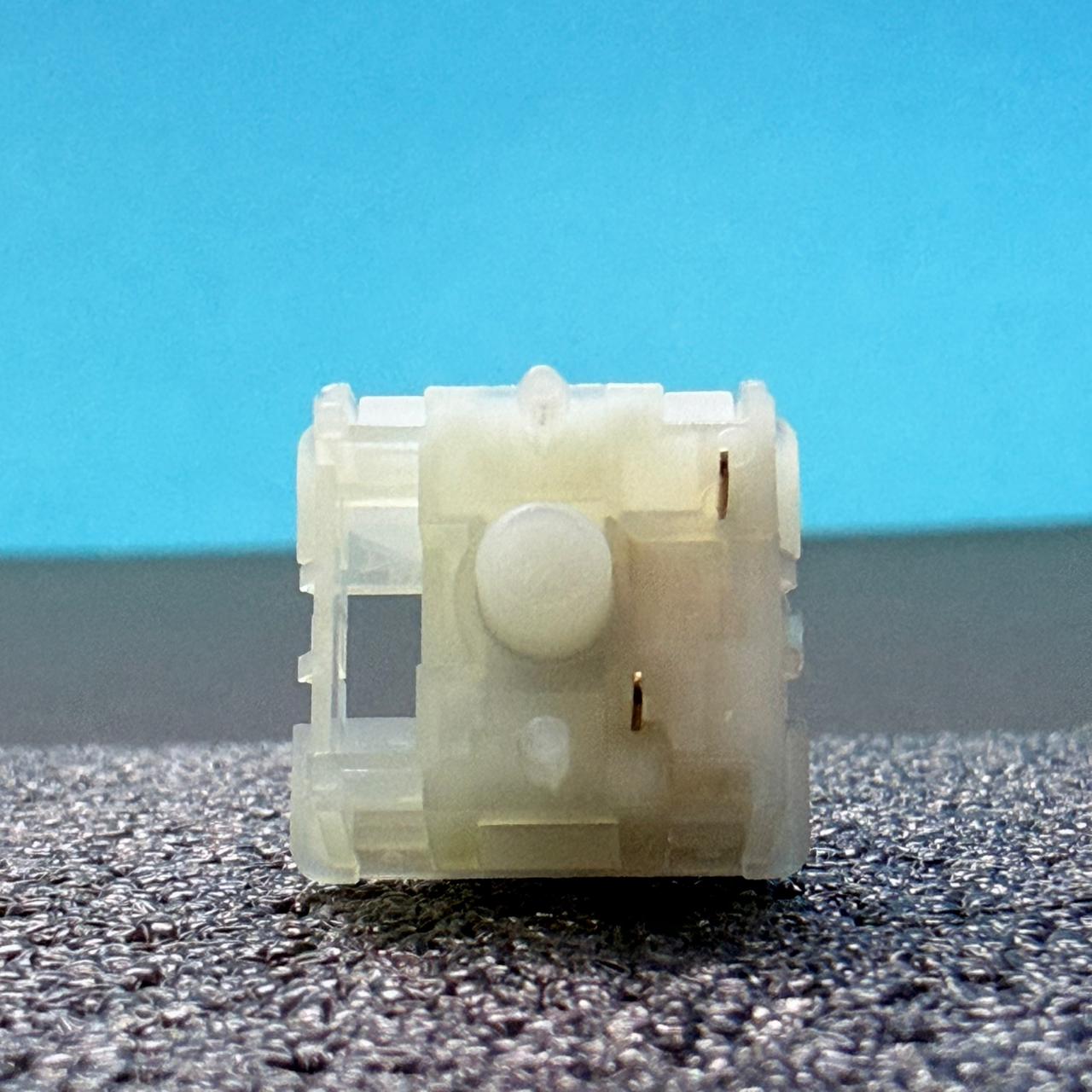
The keyboard comes equipped with proprietary KiiBOOM Mochi Linear Switches. These switches are built with a Polycarbonate (PC) top housing, a Polyamide (PA/Nylon) bottom housing, and a smooth Polyoxymethylene (POM) stem.
- Actuation Force: 40g (±5gf)
- Bottom-Out Force: 45g (±5gf)
- Pre-Travel: 2.0mm
- Total Travel: 3.5mm
The 45g bottom-out force makes these switches light, smooth, and nimble. Because the stems come factory-lubricated with a light layer of oil, finger friction is minimized. Compared to popular switches like the KTT Kang White, the Mochi switches feel slightly smoother out of the box and exhibit less stem wobble at the top of the keystroke.
Stabilizers Performance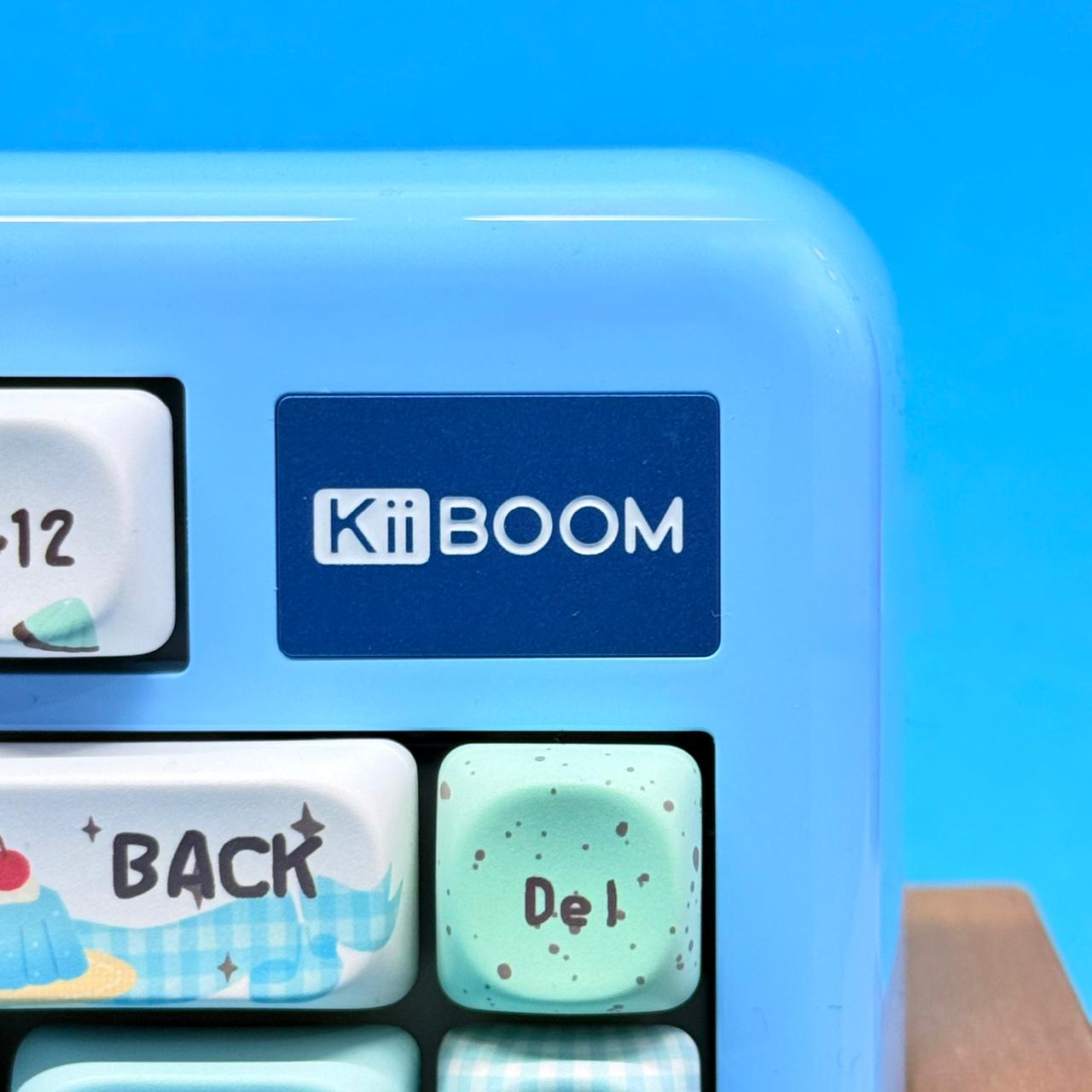
For larger keys like the Spacebar, Enter, Backspace, and Shift, the KiiBOOM Phantom81 Lite uses plate-mounted stabilizers. Historically, plate-mounted stabilizers suffer from wire rattle or ticking noises if left unserviced. However, KiiBOOM heavily lubricates these stabilizers from the factory with high-viscosity grease on the wire ends. The result is a quiet, solid spacebar return with zero wire rattle or ping straight out of the box.
Gasket Mount & 5-Layer Acoustic Stack
Underneath the keycaps, the Phantom81 Lite utilizes a true PCB gasket-mount system. The Polycarbonate (PC) switch plate is suspended inside the case using soft foam gaskets, and both the plate and the 1.2mm PCB feature flex cuts. When you press down firmly on the keys, the entire typing deck flexes slightly downward, absorbing harsh impact energy.
To eliminate internal air gaps and resonance, KiiBOOM packs 5 layers of acoustic dampening into the housing:
- Latex Sandwich Foam: Positioned directly between the plate and PCB.
- IXPE Switch Pads: Placed beneath the switches to alter bottom-out acoustics.
- PE Transparent Film: Enhances high-frequency clarity.
- PCB Dampening Foam: Cuts out electrical noise and hollow internal acoustics.
- Bottom Molded Silicone Pad: Fills the bottom cavity to add weight and stop case ping.
Connectivity, Latency & Battery Life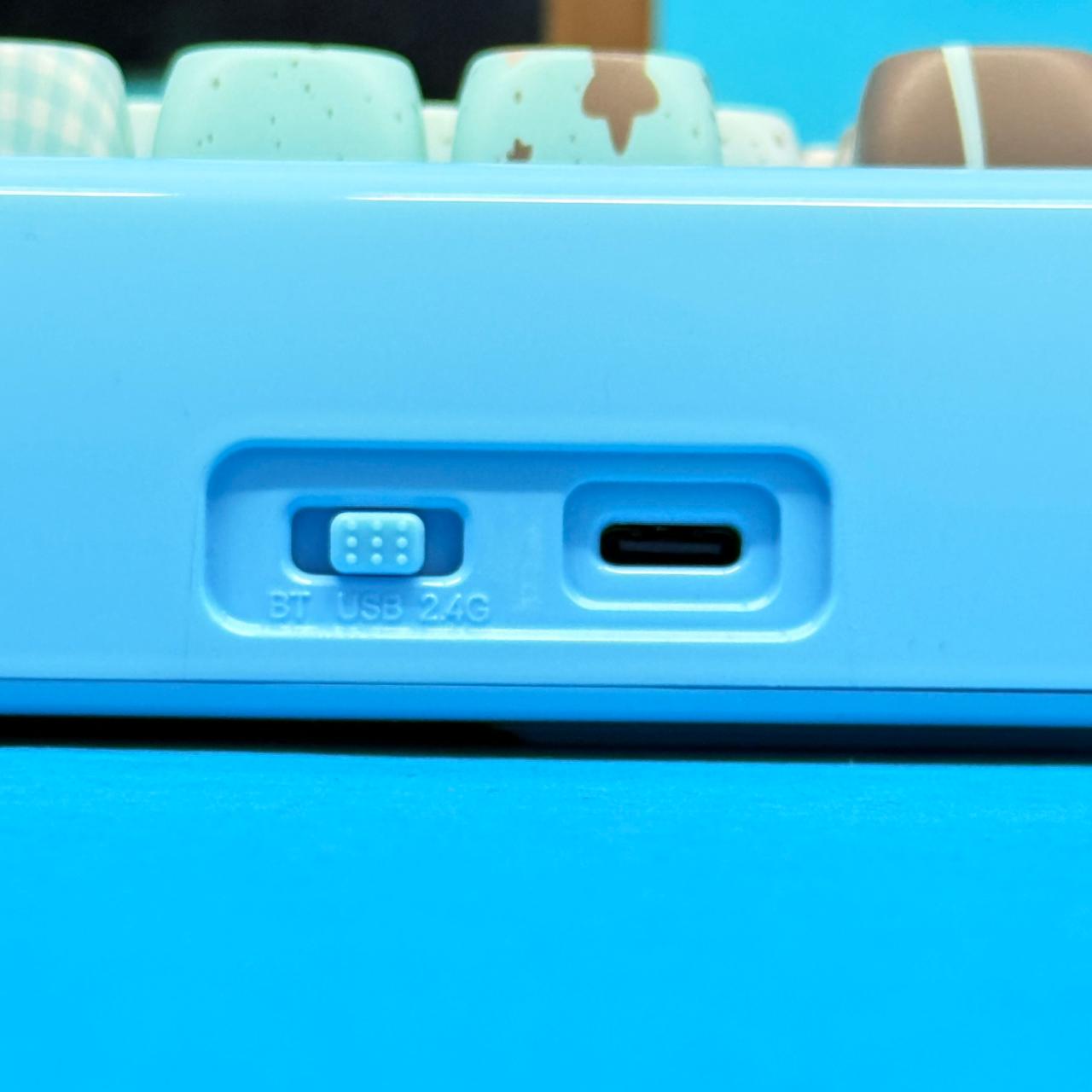
The KiiBOOM Phantom81 Lite is built to serve as a daily driver across multiple computing platforms, supporting tri-mode connectivity:
-
USB Type-C Wired Mode: Offers a 1,000 Hz polling rate and ultra-low 3ms latency. Recommended for competitive gaming sessions (like first-person shooters or fighting games) where timing is critical.
-
2.4GHz Wireless Mode: Uses the included USB receiver dongle to deliver a 1,000 Hz polling rate with 5ms latency. The wireless connection remains stable without dropped inputs, making it ideal for clean, cable-free desk setups.
-
Bluetooth 5.0 Mode: Allows you to pair up to three distinct host devices (such as a laptop, tablet, or phone) and switch between them instantly using key shortcuts. Polling drops to 125 Hz (15ms latency), which is sufficient for productivity and typing tasks.
Powering the wireless modes is a 4,000 mAh battery. With RGB backlighting turned off, the keyboard can easily run for several weeks on a single charge. When running the south-facing RGB backlighting at maximum brightness, battery life drops to roughly 20 to 30 hours of continuous typing before requiring a plug-in via the left-mounted USB-C port.
Software Customization & QMK/VIA Integration
A major selling point for power users is that the KiiBOOM Phantom81 Lite avoids proprietary, bloatware-heavy desktop driver software. Instead, it fully supports the open-source QMK / VIA ecosystem.
How to Remap Keymaps Using VIA:
-
Go to the official KiiBOOM product support download page and save the
Phantom81 Lite JSON file. -
Connect the keyboard via USB-C wired mode and open a WebHID-compatible browser (such as Chrome, Edge, or Brave) to usevia.app.
-
Navigate to the Design tab in VIA, toggle on “Use V2 definitions”, and drag-and-drop the JSON file into the browser window.
-
The keymap layout will unlock instantly, allowing you to rebind keys, program multi-key macros, adjust lighting layers, or assign custom media shortcuts.
Because QMK/VIA settings write directly to the keyboard’s onboard memory chip, your custom key assignments, macros, and lighting profiles persist even when you unplug the keyboard and move it to a different computer or operating system (Windows, macOS, or Linux).
Final Pros, Cons & Verdict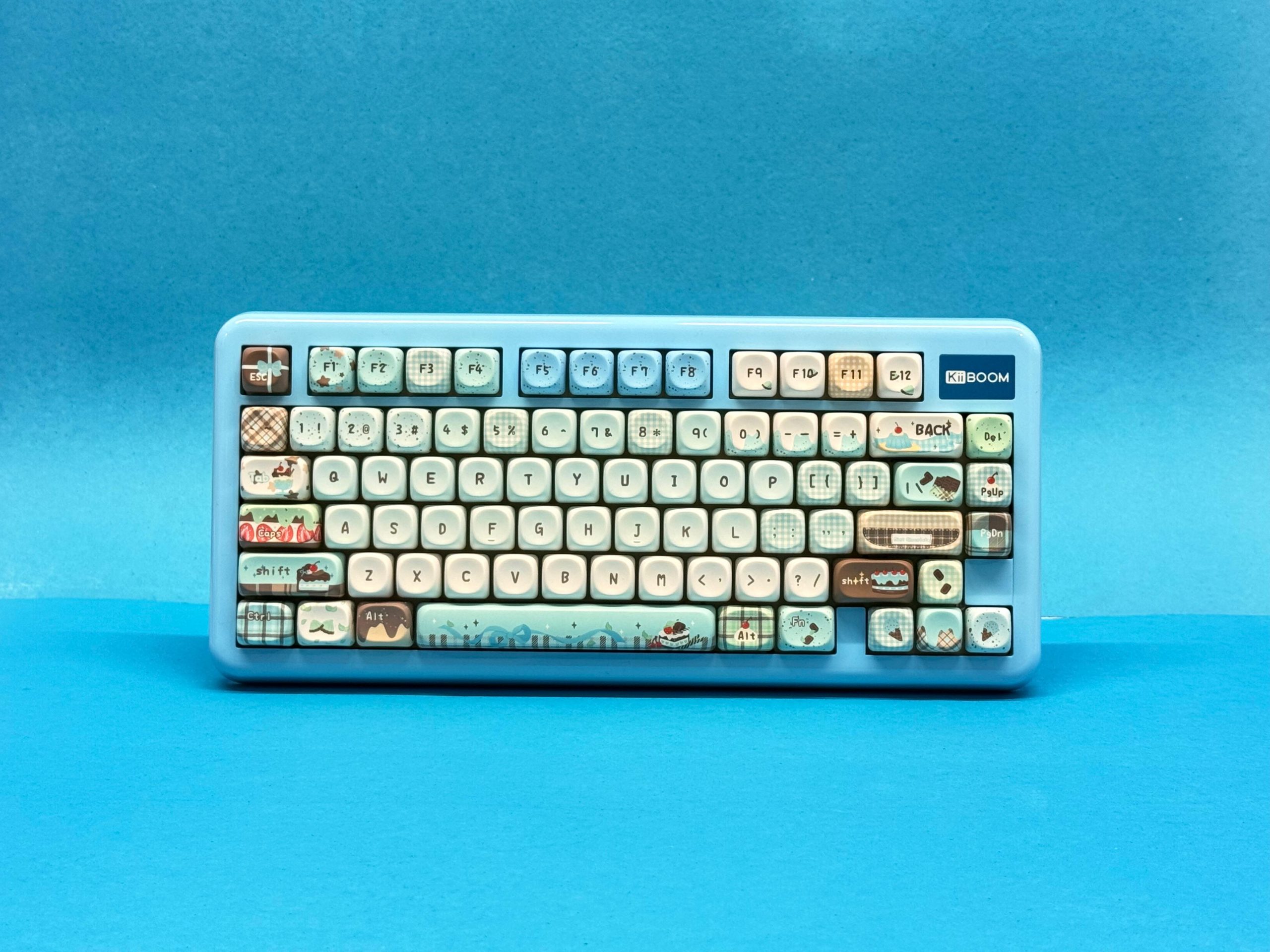
The KiiBOOM Phantom81 Lite achieves its core goal: providing an out-of-the-box acoustic and typing experience that rivals custom-modded boards, all without requiring any manual disassembling, lubing, or modding.
Pros
- Deep “Thocky” Sound Profile: The combination of MOA keycaps, Mochi switches, PC plate flex cuts, and a 5-layer foam stack creates a muted sound out of the box.
- Smooth Factory Switches: The 45g Mochi linear switches come well-lubricated with minimal stem wobble.
- QMK/VIA Compatibility: Web-based key remapping and macro creation without installing background software.
- Solid Tri-Mode Wireless Performance: Reliable 1000Hz polling rate over 2.4GHz wireless with a 4,000 mAh battery.
- South-Facing RGB: Ensures complete compatibility with aftermarket Cherry-profile keycap sets without housing interference.
Cons
- Tall Front Height: At ~20mm tall at the front, using a wrist rest is recommended for long sessions.
- No Volume Knob or Screen: The top-right metallic brand logo plate takes up valuable space that could have housed a knob or display screen.
- Polarizing Aesthetics: The themed ice-cream graphics and uniform MOA keycap profiles may not appeal to users seeking a subtle, minimal aesthetic.
Verdict
If you are looking for a prebuilt 75% mechanical keyboard around $100 that sounds deep out of the box, feels smooth to type on, and supports open-source VIA software, the KiiBOOM Phantom81 Lite is a standout contender in its class.
Read Also: Kiiboom Moonshadow V2 Review: Worth it Under $150?