









Today I’ve got an awesome mechanical keyboard to show you. Slick, modern, and with a super minimal design. The Ace series from MCHOSE can be purchased in many versions. They differ in switches, size, colors, keycaps, and even technical specifications. However, it was important for me to test this top option to see the maximum capabilities of this brand. This may seem deceptive because even for a new player on the market, MCHOSE is certainly able to make a much more expensive and better product. Still, I mean a top-of-the-line budget keyboard, not one without budget restrictions. For testing, I chose the MCHOSE Ace 68 version on TTC Uranus switches with the eSports note, whatever that means.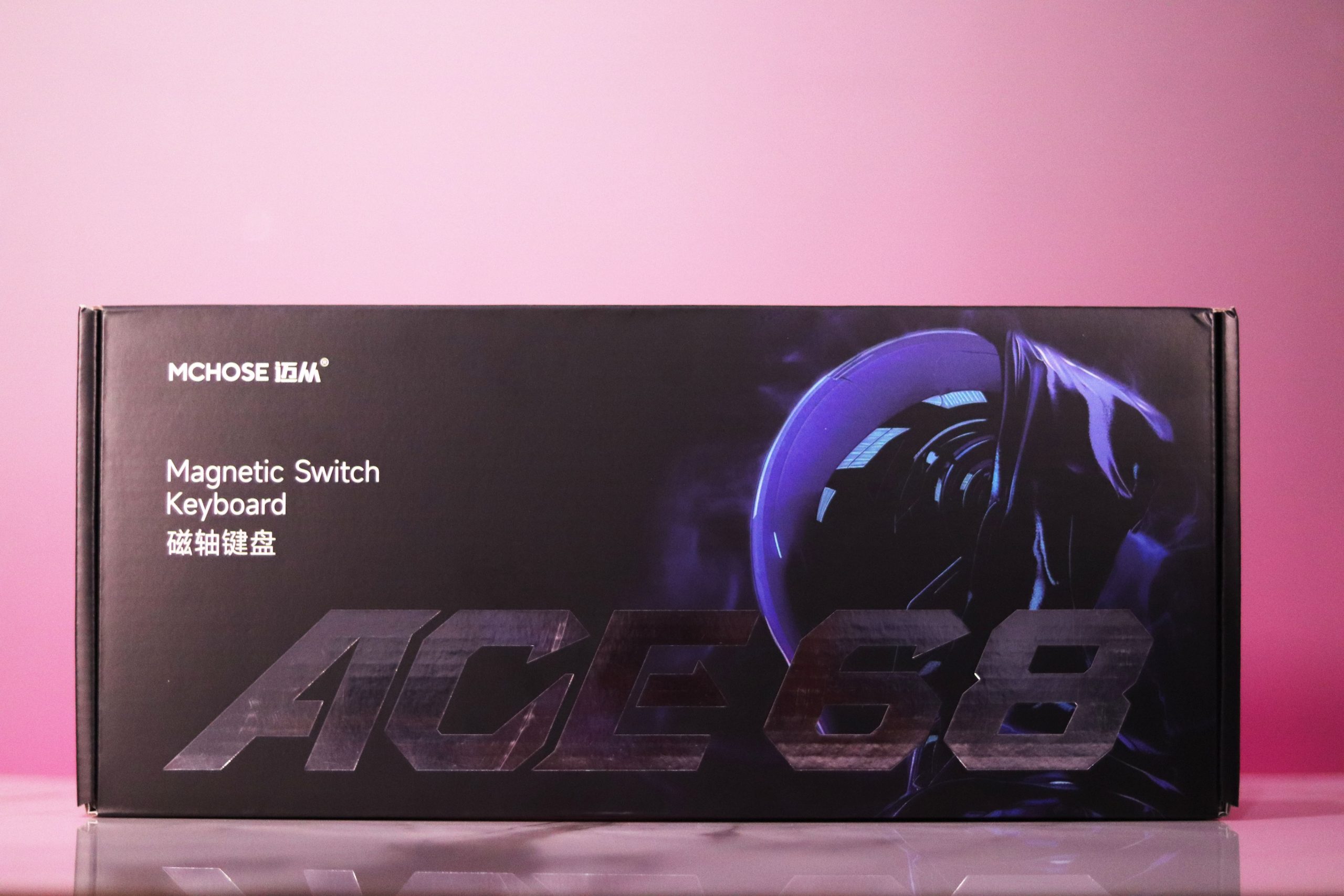
It costs me almost twice as much as we will have to pay for the basic version, but this keyboard still fits within the budget framework I consider acceptable. So let’s see what this hyped product has to offer. So will the Ace 68 be another product that will impress me?
Unboxing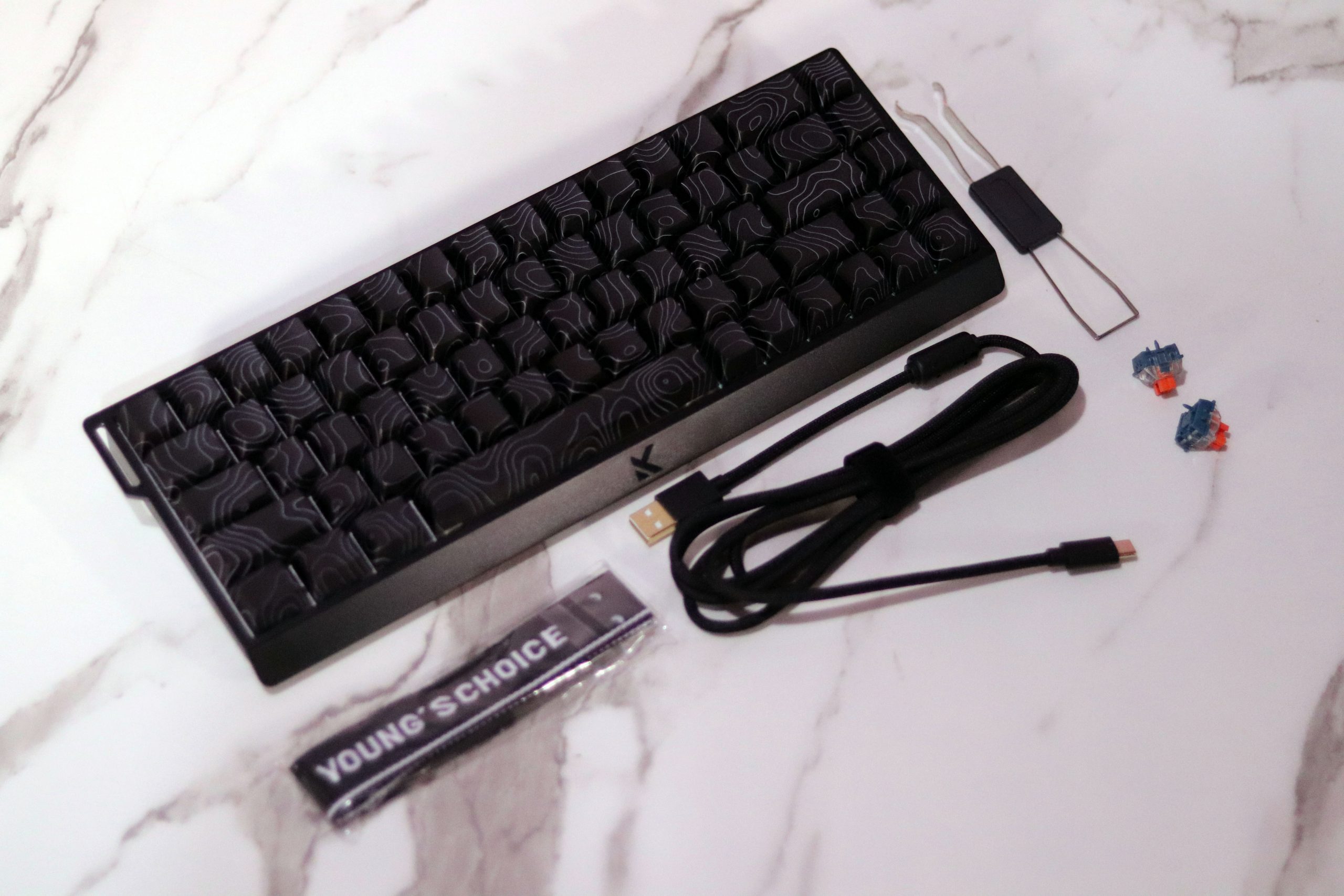
However, all you have to do is open the box, and a much more interesting sight will greet you. Apart from such trivialities as the user manual or warranty terms, you also get:
- Black (or appropriate to the selected color variant) braided cable,
- A strap for attaching to the case, modeled on the one from the Wooting 60HE,
- Switch and keycap puller tool in one,
- Two free switches.
Design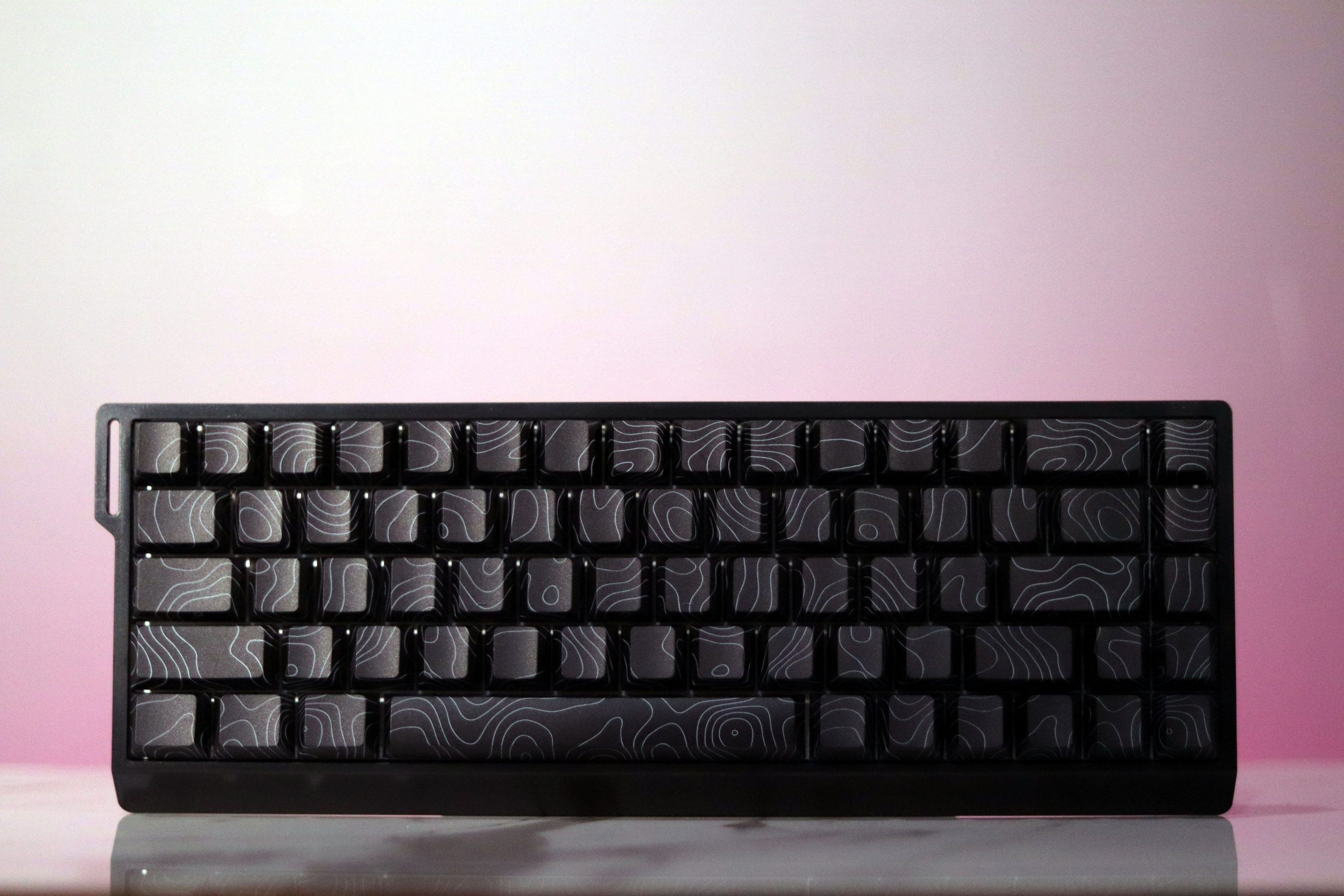
The MCHOSE Ace 68 casing boasts a gentle cut on the front (decorated with the manufacturer’s engraved logo). This design can be found in keyboards for decades, and for good reason, because it looks nice to the eye. In profile, we can see a flat surface with a delicate cut at the bottom, and the upper frame of the keyboard seems to overlap the outline, although only a little. It is similar at the back, but there you can also see the USB-C connector hidden in a shallow groove. It is also not centered, but instead is located near the left edge. A view from above will allow us to assess the thickness of the frames, which in this case are equal (except for the front one, of course) and are not excessively thick.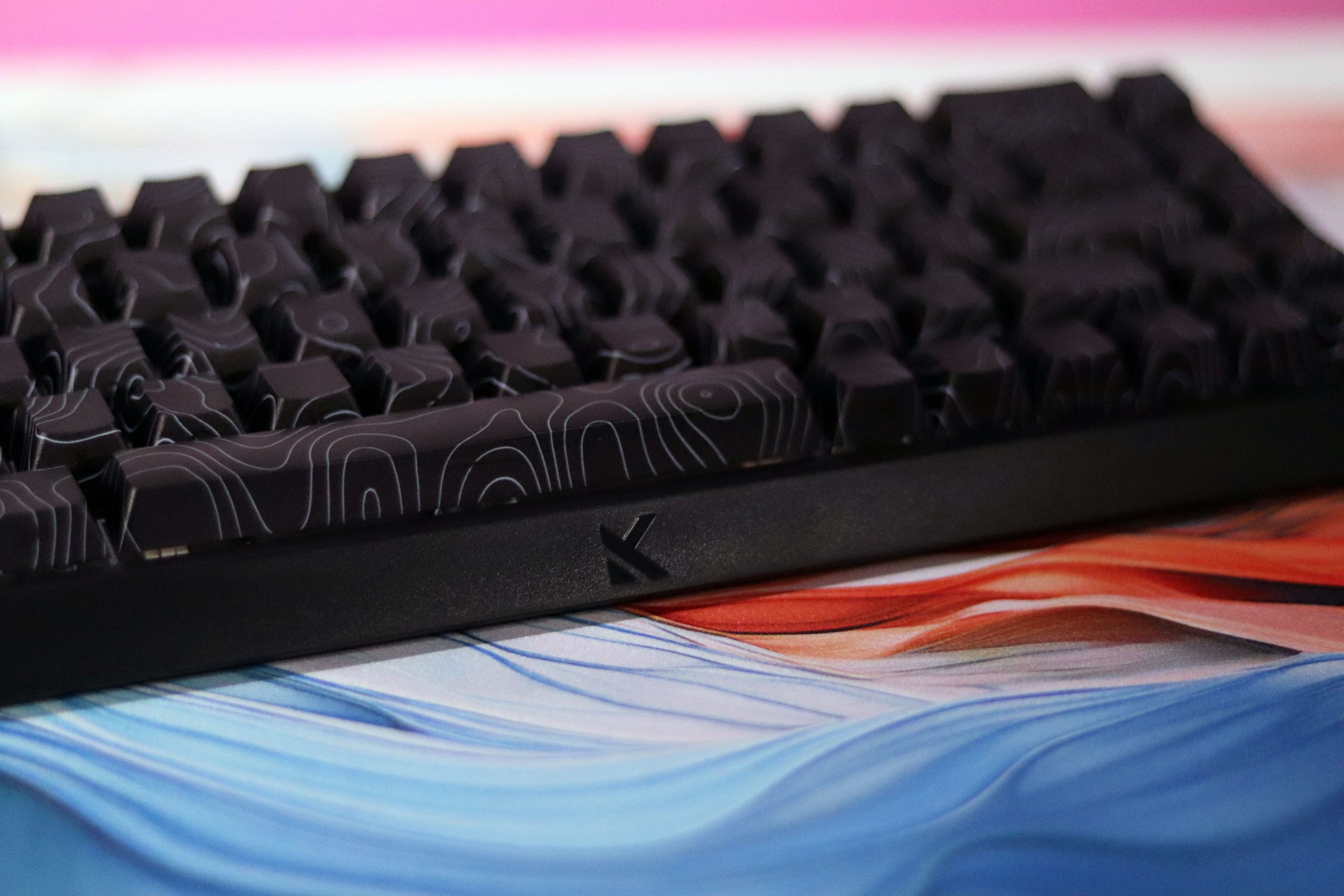
When buying, we have a choice of significantly fewer variants than in the case of, for example, AULA WIN68HE. The casing is available in white and black, while the keycaps are matched in color and are either smooth or topographic. MCHOSE clearly did not show off in this matter, but in my opinion, that’s not a bad thing. People are most attracted to basic stylistic versions of keyboards anyway, and if someone needs a slightly crazy device in their life, then topographic overlays will undoubtedly provide it. I chose the black version for testing, and what is important to note, the shade of the casing is the same as the keycaps, so you don’t have to worry about an ugly lack of coordination.
Build Quality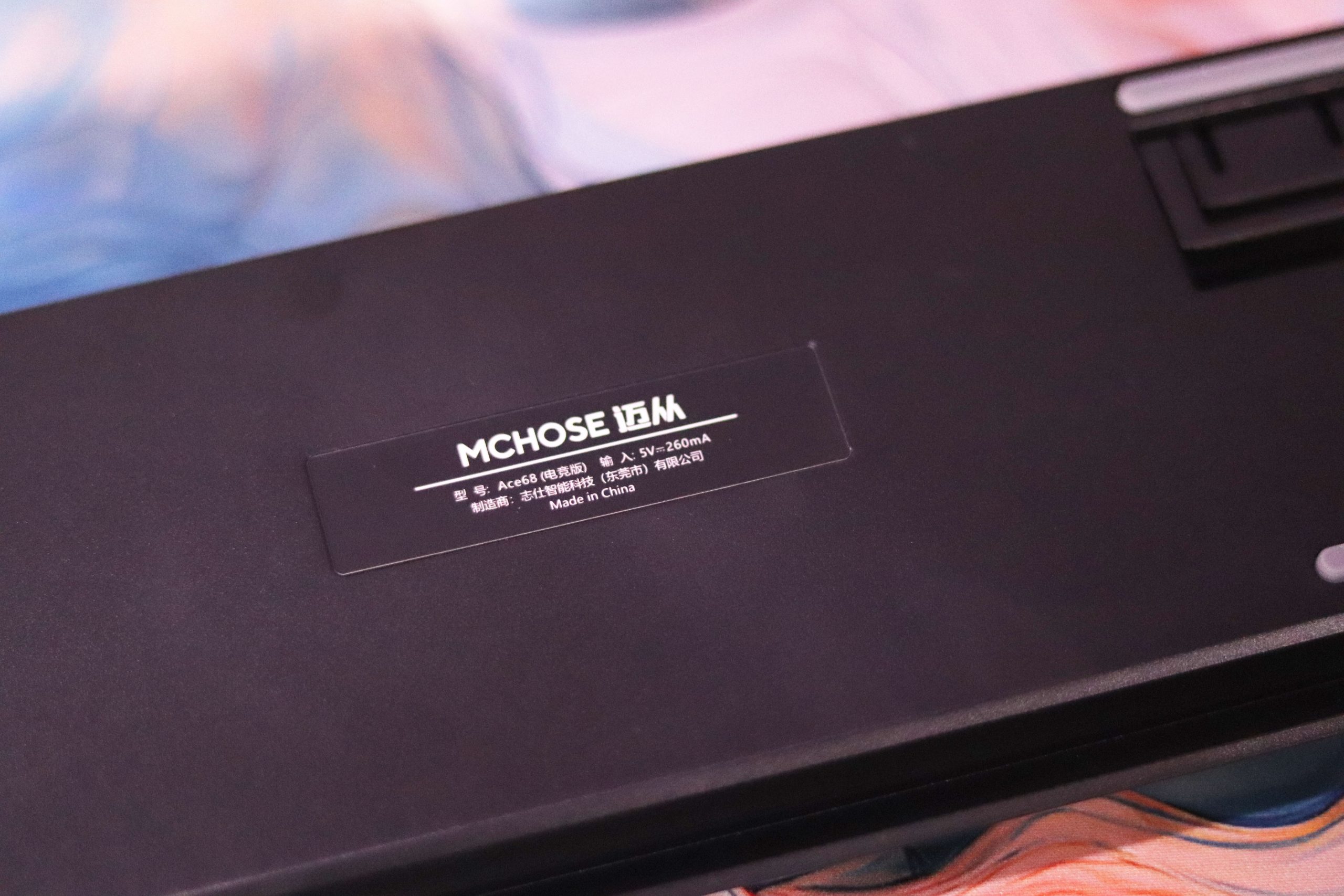
Plastic, as plastic is, is not one of the most durable materials from which a keyboard casing can be made. Nevertheless, many manufacturers decide to use it due to the price-quality ratio – hence MCHOSE’s decision to enclose the Ace 68 in plastic. After all, this is equipment aimed at low budgets, so keeping production costs as low as possible is not surprising. In addition, in this particular case, the material used is thick, and the metal mounting plate inside stiffens the structure so that even when deliberately bending it, we will not notice any deformations or unwanted sounds (such as creaking or popping).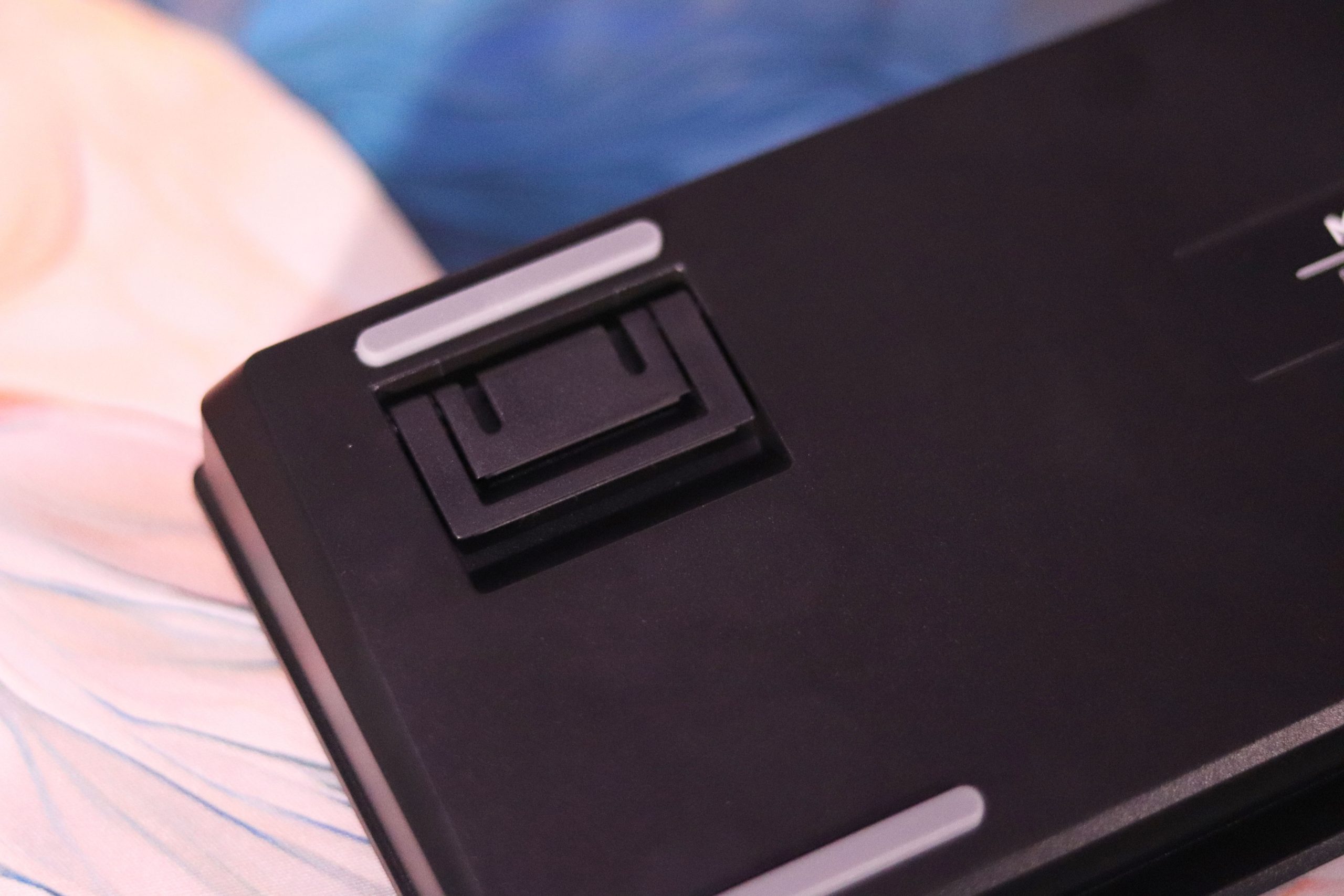
The MCHOSE Ace 68 weighs 775 grams in total, which is not due to the use of thick plastic or a metal plate, but largely due to the fillings inside. It is still a weight worthy of being hailed as a compromise between a determinant of quality workmanship and compactness. Well, and speaking of fillings, let’s check what’s going on inside. To get inside the Ace 68, you need to unscrew a few screws hidden under the keycaps – of course, completely randomly scattered, as befits a tray mount. Then we slide out the plate+PCB assembly, and our eyes see a huge piece of silicone filling the entire bottom of the housing (and plastic threads – they can break if opened frequently).
Comfort
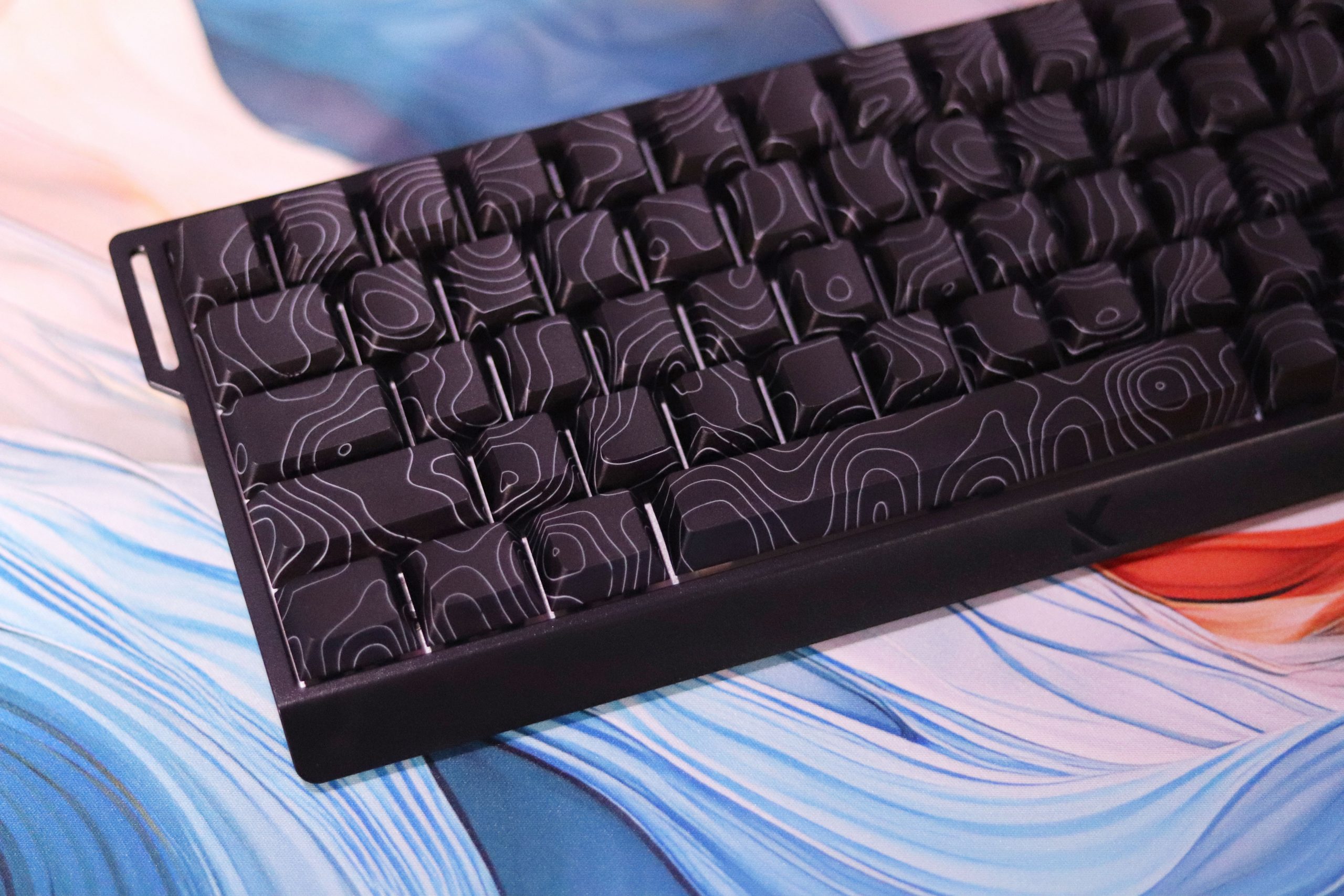
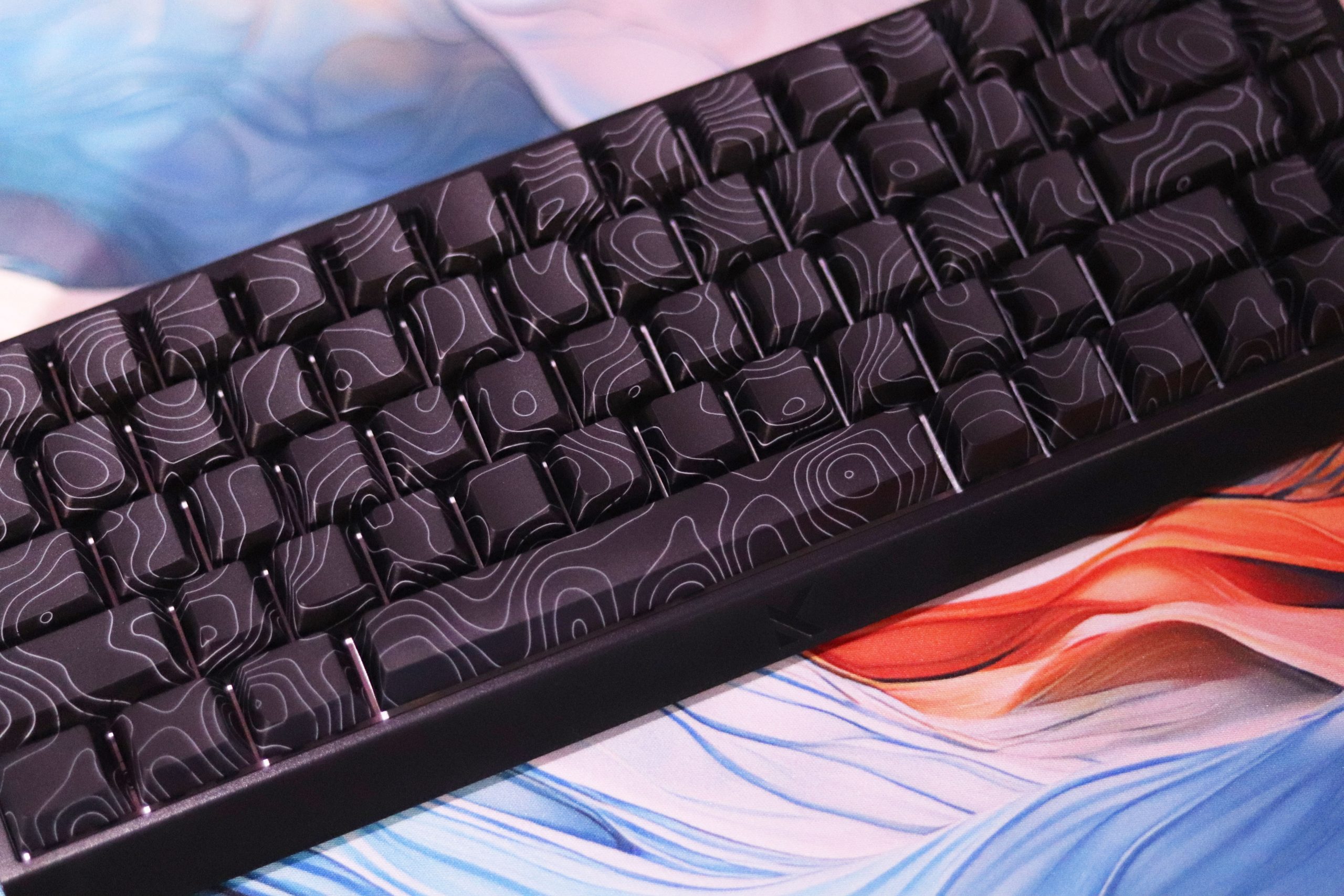
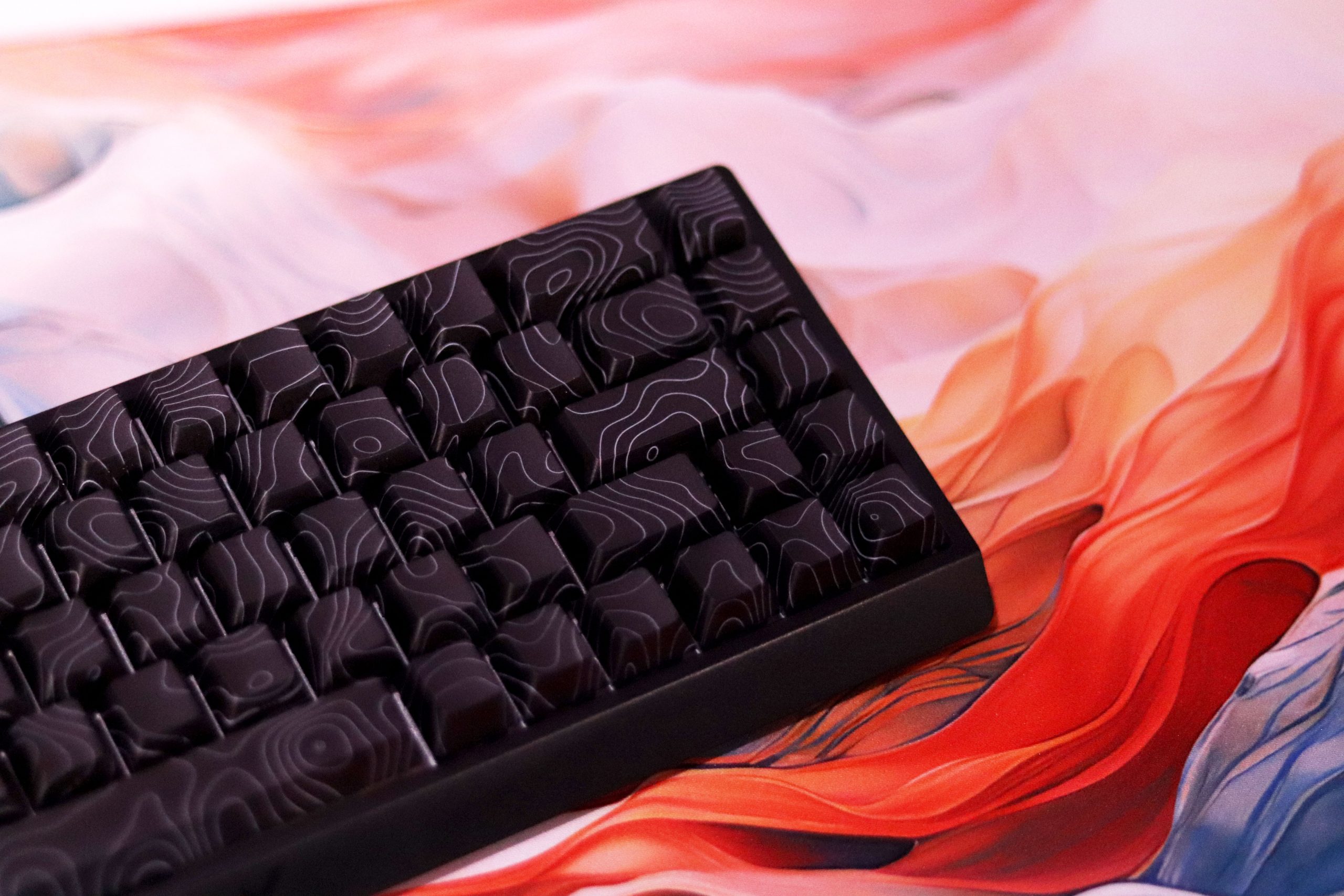
It is no secret that gamers prefer smaller keyboards. 60% and 65% models are becoming more and more common, and the market for these cheaper options has been flooded with these two formats. Recently, there have also been a lot of 75% keyboards, but the one tested today does not belong to this group. Instead, MCHOSE decided to release its offer of an inexpensive magnetic keyboard in the Ace 60 and Ace 68 versions, and consequently, in the sixty and sixty-five percent formats. I chose the latter for testing because… well, I don’t know why, because I have a burning hatred for the 65% and 75% sizes.
As for the layout, the Ace 68 offers a long left Shift and a low Enter, which is ANSI-compliant, but the right Shift has been reduced to fit next to the arrows, as have the modifiers to the right of the spacebar – these are 1u instead of the classic 1.25u. What irritates me the most about this Alt, during use, is he number of missclicks that I made because of it drove me crazy – it’s just a massacre.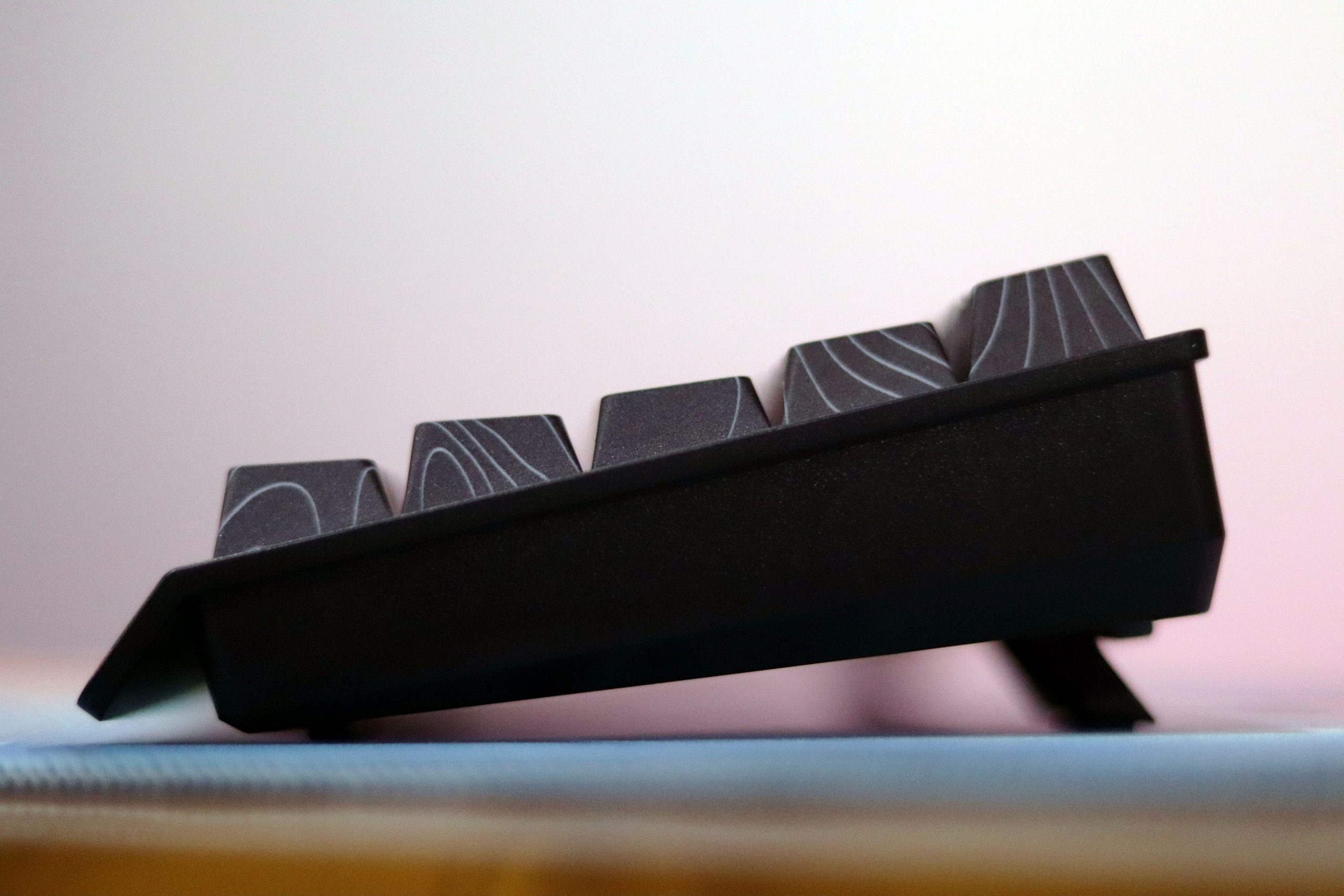
There is also no physical separation of the arrow section from the right Control, for example, in the form of a blocker – if MCHOSE had decided to do this, they could have afforded only two keys, but at least in the correct size. The bottom of the case is decorated not only with a nameplate with the keyboard’s serial number, but also four gray, elongated anti-slip rubbers. They effectively help to keep the device in one place – it does not move around the desk involuntarily in any case. In addition, we have the option of increasing the default angle of inclination from 6.5° to 8.5° and 13°, using foldable legs. I like that the manufacturer wanted to implement a three-step adjustment here, because often in devices of this size, we will not find even a two-step adjustment. Additionally, the legs are also rubberized on the ends, so we do not lose grip after folding them.
Keycaps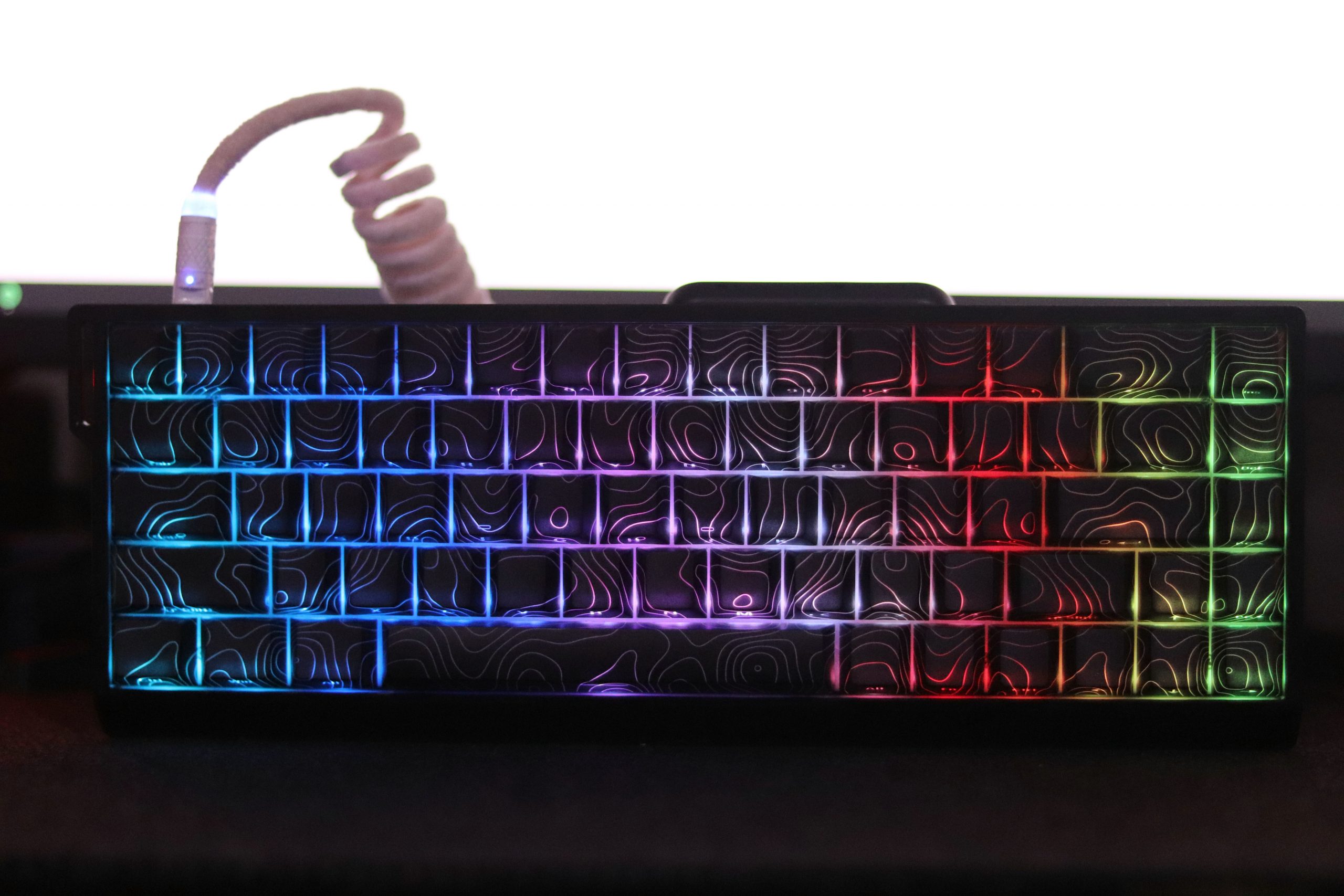
I mentioned earlier that the MCHOSE Ace 68 comes in two color versions, and while I was at it, I also noted that there are two keycap variants available. However, these are not different colors, but the style of light transmission from the diodes embedded in the PCB. By default, this keyboard offers the most ordinary, smooth overlays, but to add a bit of spice to it, we can opt for the so-called topographic variant. However, it is not based on what is in the MADLIONS MAD68R, where the topographic lines are made using the dye-sublimation method. Here, the manufacturer chose double-shot and made the lines simply transparent. The idea is cool and on paper I like it a lot, because just as I generally do not like overcomplicated concepts of gaming equipment that radiate the energy of kitsch, in this case, the lines glowing in the color we choose could look exceptionally nice.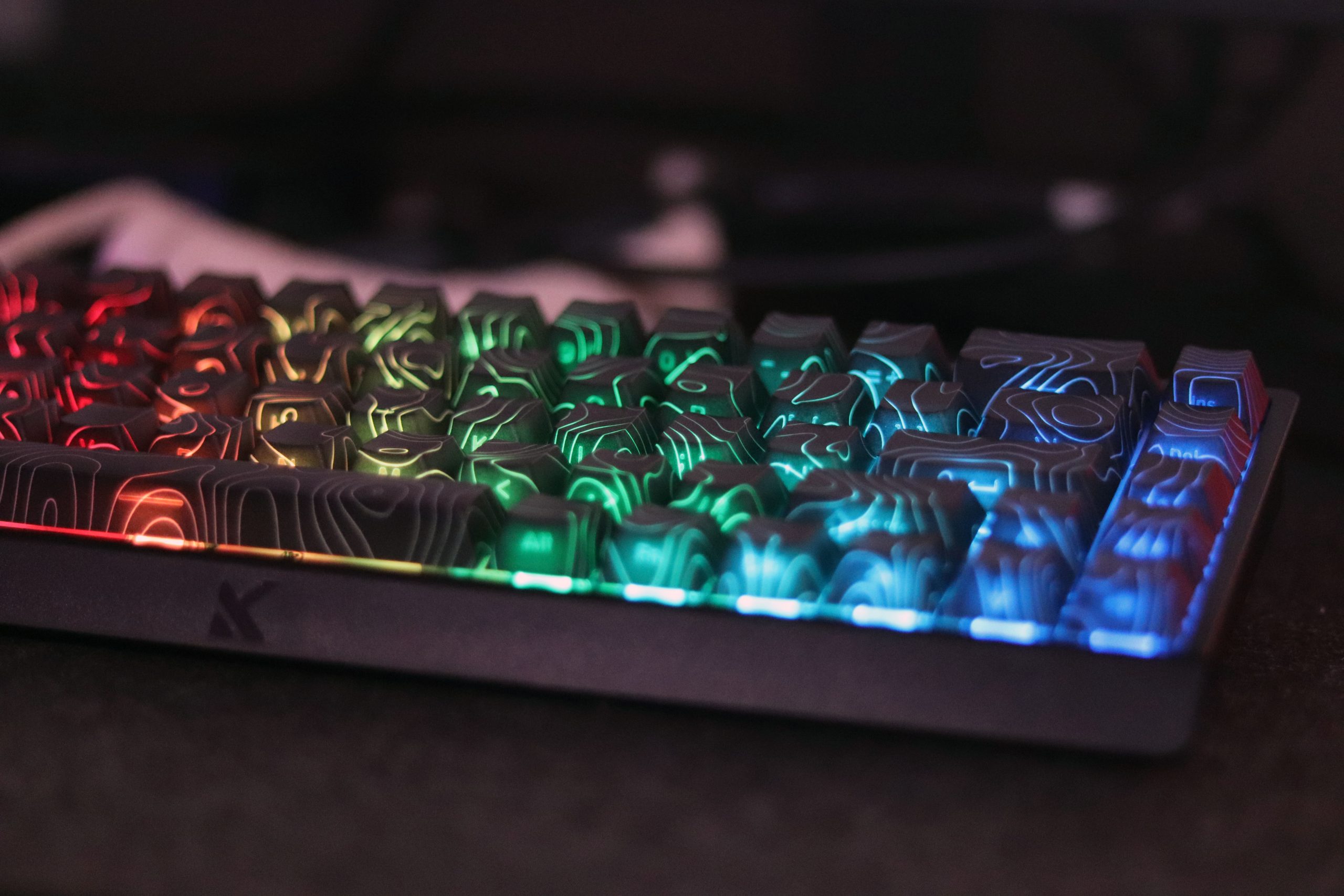
Since the top surface of the overlays is decorated with topographic lines, where are the letters and other prints hidden? Here we encounter the so-called “ninja print” again, which consists of placing the legends on the front of the overlay. Thanks to this, they are directed towards us, so we can easily see them when sitting at the desk. The manufacturer also made these with double injection – by the way, I don’t know if this is the first time I have come across double-shot keycaps, the second layer of which (here the transparent one) is not only visible on the top surface, but also on the sides. The lines are also visible on the side walls.
Switches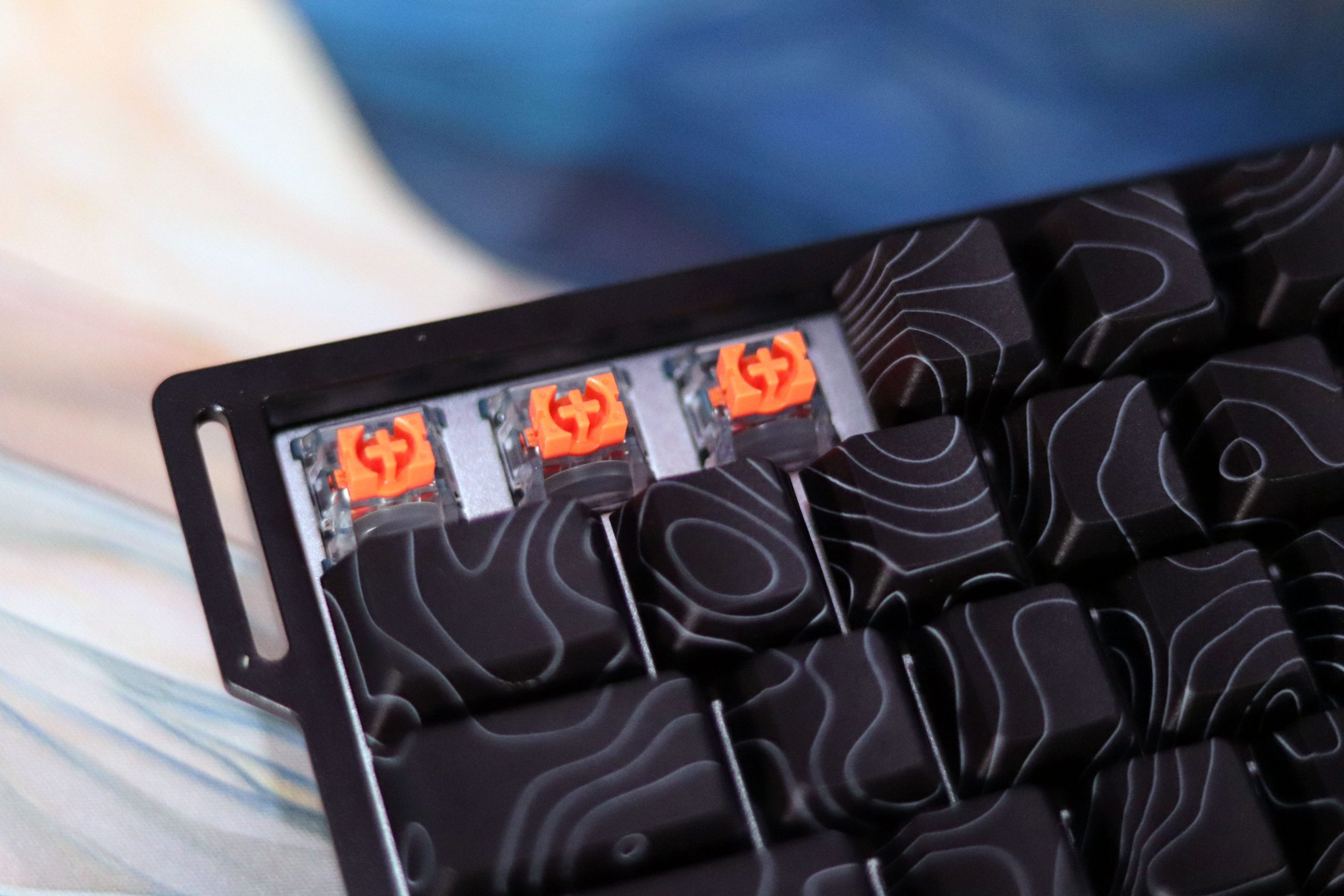
The switches used in the model I tested are TTC Uranus eSports. However, they should not be confused with TTC Magneto, which uses a completely different design. Instead, Uranus is more similar to the classic MX style, so their housing, closed with four small latches, is deceptively similar to that of the German Cherry MX. The stem is equipped with additional walls on the sides of the cross-shaped keycap mounting, which, in theory, is supposed to protect the interior from dust or liquids getting into it, but in practice, the impact of dust-proofing on the durability of the switches has never been proven. These walls also do not play a role in reducing the level of wobble, which has been a popular myth for years, and I still come across such statements on the web.
I chose the TTC Uranus eSports over the standard version and other magnetic switches like the KTEK Magnetic Switch MAX or LEOBOG Ice Rhino because I trust TTC for quality. The eSports model isn’t just a color change—it has a 20mm spring with a unique feel: light at the start (about 35gf) and heavier at the bottom (around 55gf), based on my impression. Despite expecting them to be too light, they worked surprisingly well—minimal typos, quick keypresses, and low fatigue, likely thanks to low wobble, similar to my experience with the AULA WIN68HE.
The MCHOSE Ace 68 offers advanced features like Rappy Snappy/SOCD (useful for FPS cheats, but not for serious use) and DKS, which lets you assign multiple actions to a single key based on press depth. This is great for both gaming (walk/run) and daily tasks (Control/Caps Lock). Despite its compact 65% size, customizable actuation, and smart functions made it so efficient that I rarely switched to another keyboard.
Backlight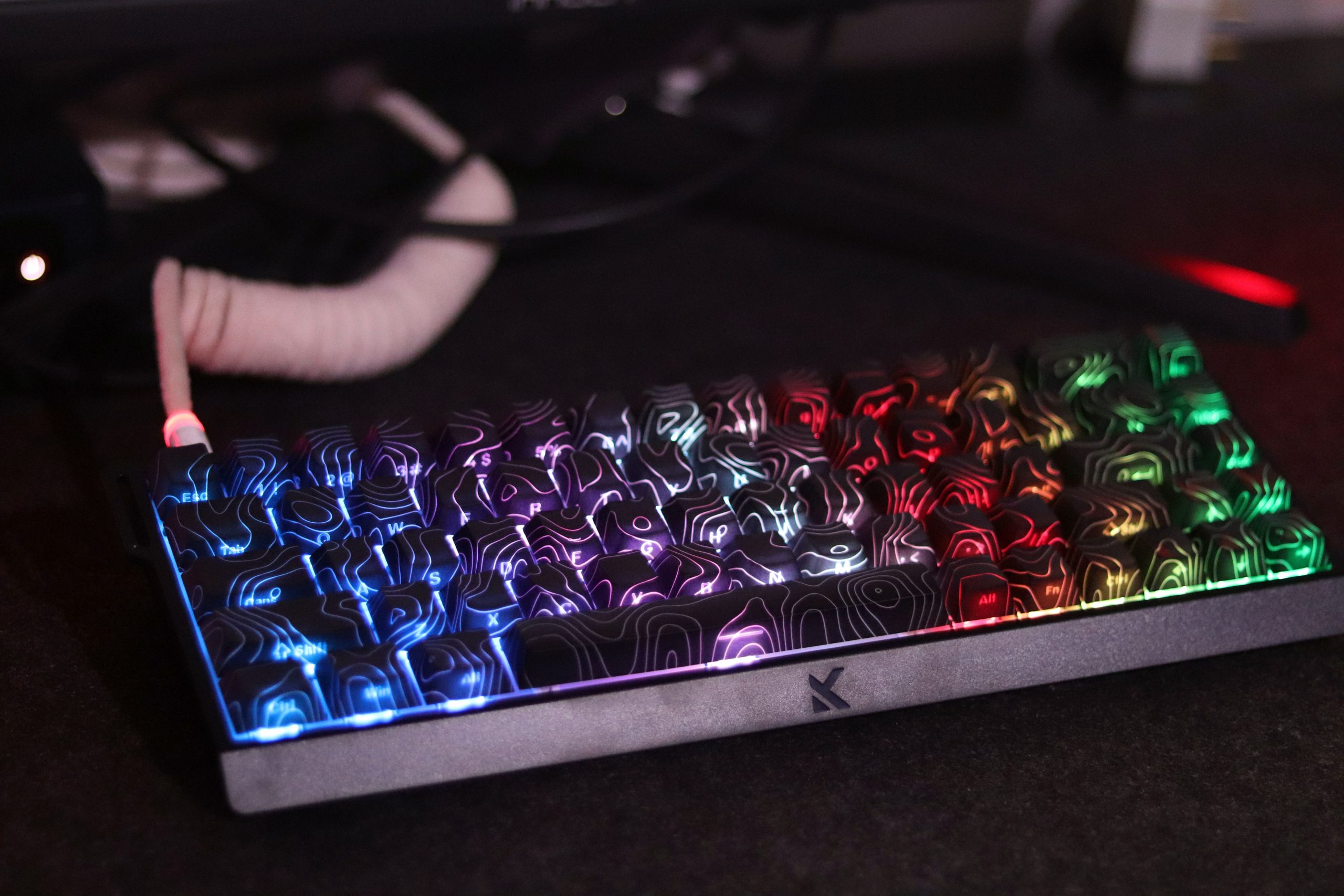
Here they are and offer all the colors of the rainbow. This way the keyboard composes best, because in my eyes the best match for cold white is equally cool, almost icy blue. On the other hand, you have full scope, and if you choose yellow or white, for example, you will see something relatively close to realism – that is, the former contains a bit too much green, as a result of which it looks more like lime. White, on the other hand, is similar to the competition, because one of the primary colors stands out, specifically red, painting the whole thing pink. It is also worth mentioning that due to the front prints on the keycaps, the LEDs are positioned in the south, i.e., correct orientation – this will also prevent interference between the low Cherry keycap and the switch housing.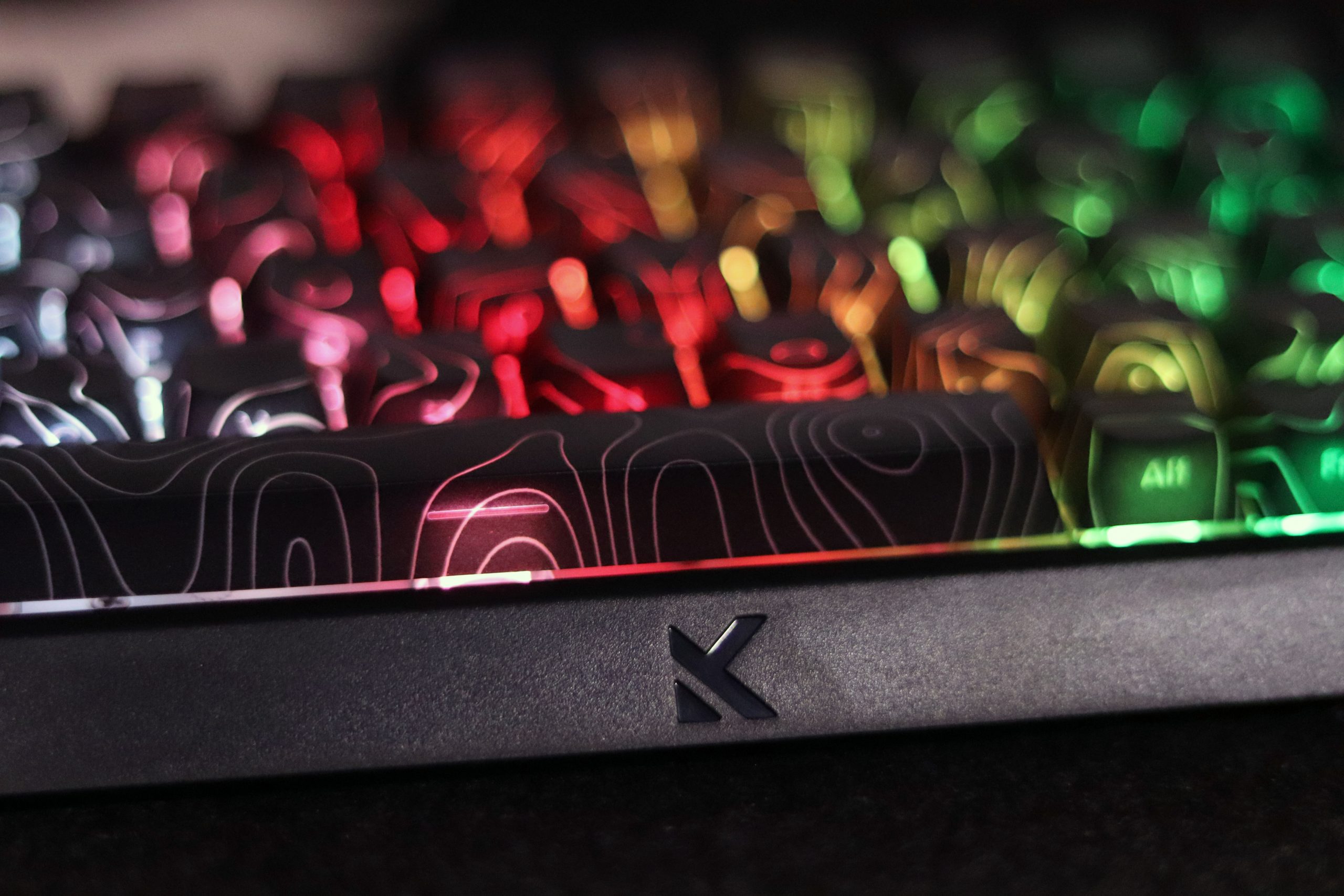
However, most attention is drawn to the brightness of the backlight. The lamps in the MCHOSE Ace 68 are not able to emit enough light to evenly illuminate all the topographic lines in the keycaps. This results in a not-so-pretty view, because one of the key visual features of this variant loses its clarity. In my opinion, the manufacturer should focus on switches with translucent housings, because diffusers alone clearly do not cope. Or you can simply install brighter diodes, but in my opinion, this would not solve the problem, and would only emphasize the point nature of the backlight.
Software
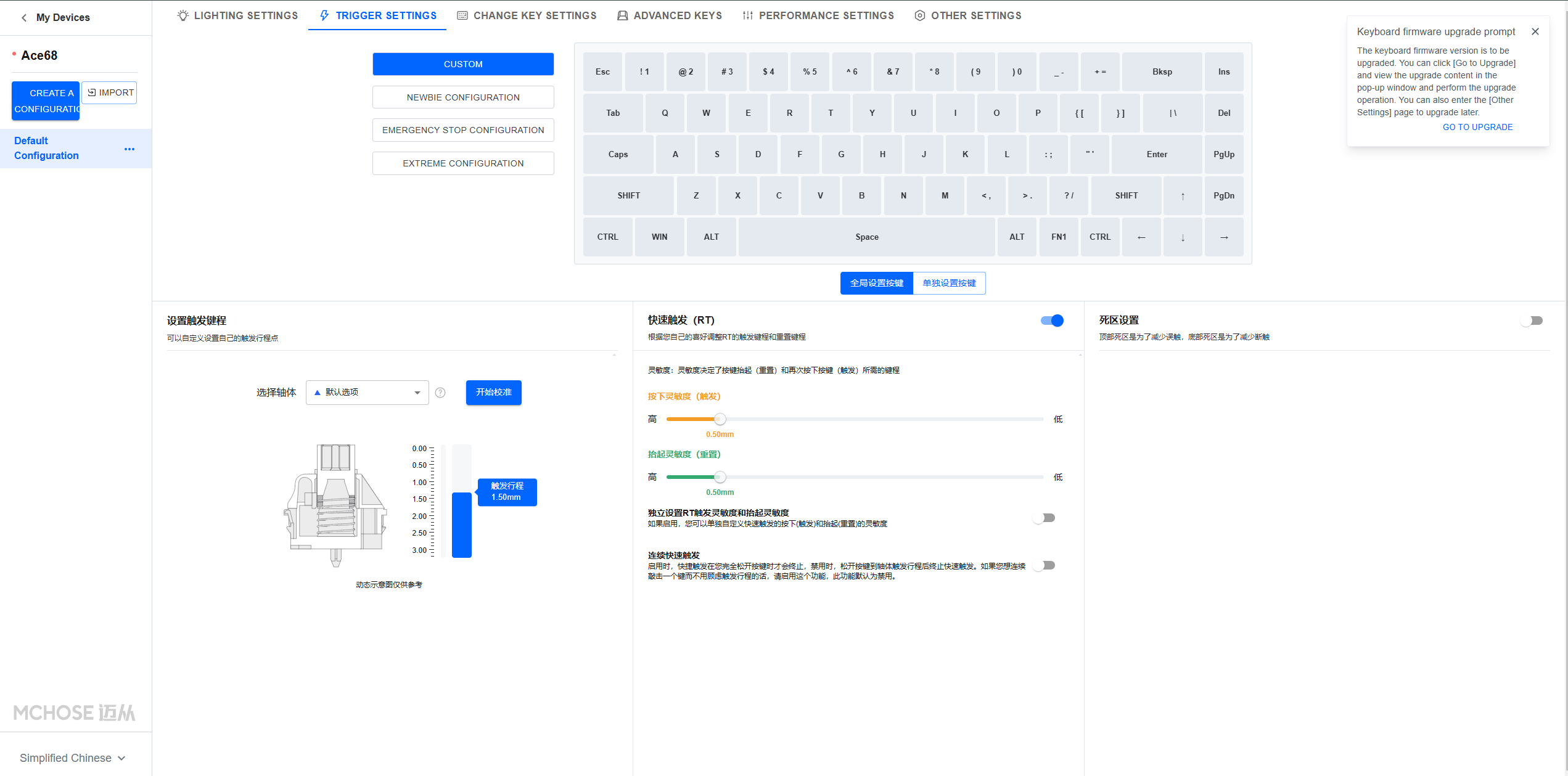
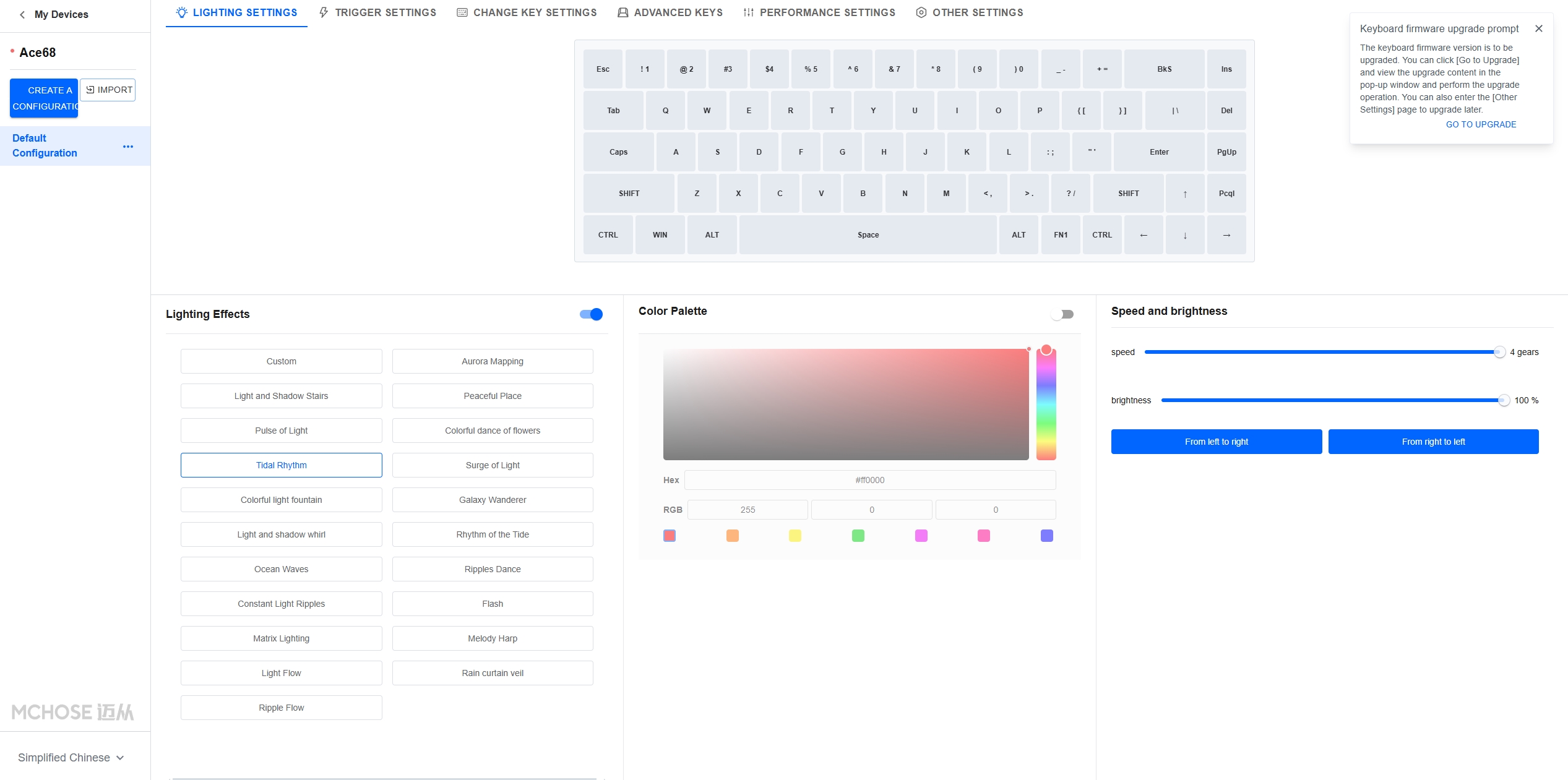
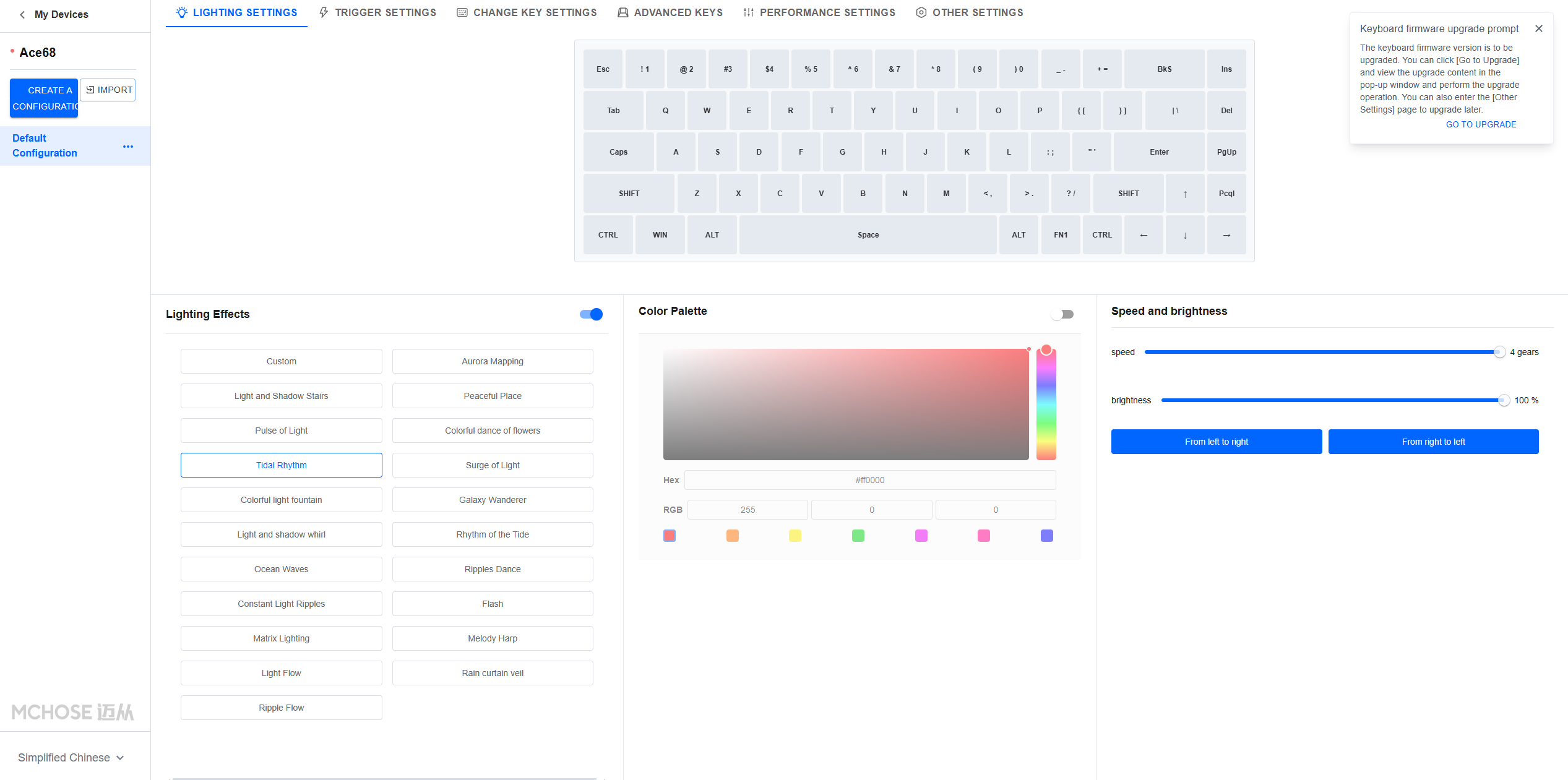
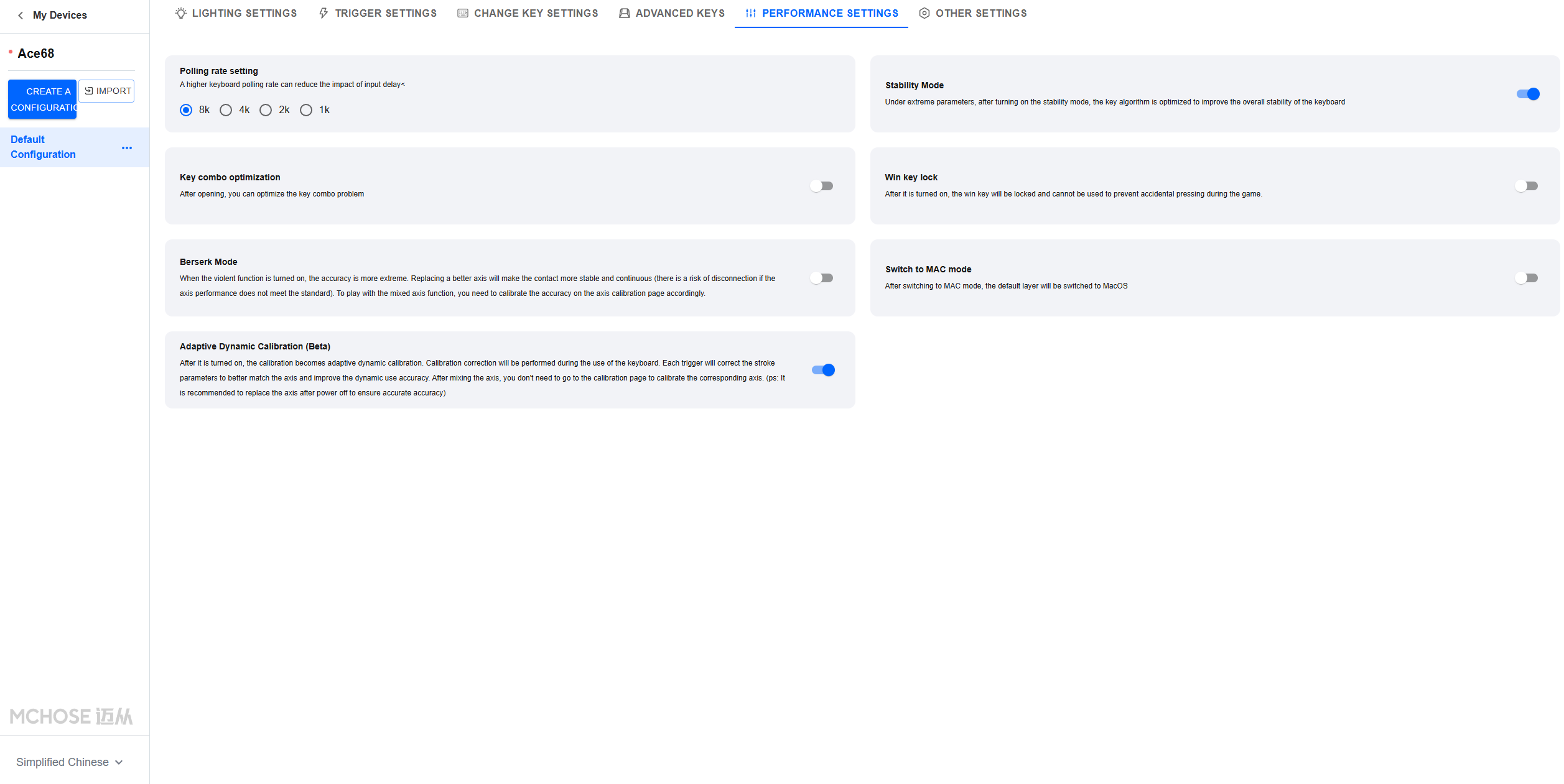
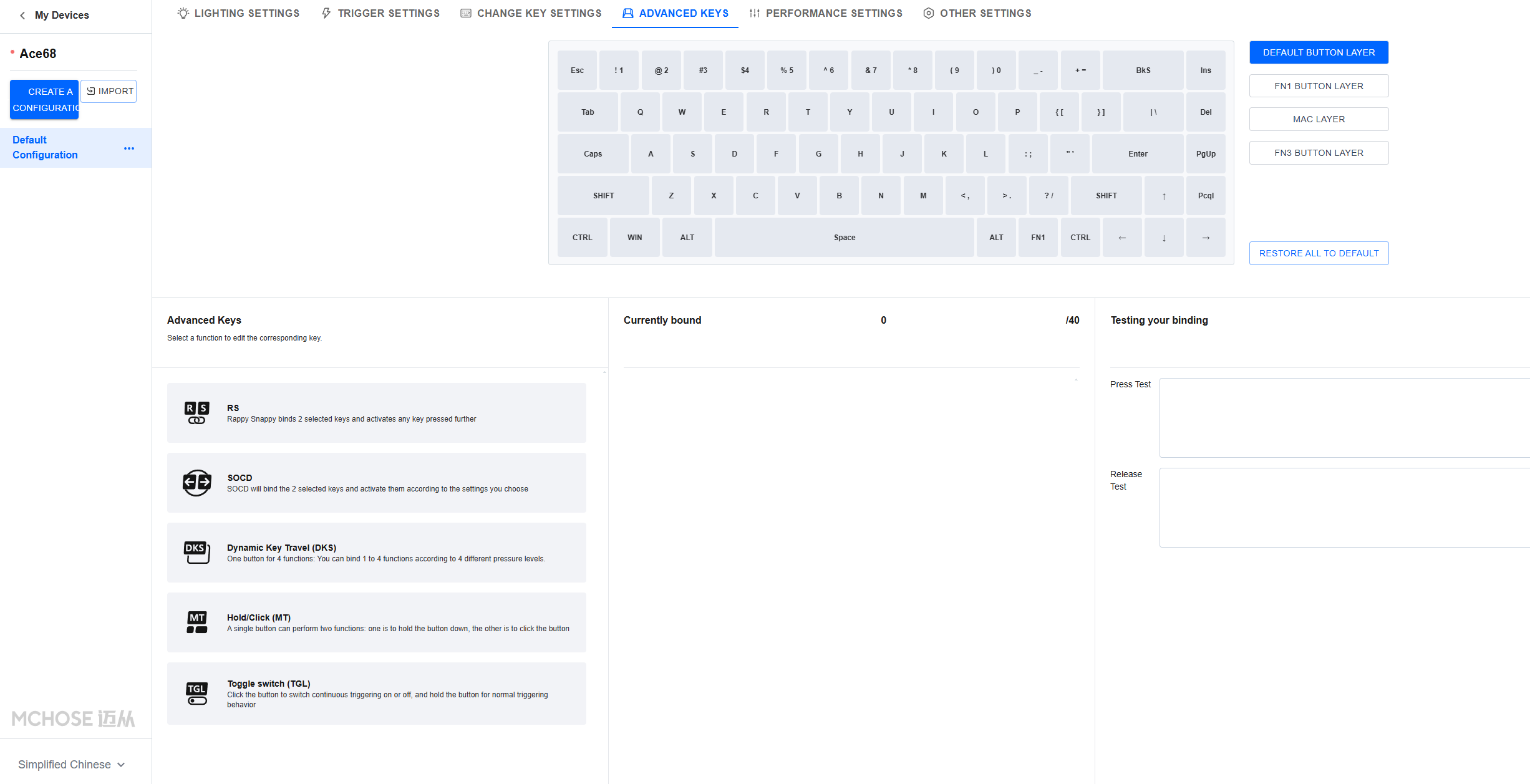
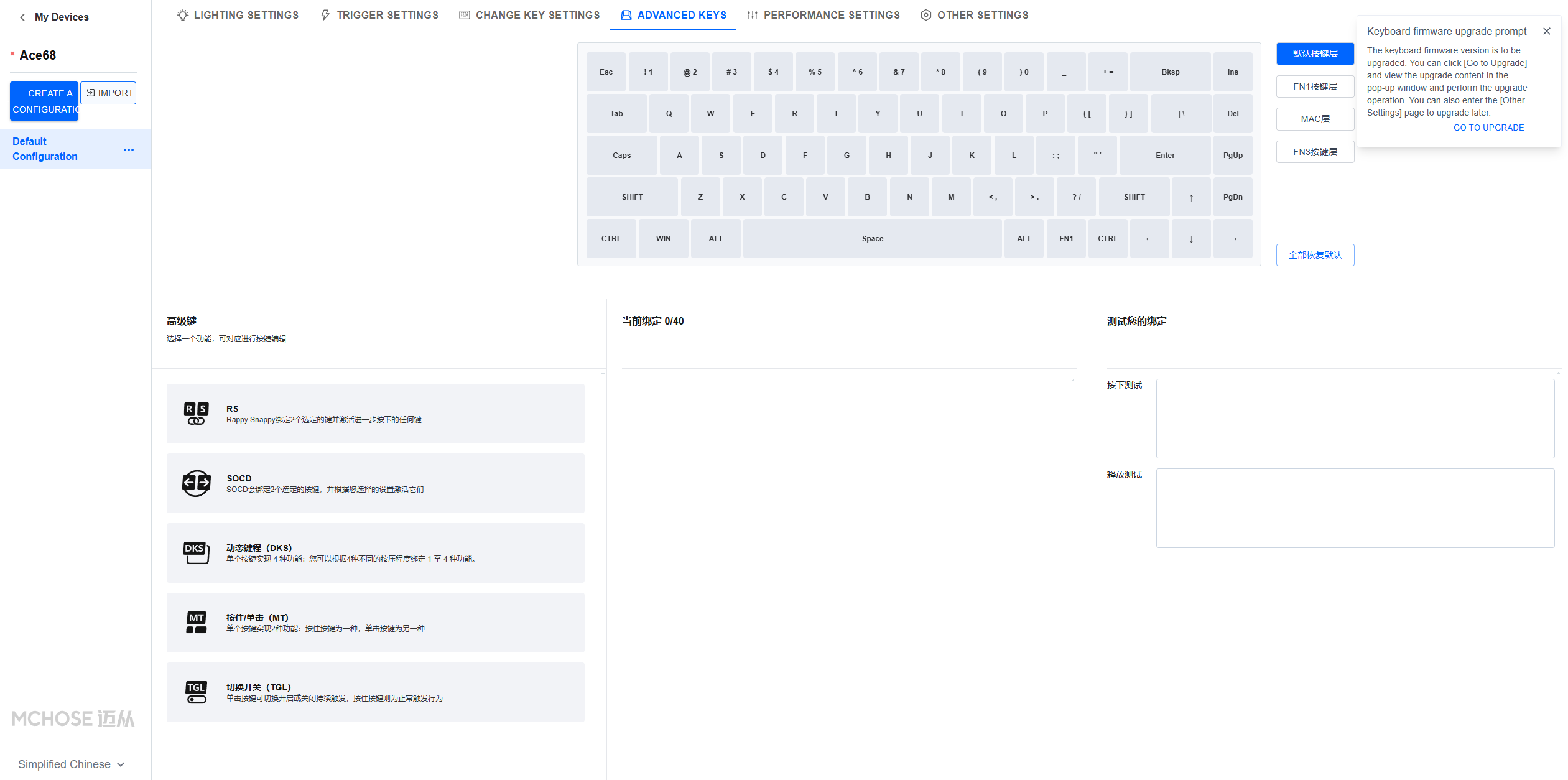
Once we switch the language to English, the interface becomes very user-friendly and packed with all the features you’d want in a keyboard. You can configure every key, including FN layers, set lighting effects, record macros, and explore all the magnetic features of the MCHOSE Ace 68.
Key settings include adjusting actuation points, enabling Rapid Trigger, and selecting your switch type from a limited but handy list—no manual calibration needed. You can also fine-tune the dead zone (even down to zero) and use features like Rappy Snappy, SOCD, DKS, Hold/Tap, and Toggle. The only thing missing is analog input (like gamepad emulation), which few users seem to use anyway. The last tabs let you update firmware, change the polling rate (up to 8000 Hz), and enable extreme precision or adaptive calibration.
Verdict
The MCHOSE Ace 68 beats me in nearly every way, with only the software being a letdown. It’s a well-built plastic keyboard with durable overlays, stable switches, quiet stabs, and solid functionality. The silicone dampening improves acoustics, and it looks great—except for the awkward left strip. The backlight underwhelms, but that’s minor. The browser-only software with no onboard profile switching is the main flaw.
Among budget magnetic keyboards, none performed as well. It’s hard to say whether the responsiveness or switch stability made it feel so good, but it was a joy to use. It outperforms similar MADLIONS and AULA models and comes in both 65% and smaller versions. I’d skip the base model and go for the Pro. It’s an exceptional value. Great job, MCHOSE.
Read Also: Epomaker Magcore 87 Review: Why It’s Worth $199.99