









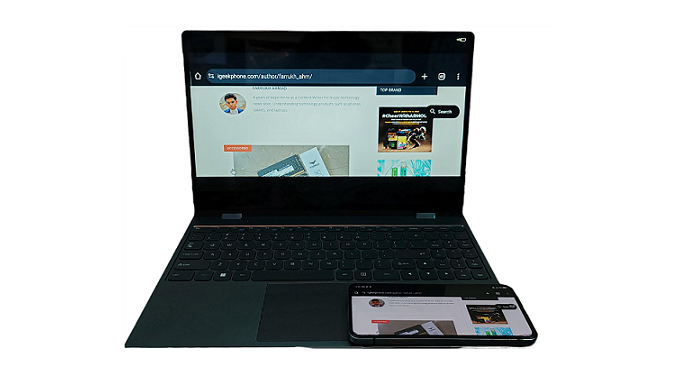
Modern smartphones pack a lot of punch in terms of performance, and for those who aren’t running advanced apps, a phone can pretty much function as their main computer. However, even though smartphones are super powerful, the screen size limitation can make certain tasks a bit challenging. Luckily, there are ways to connect your smartphone to an external device. Lately, I’ve been trying out the UPERFECT UDock X 15.6 LapDock portable monitor with both a phone and a Mini PC. The sample for this review was provided by UPERFECT.
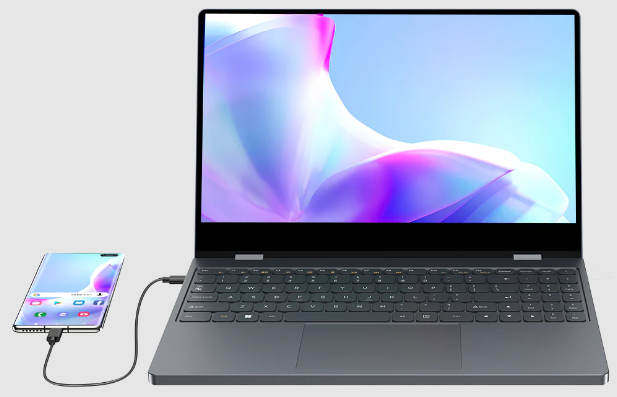
At $369.99 right now on the Uperfect website, it’s not much of a spend for great hardware. It gives you a new dimension to your smartphone experience.
What is it?
The UPERFACT’s unique docking station with a built-in 15.6″ monitor is a portable extension for a smartphone that turns the gadget into a full-fledged laptop. It uses both a built-in battery and external power via USB-C. The touch screen provides enormous possibilities for use both as a tablet and as a laptop for presentations. The keyboard with a built-in touch panel allows you to fully work with a laptop. Model UDock X 15.6 is also suitable as an additional monitor for a laptop, computer/nettop, and tablets based on Android/iOS.
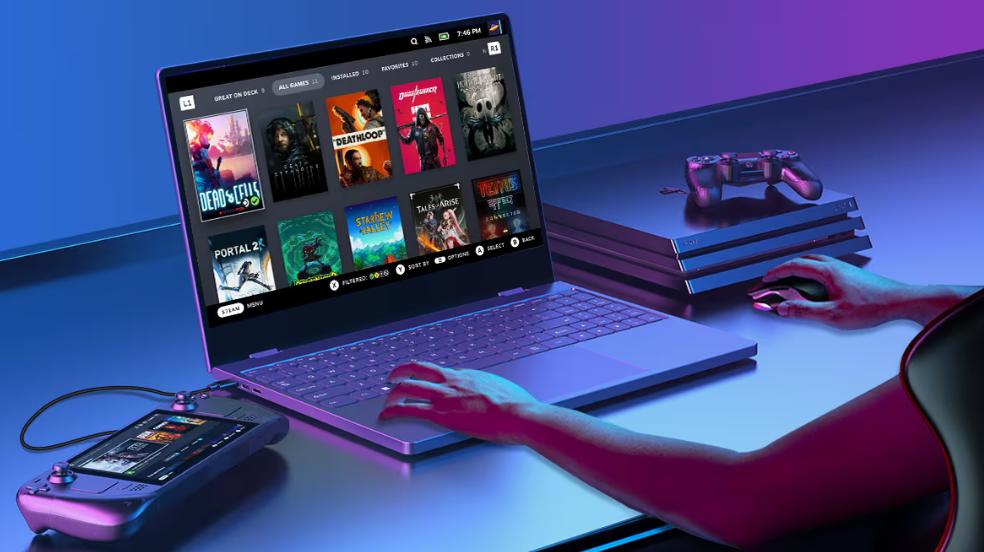
This gadget was presented just a couple of months ago and is currently one of the most advanced docking stations that works with smartphones in Android Alternative Mode or the so-called DeX mode. It also supports work with flagship iOS tablets with USB-C output. The whole “zest” is the full support for the USB-C standard, that is, working with a video stream as an input and output device.
Features:
- Model: UPERFECT UDock X 15.6 LapDock
- Display: 15.6″, 1920 × 1080 (FHD), 10-Point Touchscreen
- Power: built-in 12,000 mAh battery, USB-C PD3.0/QC4.0 (power Only)
- Interfaces: USB-C (input), MiniHDMI, USB-C (OTG) and audio 3.5 mm HP,
- Features: 360-degree hinge, works with Android/iOSbased smartphones, aluminum body
- Weight and dimensions: 13.55 x 7.62mm, 1.52 kg
What’s in the box?
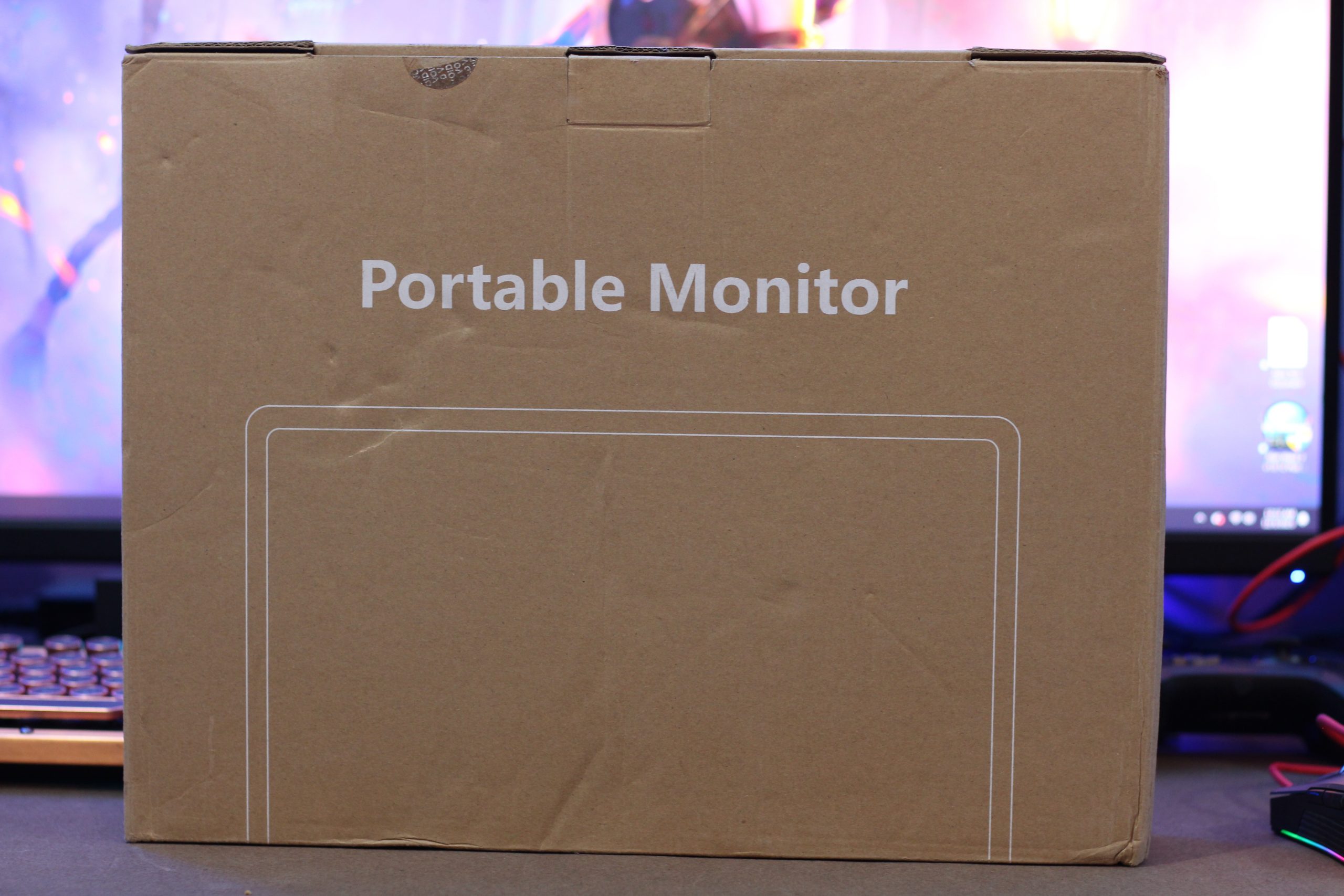
Despite the unprepossessing packaging (recycled cardboard box, no printing), UPERFECT provides a complete set for operation right out of the box.
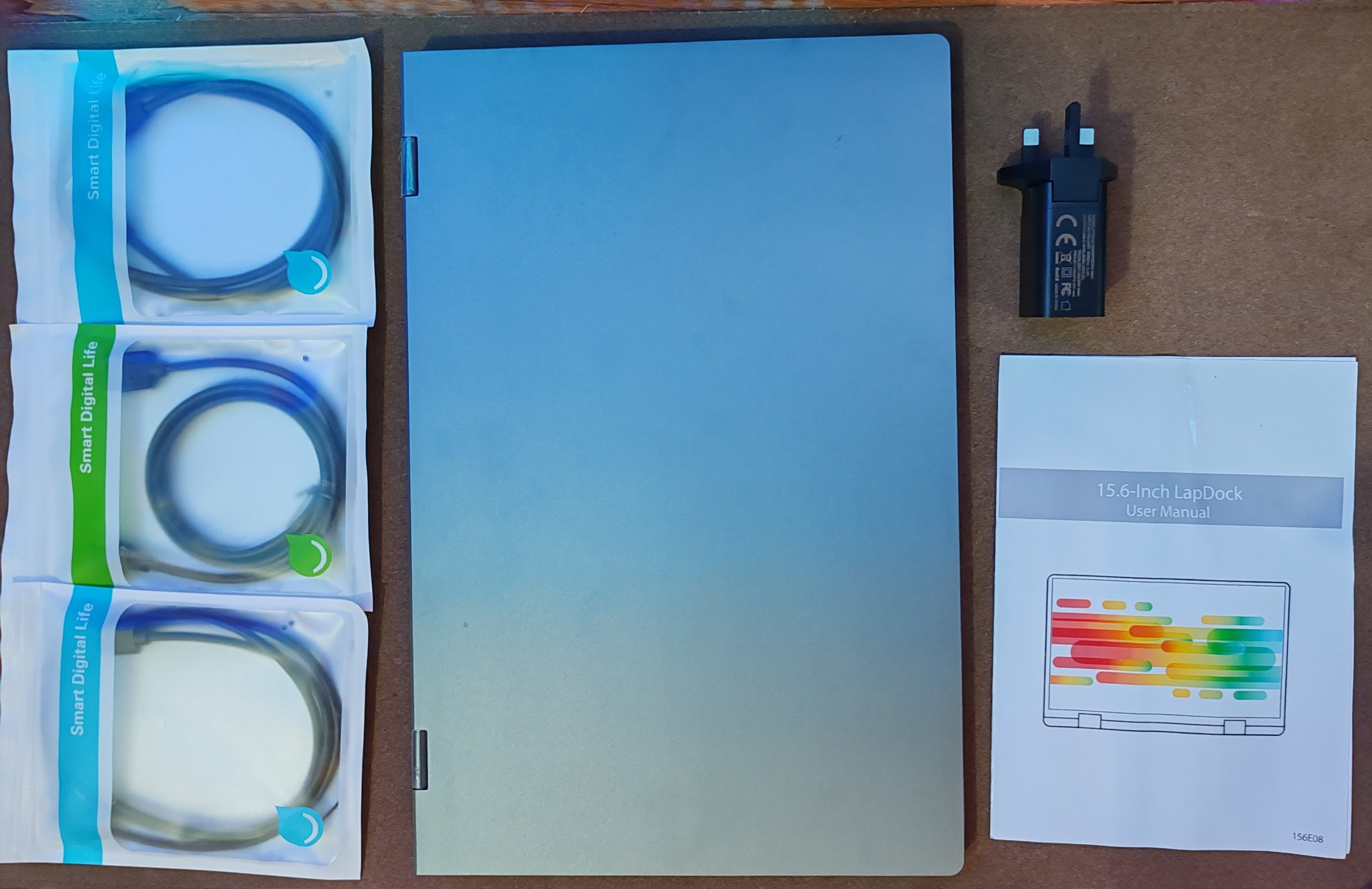
This is a whole set of different cables for connection, as well as a special charger with PD output. The included cables are 1 USB type-C to Type-C, 1 USB type-C to Type A, and 1 HDMI-mini HDMI cable.
Built Quality
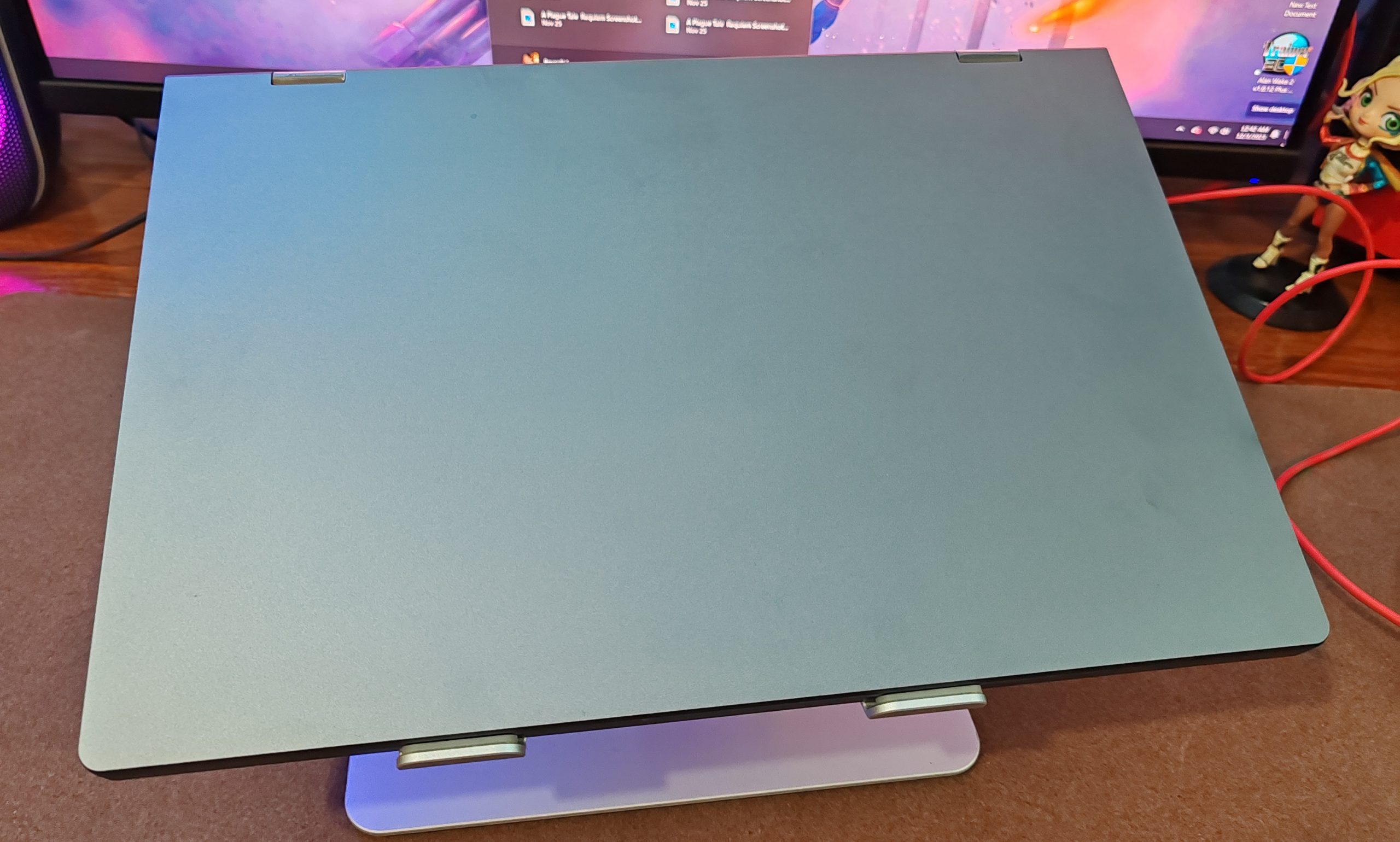
Starting with the outside, the Uperfect UDock X 15.6 Pro is solidly built. Its 1.52 kg weight feels sturdy in the hand, and you can instinctively feel there are no empty chambers inside. The hinges are strong enough to combat display wobble, and there’s barely any deck flex.
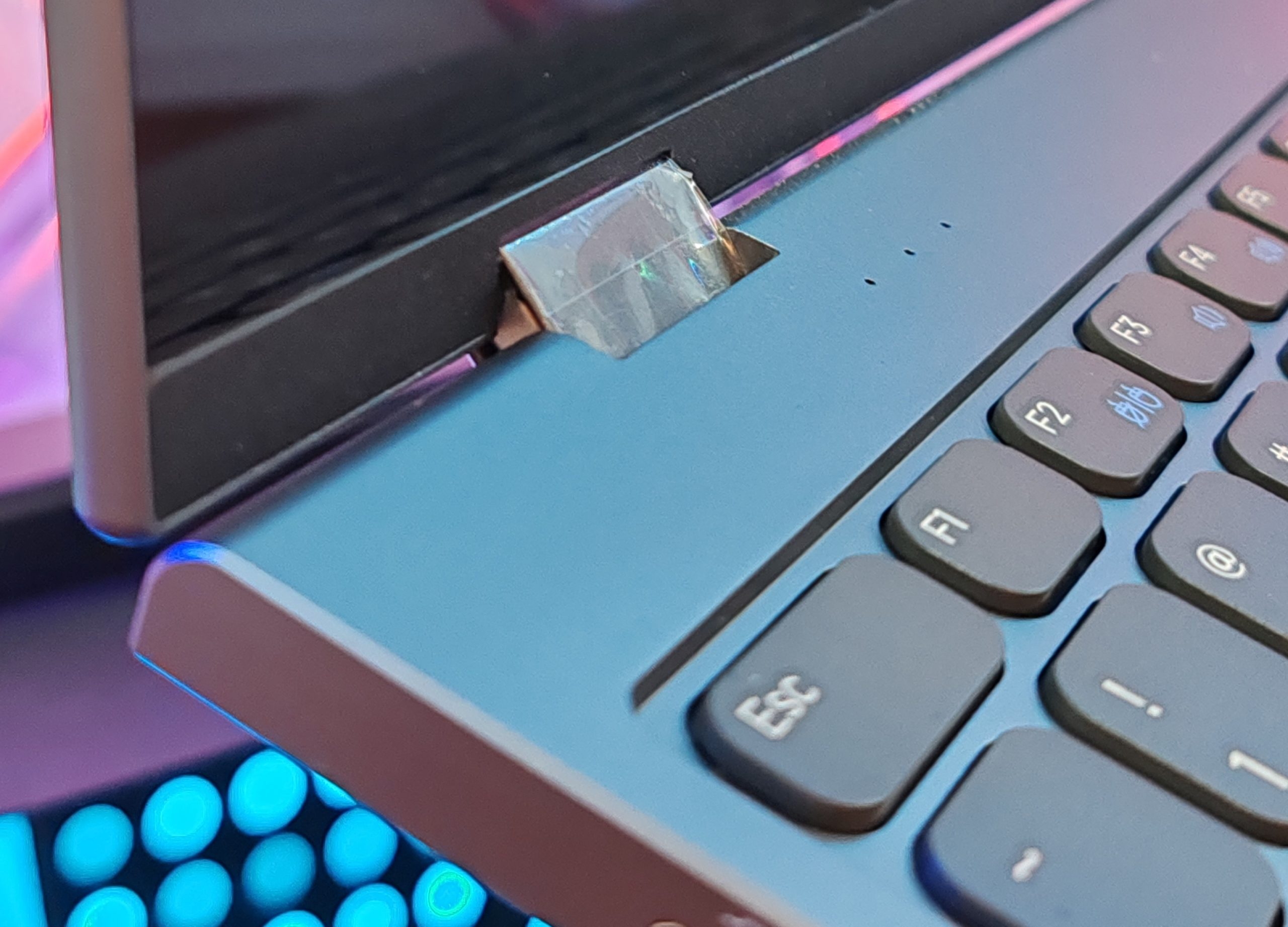
It’s got the workings of a premium laptop; an all-aluminum build, all edges are finely chamfered, no pointed corners, and a pristine grippy finish. Its svelte housing is improved by the fact that there are no branding nor legal and industry compliance logos printed on its body. The most you get are port labels, and that’s it.
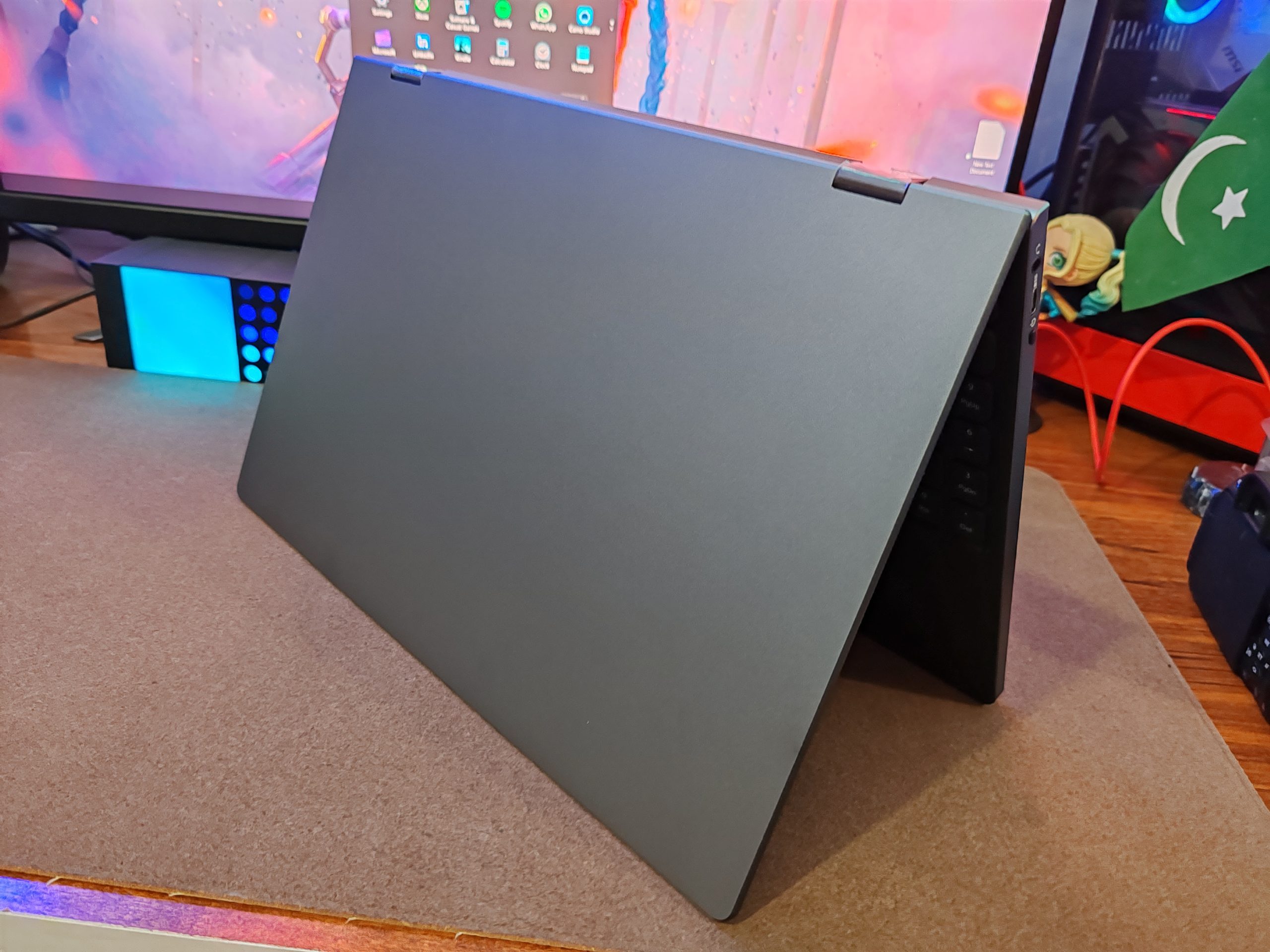
Yeah, it’s a sleek and stealthy device, measuring 357mm across, 236mm deep, and 16mm thick. Since it doesn’t have much in the way of computing boards in its internals, it can be made almost impossibly thin. It also lacks vents, because there is no processor, GPU, or RAM inside to produce any heat.
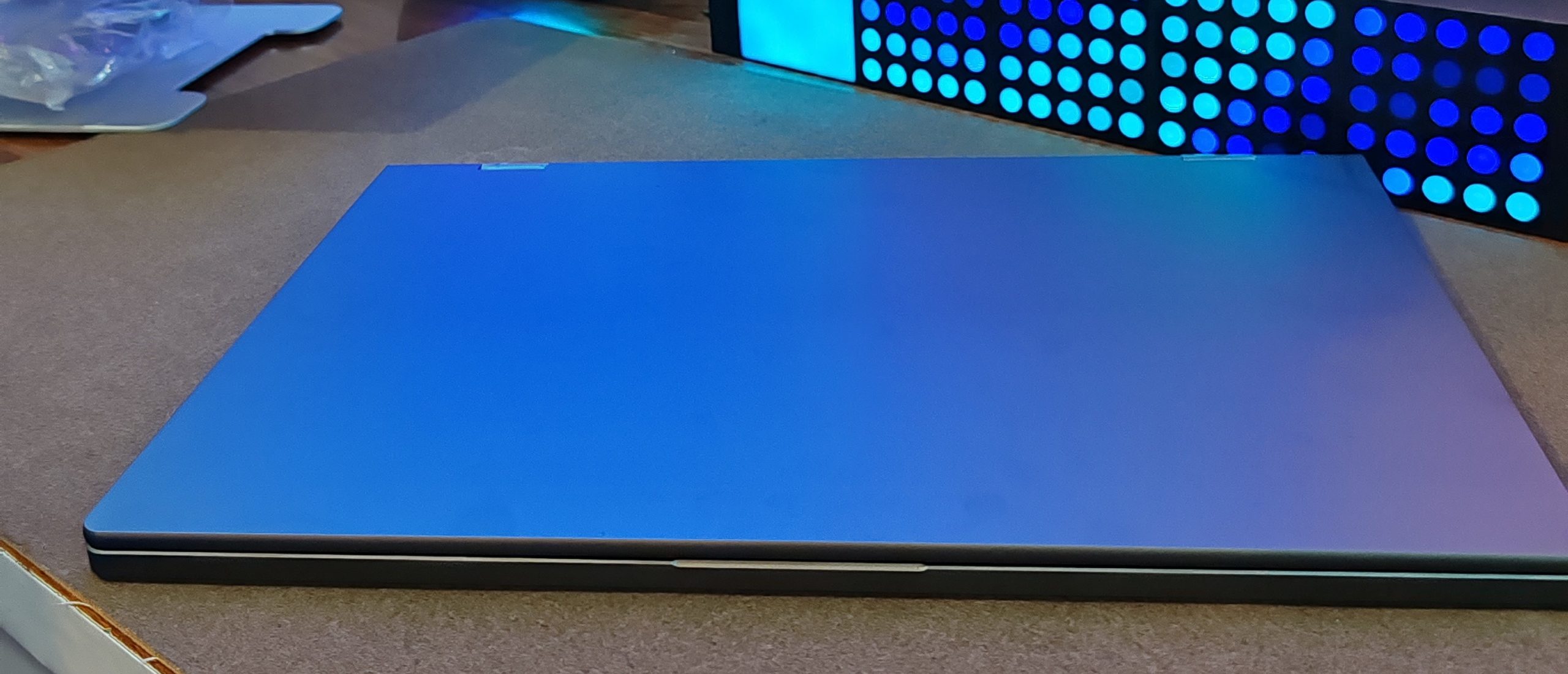
The Uperfect UDock X 15.6 Pro’s slim frame houses a 12,000mAh battery. It charges at a max of 15W through USB-C. Uperfect claims it can get a maximum of 4-5 hours of usage after 3 hours of charging. This aligns with our findings.
While a 4-5 hour screen-on time is impressive for a small laptop, a 3-hour charging time can be considered slow by modern standards. That’s especially true when laptops of this size are starting to standardize 65-100W charging through USB-C. This maxes out batteries within 30 minutes. If you’re using the UDock X 15.6 Pro as a daily driver, there’s no going around it– you’re plugging this in at the end of every day. At least, it’ll look good on your nightstand.
Design and Appearance
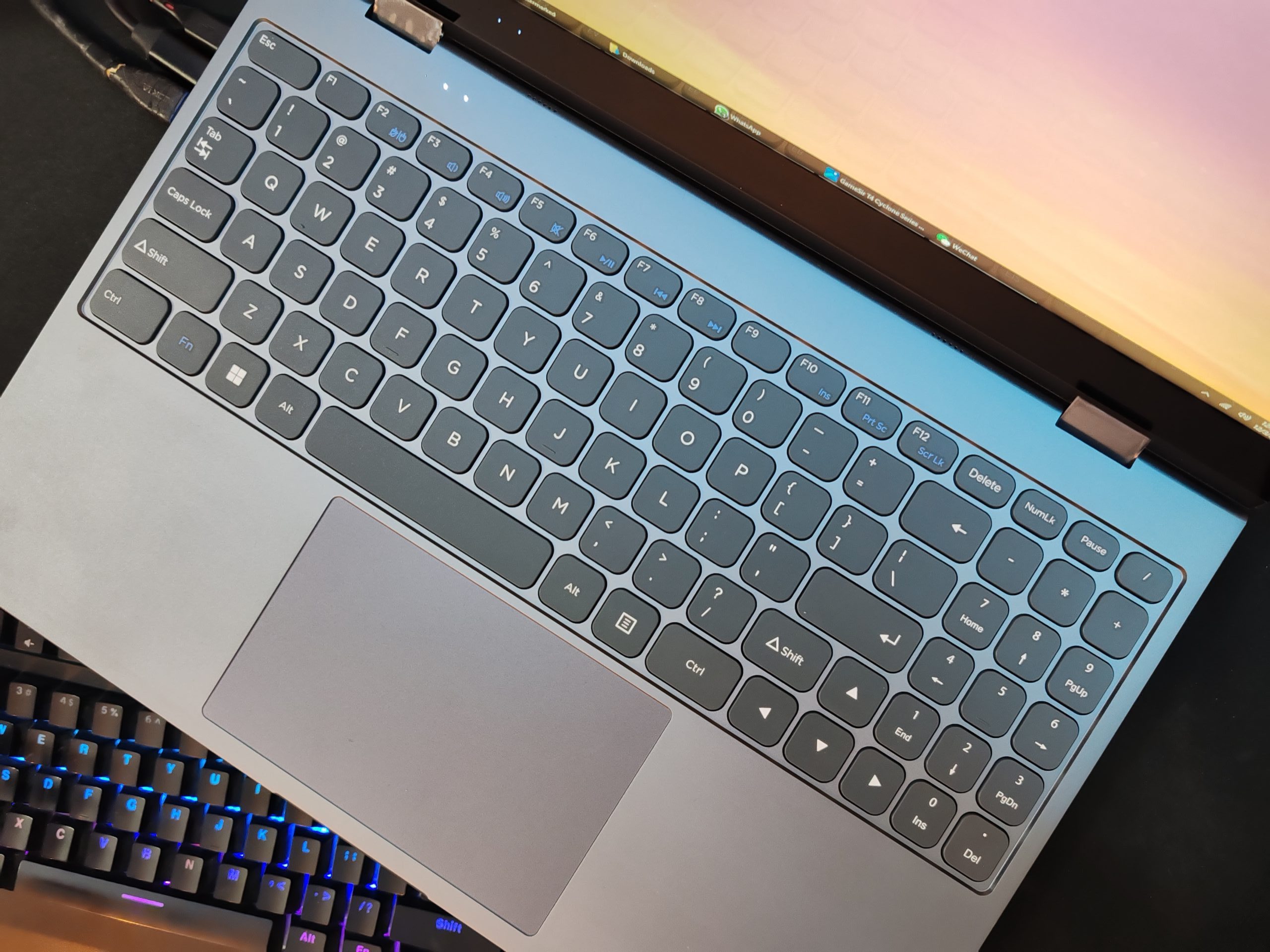
The manufacturer has implemented not only a full-fledged keyboard, like in laptops but also added a touchpad panel with two button zones.
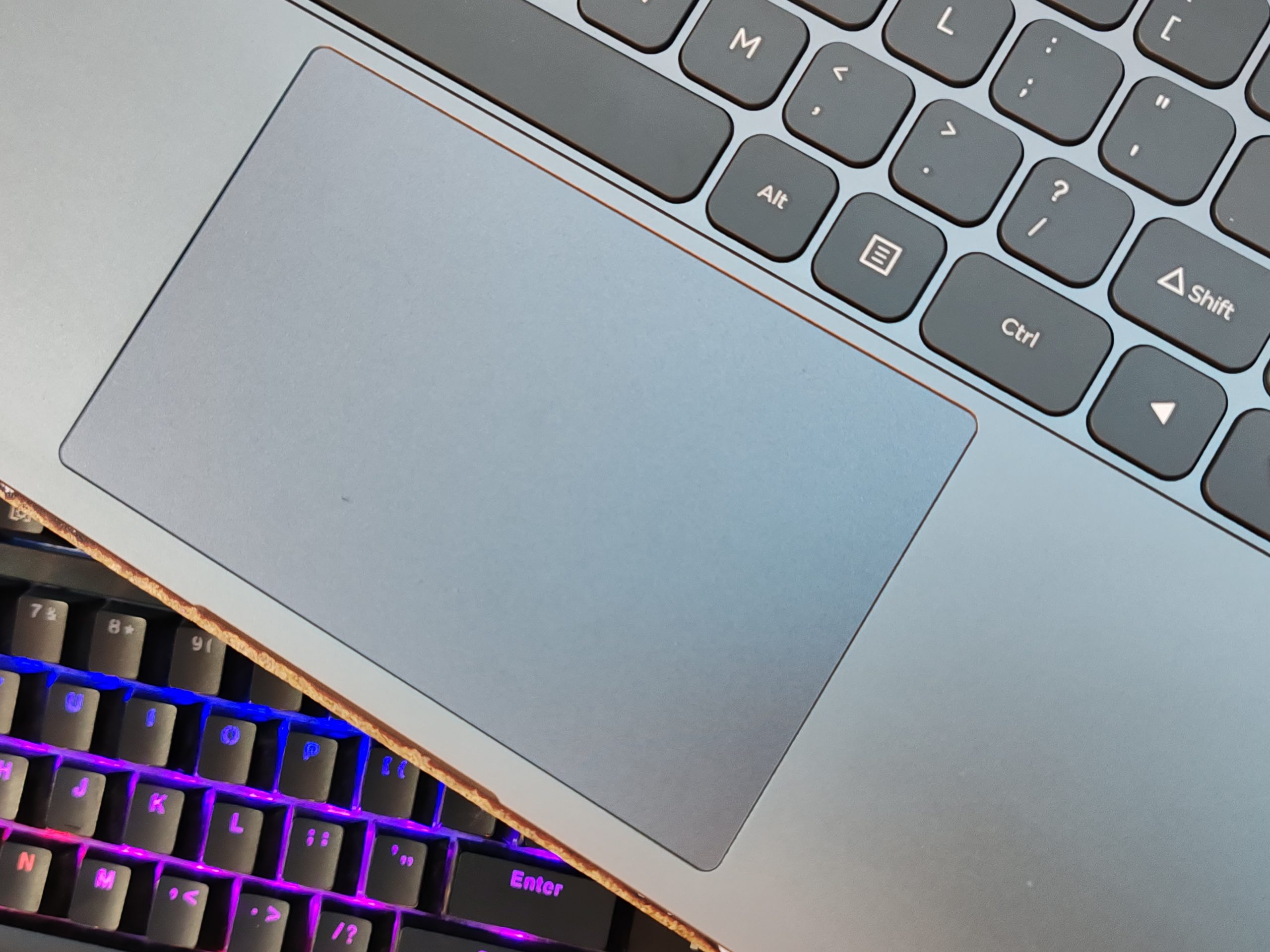
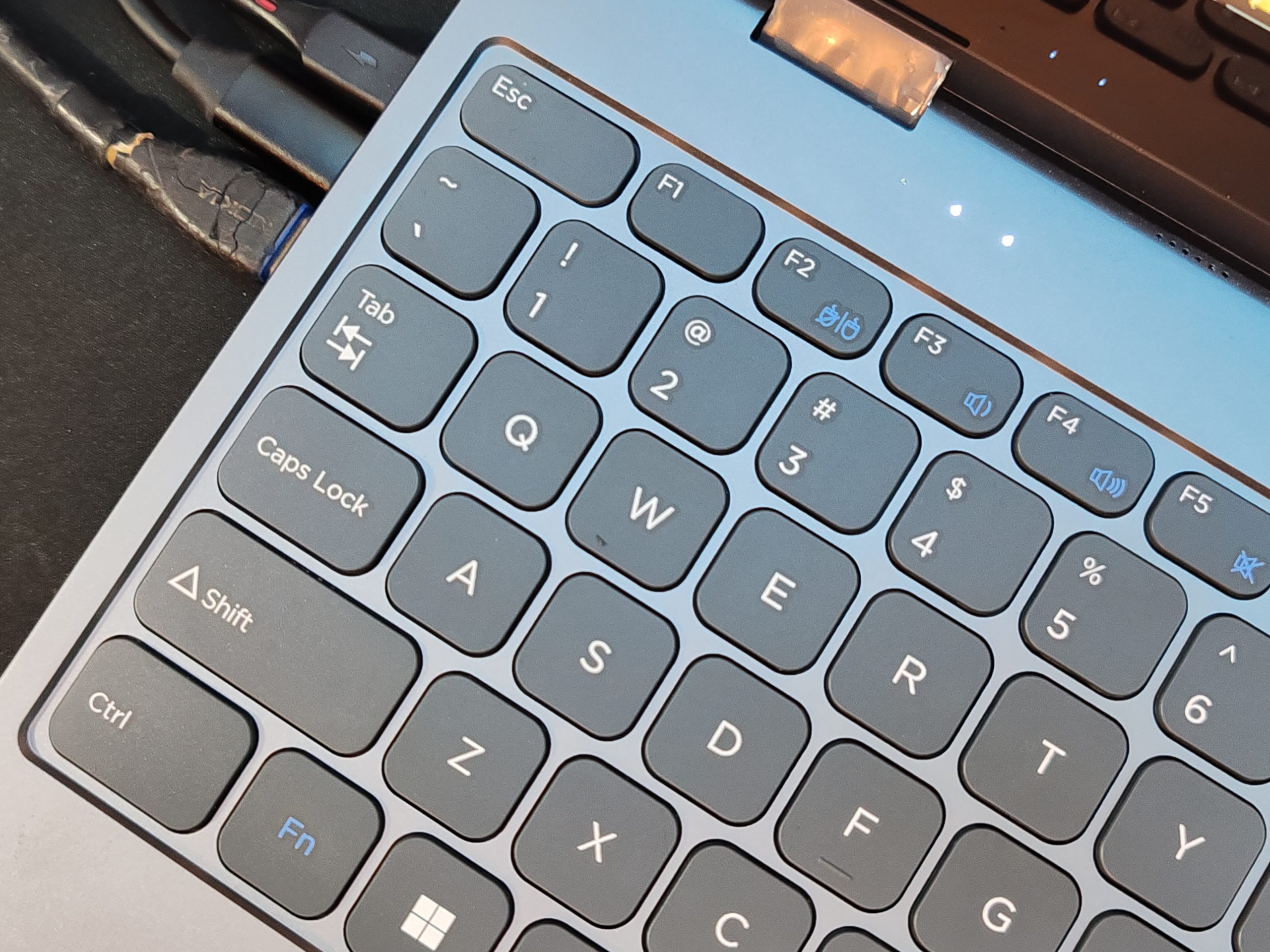
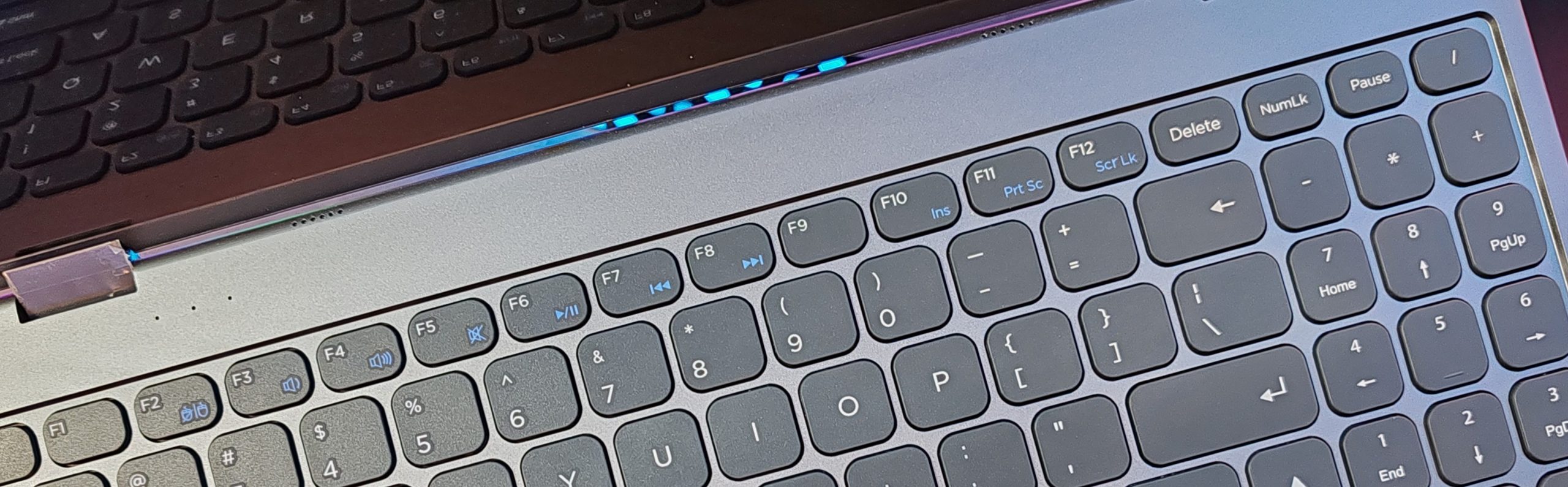
All necessary service and hot combinations are present, including FN. You can quickly control volume, brightness, and playback, and use standard operating system commands.
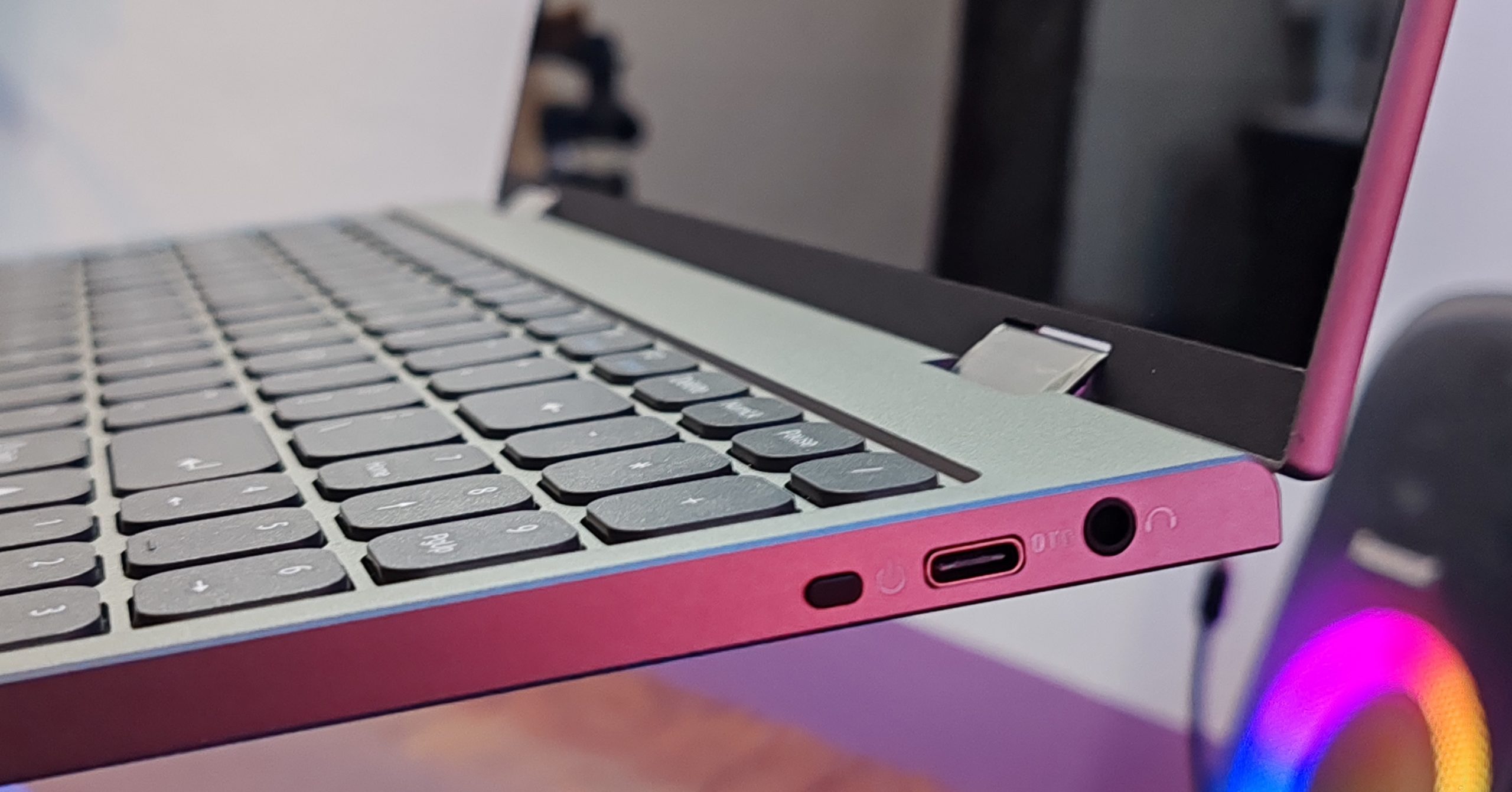
The set of interfaces is decent for such a “baby”. On the right, we find an on/off key, an OTG-compatible USB Type-C port, and a 3.5mm audio jack, so use those if you want to listen to music.
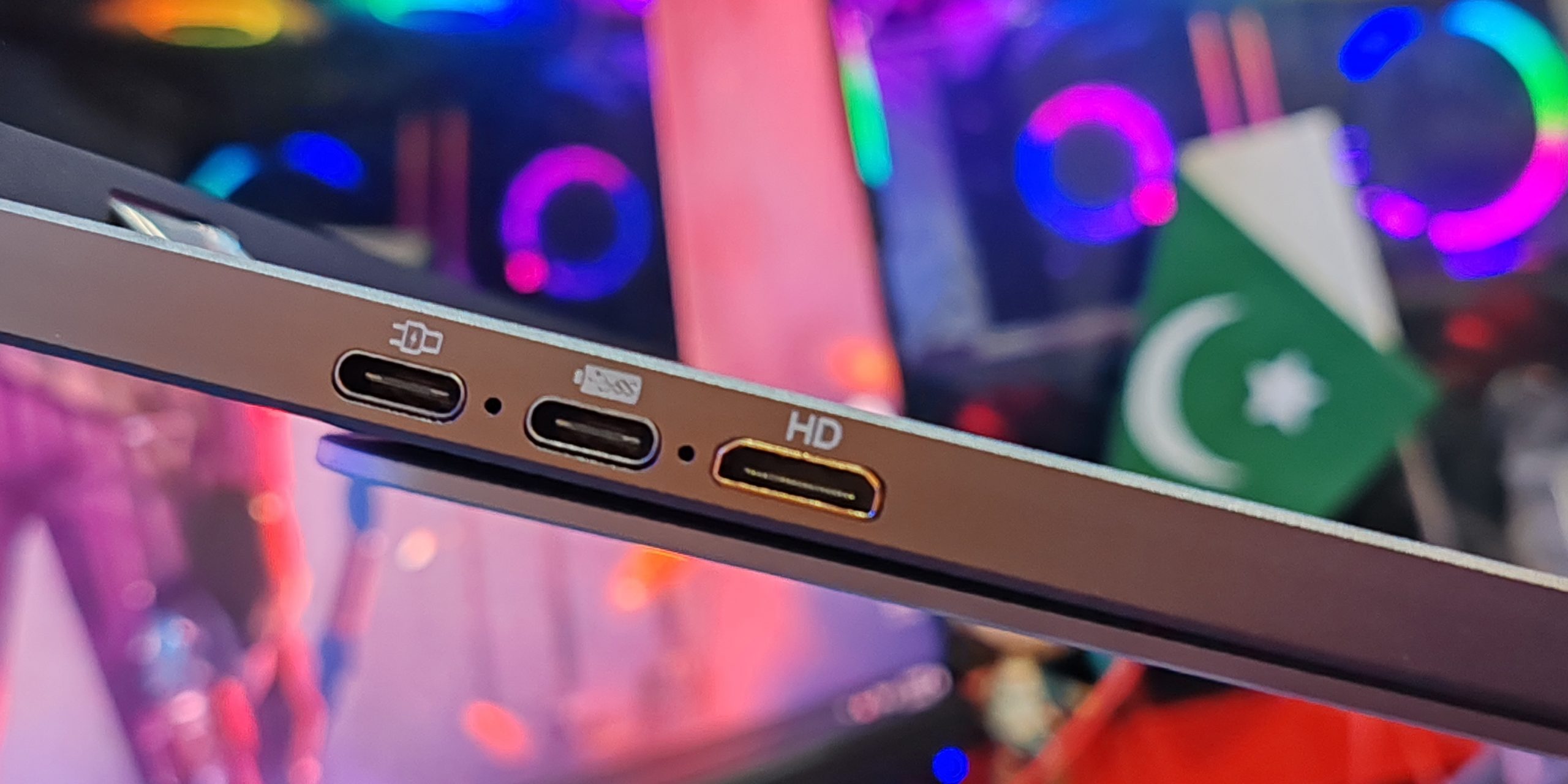
On the left are the inputs- two USB-C ports and a mini HDMI port (for video and other data communication). The top USB-C port is only for charging up the LapDock and its large capacity battery, while the center USB-C port is used for connecting your external device like a mouse and keyboard.
In addition, We find speakers on the middle side of the upper front protrusion. However, the sound quality is… well, as expected. Think of it as office supplies.
If you don’t understand how to connect and use the UDock X 15.6, you can look in the user manual for examples of pairing with various gadgets. Please note that the manufacturer provides recommended adapters and adapters that are used to connect a huge number of devices.
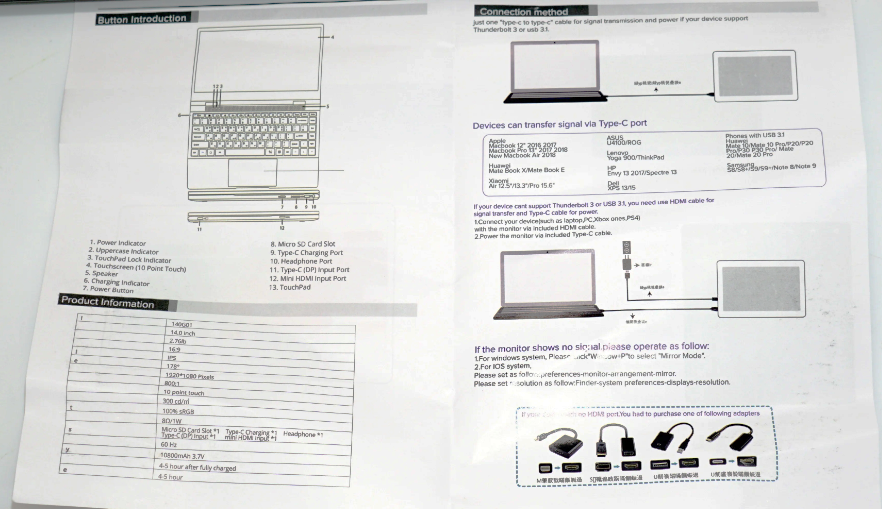
To work with the UDock X 15.6, you should use not only a wall charger with Power Delivery support but also full-fledged USB-C cables with a complete set of wires for the Thunderbolt to HDMI standard. And while the station may well be powered by a 12000mAh built-in battery, the cables that are mostly sold for “fast charging” may simply not be suitable due to the lack of necessary communication lines. Fortunately, the UDock X 15.6 comes with 4 cables (two USB-C with Thunderbolt, two more USB3.0).
Hardware
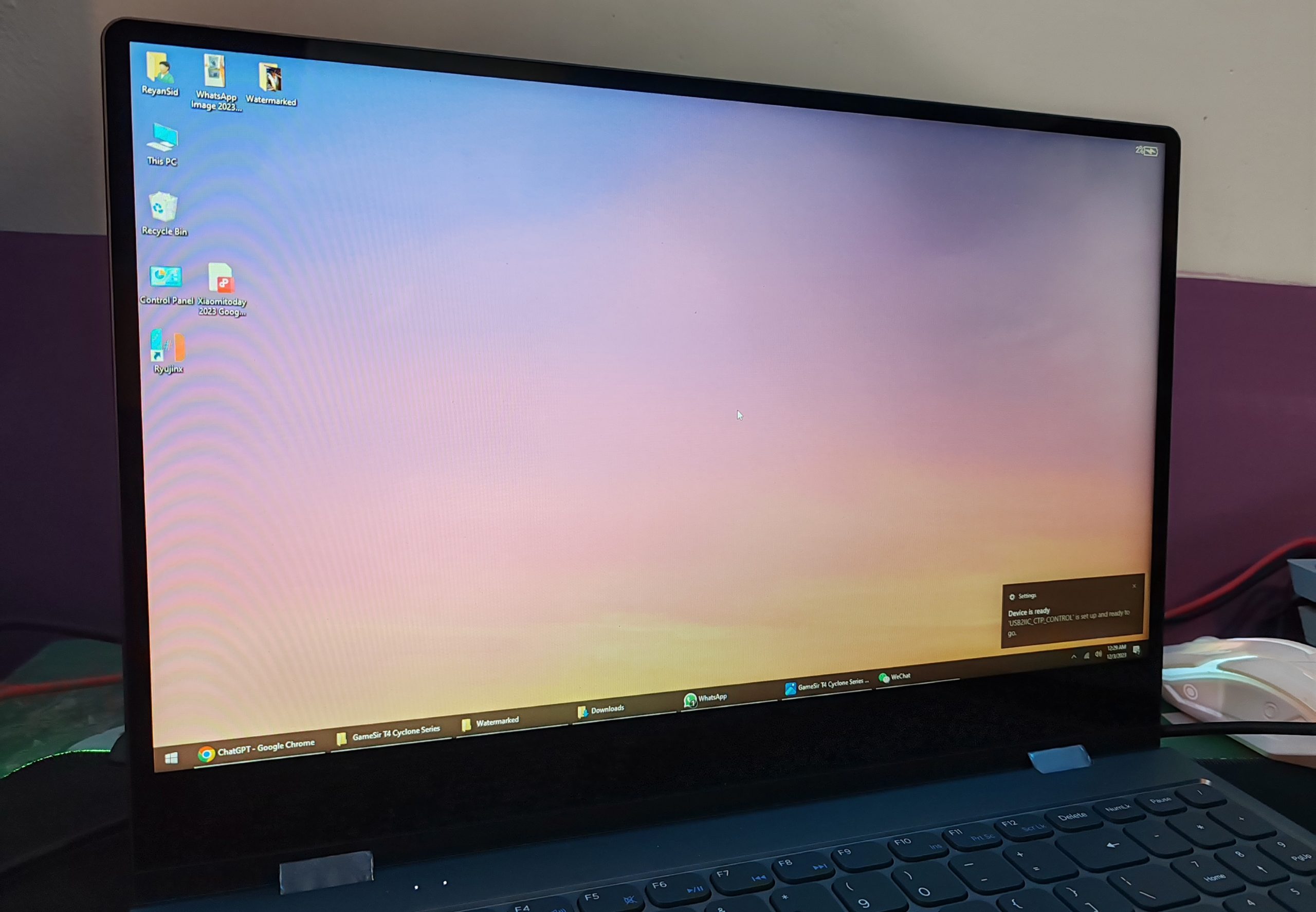
The Uperfect UDock X LapDock is a rather large device with a display measuring about 15.6 inches wide and a very large keyboard covering the entire display. The display is a 15.6-inch model with a 1920 × 1080 pixel resolution and 16:9 ratio. It is an IPS panel with solid brightness, a 60Hz refresh rate, and 72% sRGB coverage. These are the typical specifications of a budget laptop screen. However, I have seen much worse, in much more expensive models.
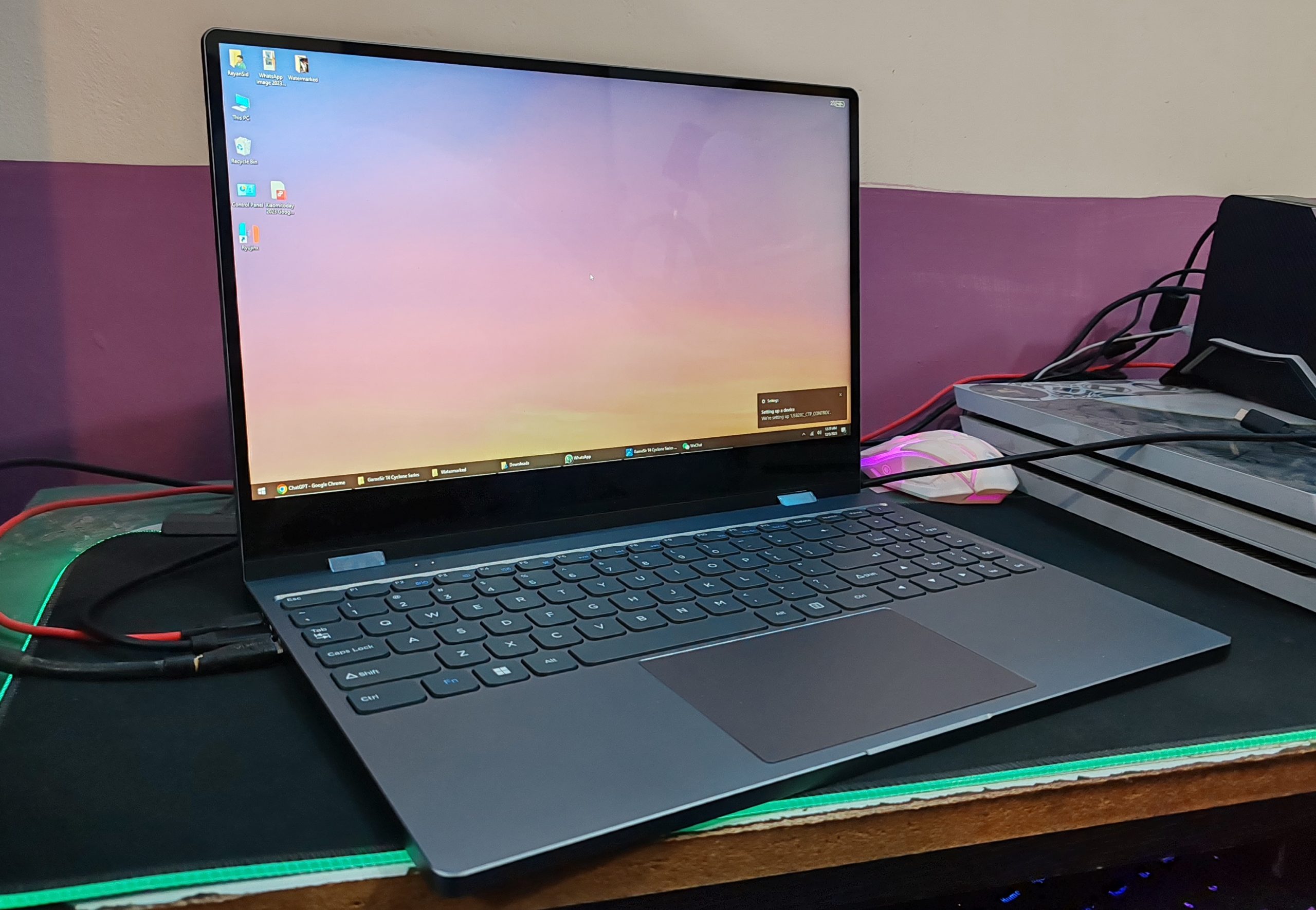
Anyway, the content looks great on the display, and it is a touchscreen so that you can interact with the connected device, in most cases, with the display. The top and two sides of the LapDock have narrow bezels, while a one-inch bezel is found at the bottom.
Settings screen
The UPERFECT also has a touch-enabled OSD menu that makes it easy to adjust brightness, color, and a variety of other settings.
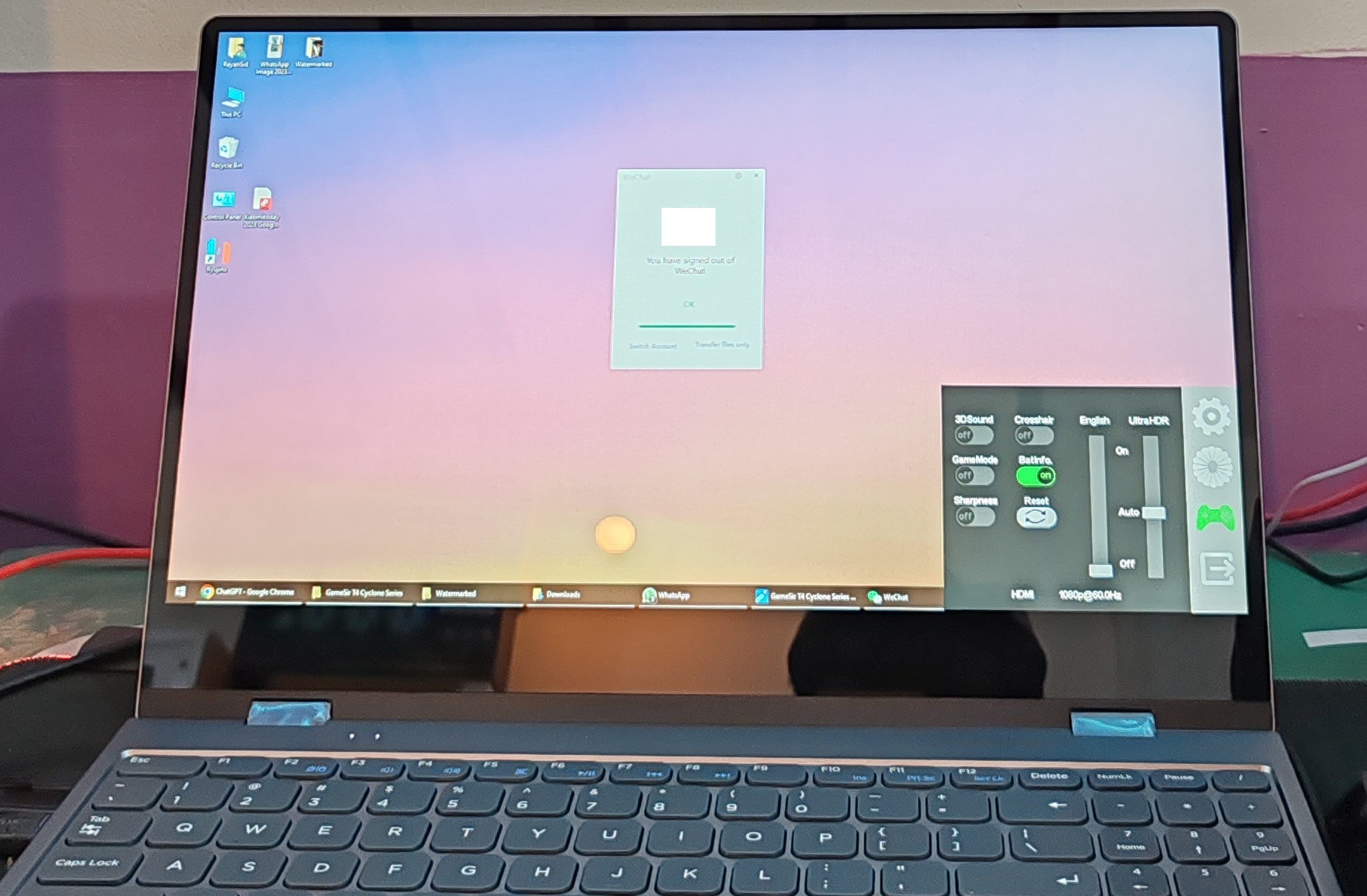
Specific control of the LapDock is made through an on-screen display that appears in the lower right corner when you swipe from right to left side. There, you can select the remaining battery capacity, volume, brightness, and interface.
Let’s connect it to something!
Connect to Mini PC
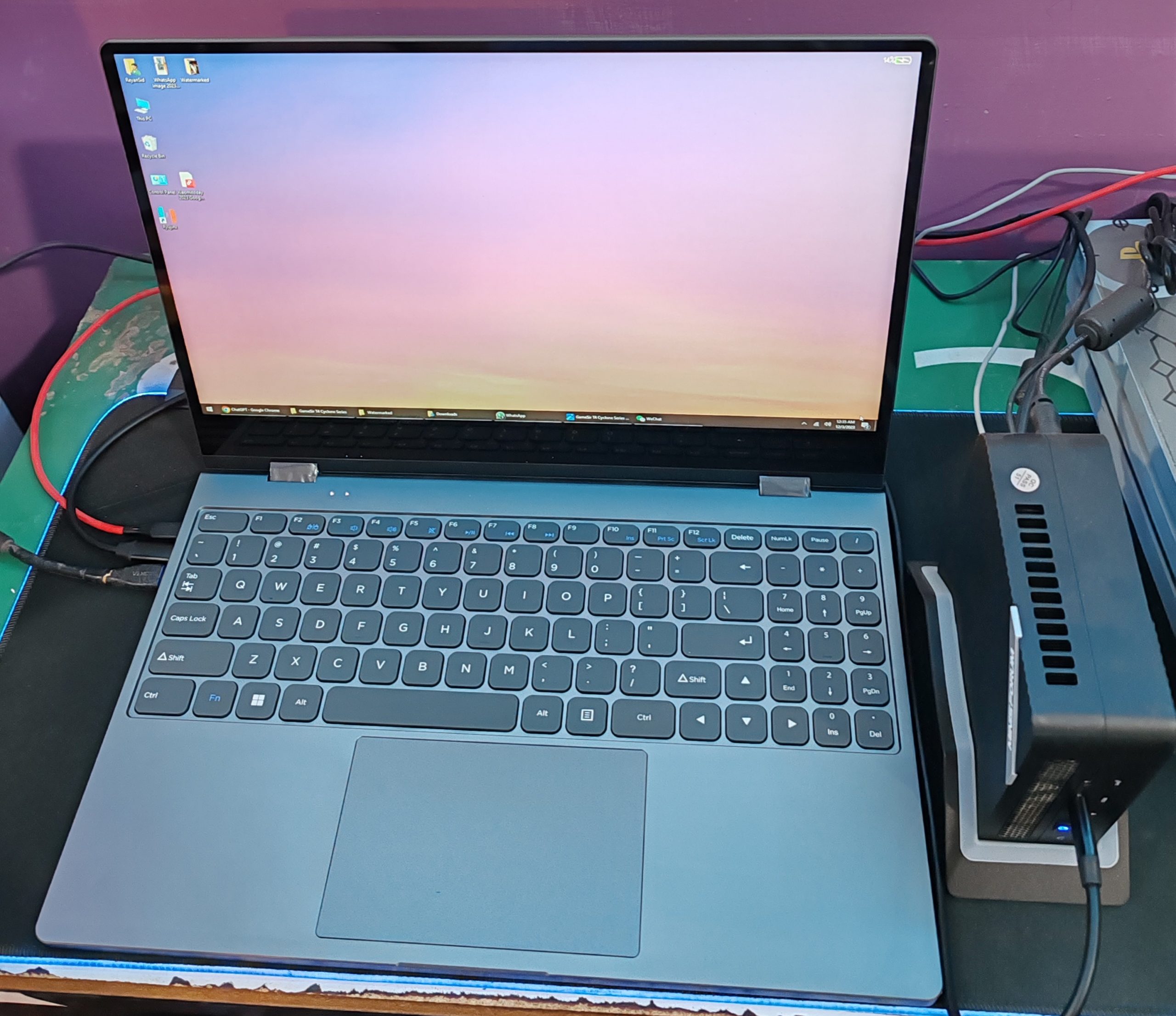
The figure below shows HDMI and USB type C connected. Before the OS starts on the PC, video data does not seem to be flowing to USB type C, so I connect HDMI. The keyboard and touchpad are recognized via USB.
The screen will automatically rotate when you enter tablet mode as shown below.
Smartphone
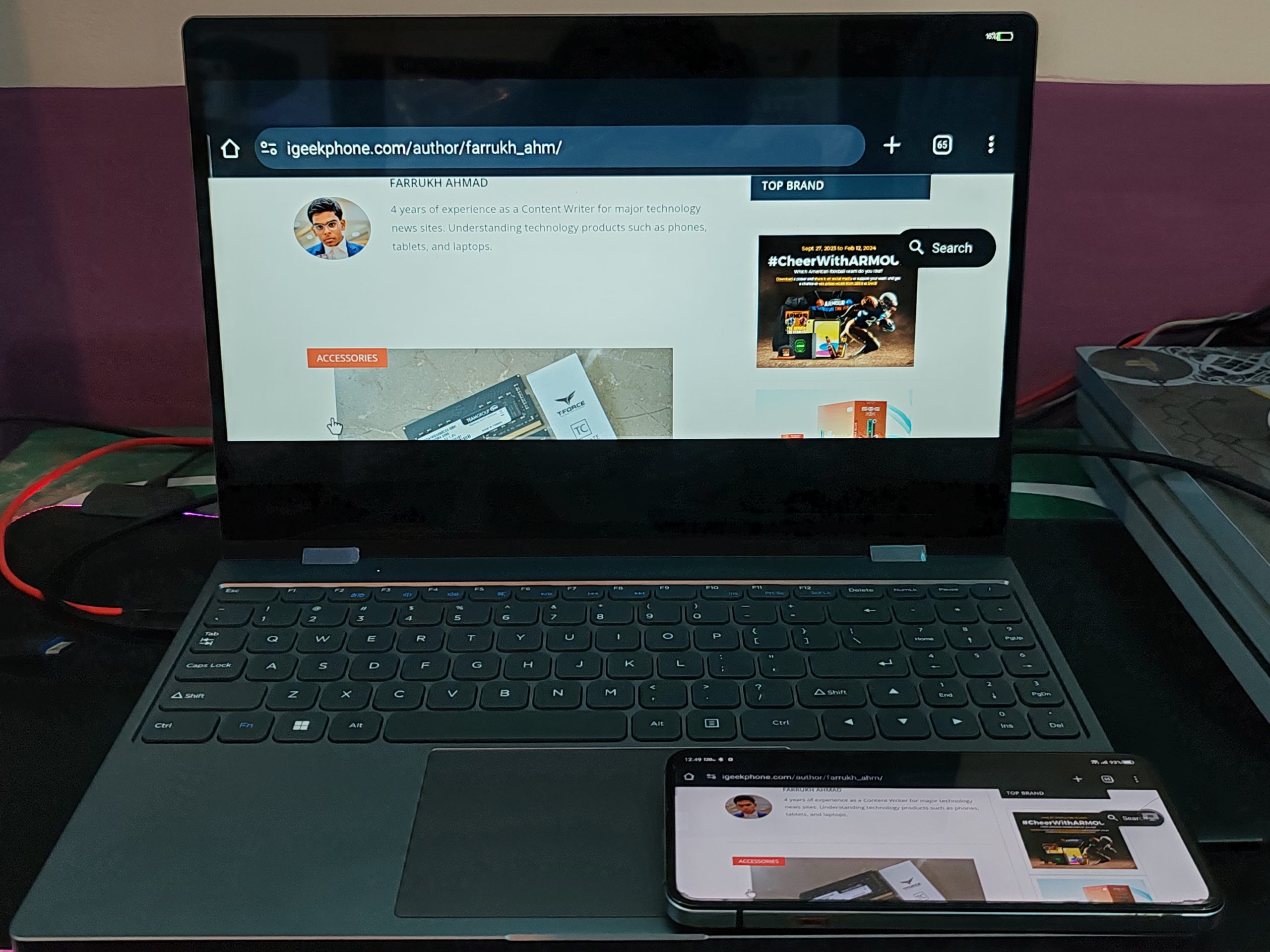
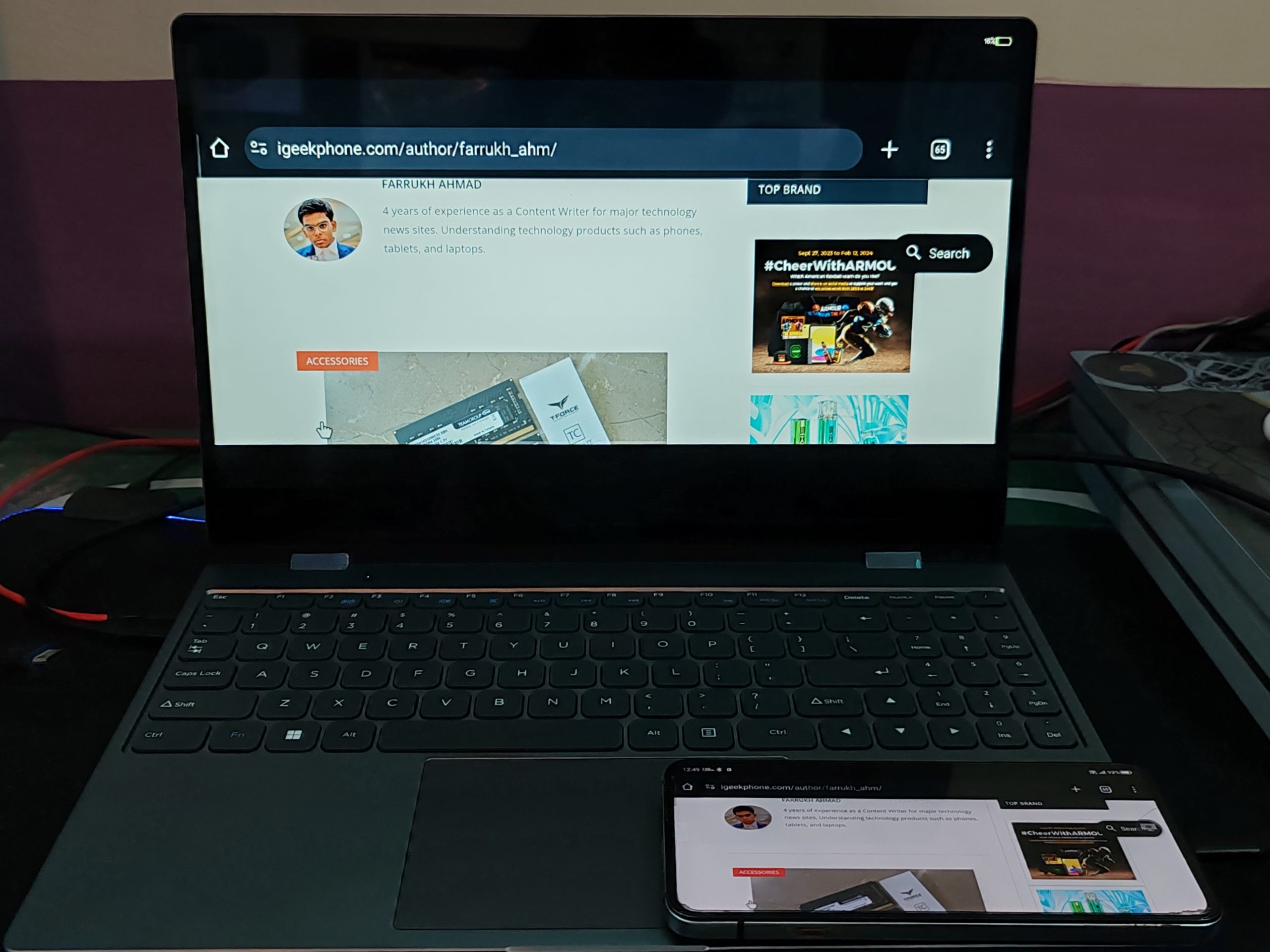
Next up was a Red Magic 7S Pro Android smartphone connected to the UPERFECT using the included USB-C -> USB-C cable plugged into the USB-C DEX port. When connected this way, the Red Magic 7S Pro’s display was mirrored on the UPERFECT’s display.

The keyboard worked as well as the trackpad and the monitor’s touch screen worked too. When launching our website (www.igeekphone.com) on the Smartphone, it converted to full-screen mode while playing the cool video, and audio played through the UPERFECT’s built-in speakers.
Conclusion
I think it will be a useful device for those who need a large screen or 1080P resolution. I think it’s a good idea to have this device on your desk and use it as a display with a keyboard that you can immediately connect to your smartphone.
However, if you want to carry it around or use it as a space-saving display + keyboard device, the compact LapDock is a good choice. For more, i am highlighting its further good and bad aspects below.
Pros
All-in-one (display + keyboard + touchpad + battery)
Connection to the main unit is completed with a single USB type-C cable
10-point touchpad screen
Screen rotates automatically
The price of $399.99 is also cheap for a battery-powered mobile display.
All-in-one yet lightweight
Cons
The display is glossy. It might be difficult to use it for long hours at work.
The quality of the included USB type C cable is poor (see below)
It should be lighter than a laptop, but it’s heavy.
The USB power adapter is not PSE-certified
I haven’t used it for a long time yet, so I’ll have to figure out any problems in the future. So, i can wholly recommend the UPERFECT UDock X 15.6 LapDock portable monitor for people who, like myself, like to live off of their phones as their main computing gadget. It gets the job done, usage is just like using any laptop you’ve ever used before.