









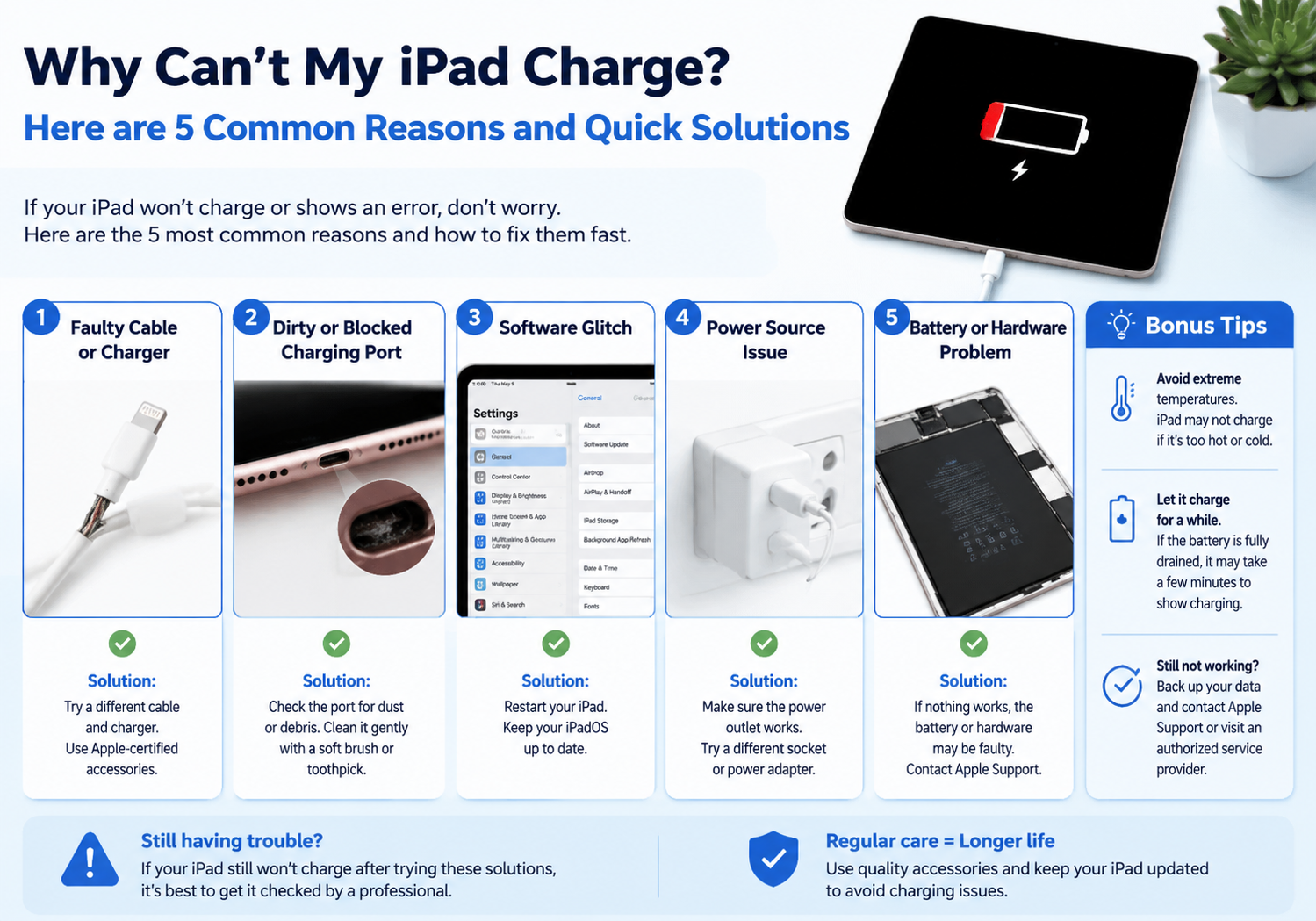
Few things are more frustrating than trying to charge your iPad, only to find it’s not responding. Charging issues can happen for a variety of reasons—some simple, others a bit more technical. Here’s a guide to the five most common causes of iPad charging problems and how to fix them quickly.
1. Faulty or Damaged Charging Cable
Why it happens: Over time, charging cables can fray, bend, or break internally, especially around the ends. Even minor damage can prevent proper power delivery.
Quick fix:
- Inspect your cable for visible damage or exposed wires.
- Try using a different, certified Apple cable.
- Avoid cheap or non-certified cables—they can be unreliable or even damage your iPad.
2. Dirty or Obstructed Charging Port
Why it happens: Dust, lint, or debris can accumulate inside the iPad’s charging port, blocking the connection and preventing charging.
Quick fix:
- Turn off your iPad before cleaning.
- Use a soft brush, toothpick, or compressed air to gently remove debris.
- Avoid using metal tools that could damage the connectors.
3. Faulty Wall Adapter or Power Source
Why it happens: Sometimes the problem isn’t the iPad but the charger or outlet. Wall adapters can fail, or USB ports on computers may not supply enough power.
Quick fix:
- Try a different wall adapter.
- Plug your iPad into a different outlet or a direct wall socket rather than a power strip.
- Avoid charging via a low-power USB port, as it may not provide enough current.
4. Software Glitches or Battery Issues
Why it happens: iPads occasionally experience software bugs that prevent proper charging, or the battery may have temporary issues.
Quick fix:
- Restart your iPad: Press and hold the power button and slide to power off. Then turn it back on.
- Force restart: For newer models, quickly press Volume Up, then Volume Down, then hold the Power button until the Apple logo appears.
- If the battery is very low, let it charge for at least 30 minutes before turning it on.
5. Hardware or Battery Failure
Why it happens: If your iPad has been exposed to liquid, extreme heat, or has aged significantly, internal hardware or battery components may fail.
Quick fix:
- If none of the previous solutions work, it may require professional repair.
- Visit an Apple Store or authorized repair center to have the battery or charging port inspected.
Quick Tips to Prevent Future Charging Problems
- Always use certified Apple cables and adapters.
- Keep the charging port clean and free of debris.
- Avoid charging in extremely hot or cold conditions.
- Disconnect the charger gently to prevent cable damage.
Conclusion:
Most iPad charging issues are caused by simple problems like faulty cables, dirty ports, or software glitches. By systematically checking each possibility, you can usually fix the problem quickly. However, persistent issues may indicate a hardware or battery failure that requires professional attention.