









I have used the xTool P2 55W Desktop CO2 Laser Cutter for over six months, thoroughly testing its capabilities to assess the performance of this 55-watt CO2 laser over time. It has not disappointed me. Unlike the more affordable frame-only open alternatives, this laser cutter and engraver are enclosed, resulting in a cleaner and less smoky operation. However, this design choice also contributes to its larger and heavier build compared to the more flexible laser engravers.
xTool offers a range of laser cutters for various purposes, spanning from the beginner-friendly xTool M1 to the smaller xTool S1. Positioned at the top of this spectrum, the P2 is specifically targeted at professional crafters and small studios engaged in larger-scale craft projects.
The price tag of $4,999 / £4,799 reflects the P2’s professional-grade features, making it xTool’s most expensive laser cutter. Despite the high cost, it remains competitive compared to rivals like the Glowforge Pro. The notable price point is justified by the inclusion of an exceptional 55-watt CO2 laser, delivering superior engraving and cutting capabilities compared to the diode lasers found in other xTool models.
The xTool P2 stands out as a large, premium laser machine equipped with essential features for small craft studios or professional crafters. Noteworthy attributes include its substantial build, built-in exhaust fan, dual cameras for automatic settings and precise material positioning, and various safety features. The following sections will delve into a comprehensive review of the xTool P2, detailing its components, setup process, design and build, software, performance, safety features, and optional accessories.
WHAT’S IN THE BOX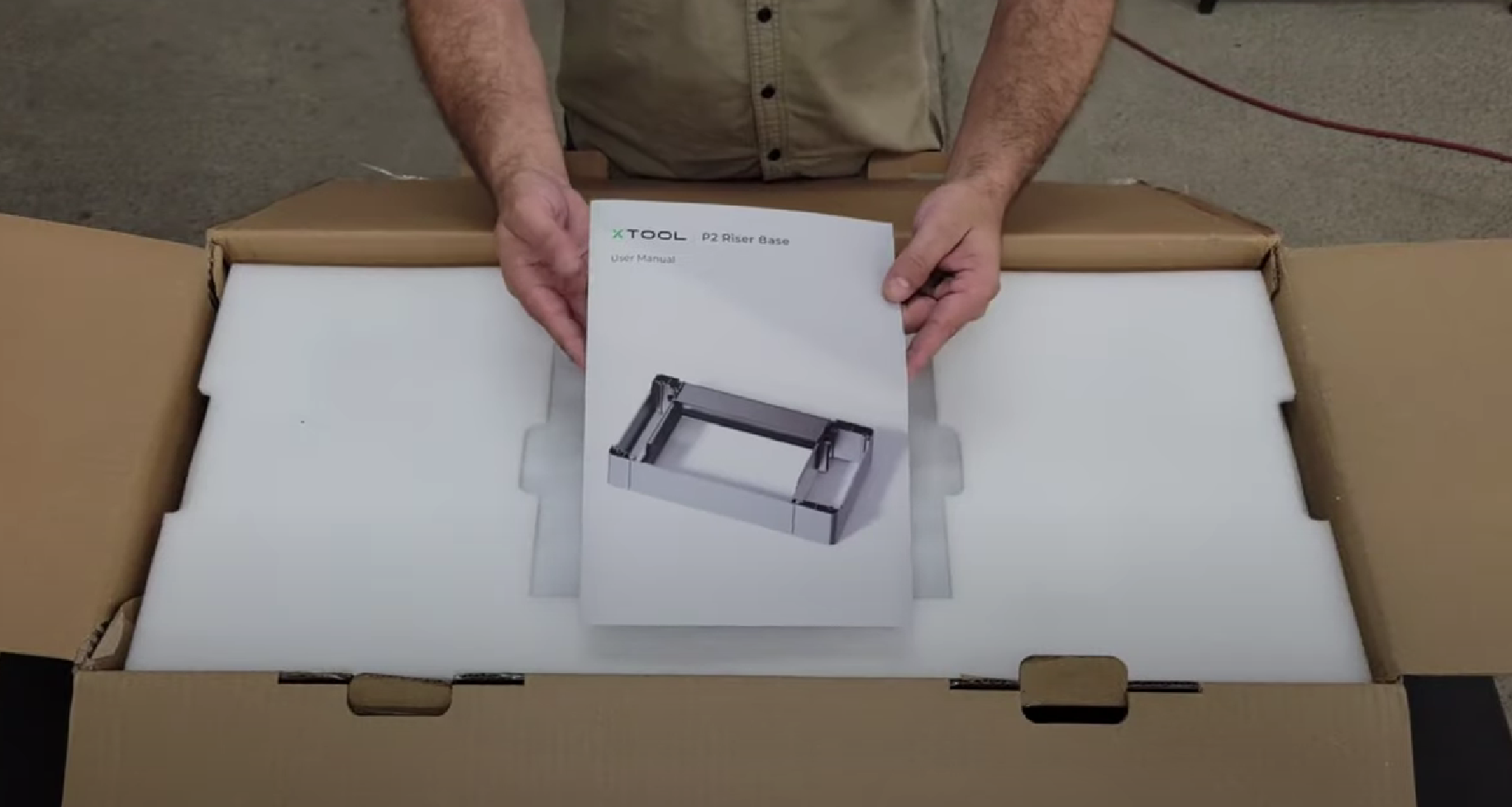
Upon opening the sizable and heavy xTool P2 box, users will find an array of tools and supplies, including screwdrivers and leads. The machine comes with a basic kit inside, featuring a small screwdriver, metal slats, clamps, a hose for the rear air duct, antifreeze, a funnel, and samples of wood, cardboard, and acrylic. Additionally, accessories such as the Smoke Purifier, Automatic Conveyor Feeder, Riser Base, and RA2 Pro may be included, each serving specific purposes that will be explored further in this review.
SETUP PROCESS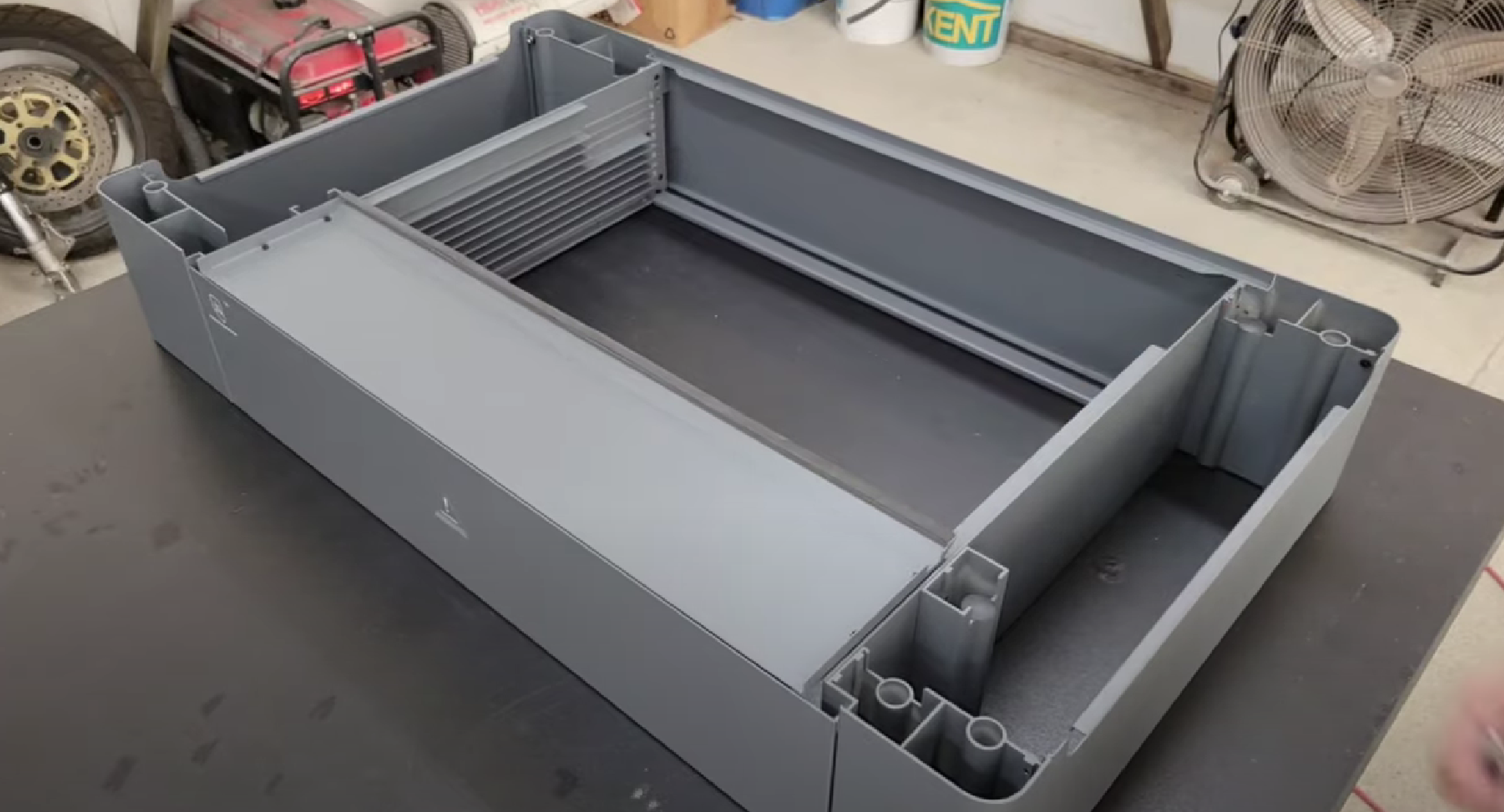
The xTool P2 presents a more intricate setup process compared to some other laser engravers. While the packaging is robust and secure, requiring users to dismantle and reassemble sections of the machine extends the setup time. However, this meticulous process provides users with a deeper understanding of the machine’s inner workings, a valuable aspect for users looking to make adjustments, add accessories, and maintain the device over time.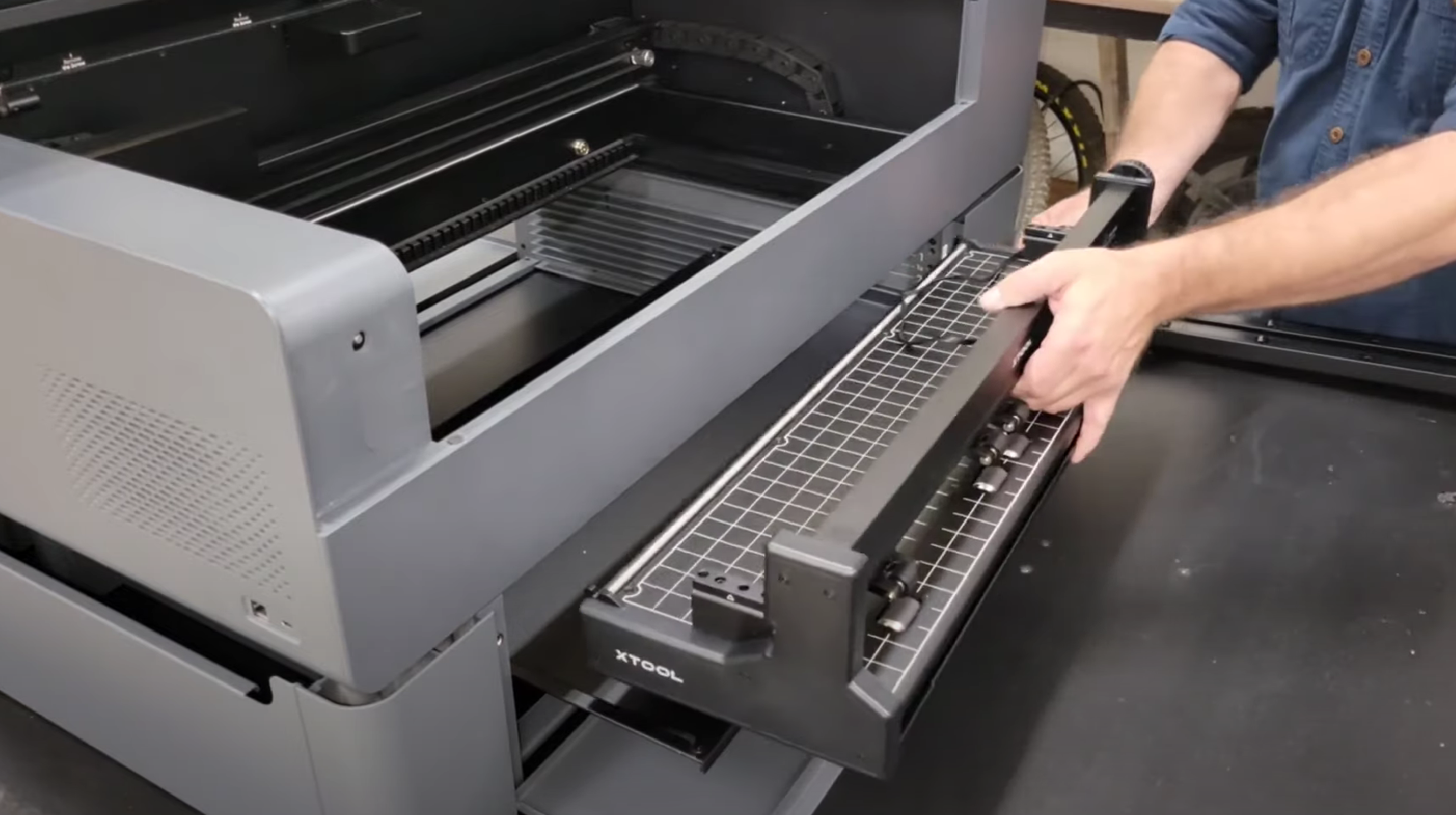
The full-color manual, combined with support from the app and website, facilitates a smooth onboarding process. Despite the slightly longer setup duration, the xTool P2’s comprehensive package ensures users have everything needed for a successful start.
DESIGN AND BUILD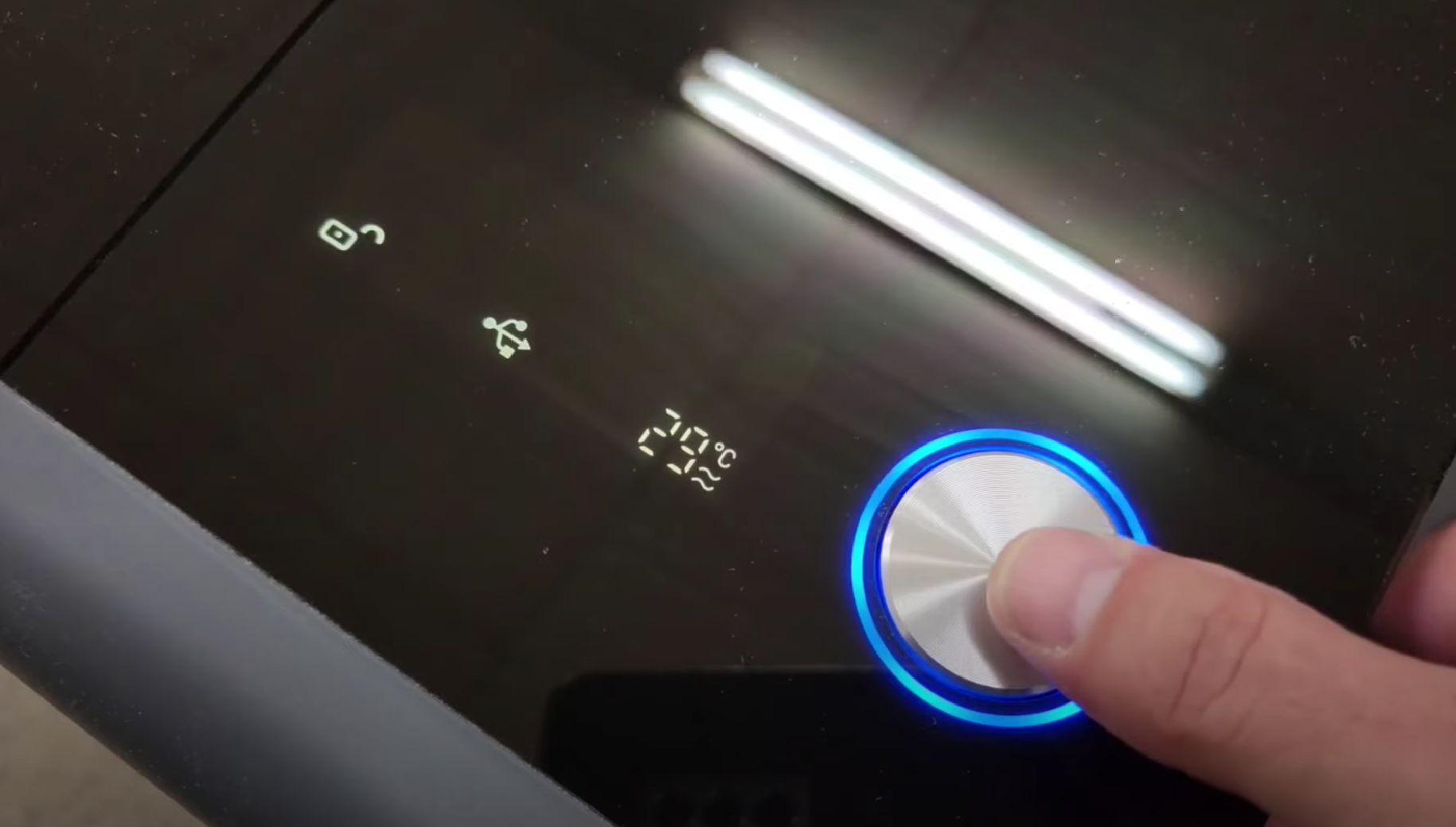
Constructed from thick aluminum and glass, the xTool P2 exudes a high-end, professional appearance. The fully enclosed design, featuring soft curved edges and a heavy tinted glass top with hydraulic hinges, contributes to the machine’s sleek and efficient aesthetic. Internally, the black metal construction houses a compact laser module that moves smoothly within the machine.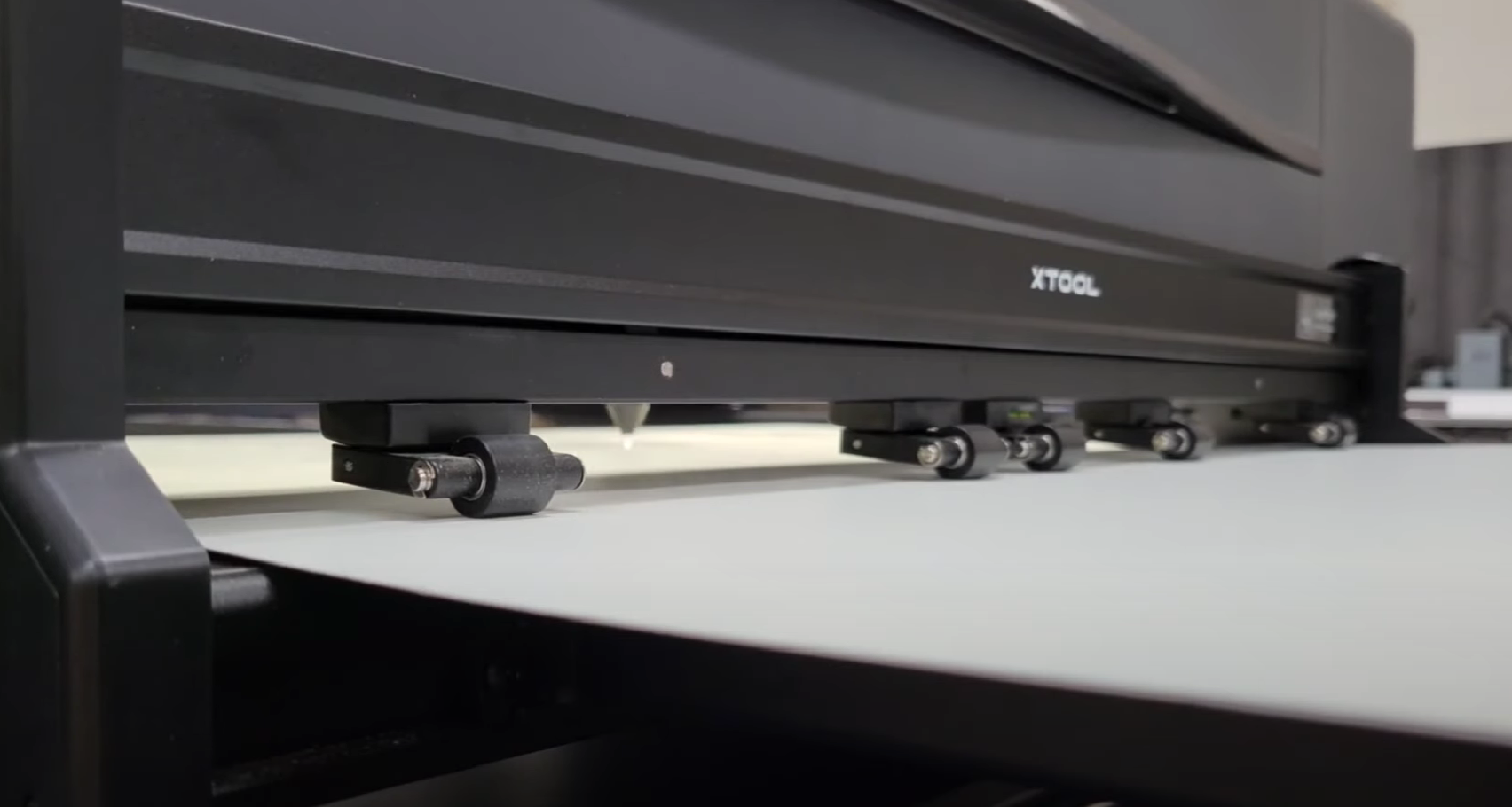
The 55W CO2 laser module, with a 0.01 beam for thin cutting and engraving speeds of up to 600mm/s, promises superior performance. The inclusion of two 16MP cameras enables accurate automatic positioning and image transmission to the software. Safety features, such as the built-in air assist and internal fan for debris removal, further enhance the xTool P2’s functionality.
THE XTOOL SOFTWARE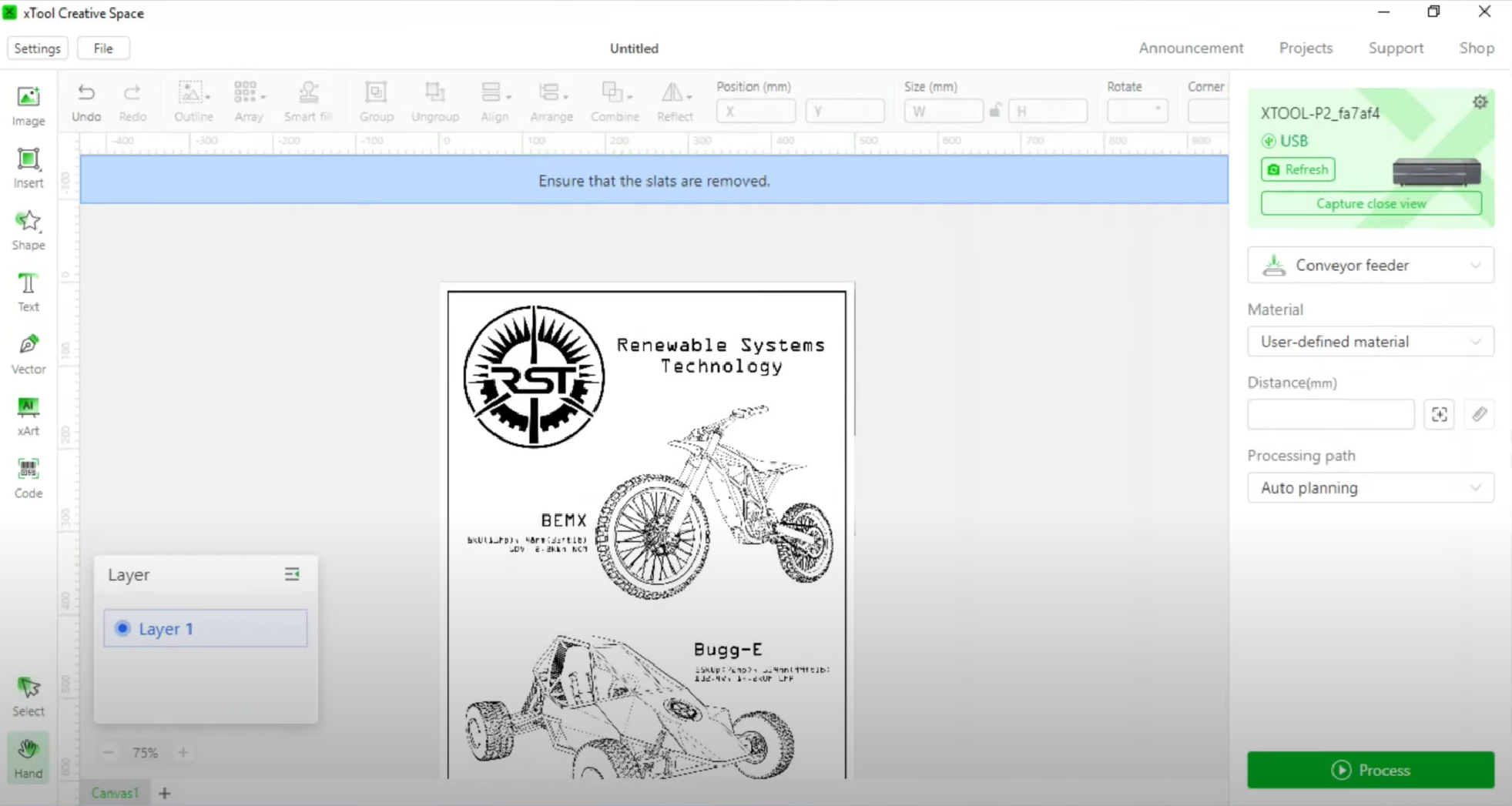
The xTool Creative Space app serves as the control hub for creating projects, uploading files, and utilizing the laser machine. Compatible with various operating systems, including iOS, iPadOS, Windows, Android, and ChromeOS, the app streamlines the user experience. While generally easy to use, some users may find certain aspects, such as the layers system and importing pre-made files, slightly challenging.
The app’s vector selections, ‘Path Planning Algorithm,’ and preset options simplify project preparation for cutting or engraving. Despite minor challenges on the iPad version, the app connects to the xTool community, allowing users to access projects, download files, and find inspiration.
PERFORMANCE AND USES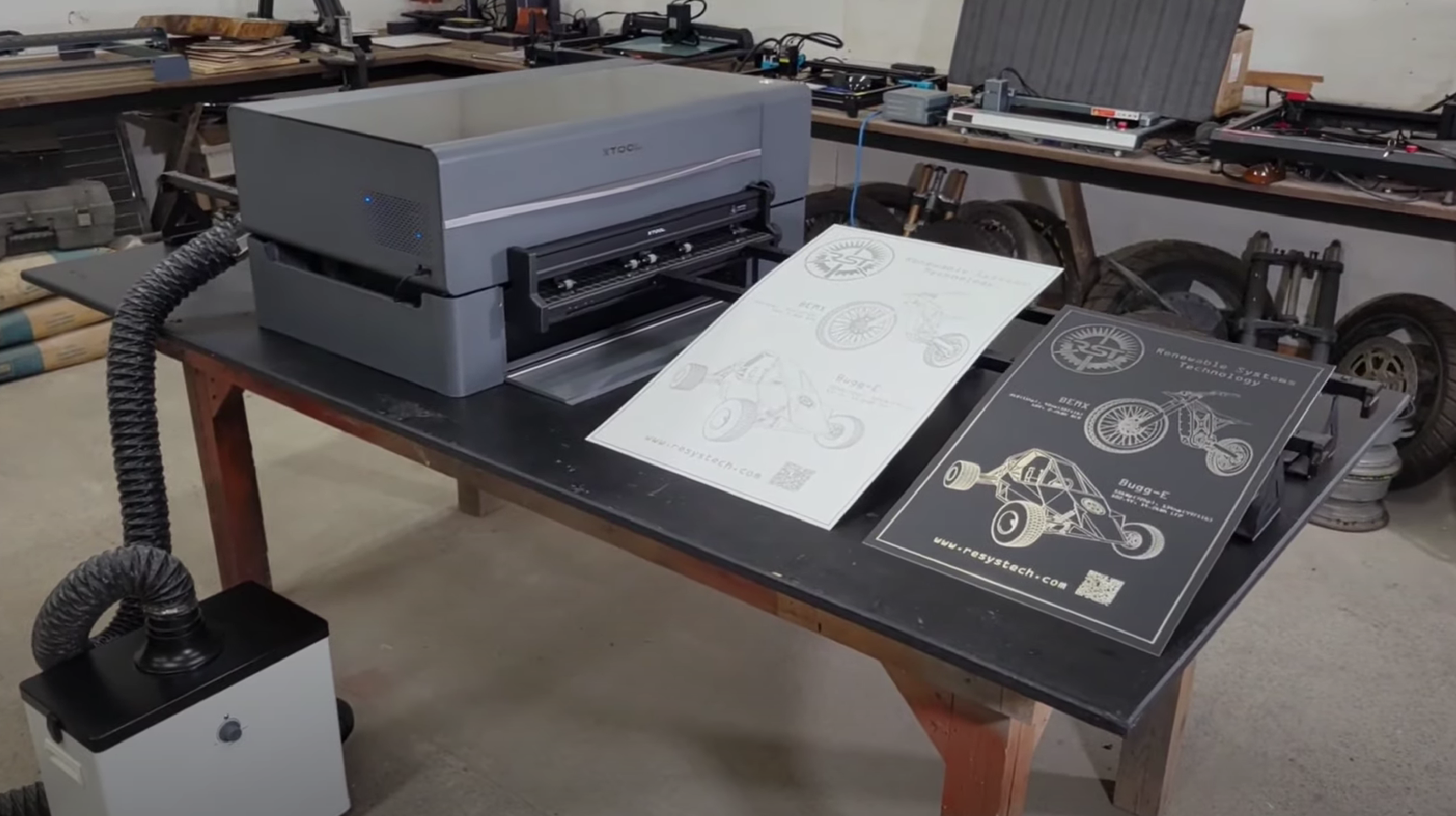
The xTool P2’s performance is driven by its capable 55W CO2 laser, which can cut through wood up to 18mm and engrave various materials, including acrylic and metal. The machine’s large workspace of 680 x 360 mm accommodates a wide range of craft projects, and its passthrough slot allows for the handling of longer materials.
The user-friendly app, paired with the accuracy of the cameras, facilitates a straightforward operation. While trial and error may be involved, xTool’s website provides valuable resources, including material recommendations and settings. The xTool P2 proves reliable and adaptable, delivering professional-level results suitable for small studios and crafters.
SAFETY FEATURES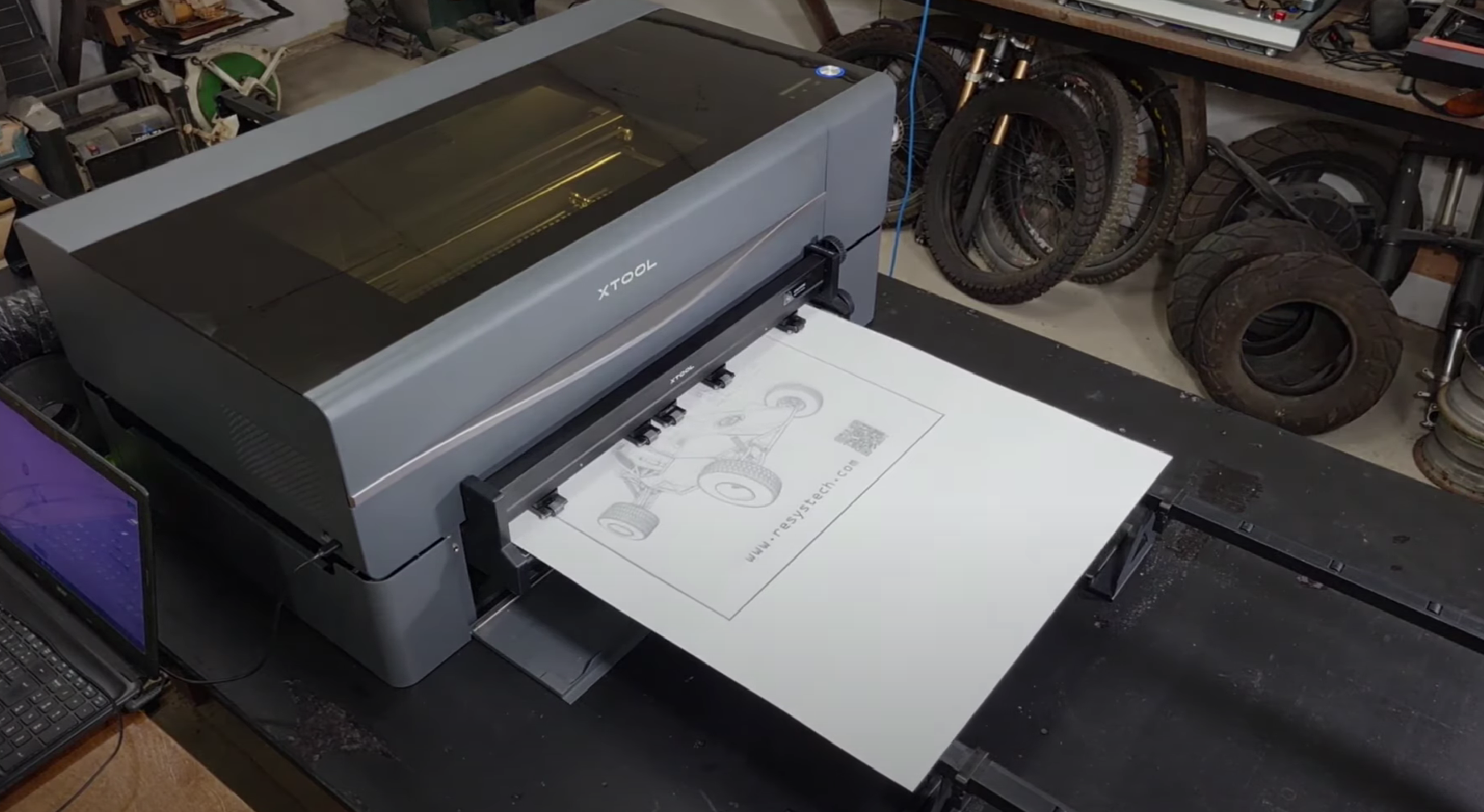
Safety remains a top priority for the xTool P2. The machine incorporates a lockable glass lid, automatic lid lock activation during operation, and a large red shutdown button at the rear for emergency situations. Additionally, users have the option to enhance safety with the xTool Fire Safety Set, an accessory that monitors the machine’s internal workings and triggers an alarm and extinguisher in the event of a fire.
ACCESSORIES
The xTool P2 offers a variety of optional accessories to expand its capabilities. Notable additions include the Smoke Purifier, RA2 Pro rotary engraver, Automatic Conveyor Feeder, and Riser Base. While not essential, these accessories contribute to the versatility of the machine, allowing users to customize their setup based on evolving needs and skill levels.
- Smoke Purifier: Priced at $999 / £669, this accessory cleans extracted smoke and debris, enhancing cleanliness and safety, especially when using the machine at home.
- RA2 Pro Rotary Engraver: Compatible with P2, M1, and D1 models, this $299 / £399 accessory enables engraving on cylindrical materials. Users need to purchase the Riser Base separately for proper use.
- Automatic Conveyor Feeder: Priced at $459 / £479, this device automates the feeding of longer materials through the passthrough slot, aiding small studios in mass production.
- Riser Base: Priced at $499 / £509, this accessory raises the machine’s workspace height, accommodating taller objects for engraving.
SHOULD I BUY ONE?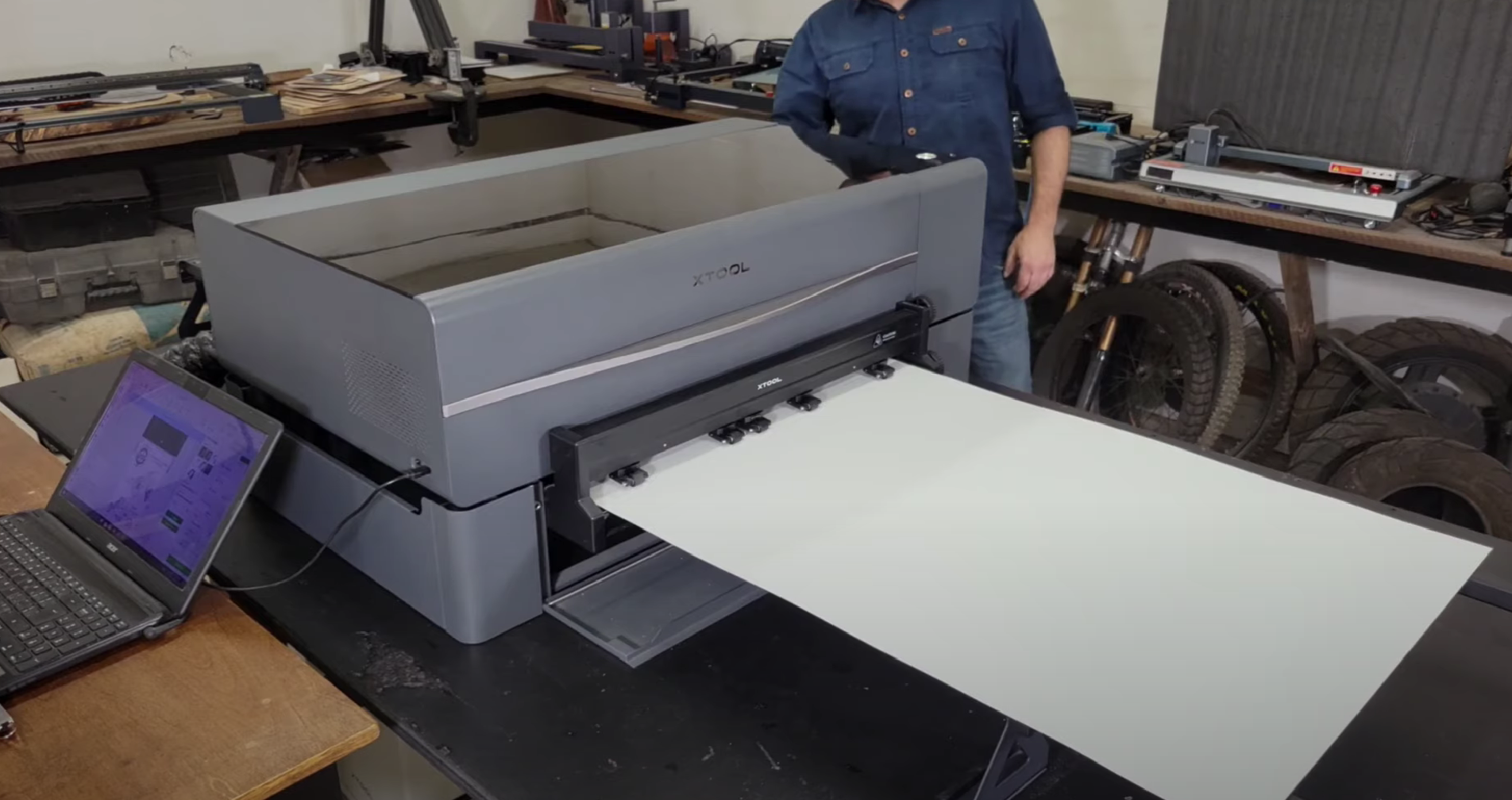
After six months of extensive use, the xTool P2 has proven itself to be a fantastic and reliable machine, addressing the needs of small studios and professional crafters. With a price tag of $4,999 / £4,799 (currently discounted by $500), it represents a premium investment for those in search of a powerful enclosed laser cutter and engraver. Take advantage of exclusive coupons: Get $50 off on orders over $500 using coupon code: IMPACT50 until May 31, 2024, and $80 off on orders exceeding $999 with coupon code: IMPACT80.
The xTool P2 stands out for its reliability, adaptability, and user-friendly design, catering to both beginners and experienced users. Although the setup process leans towards the manual side, the machine’s automatic focus and intuitive app contribute to a straightforward operation. The xTool P2’s versatility is evident in its ability to cut wood, engrave various materials, and tackle a range of craft projects.
However, prospective buyers should take into account the machine’s size and weight, necessitating a dedicated space and robust support. The xTool P2 closely competes with the Glowforge Pro, outperforming it with its 55W CO2 laser. For users not requiring an industrial-grade laser cutter, alternatives such as the xTool S1 or the Glowforge Aura may provide more budget-friendly options.
In conclusion, the xTool P2 stands out as one of the premier laser cutters and engravers for small studios and professional crafters. Its large size, substantial weight, and slightly more involved setup are counterbalanced by exceptional results, making it highly recommended for those in search of a high-performance laser machine with ample room for expansion and customization.
Read Also: xTool F1 Review: Unleash Your Creativity with the Fastest Portable Laser Engraver