




Facebook Twitter Instagram
    Trending
    • Honor WIN series new phones “Double Cup” officially Announced: Standard Version/RT, to be Released on December 26th
    • Xiaomi 17 Ultra Leica Special Edition phone will adopt a dual brand, and in overseas markets, it will be named Leitzphone
    • Honor Play 60A mobile phone has appeared on the official website: equipped with the Dimensity 6300 processor at 1,599 yuan
    • The internal test activity of Background Stacking Arrangement style of Xiaomi’s HyperOS 3 has been Exposed
    • BlitzWolf BW-S32 130W 5-in-1 USB PD Digital Display Charger Review-Comprehensive Power for All Your Devices
    • BlitzWolf BW-S32 130W 5-in-1 USB PD Digital Display Charger Review-Comprehensive Power for All Your Devices
    • Ridstar Q20 Electric Bike Review-Power, Comfort & All-Terrain Capability
    • ABBREE AR-880 10W DMR Dual Time Slot Digital Walkie Talkie Review-A Powerful Two-Way Radio for Modern Communication
    Facebook YouTube
    Login Register
    IGeeKphone China Phone, Tablet PC, VR, RC Drone News, Reviews
    • HOME
      • NEWS
        • DeepSeek
        • ChatGPT
        • Minecraft
    • Amazon
    • CHRISTMAS
    • PHONE
      • Top Phones For Your First Choice
      • Phone Comparison
      • Xiaomi
      • Blackview
      • Unihertz
      • Doogee
      • Black Shark
      • Geekbuying
      • Banggood
      • TEMU
      • TikTok
      • Aliexpress
      • Walmart
      • Newegg
      • MercadoLibre
      • Lazada
    • TOP VAPE Awards for 2025
    • VAPES
      • E-CIGAR Upcoming
      • Vape News
      • Vape Market Trend
      • Vape Deals
      • Expo News
      • Vape Comparison
      • Vape Guide
        • Guide For Beginners
        • Guide for Best Users
      • Giveaway
    • BEST VAPE
      • Best Vape Stores
      • Best Starter Vape Kits
      • Best Vapes for Beginners
      • Best Disposable Vapes
      • Best Pod Systems
      • Best Pod Mod Vapes
      • Best Mods
      • Best Nicotine Pouches
      • Best Clearomizers/Tanks
      • Best E-Liquid
      • Best EGO/Pens
      • Best Vapes for Nic Salt E-Juice
      • Best Vapes to Quit Smoking
      • RDA vs. RDTA vs. RTA
    • Best Vape Brand 2025
      • VAPORESSO
      • VOOPOO
      • OXVA
      • NEXA BAR
      • ORIONBARTECH
      • MASKKING VAPE
      • VEIIK
      • MEMERS
      • SP2S
      • JNR
      • TODOO
      • MRFOG
    • REVIEW
      • E-cigar Review
      • Phones
      • Tablet PC
      • TV Box
      • RC Drone
      • Wearables
      • Camera
      • Accessories
      • VR Headset
    • MORE
      • 3D PRINTER
        • 3D Printer Review
        • Anycubic
        • FLSUN
        • Xtool
        • LONGER
        • Top 3D printer to Choose First
      • TREND
      • CLOTHES
      • AUTO CAR
      • POWER STATION
        • Oukitel
        • FOSSIBOT
      • GAMING
        • Top Gaming Products
      • E-BIKE
        • Samebike
        • Happyrun
        • ENGWE
      • TABLET
        • Chuwi
        • INNOCN
        • Teclast
        • Top Tablet for Your First Choice
        • Tablet/Laptop Comparison
      • WEARABLES
        • OneOdio
        • BlitzWolf
        • Top Smartwatch for First Choice
      • SMART HOME
      • TV BOX
        • Chuwi mini pc
        • Beelink
        • GMKTEC
        • MOREFINE
      • RC DRONE
        • DJI
        • MJX
        • JJRC
        • Hubsan
        • Top RC Drone
      • CAMERA
        • Gopro
        • Insta360
        • Andoer
      • ACCESSORIES
      • VR HEADSET
      • ROM
        • SAMSUNG
        • XIAOMI
        • ASUS
        • MEIZU
        • LENOVO
        • HUAWEI
        • ONEPLUS
        • ZTE
        • UMIDIGI
        • DOOGEE
        • HOMTOM
        • ELEPHONE
        • ULEFONE
        • BLACKVIEW
        • VERNEE
        • LEAGOO
        • CHUWI
        • TECLAST
        • PIPO
        • TV BOX ROM
    • DEAL
    • Shop
    IGeeKphone China Phone, Tablet PC, VR, RC Drone News, Reviews
    You are at:Home»Guide»7 Ways to Prevent a Smartphone Data Breach
    Guide

    7 Ways to Prevent a Smartphone Data Breach

    Brady CottonBy Brady CottonSeptember 30, 2022
    Facebook Twitter Pinterest LinkedIn Tumblr Email

    In this article, we’ll take you through the seven ways in which you can prevent a Smartphone data breach.

    These days, the majority of us keep our lives in our Smartphones. We use them for everything, from keeping in touch to shopping to doing our banking, without really thinking of security issues.

    While this offers a hugely convenient way of getting things done, it also unfortunately offers cybercriminals chance to steal data. Mobile data leakage can be disastrous for a person; it could cause credit issues and even lead to identity theft.

    If you’ve been a victim of a security breach on your phone you would need to seek advice from GDPR solicitors to know if you can make a claim or not. In this article, we’ll share our seven ways to prevent a Smartphone data breach and keep your information safe.

    What is a Smartphone Data Breach?

    This occurs when somebody, either accidentally or deliberately, accesses somebody else’s Smartphone. In doing so, they may then be able to gain access to personal information such as addresses, contacts and financial information such as bank account numbers and credit card details.

    Sometimes hackers will gain access to Smartphone data in order to commit identity fraud whereby they may, for example, illicitly gain credit through somebody else’s details.

    How to Prevent Smartphone Data Breaches
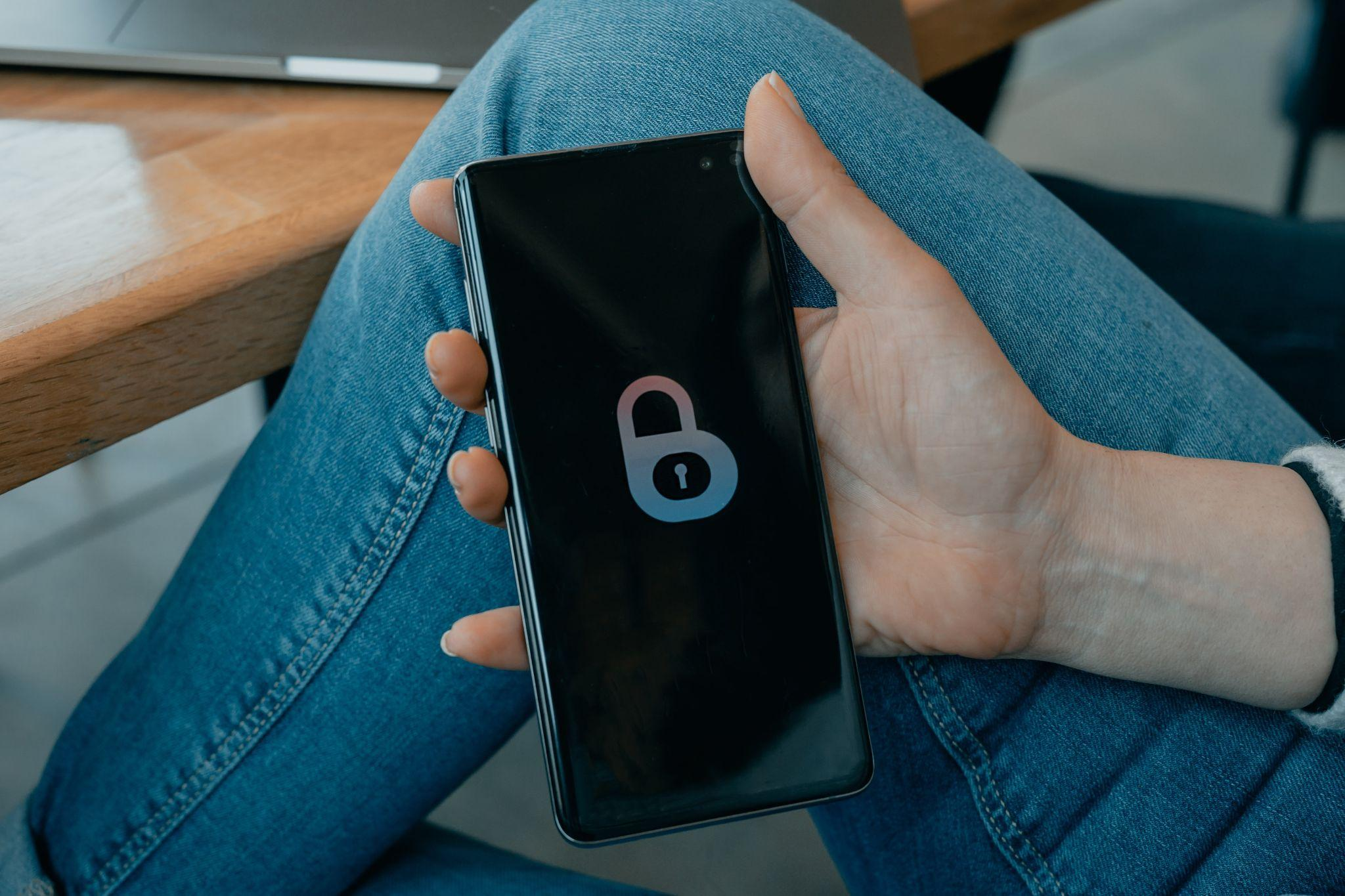
    There are a number of ways in which you can protect your data and, some of these are:

    1. Keep Your Phone Updated

    Keeping your phone updated is just one way to make sure your phone has the best security protection. If you don’t keep your phone up to date, there’s a chance that it might have compromised privacy and security settings.

    When security settings aren’t up to date, this can allow cybercriminals to gain access to your data. Frequent updates mean security flaws and bugs are addressed meaning you have a more robust system to help prevent data leaks.

    2. Bluetooth

    Bluetooth is a feature on electronic devices which allows for the easy sharing of information between friends, family and colleagues. Unfortunately, it also allows for fairly easy access to your phone for criminals. Get into the habit of turning off Bluetooth on your phone when you’re not using it to help keep your data safe.

    3. Auto lock

    Most phones have the option of using auto lock which, as the name suggests, automatically locks your phone after a predetermined amount of time after use. Keeping auto lock on is a good habit to get into to help keep prying eyes away from your information.

    4. Passwords

    You may be tempted to allow your phone to save passwords for sites and apps which you use on a regular basis, but this is not a great idea as it offers an open door to cybercriminals. Although it may take a few seconds longer, entering passwords manually is a much safer option.

    While we’re on the subject, it’s also sensible to change your passwords periodically to keep your data secure.

    5. Downloads

    Although downloading videos and other content can help with the tedium of a long journey or wait, it can also allow cybercriminals to plant viruses into your phone in order to get hold of your data. Try to limit the content that you download and only do so from reputable sites.

    6. GPS
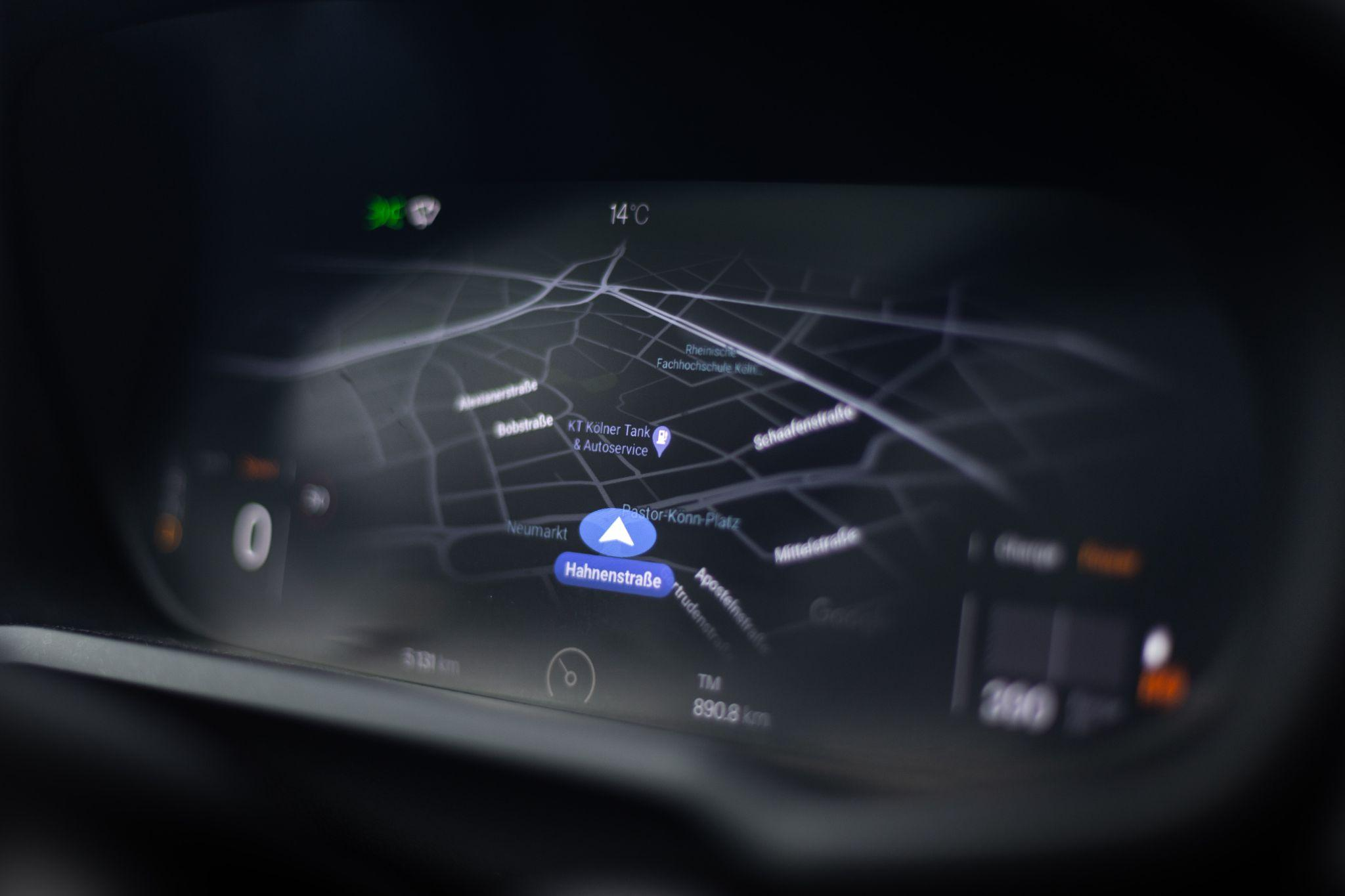
    GPS can be a lifesaver when you need a late-night Uber but, try to avoid keeping this on all the time to avoid giving the green light to hackers during your journeys. As well as closing the door to cybercriminals, turning off GPS is also a habit to get into for personal safety.

    7. Remote tracking

    A lot of people don’t know this but, most Smartphones have a remote tracking feature which allows you to lock your phone and even erase your phone’s data in the event that it is stolen. It’s a really good idea to familiarise yourself with this feature as it may prove invaluable in allowing you to act quickly if your Smartphone goes missing.

    By allowing you to remove the data, you’ll be able to protect your information, meaning that the only hassle that you will have been, of course, replacing the phone itself. If your phone doesn’t already have this, you can download and install it on your phone.

    Preventing a Smartphone Data Breach

    If you’ve ever lost your Smartphone, even temporarily, you’ll know the sense of panic that sets in when you realise how much you rely on it. These devices not only make things more convenient but can also, in some cases, save lives, whether it’s calling for an ambulance or grabbing an Uber when you don’t know where you are.

    Following the tips in this article can significantly help in keeping your data safe and minimise chances of malware attacks and give you peace of mind about the data you keep stored on your phone.

    Share. Facebook Twitter Pinterest LinkedIn Tumblr Email

    Related Posts

    What is Certificate-Based Authentication?

    Improving Electronics Production: The Role of Effective Labeling

    How To Turn On An Unresponsive Mac more effectively

    Comments are closed.

    voopoo drag s3
    oxva slim stick
    sp2s sen x disposable vape
    jnr 100k
    • Popular
    • 3D Printer REVIEW
    • XIAOMI
    December 9, 2025

    OXVA Xlim Go vs. OXVA Xlim Go 2: Hands-On Review

    December 9, 2025

    OXVA XLIM PRO 3 VS XLIM PRO 2 Review: Hands-on Comparison

    December 9, 2025

    OXVA XLIM 3 Ultra vs. XLIM Pro 2 DNA Review: Hands-on Comparison

    December 8, 2025

    OXVA XLIM SQ PRO 2 vs XLIM SQ PRO Hands on Comparison Review

    June 23, 2024

    ACMER P2 20W Laser Engraver Fixed Focus Engraving: Hands on Review

    May 30, 2024

    xTool F1 Ultra Review: World’s First 20W Fiber & 20W Diode Laser Engraver

    May 30, 2024

    Anycubic Kobra 3 Combo Review: The Multicolor Masterpiece?

    May 15, 2024

    SCULPFUN SF-A9 40W Laser Engraver Cutting Machine: Hands On Review

    December 17, 2025

    Xiaomi 17 Ultra Leica Special Edition phone will adopt a dual brand, and in overseas markets, it will be named Leitzphone

    December 17, 2025

    The internal test activity of Background Stacking Arrangement style of Xiaomi’s HyperOS 3 has been Exposed

    December 15, 2025

    Xiaomi 17 Ultra has not been officially announced yet. Mi fans are exclaiming that Xiaomi’s confidentiality measures are too strict

    December 15, 2025

    The Christmas watermark of Xiaomi’s Hyper OS 3 will start to be rolled out in a limited scale this middle of the week: 3 formats and 9 styles

    fc 26 coins
    New Arrivals
    • OXVA ARTIO 2 Battery Device 900mAh OXVA ARTIO 2 Battery Device 900mAh
    • Lost Vape Centaurus Ori 35 Pod System Kit Lost Vape Centaurus Ori 35 Pod System Kit
    • Oxbar Maglink 50K Disposable Vape Oxbar Maglink 50K Disposable Vape
    • Hellvape Vsee Now Pod System Kit Hellvape Vsee Now Pod System Kit
    • Hellvape Vsee One Pod System Kit Hellvape Vsee One Pod System Kit
    • JOOZY PRO 30K DISPOSABLE KIT JOOZY PRO 30K DISPOSABLE KIT
    • Vivo S50 smartphone Vivo S50 smartphone
    • Arc Hypertine 35K Zero Nicotine Disposable Vape Arc Hypertine 35K Zero Nicotine Disposable Vape
    • Oppo Reno 15c Oppo Reno 15c
    About
  • Igeekphone.com provides the first global tech news and reviews about smartphone, vapes, e-cigar, smart home, 3D printers, e-bike,tablets, RC drones, VR headset, and other accessories. It's the best platform to improve your brand and product.
  • Contact us: info@igeekphone.com
  • Check Our Privacy Policy Here.
  • Note: *Right now we have US editor and EU editors for review, especially for Amazon US and EU.
  • *Shop and Compare Price Here*
  • Facebook
  • Youtube
  • OUR BEST VAPE PARTNERS
  • VAPE ONLINE STORE
  • HAYATI PRO MAX PLUS
  • VAPORESSO
  • VOOPOO
  • OXVA
  • NEXA
  • MASKKING
  • LOSTVAPE ORIONBAR
  • VEIIK
  • MEMERS
  • TODOO
  • SP2S
  • JNR
  • OTHER BEST PARTNERS
  • SVBONY
  • Chuwi
  • Blackview
  • Fossibot
  • Unihertz
  • Flsun
  • Anycubic
  • Xtool
  • Oukitel
  • Mukkpet Ebike
  • Ugreen
  • Copyright © 2025 igeekphone

    Type above and press Enter to search. Press Esc to cancel.