










Igeekphone News, August 6th: Apple today pushed out the iOS/iPadOS 26 Developer Preview Beta 5 update (internal version number: 23A5308g) to iPhone and iPad users. This update comes 14 days after the last release of the Beta/RC.
Igeekphone checked media reports and attached the content of this update as follows:
Camera Application
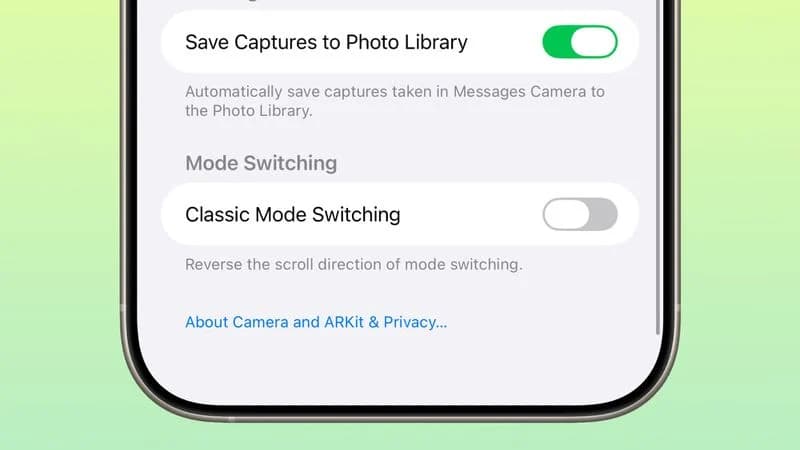
The camera app has added a “Classic Mode” switch, allowing users to switch the scrolling direction of the mode using the operation habits of the old version.
Email application
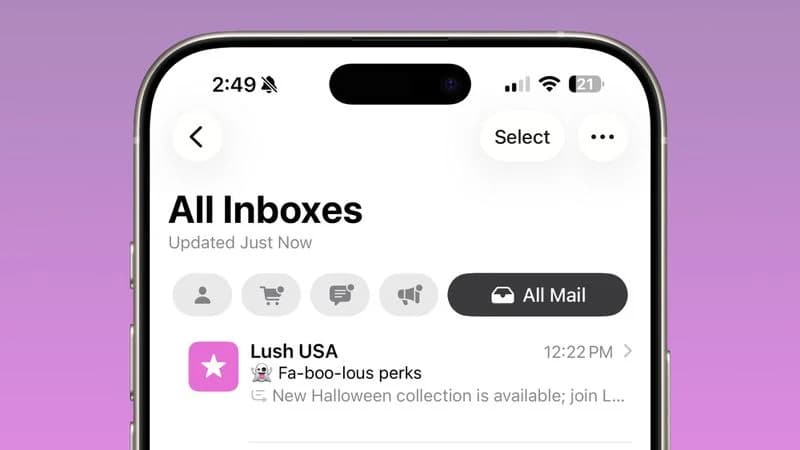
In the email application, the “Select” button has been moved out of the “More” menu and displayed permanently to enhance accessibility.
Airdrop
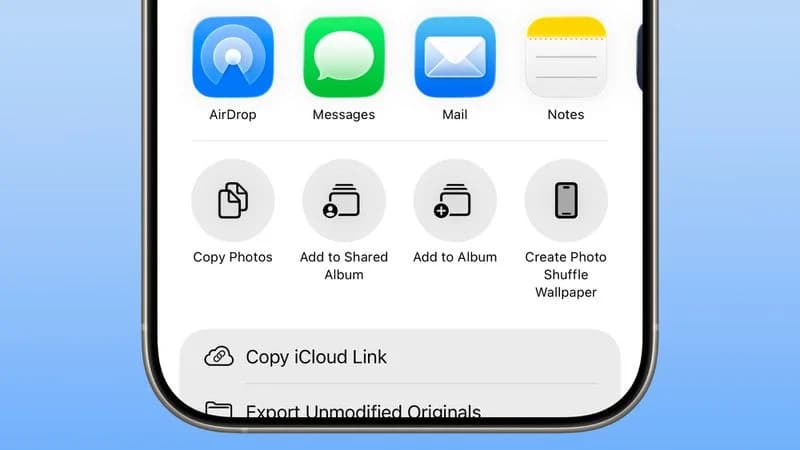
Apple has updated the Airdrop icon in the Share menu with a brand-new style, making it easier to recognize.
Lock screen
When entering the password on the lock screen interface, the numbers will present a jumping animation, and there will also be a new animation effect when playing music.
Control Center
In terms of the control center, a new bouncing transition animation has been added after sliding to switch pages.
The Wi-Fi icon in the control center
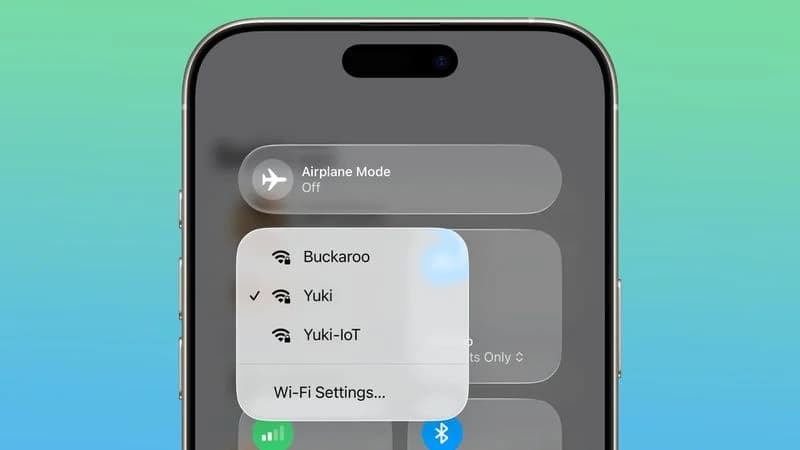
When you long press the Wi-Fi icon, if the network is public or private, there will be a clear marking on the interface. If the network is password-protected, a lock-shaped symbol will be displayed next to the Wi-Fi icon.
Travel function
The travel function has added predictive Siri prompts, which can identify the user’s upcoming travel behavior and provide suggestions for cellular network connections when leaving the country.
Wallet App
In the wallet application, the original “Pay” button of Apple Card has been updated to “Pre-Authorized Payment”, further clarifying the operational intention.
Startup interface (Splash Screens)
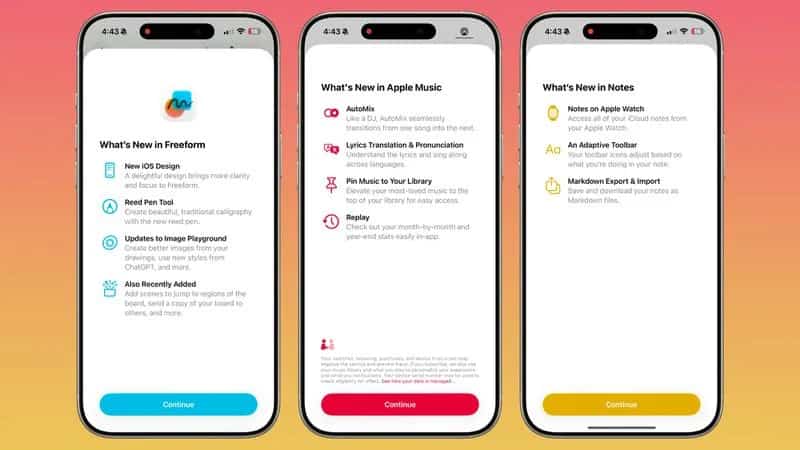
In terms of the startup interface, more applications now support splash startup animations in the style of iOS 26, making it convenient for users to understand the new features.
Battery
Apple’s battery optimization reminder: When the battery level drops below 20%, the system will pop up a low battery prompt through the “Dynamic Island”.
Dock bar
The visual effect of the Dock bar has been updated. The edges of the liquid glass are wider and the sense of layering is stronger.
Fitness
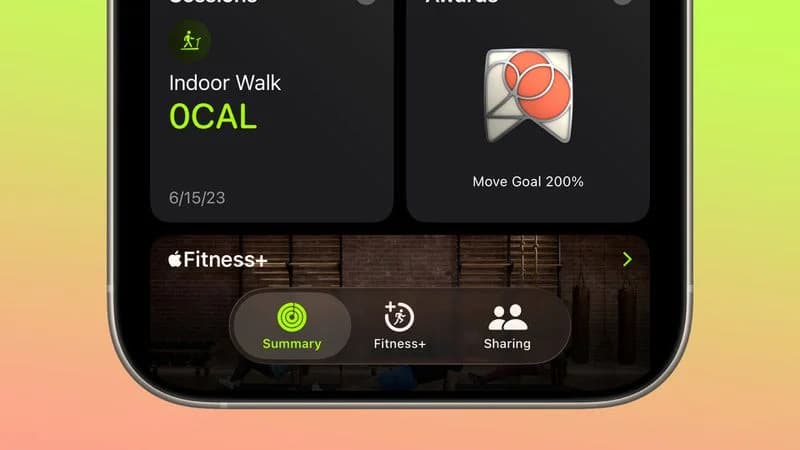
The Fitness+ service icon in the fitness App has been redesigned.
App Store
In the App Store, when users download updates in batches, they can set “Priority download” for specific applications by long-pressing.