









Just a few days back, we got the Epomaker Galaxy68 from Epomaker, a compact 67-key + knob that focuses entirely on aluminum construction, RGB atmosphere, and a lot of attention to sound. It’s the latest addition to Epomaker’s Galaxy line, the one designed to give a creamy sensation under your fingers without having to go crazy with heavy modding from day one. We did a review of it, let’s check it out!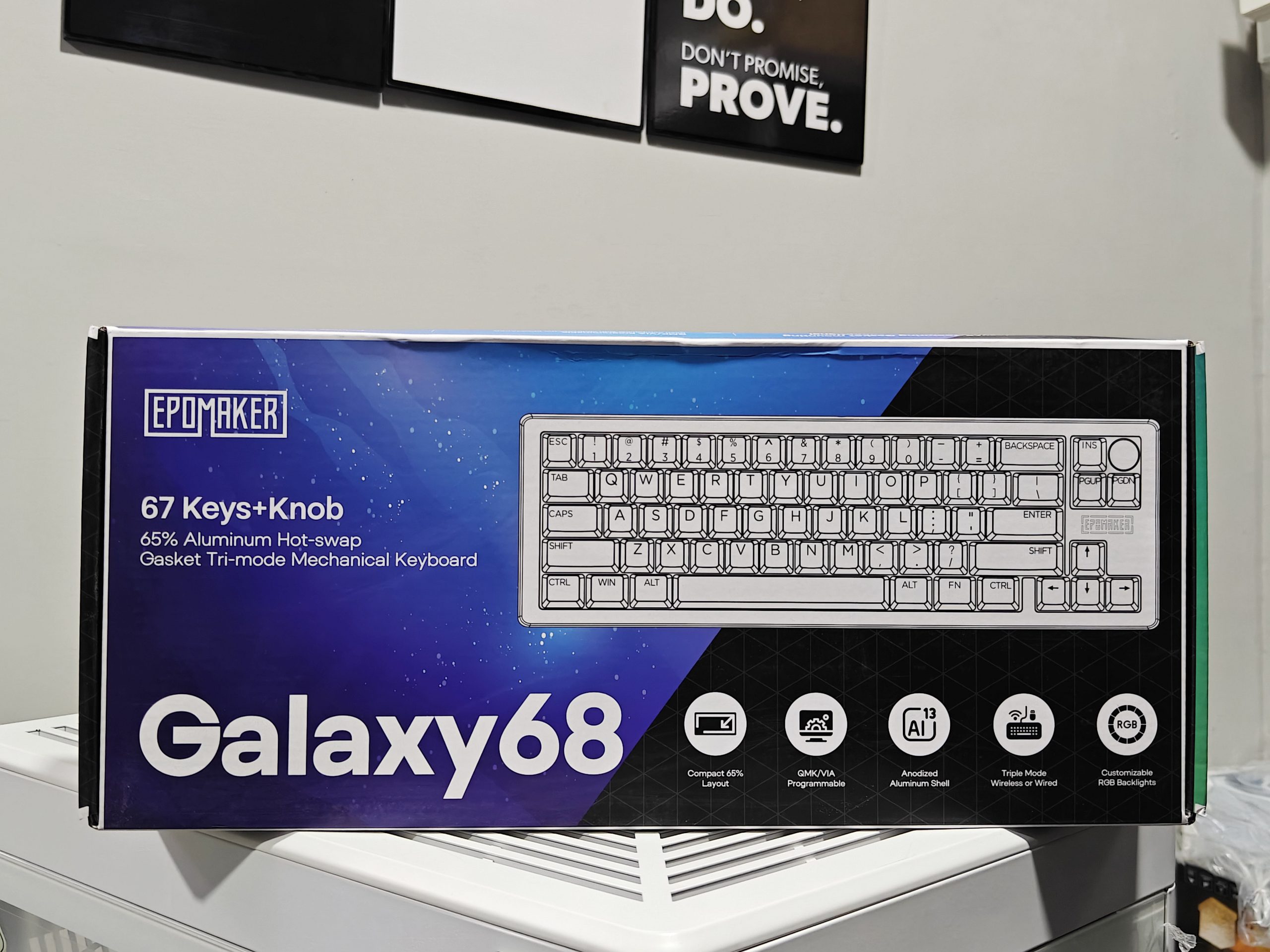
Unboxing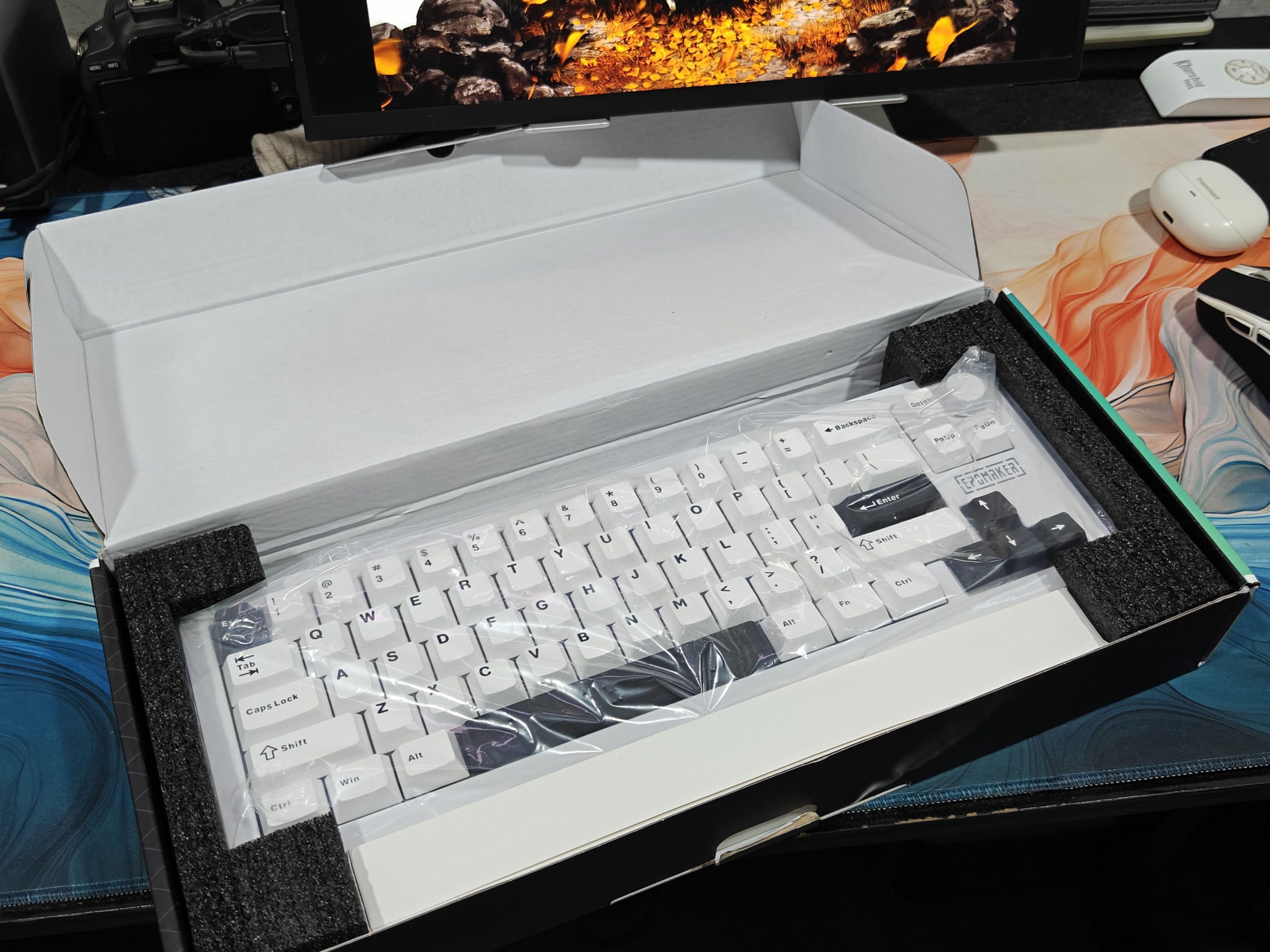
The box design doesn’t try to dazzle with flashy colors: the focus is entirely on the product, and you immediately realize you’re holding something a step above the usual compact plastic keyboards. Inside, we find the essentials but also a few welcome extras.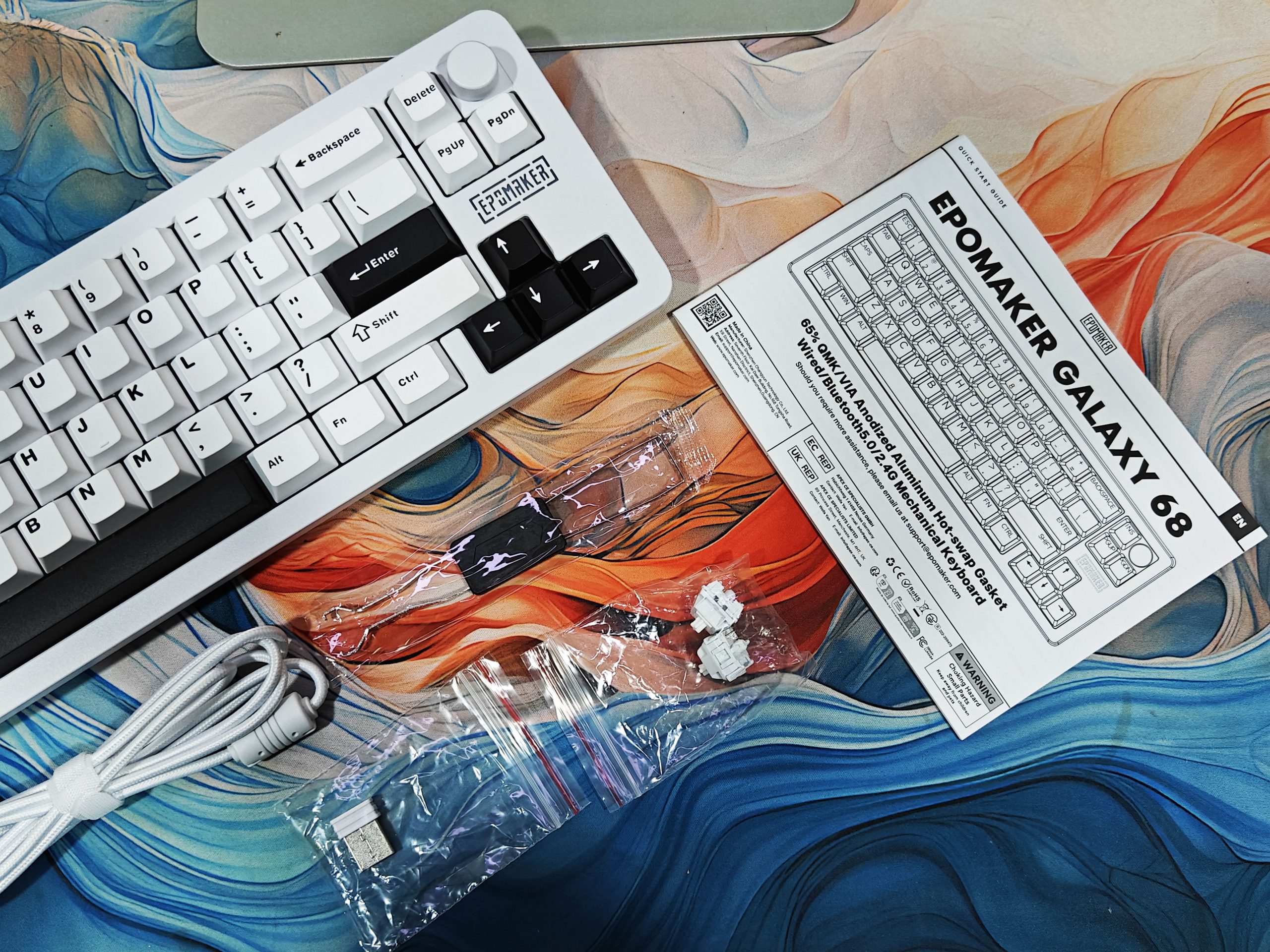
Inside the box, we find the keyboard ready for use, protected by a simple transparent plastic packaging designed for transport. There is no hard dust cover to keep it on the desk when not in use.
Component inside the Box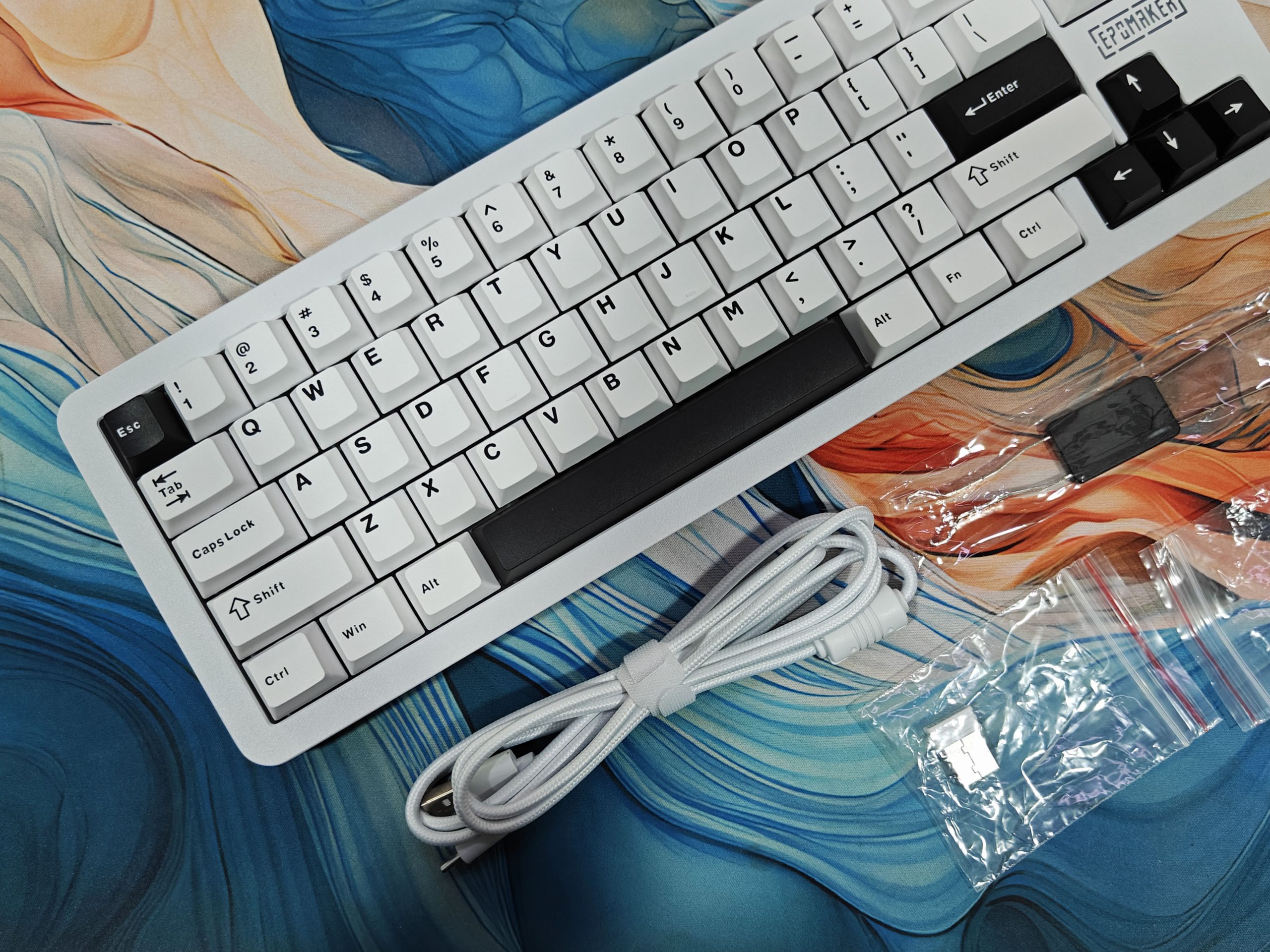
- Braided USB-C cable
- 2-in-1 Tool
- 2.4GHz USB Dongle
- 2 extra switches
- Quick Paper Guide
Design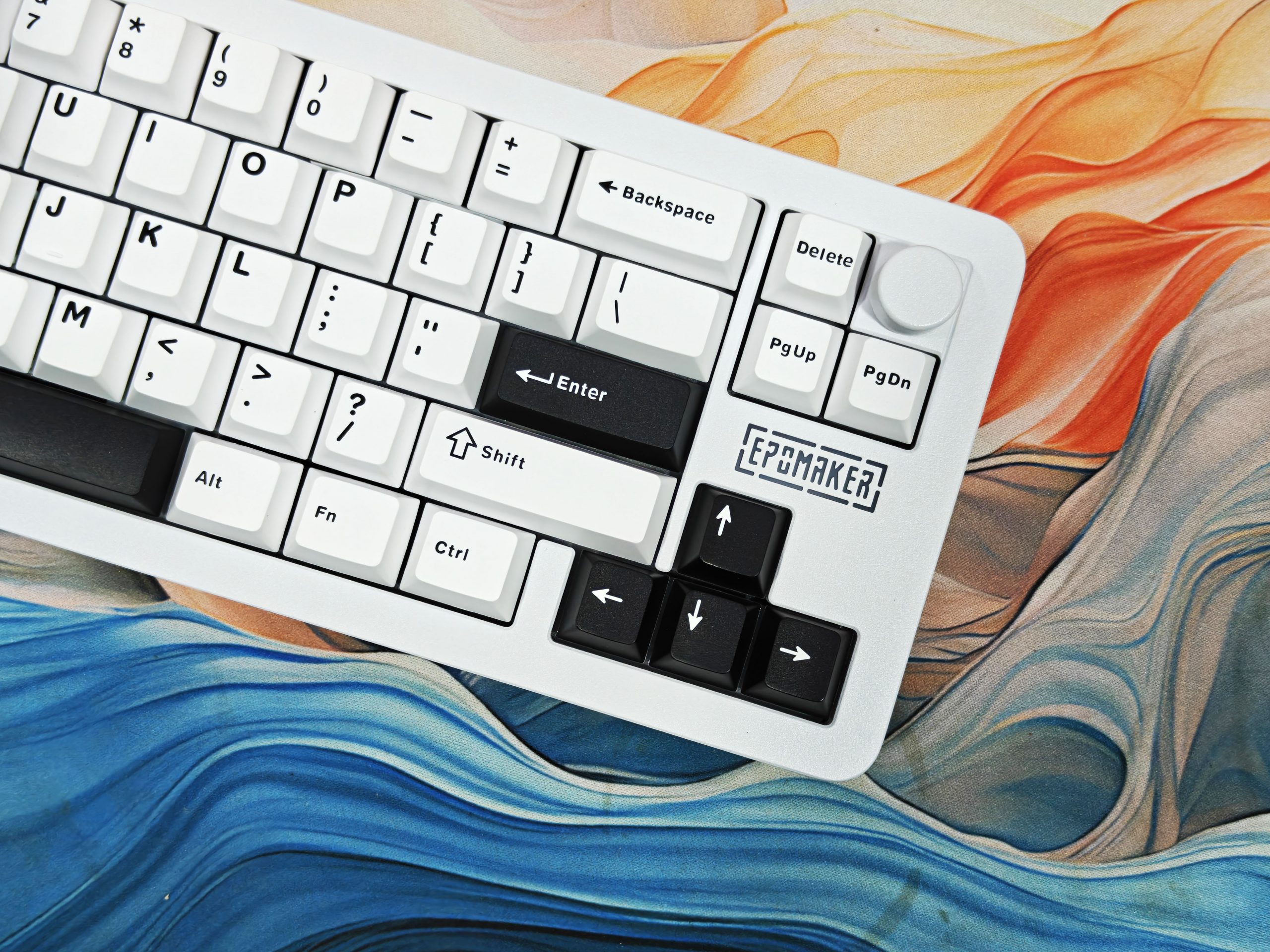
The Epomaker Galaxy68 has the kind of presence you’d expect from a 1.25kg powder-coated aluminum chassis: it sits there and doesn’t move. The metal knob adds a premium touch and quickly becomes indispensable for volume. The ” Galaxy ” aesthetic combines a backlit logo, side RGB trim, and south-facing main backlighting: the result is spectacular in the dark without looking like a “Christmas tree.”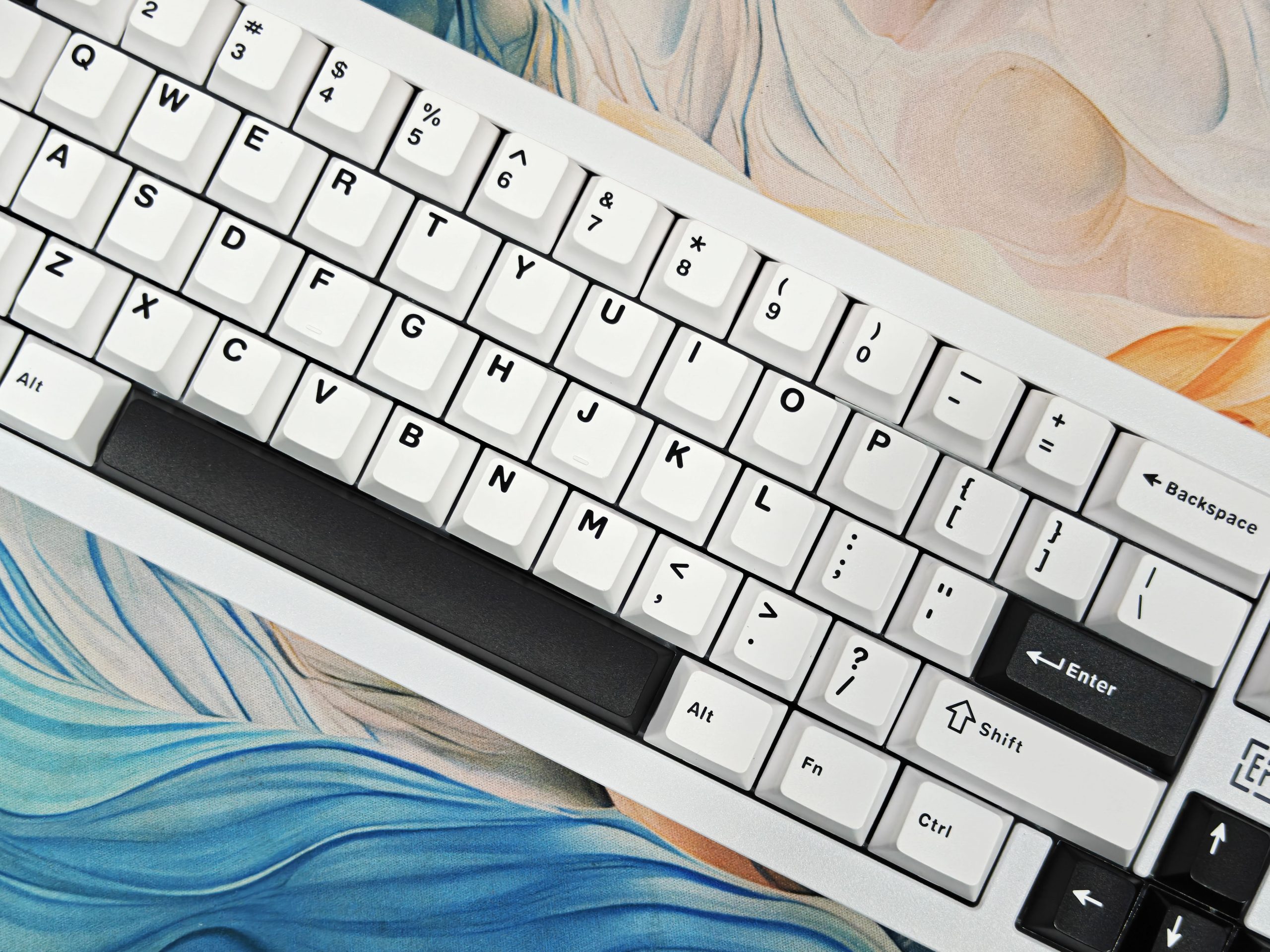
There are two details to be aware of, however. First, the textured paint is attractive but leaves a mark if you mistreat it. Second, there’s no slot for the 2.4 GHz dongle in the chassis: a bit lack of a keyboard designed to be “on-the-go.”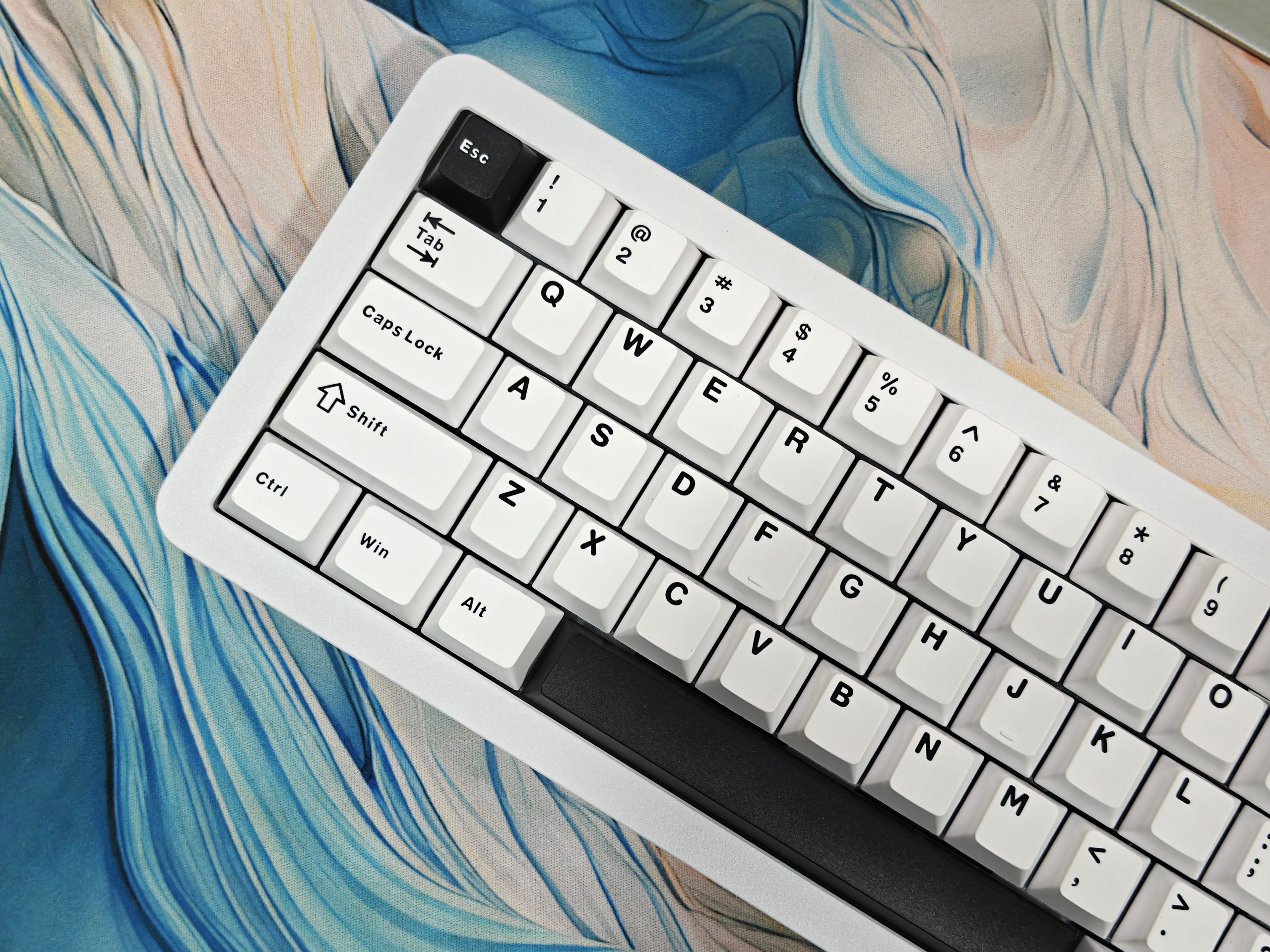
Inside the keyboard, it’s gasket-mount with flex cuts in the PC plate and the PCB, and a stack of dampers (IXPE, PORON, PET, bottom foam). Result: a soft and stable strike, without parasitic ping, with a controlled rebound. The pre-lubricated plate-mount stabs are above average out of the box: no annoying rattle on entry and space.
Switches
- Marble White (5-pin linear, factory-lubed): ≈42g actuation, 47g bottom-out, 3.5mm travel, no LED diffuser. Very smooth, fast, light feel. Great in-game, but I made more typos at first.
- Wisteria (5-pin linear, factory-lubed): ≈45/62 g, 3.6 mm stroke, with diffuser. Hits a bit firmer, more matte/creamy signature.
The 3/5-pin hot-swap makes it easy to iterate if you want your own recipe (HMX, Gateron North Pole, Akko Cream Yellow, etc.). The Cherry profile double-shot PBT keycaps hold up: nice grain, clean legends, no shine-through (logical with opaque double-shot), and color accents on some caps of the Black/Green model are very successful.
Battery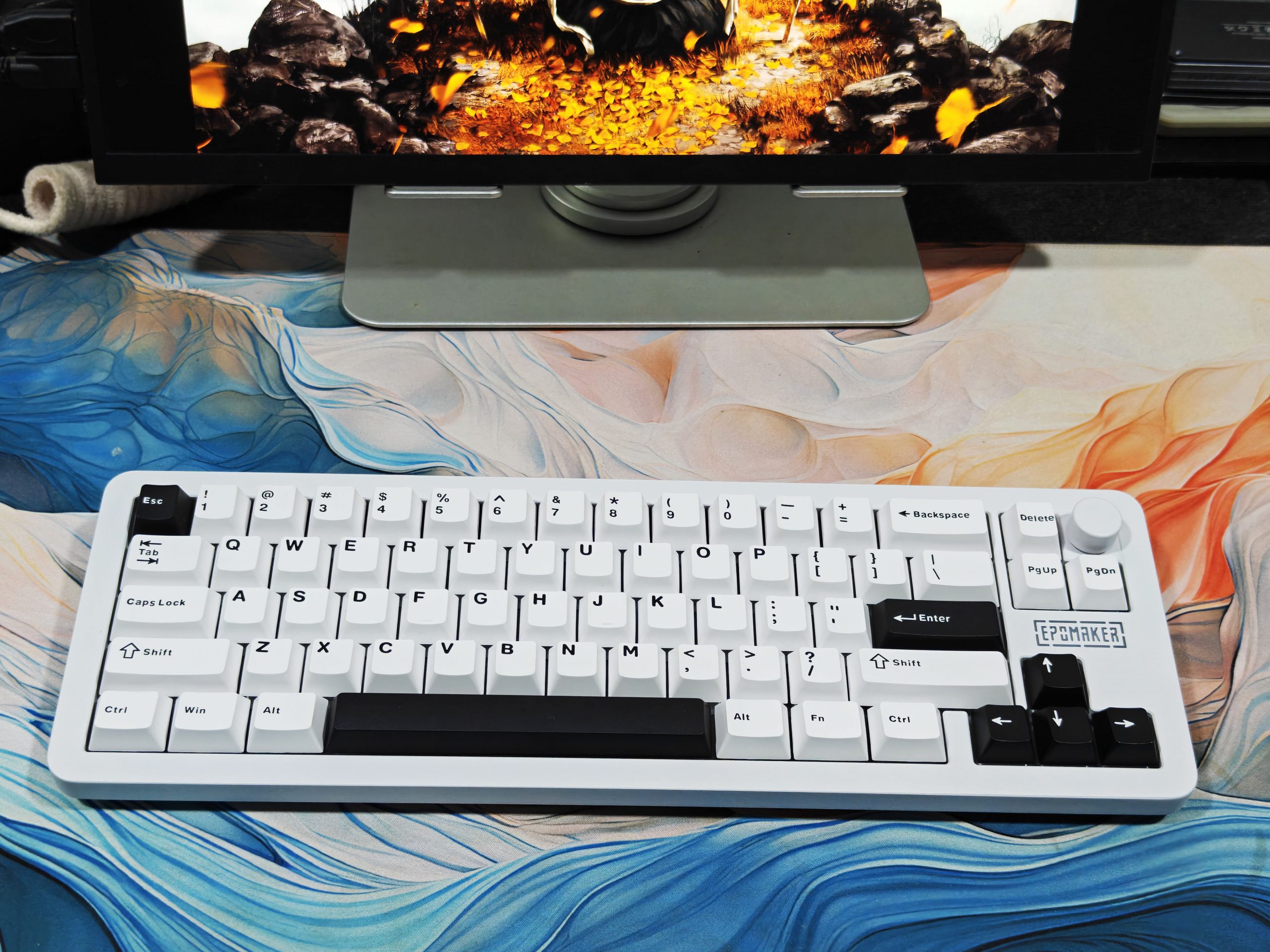
Epomaker has two 3000 mAh cells (total 6000 mAh). In 2.4 GHz without lighting, I lasted several weeks. With aggressive RGB (logo, strips, and backlight at high brightness), we achieve around two long days of continuous work. Nothing abnormal: it’s a lot of LEDs to feed. The ideal compromise: side and logo at medium intensity, and backlight at a third.
RGB
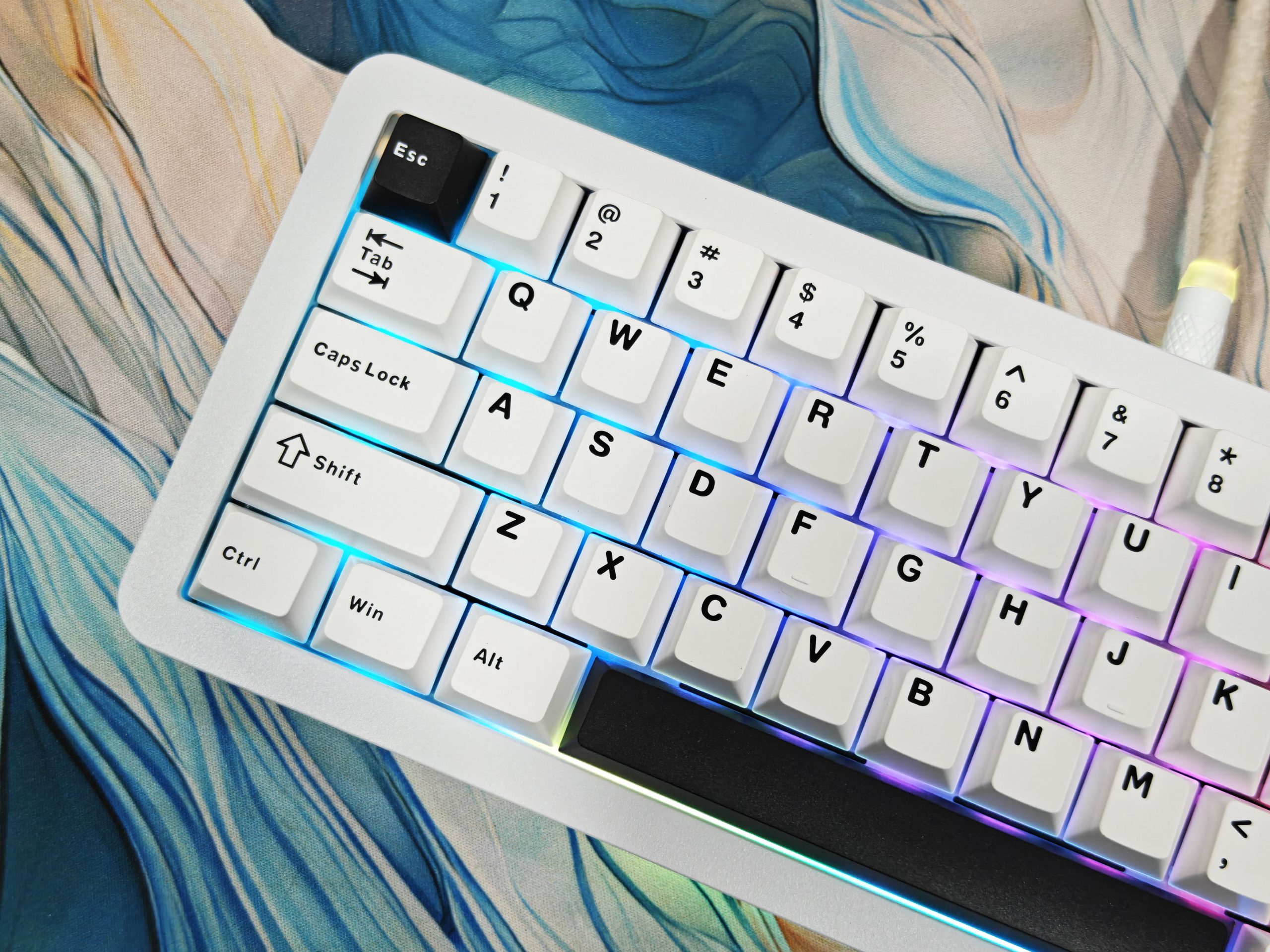
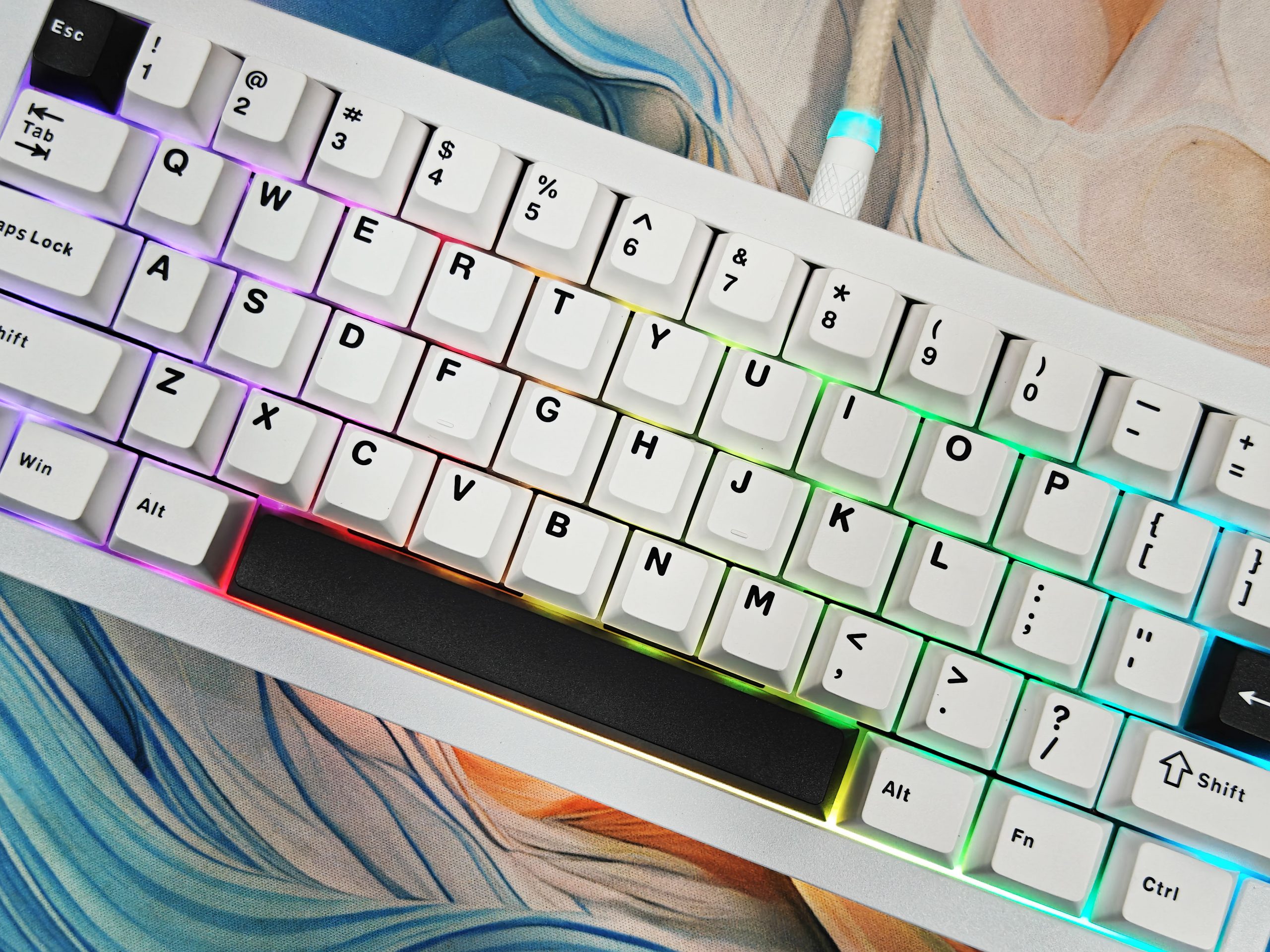
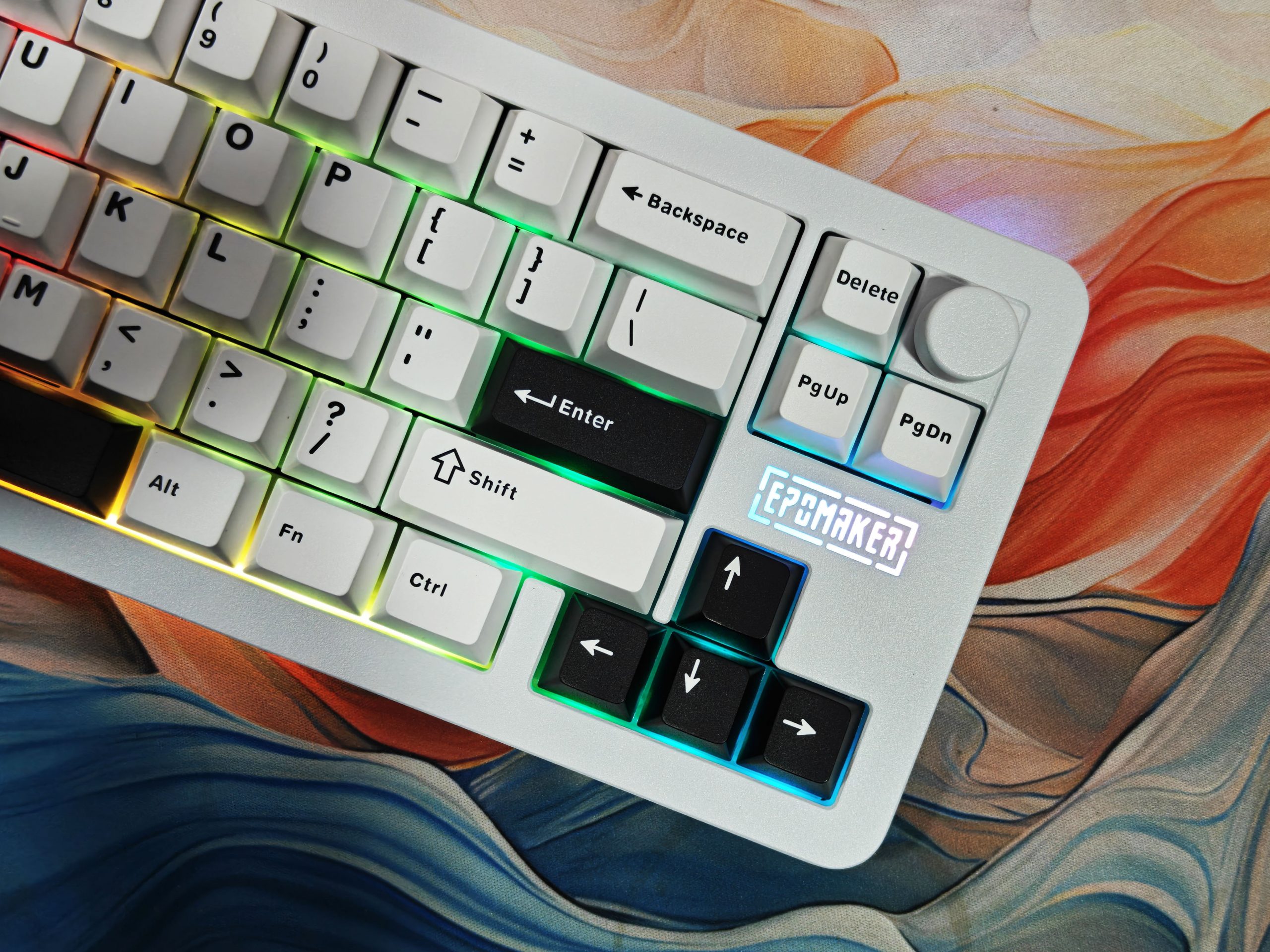
The trio of south-facing backlight + side stripes + logo creates a unique visual signature. It can be very bright; VIA allows you to separate the intensities and turn off what you don’t like. Special mention for the knob: volume by default, but you’re free to map it to brightness, scrub timeline, zoom, etc.
Connectivity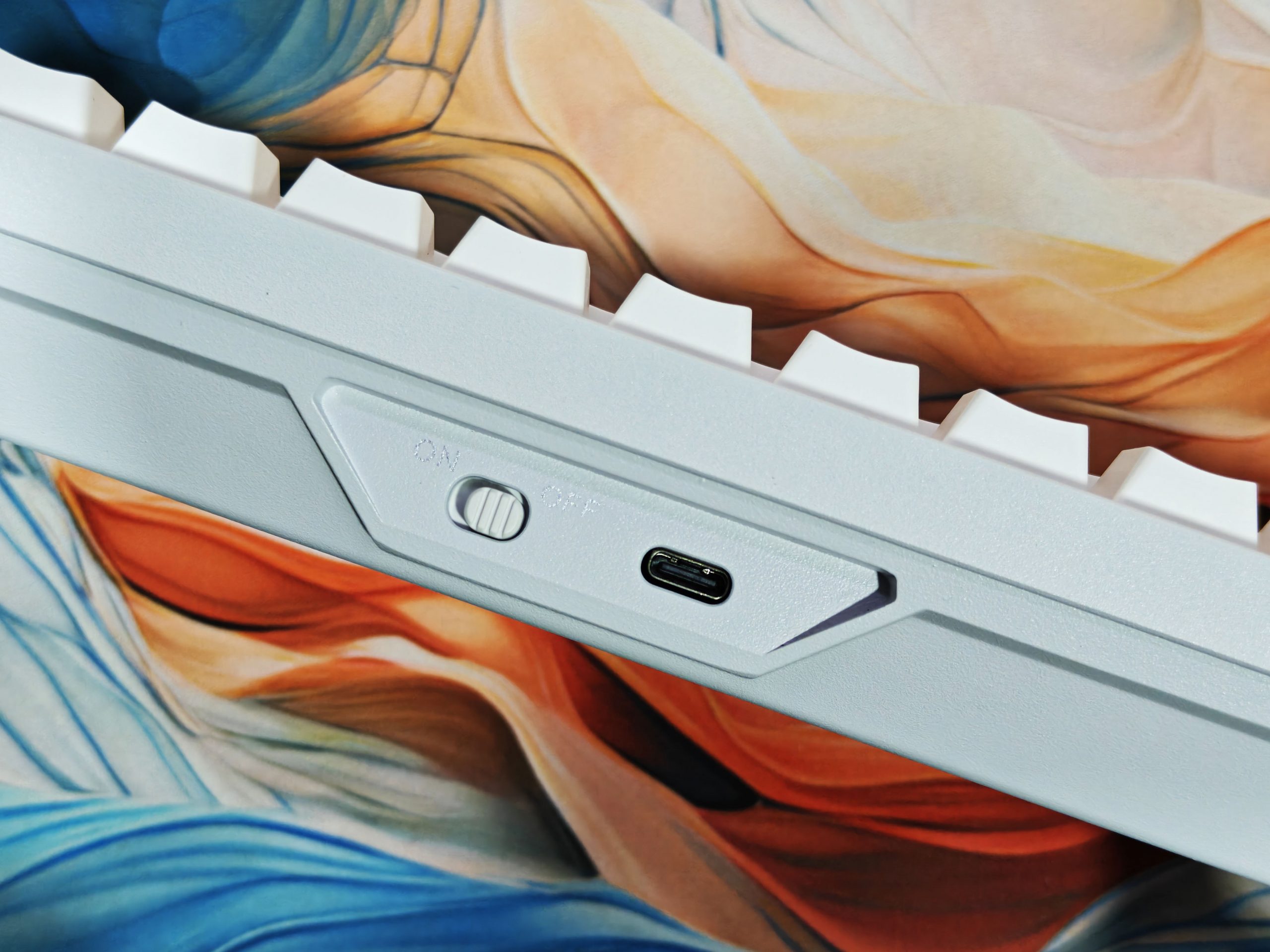
The Epomaker Galaxy68 offers good versatility in terms of connectivity: it supports USB-C wired mode, Bluetooth 5.0, and 2.4 GHz wireless via the included dongle. During my tests, switching between modes was quick and seamless, with latency virtually imperceptible in everyday use.
- Connection type Declared latency Polling Rate
- USB-C (wired) ~2.5 ms 1000 Hz
- 2.4GHz wireless ~4.5 ms 1000 Hz
- Bluetooth 5.0 ~15 ms ~125 Hz
When connected via cable, the Epomaker Galaxy68 has a response time of about 2.5 ms, slightly higher than the 2 ms recorded on other mechanical keyboards in the same price range. However, this is a minimal difference, difficult to perceive in real-world use, but worth mentioning.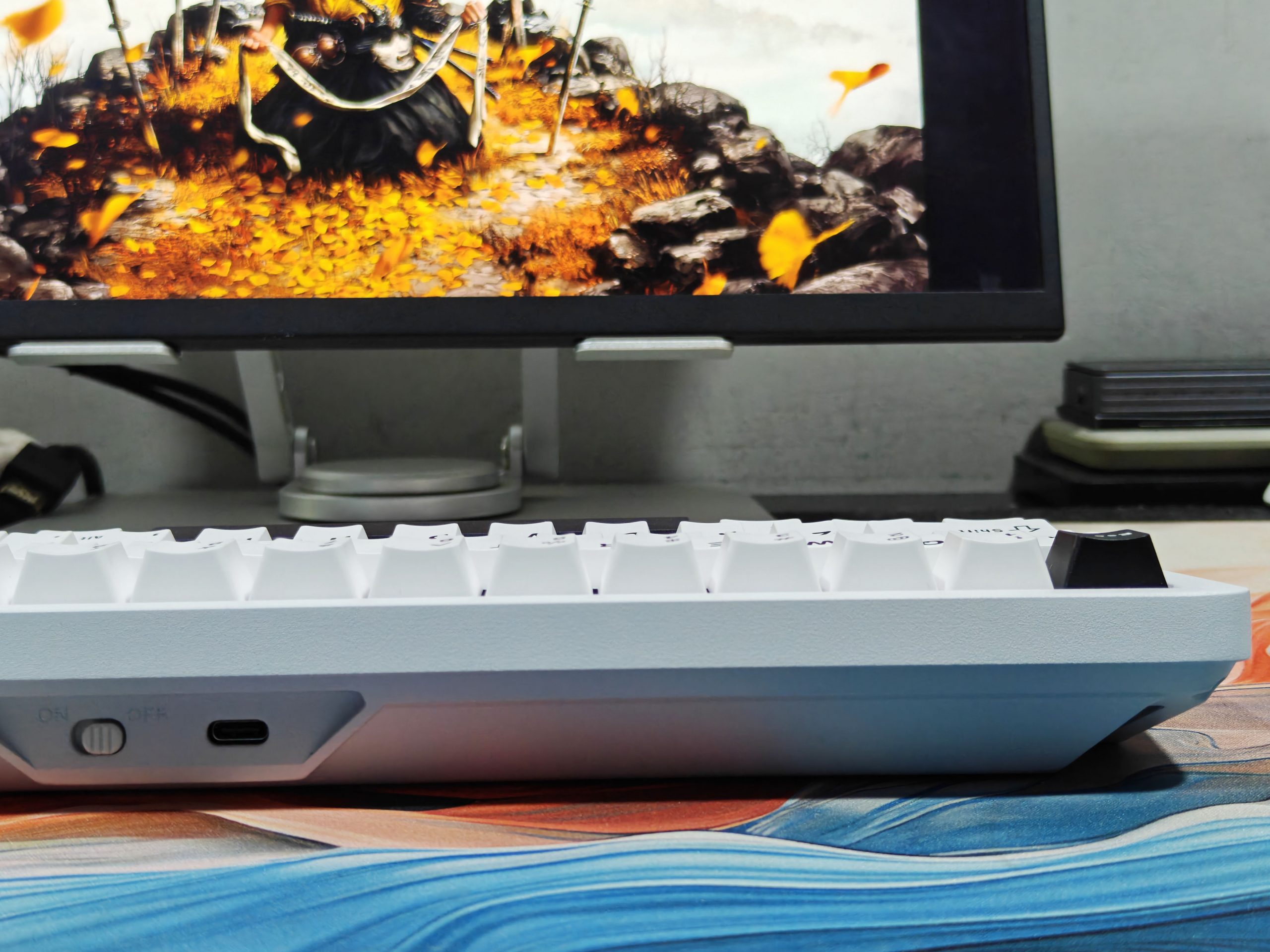
The ability to pair multiple devices via Bluetooth greatly simplifies productivity, such as switching from a laptop to a tablet without having to reconfigure the keyboard each time. For more demanding scenarios, such as gaming, the 2.4 GHz connection remains the most reliable option, ensuring more stable response times than Bluetooth.
Software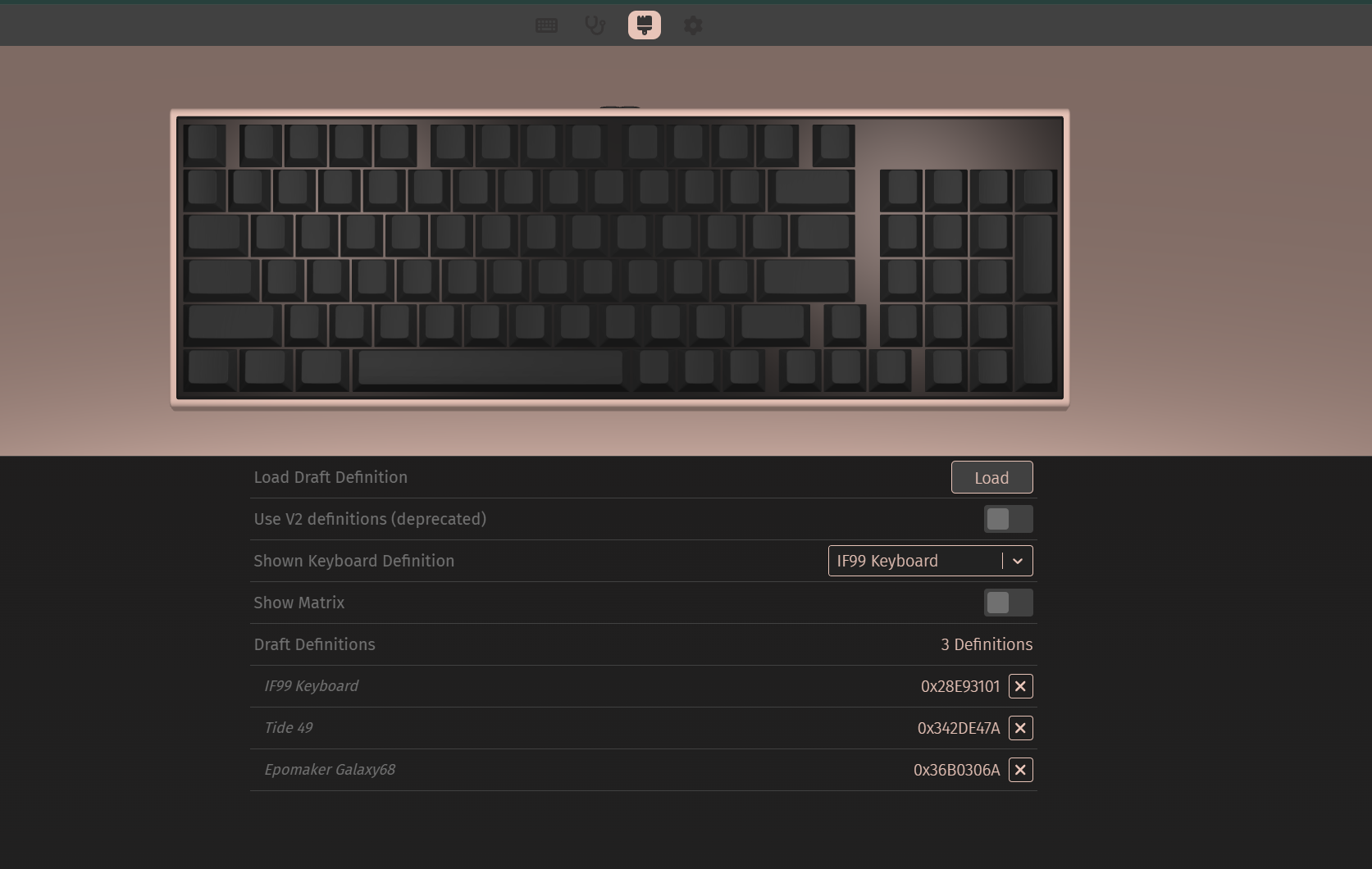
The Epomaker Galaxy68 opens up nearly unlimited customization thanks to native support for QMK/VIA, one of the most powerful open-source firmwares available. VIA lets you remap individual keys, create macros, and change layouts on the fly, all directly from your browser, without having to reflash your firmware.
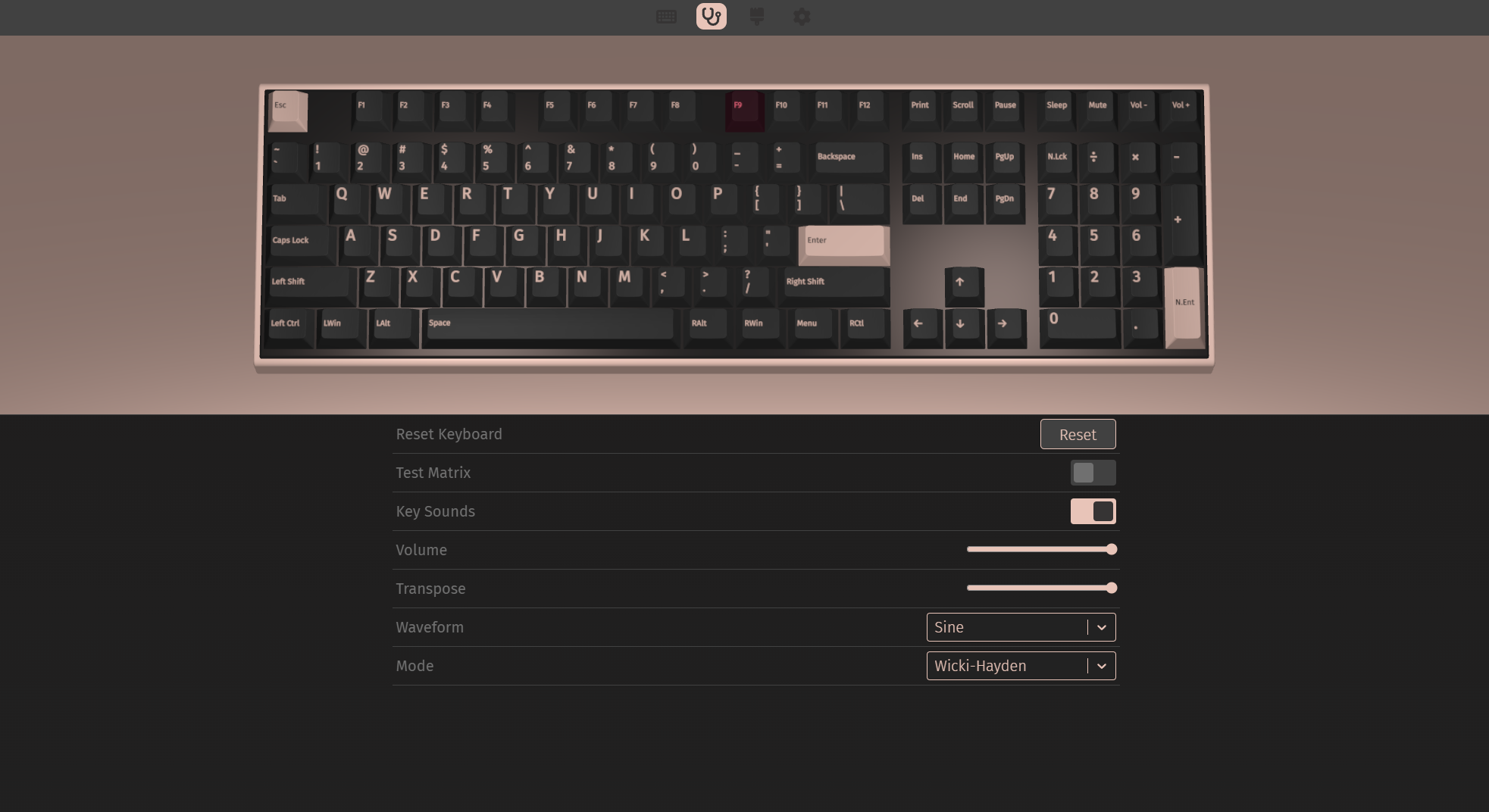
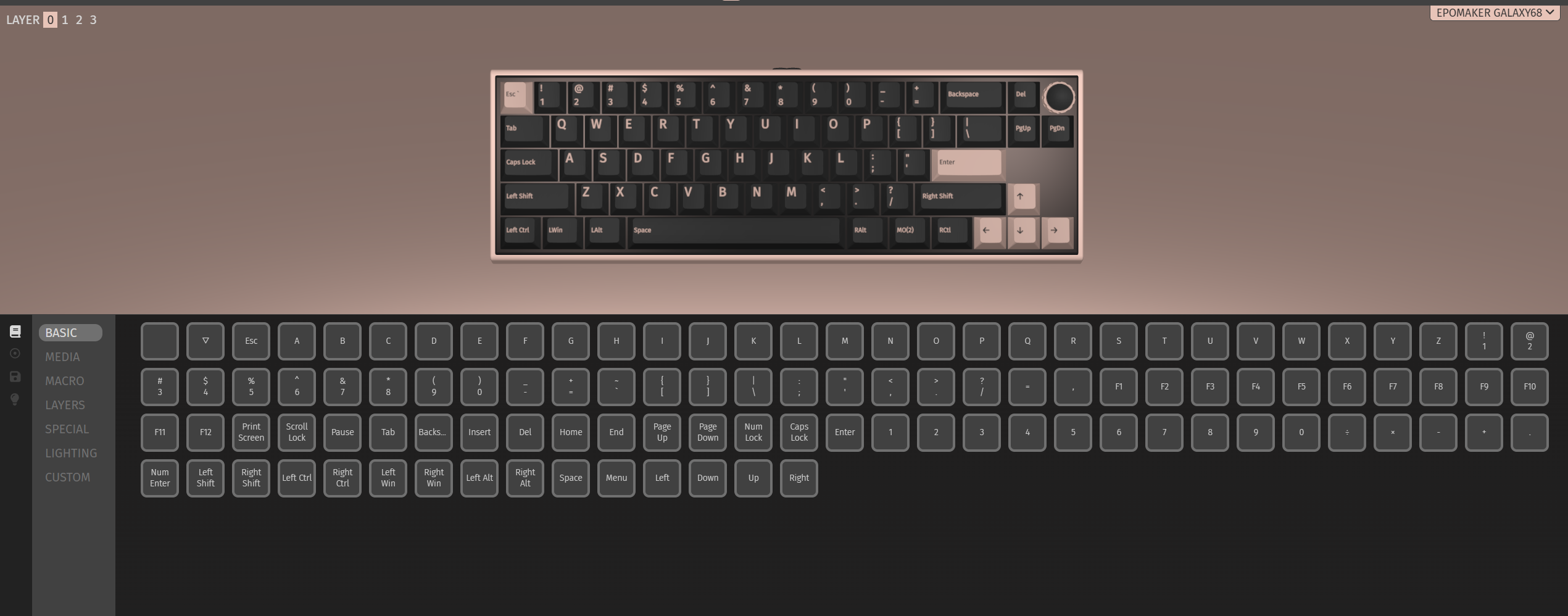
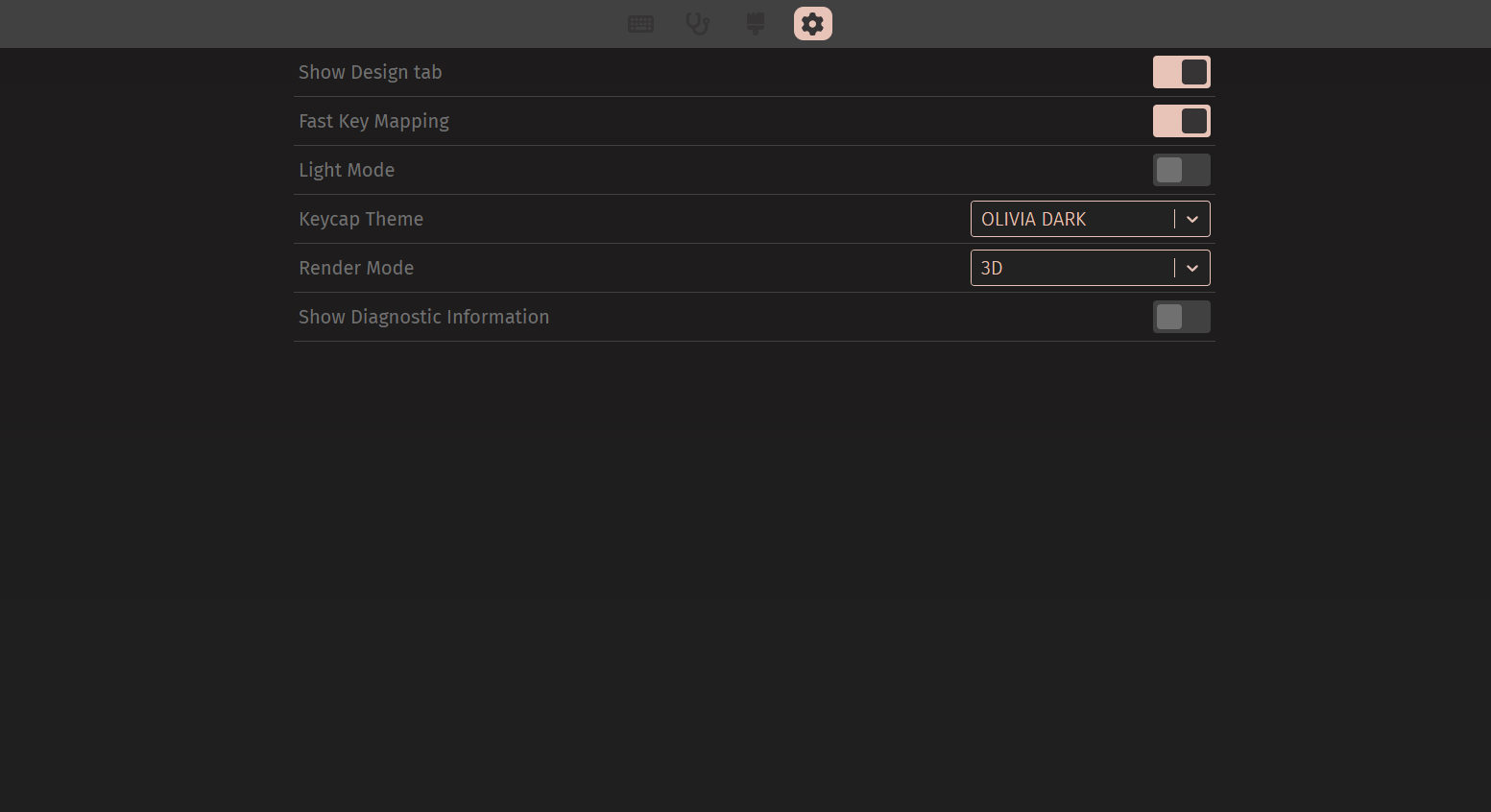
Please note that, as with other Epomaker keyboards, this is a semi-native VIA compatibility: to recognize it correctly, you must manually download and upload the JSON file provided by Epomaker. This step ensures that VIA identifies the keyboard layout and makes all the remapping functions available.
The updated file is available in the download section on the official website: Epomaker Galaxy68 – JSON for VIA.
Conclusions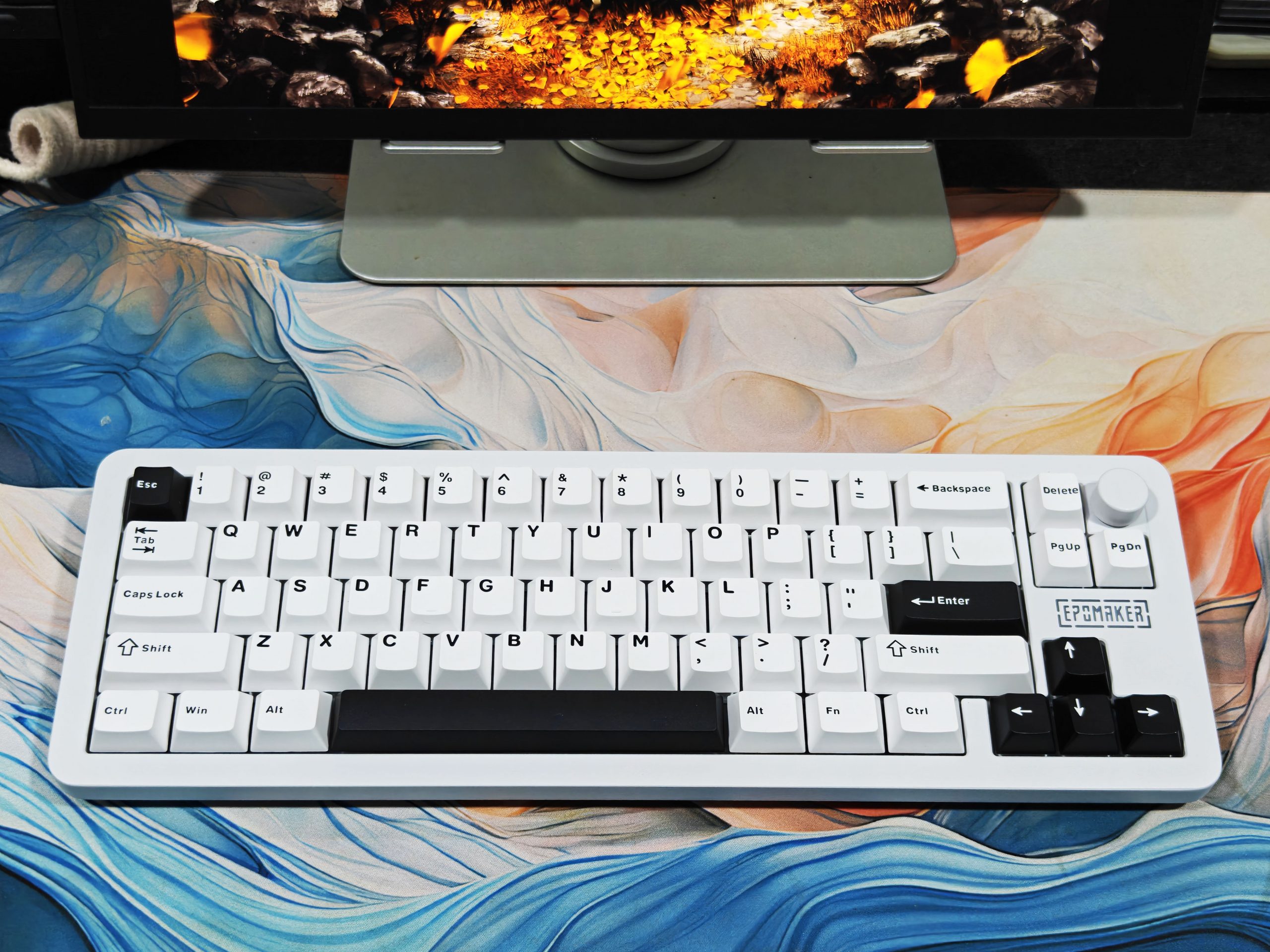
After weeks of use in every possible context—daily typing, extended gaming sessions, technical disassemblies, and the inevitable acoustic tests—I can finally sum it up and tell you what really won me over with this keyboard. The aluminum case with its meticulous finish immediately gives off a premium feel, the multifunction knob is more useful than it seems at first glance, the compact layout is easy to use, and the gasket mount manages to soften key pressure while typing, providing excellent feedback.
The dual 3000 mAh battery guarantees remarkable flexibility. In my tests, I got around 23 hours of battery life with RGB on, a little less than the 27 declared, but still more than satisfactory.
Putting all this together, the Epomaker Galaxy68 leaves a clear impression: it’s a keyboard that strikes the perfect balance between solid construction, solid features, and a competitive price. For those looking for a compact, versatile, and ready-to-use 65% keyboard without the need for immediate modding, it’s a sensible choice and one that’s likely to sit on your desk for a long time.
Read Also: EPOMAKER EA75 Review: The Gasket-Mount King Under $80?