







Facebook Twitter Instagram
    Trending
    • iJOY XP100K Zero Nicotine Kit Review: Nixodine, 100K Puffs and Dual-Battery Design
    • Xiaomi Door and Window Sensor 3 Launches With Tunnel Magnetoresistance Sensor and 3-Year Battery
    • Google Pixel 11a Renders Leak With Tensor G6 Chip and MediaTek Modem
    • Samsung Galaxy Tab S12 Ultra Leak Reveals 7 Years of Android Updates and AI Features
    • BlitzHome BH-C688C Review: 1800W Carpet Cleaner With 17KPa Suction
    • Redmi Headphones Neo Review: 42dB ANC, 40mm Drivers and 72-Hour Battery
    • YLR/C YL09 Review: A Brushless FPV Drone With a Built-In Screen Controller
    • OXVA XLIM 4 Pods: 0.4Ω vs 0.6Ω vs 0.8Ω vs 1.2Ω Explained
    Facebook YouTube
    IGeeKphone China Phone, Tablet PC, VR, RC Drone News, Reviews
    • HOME
    • BREAKING NEWS
      • AI NEWS
    • Amazon
    • PHONE
      • Top Phones For Your First Choice
      • Phone Comparison
      • Xiaomi
      • Blackview
      • Doogee
      • Black Shark
      • Geekbuying
      • Banggood
      • TEMU
      • TikTok
      • Aliexpress
      • Walmart
      • MercadoLibre
      • Lazada
    • TOP VAPE Awards for 2026
    • VAPES
      • E-CIGAR Upcoming
      • Vape News
      • Vape Deals
      • Vape Comparison
      • Vape Guide
      • VAPE LAWS
      • Giveaway
    • BEST VAPE
      • Best Vape Stores
      • Best Starter Vape Kits
      • Best Vapes for Beginners
      • Best Disposable Vapes
      • Best Pod Systems
      • Best Pod Mod Vapes
      • Best Mods
      • Best Nicotine Pouches
      • Best Clearomizers/Tanks
      • Best E-Liquid
      • Best EGO/Pens
      • Best Vapes for Nic Salt E-Juice
      • Best Vapes to Quit Smoking
      • RDA vs. RDTA vs. RTA
    • Best Vape Brand 2026
      • VAPORESSO
      • VOOPOO
      • OXVA
      • NEXA BAR
      • MASKKING VAPE
      • SP2S
      • IPLAY
      • TODOO
      • MRFOG
      • LOSTVAPE
      • VEIIK
    • REVIEW
      • E-cigar Review
      • Phones
      • Tablet PC
      • TV Box
      • RC Drone
      • Wearables
      • Camera
      • Accessories
      • VR Headset
    • MORE
      • TABLET
        • Chuwi
        • INNOCN
        • Teclast
        • Top Tablet for Your First Choice
        • Tablet/Laptop Comparison
      • RC DRONE
      • CAMERA
      • WEARABLES
        • OneOdio
        • BlitzWolf
        • Top Smartwatch for First Choice
      • 3D PRINTER
        • 3D Printer Review
        • Anycubic
        • FLSUN
        • Xtool
        • LONGER
        • Top 3D printer to Choose First
      • POWER STATION
        • Oukitel
        • FOSSIBOT
      • GAMING
        • Top Gaming Products
      • E-BIKE
        • Samebike
        • Happyrun
        • ENGWE
      • SMART HOME
      • TV BOX
      • ACCESSORIES
      • VR HEADSET
      • CLOTHES
      • AUTO CAR
    • DEAL
    • Shop
    IGeeKphone China Phone, Tablet PC, VR, RC Drone News, Reviews
    You are at:Home»Guide»How to Switch from Dual Graphics Cards to Independent Graphics Card? Method for Adjusting Computer Graphics Cards
    Guide

    How to Switch from Dual Graphics Cards to Independent Graphics Card? Method for Adjusting Computer Graphics Cards

    Brady CottonBy Brady CottonMay 8, 2026
    Facebook Twitter Pinterest LinkedIn Tumblr Email

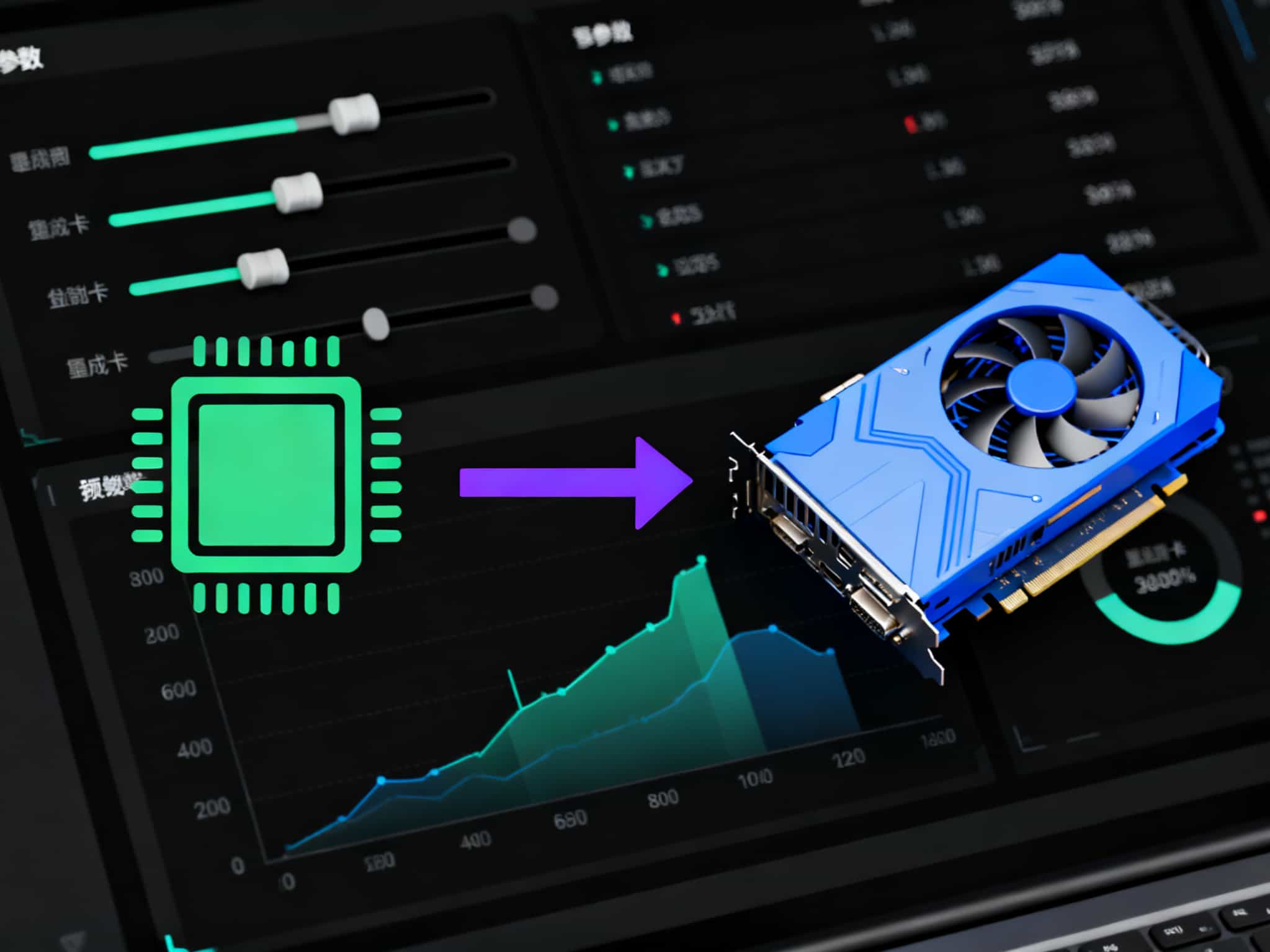
    In modern computer configurations, dual graphics card systems have become increasingly common, offering users the option to flexibly switch between performance and energy efficiency. However, many users still feel confused about how to switch the system to the dedicated graphics card. This article will provide a detailed explanation of this process to help users easily achieve the graphics card switch.

    1. Confirm dual graphics card configuration

    First of all, users need to confirm whether their computers are indeed equipped with dual graphics cards. This can be done by right-clicking on “My Computer” or “This PC”, selecting “Properties”, and then entering the “Device Manager”. In the “Device Manager”, expand the “Display Adapters” section. If the list shows two graphics cards, then the computer is configured with dual graphics cards.

    2. Update the graphics card driver

    Before switching the graphics card, make sure that the drivers for both the integrated graphics card and the dedicated graphics card have been correctly installed and updated to the latest version. This not only ensures the best performance but also avoids potential compatibility issues.

    III. Switch according to the type of graphics card

    N card switching procedure
    Right-click on the blank area of the desktop and select “NVIDIA Control Panel”.
    2. In the Control Panel, locate the “Manage 3D Settings” option.
    3. In the “Global Settings”, change the “Preferred Graphics Processor” to “High Performance NVIDIA Processor”.
    4. Just click “Save” and it’s done.

    A card switching procedure

    Right-click on the blank area of the desktop and select “Configure Swapable Display Card”.
    2. In the AMD switchable graphics card settings that pops up, add the applications that need to be set to run as a dedicated graphics card.
    3. Select the “High Performance” mode, and then click “Save”.
    4. Switching via System Settings (Windows)

    Right-click on the desktop and select “Display Settings”.

    2. Scroll to “Graphics Settings” and click to enter.
    3. In the “Select an application to set preferences” section, choose the application that requires the GPU switch.
    4. After selecting the application, click on “Options” and choose “High Performance” to use the dedicated graphics card.
    5. Restart the computer to make the settings take effect.

    V. BIOS Settings (Advanced Options)

    If the user is unable to switch the graphics card successfully within the operating system, they can try to make the settings through the BIOS. This usually involves restarting the computer, pressing a specific hotkey (such as F2, Del, or Esc) during startup to enter the BIOS, and then finding the relevant settings options for the graphics card to make adjustments.

    By following these steps, users can easily switch their dual-display card system to a single graphics card, thereby enjoying a smoother and higher-quality visual experience.

    Share. Facebook Twitter Pinterest LinkedIn Tumblr Email

    Related Posts

    Back Market Refurbished Tech: What to Know Before Buying

    Orlistat for Weight Management: How It Works and What to Know

    Android Tablet Buying Guide: How to Choose the Right Tablet in 2026?

    Leave A Reply Cancel Reply

    You must be logged in to post a comment.

    voopoopintch
    oxva vprime 2
    nomadz
    • Popular
    • 3D Printer REVIEW
    • XIAOMI
    September 27, 2026

    Vaporesso ARMOUR OCTA Review – Built Like a Tank, Vapes Like a Beast

    September 27, 2026

    VOOPOO ARGUS Multi-Ohm Cartridge Review – One Magic Pod, Three Completely Different Vapes

    September 18, 2026

    OXVA VPRIME 2 vs VPRIME: What’s New in the Latest Version

    July 13, 2026

    OXVA Nexlim 2 Mini Pod Vape Hands on Review

    December 26, 2025

    ACMER ASCARVA 4S: Precision CNC Power for Makers, DIYers & Small Workshops

    June 23, 2024

    ACMER P2 20W Laser Engraver Fixed Focus Engraving: Hands on Review

    May 30, 2024

    xTool F1 Ultra Review: World’s First 20W Fiber & 20W Diode Laser Engraver

    May 30, 2024

    Anycubic Kobra 3 Combo Review: The Multicolor Masterpiece?

    September 30, 2026

    Xiaomi Door and Window Sensor 3 Launches With Tunnel Magnetoresistance Sensor and 3-Year Battery

    September 30, 2026

    Redmi Headphones Neo Review: 42dB ANC, 40mm Drivers and 72-Hour Battery

    September 23, 2026

    Xiaomi Pad 9 Pro Launches With 12.5-Inch 3.2K 144Hz Display and 11,000mAh Battery

    September 23, 2026

    Xiaomi 18 Pro Max Launches With Snapdragon 8 Elite Extreme Gen 6 and 8500mAh Battery

    fc 26 coins
    New Arrivals
    • iJOY XP100K Zero Nicotine Refillable Disposable Vape Kit iJOY XP100K Zero Nicotine Refillable Disposable Vape Kit
    • JNR PowerMate Pro JNR PowerMate Pro
    • MAXRAY RUSH 80K Disposable Vape MAXRAY RUSH 80K Disposable Vape
    • MERRYMI Blade 30000 Disposable Vape MERRYMI Blade 30000 Disposable Vape
    • Dip Devices Dipper Portable Vaporizer Dip Devices Dipper Portable Vaporizer
    • Exxus Vape Mini Plus Vaporizer Exxus Vape Mini Plus Vaporizer
    • JNR Lion King Shisha JNR Lion King Shisha
    • Fumot Eco 4-in-1 80K Disposable Vape Fumot Eco 4-in-1 80K Disposable Vape
    • MERRYMI Blade 30000 Disposable Vape MERRYMI Blade 30000 Disposable Vape
    About
  • Igeekphone.com provides the first global tech news and reviews about smartphone, vapes, e-cigar, smart home, 3D printers, e-bike,tablets, RC drones, VR headset, and other accessories. It's the best platform to improve your brand and product.
  • Contact us: info@igeekphone.com
  • Check Our Privacy Policy Here.
  • Note: *Right now we have US editor and EU editors for review, especially for Amazon US and EU.
  • *Shop and Compare Price Here*
  • Facebook
  • Youtube
  • OUR BEST VAPE PARTNERS
  • VAPE ONLINE STORE
  • VAPORESSO
  • VOOPOO
  • OXVA
  • NEXA
  • MASKKING
  • SP2S
  • IPLAY
  • TODOO
  • OTHER BEST PARTNERS
  • SVBONY
  • Chuwi
  • Blackview
  • Fossibot
  • Unihertz
  • Flsun
  • Anycubic
  • Xtool
  • Oukitel
  • Mukkpet Ebike
  • Ugreen
  • Copyright © 2026 igeekphone

    Type above and press Enter to search. Press Esc to cancel.