










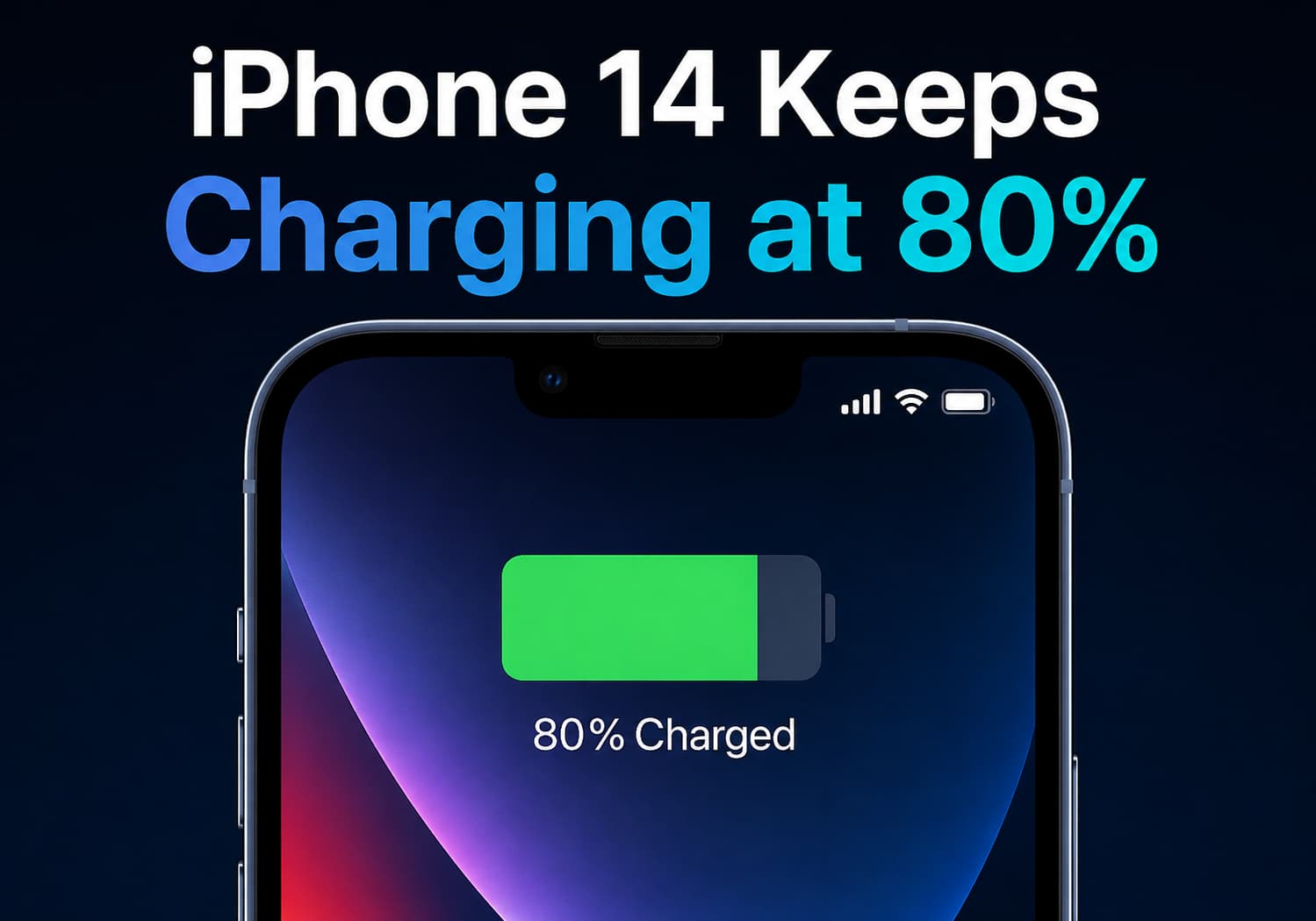
Many iPhone users have experienced a situation where their device appears to stop charging at 80%, leading to questions about whether there is a charging problem or a battery issue. For iPhone 14 series users, this behavior is usually related to Apple’s built-in battery optimization and charging protection technologies, designed to extend battery lifespan and reduce long-term degradation.
Rather than indicating a hardware failure, the 80% charging limit is often an intentional feature that helps preserve battery health over time.
Why Does the iPhone 14 Stop Charging at 80%?
Apple introduced optimized charging features to reduce the stress placed on lithium-ion batteries. When enabled, the iPhone may temporarily stop charging around 80% and complete the remaining charge closer to when the user typically needs the device.
The reason is simple: keeping a battery at maximum capacity for extended periods can accelerate chemical aging.
Lithium-ion batteries experience more stress when they:
- Stay at 100% charge for long periods
- Frequently reach extremely low battery levels
- Are exposed to high temperatures while charging
By limiting charging under certain conditions, Apple aims to maintain battery performance for a longer period.
Optimized Battery Charging on iPhone 14
The iPhone 14 series includes Apple’s Optimized Battery Charging feature, which uses machine learning to understand daily charging habits.
The system analyzes patterns such as:
- When the user usually charges the phone
- How long the device remains connected to power
- When the user typically disconnects the charger
For example, if someone charges their iPhone overnight, the device may charge quickly to 80%, pause, and then continue charging to 100% shortly before the user normally wakes up.
This reduces the amount of time the battery spends fully charged.
What Is the 80% Charge Limit Feature?
In addition to optimized charging, newer iPhone models introduced an option called Charge Limit, which allows users to manually limit charging to a certain percentage.
For supported devices, users can choose a maximum charge level to reduce battery wear.
However, the iPhone 14 series mainly relies on:
- Optimized Battery Charging
- Temperature management
- Charging behavior analysis
rather than the newer user-controlled charging limit options available on later iPhone generations.
How to Check Battery Charging Settings on iPhone 14
Users can check whether charging optimization is enabled by following these steps:
- Open Settings
- Tap Battery
- Select Battery Health & Charging
- Check Optimized Battery Charging
If the feature is enabled, the iPhone may temporarily pause charging at around 80%.
Other Reasons Your iPhone 14 May Stay at 80%
While optimized charging is the most common reason, there are several other situations where an iPhone may stop charging at 80%.
1. High Temperature Protection
iPhones monitor battery temperature during charging.
If the device becomes too warm, charging speed may slow down or stop temporarily to protect battery health.
Common causes include:
- Using the phone while charging
- Gaming during charging
- Direct sunlight exposure
- Hot environments
- Thick protective cases
The iPhone may resume charging once the temperature returns to a safe level.
2. Battery Management During Fast Charging
The iPhone uses different charging speeds depending on battery level.
Fast charging is typically faster at lower battery percentages and slows down as the battery approaches full capacity.
This helps:
- Reduce heat generation
- Protect battery chemistry
- Improve long-term battery durability
3. Software or System Issues
Occasionally, charging behavior can be affected by software bugs or temporary system problems.
Possible solutions include:
- Restarting the iPhone
- Updating to the latest iOS version
- Trying another certified charging cable
- Using a different power adapter
Does Charging Only to 80% Damage the Battery?
No. In fact, charging to 80% can actually help reduce battery aging.
Lithium-ion batteries generally experience less stress when they operate within moderate charge ranges.
However, most users do not need to manually stop charging at 80%. Apple’s built-in battery management system automatically balances:
- Battery longevity
- Daily convenience
- Charging speed
How to Improve iPhone 14 Battery Lifespan
To maintain good battery health, iPhone 14 users can follow these tips:
Avoid Extreme Temperatures
Keep the device away from:
- Excessive heat
- Freezing conditions
- Direct sunlight while charging
Use Certified Chargers
Use reliable charging accessories that meet Apple’s safety standards.
Avoid Constant 0% to 100% Cycles
Frequent full discharge and full recharge cycles create additional battery stress.
Enable Optimized Battery Charging
Allow iOS to manage charging patterns automatically.
Keep iOS Updated
Apple regularly improves battery management through software updates.
When Should You Be Concerned?
Stopping at 80% is usually normal. However, users should investigate if:
- The phone never charges beyond 80% under any conditions
- Battery health drops unusually quickly
- The device overheats frequently
- Charging stops randomly at different percentages
- The phone shuts down unexpectedly
Checking Settings → Battery → Battery Health & Charging can provide more information about battery condition.
Final Verdict
If your iPhone 14 keeps charging at 80%, it is most likely working as intended. Apple’s battery optimization system is designed to protect lithium-ion battery health by reducing unnecessary stress from prolonged full charging.
The feature may seem inconvenient at first, but it helps maintain battery capacity and performance over the long term. For most users, leaving optimized charging enabled is the best choice, allowing the iPhone 14 to automatically balance battery protection with everyday usability.