







Facebook Twitter Instagram
    Trending
    • Hyper Bar LX 65K Review: Features, Battery, Flavor Options and 65,000-Puff Capacity
    • Huawei Mate 90 Pro Max May Feature a 200MP Zoom Camera and New External Lens System
    • Xiaomi Adds 8 More Devices to the HyperOS 4 Beta Testing Program
    • UK Vaping Products Duty Begins October 1 After IVG Parent Company Gets HMRC Approval
    • Maskking Super GTS+ Vape Review: Exploring Its Two-Tank Setup and 10K-Puff Capacity
    • JNR Bykux 59K Vape Review: 59K-Puff Capacity, Dual Mesh Coils and Adjustable Airflow
    • Rock Me Sheesha Max 200K Review: 200K Puffs, 1000mAh Battery and Mesh Coil
    • Fifty Bar Air 70K Review: 70,000 Puffs, ECO/BOOST Modes and 18mL E-Liquid
    Facebook YouTube
    IGeeKphone China Phone, Tablet PC, VR, RC Drone News, Reviews
    • HOME
    • BREAKING NEWS
      • AI NEWS
    • Amazon
    • PHONE
      • Top Phones For Your First Choice
      • Phone Comparison
      • Xiaomi
      • Blackview
      • Doogee
      • Black Shark
      • Geekbuying
      • Banggood
      • TEMU
      • TikTok
      • Aliexpress
      • Walmart
      • MercadoLibre
      • Lazada
    • TOP VAPE Awards for 2026
    • VAPES
      • E-CIGAR Upcoming
      • Vape News
      • Vape Deals
      • Vape Comparison
      • Vape Guide
      • VAPE LAWS
      • Giveaway
    • BEST VAPE
      • Best Vape Stores
      • Best Starter Vape Kits
      • Best Vapes for Beginners
      • Best Disposable Vapes
      • Best Pod Systems
      • Best Pod Mod Vapes
      • Best Mods
      • Best Nicotine Pouches
      • Best Clearomizers/Tanks
      • Best E-Liquid
      • Best EGO/Pens
      • Best Vapes for Nic Salt E-Juice
      • Best Vapes to Quit Smoking
      • RDA vs. RDTA vs. RTA
    • Best Vape Brand 2026
      • VAPORESSO
      • VOOPOO
      • OXVA
      • NEXA BAR
      • MASKKING VAPE
      • SP2S
      • IPLAY
      • TODOO
      • MRFOG
      • LOSTVAPE
      • VEIIK
    • REVIEW
      • E-cigar Review
      • Phones
      • Tablet PC
      • TV Box
      • RC Drone
      • Wearables
      • Camera
      • Accessories
      • VR Headset
    • MORE
      • TABLET
        • Chuwi
        • INNOCN
        • Teclast
        • Top Tablet for Your First Choice
        • Tablet/Laptop Comparison
      • RC DRONE
      • CAMERA
      • WEARABLES
        • OneOdio
        • BlitzWolf
        • Top Smartwatch for First Choice
      • 3D PRINTER
        • 3D Printer Review
        • Anycubic
        • FLSUN
        • Xtool
        • LONGER
        • Top 3D printer to Choose First
      • POWER STATION
        • Oukitel
        • FOSSIBOT
      • GAMING
        • Top Gaming Products
      • E-BIKE
        • Samebike
        • Happyrun
        • ENGWE
      • SMART HOME
      • TV BOX
      • ACCESSORIES
      • VR HEADSET
      • CLOTHES
      • AUTO CAR
    • DEAL
    • Shop
    IGeeKphone China Phone, Tablet PC, VR, RC Drone News, Reviews
    You are at:Home»Guide»iPhone 14 Keeps Charging at 80%? Understanding Apple’s Battery Optimization Protection Feature
    Guide

    iPhone 14 Keeps Charging at 80%? Understanding Apple’s Battery Optimization Protection Feature

    Brady CottonBy Brady CottonAugust 5, 2026
    Facebook Twitter Pinterest LinkedIn Tumblr Email

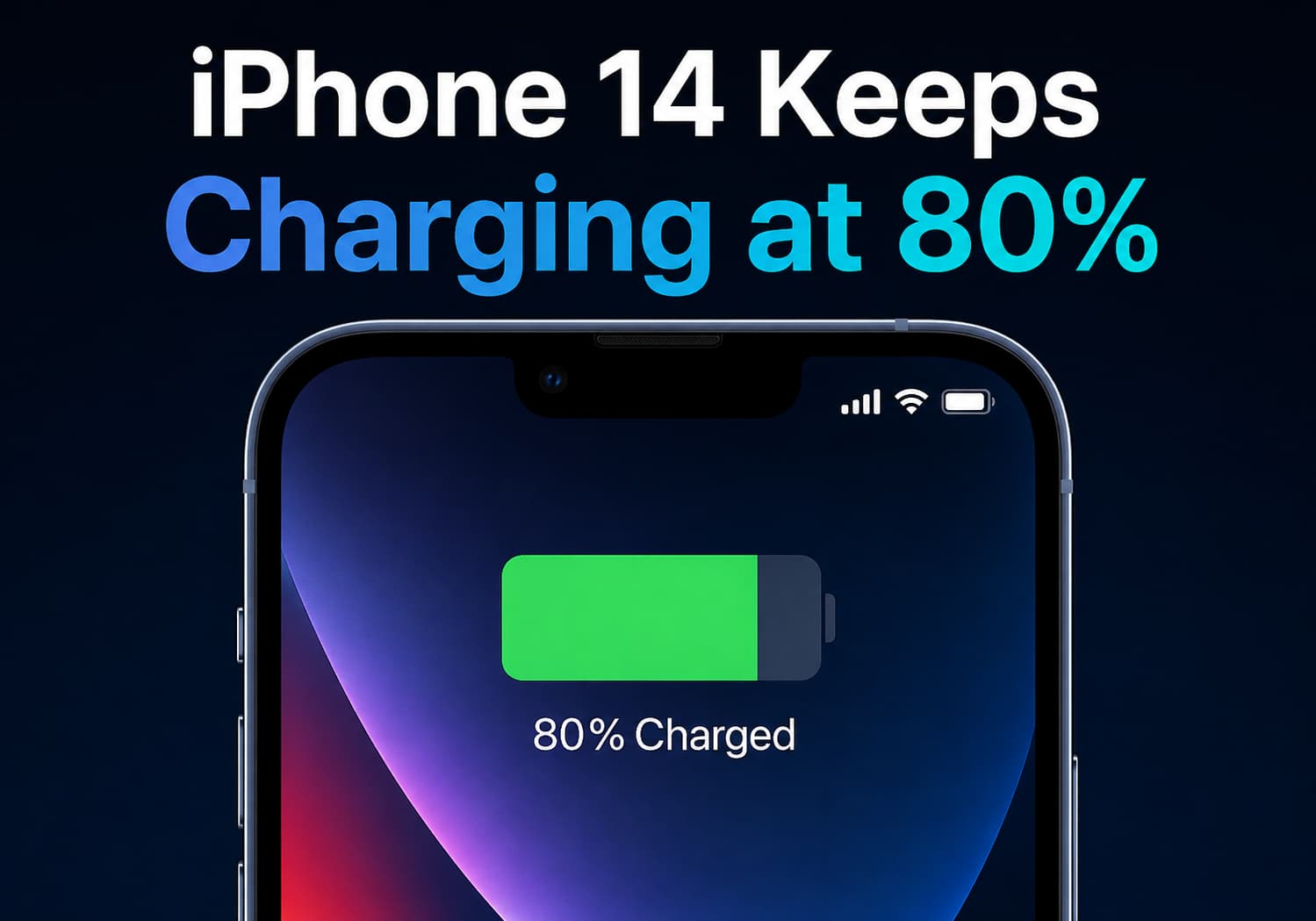
    Many iPhone users have experienced a situation where their device appears to stop charging at 80%, leading to questions about whether there is a charging problem or a battery issue. For iPhone 14 series users, this behavior is usually related to Apple’s built-in battery optimization and charging protection technologies, designed to extend battery lifespan and reduce long-term degradation.

    Rather than indicating a hardware failure, the 80% charging limit is often an intentional feature that helps preserve battery health over time.

    Why Does the iPhone 14 Stop Charging at 80%?

    Apple introduced optimized charging features to reduce the stress placed on lithium-ion batteries. When enabled, the iPhone may temporarily stop charging around 80% and complete the remaining charge closer to when the user typically needs the device.

    The reason is simple: keeping a battery at maximum capacity for extended periods can accelerate chemical aging.

    Lithium-ion batteries experience more stress when they:

    • Stay at 100% charge for long periods
    • Frequently reach extremely low battery levels
    • Are exposed to high temperatures while charging

    By limiting charging under certain conditions, Apple aims to maintain battery performance for a longer period.

    Optimized Battery Charging on iPhone 14

    The iPhone 14 series includes Apple’s Optimized Battery Charging feature, which uses machine learning to understand daily charging habits.

    The system analyzes patterns such as:

    • When the user usually charges the phone
    • How long the device remains connected to power
    • When the user typically disconnects the charger

    For example, if someone charges their iPhone overnight, the device may charge quickly to 80%, pause, and then continue charging to 100% shortly before the user normally wakes up.

    This reduces the amount of time the battery spends fully charged.

    What Is the 80% Charge Limit Feature?

    In addition to optimized charging, newer iPhone models introduced an option called Charge Limit, which allows users to manually limit charging to a certain percentage.

    For supported devices, users can choose a maximum charge level to reduce battery wear.

    However, the iPhone 14 series mainly relies on:

    • Optimized Battery Charging
    • Temperature management
    • Charging behavior analysis

    rather than the newer user-controlled charging limit options available on later iPhone generations.

    How to Check Battery Charging Settings on iPhone 14

    Users can check whether charging optimization is enabled by following these steps:

    1. Open Settings
    2. Tap Battery
    3. Select Battery Health & Charging
    4. Check Optimized Battery Charging

    If the feature is enabled, the iPhone may temporarily pause charging at around 80%.

    Other Reasons Your iPhone 14 May Stay at 80%

    While optimized charging is the most common reason, there are several other situations where an iPhone may stop charging at 80%.

    1. High Temperature Protection

    iPhones monitor battery temperature during charging.

    If the device becomes too warm, charging speed may slow down or stop temporarily to protect battery health.

    Common causes include:

    • Using the phone while charging
    • Gaming during charging
    • Direct sunlight exposure
    • Hot environments
    • Thick protective cases

    The iPhone may resume charging once the temperature returns to a safe level.

    2. Battery Management During Fast Charging

    The iPhone uses different charging speeds depending on battery level.

    Fast charging is typically faster at lower battery percentages and slows down as the battery approaches full capacity.

    This helps:

    • Reduce heat generation
    • Protect battery chemistry
    • Improve long-term battery durability

    3. Software or System Issues

    Occasionally, charging behavior can be affected by software bugs or temporary system problems.

    Possible solutions include:

    • Restarting the iPhone
    • Updating to the latest iOS version
    • Trying another certified charging cable
    • Using a different power adapter

    Does Charging Only to 80% Damage the Battery?

    No. In fact, charging to 80% can actually help reduce battery aging.

    Lithium-ion batteries generally experience less stress when they operate within moderate charge ranges.

    However, most users do not need to manually stop charging at 80%. Apple’s built-in battery management system automatically balances:

    • Battery longevity
    • Daily convenience
    • Charging speed

    How to Improve iPhone 14 Battery Lifespan

    To maintain good battery health, iPhone 14 users can follow these tips:

    Avoid Extreme Temperatures

    Keep the device away from:

    • Excessive heat
    • Freezing conditions
    • Direct sunlight while charging

    Use Certified Chargers

    Use reliable charging accessories that meet Apple’s safety standards.

    Avoid Constant 0% to 100% Cycles

    Frequent full discharge and full recharge cycles create additional battery stress.

    Enable Optimized Battery Charging

    Allow iOS to manage charging patterns automatically.

    Keep iOS Updated

    Apple regularly improves battery management through software updates.

    When Should You Be Concerned?

    Stopping at 80% is usually normal. However, users should investigate if:

    • The phone never charges beyond 80% under any conditions
    • Battery health drops unusually quickly
    • The device overheats frequently
    • Charging stops randomly at different percentages
    • The phone shuts down unexpectedly

    Checking Settings → Battery → Battery Health & Charging can provide more information about battery condition.

    Final Verdict

    If your iPhone 14 keeps charging at 80%, it is most likely working as intended. Apple’s battery optimization system is designed to protect lithium-ion battery health by reducing unnecessary stress from prolonged full charging.

    The feature may seem inconvenient at first, but it helps maintain battery capacity and performance over the long term. For most users, leaving optimized charging enabled is the best choice, allowing the iPhone 14 to automatically balance battery protection with everyday usability.

    Share. Facebook Twitter Pinterest LinkedIn Tumblr Email

    Related Posts

    Silvio Fortunato & Paulo Barroso: Beurax, Sonic AI Gold, TAG Markets & The Due Diligence Test

    How to Disable Location Access for Apps on iPhone

    What a Roofing Contractor Finds That Drone Footage and Home Inspection Apps Consistently Miss

    Leave A Reply Cancel Reply

    You must be logged in to post a comment.

    voopoopintch
    oxva nexlim 2
    shopify
    • Popular
    • 3D Printer REVIEW
    • XIAOMI
    September 18, 2026

    OXVA VPRIME 2 vs VPRIME: What’s New in the Latest Version

    July 13, 2026

    OXVA Nexlim 2 Mini Pod Vape Hands on Review

    July 13, 2026

    OXVA Nexlim 2 Pod Vape Hands on Review

    June 21, 2026

    iPlay LUMO 8K Review – A Compact Prefilled Pod Kit with Big Flavor and Everyday Convenience

    December 26, 2025

    ACMER ASCARVA 4S: Precision CNC Power for Makers, DIYers & Small Workshops

    June 23, 2024

    ACMER P2 20W Laser Engraver Fixed Focus Engraving: Hands on Review

    May 30, 2024

    xTool F1 Ultra Review: World’s First 20W Fiber & 20W Diode Laser Engraver

    May 30, 2024

    Anycubic Kobra 3 Combo Review: The Multicolor Masterpiece?

    September 19, 2026

    Xiaomi Adds 8 More Devices to the HyperOS 4 Beta Testing Program

    September 18, 2026

    Xiaomi Mijia Night Light 4 Launches at 69 Yuan With 24GHz Radar and 8-Month Battery Life

    September 18, 2026

    Xiaomi Youpin Launches High-Power Flashlight With 448-Meter Beam and Adjustable Focus

    September 17, 2026

    Xiaomi Mi Air Purifier 6C Launches at 999 Yuan With 99% Formaldehyde Removal Claim

    fc 26 coins
    New Arrivals
    • Rock Me Sheesha Max 200K Disposable Vape Rock Me Sheesha Max 200K Disposable Vape
    • Hyper Bar LX 65K Disposable Vape Hyper Bar LX 65K Disposable Vape
    • Fifty Bar Air 70K Disposable Vape Fifty Bar Air 70K Disposable Vape
    • iJOY XP200K Refillable Disposable Vape Kit iJOY XP200K Refillable Disposable Vape Kit
    • DOVPO Flipside Solo Squonk Box Mod DOVPO Flipside Solo Squonk Box Mod
    • Ploox 30K Disposable Vape Ploox 30K Disposable Vape
    • Mazaya E-Hookah 80K Disposable Vape Mazaya E-Hookah 80K Disposable Vape
    • Mazaya Cloud Aura 50K Disposable Vape Mazaya Cloud Aura 50K Disposable Vape
    • Uwell Caliburn Air R Pod System Kit Uwell Caliburn Air R Pod System Kit
    About
  • Igeekphone.com provides the first global tech news and reviews about smartphone, vapes, e-cigar, smart home, 3D printers, e-bike,tablets, RC drones, VR headset, and other accessories. It's the best platform to improve your brand and product.
  • Contact us: info@igeekphone.com
  • Check Our Privacy Policy Here.
  • Note: *Right now we have US editor and EU editors for review, especially for Amazon US and EU.
  • *Shop and Compare Price Here*
  • Facebook
  • Youtube
  • OUR BEST VAPE PARTNERS
  • VAPE ONLINE STORE
  • VAPORESSO
  • VOOPOO
  • OXVA
  • NEXA
  • MASKKING
  • SP2S
  • IPLAY
  • TODOO
  • OTHER BEST PARTNERS
  • SVBONY
  • Chuwi
  • Blackview
  • Fossibot
  • Unihertz
  • Flsun
  • Anycubic
  • Xtool
  • Oukitel
  • Mukkpet Ebike
  • Ugreen
  • Copyright © 2026 igeekphone

    Type above and press Enter to search. Press Esc to cancel.