







Facebook Twitter Instagram
    Trending
    • Xiaomi 16 SE Application Crashes: Common Causes and System Repair Solutions
    • OpenAI Reportedly Preparing to Launch “Astra” Next Week, Rumored to Be Its Largest Model Since GPT-4.5
    • REDMI Note 17 Launches in India with 7-Inch Display, 8,000mAh Battery, and Snapdragon 8 Gen 4
    • REDMI K100 Pro Max Camera System Officially Revealed: 200MP Main Sensor, 5× Periscope Telephoto, and 50MP Ultra-Wide
    • Vivo S2 Launches in India with 1.5K Curved AMOLED Display, 7,050mAh Battery, and Dimensity 7360-Turbo
    • Samsung Galaxy S26 FE Renders Surface in Three Colors, Key Camera and Hardware Specifications Leak
    • Lenovo ThinkBook Aeroblade Revealed, Poised to Become the Thinnest ThinkBook Laptop Yet
    • YOUYO R100 100W Portable Power Station Review: Compact LiFePO4 Backup Power for Camping and Emergencies
    Facebook YouTube
    IGeeKphone China Phone, Tablet PC, VR, RC Drone News, Reviews
    • HOME
    • BREAKING NEWS
      • AI NEWS
    • Amazon
    • PHONE
      • Top Phones For Your First Choice
      • Phone Comparison
      • Xiaomi
      • Blackview
      • Doogee
      • Black Shark
      • Geekbuying
      • Banggood
      • TEMU
      • TikTok
      • Aliexpress
      • Walmart
      • MercadoLibre
      • Lazada
    • TOP VAPE Awards for 2026
    • VAPES
      • E-CIGAR Upcoming
      • Vape News
      • Vape Deals
      • Vape Comparison
      • Vape Guide
      • VAPE LAWS
      • Giveaway
    • BEST VAPE
      • Best Vape Stores
      • Best Starter Vape Kits
      • Best Vapes for Beginners
      • Best Disposable Vapes
      • Best Pod Systems
      • Best Pod Mod Vapes
      • Best Mods
      • Best Nicotine Pouches
      • Best Clearomizers/Tanks
      • Best E-Liquid
      • Best EGO/Pens
      • Best Vapes for Nic Salt E-Juice
      • Best Vapes to Quit Smoking
      • RDA vs. RDTA vs. RTA
    • Best Vape Brand 2026
      • VAPORESSO
      • VOOPOO
      • OXVA
      • NEXA BAR
      • MASKKING VAPE
      • SP2S
      • IPLAY
      • TODOO
      • MRFOG
      • LOSTVAPE
      • VEIIK
    • REVIEW
      • E-cigar Review
      • Phones
      • Tablet PC
      • TV Box
      • RC Drone
      • Wearables
      • Camera
      • Accessories
      • VR Headset
    • MORE
      • TABLET
        • Chuwi
        • INNOCN
        • Teclast
        • Top Tablet for Your First Choice
        • Tablet/Laptop Comparison
      • RC DRONE
      • CAMERA
      • WEARABLES
        • OneOdio
        • BlitzWolf
        • Top Smartwatch for First Choice
      • 3D PRINTER
        • 3D Printer Review
        • Anycubic
        • FLSUN
        • Xtool
        • LONGER
        • Top 3D printer to Choose First
      • POWER STATION
        • Oukitel
        • FOSSIBOT
      • GAMING
        • Top Gaming Products
      • E-BIKE
        • Samebike
        • Happyrun
        • ENGWE
      • SMART HOME
      • TV BOX
      • ACCESSORIES
      • VR HEADSET
      • CLOTHES
      • AUTO CAR
    • DEAL
    • Shop
    IGeeKphone China Phone, Tablet PC, VR, RC Drone News, Reviews
    You are at:Home»Guide»Xiaomi 16 SE Application Crashes: Common Causes and System Repair Solutions
    Guide

    Xiaomi 16 SE Application Crashes: Common Causes and System Repair Solutions

    Brady CottonBy Brady CottonAugust 7, 2026
    Facebook Twitter Pinterest LinkedIn Tumblr Email

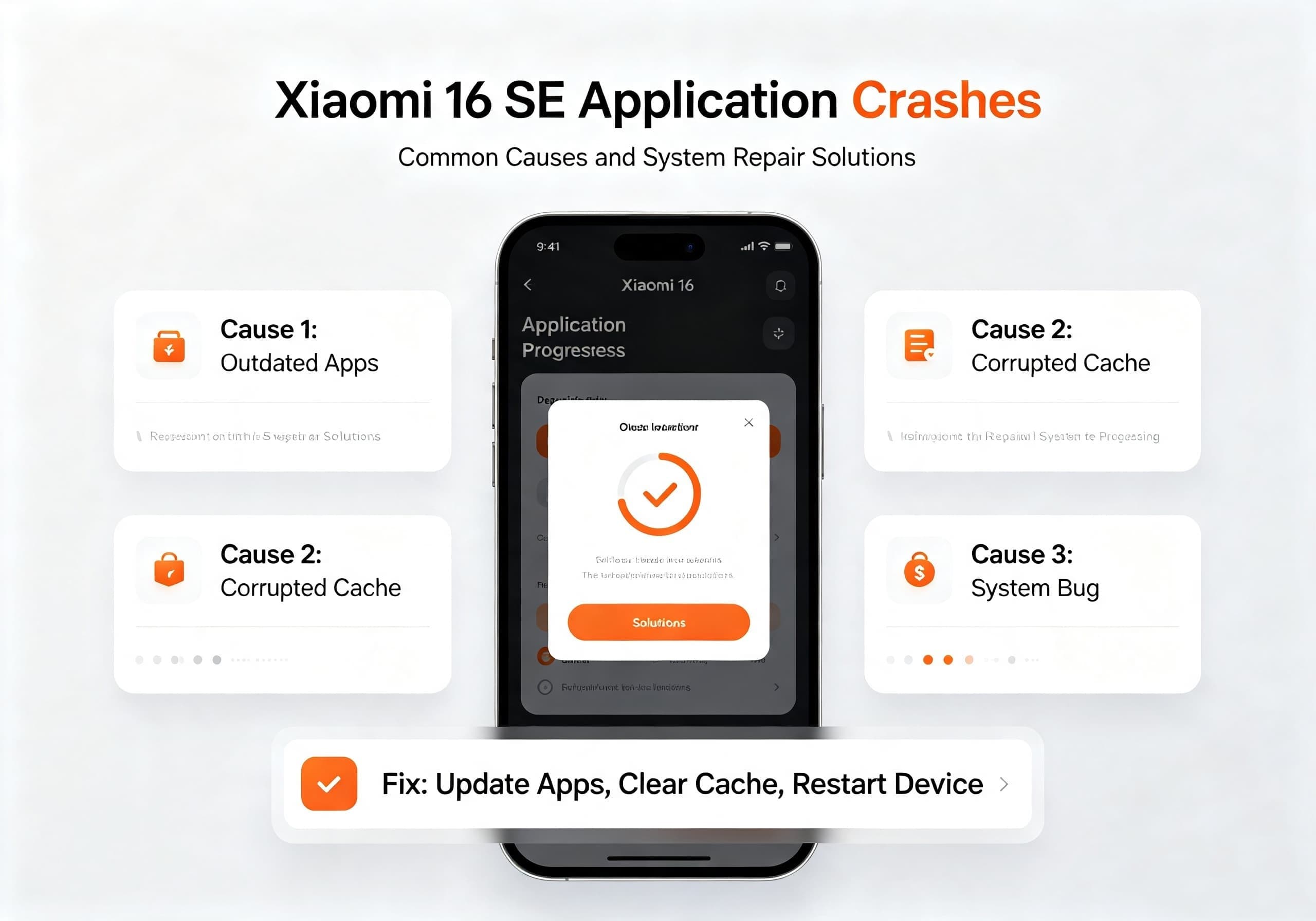
    The Xiaomi 16 SE is expected to be one of Xiaomi’s upcoming mid-to-high-end smartphones, featuring powerful hardware and the latest HyperOS system. However, like many Android devices, users may occasionally encounter problems such as applications crashing, apps freezing, system lag, or programs suddenly closing.

    Application crashes are usually caused by software compatibility issues, corrupted cache files, insufficient storage, outdated applications, or temporary system errors. Xiaomi provides several troubleshooting methods that can help restore normal operation.

    This guide explains the possible reasons behind Xiaomi 16 SE app crashes and provides practical system repair solutions.


    Common Symptoms of Xiaomi 16 SE App Crashes

    Users experiencing application problems may notice symptoms such as:

    • Apps suddenly closing while running
    • “App keeps stopping” error messages
    • Applications failing to launch
    • Games freezing or crashing
    • System UI becoming unresponsive
    • Phone restarting after opening specific apps
    • Increased lag after a system update

    These issues may affect individual applications or the entire system environment.


    Why Does Xiaomi 16 SE Experience App Crashes?

    1. Application Compatibility Problems

    One of the most common causes is incompatibility between an application version and the latest Android or HyperOS system.

    After a major system update, some apps may require developers to release optimized versions. Xiaomi recommends checking whether the affected application has been updated and reinstalling apps from official sources when necessary.

    Common examples include:

    • Older games
    • Third-party tools
    • Modified applications
    • Apps not optimized for Android 16

    2. Corrupted App Cache or Data

    Applications store temporary files to improve loading speed. However, damaged cache data can cause instability.

    Typical symptoms include:

    • App crashes immediately after opening
    • Login failures
    • Frozen screens
    • Abnormal loading behavior

    Clearing the affected app’s cache and data can often resolve these problems.


    3. Insufficient Storage Space

    When internal storage becomes nearly full, Android may struggle to create temporary files required for applications.

    Low storage can lead to:

    • App crashes
    • Slow performance
    • System instability
    • Failed updates

    Keeping at least several gigabytes of free storage is recommended for stable operation.


    4. HyperOS System Bugs

    As Xiaomi continues developing HyperOS, occasional software bugs may appear after major updates.

    Possible causes include:

    • Incomplete system updates
    • Conflicts between old system files and new versions
    • Background service errors
    • Third-party launcher or theme conflicts

    Xiaomi recommends restarting the device, downloading the latest system package, or performing a factory reset if abnormal behavior continues after a HyperOS update.


    Xiaomi 16 SE App Crash Repair Solutions

    Solution 1: Restart the Smartphone

    A simple restart can clear temporary memory errors and restart essential Android services.

    Steps:

    1. Press and hold the power button
    2. Select “Restart”
    3. Wait for the phone to reboot
    4. Test the problematic application again

    If the crash was caused by a temporary system error, this may solve the issue immediately.


    Solution 2: Clear Application Cache and Data

    For apps that repeatedly crash:

    1. Open Settings
    2. Select Apps
    3. Tap Manage Apps
    4. Find the problematic application
    5. Choose Clear Data
    6. Restart the app

    Note: Clearing app data may remove login information, settings, or saved progress. Make sure important data is backed up first.


    Solution 3: Update or Reinstall the Application

    If only one application crashes, the problem may be related to the app itself.

    Recommended steps:

    1. Open Xiaomi App Store or Google Play Store
    2. Check for updates
    3. Install the latest version
    4. If the issue remains, uninstall and reinstall the application

    Downloading apps from official stores improves compatibility and security.


    Solution 4: Update Xiaomi HyperOS

    System updates often include:

    • Bug fixes
    • Performance improvements
    • Application compatibility enhancements
    • Security patches

    To check for updates:

    1. Open Settings
    2. Tap About Phone
    3. Select HyperOS Version
    4. Check for updates

    If a new package is available, install it and restart the device.


    Solution 5: Free Up Storage Space

    To improve system stability:

    Remove unnecessary files such as:

    • Duplicate photos
    • Large videos
    • Old downloads
    • Unused applications

    You can also use Xiaomi’s built-in security and cleaning tools to optimize storage.

    Recommended:

    • Keep more than 10% free storage space
    • Regularly clear temporary files
    • Avoid installing too many background applications

    Solution 6: Disable Conflicting Third-Party Apps

    Some applications may interfere with system performance.

    Possible problem apps include:

    • Battery optimization tools
    • Third-party launchers
    • System modification tools
    • Unofficial themes
    • Security applications

    Try uninstalling recently installed apps and check whether the problem disappears.


    Solution 7: Boot into Safe Mode

    If many applications crash simultaneously, a third-party app may be causing system conflicts.

    Safe Mode loads Android with only essential system applications.

    If the phone works normally in Safe Mode:

    • A downloaded application is likely responsible
    • Remove recently installed apps one by one

    Solution 8: Factory Reset Xiaomi 16 SE

    If all previous methods fail, a factory reset can remove deeper software problems.

    Before resetting:

    • Back up photos
    • Save contacts
    • Sync important files
    • Remember Xiaomi account credentials

    Steps:

    1. Open Settings
    2. Select About Phone
    3. Choose Factory Reset
    4. Confirm data removal

    Xiaomi recommends using factory reset only after backing up data because it clears all user information.


    Solution 9: Submit System Feedback to Xiaomi

    If the crash continues after updates and resets, users can report the issue through Xiaomi’s feedback system.

    Steps:

    1. Open the User Feedback or Help & Feedback application
    2. Select the related problem
    3. Submit logs and details

    System logs help Xiaomi engineers identify and fix software problems in future updates.


    Xiaomi 16 SE Application Crash Repair Checklist

    Problem Recommended Fix
    One app crashes Clear cache, update, reinstall
    Multiple apps crash Restart, update HyperOS
    System freezes Force restart
    After software update Install latest package
    Storage almost full Delete unnecessary files
    Continuous crashes Factory reset
    Still unresolved Contact Xiaomi service

    Final Thoughts

    Application crashes on the Xiaomi 16 SE are usually software-related rather than hardware failures. In most cases, users can restore normal performance by clearing app data, updating applications, installing the latest HyperOS version, or freeing storage space.

    For persistent problems involving multiple applications or repeated system crashes, a factory reset or professional Xiaomi service inspection may be required. Keeping both the operating system and applications updated remains the best way to maintain a stable and smooth Xiaomi 16 SE experience.

    Share. Facebook Twitter Pinterest LinkedIn Tumblr Email

    Related Posts

    How cryptocurrency holders can use shrminer to explore more income opportunities and easily Easily achieve a 4% daily increase in your digital assets

    The Tale of the Canceled Check: What It Means for You

    Speed Matters: How Quick Email Turnaround Impacts Productivity

    Leave A Reply Cancel Reply

    You must be logged in to post a comment.

    voopoopintch
    oxva nexlim 2
    sp2s sen x disposable vape
    • Popular
    • 3D Printer REVIEW
    • XIAOMI
    July 13, 2026

    OXVA Nexlim 2 Mini Pod Vape Hands on Review

    July 13, 2026

    OXVA Nexlim 2 Pod Vape Hands on Review

    June 21, 2026

    iPlay LUMO 8K Review – A Compact Prefilled Pod Kit with Big Flavor and Everyday Convenience

    June 21, 2026

    iPlay HOOLA 150K Review – A Cloud-Chasing Giant with Music, Modes & Massive Longevity

    December 26, 2025

    ACMER ASCARVA 4S: Precision CNC Power for Makers, DIYers & Small Workshops

    June 23, 2024

    ACMER P2 20W Laser Engraver Fixed Focus Engraving: Hands on Review

    May 30, 2024

    xTool F1 Ultra Review: World’s First 20W Fiber & 20W Diode Laser Engraver

    May 30, 2024

    Anycubic Kobra 3 Combo Review: The Multicolor Masterpiece?

    August 7, 2026

    REDMI Note 17 Launches in India with 7-Inch Display, 8,000mAh Battery, and Snapdragon 8 Gen 4

    August 7, 2026

    REDMI K100 Pro Max Camera System Officially Revealed: 200MP Main Sensor, 5× Periscope Telephoto, and 50MP Ultra-Wide

    August 6, 2026

    Xiaomi 18 Design Leaks: Compact Flagship to Feature Leica 200MP Triple Camera and Snapdragon 8 Elite 6

    August 5, 2026

    REDMI K100 Pro Confirmed with 200MP Triple Camera, OIS, and 10cm Telephoto Macro Ahead of August 11 Launch

    fc 26 coins
    New Arrivals
    • Oppo Reno16 F Oppo Reno16 F
    • Oppo Reno16c Oppo Reno16c
    • RODMAN Playoffs 50K Zero Nicotine Disposable Vape RODMAN Playoffs 50K Zero Nicotine Disposable Vape
    • Vivo T5 Lite Vivo T5 Lite
    • Vivo T5e Vivo T5e
    • Vivo X Fold 6 Vivo X Fold 6
    • Huawei MatePad Pro 2026 Huawei MatePad Pro 2026
    • VOOPOO Vmate Max 2 Pod System Kit VOOPOO Vmate Max 2 Pod System Kit
    • Champs 50K Disposable Vape Champs 50K Disposable Vape
    About
  • Igeekphone.com provides the first global tech news and reviews about smartphone, vapes, e-cigar, smart home, 3D printers, e-bike,tablets, RC drones, VR headset, and other accessories. It's the best platform to improve your brand and product.
  • Contact us: info@igeekphone.com
  • Check Our Privacy Policy Here.
  • Note: *Right now we have US editor and EU editors for review, especially for Amazon US and EU.
  • *Shop and Compare Price Here*
  • Facebook
  • Youtube
  • OUR BEST VAPE PARTNERS
  • VAPE ONLINE STORE
  • VAPORESSO
  • VOOPOO
  • OXVA
  • NEXA
  • MASKKING
  • SP2S
  • IPLAY
  • TODOO
  • OTHER BEST PARTNERS
  • SVBONY
  • Chuwi
  • Blackview
  • Fossibot
  • Unihertz
  • Flsun
  • Anycubic
  • Xtool
  • Oukitel
  • Mukkpet Ebike
  • Ugreen
  • Copyright © 2026 igeekphone

    Type above and press Enter to search. Press Esc to cancel.