










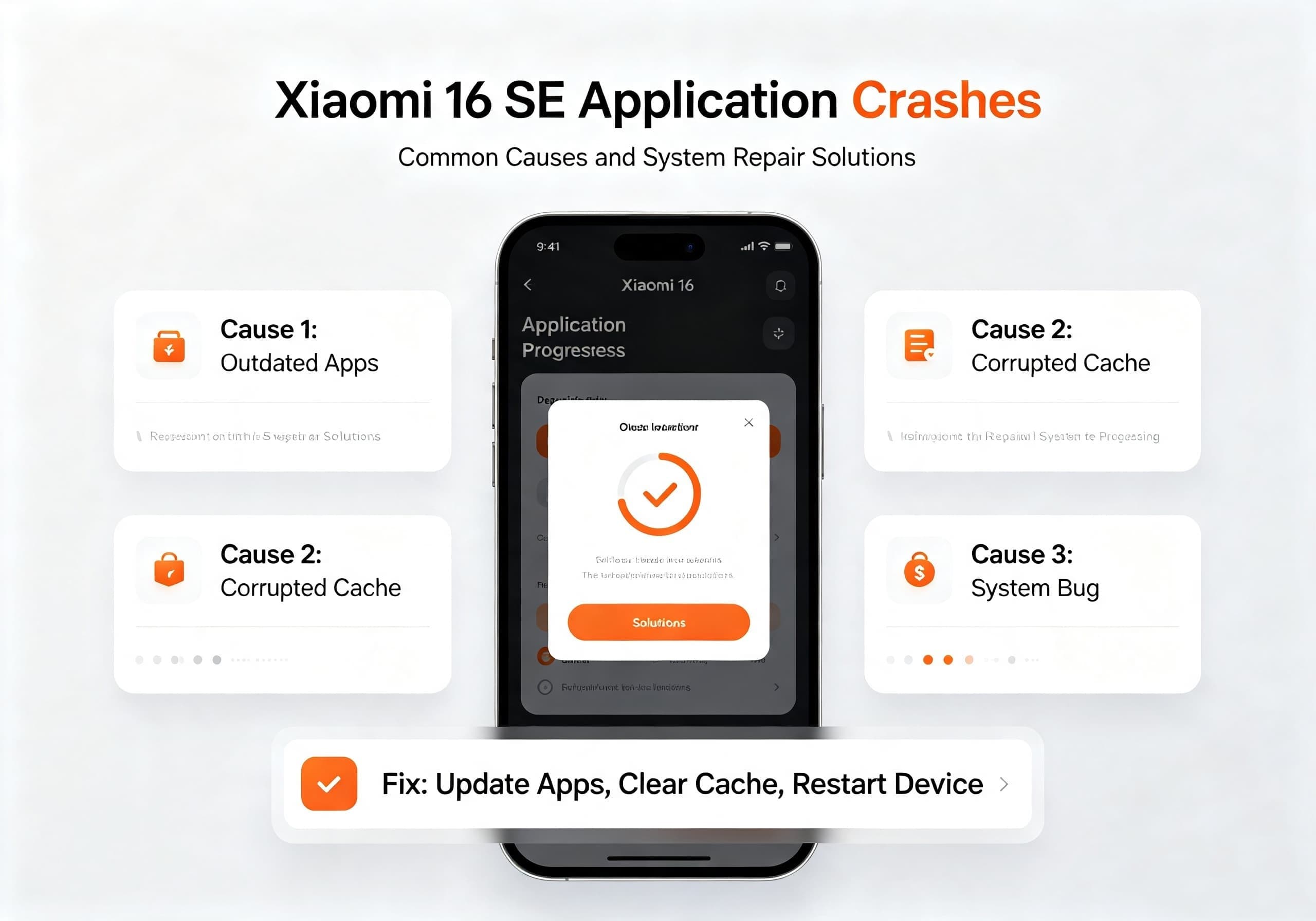
The Xiaomi 16 SE is expected to be one of Xiaomi’s upcoming mid-to-high-end smartphones, featuring powerful hardware and the latest HyperOS system. However, like many Android devices, users may occasionally encounter problems such as applications crashing, apps freezing, system lag, or programs suddenly closing.
Application crashes are usually caused by software compatibility issues, corrupted cache files, insufficient storage, outdated applications, or temporary system errors. Xiaomi provides several troubleshooting methods that can help restore normal operation.
This guide explains the possible reasons behind Xiaomi 16 SE app crashes and provides practical system repair solutions.
Common Symptoms of Xiaomi 16 SE App Crashes
Users experiencing application problems may notice symptoms such as:
- Apps suddenly closing while running
- “App keeps stopping” error messages
- Applications failing to launch
- Games freezing or crashing
- System UI becoming unresponsive
- Phone restarting after opening specific apps
- Increased lag after a system update
These issues may affect individual applications or the entire system environment.
Why Does Xiaomi 16 SE Experience App Crashes?
1. Application Compatibility Problems
One of the most common causes is incompatibility between an application version and the latest Android or HyperOS system.
After a major system update, some apps may require developers to release optimized versions. Xiaomi recommends checking whether the affected application has been updated and reinstalling apps from official sources when necessary.
Common examples include:
- Older games
- Third-party tools
- Modified applications
- Apps not optimized for Android 16
2. Corrupted App Cache or Data
Applications store temporary files to improve loading speed. However, damaged cache data can cause instability.
Typical symptoms include:
- App crashes immediately after opening
- Login failures
- Frozen screens
- Abnormal loading behavior
Clearing the affected app’s cache and data can often resolve these problems.
3. Insufficient Storage Space
When internal storage becomes nearly full, Android may struggle to create temporary files required for applications.
Low storage can lead to:
- App crashes
- Slow performance
- System instability
- Failed updates
Keeping at least several gigabytes of free storage is recommended for stable operation.
4. HyperOS System Bugs
As Xiaomi continues developing HyperOS, occasional software bugs may appear after major updates.
Possible causes include:
- Incomplete system updates
- Conflicts between old system files and new versions
- Background service errors
- Third-party launcher or theme conflicts
Xiaomi recommends restarting the device, downloading the latest system package, or performing a factory reset if abnormal behavior continues after a HyperOS update.
Xiaomi 16 SE App Crash Repair Solutions
Solution 1: Restart the Smartphone
A simple restart can clear temporary memory errors and restart essential Android services.
Steps:
- Press and hold the power button
- Select “Restart”
- Wait for the phone to reboot
- Test the problematic application again
If the crash was caused by a temporary system error, this may solve the issue immediately.
Solution 2: Clear Application Cache and Data
For apps that repeatedly crash:
- Open Settings
- Select Apps
- Tap Manage Apps
- Find the problematic application
- Choose Clear Data
- Restart the app
Note: Clearing app data may remove login information, settings, or saved progress. Make sure important data is backed up first.
Solution 3: Update or Reinstall the Application
If only one application crashes, the problem may be related to the app itself.
Recommended steps:
- Open Xiaomi App Store or Google Play Store
- Check for updates
- Install the latest version
- If the issue remains, uninstall and reinstall the application
Downloading apps from official stores improves compatibility and security.
Solution 4: Update Xiaomi HyperOS
System updates often include:
- Bug fixes
- Performance improvements
- Application compatibility enhancements
- Security patches
To check for updates:
- Open Settings
- Tap About Phone
- Select HyperOS Version
- Check for updates
If a new package is available, install it and restart the device.
Solution 5: Free Up Storage Space
To improve system stability:
Remove unnecessary files such as:
- Duplicate photos
- Large videos
- Old downloads
- Unused applications
You can also use Xiaomi’s built-in security and cleaning tools to optimize storage.
Recommended:
- Keep more than 10% free storage space
- Regularly clear temporary files
- Avoid installing too many background applications
Solution 6: Disable Conflicting Third-Party Apps
Some applications may interfere with system performance.
Possible problem apps include:
- Battery optimization tools
- Third-party launchers
- System modification tools
- Unofficial themes
- Security applications
Try uninstalling recently installed apps and check whether the problem disappears.
Solution 7: Boot into Safe Mode
If many applications crash simultaneously, a third-party app may be causing system conflicts.
Safe Mode loads Android with only essential system applications.
If the phone works normally in Safe Mode:
- A downloaded application is likely responsible
- Remove recently installed apps one by one
Solution 8: Factory Reset Xiaomi 16 SE
If all previous methods fail, a factory reset can remove deeper software problems.
Before resetting:
- Back up photos
- Save contacts
- Sync important files
- Remember Xiaomi account credentials
Steps:
- Open Settings
- Select About Phone
- Choose Factory Reset
- Confirm data removal
Xiaomi recommends using factory reset only after backing up data because it clears all user information.
Solution 9: Submit System Feedback to Xiaomi
If the crash continues after updates and resets, users can report the issue through Xiaomi’s feedback system.
Steps:
- Open the User Feedback or Help & Feedback application
- Select the related problem
- Submit logs and details
System logs help Xiaomi engineers identify and fix software problems in future updates.
Xiaomi 16 SE Application Crash Repair Checklist
| Problem | Recommended Fix |
|---|---|
| One app crashes | Clear cache, update, reinstall |
| Multiple apps crash | Restart, update HyperOS |
| System freezes | Force restart |
| After software update | Install latest package |
| Storage almost full | Delete unnecessary files |
| Continuous crashes | Factory reset |
| Still unresolved | Contact Xiaomi service |
Final Thoughts
Application crashes on the Xiaomi 16 SE are usually software-related rather than hardware failures. In most cases, users can restore normal performance by clearing app data, updating applications, installing the latest HyperOS version, or freeing storage space.
For persistent problems involving multiple applications or repeated system crashes, a factory reset or professional Xiaomi service inspection may be required. Keeping both the operating system and applications updated remains the best way to maintain a stable and smooth Xiaomi 16 SE experience.