










Wireless mice get most of the attention today, but a wired mouse still solves a very specific problem: it just works.
There is no battery to recharge, no wireless receiver to lose, and no Bluetooth pairing process standing between the user and the cursor. For an office computer, home PC, shared workstation or secondary laptop setup, that simplicity can be more valuable than a long list of gaming-oriented features.
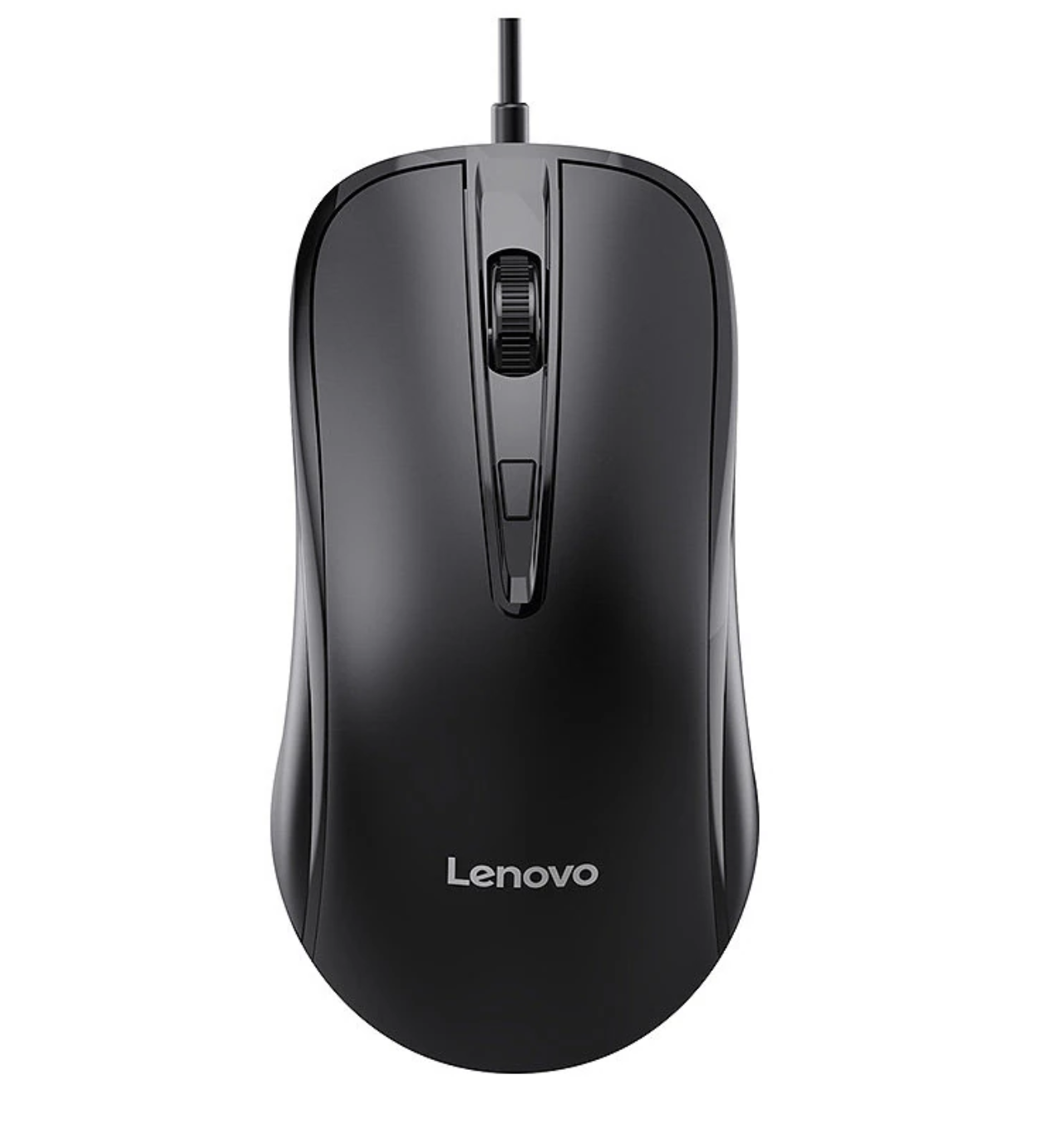
The Lenovo M12 mouse takes this straightforward approach. It is a USB wired mouse with an ergonomic shape, four buttons, three adjustable DPI levels, a quiet scrolling wheel and a 1.8-meter cable. Its DPI settings are 1200, 1800 and 2400, giving users a small but useful range of cursor-speed options.
Rather than trying to compete with high-end gaming mice, the M12 focuses on the everyday tasks people actually perform for hours: browsing, working with documents, navigating spreadsheets, controlling media and occasionally playing games.
Why Choose a Wired Mouse in 2026?
A wired mouse may initially seem like an outdated choice. Modern wireless models are convenient, rechargeable and increasingly reliable.
But wireless is not automatically better for every desk.
For users who prefer a simple connection without batteries or wireless receivers, a USB wired mouse remains a practical choice for desktop computers and workstations.
A wired connection removes several variables. The mouse does not depend on a rechargeable battery, and there is no wireless receiver occupying another USB port. Once connected, the M12 is ready to use.
That makes it particularly appealing for computers that stay in one location.
Think about an office desktop that is used eight hours a day. A mouse that remains connected to the same USB port does not need to be charged at the end of the week. The same logic applies to a home PC or a workstation used for study.
The M12 is therefore less about chasing the newest peripheral technology and more about reducing unnecessary friction.
The 1.8-Meter Cable Is Long Enough for a Typical Desk
Cable length is easy to overlook until a mouse cable is too short.
The M12 uses a 1.8-meter USB cable, giving users reasonable freedom to position the mouse without keeping the computer tower directly beside the mousepad.
That is especially useful with desktop PCs where the USB ports may be located on the rear of the chassis.
A wired mouse does have one unavoidable disadvantage: the cable can create resistance as it moves across the desk. Cable management and mouse placement therefore still matter.
For normal office use, however, 1.8 meters provides plenty of reach for most setups.
Three DPI Levels Are More Useful Than They Look
The M12 offers three DPI settings:
- 1200 DPI
- 1800 DPI
- 2400 DPI
Instead of forcing users to accept one fixed cursor speed, the dedicated DPI control lets them change tracking sensitivity according to the task.
The lower setting can make controlled cursor movement easier when precision matters. Moving up to 1800 or 2400 DPI can make navigation across a large display faster with less physical mouse movement.
This is not the same as having the extensive sensitivity adjustment found on premium gaming mice, but that is not necessarily the goal.
For everyday computing, three sensible presets can be enough.
Someone working on documents might prefer a more controlled setting, while a user moving between multiple windows or a large monitor could prefer a faster cursor.
The important point is that DPI becomes a quick adjustment rather than a permanent setting.
Ergonomics Matter More Than Extra Buttons
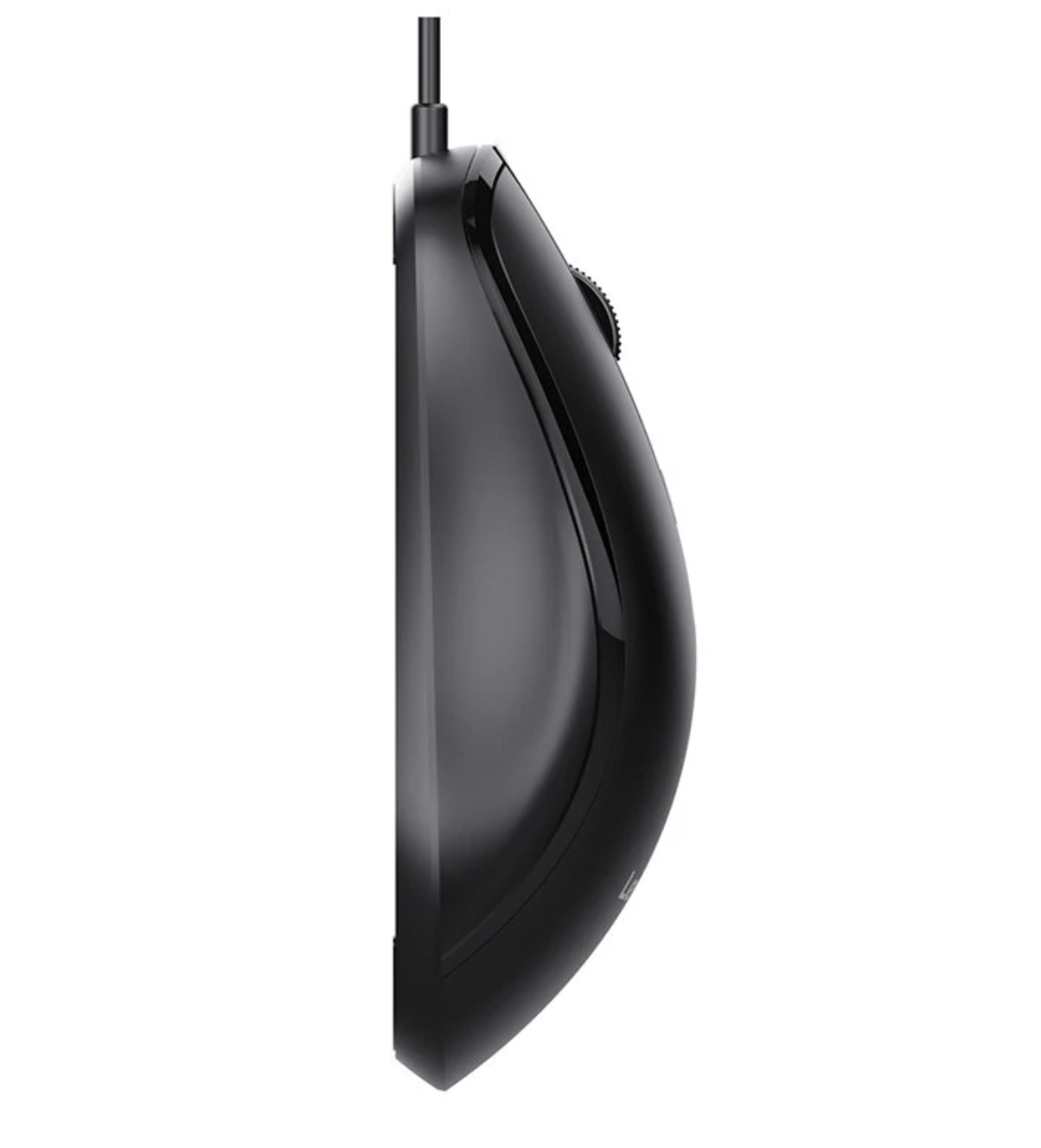
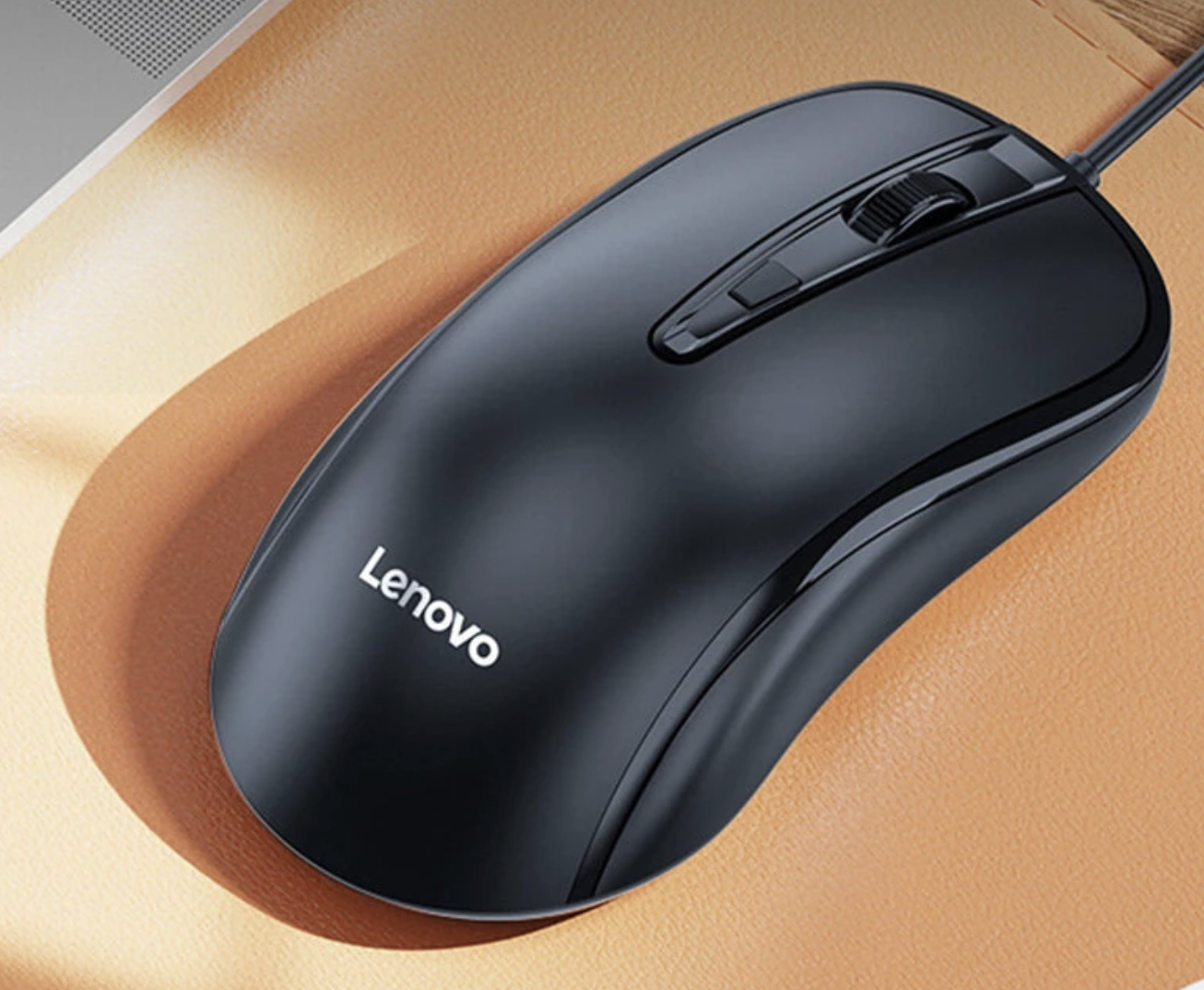
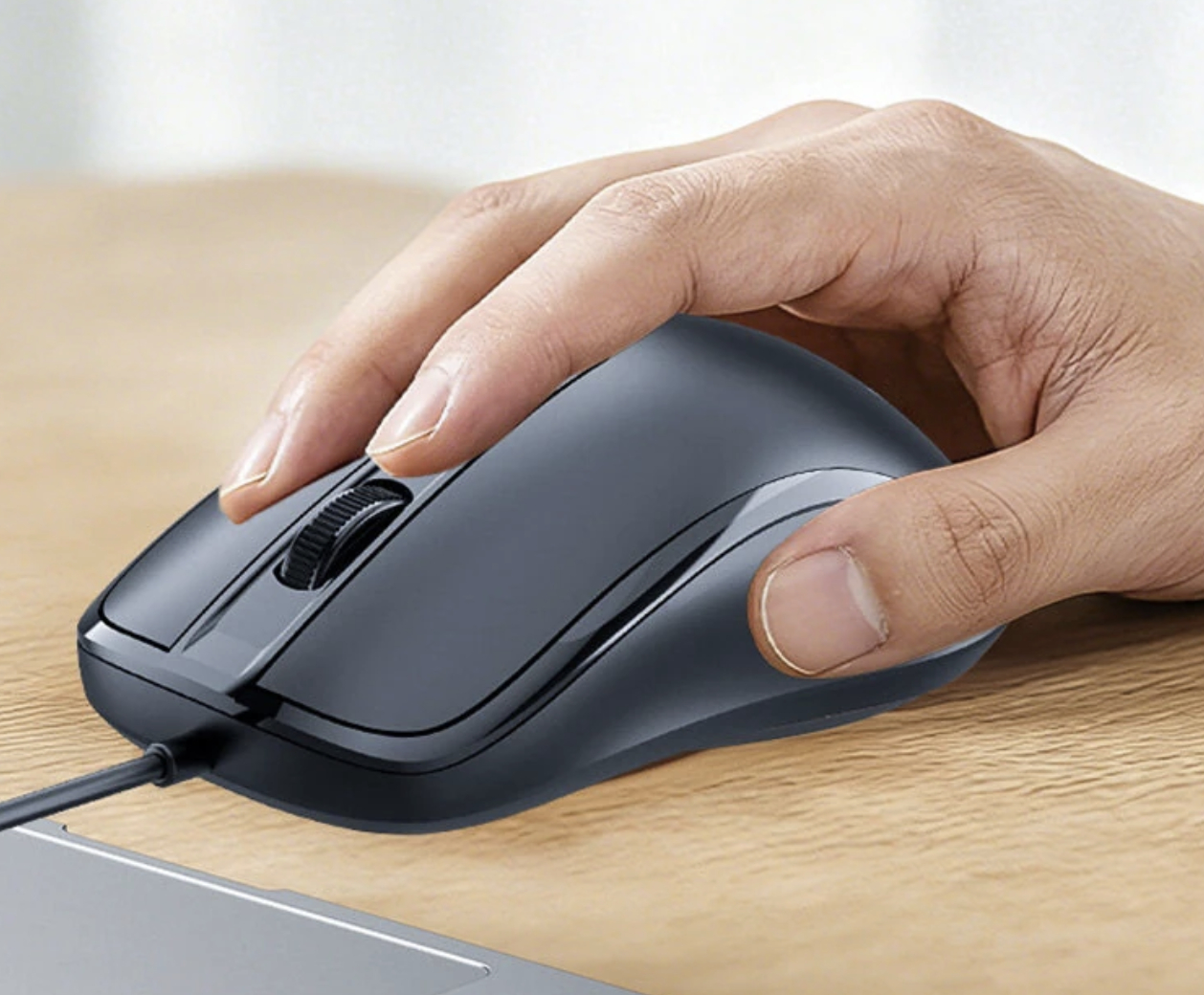
The M12 has a relatively conventional ergonomic shape designed to fit the palm. Lenovo’s product listing positions it for extended office use as well as gaming.
For people who spend several hours at a computer, choosing the right ergonomic computer mouse can make a bigger difference to everyday comfort than adding extra buttons or lighting.
That design choice is significant because most people do not interact with a mouse for only a few minutes.
A typical working day can involve hundreds or thousands of small movements: selecting text, dragging files, scrolling webpages, clicking menus and moving between applications.
An uncomfortable mouse can become noticeable long before its technical limitations do.
The M12 keeps the design relatively uncomplicated. There are four buttons, including the scroll-wheel control, rather than a large collection of programmable controls.
For office users, that can actually be an advantage.
Quiet Clicking Makes More Sense in Shared Spaces
The M12 is also designed around quieter interaction.
Its product description highlights quieter clicks and a non-slip rubber scroll wheel intended to reduce distracting noise in shared environments.
This feature may not sound exciting, but it addresses a real annoyance.
A loud mouse becomes particularly noticeable in:
- Open-plan offices
- Libraries
- Classrooms
- Bedrooms
- Shared workspaces
- Home offices during calls
A quieter mouse does not transform productivity, but it can make repetitive computer interaction less intrusive.
This is one of those features that is easier to appreciate after using a mouse for several hours than when simply reading its specifications.
Four Buttons Keep the M12 Easy to Understand
The M12 uses a four-button configuration.
There is no attempt to turn it into a specialized MMO mouse with a dozen side buttons. Instead, the layout remains familiar and easy to learn.
For everyday computing, most users already rely heavily on the primary buttons and scroll wheel. Extra buttons only become important when a particular application or game benefits from them.
The M12’s restrained approach should therefore appeal to people who want a mouse that does not require software configuration before it becomes useful.
Plug-and-Play Is One of Its Biggest Advantages
The M12 connects through USB and is designed for plug-and-play operation, with no separate driver or software installation required according to the Banggood listing. It is listed as compatible with Windows 7, Windows 8, Windows 10 and later versions.
This makes the mouse particularly convenient for shared computers.
You can connect it to a compatible PC and start using it without creating an account, installing a control application or configuring profiles.
That simplicity is also useful when troubleshooting a computer.
If a wireless mouse stops responding because of a battery or receiver problem, there are several possible causes. A wired mouse has a much simpler connection chain: USB port, cable and mouse.
Of course, a damaged cable can eventually become a problem, but there is less maintenance involved during normal use.
The Lenovo One-Key Service Function Is an Interesting Extra
One feature that separates the M12 from an entirely basic office mouse is Lenovo One-Key Service Access.
According to the listing, long-pressing the DPI button can provide quick access to Lenovo’s AI and support services.
This is a niche feature rather than the main reason to buy the mouse.
Still, it reflects how even simple peripherals are increasingly being connected to software services. Instead of adding another dedicated physical button, Lenovo uses an existing control for an additional function.
Whether that matters will depend heavily on how much the user relies on Lenovo’s ecosystem.
Is the M12 Suitable for Gaming?
The short answer is: for casual gaming, yes; for competitive gaming, expectations should be realistic.
Buyers specifically looking for a gaming mouse for PC should compare sensor performance, polling rate, weight and customization options before choosing an everyday wired model.
The 2400 DPI maximum is sufficient for ordinary games, and the wired USB connection avoids concerns about wireless battery life. The ergonomic shape can also be useful during longer sessions.
But serious competitive players may want features that the M12 does not attempt to provide.
For example, gaming-focused mice can offer much higher adjustable DPI ranges, customizable polling rates, programmable buttons, specialized sensors and lighter constructions.
The M12 should therefore be viewed as an everyday mouse that can also handle gaming, rather than a dedicated esports peripheral.
That distinction makes the product easier to evaluate honestly.
Who Is the Lenovo M12 Really For?
The M12 makes the most sense when reliability and simplicity matter more than advanced customization.
Office Workers
The ergonomic shape, quiet operation and wired connection suit long periods of document work, browsing and spreadsheet navigation.
Students
Plug-and-play USB connectivity means the mouse can be connected to a compatible computer without installing additional software.
Home PC Users
If your computer rarely moves, there is little practical reason to prioritize wireless convenience.
Shared Workspaces
Quiet clicking and scrolling can be useful when other people are nearby.
Casual Gamers
The three DPI settings and wired connection provide a reasonable foundation for occasional gaming.
What the M12 Does Not Try to Be
One of the most important aspects of the M12 is what it leaves out.
There is no RGB lighting, elaborate configuration software, large number of programmable buttons or ultra-lightweight gaming construction.
That could be considered a weakness if you are shopping specifically for a premium gaming mouse.
For an office-oriented buyer, however, those omissions can actually make the product easier to live with.
There are fewer settings to configure, fewer things to charge and fewer features that exist primarily for marketing rather than everyday usefulness.
Lenovo M12 Specifications
| Feature | Lenovo M12 |
|---|---|
| Connection | USB wired |
| Cable Length | 1.8m |
| Buttons | 4 |
| DPI Levels | 1200 / 1800 / 2400 DPI |
| Button Lifespan | Approx. 3 million clicks |
| Weight | Approx. 100g |
| Dimensions | 121.5 × 64 × 39mm |
| Compatibility | Windows 7/8/10 and later |
| Setup | Plug and play |
| Scroll Wheel | Quiet, non-slip rubber design |
| Special Function | Lenovo One-Key Service Access |
The specifications above are based on the current Banggood listing for the Lenovo M12.
Final Verdict
Lenovo M12 is interesting precisely because it does not try to reinvent the computer mouse.
Its 1.8-meter USB cable provides a dependable connection, three DPI settings give users useful cursor-speed flexibility, and the ergonomic shape targets the kind of long-duration use common in offices and homes. Quiet clicking and scrolling add another practical benefit for shared environments.
It is not the mouse for someone searching for a highly customizable competitive gaming peripheral.
Instead, it is a better fit for users who want a simple, comfortable and low-maintenance wired mouse that can handle work, study, browsing and occasional gaming without demanding much attention.
In a market increasingly dominated by wireless accessories, the M12 makes a reasonable argument for keeping things simple: connect the cable, choose the DPI level you prefer, and get back to work.