Facebook Twitter Instagram
    Trending
    • How to Keep Your Rummy Skills Sharp
    • Uwell Caliburn G5 Lite SE Pod System Kit Review: Premium Simplicity Refined
    • Uwell Caliburn G5 Lite KOKO Pod System Kit Review: Compact Power, Uncompromised Flavor
    • Uwell Caliburn G5 Lite Pod System Kit Review: Refined Simplicity, Unmatched Flavor
    • Quantum AI App, Useful or Not?
    • How to Troubleshoot and Fix a Vape That Won’t Charge?
    • How to Troubleshoot iPhone Personal Hotspot Issues
    • The Link Between Herpes Transmission and Vaping: What’s the Risk?
    Facebook YouTube
    Login Register
    IGeeKphone China Phone, Tablet PC, VR, RC Drone News, Reviews
    • HOME
      • NEWS
        • DeepSeek
        • ChatGPT
        • Minecraft
    • Amazon
    • CHRISTMAS
    • PHONE
      • Top Phones For Your First Choice
      • Phone Comparison
      • Xiaomi
      • Blackview
      • Unihertz
      • Doogee
      • Black Shark
      • Geekbuying
      • Banggood
      • TEMU
      • TikTok
      • Aliexpress
      • Walmart
      • Newegg
      • MercadoLibre
      • Lazada
    • TOP VAPE Awards for 2025
    • VAPES
      • E-CIGAR Upcoming
      • Vape News
      • Vape Market Trend
      • Vape Deals
      • Expo News
      • Vape Comparison
      • Vape Guide
        • Guide For Beginners
        • Guide for Best Users
      • Giveaway
    • BEST VAPE
      • Best Vape Stores
      • Best Starter Vape Kits
      • Best Vapes for Beginners
      • Best Disposable Vapes
      • Best Pod Systems
      • Best Pod Mod Vapes
      • Best Mods
      • Best Nicotine Pouches
      • Best Clearomizers/Tanks
      • Best E-Liquid
      • Best EGO/Pens
      • Best Vapes for Nic Salt E-Juice
      • Best Vapes to Quit Smoking
      • RDA vs. RDTA vs. RTA
    • Best Vape Brand 2025
      • VAPORESSO
      • VOOPOO
      • OXVA
      • NEXA BAR
      • ORIONBARTECH
      • MASKKING VAPE
      • VEIIK
      • MEMERS
      • SP2S
      • JNR
      • TODOO
      • MRFOG
    • REVIEW
      • E-cigar Review
      • Phones
      • Tablet PC
      • TV Box
      • RC Drone
      • Wearables
      • Camera
      • Accessories
      • VR Headset
    • MORE
      • 3D PRINTER
        • 3D Printer Review
        • Anycubic
        • FLSUN
        • Xtool
        • LONGER
        • Top 3D printer to Choose First
      • TREND
      • CLOTHES
      • AUTO CAR
      • POWER STATION
        • Oukitel
        • FOSSIBOT
      • GAMING
        • Top Gaming Products
      • E-BIKE
        • Samebike
        • Happyrun
        • ENGWE
      • TABLET
        • Chuwi
        • INNOCN
        • Teclast
        • Top Tablet for Your First Choice
        • Tablet/Laptop Comparison
      • WEARABLES
        • OneOdio
        • BlitzWolf
        • Top Smartwatch for First Choice
      • SMART HOME
      • TV BOX
        • Chuwi mini pc
        • Beelink
        • GMKTEC
        • MOREFINE
      • RC DRONE
        • DJI
        • MJX
        • JJRC
        • Hubsan
        • Top RC Drone
      • CAMERA
        • Gopro
        • Insta360
        • Andoer
      • ACCESSORIES
      • VR HEADSET
      • ROM
        • SAMSUNG
        • XIAOMI
        • ASUS
        • MEIZU
        • LENOVO
        • HUAWEI
        • ONEPLUS
        • ZTE
        • UMIDIGI
        • DOOGEE
        • HOMTOM
        • ELEPHONE
        • ULEFONE
        • BLACKVIEW
        • VERNEE
        • LEAGOO
        • CHUWI
        • TECLAST
        • PIPO
        • TV BOX ROM
    • DEAL
    • Shop
    IGeeKphone China Phone, Tablet PC, VR, RC Drone News, Reviews
    You are at:Home»Chuwi»Chuwi Hi10 X1: A Budget 2-in-1 Windows Tablet That Delivers More Than Expected (Review and Video)
    Chuwi

    Chuwi Hi10 X1: A Budget 2-in-1 Windows Tablet That Delivers More Than Expected (Review and Video)

    JokerBy JokerMarch 16, 2025
    Facebook Twitter Pinterest LinkedIn Tumblr Email

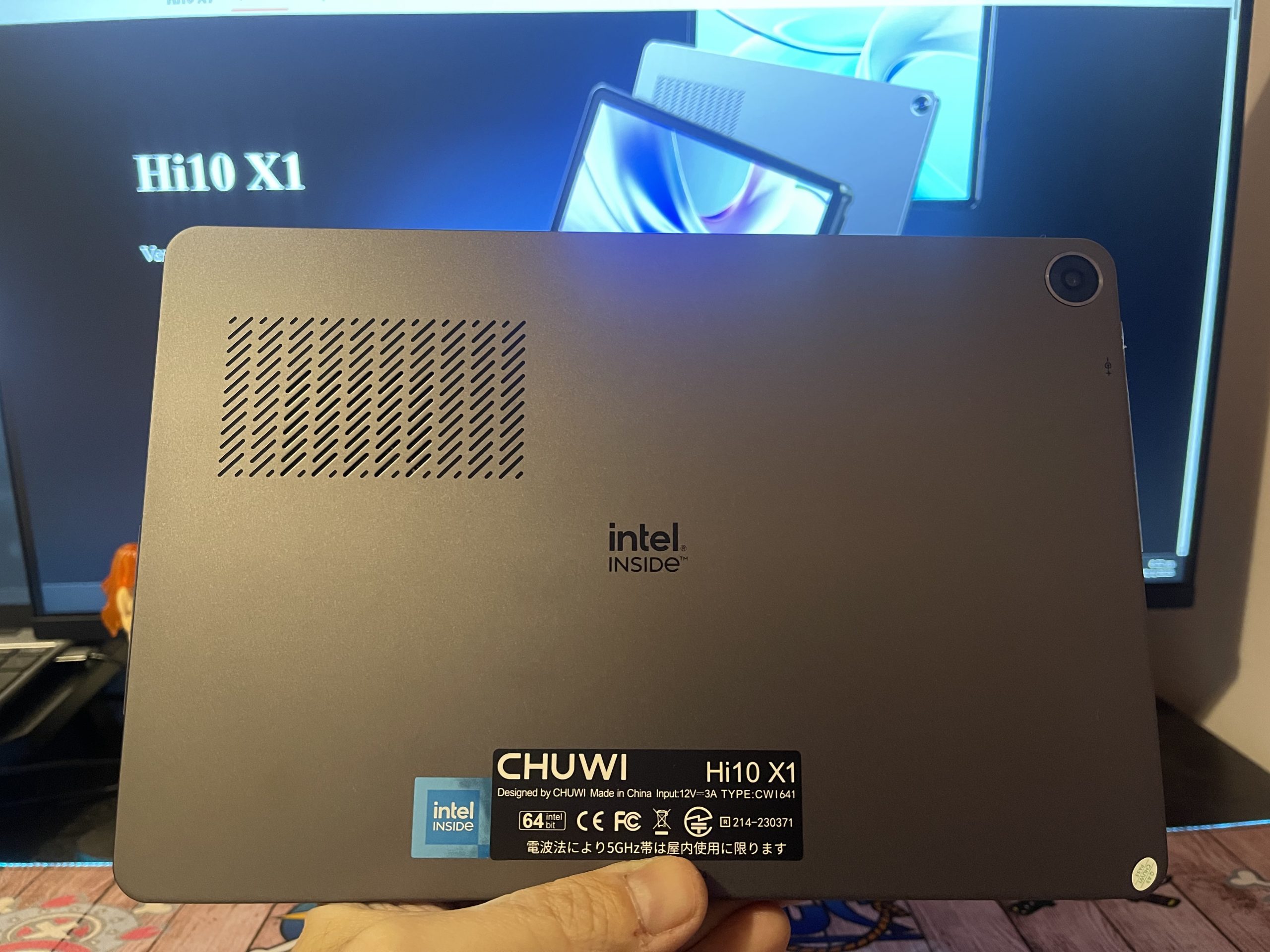
    The Chuwi Hi10 X1 is an affordable Windows-based 2-in-1 tablet that aims to balance productivity, portability, and entertainment. Designed for students, professionals, and casual users, it offers a full Windows 11 experience in a compact form factor. With an Intel N100 processor, 8GB RAM, and a 10.1-inch IPS display, it promises smooth performance for everyday tasks while remaining highly portable.

    In this in-depth review, we will analyze its build quality, display, performance, battery life, and overall value proposition.

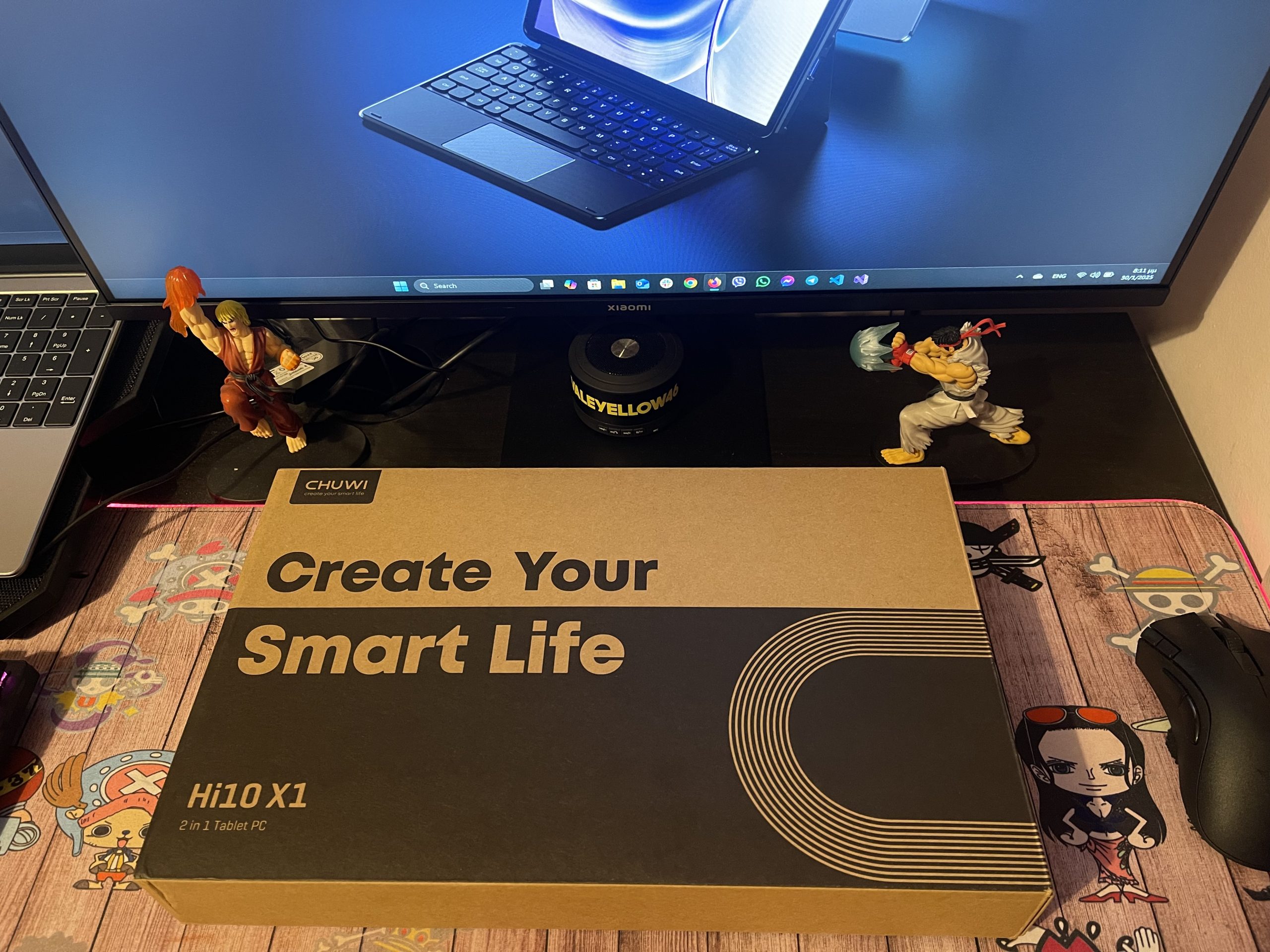
    What’s in the Box?

    Unboxing the Chuwi Hi10 X1, you’ll find:

    • Chuwi Hi10 X1 Tablet – A lightweight, aluminum-body tablet with a 10.1-inch touchscreen.
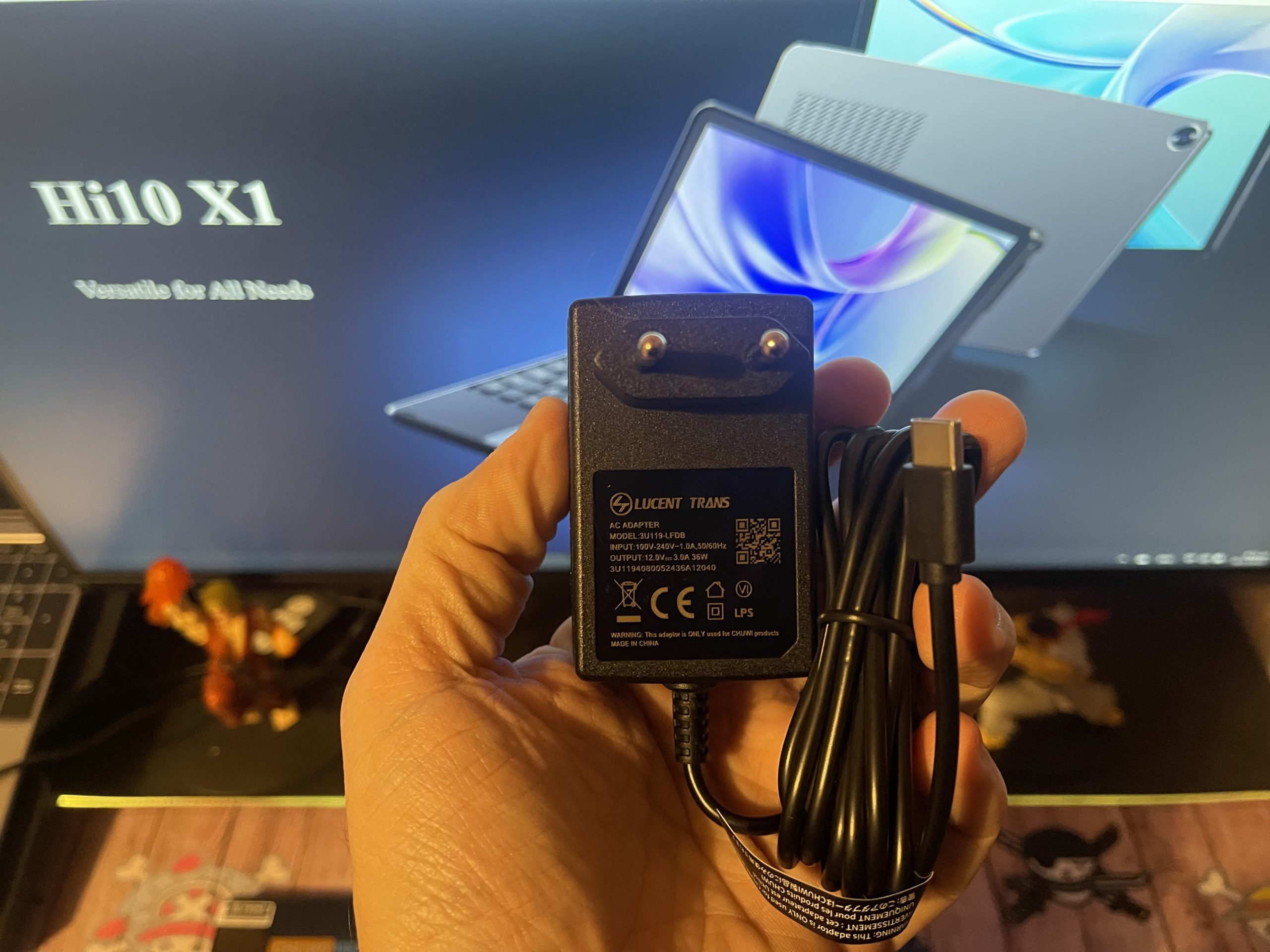
    • Power Adapter – A 12V/3A (36W) USB-C charger for fast charging.
    • User Manual – A guide for setting up and troubleshooting the device.

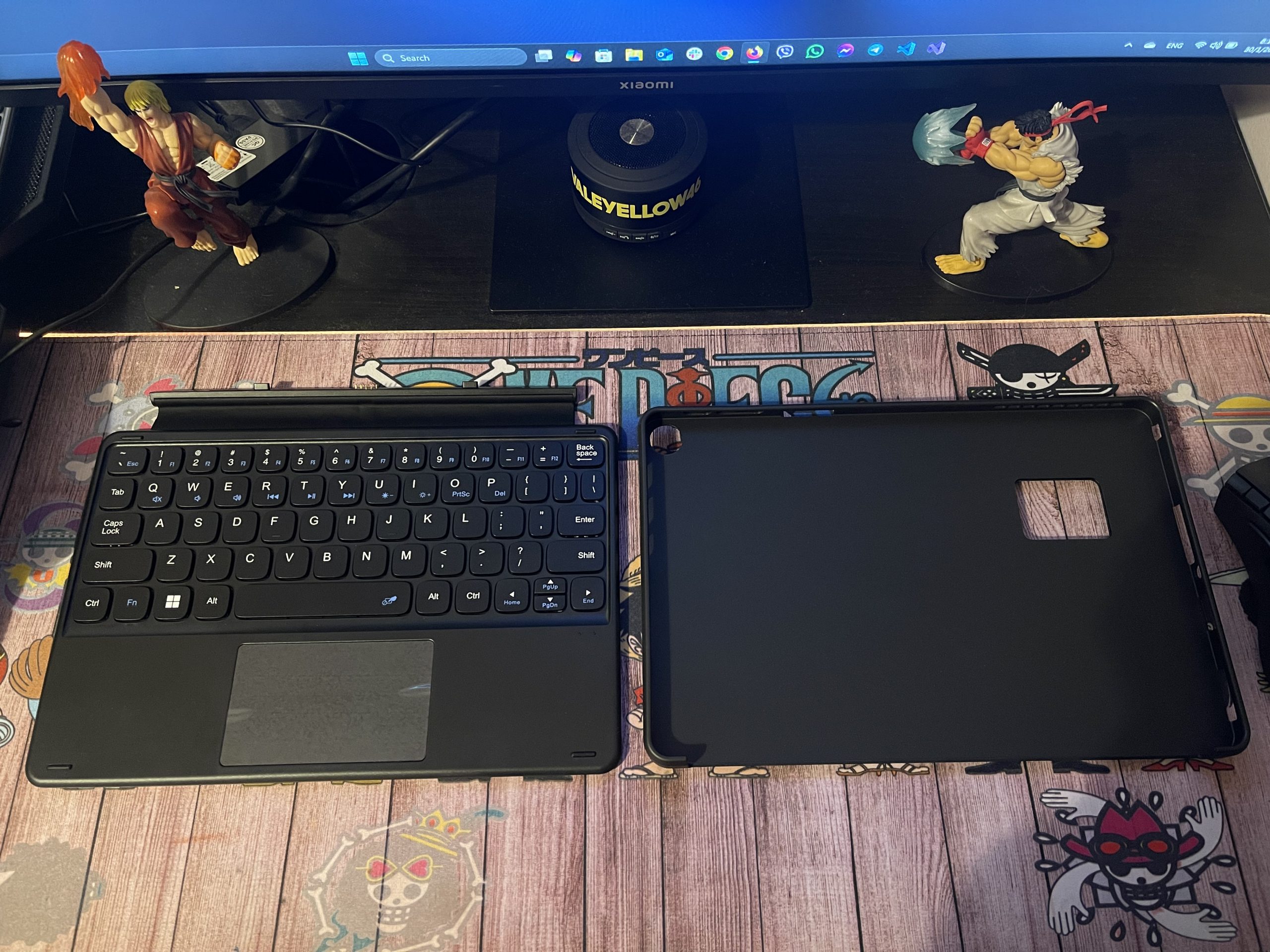
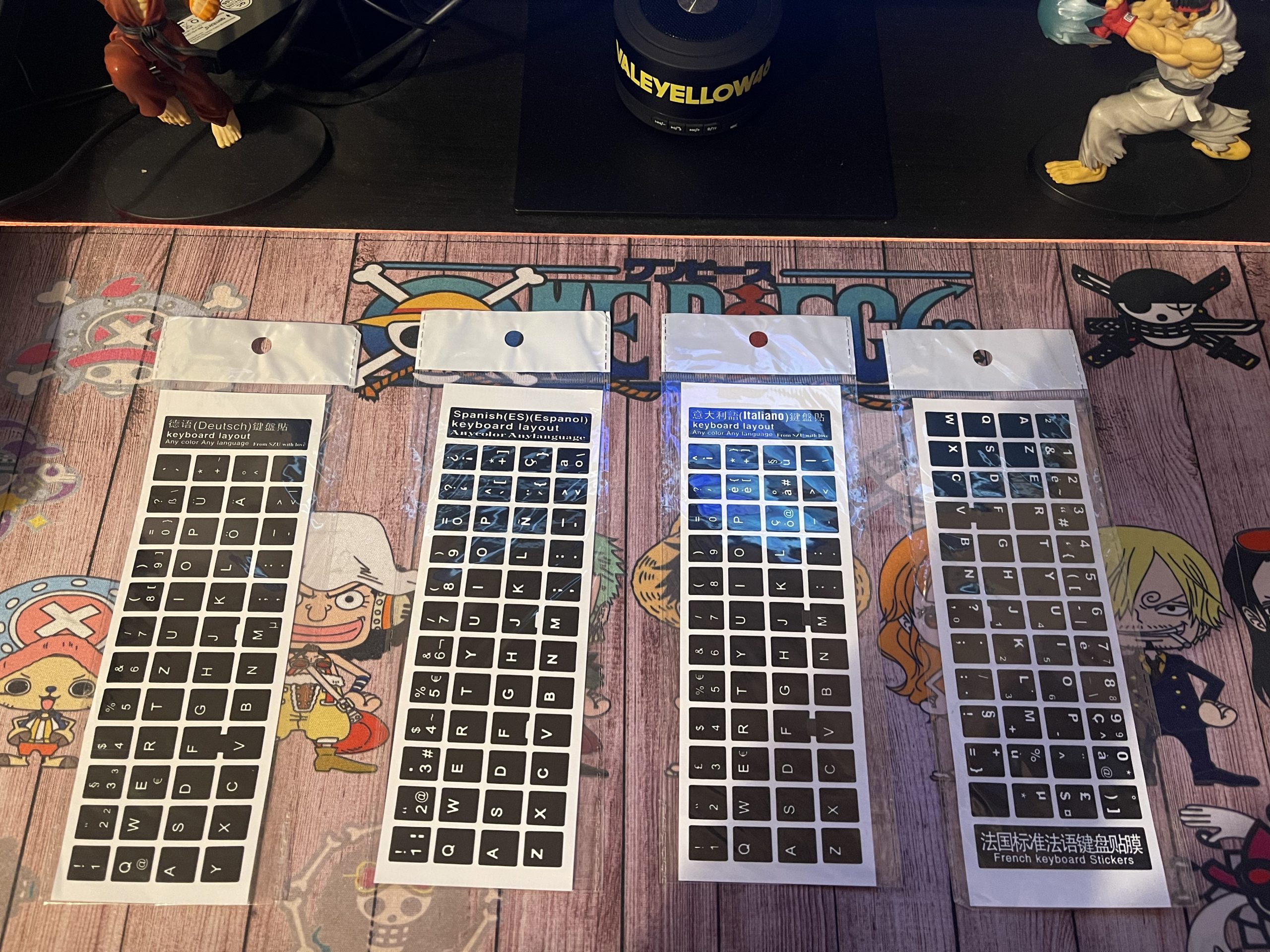
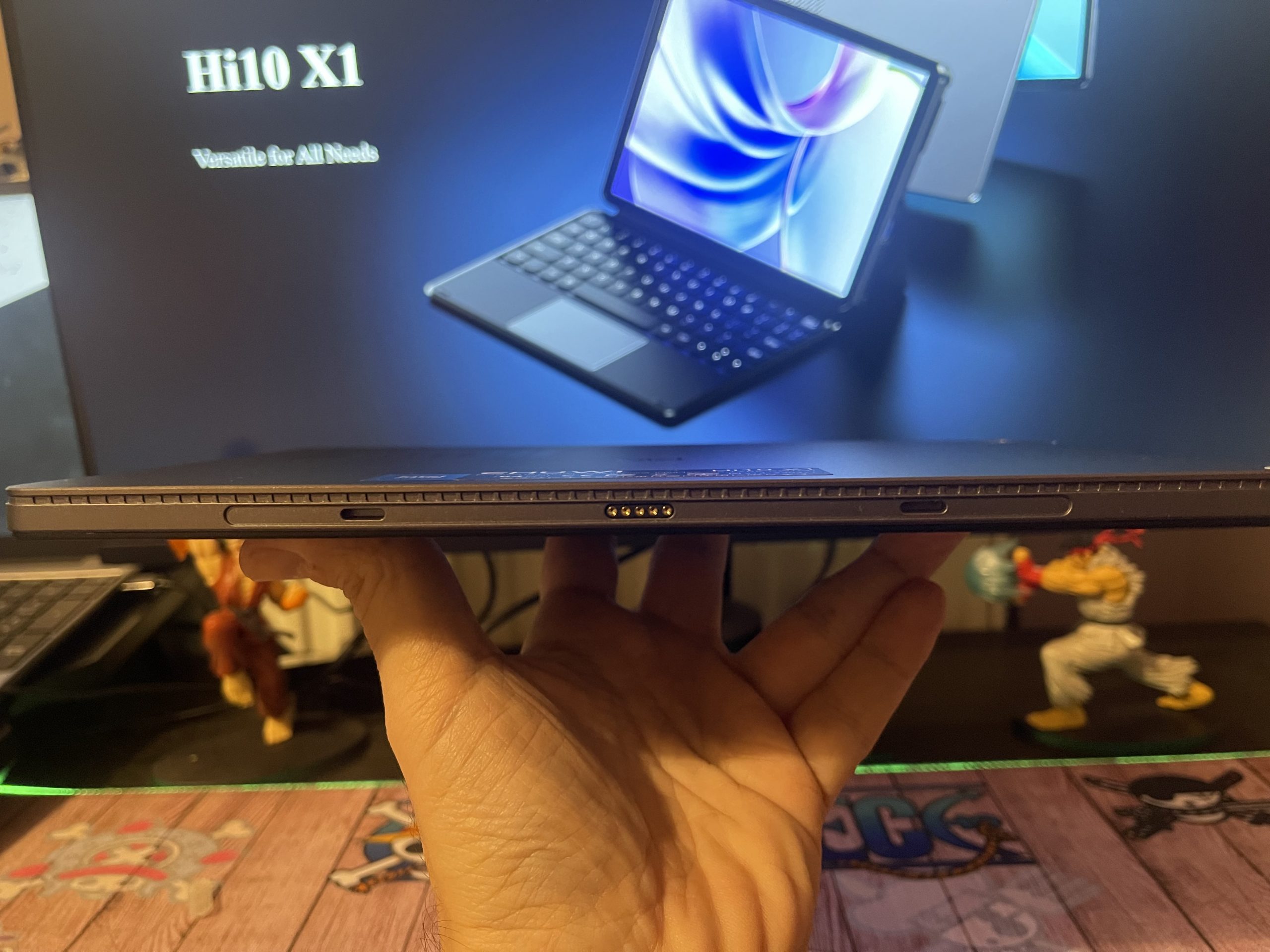
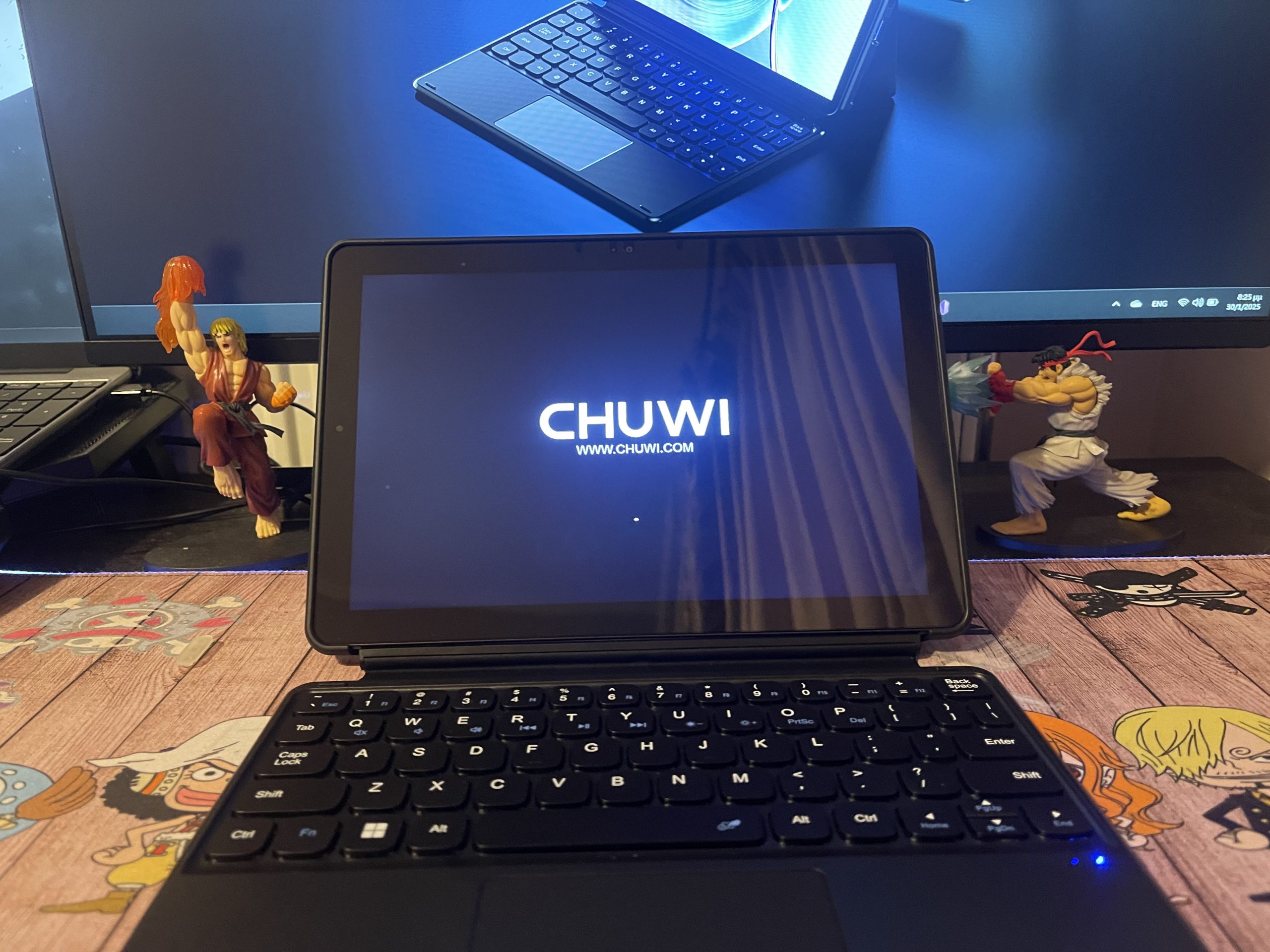
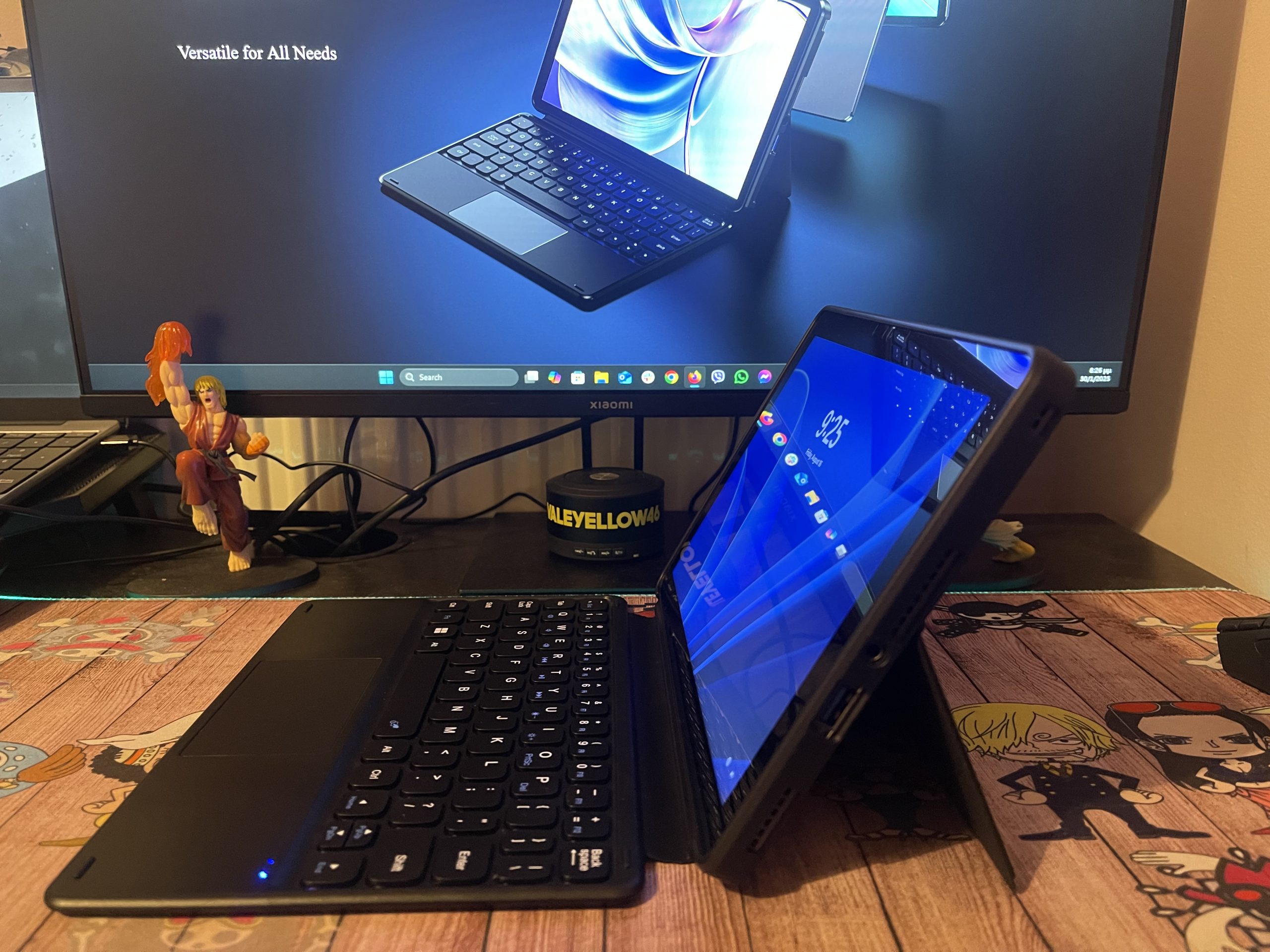
    Note: The detachable keyboard and Kickstand are optional accessories and not included in the base package. You’ll need to purchase them separately (in low cost) if you plan to use the Hi10 X1 as a full-fledged laptop replacement.
    Specifications Overview

    Feature Specification
    Processor Intel N100 (4 cores, 4 threads, up to 3.4 GHz)
    Graphics Intel UHD Graphics (750 MHz, 24 execution units)
    Memory 8GB LPDDR5 RAM (4800 MHz)
    Storage 256GB SATA SSD (Expandable via microSD)
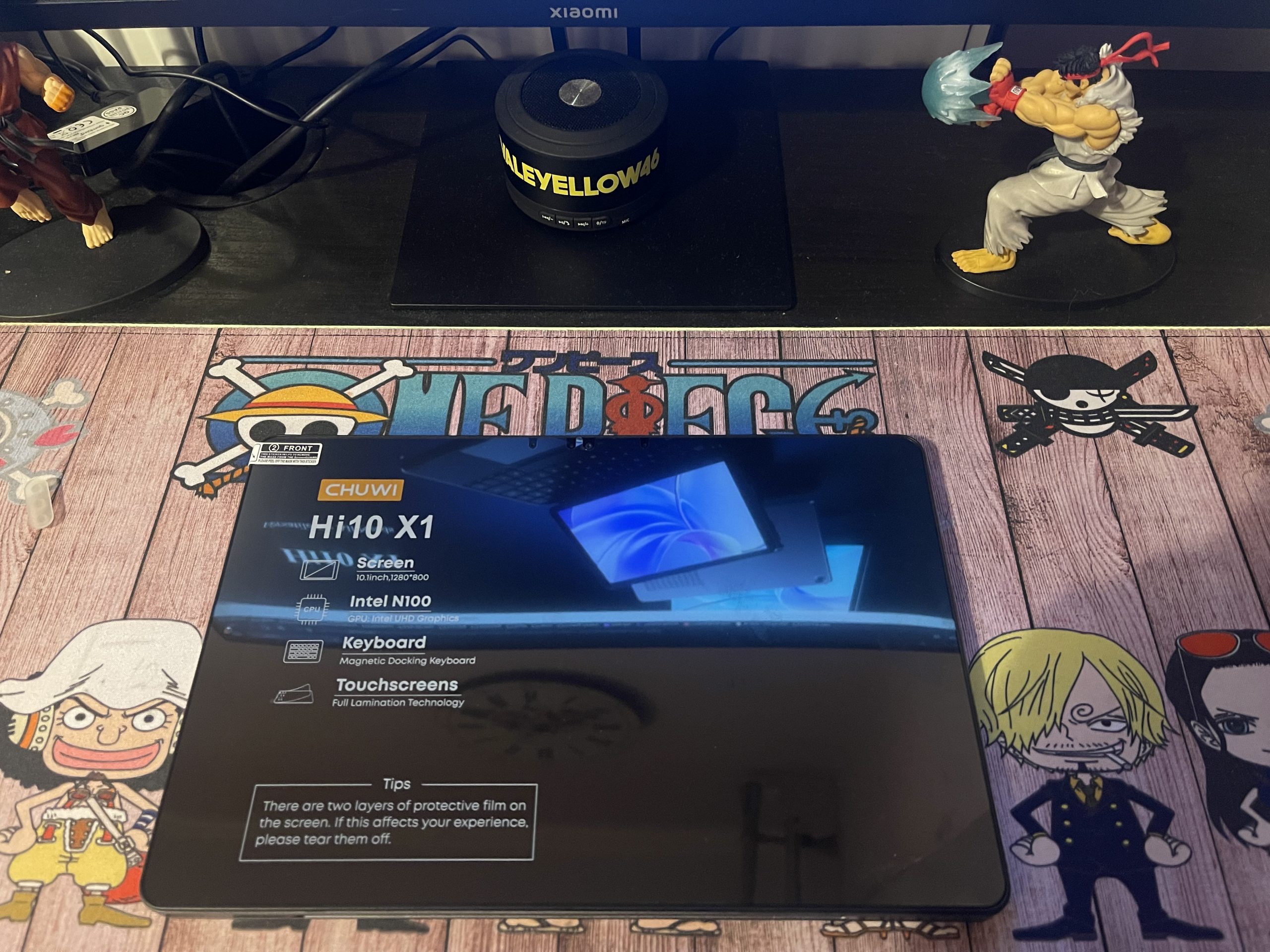
    Display 10.1-inch IPS, 1280×800 resolution, 16:10 aspect ratio
    Touch Support Yes (10-point multi-touch)
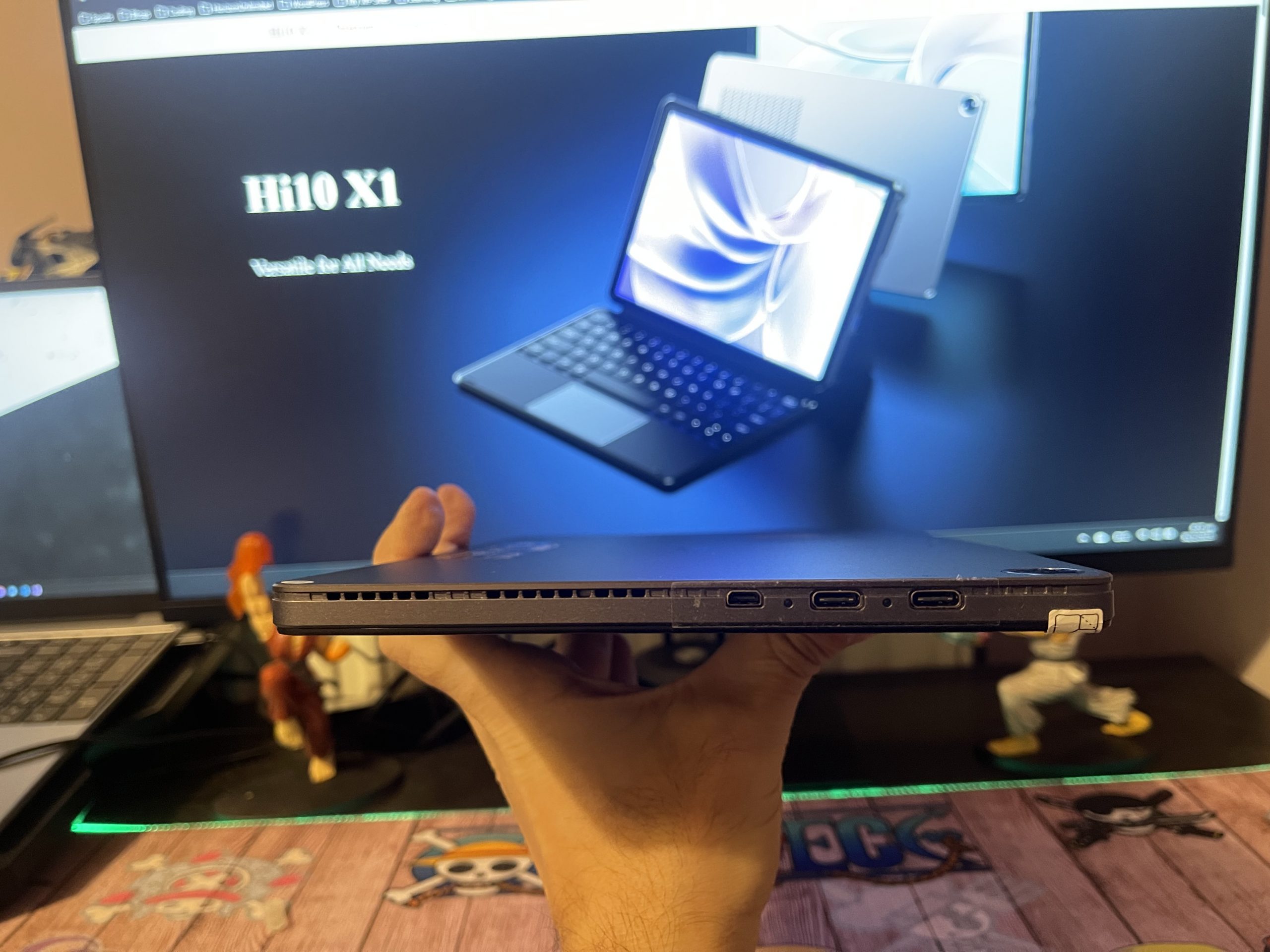
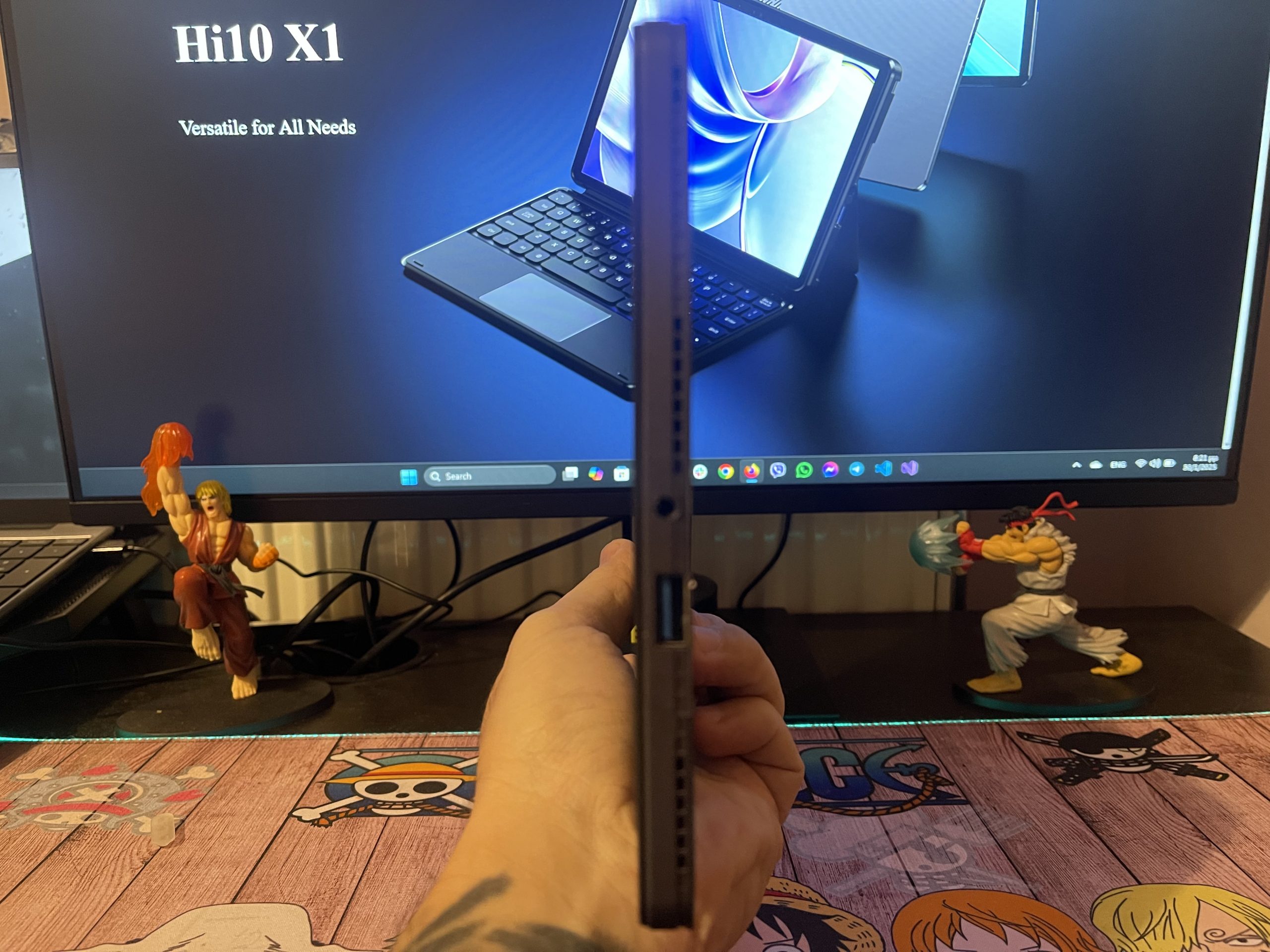
    Ports 1 x USB-C 3.2 (data, charging, display), 1 x USB-C 2.0, 1 x USB-A 3.0, 1 x micro HDMI, 1 x 3.5mm headphone jack
    Cameras 8MP rear (autofocus), 5MP front
    Connectivity Wi-Fi 6, Bluetooth 5.2
    Battery 25.84Wh (7.6V) – lasts up to 5 hours
    OS Windows 11 Home
    Dimensions 245.4 x 164.2 x 10.1 mm
    Weight 610g

    Don’t miss the chance to see this amazing Tablet-Pc video review on YouTube

    Design & Build Quality

    Despite its budget price, the Hi10 X1 feels premium thanks to its aluminum alloy body, which gives it a sturdy yet lightweight build. Weighing only 610g, it is highly portable, making it easy to carry around.

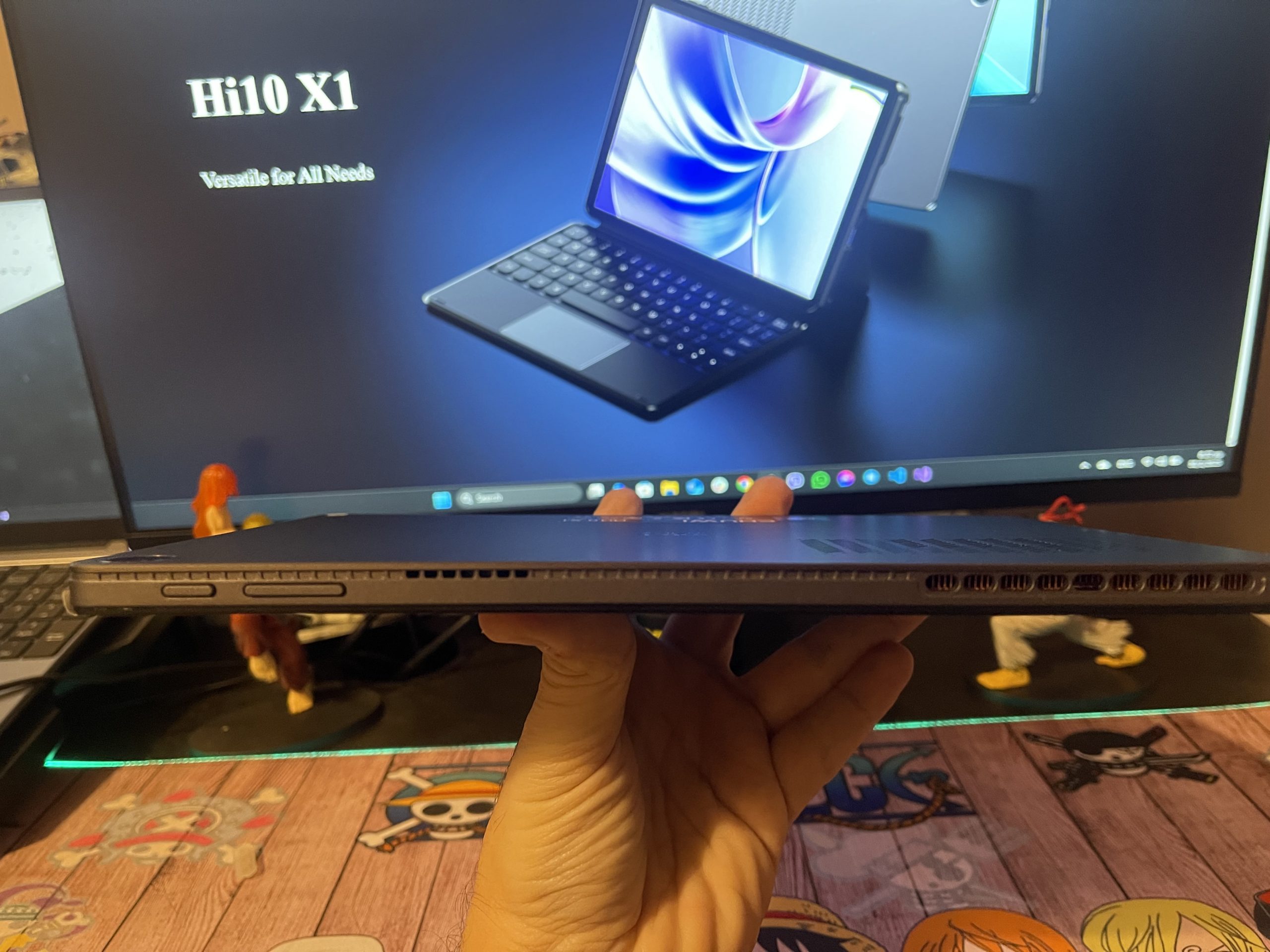
    • The rounded edges and slim profile (10.1mm thick) contribute to a sleek and comfortable feel.
    • The 2-in-1 design allows you to connect a detachable keyboard (optional accessory) to use it as a mini laptop.
    • It has decently placed speakers, though sound quality is average—fine for casual listening but not for an immersive media experience.

    For a tablet in this price range, the build quality is impressive.
    Display Quality

    The 10.1-inch IPS display offers good colors and sharpness, but its 1280×800 resolution feels slightly outdated, especially for users accustomed to Full HD (1920×1080) screens.

    Strengths:

    • IPS panel ensures better viewing angles compared to TN displays.
    • Decent color reproduction (not ideal for professional work but good enough for casual media consumption).
    • 16:10 aspect ratio is useful for productivity apps, offering more vertical screen space.

    Weaknesses:

    • The resolution could be higher. Text and images aren’t as crisp as on higher-end tablets.
    • Brightness is around 250 nits, which is fine for indoor use but struggles in direct sunlight.
    • Bezels are slightly thick, giving it a somewhat dated look.

    Overall, the screen is acceptable for a budget device, but a higher resolution would have made it much better.
    Performance Analysis

    The Chuwi Hi10 X1 is powered by an Intel N100 processor, which, while not a high-performance CPU, is more powerful than older Celeron chips. Paired with 8GB LPDDR5 RAM, it provides smooth performance for light multitasking.

    Benchmark Performance

    Task Performance
    Boot time ~10 seconds
    4K Video Playback Smooth (with occasional frame drops)
    Office Applications (Word, Excel, PowerPoint) Excellent
    Web Browsing (10+ tabs) Good, slight slowdowns under load
    Casual Gaming (Minecraft, older titles) Playable, but not smooth
    Photo Editing (Lightroom, Photoshop Basic Edits) Limited
    Video Editing (Adobe Premiere, DaVinci Resolve) Not recommended

    Real-World Performance

    • Basic computing tasks (browsing, office work, watching YouTube) run smoothly.
    • Web browsing with multiple tabs is decent, but Chrome can use up a lot of RAM, leading to slowdowns if too many tabs are open.
    • Gaming is very limited. You might be able to play older titles or cloud games via Xbox Game Pass or GeForce Now.

    *If you need a Windows tablet for work, studying, and basic entertainment, this will perform well. But don’t expect heavy-duty processing power.

    Battery Life

    The Hi10 X1 has a 25.84Wh battery, which lasts around 5 hours on mixed usage.

    Usage Type Battery Life
    Web Browsing & Office Work ~5 hours
    Video Playback (Streaming, 50% brightness) ~4.5 hours
    Gaming (Minecraft, Cloud Gaming) ~3 hours
    Standby Time ~48 hours

    *The battery life is average—enough for light usage but not an all-day performer.

    Connectivity & Ports

    One of the strongest aspects of the Chuwi Hi10 X1 is its port selection, making it more versatile than many tablets.

    • USB-C 3.2 – Supports charging, data transfer, and display output.
    • USB-C 2.0 – For connecting peripherals.
    • USB-A 3.0 – Useful for standard USB accessories.
    • Micro HDMI – Allows you to connect an external monitor.
    • 3.5mm Headphone Jack – A must-have for wired audio users.

    Wireless Connectivity:

    • Wi-Fi 6 – Fast, reliable internet speeds.
    • Bluetooth 5.2 – Supports multiple wireless devices (headphones, keyboard, mouse).

    *Port variety makes this tablet far more useful than many premium tablets that rely only on USB-C.
    Pros & Cons

    Pros

    ✔️ Premium aluminum build – Sturdy and lightweight.
    ✔️ Full Windows 11 experience – No mobile OS limitations.
    ✔️ Good everyday performance – Ideal for office work and studying.
    ✔️ Versatile connectivity – USB-C, HDMI, and USB-A ports.
    ✔️ Expandable storage – MicroSD support.
    ✔️ Detachable keyboard (optional) – Can be used as a laptop replacement.

    Cons

    ❌ Low-resolution screen – 1280×800 isn’t sharp.
    ❌ Not for heavy tasks or Gaming – Limited for gaming and video editing.

    Final Verdict: Is the Chuwi Hi10 X1 Worth It?

    The Chuwi Hi10 X1 is an affordable and versatile Windows tablet that excels in basic productivity, casual use, and media consumption. While its display resolution and battery life could be better, its build quality, performance, and connectivity options make it a great budget option.

    Recommended for: Students, casual users, and remote workers who need a budget-friendly, compact Windows 11 device.

    Not for: Gamers, content creators, or power users.

    Share. Facebook Twitter Pinterest LinkedIn Tumblr Email

    Related Posts

    Quantum AI App, Useful or Not?

    How to Troubleshoot iPhone Personal Hotspot Issues

    The Battery Capacity of Samsung Galaxy Buds4/Pro Headphones has been Exposed: 42mAh and 57mAh

    Leave A Reply Cancel Reply

    You must be logged in to post a comment.

    voopoo drag s3
    oxva xlim go 2
    sp2s sen x disposable vape
    jnr 100k
    • Popular
    • 3D Printer REVIEW
    • XIAOMI
    November 23, 2025

    VOOPOO DRAG X3 – Big Battery, Smart Tech, Pod-Mod Powerhouse (Review)

    November 23, 2025

    VOOPOO VINCI S: Pocket-Power Pod with a 2,000 mAh Heart — Big Battery, Simple Use (Review)

    November 19, 2025

    OXVA XLIM PRO 3 Pod Vape Quick Hands-on Review (Video Test Included)

    November 19, 2025

    OXVA XLIM 3 Ultra Pod Vape: Hands-on Review (Video Test Included)

    June 23, 2024

    ACMER P2 20W Laser Engraver Fixed Focus Engraving: Hands on Review

    May 30, 2024

    xTool F1 Ultra Review: World’s First 20W Fiber & 20W Diode Laser Engraver

    May 30, 2024

    Anycubic Kobra 3 Combo Review: The Multicolor Masterpiece?

    May 15, 2024

    SCULPFUN SF-A9 40W Laser Engraver Cutting Machine: Hands On Review

    December 2, 2025

    Xiaomi REDMI Turbo5 Pro phone will be launched before the Spring Festival, equipped with the only flagship chip in its class

    December 2, 2025

    Xiaomi has Released REDMI TV X55/65/75 2026: Mini LED starts at only 2,499 yuan

    November 28, 2025

    The Exclusive Camera Handle of Xiaomi 17 Ultra has passed the 3C certification and can be used as a power bank

    November 27, 2025

    Code name “Nezha” : Xiaomi 17 Ultra phone exposed, with a triple rear camera setup

    fc 26 coins
    New Arrivals
    • Uwell Caliburn G5 Lite SE Pod System Kit Uwell Caliburn G5 Lite SE Pod System Kit
    • Uwell Caliburn G5 Lite KOKO Pod System Kit Uwell Caliburn G5 Lite KOKO Pod System Kit
    • Uwell Caliburn G5 Lite Pod System Kit Uwell Caliburn G5 Lite Pod System Kit
    • Freeton Trimax 60k Disposable Vape Freeton Trimax 60k Disposable Vape
    • Smoant Pasito 3 Vape Smoant Pasito 3 Vape
    • Yocan Flat 2.0 series Yocan Flat 2.0 series
    • Snowplus Swift Pod Vape Snowplus Swift Pod Vape
    • Innokin EZ LEVA PCC Pod Kit Innokin EZ LEVA PCC Pod Kit
    • VANMO VM60000 DISPOSABLE VANMO VM60000 DISPOSABLE
    About
  • Igeekphone.com provides the first global tech news and reviews about smartphone, vapes, e-cigar, smart home, 3D printers, e-bike,tablets, RC drones, VR headset, and other accessories. It's the best platform to improve your brand and product.
  • Contact us: info@igeekphone.com
  • Check Our Privacy Policy Here.
  • Note: *Right now we have US editor and EU editors for review, especially for Amazon US and EU.
  • *Shop and Compare Price Here*
  • Facebook
  • Youtube
  • OUR BEST VAPE PARTNERS
  • VAPE ONLINE STORE
  • HAYATI PRO MAX PLUS
  • VAPORESSO
  • VOOPOO
  • OXVA
  • NEXA
  • MASKKING
  • LOSTVAPE ORIONBAR
  • VEIIK
  • MEMERS
  • TODOO
  • SP2S
  • JNR
  • OTHER BEST PARTNERS
  • SVBONY
  • Chuwi
  • Blackview
  • Fossibot
  • Unihertz
  • Flsun
  • Anycubic
  • Xtool
  • Oukitel
  • Mukkpet Ebike
  • Ugreen
  • Copyright © 2025 igeekphone

    Type above and press Enter to search. Press Esc to cancel.