









Look, I’ve tried a lot of keyboards, and the Epomaker Magcore65 Lite actually surprised me. Epomaker isn’t just throwing features at the wall here, they’re genuinely trying something new with this inductive switch technology in a compact size. And honestly? It works.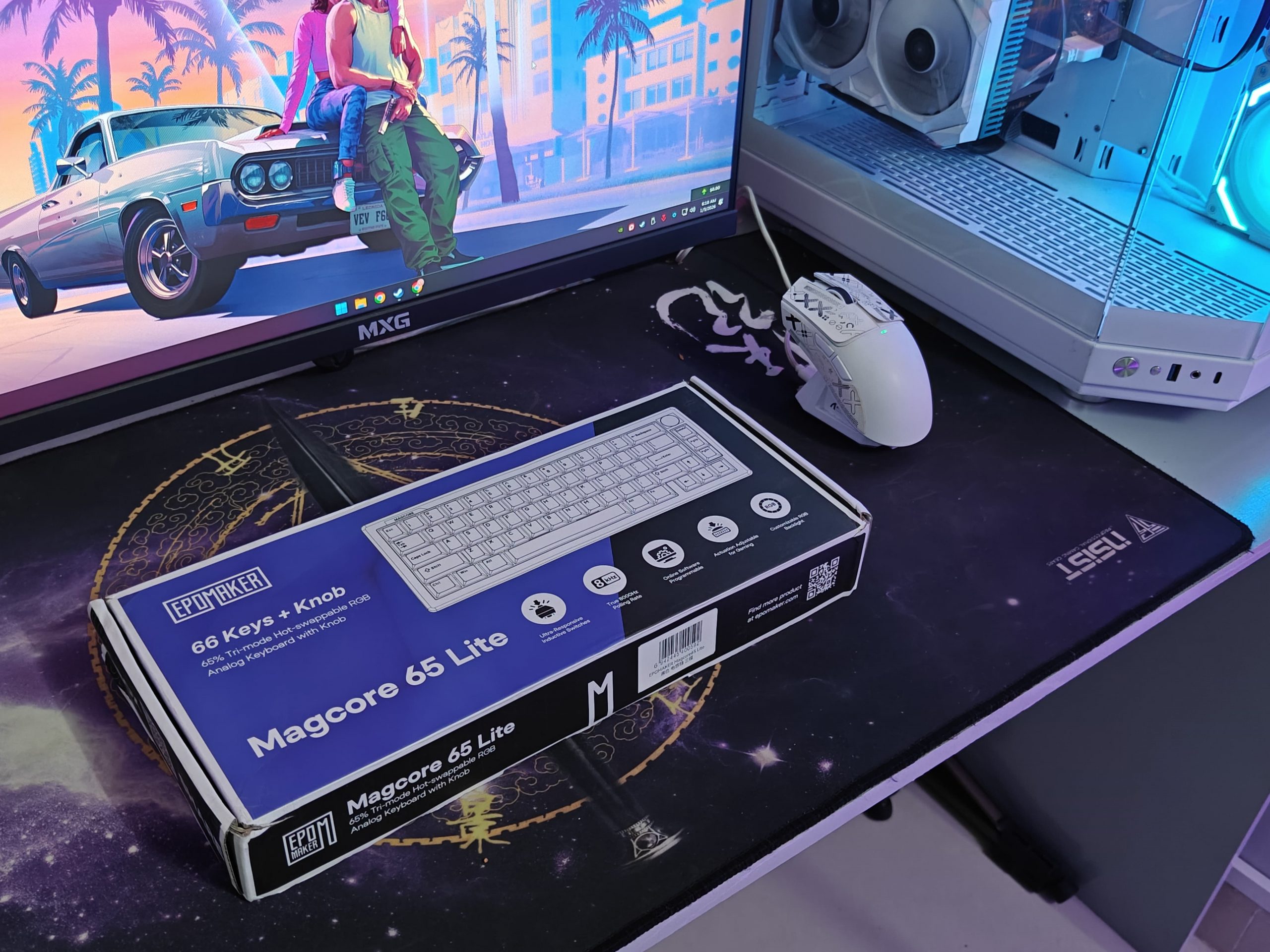
What got me is that they didn’t make it look like some flashy gaming rig or try too hard to stand out. The design is pretty straightforward, but once you start using it, you realize that simplicity was the point. The plastic build feels way more solid than you’d expect, they’ve got a gasket mount going on, and those inductive switches? They’re kind of wild.
Every time you press a key, there’s this smooth, consistent feel that’s hard to describe until you’ve tried it yourself. It’s like the keyboard is actually responding to you, not just registering keypresses. In a market where everything starts to feel the same after a while, this thing genuinely feels different. Not in a gimmicky way, just in a “huh, this is actually cool” kind of way.
Let’s start the review, and I’ll tell you why and for whom it is a good choice:
Unboxing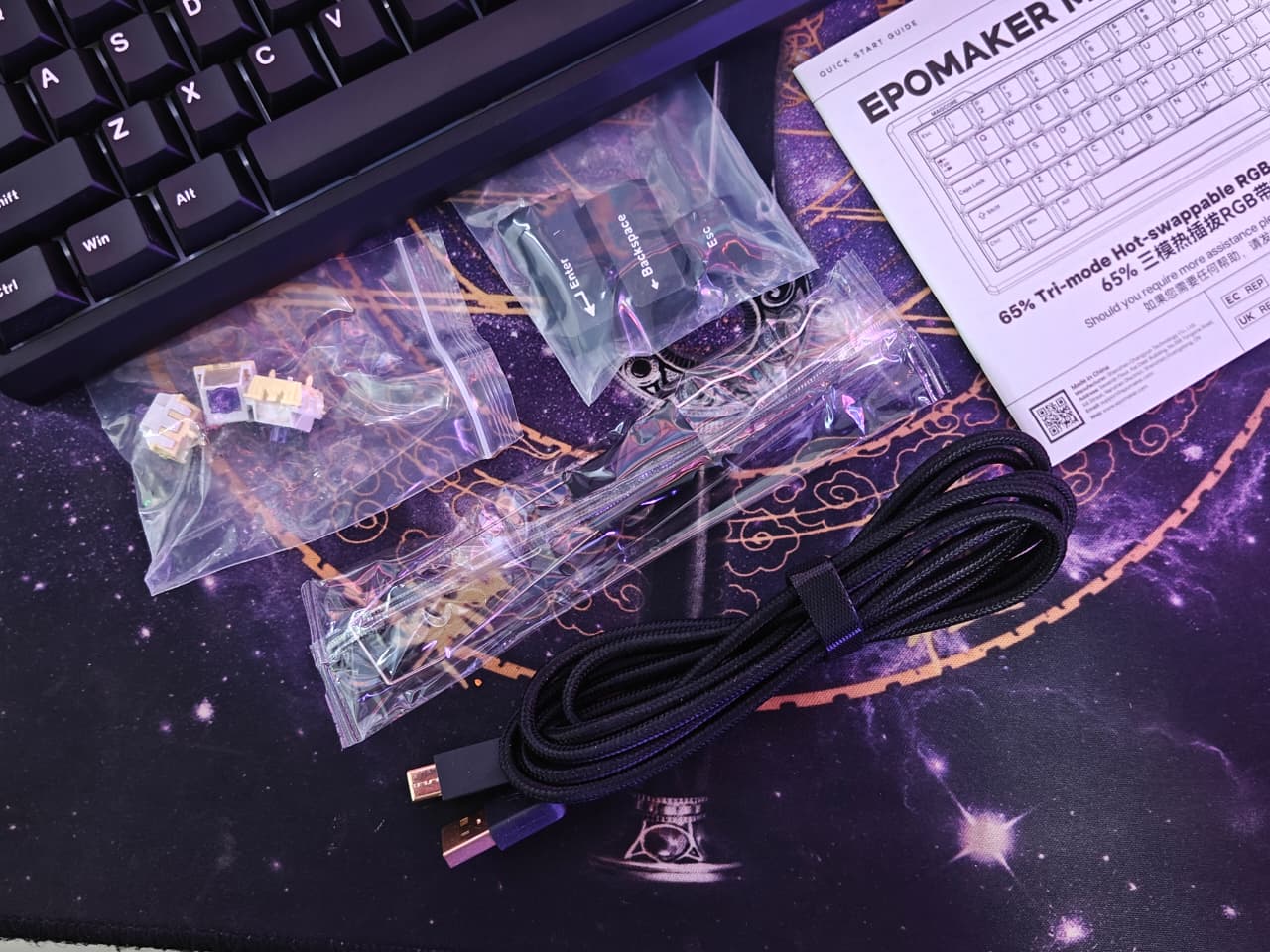
When the Epomaker Magcore65 Lite showed up, I was pretty happy with how they packed everything. The box itself looks decent, nothing too flashy, but they put the keyboard right on display with the main specs listed on the front so you know what you’re getting before you even open it.
Inside, the keyboard sits in a clear plastic bag with some good cushioning around it. Pretty standard stuff for keyboards in this price range, honestly.
Here’s what actually comes in the box:
What’s Included: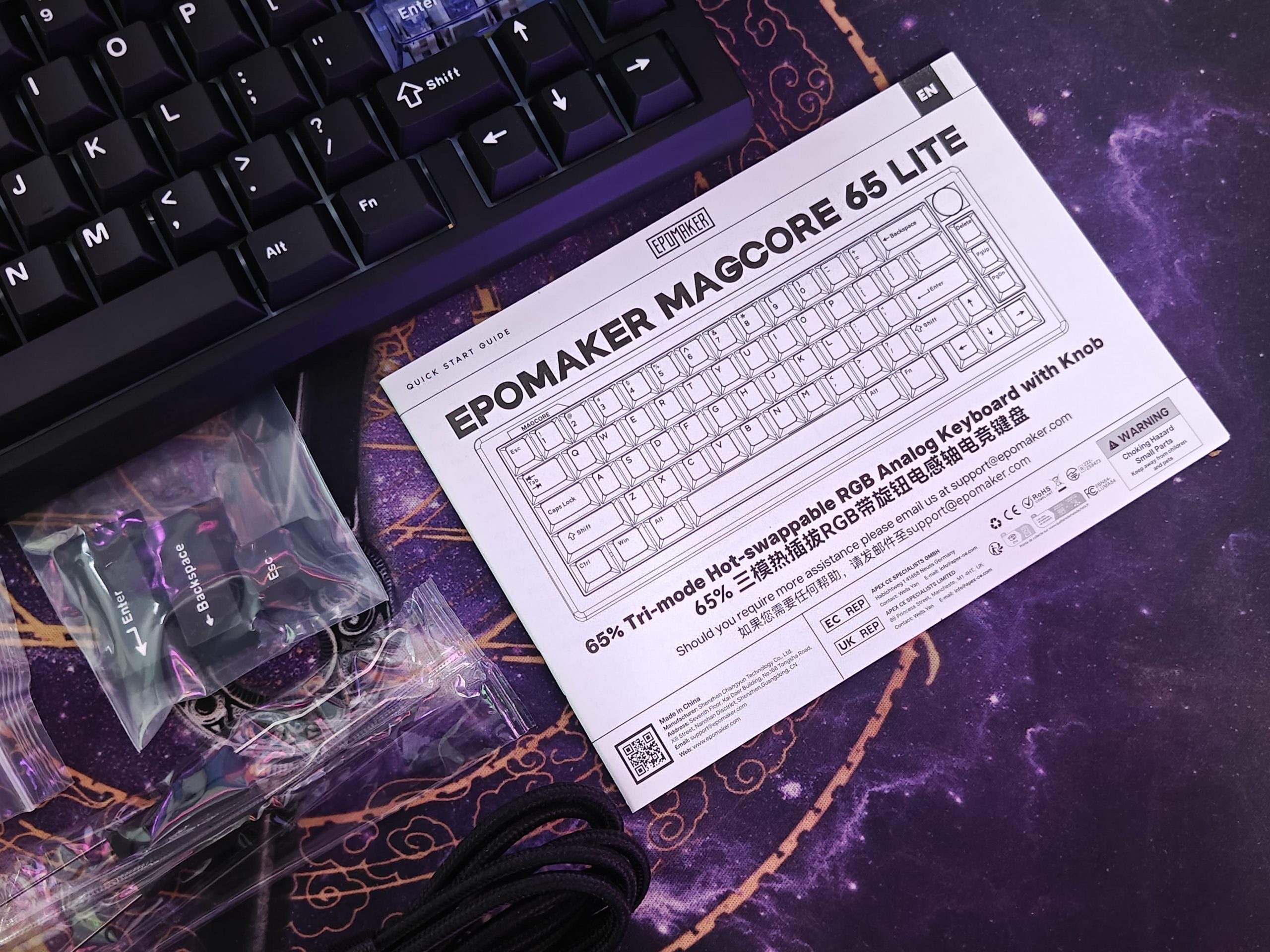
- A braided USB-C cable that’s actually long enough and feels solid, you shouldn’t have issues reaching your setup
- The 2.4GHz wireless dongle, which they smartly tucked into its own little spot in the keyboard
- A user manual
- A keycap and switch puller tool – handy when you want to swap things out
- Three extra switches as backups
One thing I’d change: They didn’t include a dust cover. It’s not a dealbreaker or anything, but I always appreciate when companies throw one in. Would’ve been nice to have something that fits perfectly to keep dust off when I’m not using it. Just a small thing worth mentioning.
Design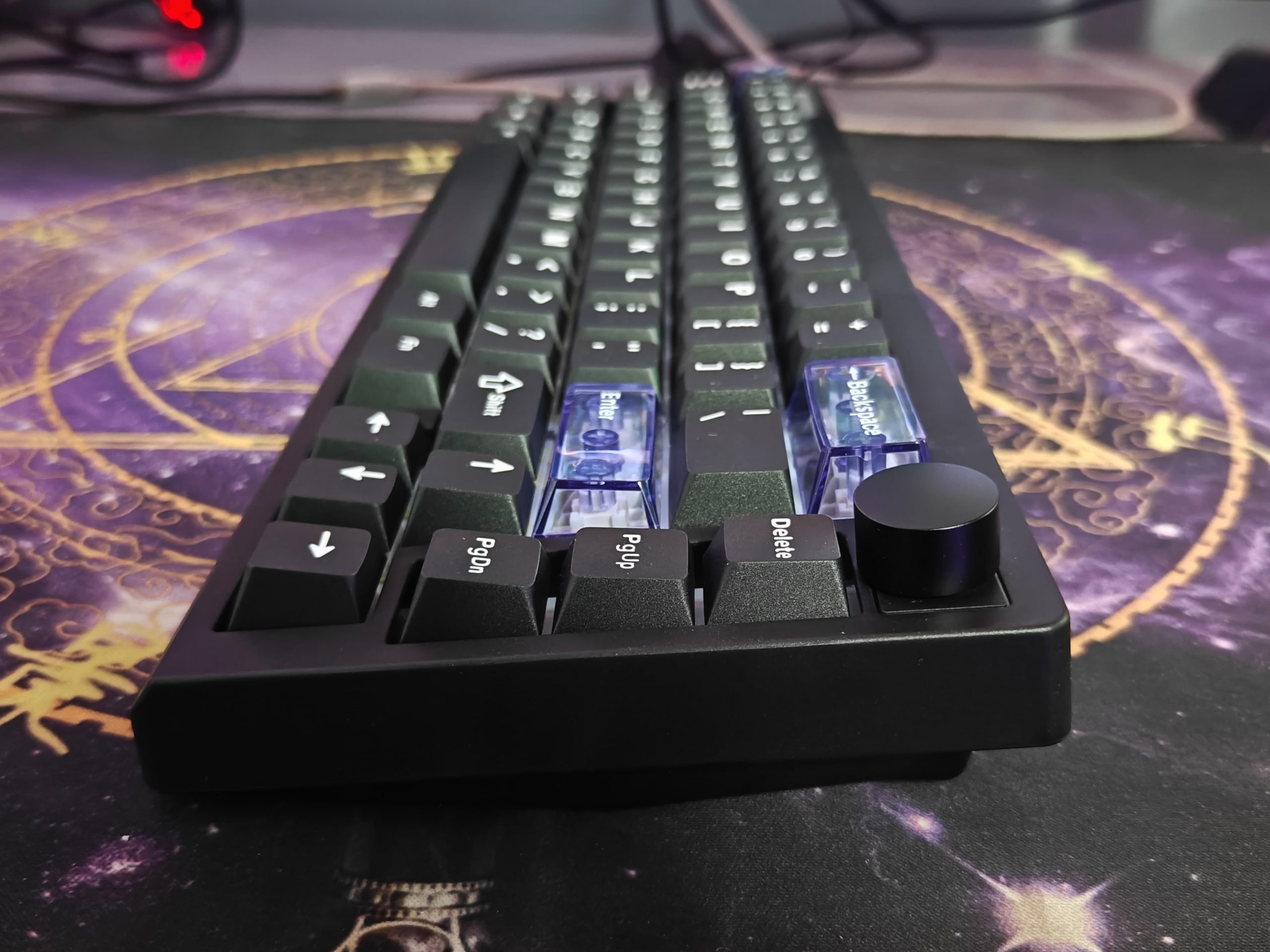
So let me talk about what I noticed with this keyboard. Right off the bat, it’s got this compact, no-frills kind of layout. The whole thing is made from ABS plastic, which yeah, you can definitely tell isn’t aluminum or anything fancy like that. It’s lighter and doesn’t have that premium heft you’d get with metal builds. But honestly? For what this keyboard is trying to be, I think that’s totally fine.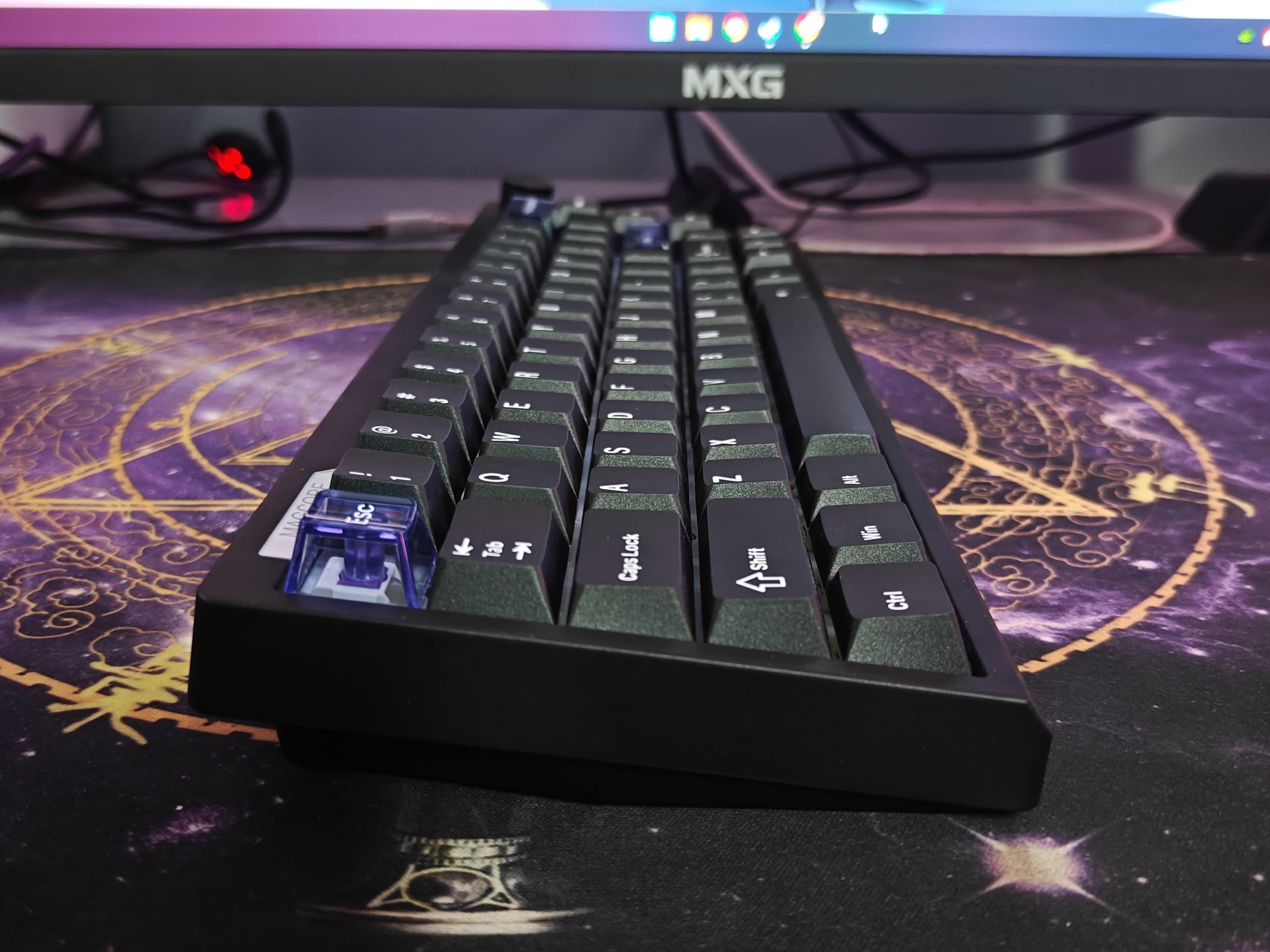
What surprised me though is how solid it actually feels when you’re using it. There’s no creaking or flexing, which I was worried about. I think that’s because of the gasket mounting they used – it gives the board a bit of bounce and makes typing feel pretty comfortable.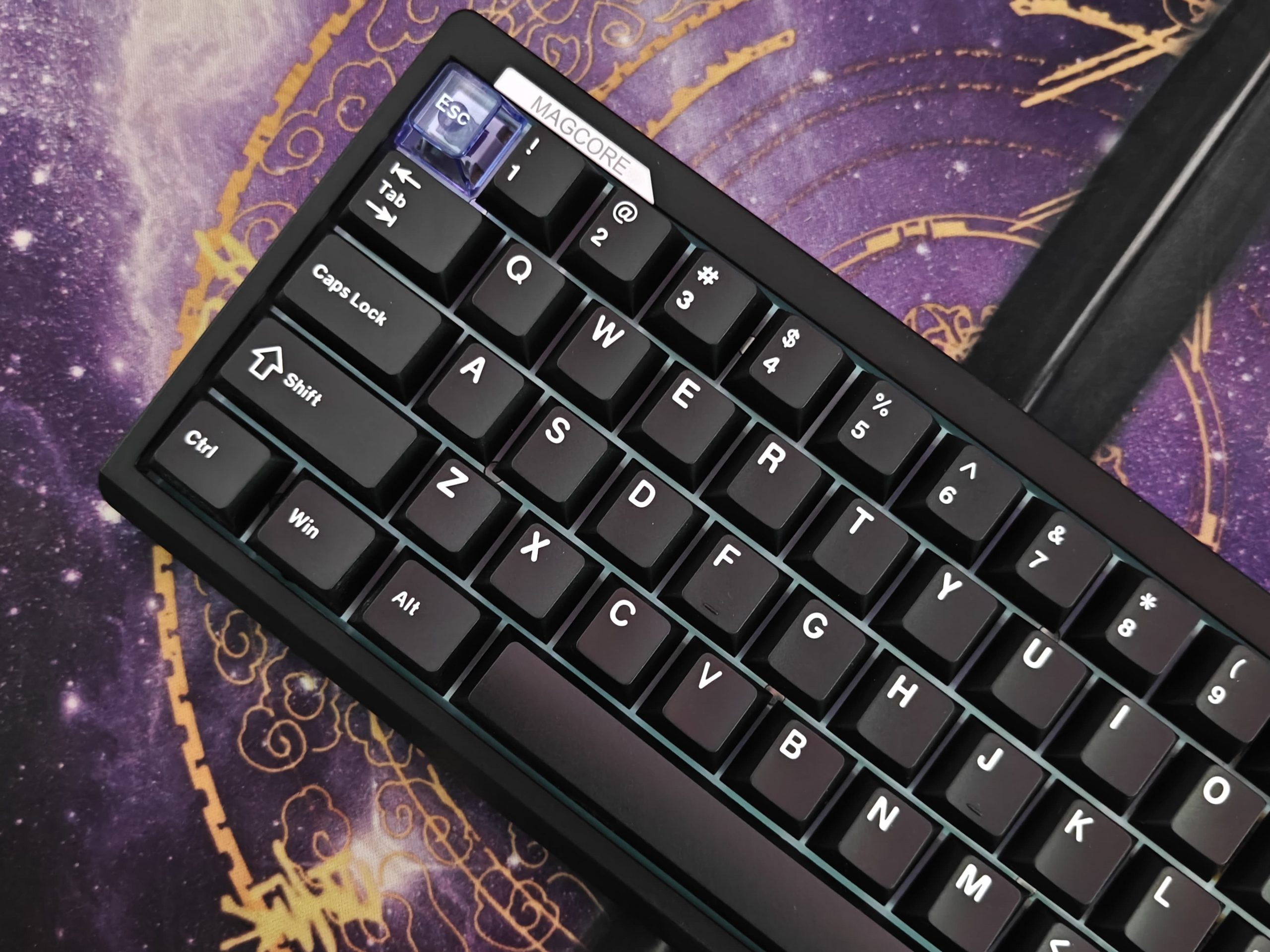
The thing that really grabbed my attention is this metal knob they put in the top right corner. It’s mostly for media controls, but it also just looks good sitting there. It kind of lifts the whole keyboard up a notch, you know? Like, if you just read “Lite” in the name, you’d expect something super basic, but that knob makes it feel a bit more special.
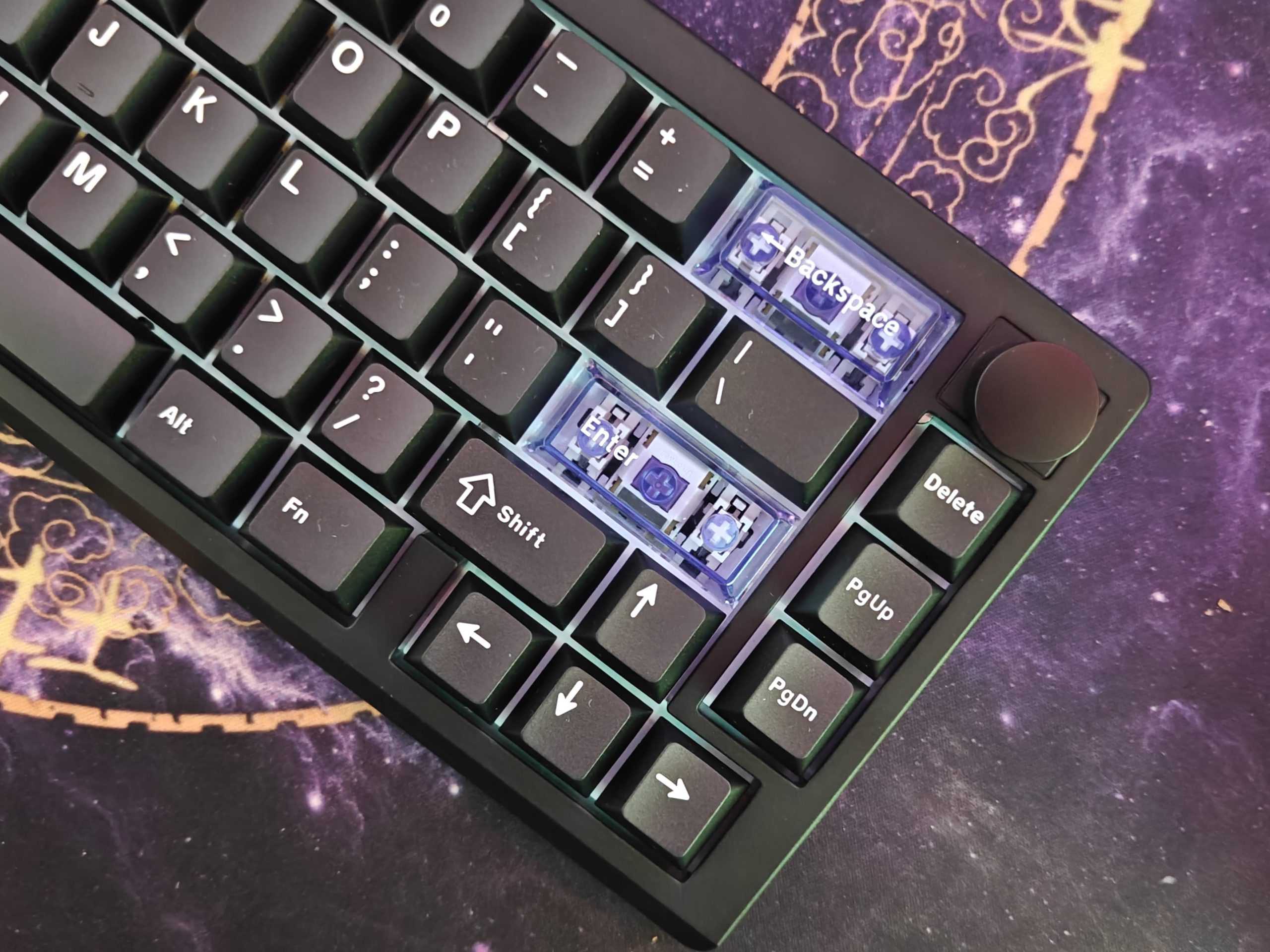
The keycaps are double-shot PBT, which from my experience means they’re going to hold up well and not get shiny or worn down quickly. The lettering looks clean too. They also threw in three transparent keycaps – ESC, Backspace, and Enter – which adds a little bit of character without going overboard.
Build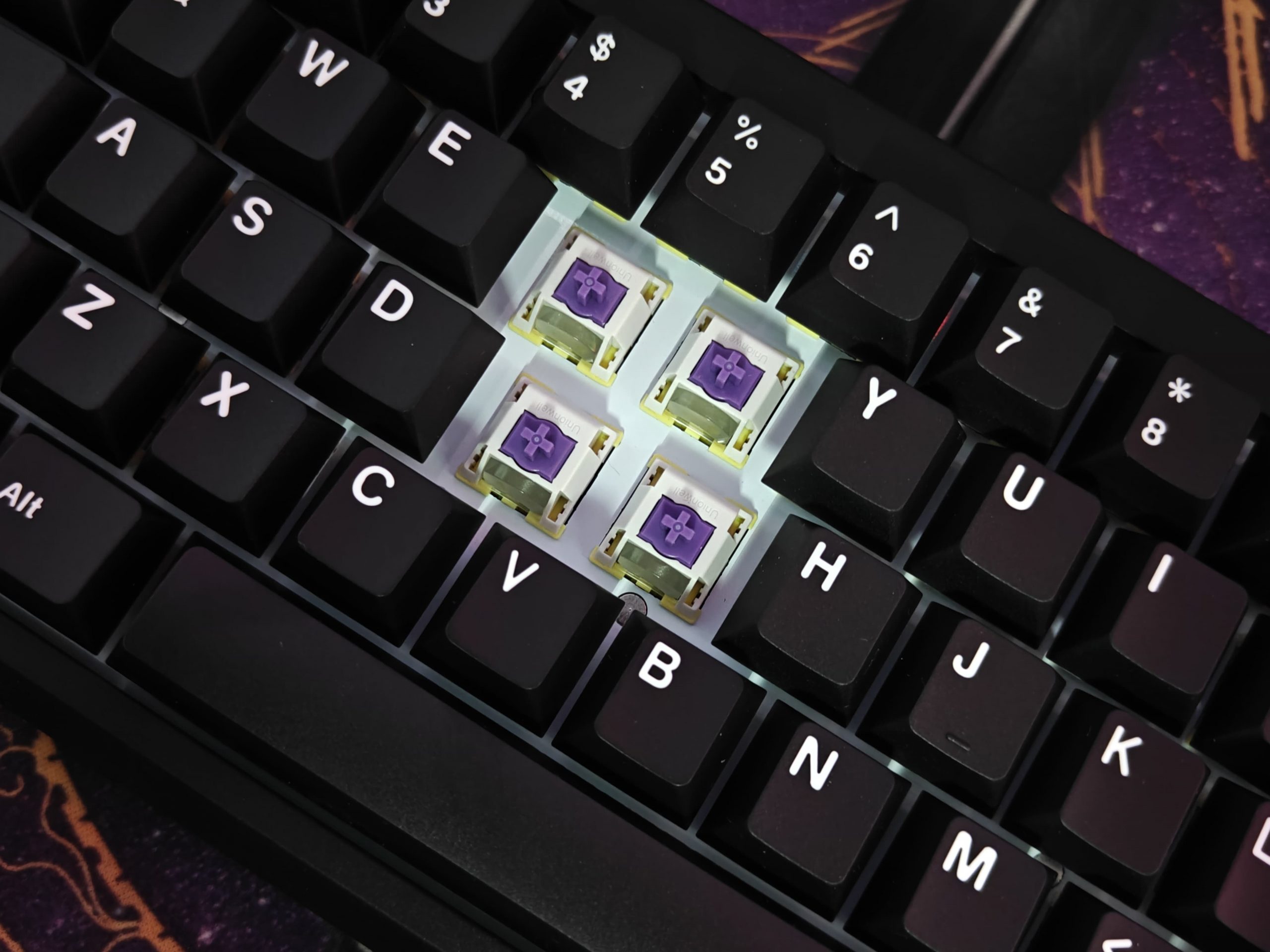
I’d definitely recommend getting a wrist rest with this keyboard. For me, it’s pretty much essential. Even though the switches are light, you’re still applying pressure with every keystroke, and after typing for a while, my wrists started feeling it. Of course, that’s just my experience, you might be totally fine without one.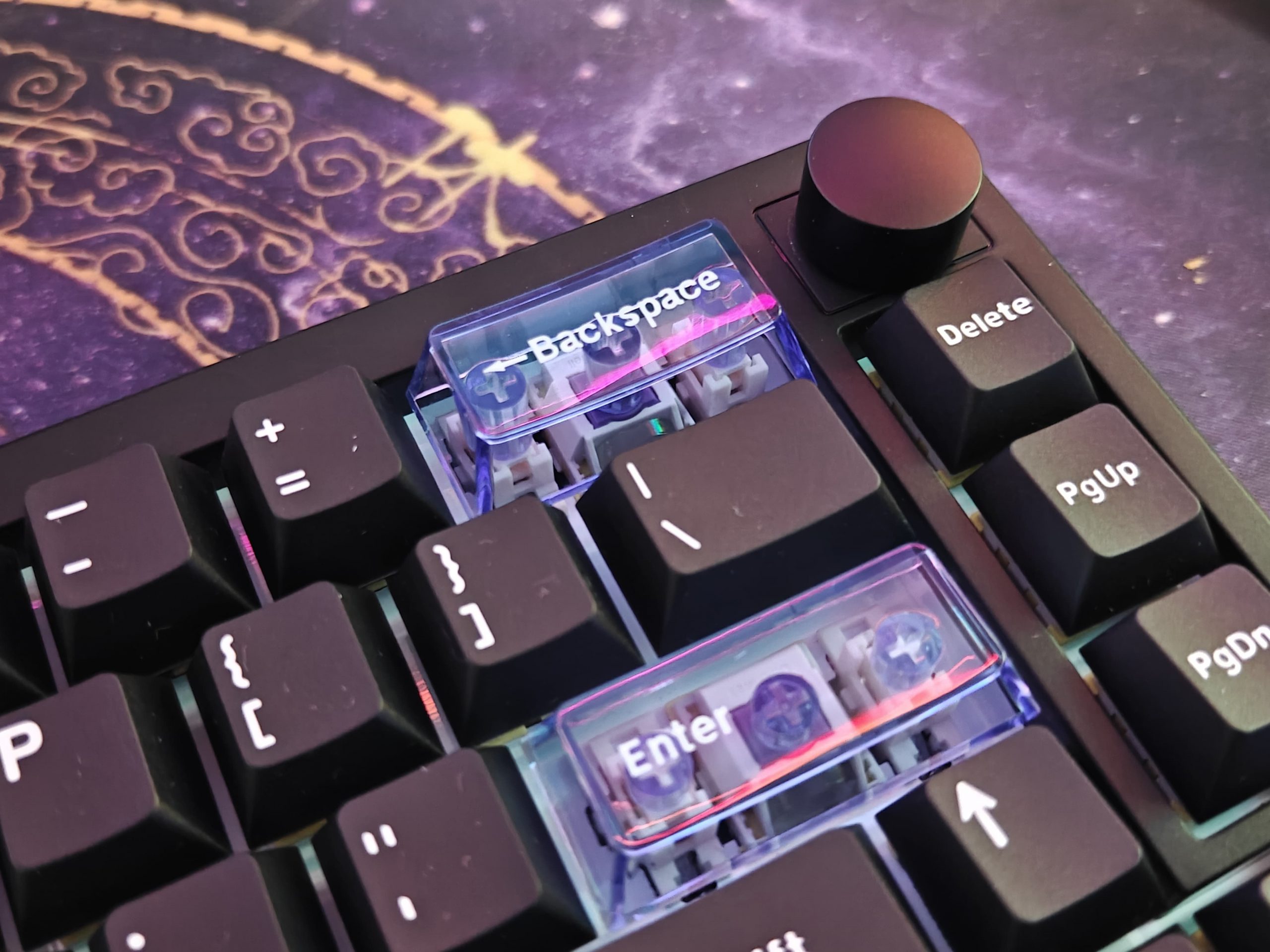
Now, about the gasket mount. It’s technically there, but honestly? I can barely tell. The keyboard is supposed to have some bounce or cushioning when you type, but even when I really pressed down hard, I didn’t feel much give at all. I’m guessing this has to do with how Hall Effect keyboards work, the sensors need to stay at a fixed distance from the circuit board, so there’s just not much room for the plate to flex like you’d get with other gasket-mounted boards.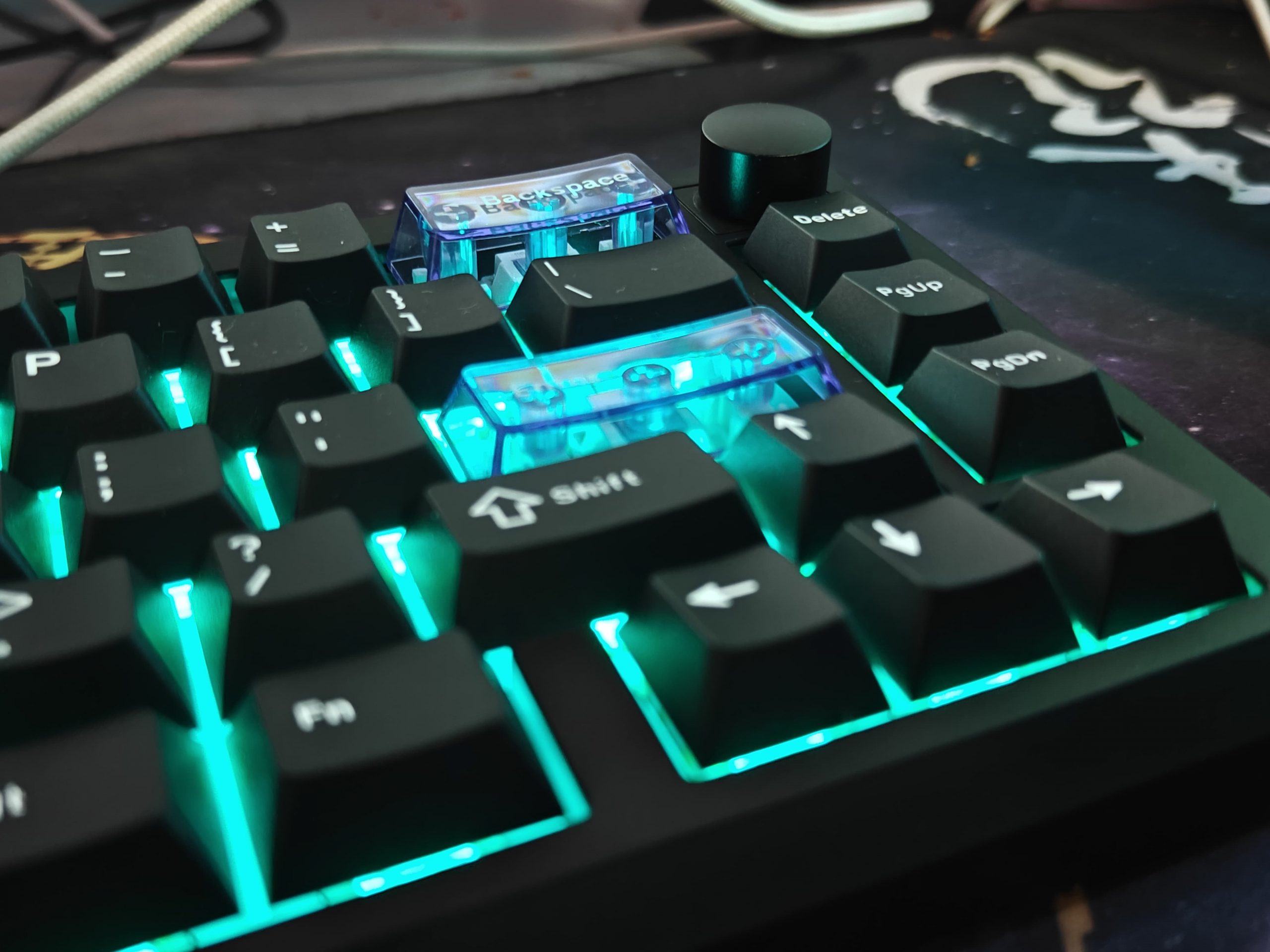
The metal knob on the right side is actually pretty nice. It’s easy to reach when I need to adjust volume or skip tracks, and it doesn’t get in the way of my hand while typing. I used this keyboard for some longer sessions, and I never felt cramped or uncomfortable. The compact 65% layout, the key spacing, and how light the whole thing is, it all just works together. It feels balanced and doesn’t strain your hands, at least in my experience.
RGB Lighting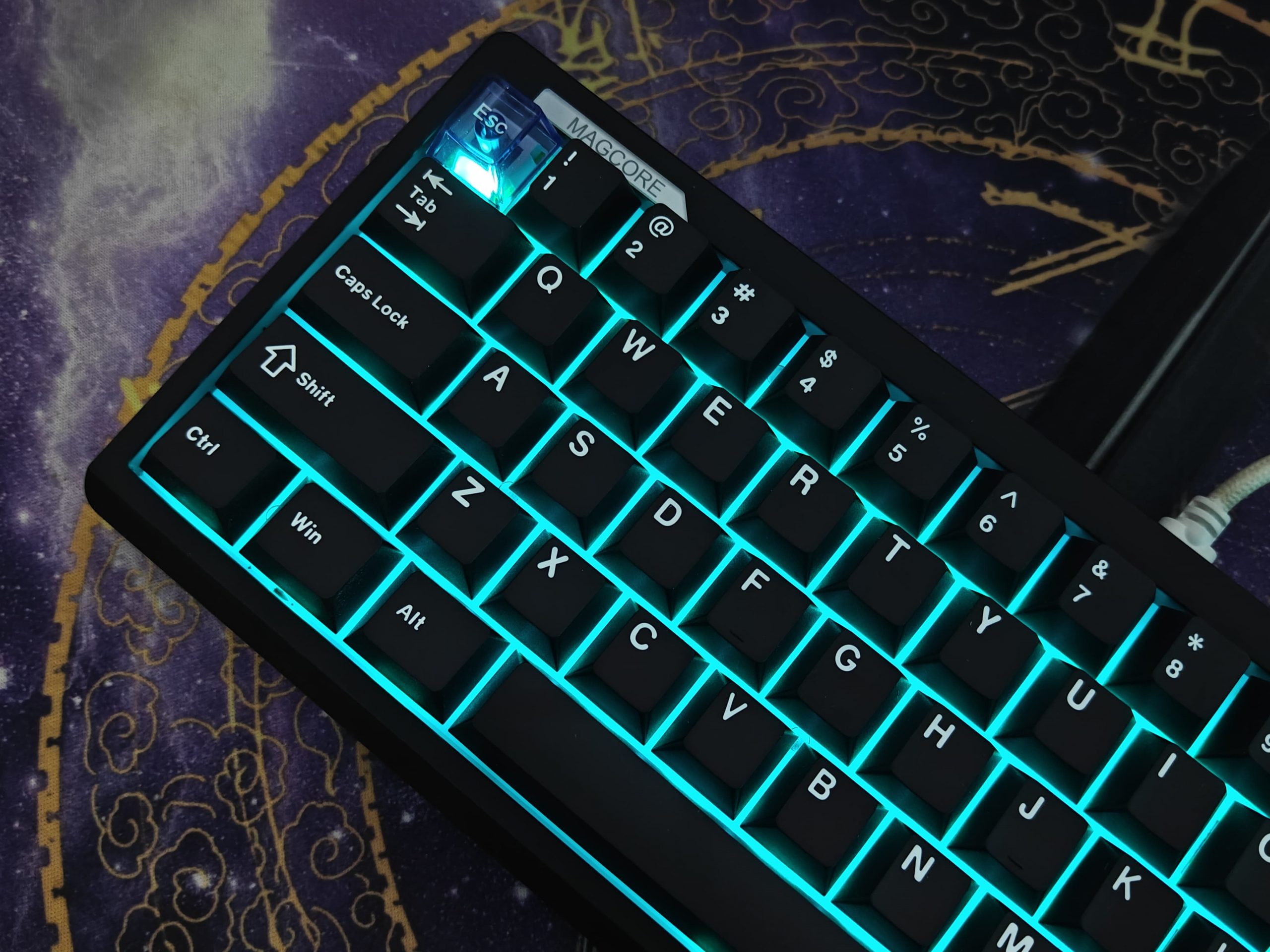
So here’s what I noticed about the lighting on this keyboard – the Magcore65 Lite has RGB LEDs that shine through from the south side of each key. What really makes it work well is the combination of the white plate underneath and these switches that have built-in light diffusers. Basically, instead of seeing those harsh bright spots you usually get with RGB keyboards, the light spreads out much more evenly across each key.
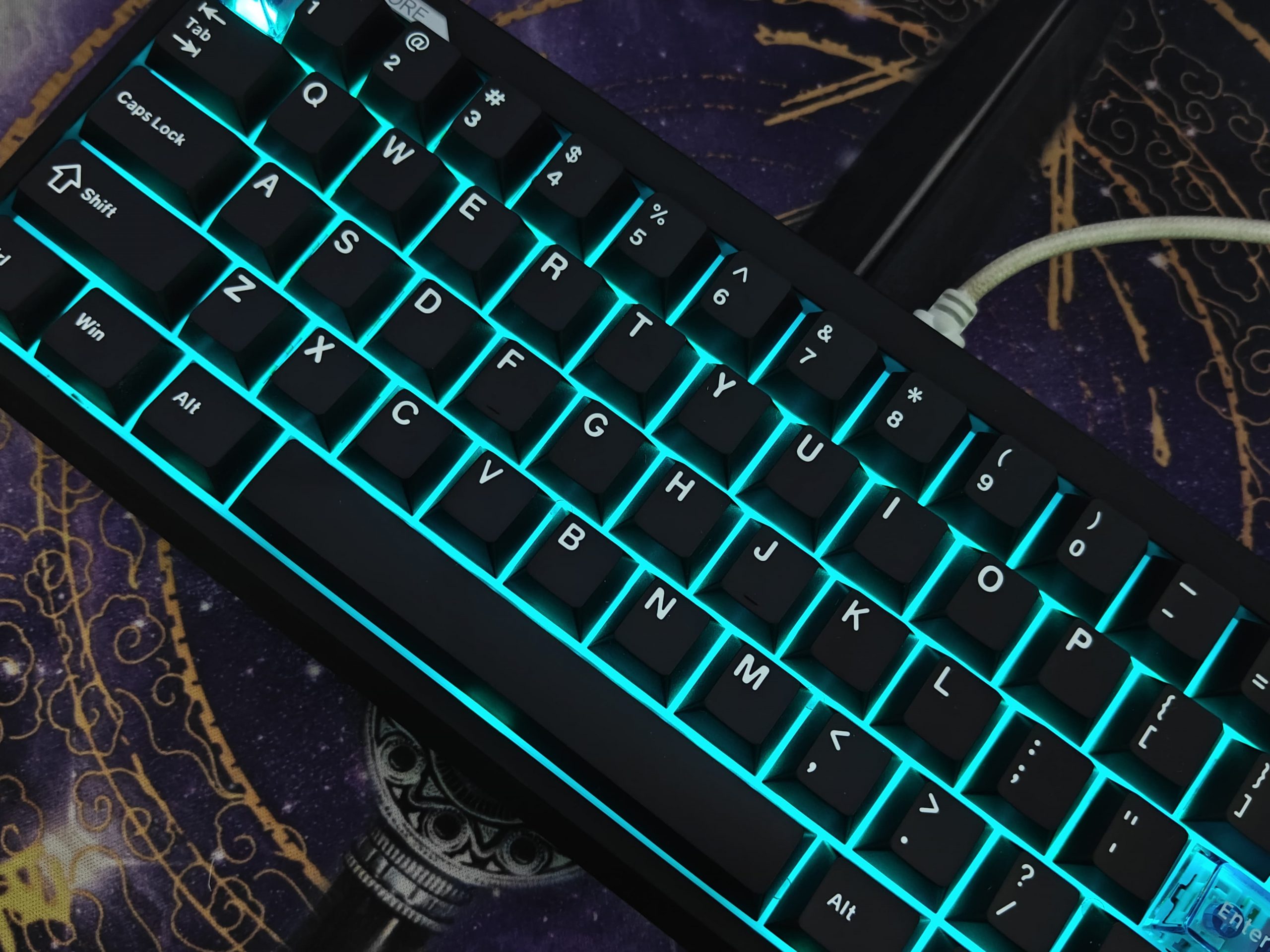
You get 17 different lighting effects to choose from, and you can tweak both the brightness and colors however you want. I spent way too much time playing around with different combinations to match my setup.
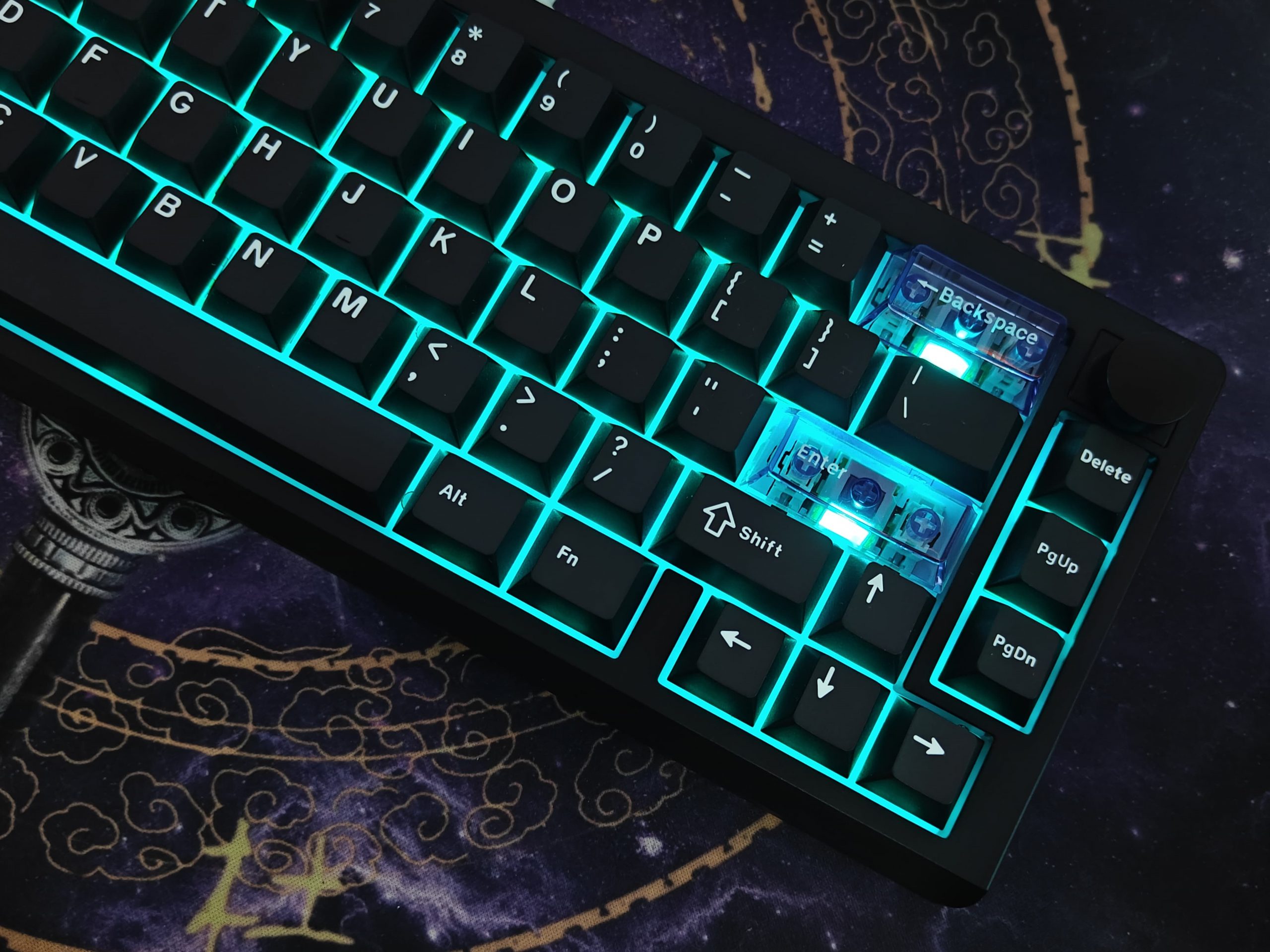
One thing that caught my eye right away – they included three clear keycaps on the ESC, Backspace, and Enter keys. The RGB really pops through these, and it creates these cool focal points that make the whole keyboard feel more alive. It’s a small touch, but it adds some personality to the board.
Switches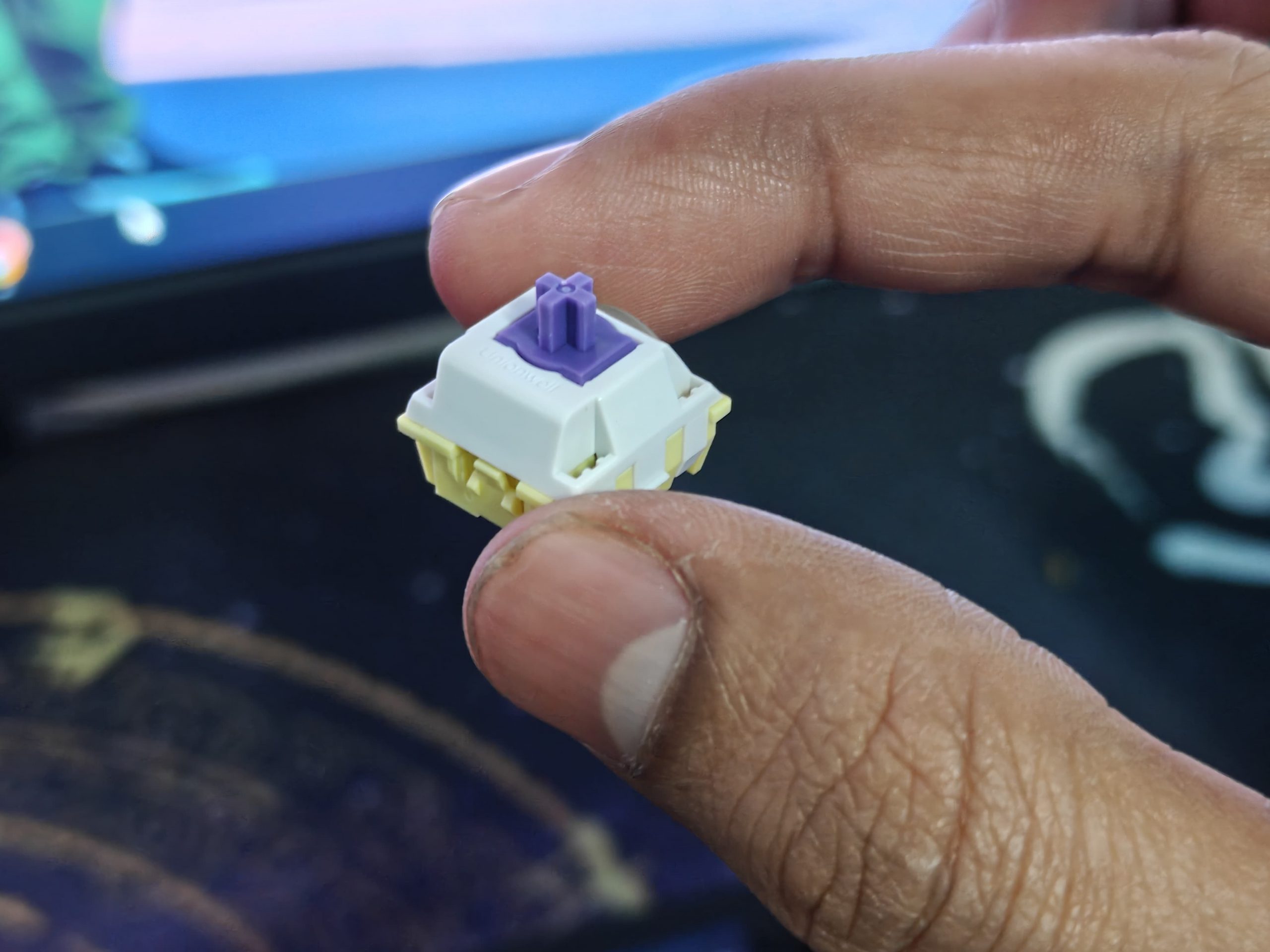
So let me break down how these switches actually work, because they’re pretty different from what you’re probably used to. The Epomaker Magcore65 Lite uses these Kailh Box Inductive switches, and honestly, they feel really smooth and light when you’re typing.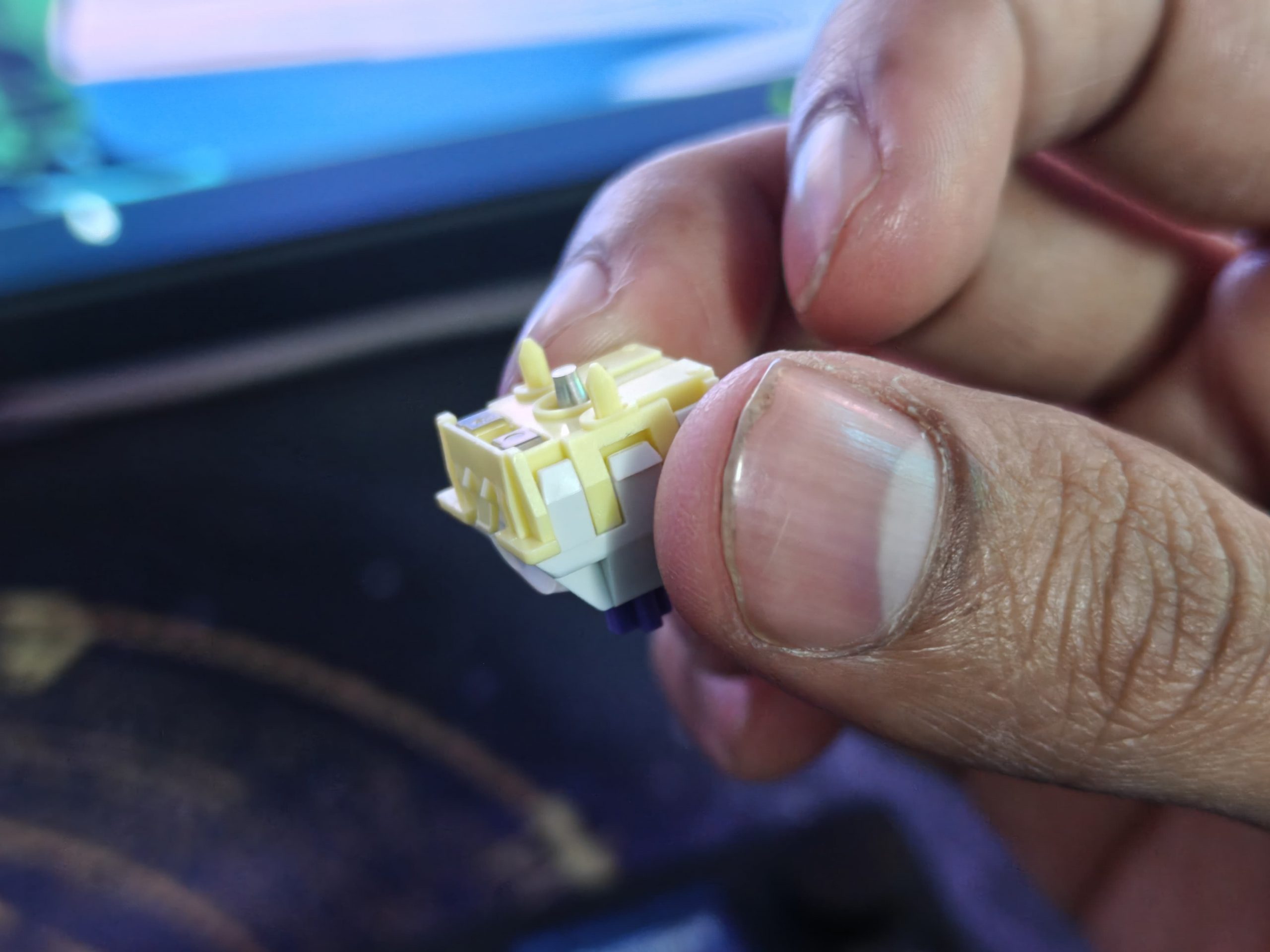
Here’s the interesting part – they don’t work like regular mechanical keyboards at all. There’s no metal contact happening inside the switch. Instead, they use magnets to sense when you press a key. Basically, when you push down, there’s this little aluminum piece (they call it a cone) that moves inside the switch. That movement messes with a magnetic coil that’s built into the keyboard’s circuit board. The keyboard picks up on that change and registers your keypress.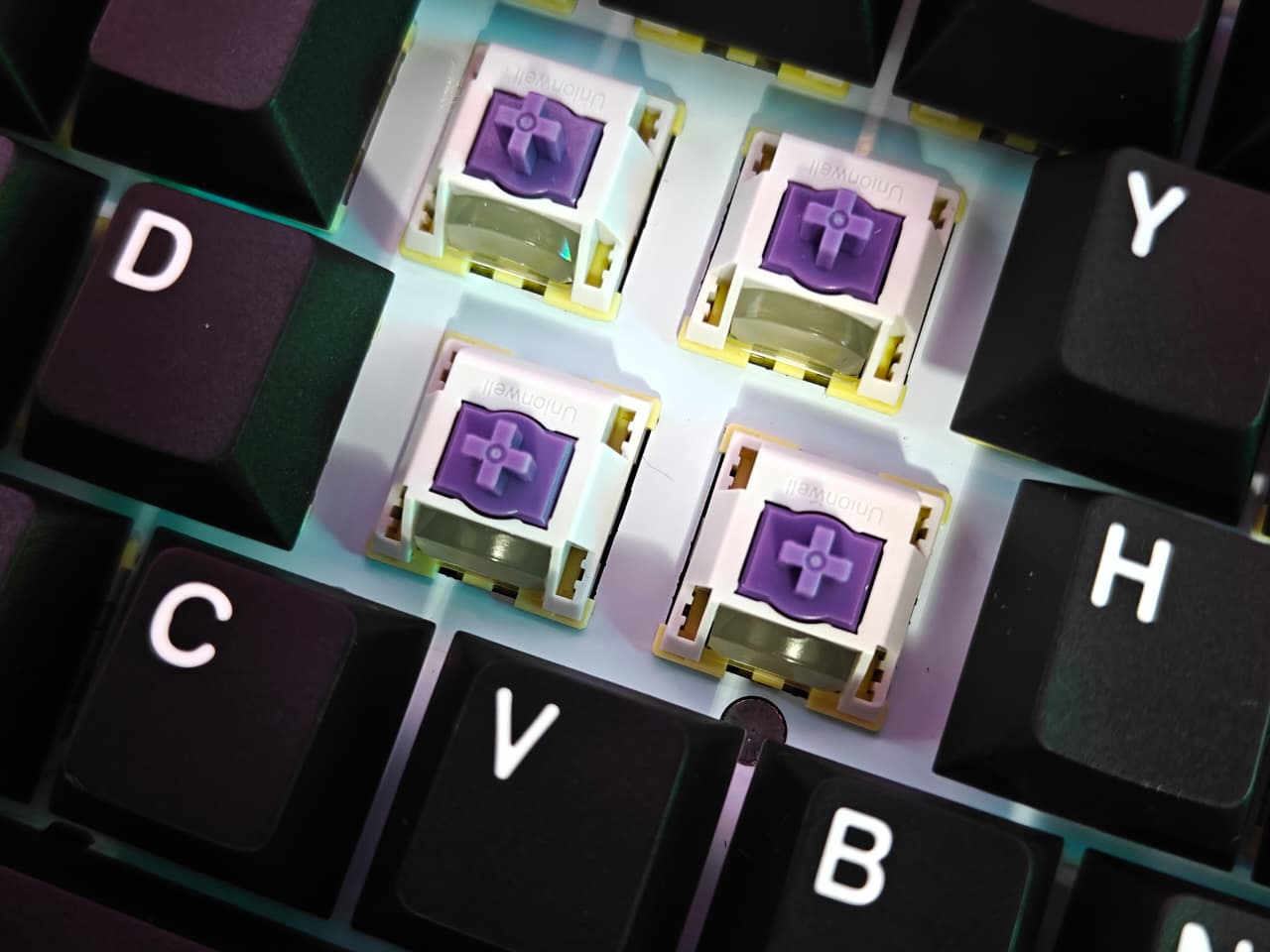
It sounds complicated, but what it means for you is that the typing feels different – smoother, because there’s no physical contact wearing down over time. Just something I thought was cool and worth explaining before you consider picking one up.
Battery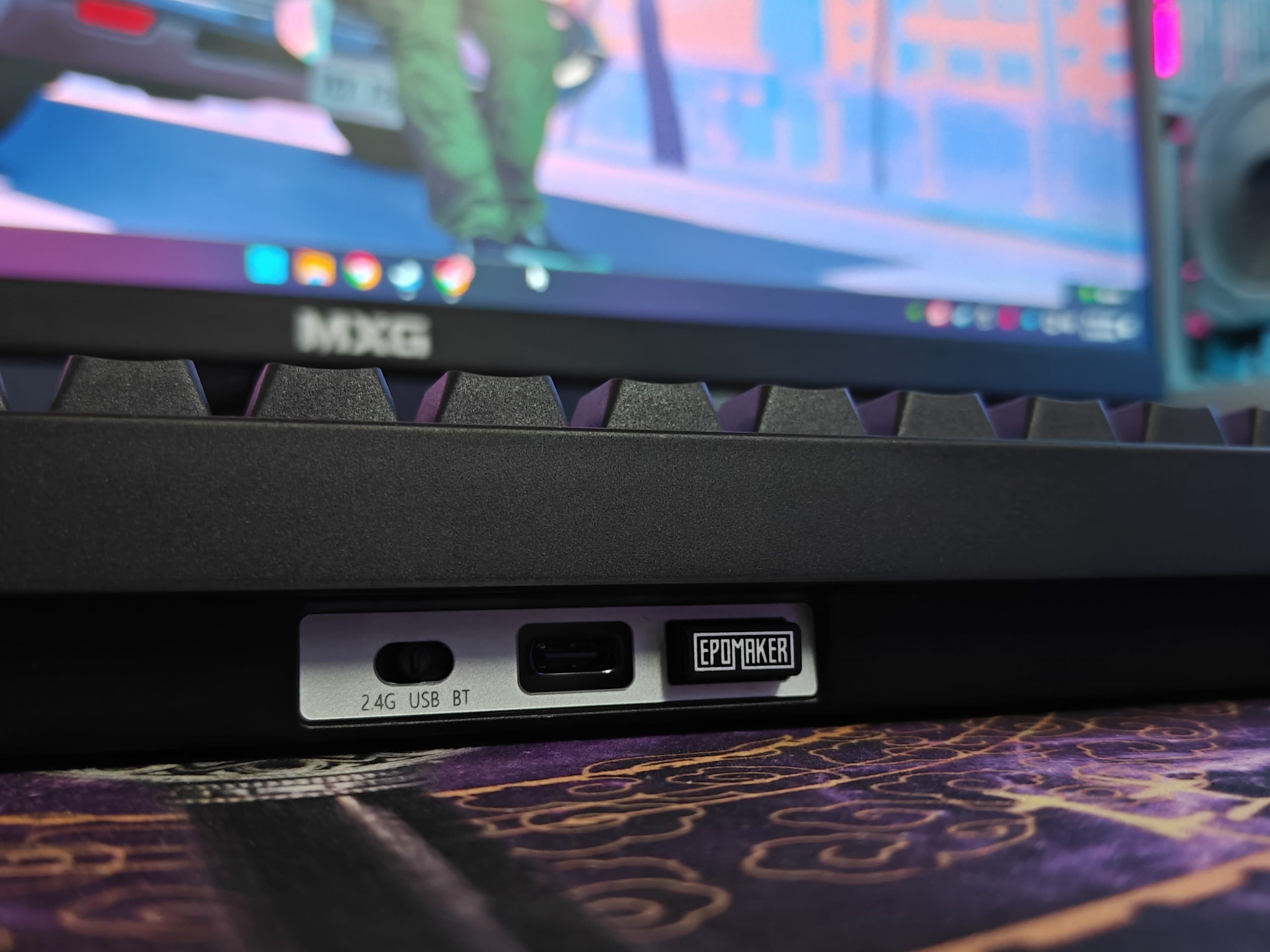
So I wanted to share what I learned about how the Magcore65 Lite handles its power setup. It runs on two 2,000 mAh batteries that both plug straight into the main circuit board. I’ve noticed some other keyboards, like certain Epomaker models, do things differently, where they might have multiple batteries but only connect them once to the board, sometimes using extra wiring or modules in between.
Now, I couldn’t find any official statement saying this dual-connection approach is required for inductive switches specifically, but it makes sense when you think about it. These magnetic switches probably need steady, consistent power flowing across the entire board to work properly, otherwise you might get voltage drops or inconsistent readings.As for actual battery life, I tested mine with the RGB lighting on and got about 20 hours before needing a charge. Turn off the backlighting though, and you’re looking at over 290 hours.
Connectivity
So the keyboard has this USB-C port that does pretty much everything, you can charge it, plug it in for wired mode, or update the firmware through it. When it comes to going wireless, you’ve got two options: Bluetooth or the 2.4 GHz dongle that comes in the box.
Now, here’s what I found with the different connection types:
- Wired USB-C is crazy fast at 8000 Hz polling rate with about 0.125 ms latency
- The 2.4 GHz wireless hits 1000 Hz with around 5 ms latency
- Bluetooth 5.0 runs at roughly 125 Hz with about 15 ms latency
What I really appreciate is the physical switch on the back. It’s right next to the Windows/macOS toggle, and you can flip between connection modes instantly. No messing around with software or key combos – just switch it and you’re good to go. It’s one of those small design choices that actually makes a difference when you’re switching between devices regularly.
Software
So I wanted to share my experience with the software for the Epomaker Magcore65 Lite. Instead of making you download a program, everything runs through your web browser. You just go to epomaker.sziton.com, or if you’re lazy like me, scan the QR code that comes in the box.
What I really liked about this is that it works on whatever system you’re using – Windows, Mac, Linux, it doesn’t matter. As long as your browser supports it (I used Chrome and it was fine), you’re good to go. It reminded me of VIA if you’ve used that before, or kind of like Wooting’s Wootility, though that one definitely has more bells and whistles. This is more straightforward, which honestly wasn’t a bad thing for what I needed.
Conclusion
So, I’ve been using the Epomaker Magcore65 Lite for a while now, and honestly, it’s been pretty solid. What really stands out are those inductive switches; the typing just feels lighter and more responsive than what I’m used to at this price point. The build quality is surprisingly good, and I really appreciate that they included web-based software for customization. You don’t see that much in keyboards around this price.
Battery life has been great too. I’m not constantly worrying about charging it, which is a nice change.
Now, there are a couple things worth mentioning. The gasket mount is there, but I barely notice any difference when typing, it doesn’t have that bouncy feel some people look for. Also, the keycaps don’t have see-through legends, so if you type in dim lighting like I sometimes do, you might struggle a bit. But honestly? Just swap the keycaps out for some aftermarket ones and you’re good to go. These aren’t dealbreakers, just things to be aware of.
Overall, I think the Epomaker Magcore65 Lite is a really solid choice. Whether you need something reliable for work or you want good performance for gaming, it handles both pretty well. At $68, it’s a fair price if you’re curious about trying inductive switches without dropping a ton of money. I’d say it’s worth considering if you’re in the market for something new.
Read Also: Epomaker Galaxy100 Lite Review: Full Features With Lite Price!