









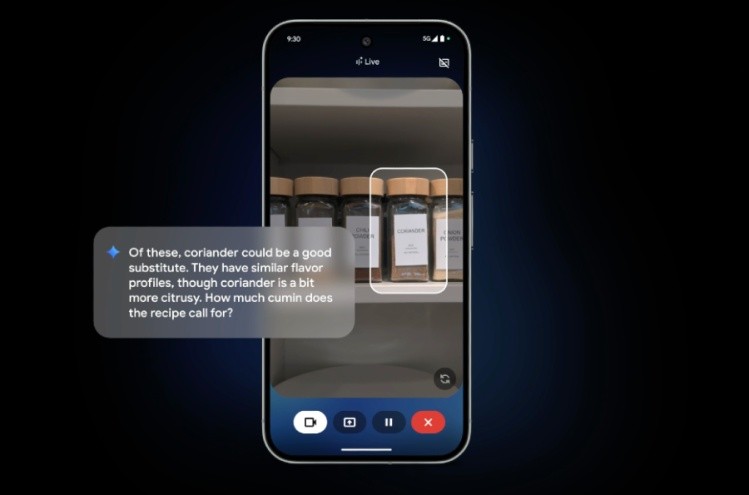
Igeekphone News, August 21st: Google has brought a series of new features to its artificial intelligence assistant Gemini Live, aiming to enhance the experience of users having real-time conversations with it. Starting from next week, Gemini Live will have the function of highlighting content directly on the user’s screen. When the user shares the camera screen, this function will enable the AI assistant to point out specific items.
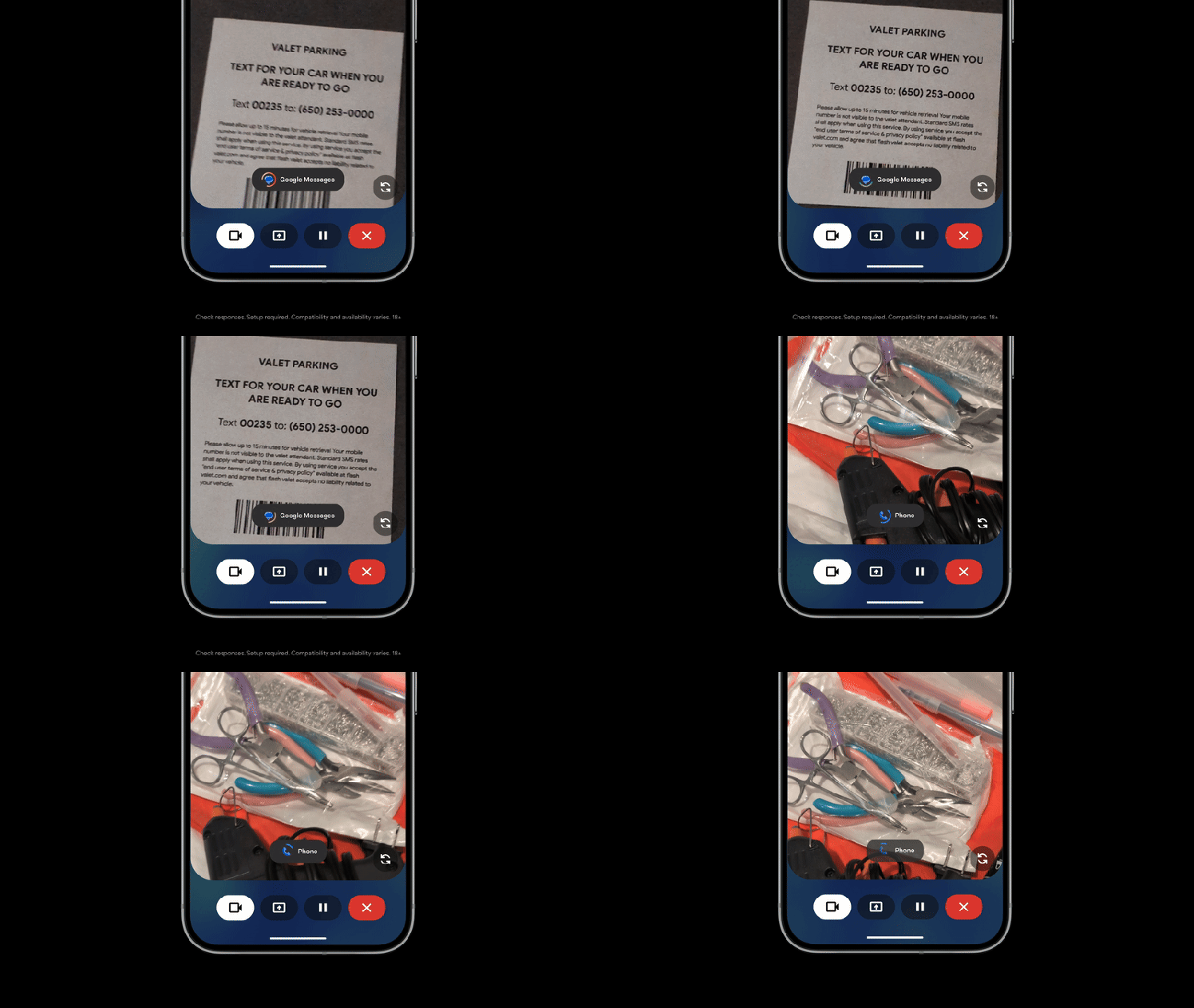
For example, when you need to find the appropriate tools among a bunch of tools to complete a project, you can point the camera of your smart phone at these tools, and Gemini Live will highlight the correct tools on the screen. This feature will be first launched on the brand-new Pixel 10 series of mobile phones, which will be available on August 28th. Meanwhile, Google will start rolling out visual guidance features to other Android devices and plans to expand it to the iOS system in the coming weeks.
Google also announced new integrations of Gemini Live with more applications, enabling it to interact with applications including messaging, phone and Clock. For instance, when you are having a conversation with Gemini about the route to your destination, if you realize you are going to be late, you can interrupt the chatbot and say to it: “This route looks good.” Now, send Alex a message telling him that I’ll probably be about 10 minutes late.” Then, Google will draft a text message for you and send it to your friend.
Furthermore, IGEEKPHONE noticed that Google has also launched a new audio model for Gemini Live. The company stated that this model will “significantly improve” the chatbot’s application of key elements of human speech, such as intonation, rhythm and pitch. Before long, Gemini will change its tone according to the topic you are discussing. For instance, when you ask about a more stressful topic, it will use a calmer voice.
You can also adjust the speaking speed of Gemini to make it faster or slower. Moreover, if you ask Gemini to vividly tell a story from the perspective of a specific character or historical figure, the chatbot might adopt the corresponding accent to create a “rich and engaging narrative” effect.