






Facebook Twitter Instagram
    Trending
    • MASKKING VESO S vs. SP2S URANUS: The Battle of the Screens
    • OXVA UNIONE vs XLIM GO LITE: Which Flavor Should You Pick?
    • Smart Estate Planning: The Role of Technology in Securing Your Family’s Future
    • Is Cryptocurrency Still Relevant?
    • How to Take Panoramic Photos with iPhone Air?
    • Key Elements of SEO Implemented by Your Trusted San Francisco SEO Agency
    • Ways to Qualify Your Mobile Phone Tax Deduction
    • Examples of Actual WordPress Pharma Hacks
    Facebook YouTube
    IGeeKphone China Phone, Tablet PC, VR, RC Drone News, Reviews
    • HOME
      • NEWS
        • DeepSeek
        • ChatGPT
        • Minecraft
    • Amazon
    • PHONE
      • Top Phones For Your First Choice
      • Phone Comparison
      • Xiaomi
      • Blackview
      • Doogee
      • Black Shark
      • Geekbuying
      • Banggood
      • TEMU
      • TikTok
      • Aliexpress
      • Walmart
      • MercadoLibre
      • Lazada
    • TOP VAPE Awards for 2026
    • VAPES
      • E-CIGAR Upcoming
      • Vape News
      • Vape Deals
      • Vape Comparison
      • Vape Guide
      • Giveaway
    • BEST VAPE
      • Best Vape Stores
      • Best Starter Vape Kits
      • Best Vapes for Beginners
      • Best Disposable Vapes
      • Best Pod Systems
      • Best Pod Mod Vapes
      • Best Mods
      • Best Nicotine Pouches
      • Best Clearomizers/Tanks
      • Best E-Liquid
      • Best EGO/Pens
      • Best Vapes for Nic Salt E-Juice
      • Best Vapes to Quit Smoking
      • RDA vs. RDTA vs. RTA
    • Best Vape Brand 2026
      • VAPORESSO
      • VOOPOO
      • OXVA
      • NEXA BAR
      • MASKKING VAPE
      • SP2S
      • IPLAY
      • TODOO
      • MRFOG
      • LOSTVAPE
      • VEIIK
    • REVIEW
      • E-cigar Review
      • Phones
      • Tablet PC
      • TV Box
      • RC Drone
      • Wearables
      • Camera
      • Accessories
      • VR Headset
    • MORE
      • TABLET
        • Chuwi
        • INNOCN
        • Teclast
        • Top Tablet for Your First Choice
        • Tablet/Laptop Comparison
      • RC DRONE
      • CAMERA
      • WEARABLES
        • OneOdio
        • BlitzWolf
        • Top Smartwatch for First Choice
      • 3D PRINTER
        • 3D Printer Review
        • Anycubic
        • FLSUN
        • Xtool
        • LONGER
        • Top 3D printer to Choose First
      • POWER STATION
        • Oukitel
        • FOSSIBOT
      • GAMING
        • Top Gaming Products
      • E-BIKE
        • Samebike
        • Happyrun
        • ENGWE
      • SMART HOME
      • TV BOX
      • ACCESSORIES
      • VR HEADSET
      • CLOTHES
      • AUTO CAR
    • DEAL
    • VAPE LAWS
    • Shop
    IGeeKphone China Phone, Tablet PC, VR, RC Drone News, Reviews
    You are at:Home»NEWS»5 Ways to Prevent Your Phone from Overheating While Charging
    NEWS

    5 Ways to Prevent Your Phone from Overheating While Charging

    HabibBy HabibJune 12, 2023
    Facebook Twitter Pinterest LinkedIn Tumblr Email

    In today’s technologically driven world, mobile phones have become an indispensable part of our lives. However, many users have experienced the issue of excessive heat while charging their phones, which raises concerns about potential damage to the device and the charger. This problem can be attributed to several factors. Fortunately, there are effective solutions available to address this issue and ensure a safe and efficient charging experience. In this article, we will explore the reasons behind Overheating While Charging and provide practical steps to mitigate this problem. By implementing these solutions, users can safeguard their phones and enhance the longevity of their batteries.

    Reasons for Overheating During Phone Charging:
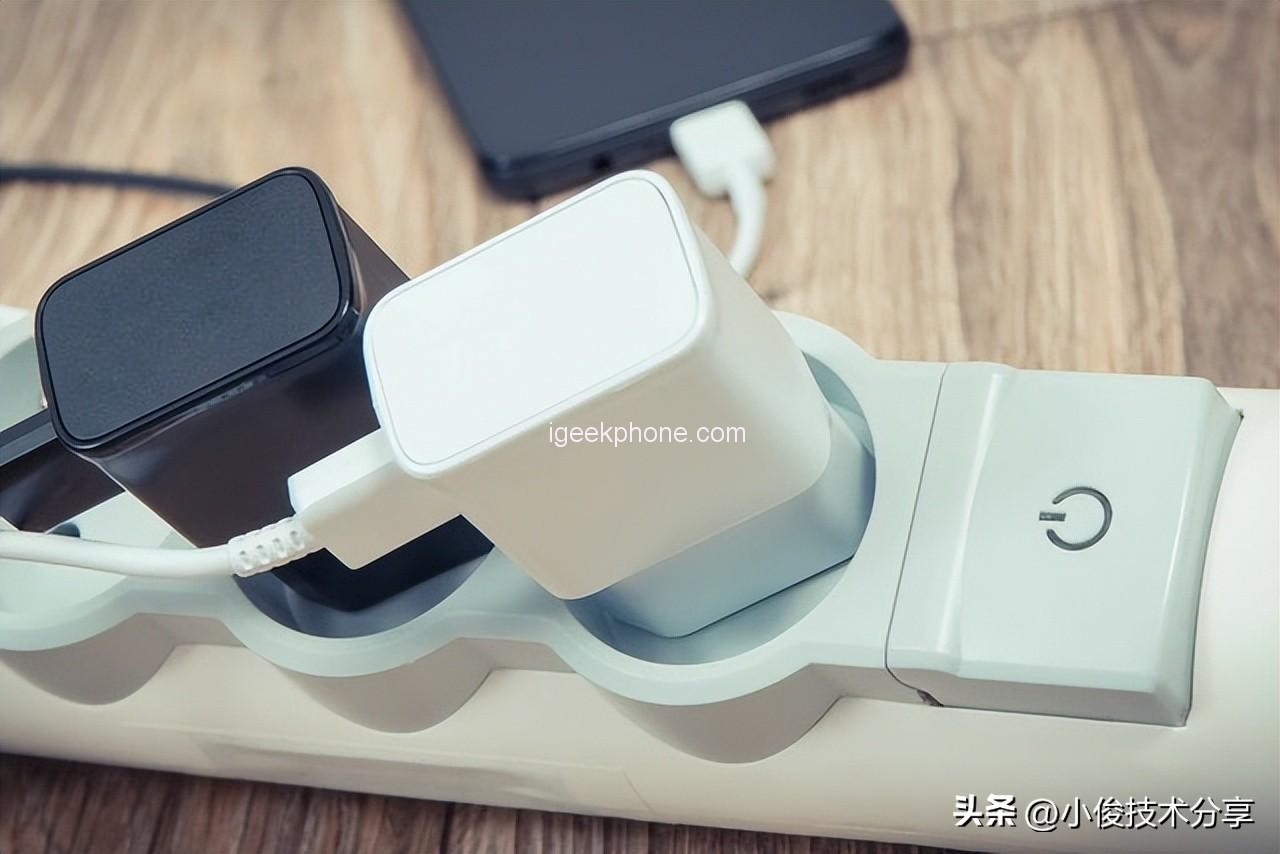
    The process of charging a mobile phone involves a significant amount of current input and output. When the phone’s temperature becomes excessively high during this process and remains unaddressed, it can lead to battery damage and a decrease in the operating speed of internal components. Over time, this can significantly impact the battery’s lifespan. To counter these issues, phone manufacturers have introduced a charging temperature limit feature that regulates the temperature during charging, protecting the device and improving battery life.

    Enabling the Charging Temperature Limit:
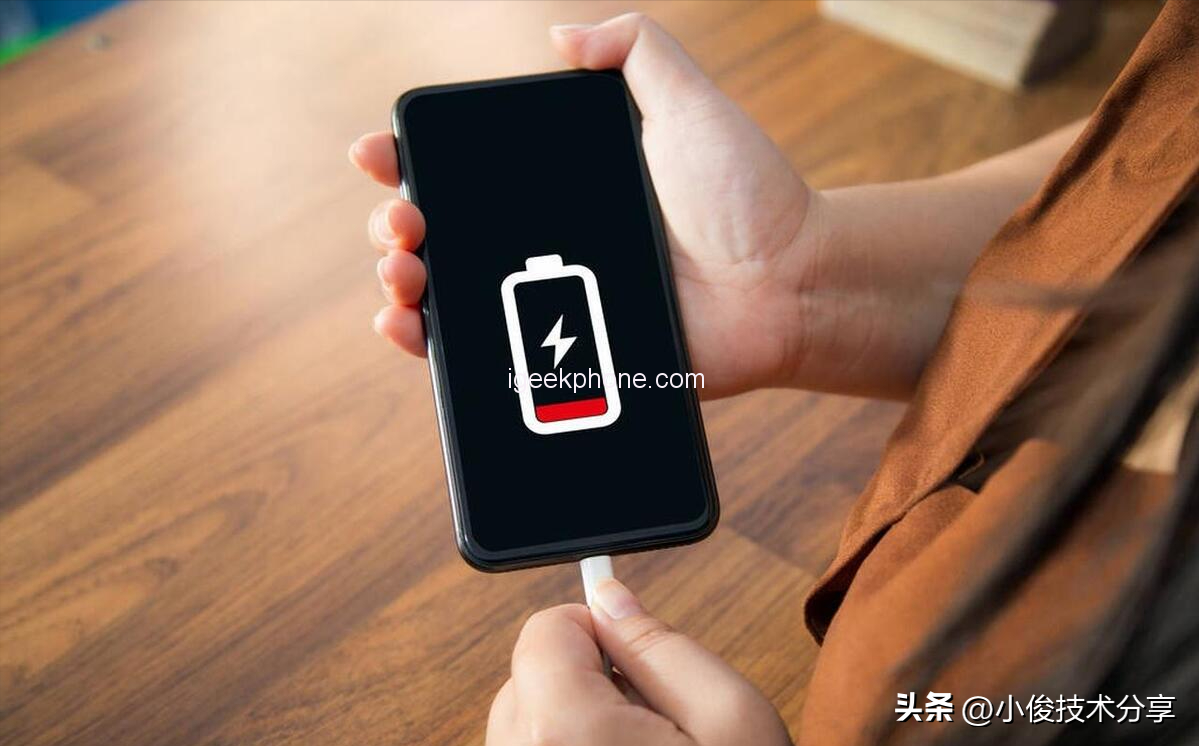
    To enable the charging temperature limit feature, users must access the developer settings on their phones. It is important to note that these settings are typically disabled by default. To manually enable them, follow these steps:

    Open the phone’s settings.
    Navigate to “About Phone.”
    Tap the system version 5 to 7 times to access the developer settings.
    Once in the developer settings, enable the switch for the charging temperature limit.
    By activating this feature, the phone will intelligently limit the temperature during charging, safeguarding the device’s accessories from potential damage caused by excessive heat.

    Changing the Charging Mode:

    Another effective approach to mitigate overheating during phone charging is to modify the charging mode. Most smartphones provide a “smart charging” or “smart charging protection” option, which allows the device to learn the user’s charging habits and adjust the charging behavior accordingly. This feature optimizes the charging process, prolongs battery life, and reduces the likelihood of battery aging.

    To enable the smart charging mode, follow these steps:

    • Open the phone’s settings.
    • Locate the power-saving and battery settings.
    • Access the battery settings.
    • Enable the smart charging protection option.
    • By activating this feature, users enable their phones to intelligently regulate the charging of the battery, ensuring efficient and safe charging practices.

    Using the Original Charger and Proper Charging Method:

    Using the original charger that comes with the phone is highly recommended to prevent battery swelling and premature aging caused by the charger-device mismatch. Additionally, it is crucial to follow the correct charging method to maintain battery health. When charging the phone, remember to:

    First, plug in the charger into the power outlet.
    Then, connect the charger to the mobile phone.
    When the charging is complete, unplug the charger from the phone.
    Finally, remove the charger from the power outlet.
    By adhering to this order, users can avoid potential damage to the battery and ensure a safer charging experience.

    Avoiding Complete Battery Discharge:

    It is important to avoid waiting until the phone’s battery is completely drained before charging it. This practice can be detrimental to the battery’s health, especially considering that most mobile phones today use lithium batteries. Instead, it is recommended to charge the phone as needed throughout the day. Avoid overcharging the battery or leaving the phone plugged in overnight, as this can lead to battery degradation and damage.

    Conclusion:

    By implementing the aforementioned solutions, users can effectively address the issue of overheating during phone charging. Enabling the charging temperature limit, activating the smart charging mode, using the original charger, following proper charging methods, and avoiding complete battery discharge are all crucial steps toward a safer and more efficient charging experience. It is essential to share this knowledge with family and friends to ensure that more people can benefit from these practices. By taking these precautions, we can prolong the lifespan of our batteries, enhance the performance of our devices, and enjoy worry-free charging.

    Read Also: Honor 90 vs Honor 90 Pro: Which One Should You Buy?

    Do not forget to follow us on our Facebook group and page to keep you always aware of the latest advances, News, Updates, review, and giveaway on smartphones, tablets, gadgets, and more from the technology world of the future.

    Share. Facebook Twitter Pinterest LinkedIn Tumblr Email

    Related Posts

    When will Redmi K40 be Released?

    Vivo X Fold6 has Officially been Announced to be equipped with Dimensity 9500 Ultra Edition: This SoC is Specifically Developed for Large-screen Foldable Devices.

    Motorola launches Moto G Max phone: 6.8-inch 1.5K screen, 200 million-pixel main camera

    Leave A Reply Cancel Reply

    You must be logged in to post a comment.

    voopoo G4 Mini
    oxva xlim go lite
    sp2s sen x disposable vape
    • Popular
    • 3D Printer REVIEW
    • XIAOMI
    June 6, 2026

    Vaporesso LUXE X3 & LUXE Q3 Review. Two Paths to Exceptional Flavor

    June 6, 2026

    VOOPOO ARGUS G4 & ARGUS G4 Mini Review – Smart Flavor Meets Everyday Simplicity

    June 6, 2026

    VOOPOO NAVI x CYPH Kit 80K Review. Is This The Future of Disposable Vaping?

    May 17, 2026

    iPlay Nova 45K Review – High Puff Performance with a Futuristic Twist

    December 26, 2025

    ACMER ASCARVA 4S: Precision CNC Power for Makers, DIYers & Small Workshops

    June 23, 2024

    ACMER P2 20W Laser Engraver Fixed Focus Engraving: Hands on Review

    May 30, 2024

    xTool F1 Ultra Review: World’s First 20W Fiber & 20W Diode Laser Engraver

    May 30, 2024

    Anycubic Kobra 3 Combo Review: The Multicolor Masterpiece?

    June 12, 2026

    When will Redmi K40 be Released?

    June 10, 2026

    Xiaomi Hyper OS 3 Second Batch Beta Version Begins Recruitment: Covering Five Models Including Redmi K80 and Xiaomi MIX Flip2

    June 9, 2026

    Xiaomi has released MiMo-V2.5-Pro-UltraSpeed: The generation speed has been increased by 10 times! It can process over 1,000 tokens per second.

    June 8, 2026

    Xiaomi MIX Fold 5 will be the first to feature the Xuanji O3

    fc 26 coins
    New Arrivals
    • VapSolo Sixer 6-in-1 180K Disposable Vape VapSolo Sixer 6-in-1 180K Disposable Vape
    • Apple iPhone Fold 2 Apple iPhone Fold 2
    • Realme Narzo 100x Realme Narzo 100x
    • ZTE Nubia Flip 4 ZTE Nubia Flip 4
    • OnePlus 17R OnePlus 17R
    • YiHi SXmini MQ Class Box Mod 60W YiHi SXmini MQ Class Box Mod 60W
    • Cali Switch 50K Disposable Vape Kit Cali Switch 50K Disposable Vape Kit
    • Apple iPhone 19E Apple iPhone 19E
    • Honor Win RT 2 Honor Win RT 2
    About
  • Igeekphone.com provides the first global tech news and reviews about smartphone, vapes, e-cigar, smart home, 3D printers, e-bike,tablets, RC drones, VR headset, and other accessories. It's the best platform to improve your brand and product.
  • Contact us: info@igeekphone.com
  • Check Our Privacy Policy Here.
  • Note: *Right now we have US editor and EU editors for review, especially for Amazon US and EU.
  • *Shop and Compare Price Here*
  • Facebook
  • Youtube
  • OUR BEST VAPE PARTNERS
  • VAPE ONLINE STORE
  • HAYATI PRO MAX PLUS
  • VAPORESSO
  • VOOPOO
  • OXVA
  • NEXA
  • MASKKING
  • SP2S
  • IPLAY
  • TODOO
  • OTHER BEST PARTNERS
  • SVBONY
  • Chuwi
  • Blackview
  • Fossibot
  • Unihertz
  • Flsun
  • Anycubic
  • Xtool
  • Oukitel
  • Mukkpet Ebike
  • Ugreen
  • Copyright © 2026 igeekphone

    Type above and press Enter to search. Press Esc to cancel.