










The biggest headache in multi-person meetings used to be “the camera can’t capture everyone” – colleagues in the back row are completely “invisible,” the whiteboard and the speaker can’t be in the same frame, and remote participants simply can’t keep up with the discussion.
360° Seamless Panorama + 4-Camera Stitching: Eliminating Blind Spots
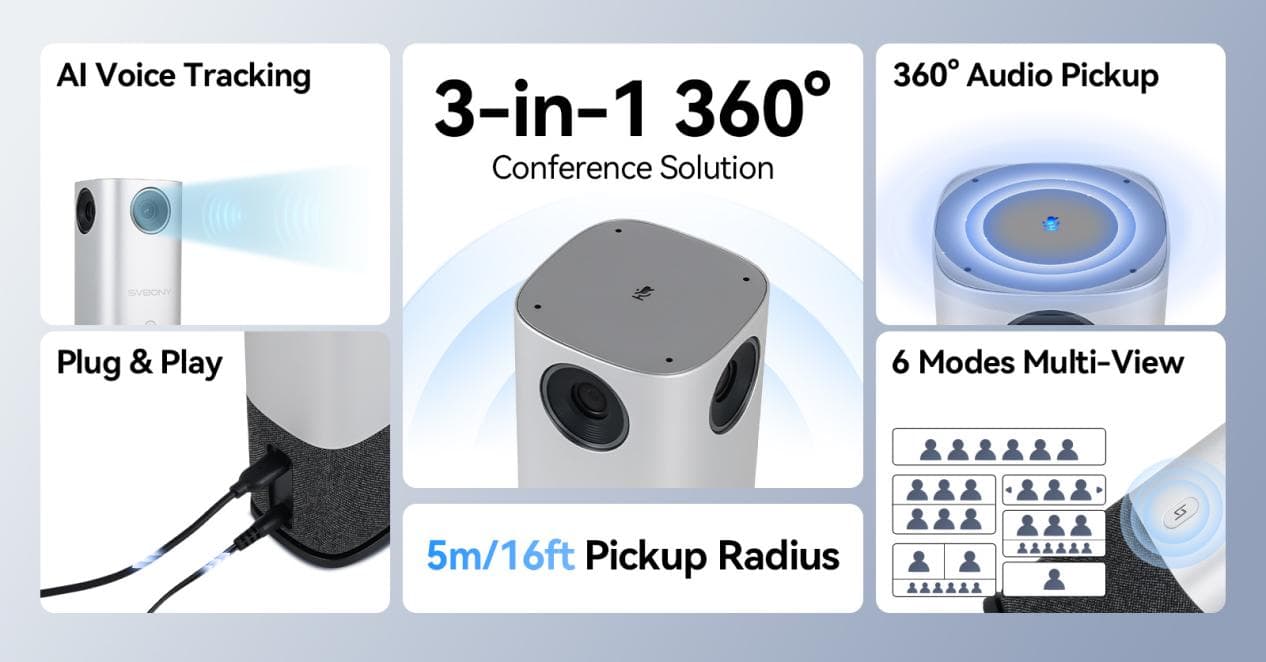
The SVBONY SVN A1 360° conference camera completely solves this problem. As a professional webcam designed for business use, it features intelligent four-camera stitching technology, delivering a seamless 360° panoramic image. With just one device, you can capture the entire meeting space – no visible seams, just natural, smooth visuals. If you’re looking for a reliable 360° camera for your office, this is it. Even better, the Dual View + Panoramic four-camera stitching mode shows both the big picture and the details. For example, when someone writes on a whiteboard, remote teammates can see both the overall meeting atmosphere and read every word clearly. Collaboration efficiency is doubled instantly.
AI-Powered Tracking + 3-Second Speaker Switching: Hands-Free, Maximum Efficiency
Low meeting efficiency often comes from “operational friction” – manually adjusting the camera, wasting time switching views, constantly reminding others to “point the camera at who’s speaking”… The SVN A1’s AI technology eliminates all of these hassles.
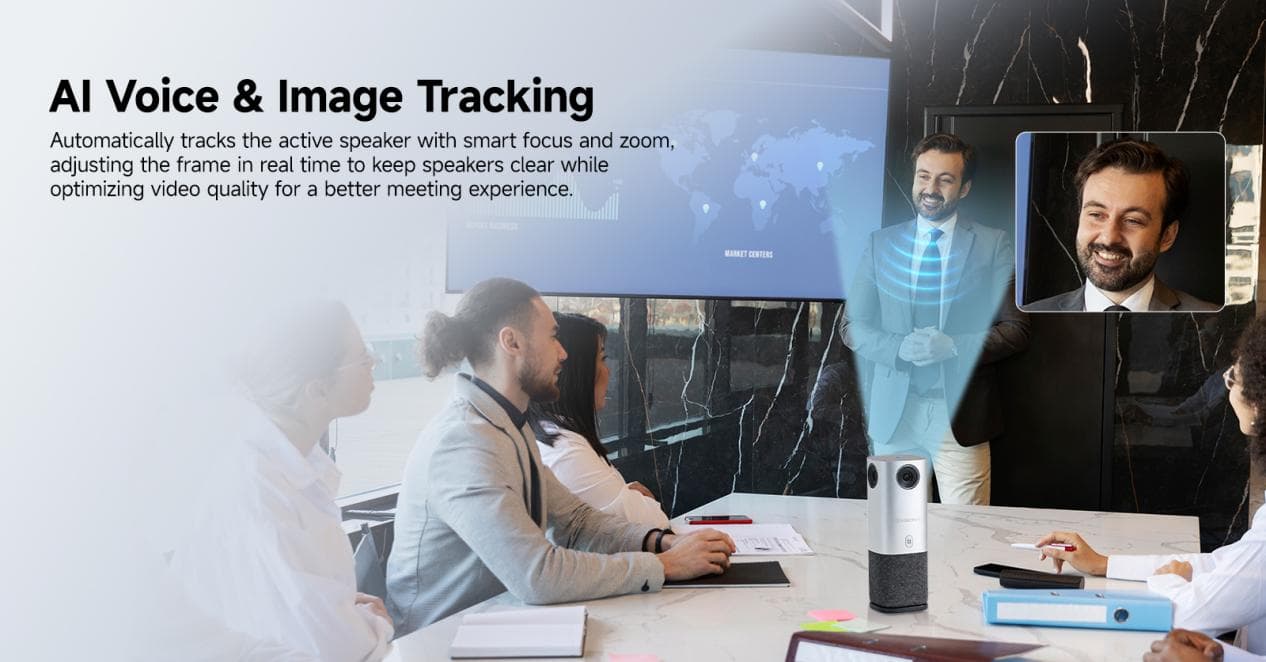
This video conference camera features advanced AI voice localization and image tracking algorithms, detecting the speaker’s position in real time, automatically adjusting the framing, and achieving 360° all-around speaker tracking. Whether it’s a group discussion with multiple people speaking or a single person presenting, the AI precisely captures, auto-focuses, and intelligently optimizes the image. You never have to touch the controls again, and there’s no more “I hear you but can’t see you” awkwardness.
As a premium conference camera, it outperforms most standard conference room camera and microphone combos by integrating intelligent tracking directly into the camera system.
What’s even more impressive is the switching speed – it takes just 3 seconds to switch to the current speaker, with no lag or delay. In a real test with a 10-person cross-departmental meeting where everyone took turns speaking, the SVN A1 kept perfect pace. Not a single minute was wasted on camera operation. A meeting that used to take an hour was done in just 40 minutes. This “no-distraction” experience is truly amazing.
And the AI tracking isn’t rigid – it intelligently adapts to the situation: when multiple people speak at once, it automatically switches to a group view; for a single presenter, it zooms in for a close-up. It balances comprehensiveness with focus, making every conversation more effective.
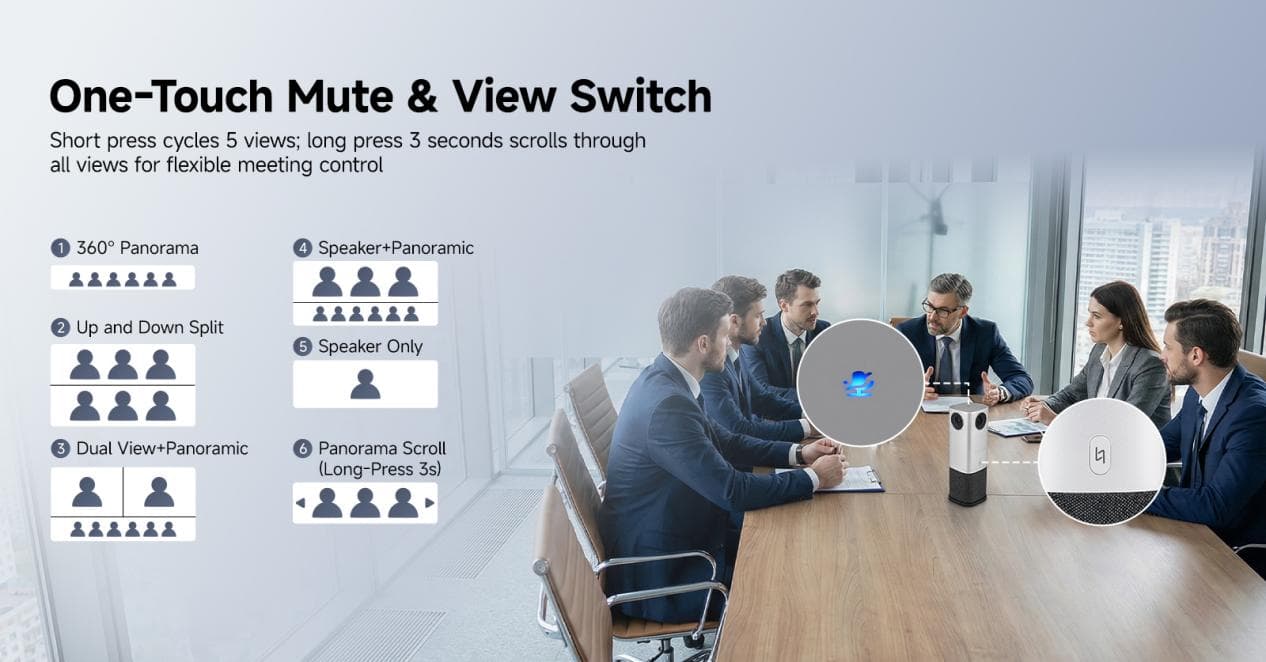
6 View Modes, One-Touch Switch – Adapts to Any Meeting Scenario
Let me break down the practical uses of these 6 view modes. You’ll see just how versatile this conference room camera system really is:
360° Panorama
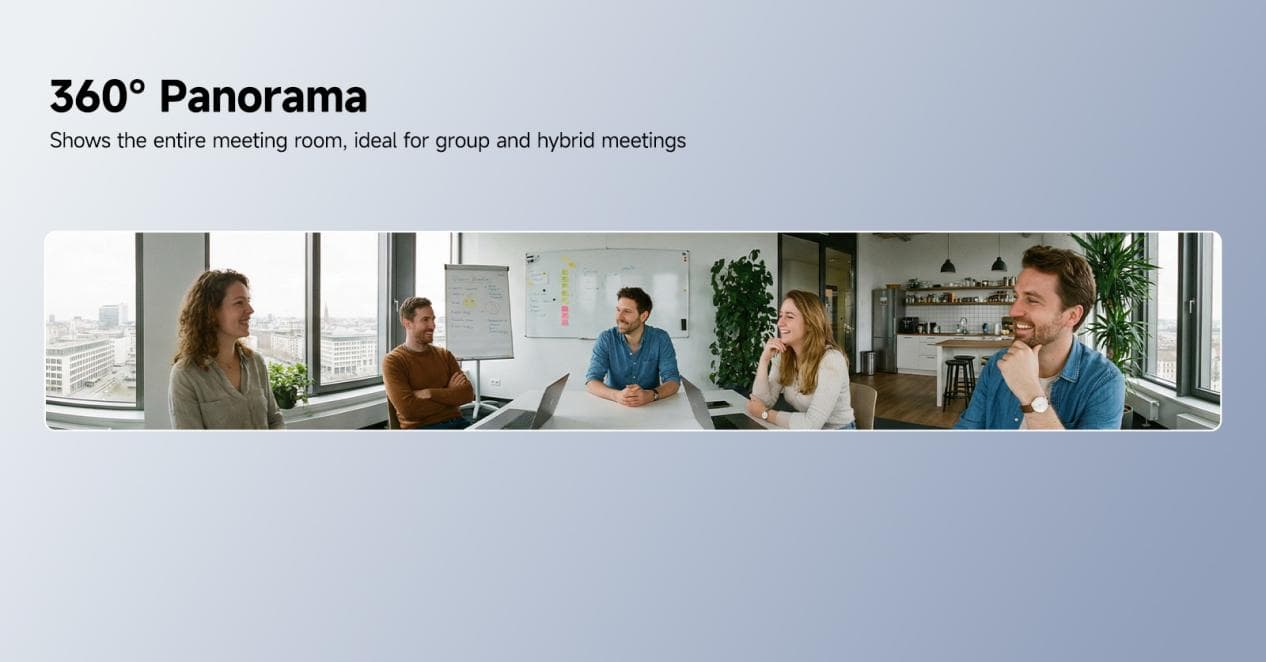 Shows the entire meeting room. Perfect for all-hands meetings and hybrid work – remote and on-site teammates both see the full meeting atmosphere, avoiding information asymmetry. It feels like everyone is sitting around the same table, enhancing engagement.
Up and Down Split
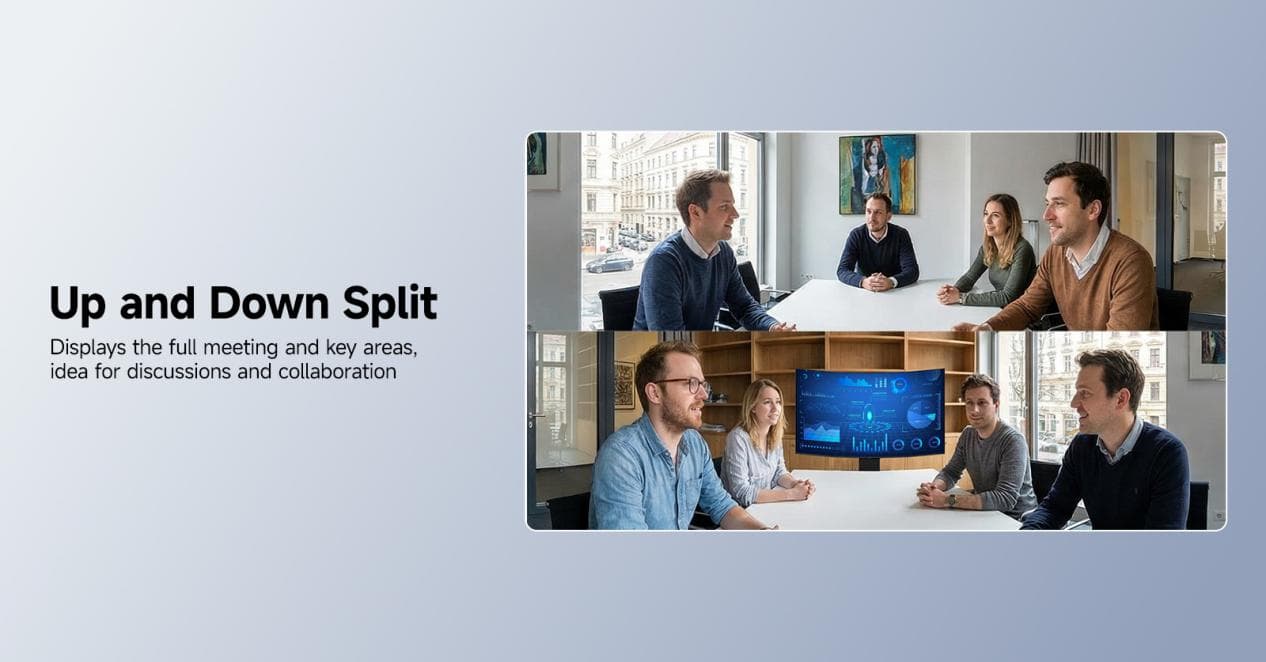
Displays both the full meeting scene and key areas (like a whiteboard or presentation screen) simultaneously. Perfect for collaborative discussions and solution brainstorming – you don’t have to switch back and forth to see both the big picture and the details.
Dual View + Panoramic
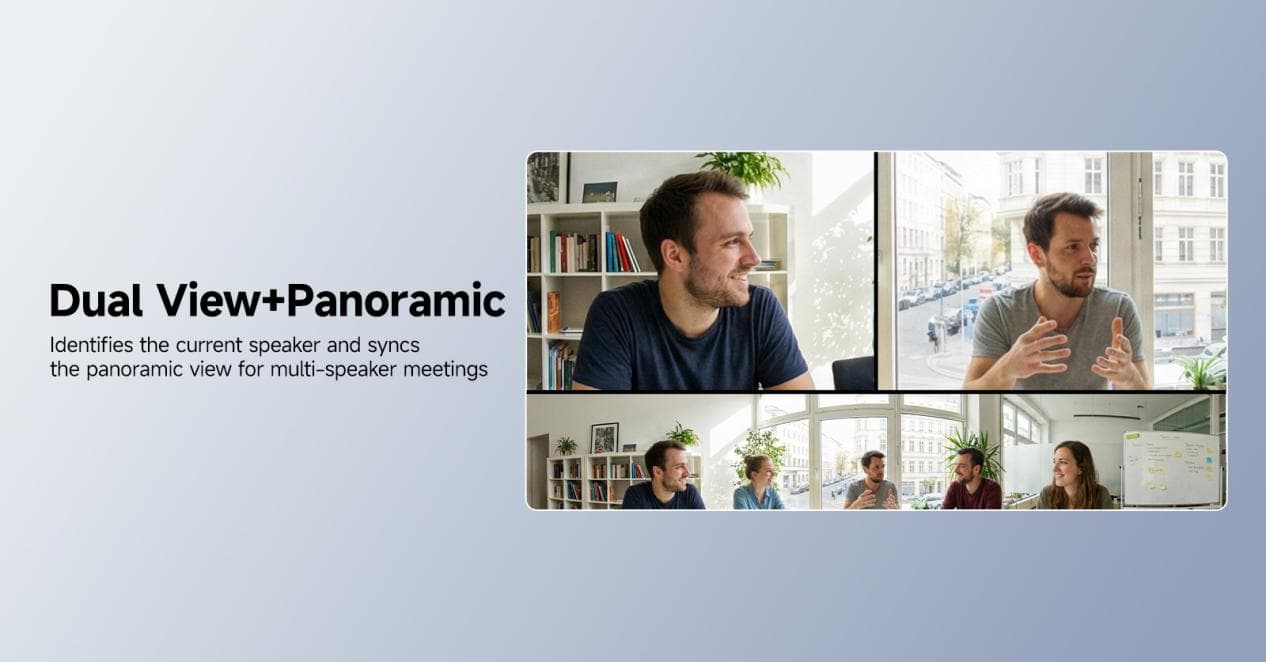
Automatically identifies the current speaker while showing the panoramic view. Ideal for meetings with multiple alternating speakers, like cross-departmental workshops – you see the speaker’s details and the whole room’s reactions at the same time.
Speaker + Panoramic
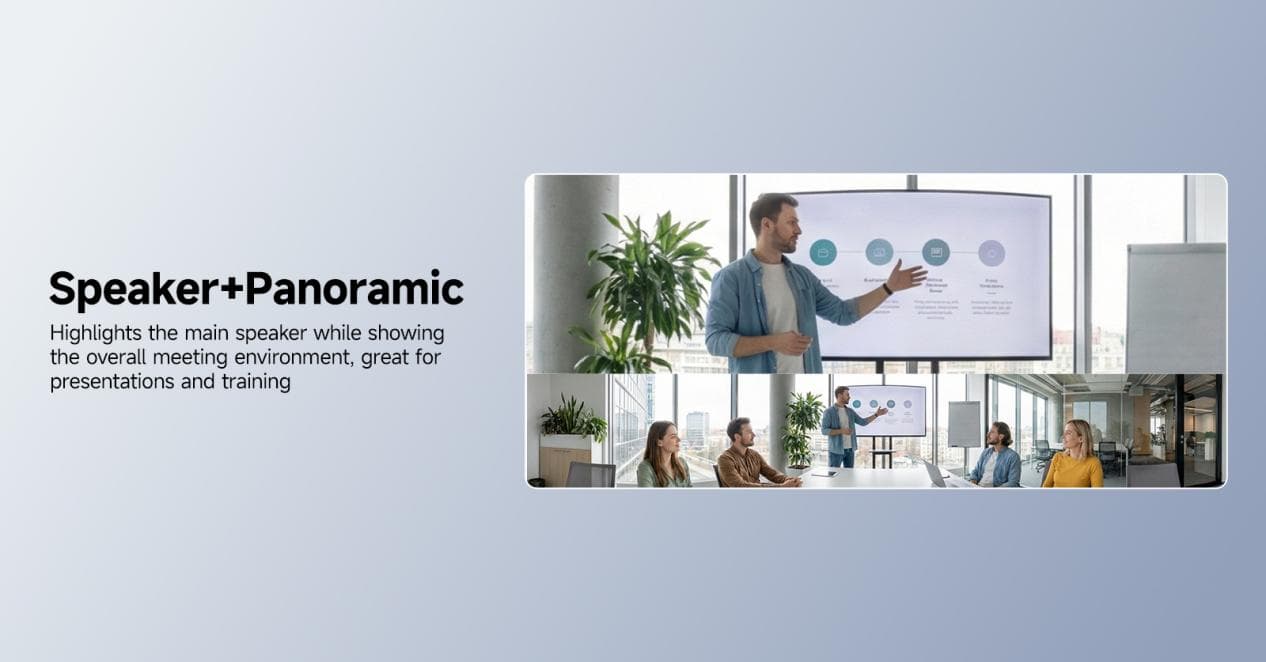 Highlights the main speaker while showing the overall meeting environment. Great for training, product demos, and client presentations – the audience focuses on the speaker while still feeling the room’s atmosphere.
Speaker Only
Shows only the main speaker, minimizing distractions. Perfect for important meetings, one-on-one conversations, and key presentations – everyone stays focused without irrelevant visuals.
Panorama Scroll (press and hold for 3 seconds)
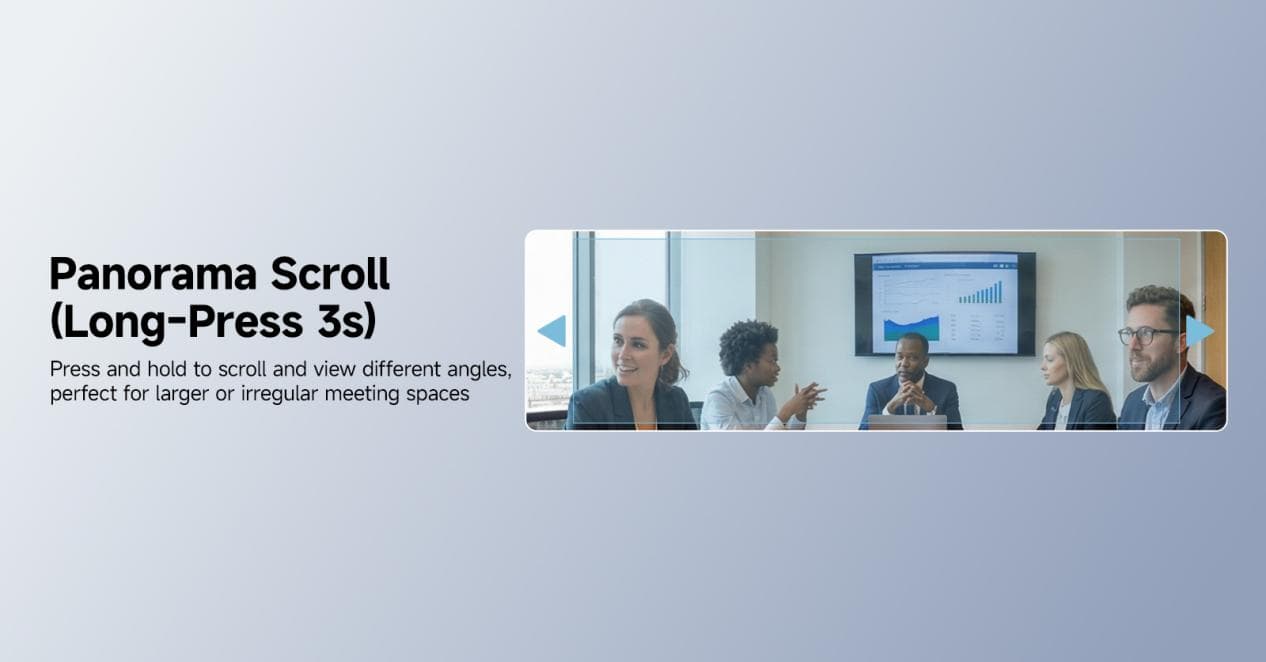 Press and hold to scroll and view different angles. Ideal for large or irregular meeting spaces (like big conference rooms or lecture halls) – you can easily see details in any corner, missing no one.
These 6 modes cover virtually every workplace meeting scenario. Whether you need a conference camera for daily team check-ins, cross-departmental collaboration, client presentations, or employee training – one click switches the view to fit the moment. You never have to worry about “camera angles” again. Truly, “one device, all meetings.”
A Meeting Tool That Truly Understands Workplace Needs
In this era where hybrid work is the norm and efficient collaboration is a core requirement, a good conference room camera doesn’t just save time – it reduces collaboration friction and improves team communication quality.
If you’re often plagued by meeting lag, blind spots, or cumbersome operations, give the SVBONY SVN A1 360° conference camera a try. Whether you need a webcam for small huddles or a full conference room camera system for large meetings, this device delivers. I believe it will bring you a new level of meeting efficiency – making every conversation smoother and more productive.
 One last question: What’s your biggest meeting headache? Have you ever run into the awkwardness of “the camera can’t find the speaker” or “not enough viewing angle” with your current video conference camera? Drop a comment below – let’s unlock the right way to have efficient meetings together!
Learn more——Official Website | Amazon Store