









Ever feel like your videos are missing that extra spark? If you’re on the hunt for a portable lighting solution that can seriously level up your content, you might want to check out the Zhiyun CinePeer CF100. A powerful 100W stick light that’s packed with features. In this review, I’ll walk you through its design, key features, real-world performance, and whether it’s worth your money.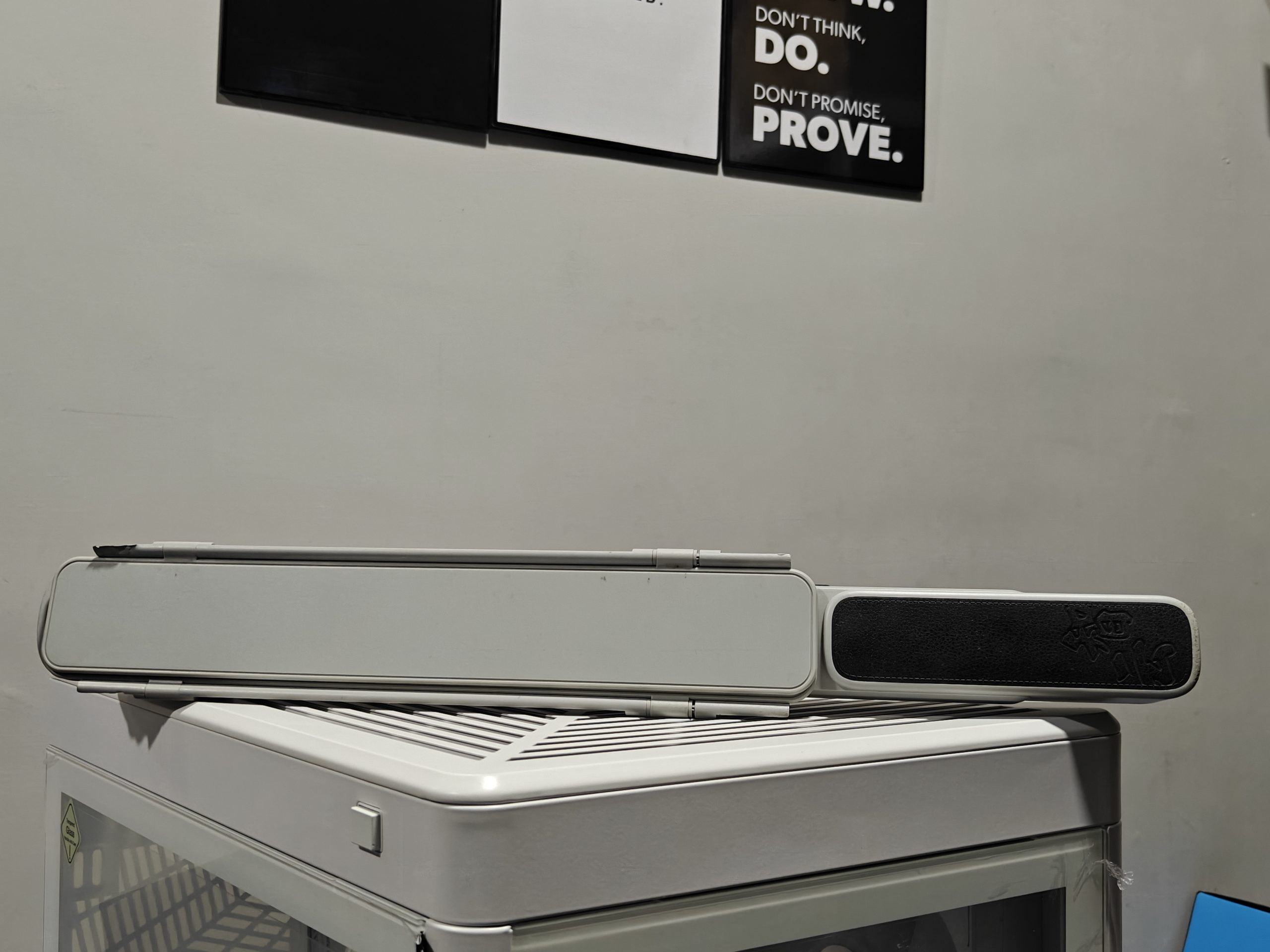
Let’s be real good, lighting can make or break your video. It’s what takes your footage from amateur to polished, helping your camera pick up sharp, detailed images with true-to-life colors. Especially in low-light setups, quality lighting reduces that annoying graininess. What’s cool about the CF100 is that it goes beyond just “bright” with full RGB capabilities; you can pick from millions of colors to set the perfect mood or match a specific vibe, no extra filters needed.
And here’s where it gets even more fun: the CF100 comes with built-in lighting effects like flashing, pulsing, fading, and more. Want to recreate police lights, a flickering candle, a campfire, or even a lightning storm? You can do it all straight from this stick. It’s a great way to add cinematic flair or dramatic atmosphere to your shots, all without complicated setups.
Just a quick heads-up before we begin—my dog got a little too curious and decided to chew up the packaging of the Zhiyun CF100. So, unfortunately, I don’t have the original box anymore, and you might notice a few bite marks on the light itself. Please feel free to ignore those!
Design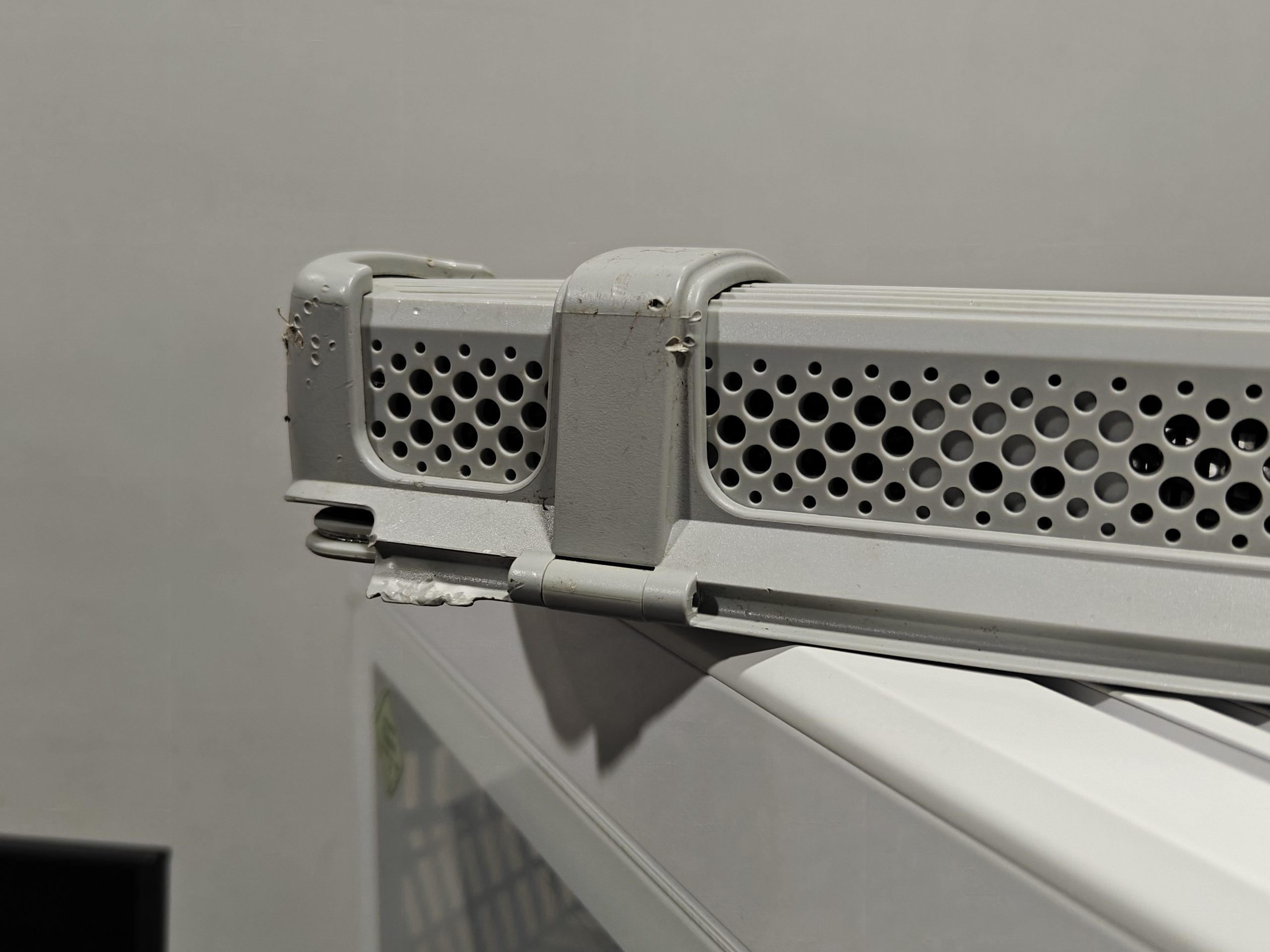
The Zhiyun CINEPEER CF100 is my very first stick-style video light, and I’ve got to say—it kind of reminds me of those handheld security scanners you see at airports. It’s a pretty sleek piece of gear, measuring 502mm in length and weighing just under a kilogram (945g to be exact). The design is split into two main parts: the handle (where you’ll find the power and controls), and the light-emitting area.
What’s impressive is what’s behind the 324 LED chips, an advanced DynaVort cooling system that uses six fans to keep things cool. And it gets bright. Like, seriously bright. At full power (Max Power Mode 4300K/100%), it pumps out 2610 lux at a 1-meter distance. To put that into perspective, it’s like having the output of 2610 candles, or the equivalent of a 170W incandescent bulb or a 35W LED.
Built-in Foldable Barn Doors
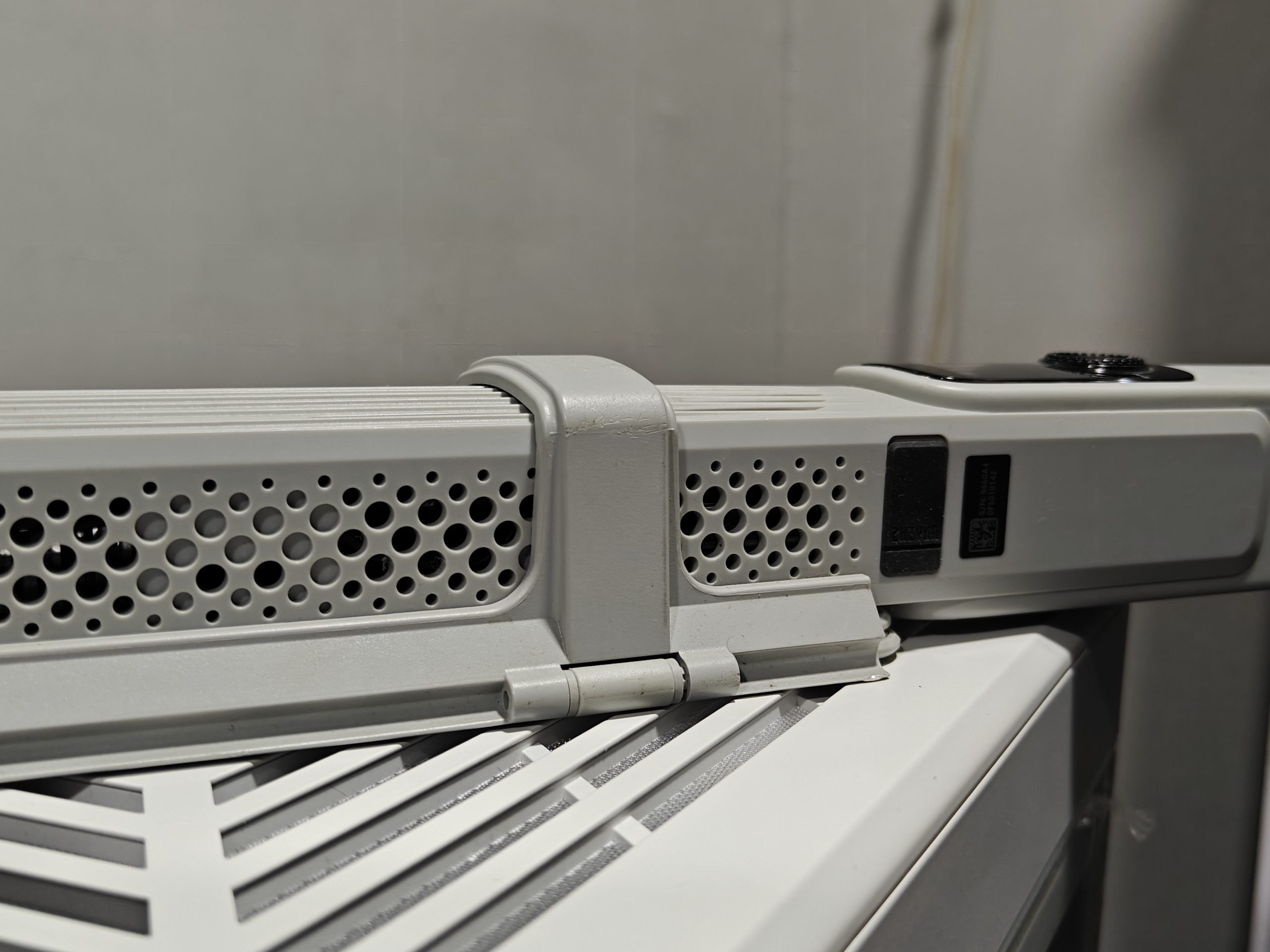
One of my favorite features is the built-in, foldable two-leaf barn doors. These let you shape the light however you want. Want a focused beam with sharp edges? No problem. Prefer something softer with more subtle shadows? Just adjust the doors or pop on the included white diffuser pouch for a gentler glow. It adds flexibility and helps give your shots more dimension.
Tripod Friendly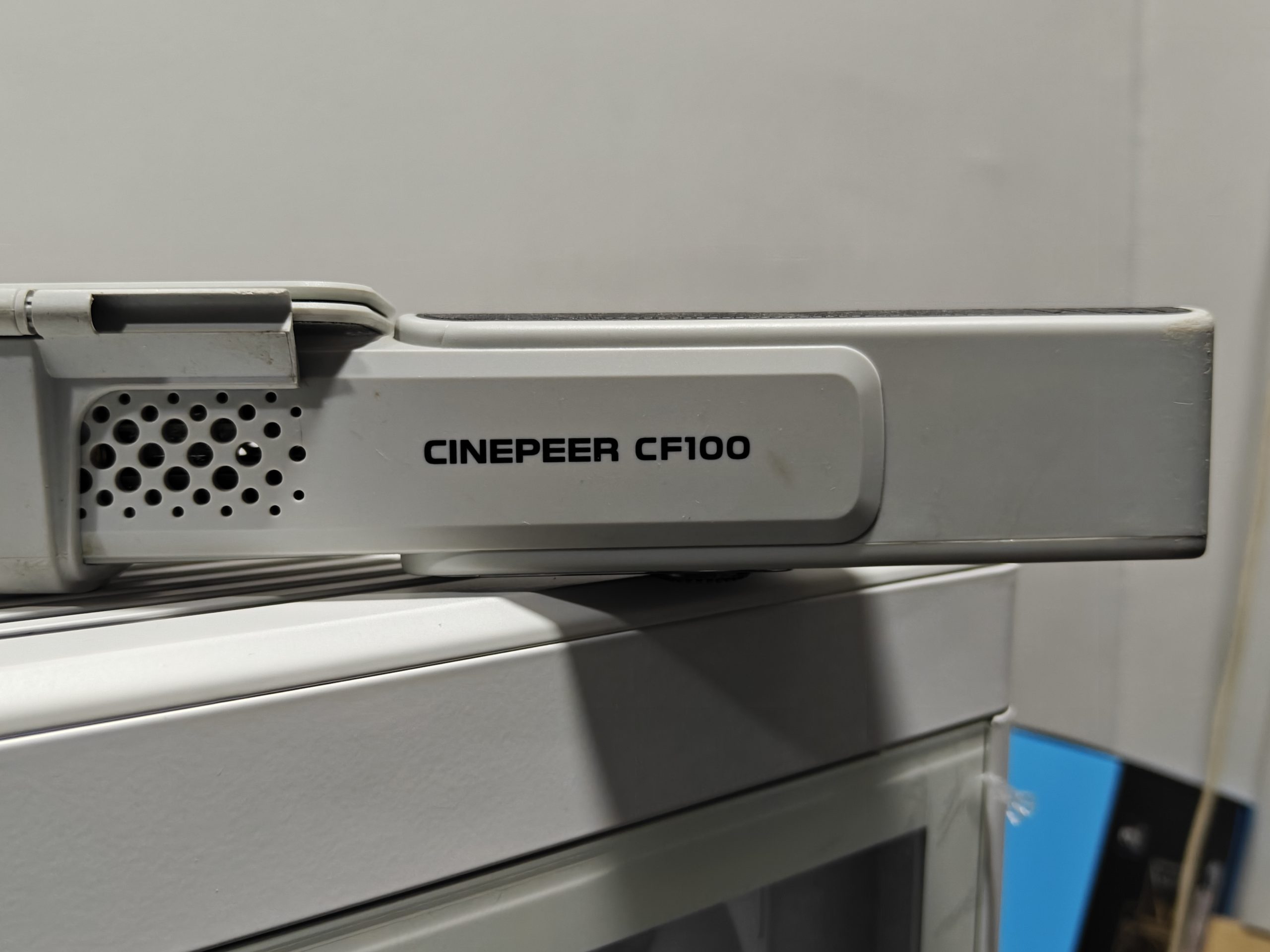
At the bottom, you’ll find a standard 1/4-inch screw hole so you can easily mount it onto a tripod. On the left side of the handle, there are Type-C and DC charging ports super handy. Inside, it’s powered by six internal 2600mAh batteries, and it takes about 3 to 3.5 hours to fully charge.
Intuitive Controls & Smart Display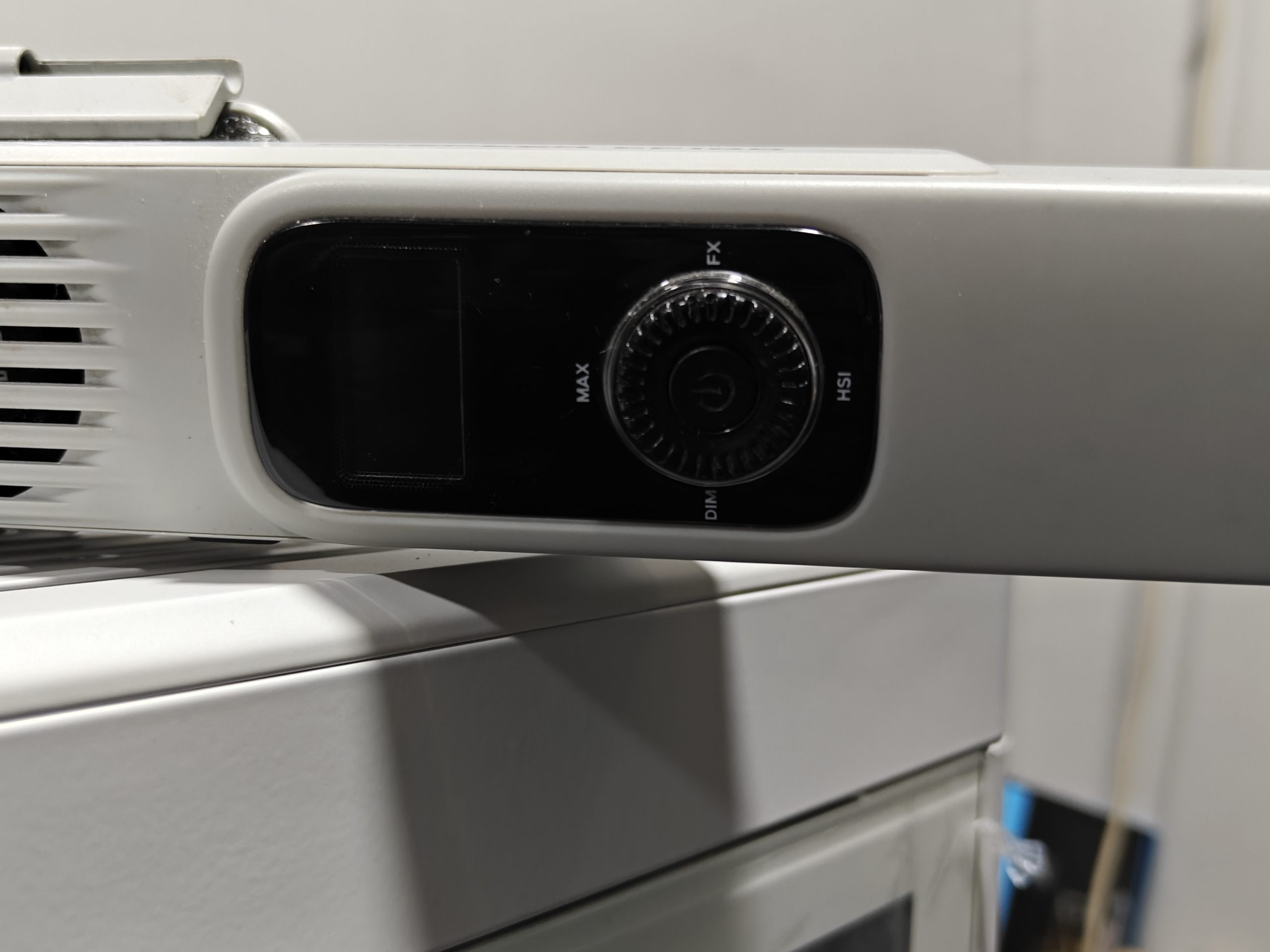
On the front panel, a clean OLED screen displays everything at a glance. Right below it is a handy speed dial surrounded by four buttons: DIM, HSI, FX, and MAX, making it easy to tweak settings on the fly. The power switch is right in the middle of the dial, and it’s multi-functional: press and hold to turn it on or off, double-tap for quick tweaks, or triple-tap to lock/unlock the controls.
Exploring the Light Modes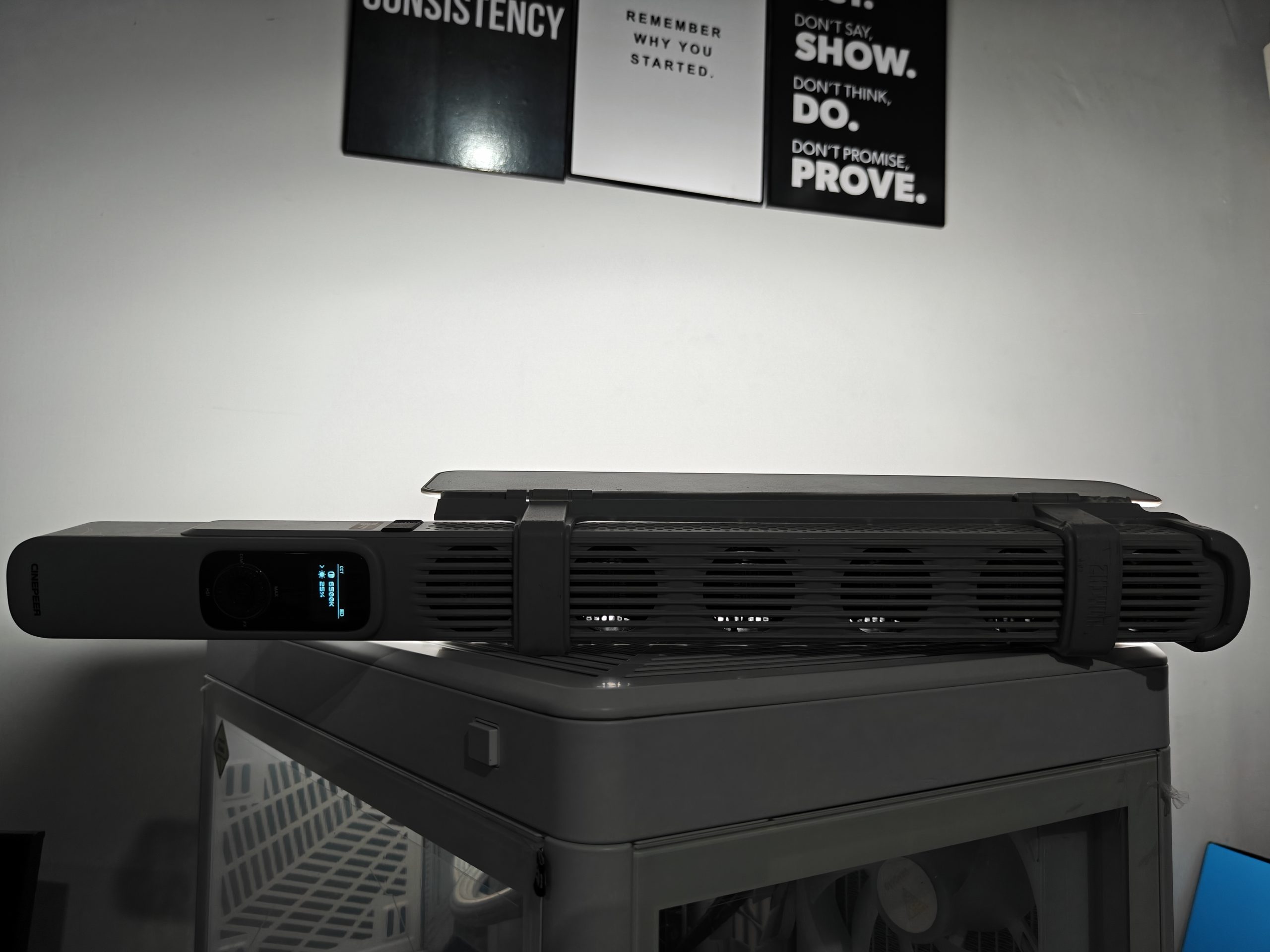
The CF100 isn’t just a basic light—it’s packed with creative lighting modes to fit all kinds of shooting needs. Along with the standard modes like CCT, MAX, and HSI, it also includes 7 fun FX modes (like SOS, TV flicker, Faulty Bulb, Candlelight, Lightning, and Flame) and 8 additional effect modes (named Effect0 through Effect8). Every mode allows you to adjust the brightness from 0% to 100%, giving you full control.
Let’s break down how to use the key modes:
CCT Mode (Color Temperature & Brightness)
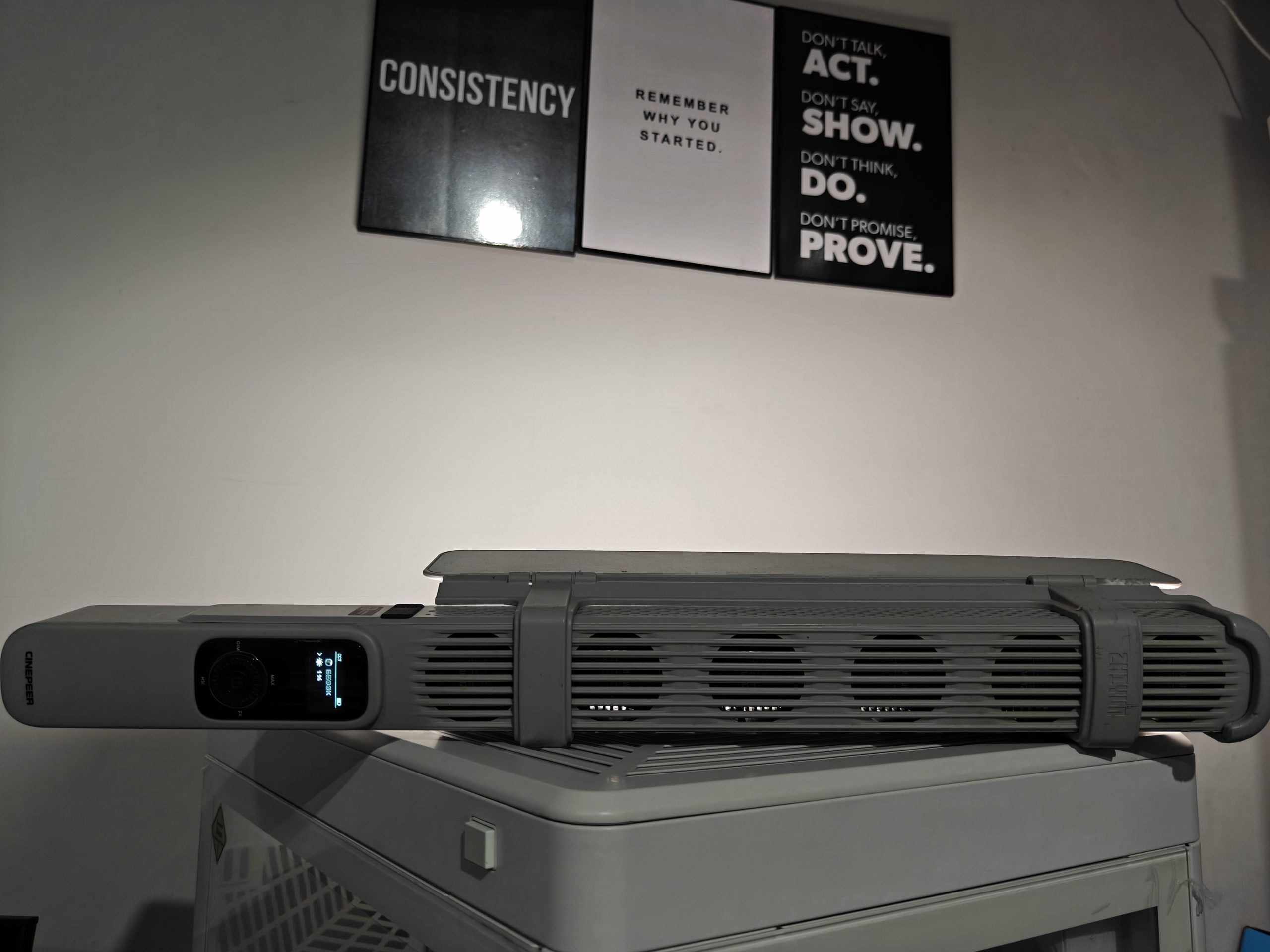
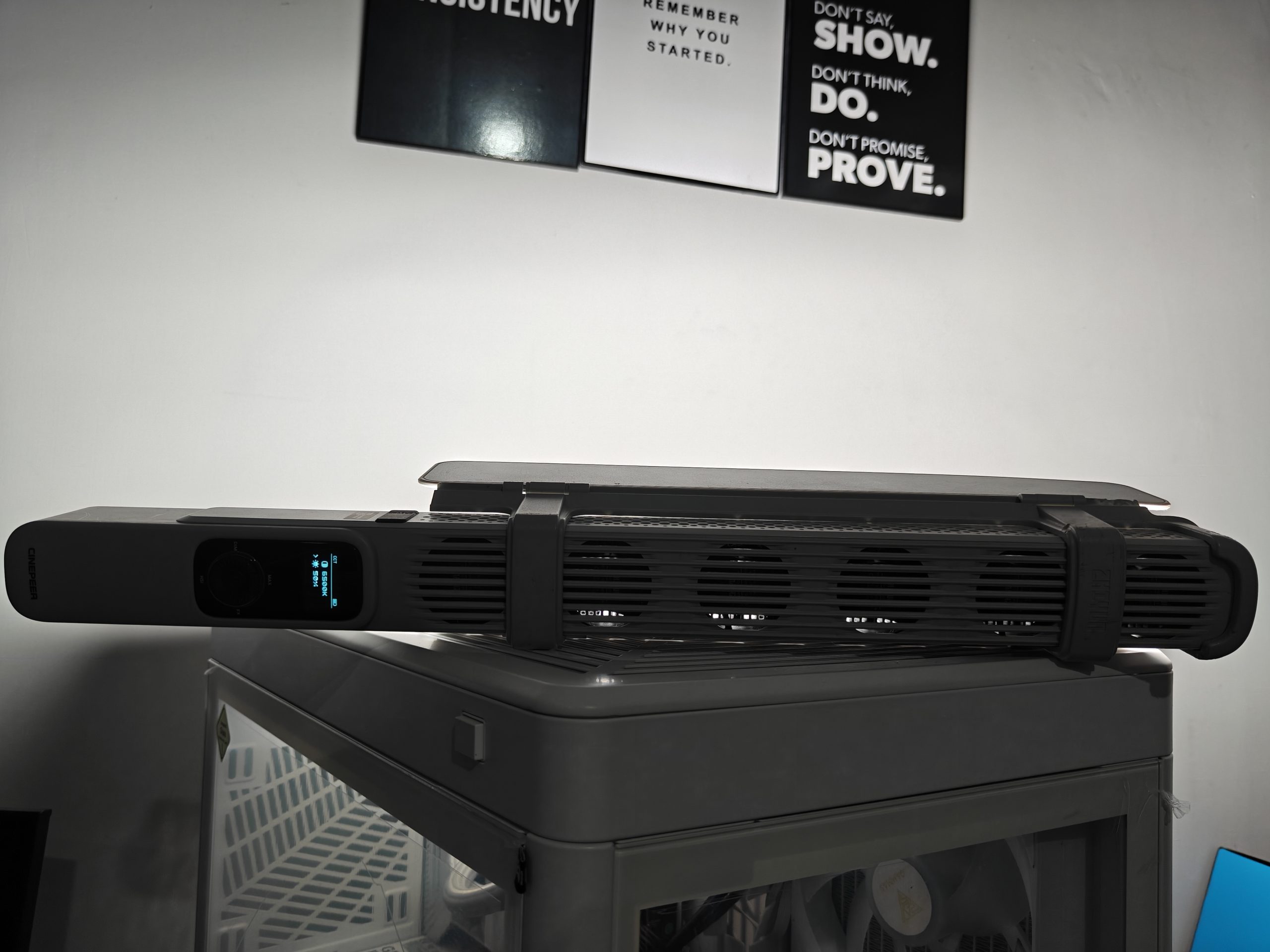
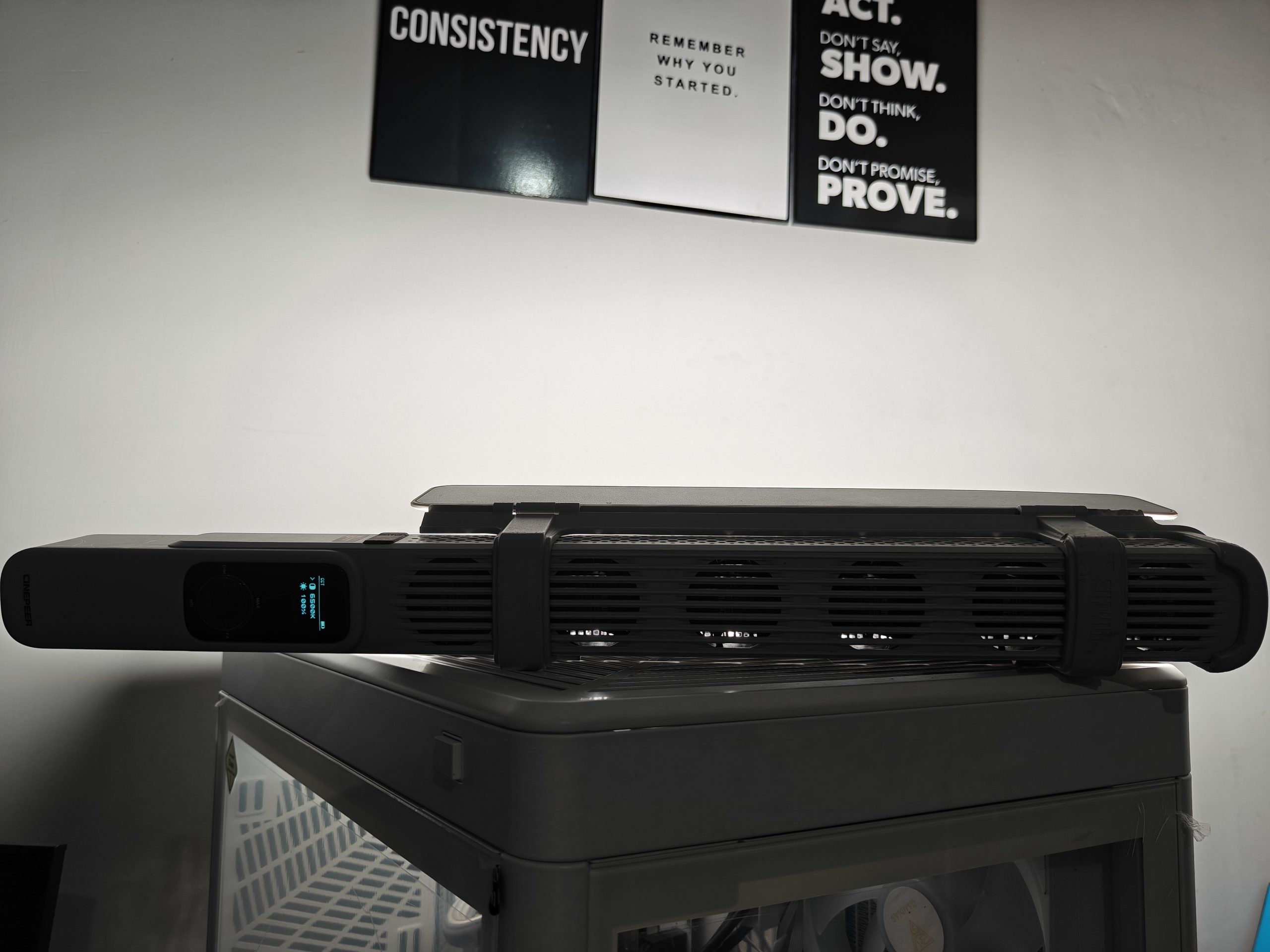
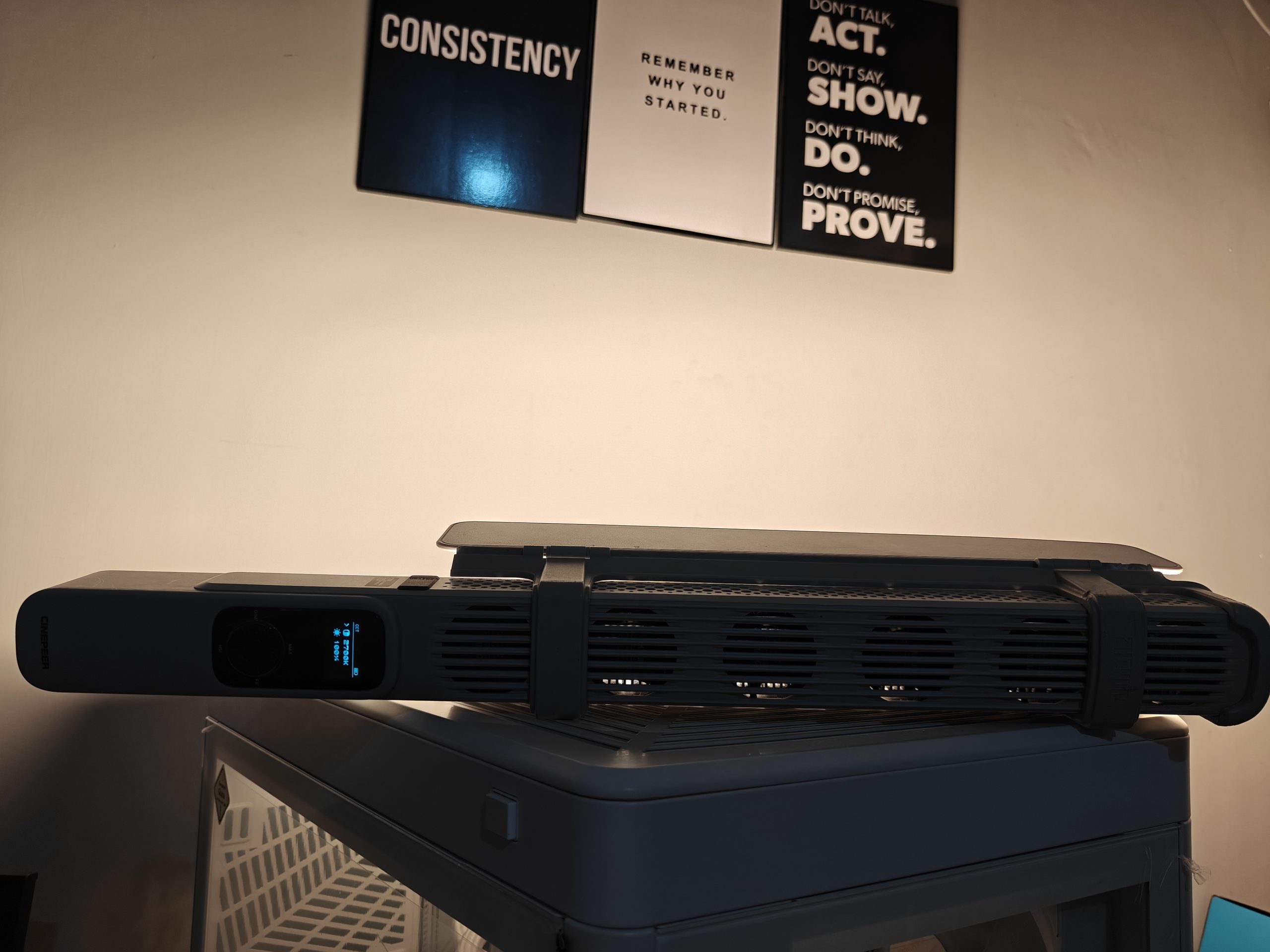
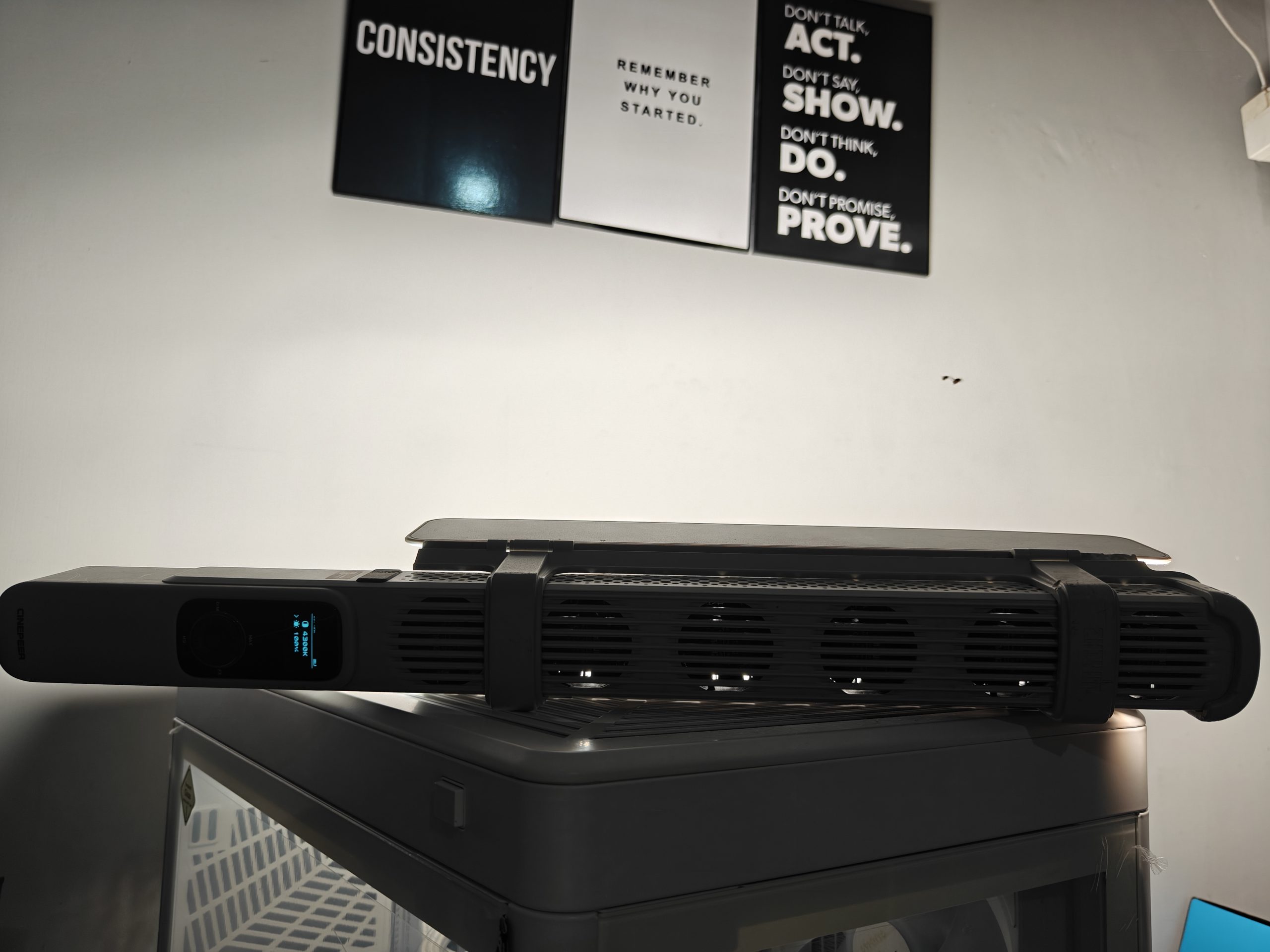
- Tap the DIM button once to enter CCT mode.
- Tap it again to switch between color temperature and brightness.
- To make adjustments, either double-press the Power button or rotate the dial.
The color temperature can be adjusted between 2700K (warm) and 6500K (cool)—perfect for matching different lighting environments.
- MAX Mode (Maximum Output)
- While in CCT mode, just press the MAX button once.
This instantly boosts the light to 100% brightness with a default color temperature of 4300K—great for when you need quick, powerful lighting on the fly.
HSI Mode (Hue, Saturation, Intensity)
- Press the HSI button once to enter HSI mode.
- Press it again to switch between Hue, Saturation, and Intensity.
- Adjust any of these by double-pressing the Power button or turning the dial.
- Hue can be adjusted from 0° to 360° (full color wheel).
- Saturation and Intensity can each be set from 0% to 100%.
So whether you want a soft, warm glow, intense color effects, or realistic lighting simulations, the CF100 gives you the tools to shape your light exactly how you want it.
Key Features
100-Watt Stick Light Powerhouse
The Zhiyun CinePeer CF100 isn’t just bright—it’s seriously powerful. With 100 watts under the hood, it gives you the creative freedom to shape light however you want. Whether you’re a seasoned photographer or just diving in, the one-press mode switch and easy-to-use dial make it super intuitive. In its standard mode (CCT), it puts out up to 1370 Lux, and when you crank it to full power, it reaches a whopping 2610 Lux!
Built-in Lighting Effects That Spark Creativity
Want to add some drama or flair to your shots? The CF100 comes packed with 6 preset moods and 7 built-in lighting effects. You can tweak each LED’s brightness, color, and on/off timing to create everything from cinematic glows to lightsaber-style effects. It’s lighting that’s as creative as you are.
True RGB with Powerful Color Output
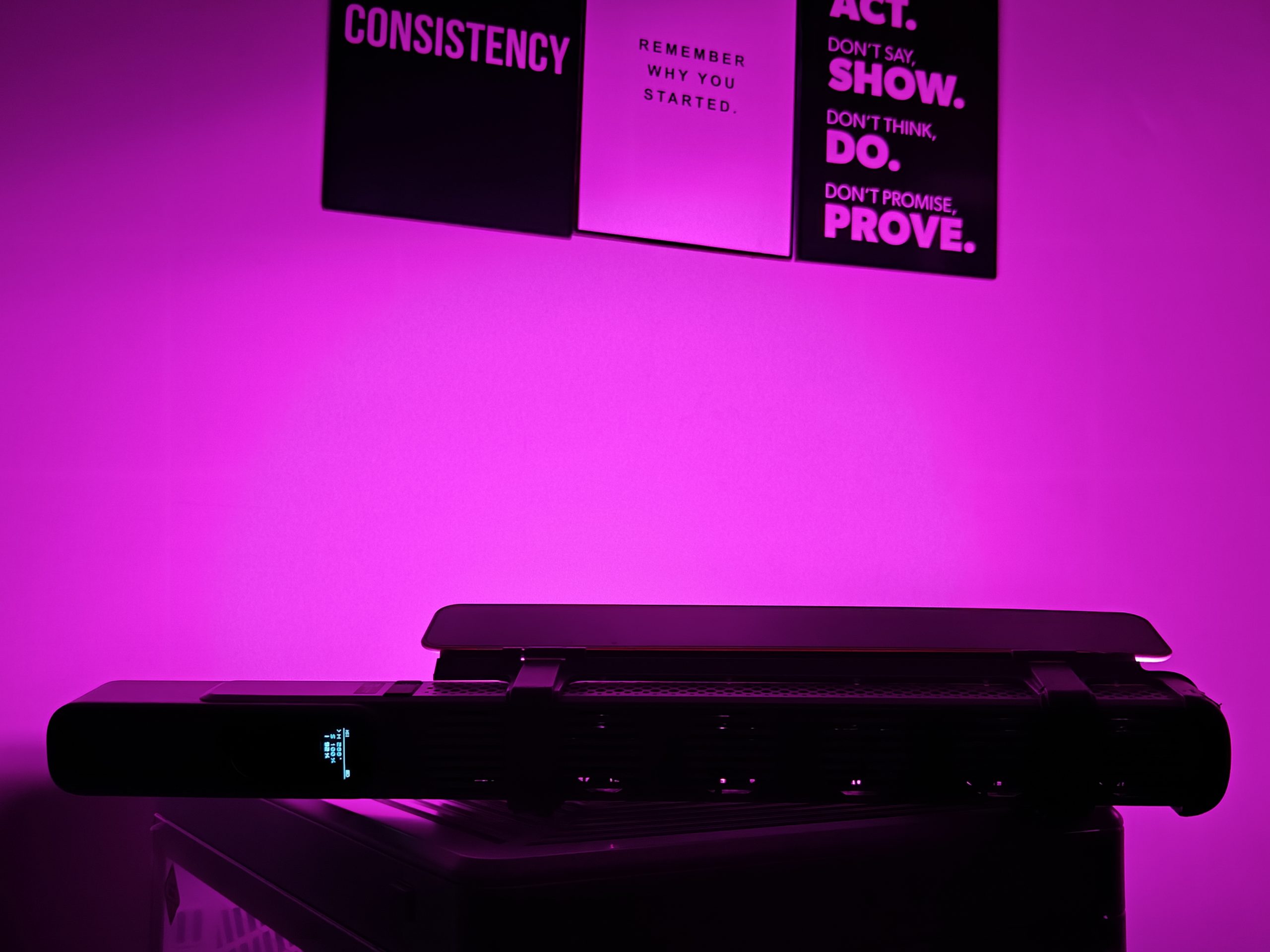
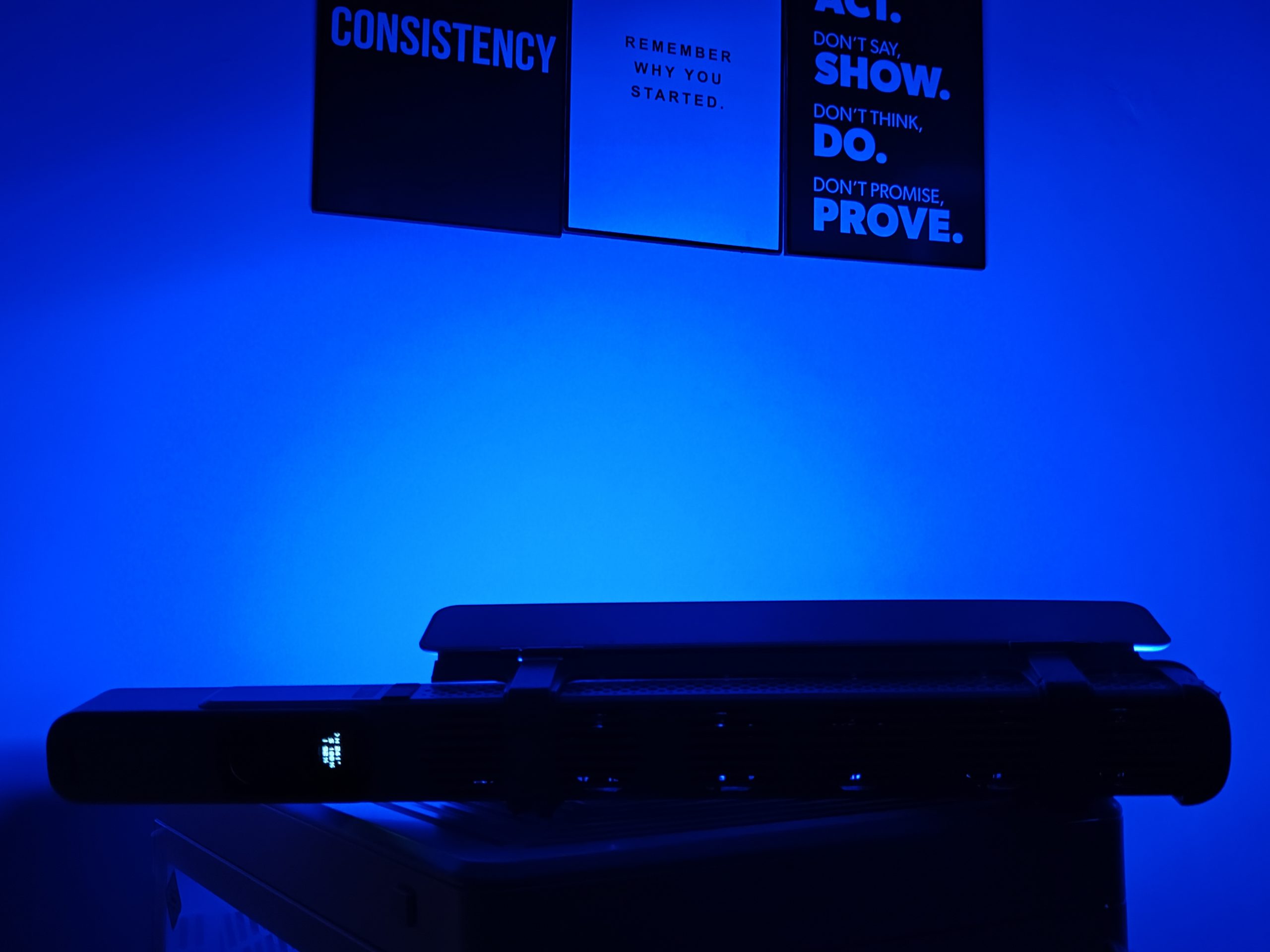
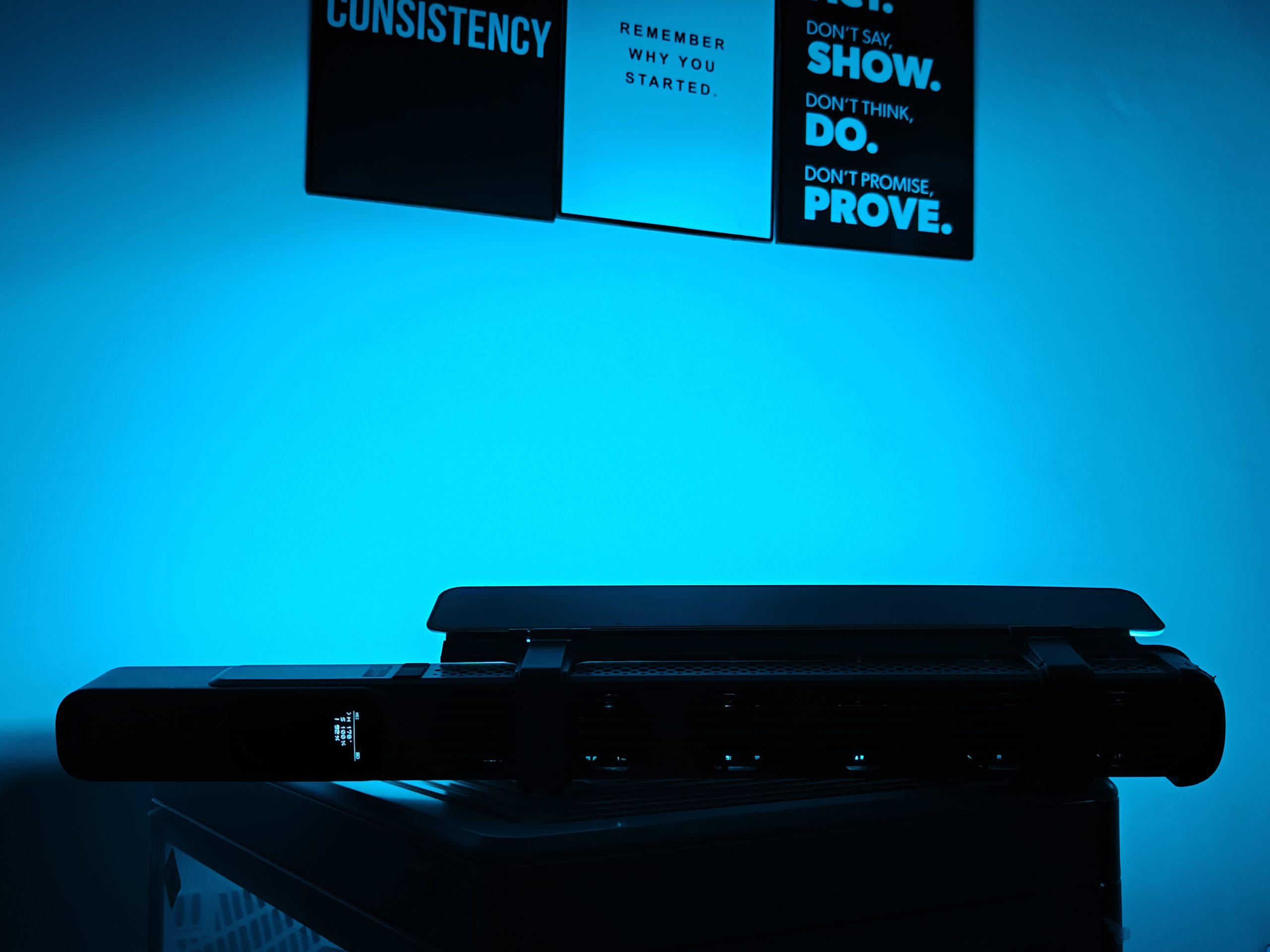
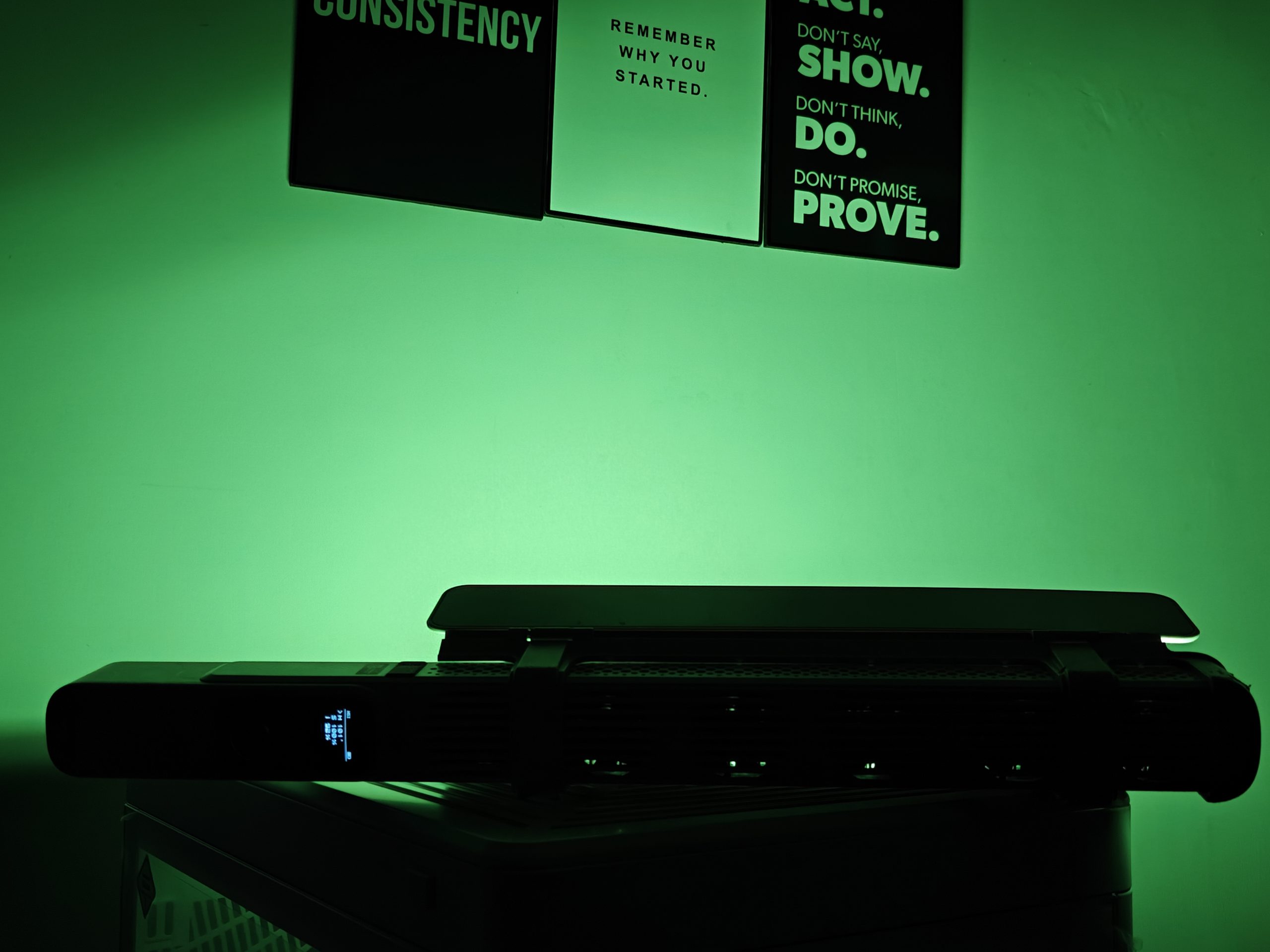
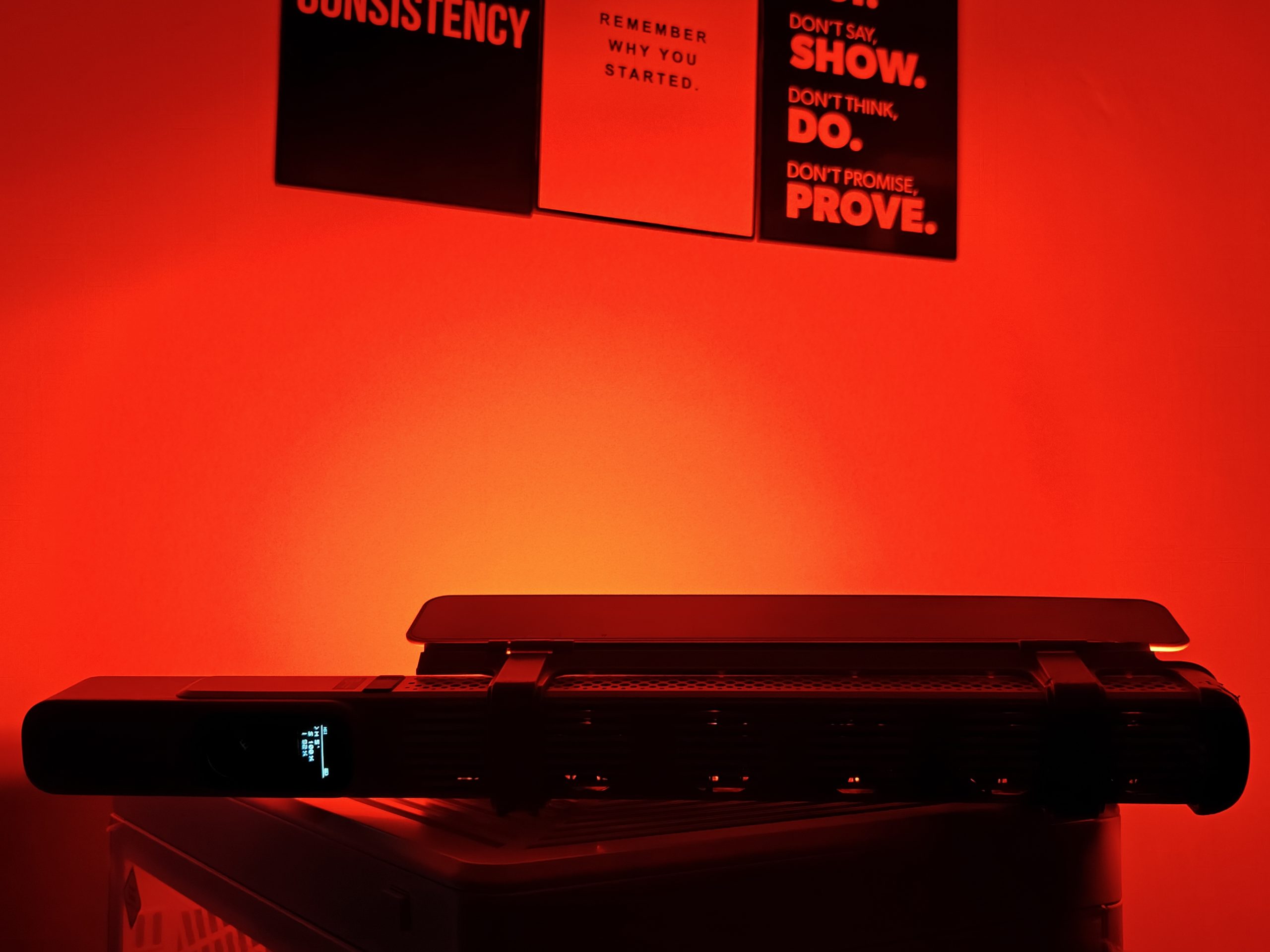
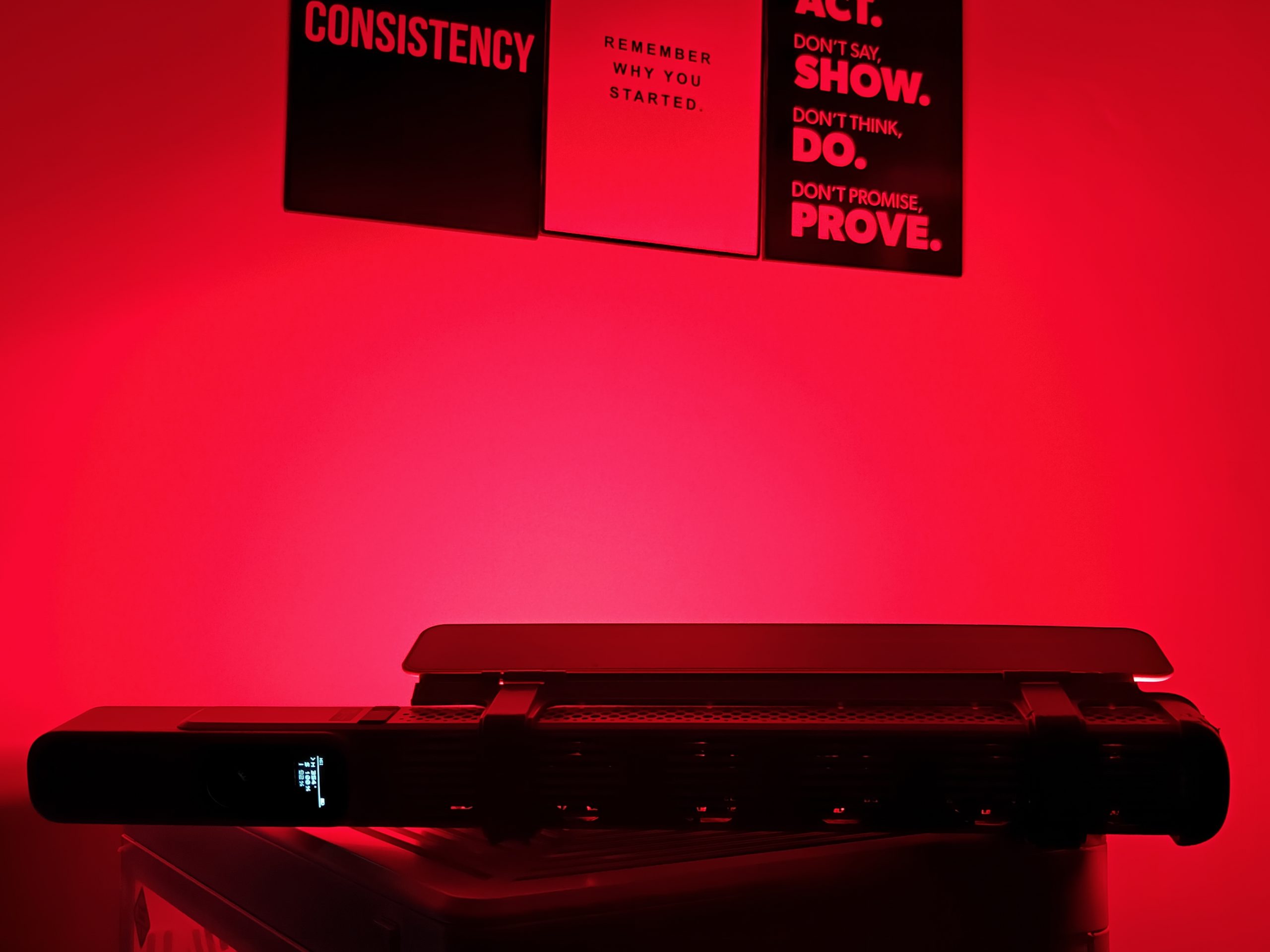
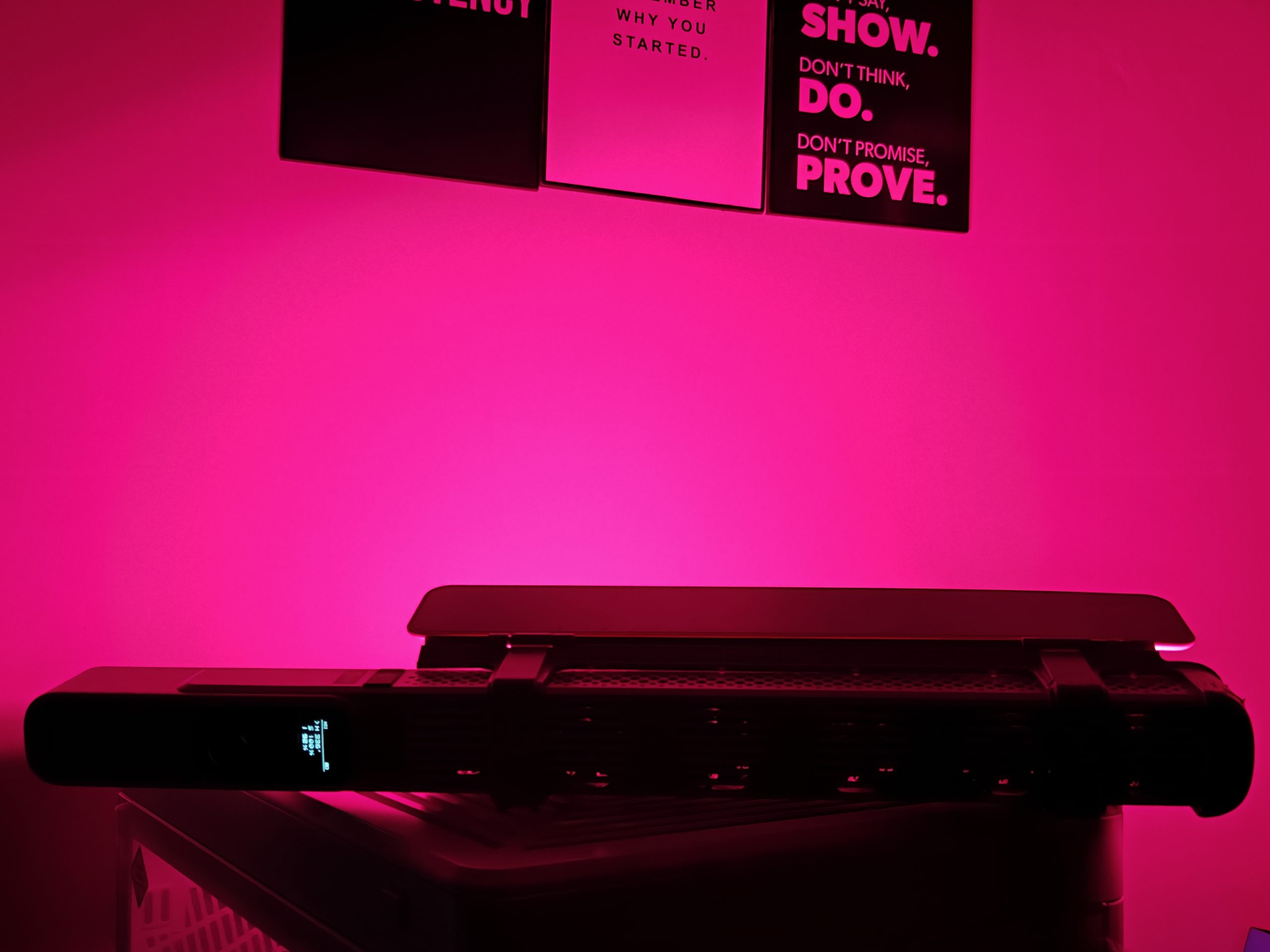
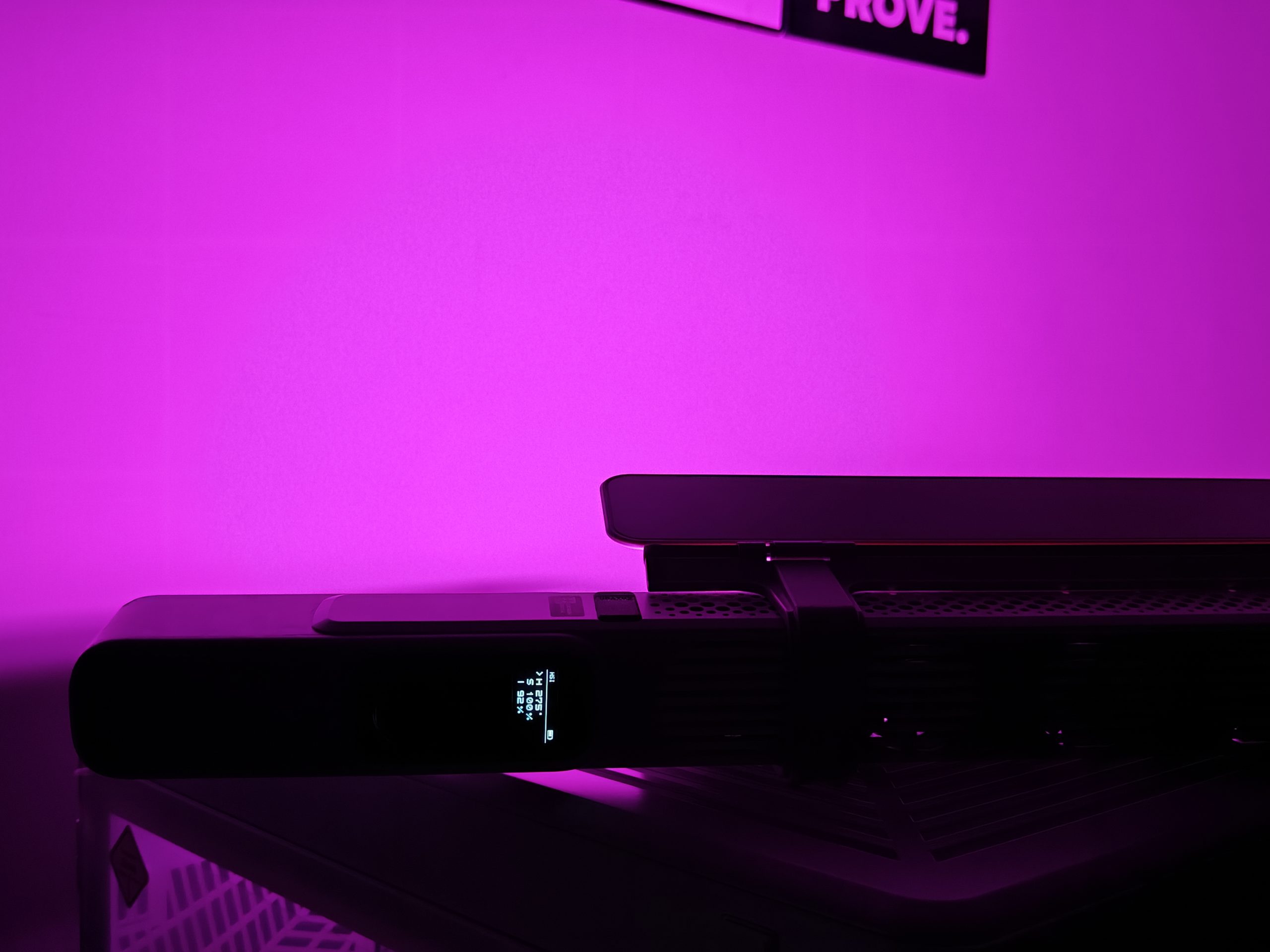
Thanks to full HSI and RGB modes, the CF100 gives you rich, vibrant color control—and it’s almost twice as powerful as many other RGB lights in its class. That means your backgrounds pop, and your color scenes look bold and beautiful.
Comes Ready with Pro Modifiers
Whether you’re streaming, shooting portraits, capturing interviews, or creating content for your vlog, the Zhiyun CF100 adapts. It’s compatible with handy extras like a diffuser, barn doors, and a carry case for on-the-go convenience and professional control.
Smart Cooling for Bright Ideas
Even at high brightness, this light stays cool. It uses ZHIYUN’s DynaVort™ Cooling System, which combines advanced fluid dynamics and smart algorithms to keep temperatures down and performance up.
Multiple Ways to Power Up
Running out of juice mid-shoot? Not a problem. The CF100 gives you flexibility with three power options: built-in battery, DC power, and PD charging. You can even charge it while using it. It’s powered by six 2600mAh batteries, giving you over an hour of full brightness in CCT mode.
Verdict
The Zhiyun CinePeer CF100 is my first time using a stick-style video light, and I’ve noticed it’s a bit more niche compared to the usual panel lights. It’s not something you can pop on top of a camera, gimbal, or drone—it’s built more for handheld use. That said, I found it great for adding creative lighting effects or as an accent light in scenes where you want more control or a directional beam. Its slim design is a big plus too—it fits easily into tight spaces and works well for more dynamic, handheld lighting that adds a unique artistic feel to your setup.
I like the built-in FX modes—there are several creative options out of the box. That said, I wish there were a desktop app to create custom modes; that would open up even more possibilities. Both the CinePeer CX100 and CF100 are rated at 100W, but in my experience, the more traditional-shaped Zhiyun light felt brighter.
Using the CF100 is pretty straightforward thanks to the speed dial, but I did run into a few small annoyances. For one, if you don’t lock the controls, it’s easy to accidentally switch modes. And the buttons don’t have any backlighting, which makes them hard to see in dark environments. Because of its shape and weight, it’s best suited for use on a tripod—so having a remote control option would make it more versatile.
One thing I appreciated is the DynaVort cooling system. It runs on six fans, but you’d hardly know it—they’re impressively quiet, so you won’t have any issues with fan noise creeping into your audio. When I tested it outside in colder weather, the fans didn’t even kick in, which tells me it’s smart about when to operate. As for the internal battery, it depends on your power setting, but you can expect anywhere from around 30 minutes to a few hours of runtime.
Read Also: Zhiyun FIVERAY V60: Portable Stick Light for Creators on the Go