











A laser engraver becomes genuinely useful when it can do more than produce an attractive sample. For people making personalized gifts, pet accessories, wooden decorations, or small batches of custom products, the real challenge is repeating the same design accurately without spending too much time on material positioning and machine adjustments.
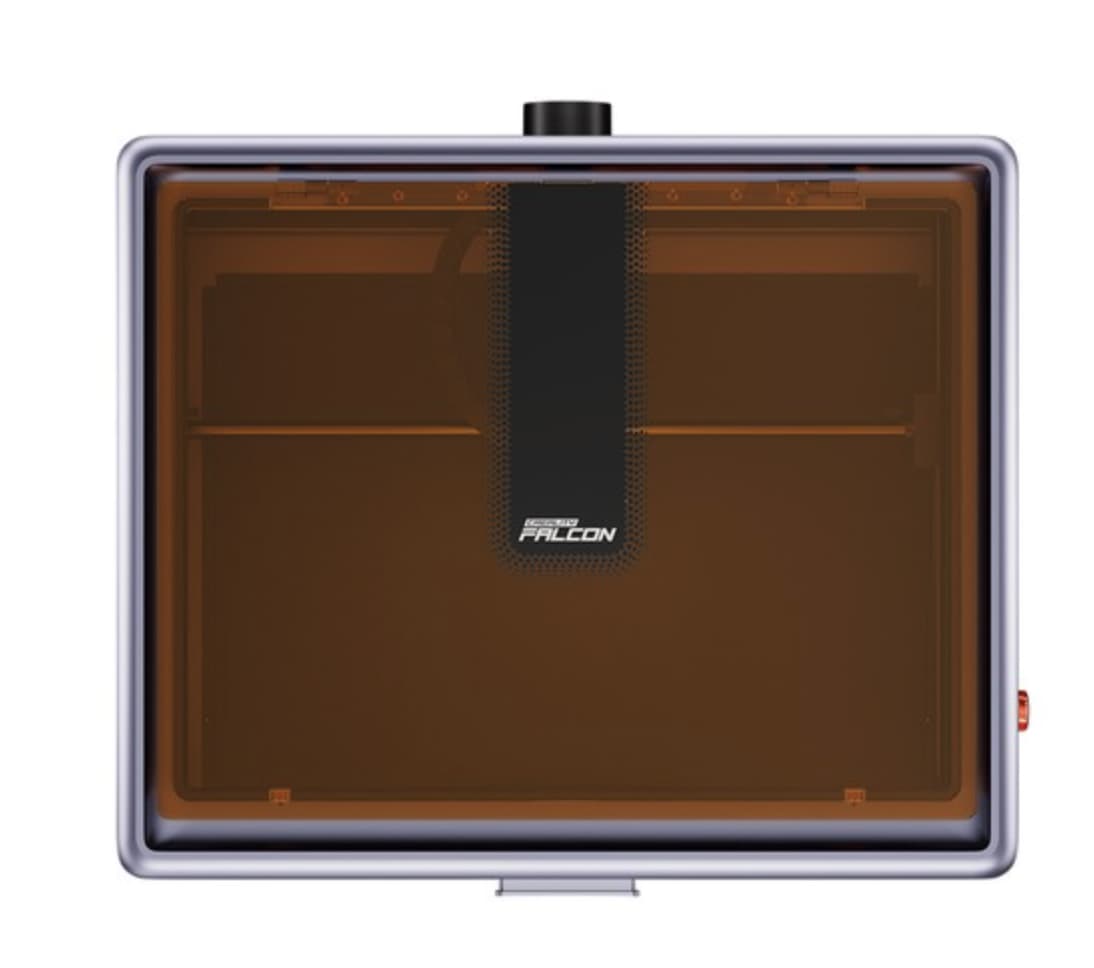
The Creality Falcon A1 10W is designed around this practical problem. Instead of relying on an exposed laser frame and manual alignment, it combines an enclosed working area, a built-in camera, QR-based material recognition, and a CoreXY motion system. The Geekbuying bundle also includes 12 wood sheets and 12 round pet tags, giving users a few ready-made projects to explore from the beginning.
This combination makes the Falcon A1 particularly interesting for beginners, home creators, and small businesses that want to experiment with customized products without immediately building a complicated workshop.
Readers comparing enclosed desktop machines can also check our AtomStack Atelier 12W diode laser engraver review to see how another compact laser system approaches precision, protection, and everyday workshop use.
The Most Interesting Part Is the Workflow, Not Just the 10W Laser
A 10W diode laser is capable of handling a range of common engraving and light-cutting tasks, but laser power alone does not determine how convenient a machine is to use. A user still needs to position the workpiece, choose suitable parameters, check the design boundaries, and make sure the material is appropriate.
Creality attempts to reduce some of this preparation with the Falcon A1’s camera-guided workflow.
The integrated, pre-calibrated HD camera provides a view of the working area. Users can preview the material and position their artwork on the screen before starting the job. This is useful when engraving an existing object rather than cutting a new shape from a blank sheet. For example, a small pet tag can be placed in the work area and a name or contact detail positioned to fit its surface.
The camera also supports batch positioning. Instead of preparing each item individually, users can arrange several pieces together and plan their engraving layout in one session. That can be especially useful for personalized keychains, product labels, wooden ornaments, and batches of pet accessories.
The benefit is not that the camera guarantees perfect results every time. Material dimensions, surface shape, placement, and focus still matter. Its value is that it makes visual alignment easier and reduces dependence on manual measuring.
What Can You Make With the Included Wood Sheets and Pet Tags?
The bundle is more than a laser machine with a few accessories thrown in. Its included materials provide a useful starting point for testing two different types of personalization.
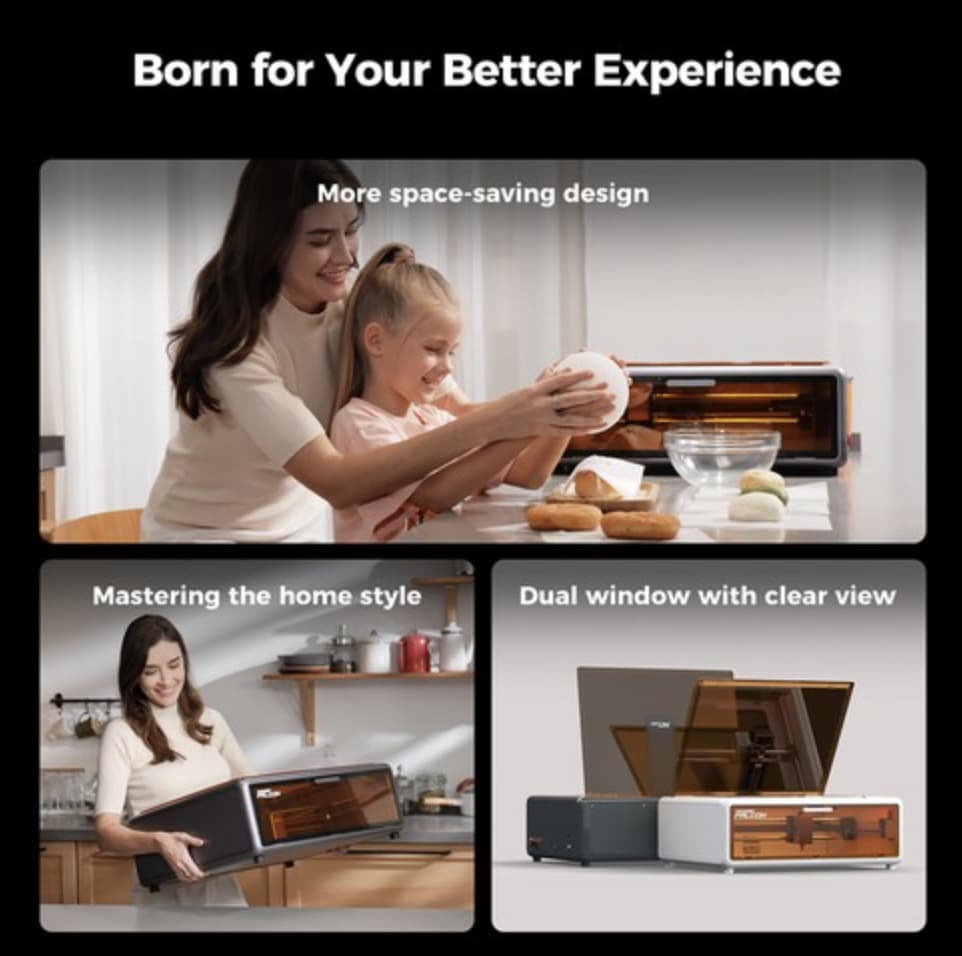
The 12 wood sheets are suitable for experimenting with decorative patterns, name plaques, small signs, ornaments, and other flat wooden projects. Users can try different lettering styles, line-art illustrations, or simple geometric designs before moving on to larger materials.
The 12 round pet tags, each measuring 25mm, offer a more specific use case. A pet tag has limited engraving space, so clear lettering and sensible layout choices matter more than elaborate graphics. A pet’s name, a phone number, or a simple identifying symbol can turn a plain tag into a personalized accessory.
These small items also provide a useful way to learn how engraving settings affect different materials. Before making a larger batch, it is sensible to test a sample and check the contrast, depth, and legibility of the result.
For anyone considering a small personalized-gift business, this is a practical way to explore product ideas. The included materials are a starting supply, however, rather than a complete commercial production package.
For makers exploring other options for custom gifts and DIY projects, our AtomStack Swift 12W portable laser engraver review provides another perspective on desktop laser engraving and creative applications.
10W Dual-Beam Laser: A Balance Between Detail and Everyday Cutting
The Falcon A1 uses a 10W optical-output diode laser. Its dual-beam arrangement combines two laser beams into one working spot, while the listed compressed spot size is 0.06 × 0.08mm.
A small spot is important when a design contains fine lines, compact lettering, or detailed graphics. On suitable materials and with appropriate settings, it can help produce more defined engraving than a broader beam. This is particularly relevant to pet tags and small wooden decorations, where the available surface area is limited.
The machine has a listed working area of 305 × 381mm, giving users room for individual projects as well as multiple smaller pieces in one layout. Its maximum engraving speed is specified at 600mm/s, supported by a CoreXY motion system with two motors.
That speed figure should be understood as a maximum movement capability, not a promise that every design will finish at that rate. Actual processing time depends on the material, engraving depth, image complexity, resolution, and selected settings. Detailed graphics and deeper engraving jobs generally require a more conservative approach.
The 10W output is best viewed as a versatile option for common maker projects rather than a replacement for a high-power industrial cutting machine. Material thickness and composition will determine whether a job can be completed in one pass or requires multiple passes.
QR Material Recognition Helps Reduce Trial and Error
Choosing the correct laser parameters is one of the less exciting parts of learning laser engraving. Too much power or an unsuitable speed can darken, burn, or damage a workpiece, while insufficient energy may produce a weak result.
The Falcon A1 includes QR-based smart material recognition for supported Creality-selected materials. The system is designed to identify compatible material presets and load recommended engraving or cutting parameters.
For a beginner, this can make the first few projects less intimidating. Instead of searching for settings every time a supported material is used, the user can start with a suggested profile and make adjustments if the result requires refinement.
There is an important limitation: automatic recognition does not mean every material is automatically understood. Unlisted materials, different thicknesses, coatings, and variations between suppliers may still need manual testing. A small test piece is a sensible step before processing a finished product.
Enclosed Construction Makes It Better Suited to a Home Workshop
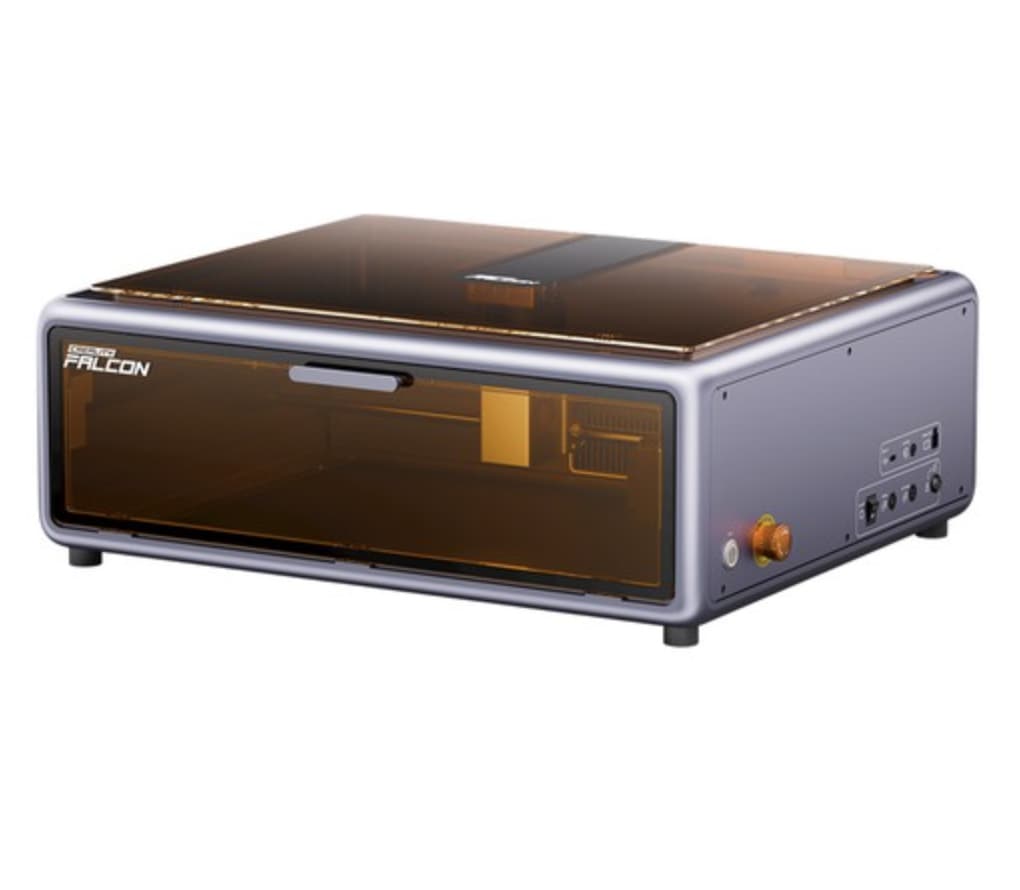
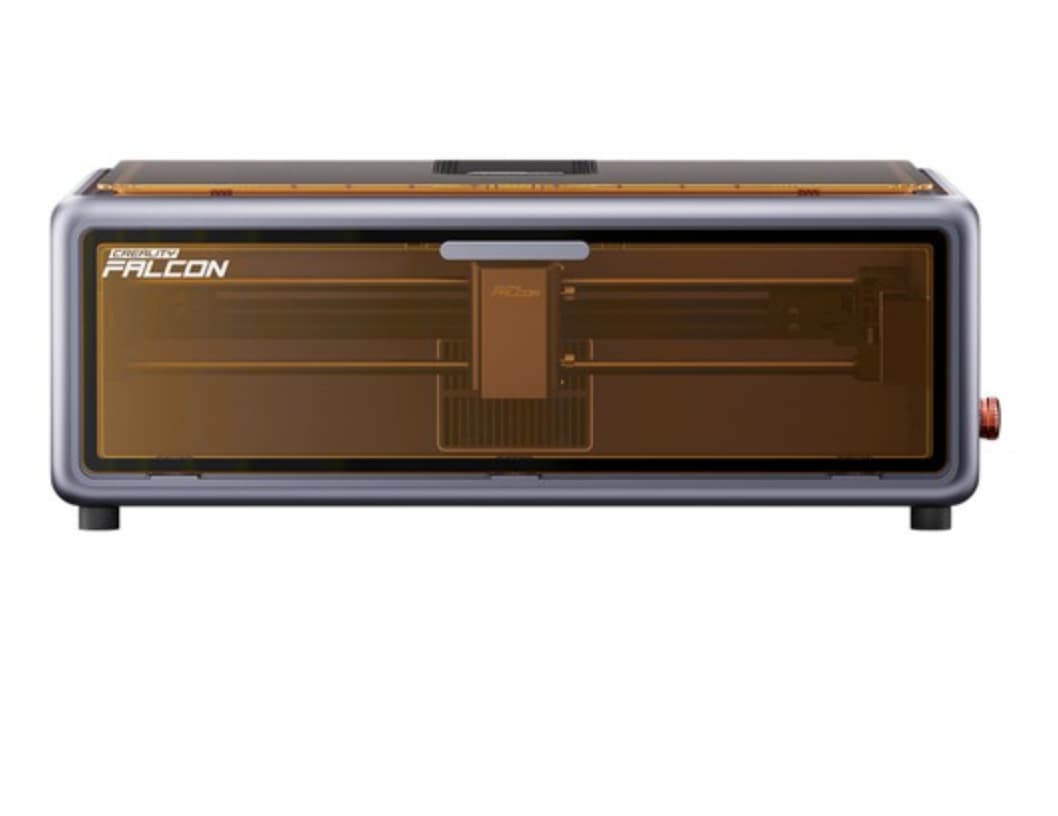
The Falcon A1 uses a fully enclosed design and is listed as an FDA Class 1 laser system. Compared with an open-frame engraver, this structure helps contain the laser operation and reduces direct exposure during normal use when the machine is correctly assembled and operated.
Several safety-related features are included:
- An enclosed protective cover with viewing windows
- A lid-opening safety stop
- An emergency stop button
- A built-in extraction fan
- Air-assist equipment to help clear smoke and heat from the engraving area
The machine also has an exhaust connection for directing fumes away from the work area. This matters because laser processing can produce smoke, particles, and potentially harmful gases depending on the material being processed.
An enclosed laser engraver should not be treated as permission to operate without supervision or ventilation. Users should follow Creality’s safety instructions, use suitable exhaust or filtration, and avoid materials with unknown compositions. Highly reflective materials, including mirror-finished metal and mirrored acrylic, are specifically prohibited by the product listing.
The Class 1 designation applies to the machine’s specified enclosed operating conditions. It does not remove the need to follow the manual, maintain safety interlocks, and keep the workspace properly ventilated.
CoreXY Motion and a 305 × 381mm Work Area
The Falcon A1 uses a CoreXY motion system designed to move the laser head quickly across the working area. Its two-motor arrangement supports a listed maximum engraving speed of 600mm/s.
For someone making a single personalized gift, speed may not be the deciding factor. It becomes more meaningful when producing repeated designs. A batch of wooden labels, several pet tags, or a group of matching decorative pieces can benefit from a workflow that reduces unnecessary movement and positioning time.
The 305 × 381mm work area also gives users more flexibility than a machine intended only for very small objects. It can accommodate a range of flat craft materials and allow several smaller items to be arranged in one job, provided they fit within the usable workspace.
Creality also describes the machine as pre-assembled, so users do not need to build a full motion frame before starting. That is a useful advantage for people who want to spend more time learning design and material settings rather than assembling hardware.
Software Compatibility and Design Flexibility
The product listing names three software options: LightBurn, LaserGRBL, and Falcon Design Space. It also lists support for Windows and macOS.
Supported file formats include JPEG, JPG, PNG, BMP, SVG, and DXF. This gives users several ways to prepare artwork, from simple bitmap images and logos to vector-based designs.
For basic personalization, a user can prepare a name or small graphic, import it into the engraving software, position it using the camera preview, and choose the appropriate material settings. More experienced users can work with vector files for cleaner outlines and more controlled layouts.
Software compatibility is worth checking before purchase if you already have a preferred design workflow. Features and available functions can vary between programs, and users should confirm the current software version and machine connection requirements before planning a production process.
Creality Falcon A1 10W: Key Specifications
| Specification | Details |
|---|---|
| Product | Creality Falcon A1 |
| Laser type | Diode laser |
| Optical laser power | 10W |
| Laser wavelength | 455 ± 15nm |
| Laser spot size | 0.06 × 0.08mm |
| Working area | 305 × 381mm |
| Maximum engraving speed | 600mm/s |
| Motion system | CoreXY |
| Laser classification | FDA Class 1, enclosed system |
| Camera | Built-in pre-calibrated HD camera |
| Material recognition | QR-based recognition for supported materials |
| Software | LightBurn, LaserGRBL, Falcon Design Space |
| Operating systems | Windows, macOS |
| Supported file types | JPEG, JPG, PNG, BMP, SVG, DXF, and others |
| Input voltage | 100–240V, 50–60Hz |
| Machine dimensions | 56.7 × 46.8 × 19.6cm |
| Product weight | 15.55kg |
| Bundle materials | 12 wood sheets and 12 × 25mm pet tags |
Who Should Consider the Falcon A1 Bundle?
The Creality Falcon A1 10W bundle makes the most sense for users who want to produce personalized objects rather than simply experiment with laser technology.
Pet owners and personalized-gift makers can use the included tags and wood sheets to explore names, symbols, decorative patterns, and small custom accessories.
DIY hobbyists may appreciate the camera-assisted positioning and material presets, particularly if they are new to laser engraving and want to reduce the amount of manual setup.
Small creative businesses may find the batch-layout workflow useful for making labels, ornaments, tags, and other repeatable products. The 305 × 381mm work area provides room for multiple small pieces, although production capacity will still depend on the complexity of each design and the material being used.
It may be less suitable for users who regularly process large panels, need industrial-level cutting capacity, or prefer an open-frame machine for oversized workpieces. A 10W desktop laser also has practical limits when working with thick or difficult materials.
Final Verdict: A More Guided Way to Start Making Custom Products
The Creality Falcon A1 10W stands out because it focuses on the parts of laser engraving that can slow down new users: alignment, material settings, setup, and repeatability.
Its built-in camera helps with visual positioning, QR-based recognition offers presets for supported materials, and the CoreXY system supports faster engraving movement. The enclosed Class 1 design, extraction features, and pre-assembled construction also make it a more approachable desktop option for a home workshop or small creative space.
The included 12 wood sheets and 12 pet tags give the bundle a clear practical direction. Rather than starting with an abstract test pattern, users can explore personalized pet accessories, wooden decorations, and small-batch craft products from the beginning.
It is not an industrial cutting system, and users should not expect every material or job to work without testing. But for makers who value guided operation, detailed engraving, and repeatable personalization, the Falcon A1 10W offers a well-rounded starting point.