










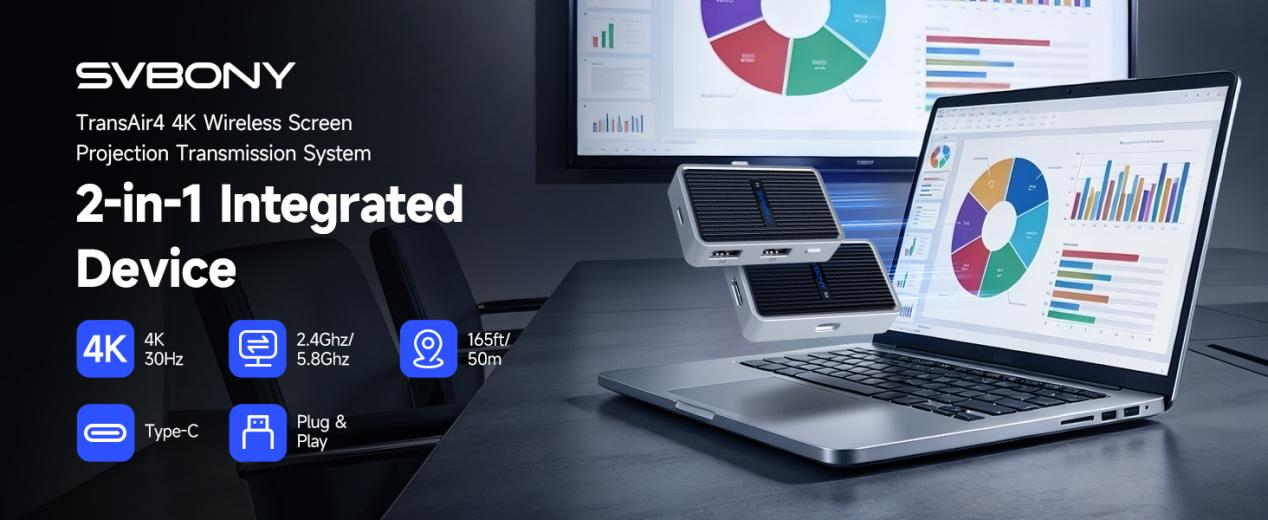
With the growing popularity of wireless screen casting devices, the TransAir4 series has become a top choice for many users looking to expand their screen experience, thanks to its portability and rich features. However, when faced with the “one-to-one version (transmitter + receiver)” and the “single receiver version,” many people may feel confused: which one is better suited for their specific use case? Today, we’re here to help clarify this decision.
Single Receiver Version: The Choice for Minimalists
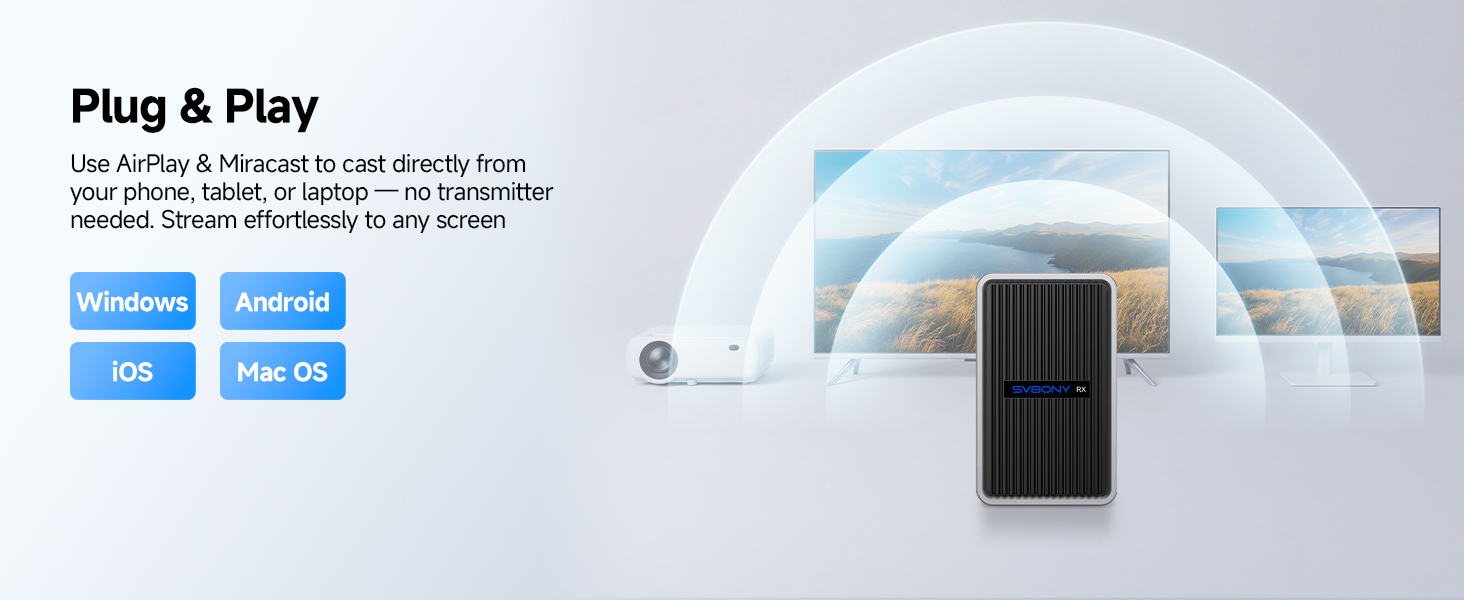
If you value plug-and-play convenience and lightweight portability, the single receiver version is practically tailor-made for you.
The core philosophy of this device is “simplicity”—eliminating unnecessary cables and additional power requirements, leaving only a single receiver. Weighing just 40g and about the size of a car key, it can easily fit into a storage pouch or pocket. To use it, simply plug the receiver into your display’s HDMI port (ensuring USB power is connected), and you can start wireless screen casting directly from your phone, tablet, or laptop using AirPlay or Miracast protocols.
Advantages of the single receiver version:
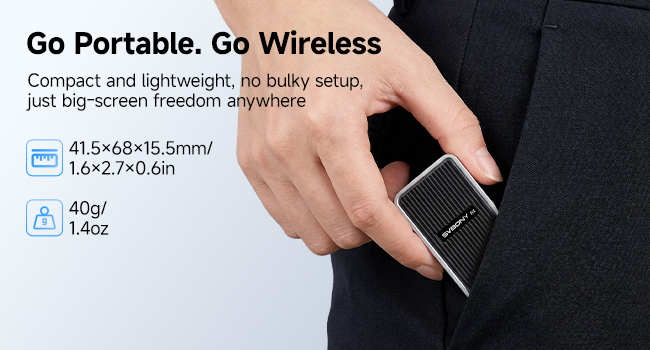
- Ultra-portable: Measuring just 41.5×68×15.5mm, it takes up almost no space.
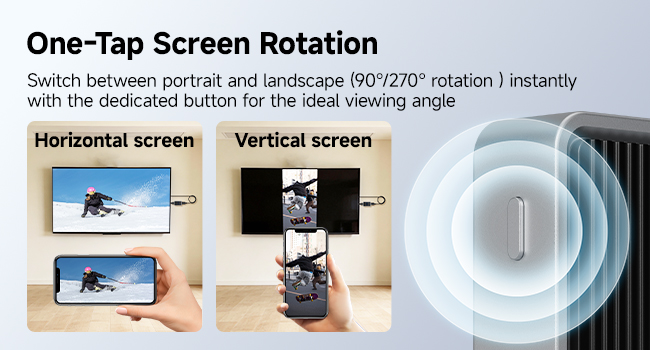
- Easy to use: No need to pair a transmitter; one-click switching between portrait and landscape modes (supports 90°/270° rotation), making it ideal for quick presentations or entertainment.
- Sufficient for daily use: For scenarios like meetings, online classes, or watching videos, wireless screen casting works perfectly.
One-to-One Version (Transmitter + Receiver): The Complete Solution for Professional Users
If you have higher demands for stability, expanded functionality, and privacy security, the one-to-one version is the true productivity tool.
In addition to the receiver, this version includes a transmitter. The transmitter connects directly to your phone, tablet, or laptop via a Type-C port, drawing power from the device without needing an additional power source. It also features a dedicated Type-C power port, allowing you to charge your device during extended screen casting sessions—a very thoughtful design.
Key advantages of the one-to-one version:
- Wired + wireless dual modes: When directly connected via the transmitter, the signal is more stable with lower latency. The receiver also supports wireless screen casting (AirPlay/Miracast) for flexible switching.
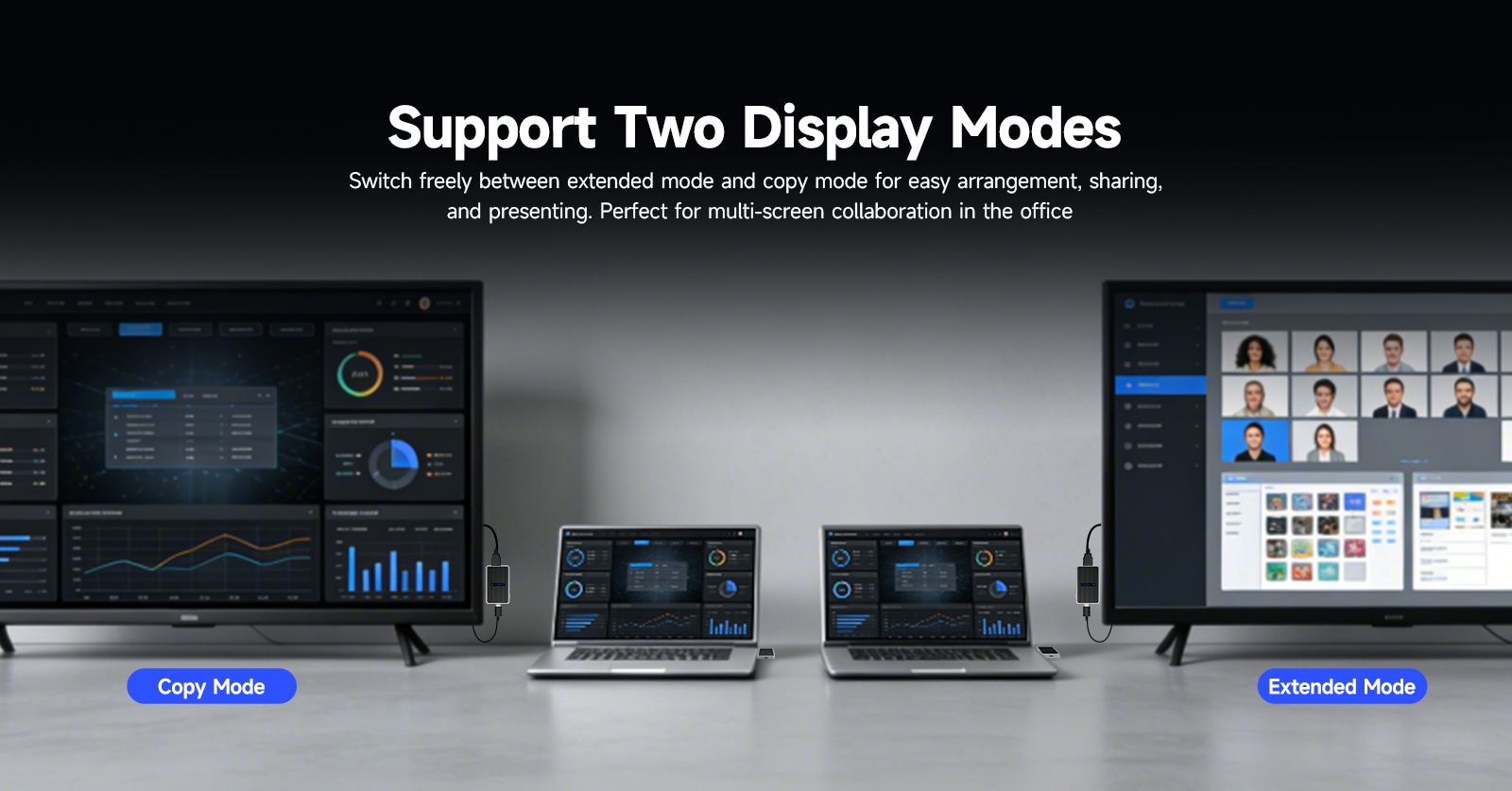
- Extended desktop: Supports both mirror mode and extended mode, allowing you to expand your laptop screen to a larger display for a more spacious workspace.
- Connect USB devices: The transmitter features two USB 2.0 ports, enabling you to connect a keyboard, mouse, or USB drive, turning the big screen into a computer.
- Privacy encryption: Devices use encrypted communication to prevent screen casting content from being intercepted or interfered with.
- Physical control buttons: The transmitter includes a one-click pause/resume button for screen casting, while the receiver allows one-click switching between portrait and landscape modes for intuitive operation.
- Magnetic attachment + lanyard hole + storage pouch: The transmitter and receiver can be magnetically attached for easy carrying and to prevent loss.
Points to note:
- The transmitter has no built-in battery and relies entirely on the device’s Type-C power. It requires the device to support DP-Alt mode (most modern laptops and flagship phones support this).
- The USB ports are USB 2.0, with a transfer rate of up to 480Mbps, suitable for keyboards, mice, and standard USB drives but not for high-speed data transfer.
| Usage Scenario | Recommended Version | Reason |
| Watching shows at home, occasional meetings | Single Receiver | Sufficient for use, saves money and hassle |
| Daily PPT presentations, need extended desktop | One-to-One | Stable, expandable, supports keyboard and mouse |
| Streamer / short video creator | Single Receiver | One-click portrait/landscape switching, lightweight enough |
| Need to read USB drives directly, connect external keyboard and mouse | One-to-One | Transmitter provides USB ports |
| Screen casting involves commercial secrets | One-to-One | Encrypted communication for better security |
| Device Type-C does not support DP-Alt mode | Single Receiver | Avoids compatibility issues |
Tips
If you choose the one-to-one version and encounter connection issues: press and hold the button on the receiver for 5 seconds (or more than 10 seconds to reset), then press and hold the button on the transmitter for 5 seconds to re-pair. If the screen does not display anything, please check the HDMI connection and the display’s input source, and make sure your device supports DP-Alt mode.
Summary
- Single receiver version: lightweight, simple, and sufficient for most everyday scenarios.
- One-to-one version: feature-rich, stable, expandable, and secure, making it ideal for professional users and those with frequent screen casting needs.
There is no absolute right or wrong — it all comes down to what suits your needs. We hope this article helps you make an informed choice. If you have specific use cases you’d like to discuss, feel free to leave a comment below!