










Redmi Note 13 Pro is known for its powerful hardware, smooth display, and Xiaomi’s HyperOS software experience. While the device already delivers solid performance, many users want to make their phone feel even faster, especially during startup, app launching, and everyday navigation.
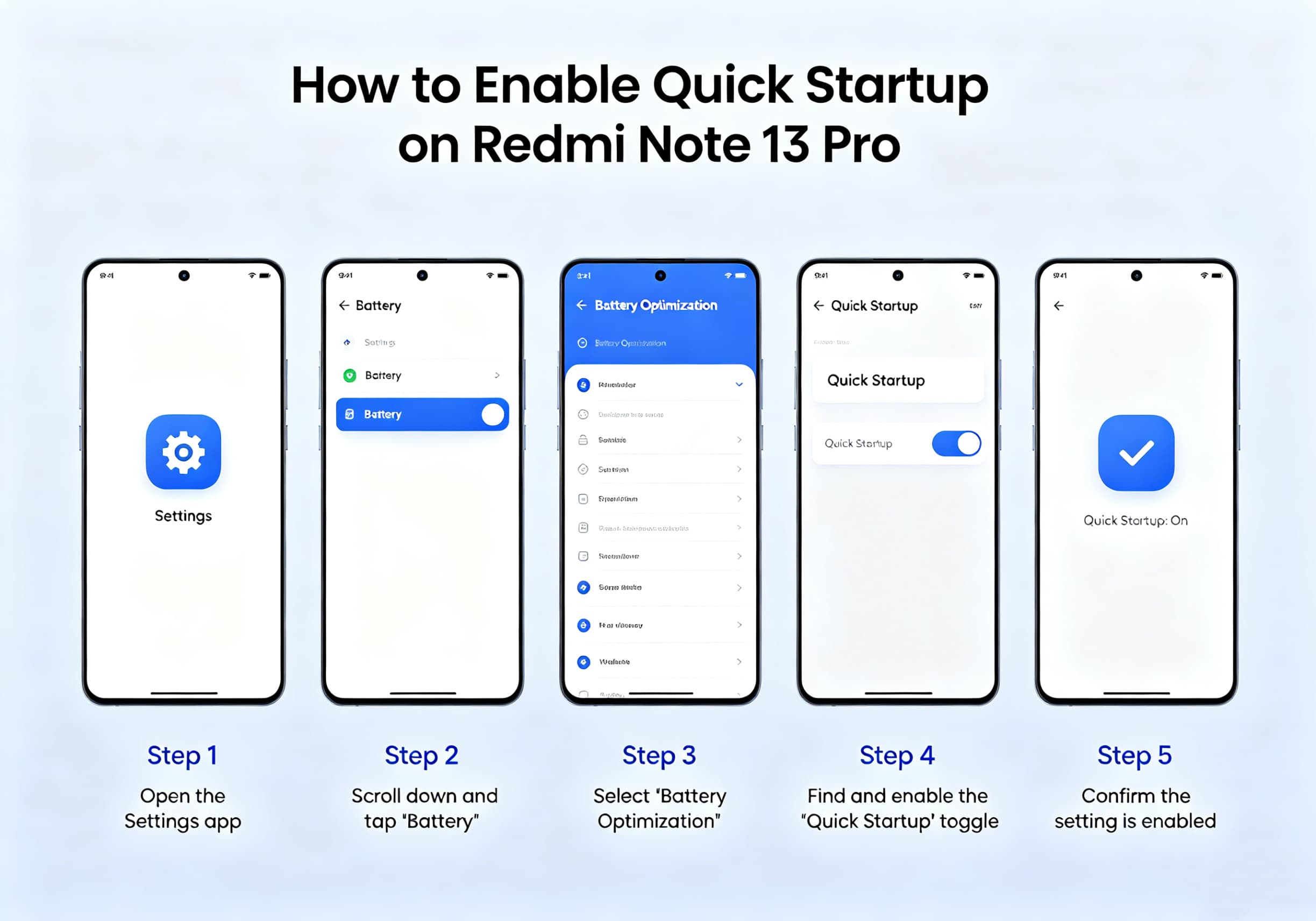
Although Xiaomi does not provide a dedicated “Quick Startup” switch similar to some Windows PCs, there are several settings and optimizations that can significantly improve boot speed and overall responsiveness on the Redmi Note 13 Pro.
What Is Quick Startup?
Quick Startup generally refers to reducing the time required for a device to become fully operational after powering on or restarting. On Android devices such as the Redmi Note 13 Pro, this involves optimizing system resources, minimizing background processes, and enabling performance-related settings.
Users running Xiaomi HyperOS can further improve startup performance through built-in optimization tools and battery settings.
Method 1: Enable Memory Extension
Memory Extension uses part of the internal storage as virtual RAM, helping the system manage more background tasks efficiently.
Steps:
- Open Settings
- Tap Additional Settings
- Select Memory Extension
- Enable the feature
- Restart your device
Once enabled, HyperOS can allocate additional virtual memory to improve multitasking and app loading performance.
Method 2: Reduce System Animations
Animations create a smooth visual experience but can make the device feel slower.
Steps:
- Open Settings
- Go to About Phone
- Tap OS Version seven times to enable Developer Options
- Return to Settings
- Open Additional Settings
- Select Developer Options
- Locate:
- Window Animation Scale
- Transition Animation Scale
- Animator Duration Scale
- Set each option to 0.5x or Off
Reducing animation durations can make the phone appear significantly faster during everyday use.
Method 3: Disable Automatic Startup for Unnecessary Apps
Too many applications launching during boot can slow startup performance.
Steps:
- Open the Security app
- Tap Manage Apps
- Select Permissions
- Open Auto Start
- Disable auto-start for apps you rarely use
Limiting startup applications reduces background activity and frees system resources.
Method 4: Use the Built-In Cleaner
Over time, cached files and temporary data can impact performance.
Steps:
- Open the Security app
- Select Cleaner
- Run a complete cleanup
- Remove unnecessary files
Regular maintenance helps keep the system responsive and reduces startup delays.
Method 5: Keep HyperOS Updated
Xiaomi frequently releases performance improvements and bug fixes through HyperOS updates. Newer versions often contain optimizations that improve overall system responsiveness and startup behavior. Users can check for updates through:
Settings → About Phone → HyperOS Version → Check for Updates. Recent Redmi Note 13 Pro firmware releases continue to receive HyperOS performance updates and system refinements.
Method 6: Enable Fast Charging Optimization
While this setting does not directly affect boot speed, Xiaomi provides a “Speed Up Charging” feature that helps recharge the device more quickly when battery levels are low.
Steps:
- Open Settings
- Select Battery
- Tap Additional Features
- Enable Speed Up Charging
Xiaomi states that charging speed can increase by up to 20% under certain low-battery conditions when this feature is enabled.
Method 7: Restart Your Device Regularly
Many users leave their phones running continuously for weeks. A simple restart can:
- Clear temporary memory usage
- Refresh background services
- Improve system responsiveness
- Resolve minor software glitches
A restart every few days can help maintain peak performance.
Additional Tips for Faster Performance
For the best experience on a Redmi Note 13 Pro:
- Keep at least 15–20% of storage free.
- Remove unused applications.
- Avoid excessive widgets on the home screen.
- Limit live wallpapers.
- Disable unnecessary background synchronization.
- Use Lite versions of apps if performance becomes sluggish.
Some Redmi Note 13 Pro users have reported temporary slowdowns after major HyperOS upgrades, often due to background optimization tasks and app recompilation following the update process. Performance typically improves after the system completes these tasks and receives subsequent updates.
Conclusion
While Redmi Note 13 Pro does not include a dedicated Quick Startup button, Xiaomi provides several built-in tools that can dramatically improve startup speed and overall system responsiveness. By enabling Memory Extension, reducing animations, managing auto-start applications, cleaning system files, and keeping HyperOS updated, users can enjoy a faster and smoother smartphone experience.
With just a few minutes of optimization, your Redmi Note 13 Pro can feel noticeably quicker during boot-up, app launching, and everyday operation.