










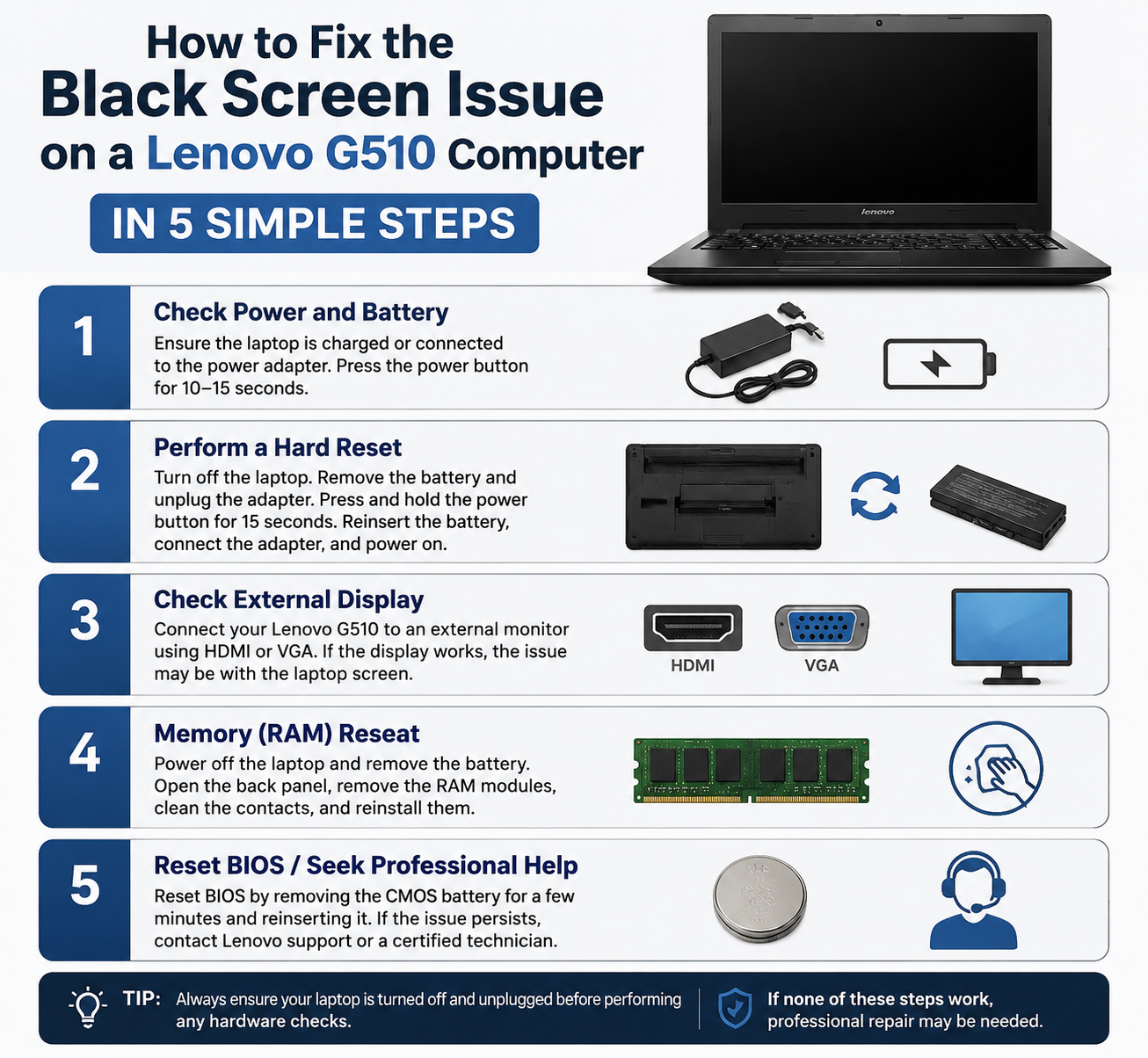
Experiencing a black screen on your Lenovo G510 can be frustrating, especially if your computer powers on but displays nothing. This issue can be caused by software glitches, driver problems, or hardware failures. Fortunately, you can troubleshoot and fix the problem with these five simple steps.
Step 1: Perform a Hard Reset
A hard reset can resolve temporary hardware or power issues:
- Turn off your Lenovo G510 completely.
- Disconnect the power adapter and remove the battery.
- Press and hold the power button for 30–60 seconds to drain residual power.
- Reconnect the battery and power adapter, then turn on the laptop.
This often clears minor power-related glitches that cause a black screen.
Step 2: Check Display Brightness and External Monitors
Sometimes the screen appears black simply due to brightness or output settings:
- Press Fn + F5/F6 (or the display function key) to adjust brightness.
- If you use an external monitor, ensure it is properly connected and powered on.
- Toggle display output with Fn + F4 to switch between laptop screen and external display.
Step 3: Boot into Safe Mode
If a driver or software issue is causing the black screen:
- Turn off your laptop.
- Turn it on and immediately start pressing F8 repeatedly until the Advanced Boot Options menu appears.
- Select Safe Mode and press Enter.
In Safe Mode, you can update or roll back display drivers to resolve conflicts.
Step 4: Reset or Update Graphics Drivers
Outdated or corrupted graphics drivers often cause black screens:
- Open Device Manager (press Windows + X → Device Manager).
- Expand Display adapters and right-click your graphics card.
- Select Update driver or Uninstall device and restart. Windows will reinstall the driver automatically.
Step 5: Check Hardware Connections
If the black screen persists, it may be a hardware issue:
- Ensure the RAM and hard drive are securely connected.
- Disconnect and reconnect the LCD cable if comfortable opening the laptop.
- Test with a known-working external monitor to see if the issue is with the internal display.
If these steps fail, the problem may require professional repair.
Conclusion
The black screen issue on a Lenovo G510 is usually fixable with simple troubleshooting. Start with a hard reset, check brightness and external displays, boot into Safe Mode, update graphics drivers, and verify hardware connections. Following these five steps resolves most common causes and can get your laptop back up and running.