









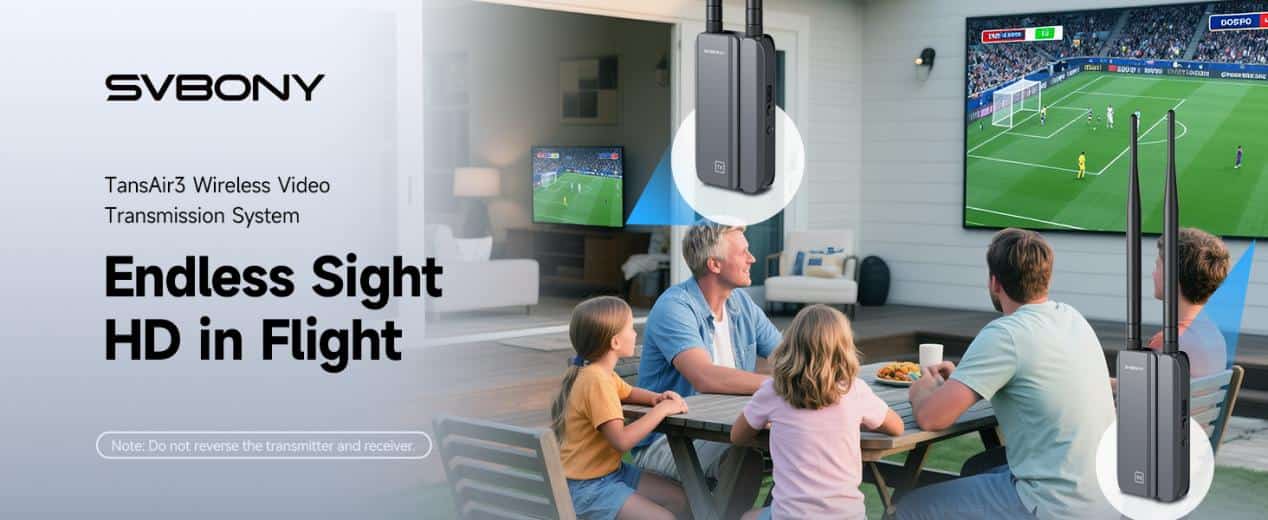
Picture this: no more in-wall wiring, no more tripping over long, messy cables, just seamless high-definition video transmitted to another room—or even another floor. The SVBONY TransAir3 ST4 Wireless HDMI Transmitter and Receiver System makes it possible. Combining plug-and-play simplicity, rock-solid reliability, and ultra-low latency, it brings a new level of clean and effortless connectivity to your home theater, live streaming setup, or conference room—all without the clutter.
In this article, we’ll dive into the ST4’s core features, explain the technology behind it, explore real-world use cases, and walk through how to set it up. Whether you’re looking for HDMI wireless video transmission for live streaming, a wireless HDMI extender for your home theater, or HDMI multi-room streaming for a professional space, this guide will help you decide if the ST4 is the right fit.
Key Features: Crisp 1080p Video + Ultra-Low Latency
At the heart of the TransAir3 ST4 are two standout features: 1080p60 video support and ultra-low latency transmission.
1080p60 H.264 Encoding
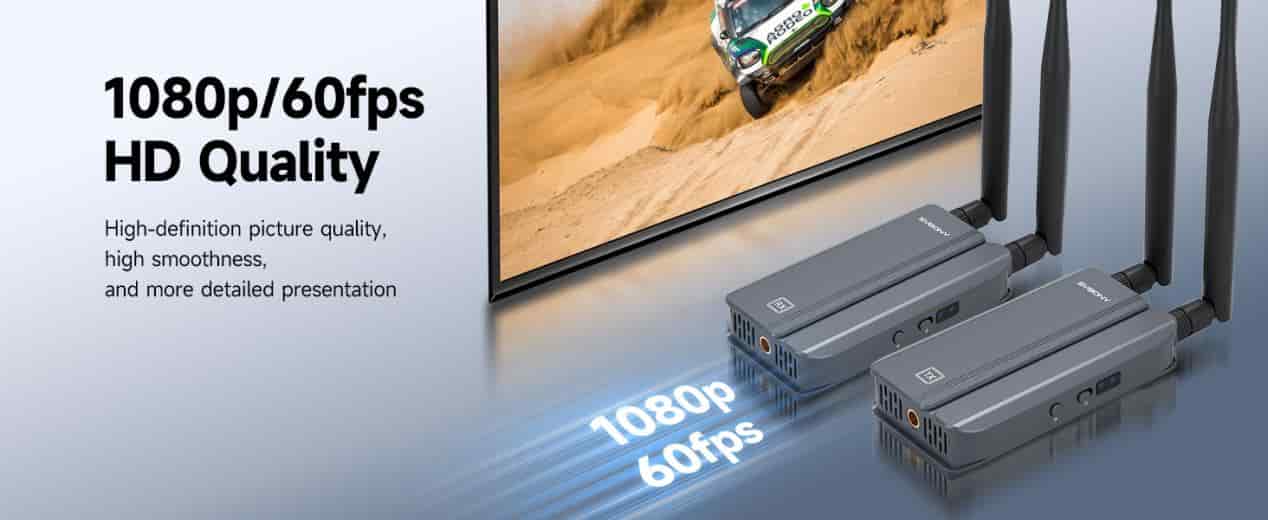
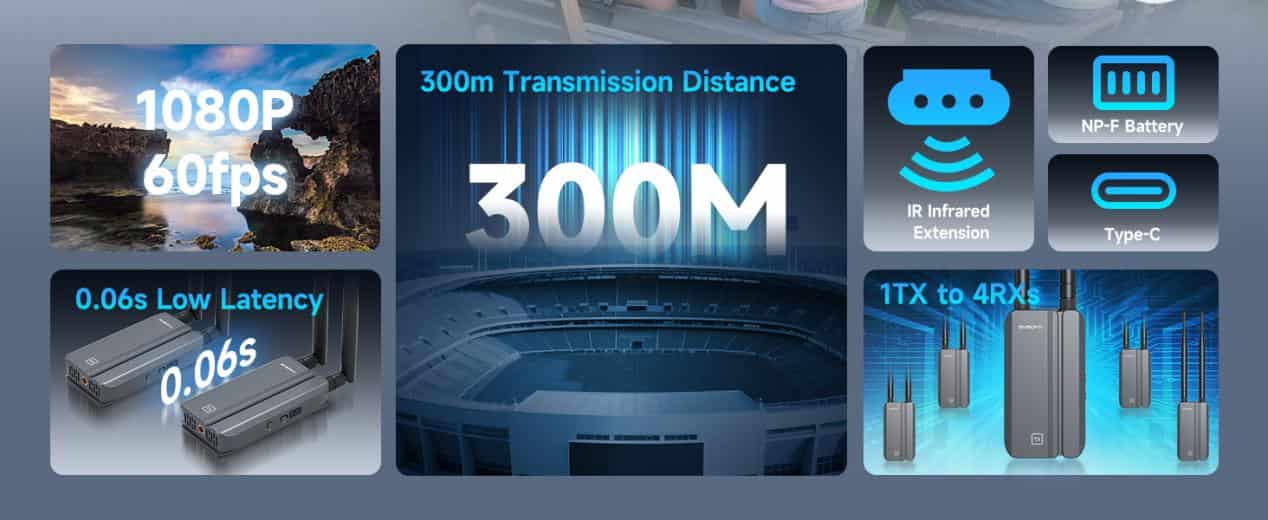
The ST4 uses H.264 compression to deliver crystal-clear Full HD video at 60 frames per second. This means smoother motion, sharper details, and a professional-quality signal for gaming, movie nights, or business presentations.
0.06s Low Latency HDMI Transmission
With just 60 milliseconds of delay, the ST4 ensures you won’t experience distracting lip-sync issues or lag between your source device and display. For gamers and live streamers, this near real-time transmission makes all the difference. This means the latency is nearly identical to a high-quality wired connection. Whether you’re immersed in fast-paced gaming or broadcasting live, you get perfectly synced audio and video—no more annoying lag or out-of-sync playback.
Technology Breakdown: How Wireless HDMI Works
Traditional HDMI requires running long, often messy cables between your source device (laptop, camera, gaming console) and display. Wireless HDMI eliminates that by transmitting the signal over a high-speed wireless channel.
The ST4 operates on 5GHz HDMI transmission with auto-frequency hopping technology to minimize interference. This allows a stable, smooth stream even in Wi-Fi-congested environments. It also supports both 2.4GHz and 5.8GHz bands, giving you flexibility depending on range and obstacles in your space.
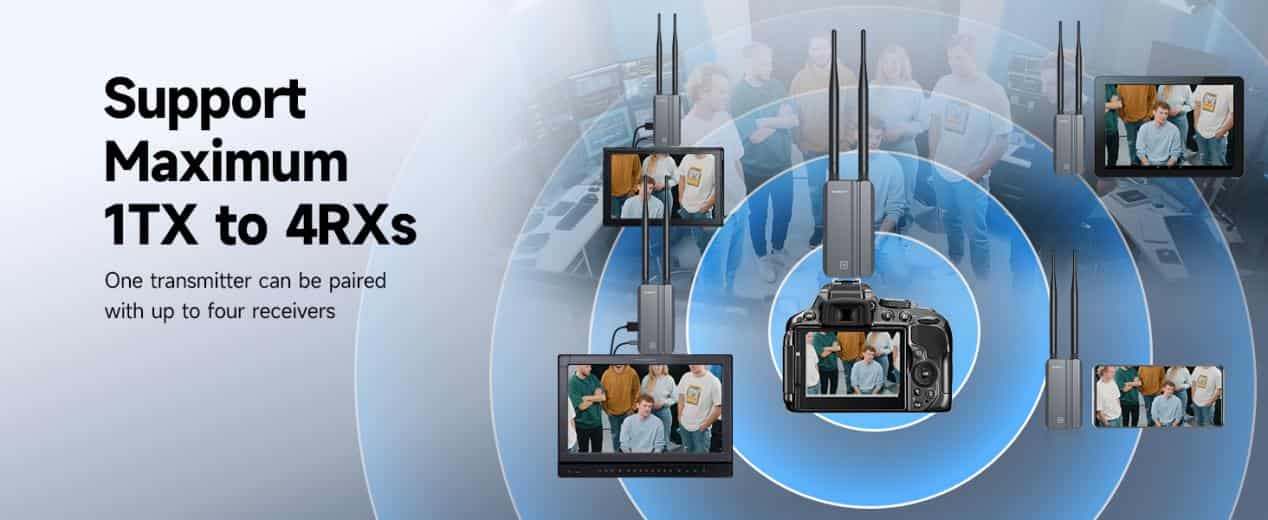
Another standout feature is HDMI multi-room streaming capability: one transmitter can pair with up to four receivers. That means you can send the same video feed to multiple TVs or projectors simultaneously—ideal for sports bars, classrooms, or large events.
Real-World Applications
The ST4 isn’t just a tech toy; it’s built for real scenarios where wireless HDMI extender systems make life easier. Here are some of the best ways to use it:
- Home Theater and Living Room Setup
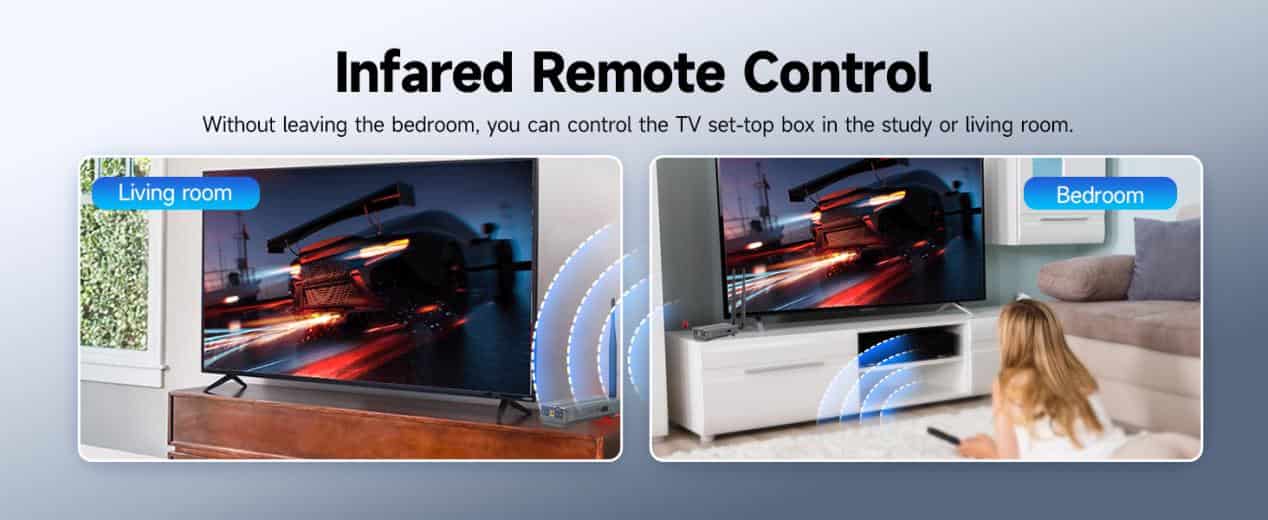
Cut the clutter and enjoy a clean setup by wirelessly connecting your Blu-ray player, TV box, or media server to your projector or big-screen TV. The included IR pass-through even lets you control your source device from another room.
- Live Streaming and Content Creation
For creators, latency is everything. The ST4’s low latency HDMI transmission lets you stream or record directly from your camera without noticeable delay. Pair it with your encoder or streaming PC for a seamless workflow.
- Conference Rooms and Classrooms
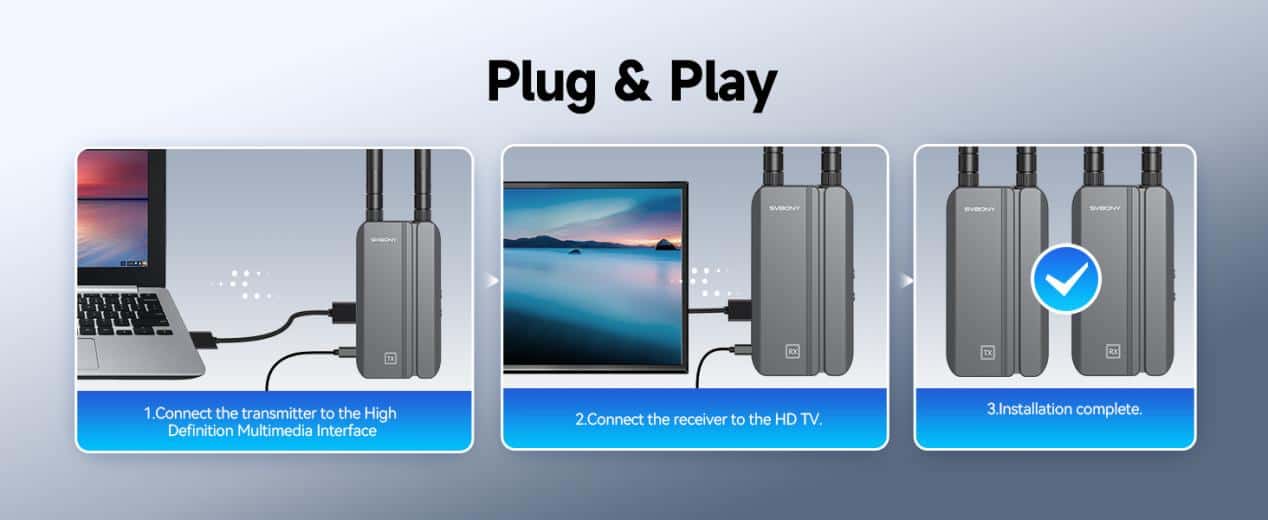
Forget running HDMI cables across the floor. In a corporate or educational setting, simply connect your laptop to the transmitter and instantly share your presentation to one or more screens. The plug and play HDMI setup means no drivers, no headaches.
- Multi-Room TV Distribution
Want the same content playing in multiple rooms? With support for up to four receivers, the ST4 is perfect for hotels, sports bars, or even large homes with multiple TVs.
Setup Guide: Plug and Play in Minutes
Setting up the TransAir3 ST4 is simple, even for non-techies.
Step 1: Power Up
Choose your preferred power method: NP-F battery for portable setups or USB-C power for stationary use. Dual power options make it easy to adapt to any environment.
Step 2: Connect Your Source
Plug your source device (PC, console, camera, streaming box) into the transmitter’s HDMI input. If you need a local display, use the second HDMI port for loop-out monitoring.
Step 3: Pair with the Receiver
Turn on the receiver and connect it to your display. The system automatically pairs—no complicated network setup required.
Step 4: Optimize Placement
For the best performance, place the transmitter and receiver within line of sight whenever possible. In open areas, the ST4 can transmit up to 300 meters (about 984 feet).
Step 5: Test and Fine-Tune
Play some fast-moving video or a live source to confirm there’s no noticeable delay. If you experience interference, the ST4’s 5G auto-tuning will automatically switch to the clearest channel.
Why Choose the ST4 Over Other Wireless HDMI Extenders?
Compared to basic HDMI extenders, the ST4 gives you:
- Professional-grade low latency for gaming and streaming
- Multi-receiver support for multi-room setups
- Dual power options (battery + USB-C) for flexible deployment
- IR pass-through for remote control convenience
- Plug and play HDMIsetup—no drivers, no apps required
Conclusion
SVBONY TransAir3 ST4 is a versatile HDMI transmitter and receiver solution that solves real problems—messy cables, limited mobility, and laggy video. Whether you’re streaming a live concert, running a corporate presentation, or simply watching a movie on your projector, the ST4 delivers reliable, crystal-clear HDMI wireless video transmission every time.
If you’re ready to upgrade your setup and eliminate cable chaos, the ST4 might be exactly what you need!